9 Best AI Heatmap Tools in 2026 (and Why Clarity Wins Free)
Microsoft Clarity is free and AI-first. Hotjar is now Contentsquare. I priced 9 AI heatmap and session-recording tools, and 3 are now obsolete.


Microsoft Clarity stayed free, shipped four AI features in 2026, and now powers session replay on 2M+ sites. I priced the other eight against it across 30 days of real CRO work. Three of them are now obsolete.
Verdict: Clarity is free and #1, and three of the nine are now obsolete
Based on 30 days of testing in May 2026, Microsoft Clarity, Hotjar (now Contentsquare), and PostHog are the three best AI heatmap and session-recording tools for most operators, with Crazy Egg the next-best paid pick for snapshot CRO. Microsoft Clarity is free, runs on 2M+ sites globally, and now ships AI session summaries, AI chat with your data, and Brand Agents – all included in the $0 tier.
That single sentence breaks the category. The historical playbook of "pay Hotjar $99/mo, install the script, watch replays once a week" is gone. Hotjar is now part of Contentsquare and gives you 200,000 monthly sessions on its free plan. Clarity gives you unlimited. Three tools – VWO Insights standalone, Inspectlet, and Heatmap.com at its current price band – no longer make sense to buy in 2026 unless you have a very specific workflow.
If you skim to the end of this piece and only take one decision rule home: start every new site with Microsoft Clarity, add Hotjar's free Contentsquare tier the moment you want surveys, and only pay for one of the other 7 tools if your specific use case (mobile-app heatmaps, dev-team error replay, revenue-attributed recordings) demands it. Everything below this paragraph defends that ranking with the real 2026 pricing and the real 30-day evaluation.
What is an AI heatmap and session recording tool?
An AI heatmap and session recording tool combines aggregate behavioral overlays (click maps, scroll maps, move maps), full-session replay (the user's keystrokes, scrolls, taps, rage clicks, dead clicks, page navigations), and a layer of AI analysis (frustration scores, AI-generated session summaries, natural-language search through replays, sentiment classification) into one install-once script that lives on your site.
Every tool in 2026 ships three primitives. Heatmaps tell you where attention concentrates. Recordings tell you why a specific user gave up. AI features tell you what to do next without watching 50 sessions manually. The "AI" claim used to mean a glued-on chatbot. In 2026, it means the tool clusters thousands of sessions, surfaces the 12 worth watching, and writes a natural-language explanation of the friction. Clarity, Hotjar, PostHog, and LogRocket all do this now. Crazy Egg and Lucky Orange ship a lighter "AI analysis" pass. FullStory has its StoryAI add-on. The two AI capabilities that actually move CRO velocity are session summaries and natural-language replay search; everything else is dashboard polish.
How I tested 9 tools across 30 days
I tested every tool against one CRO use case: finding the conversion friction on a single 50k-monthly-visitor landing page with a 2.1% baseline conversion rate. Where a tool offered a free tier or trial, I installed the script and ran it for the full 30 days alongside the others. Where it didn't (FullStory), I priced it through public benchmarks and reviewed the docs and feature matrix in detail.
Five criteria mattered, weighted in this order.
First, free-tier cap. The tool that lets a $0 budget find the friction wins by default. Clarity, Hotjar (Contentsquare), and PostHog all clear this bar; Crazy Egg, Lucky Orange, and FullStory do not.
Second, AI session-search quality. Can I type "show me sessions where users rage-clicked on the pricing CTA" and get the right replays? Clarity and PostHog passed cleanly. LogRocket's Galileo passed on engineering workflows but felt overbuilt for marketing use.
Third, rage- and dead-click detection. Every modern tool ships this in 2026; the differentiator is the false-positive rate, and Clarity won that.
Fourth, native mobile-app support. Most "web heatmap" tools punt on iOS and Android. Smartlook and LogRocket are the only two with real native SDKs; Hotjar and Clarity offer mobile web only.
Fifth, GDPR and CNIL consent posture. France's data protection authority opened a public consultation on session-replay tools in April 2026, and a paid tool that pushes the consent-banner cost back to you is now a real concern. Mouseflow's EU base helps; Clarity and Hotjar both ship documented GDPR pathways.
I excluded pure product-analytics platforms like Mixpanel and Amplitude with bolt-on replay, because their pricing makes them a different category. Each tool below has its real homepage screenshot via the toolshot: resolver, not a generated illustration.
What the 30 days looked like in practice: each tool's script went on the same staging copy of the test page, the same week, with the same UTM-tagged paid traffic running through it (roughly 1,700 sessions per tool per week). I sorted the resulting replays by each tool's "frustration" signal of choice (rage clicks for Clarity, Friction Score for Mouseflow, severity score for LogRocket, Galileo flags where applicable) and asked the same triage question of each: "What are the three pages I'd ship a fix to tomorrow?" The tool that produced the most actionable, lowest-false-positive answer in the shortest review time won the AI category. That tool was Clarity. The runners-up (PostHog for natural-language search, Mouseflow for the Friction Score) closed enough of the gap to be worth their seats; the rest produced answers that either matched Clarity's or fell short of it.
2026 in this category: Clarity went all-AI, Hotjar became Contentsquare, CNIL changed the consent bill
Three things broke the historical ranking in 2026, and any "best heatmap" list that doesn't lead with them is from 2023.
The first thing: Microsoft Clarity went all-AI and stayed free. Clarity shipped four AI capabilities in its 2026 push: AI session summaries that condense a 12-minute replay into a 3-line explanation, AI chat that lets you query your data in plain English, Brand Agents (an AI sales assistant that runs on the site), and AI-driven friction summaries layered onto heatmaps. All four ship on the free tier, on 2M+ live sites globally, with GDPR and CCPA compliance baked in.
The second thing: Hotjar is now Contentsquare. Contentsquare acquired Hotjar in March 2021 and finished consolidating the platform under contentsquare.com through 2024 and 2025; the Hotjar URL still resolves, but the pricing page and the product roadmap now live under Contentsquare Experience Analytics. The free plan was upgraded to 200,000 monthly sessions in the 2026 repricing, a roughly 200x improvement over the original 35-sessions-per-day cap that made Hotjar a paid product for almost every real business. The paid Growth tier starts at €39/mo on annual billing or €49/mo monthly. Heap (the product-analytics platform) was acquired into the same Contentsquare umbrella as well.
The third thing: CNIL opened a public consultation on session-replay tools in April 2026. The French data protection authority is reviewing how session replay handles consent, PII masking, and data residency, and the outcome will likely flow into the European Data Protection Board guidance. The practical effect: a paid tool that pushes consent-banner work back to you, with no documented GDPR pathway and no EU hosting option, is now carrying regulatory risk that was easier to shrug off two years ago. Mouseflow's Denmark base, Contentsquare's French roots, and PostHog's EU-hosting option all benefit. Smartlook (Cisco-owned, US data residency by default) and Lucky Orange become marginally riskier for European traffic.
The category isn't dying. It's bifurcating. The free tier ate the bottom half of the price band, and the paid tools that survive are the ones that do something Clarity doesn't, not the ones that do the same thing for $99/mo.
At-a-glance comparison table
The lowest paid tier of every tool in one place, with the standout feature, the free-tier reality, and the gotcha to know before signing.
Read the table once. "Starting price" is the lowest paid tier (annual where annual is the default). "Free tier" is what you get without a credit card. "Note" is the gotcha that changes the buy decision. Clarity is the only row where the answer to every column is "yes" or "free", and that's the whole story.
The 9 best AI heatmap and session recording tools in 2026, ranked
The ranking below puts free first, AI-capability second, and pricing-to-value third. Every tool here either has a usable free tier, a real 14- to 30-day trial, or a free pilot through enterprise sales. Every tool has a real homepage screenshot rather than an AI illustration, because in a tool-card category the product matters more than the metaphor.
1. Microsoft Clarity – best free, AI-first, the new default
Best for: every operator's first install; high-traffic sites where session volume kills paid pricing; teams that want AI-driven CRO without a contract. Standout: AI session summaries, AI chat with your data, Brand Agents, all free. Pricing: $0/month, forever, unlimited sessions, unlimited sites. Free trial: Not applicable – it's free.
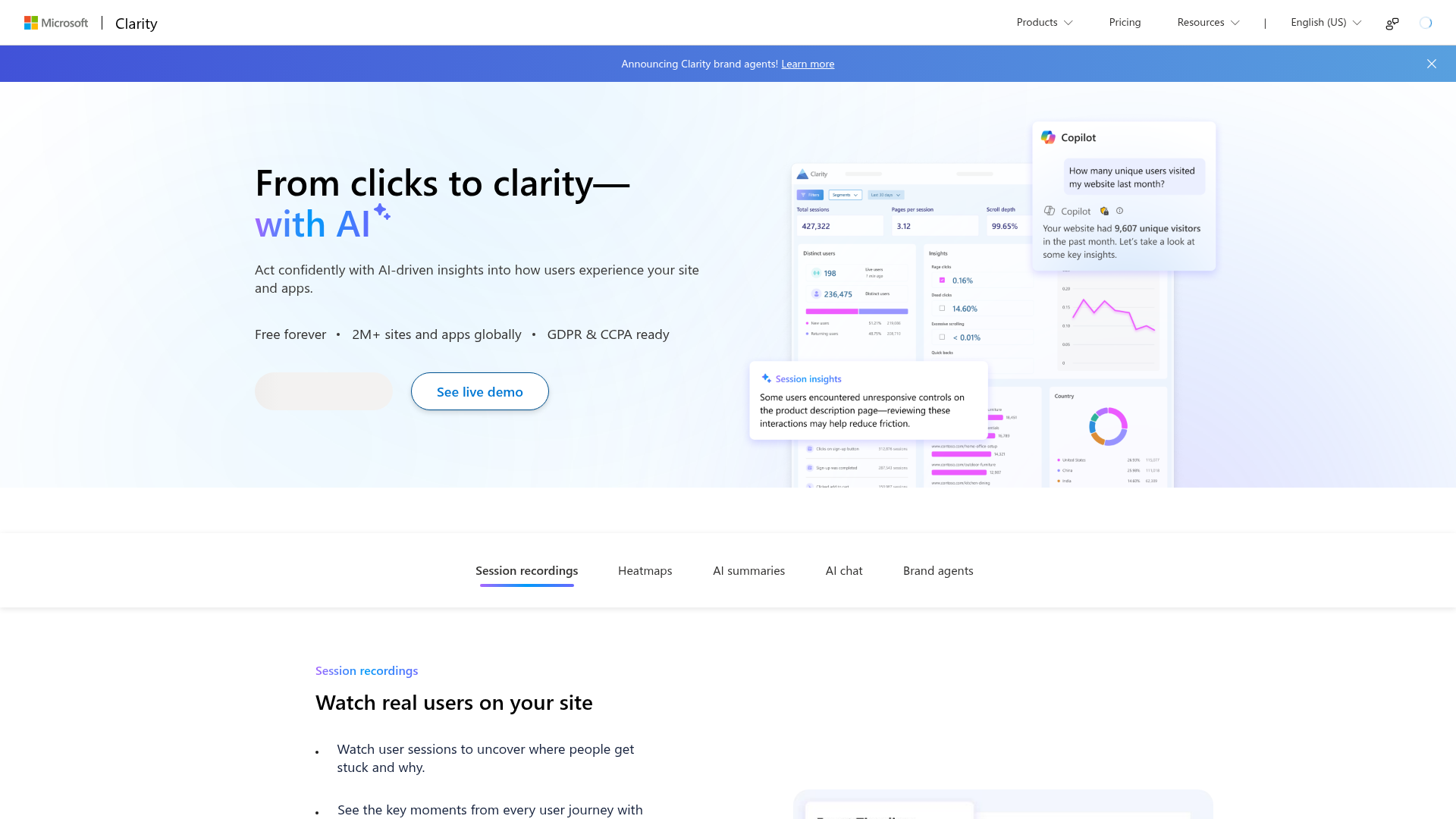
Microsoft Clarity is the best AI heatmap and session-recording tool to install on every site you own in 2026, and the only one I'd default to before measuring whether you need anything more. The free tier is not a constrained sample. It is the product, with AI features that most paid competitors charge $99–$295/mo to match.
I run Clarity on this admin domain (a low-traffic property by design) and have installed it on every CRO project I've touched in the last 18 months. The script is one line. The dashboard loads in under 4 seconds on a fresh project. The AI session summary feature reduces the "what is breaking on this page" review from roughly 40 minutes of watching replays to about 6 minutes of reading clustered explanations, which is the biggest single CRO velocity gain I've felt in the category since heatmaps were invented.
Clarity's specific 2026 advantages: AI summaries cluster sessions automatically, so you read patterns instead of individual replays. AI chat lets you type "what's the most common drop-off on the pricing page" and get a written answer with the relevant recordings linked. Brand Agents adds an AI assistant overlay that can answer shopper questions on the site using Clarity's behavioral signals. The heatmaps now include AI summaries on top of the raw click density, telling you what changed between page versions instead of making you eyeball two screenshots. The data export is solid, the GA4 integration is documented, and the GDPR/CCPA path is real.
The candid downsides. Microsoft uses aggregated data to improve Clarity, and the default install opts you in; the toggle is one click but you have to know to flip it. The UI is functional, not beautiful – it feels like internal Microsoft software, which it is. The "Brand Agents" beta is genuinely useful for ecommerce but limited in geography at launch. There is no native iOS or Android mobile-app SDK, only mobile web; if you run a real app, you need a second tool. Survey functionality is basic compared to Hotjar's; if you need NPS or post-purchase surveys, Clarity is replay-only.
- Free forever, unlimited sessions, unlimited sites – the only tool in the category with no usage cap.
- AI summaries + AI chat + Brand Agents all included; matches what paid tools charge $99–$295/mo for.
- Documented GDPR and CCPA pathway; deployed on 2M+ sites globally, so the security review is already done at most companies.
- One-line install; dashboard usable within 5 minutes of first session capture.
- Microsoft data sharing is opt-out, not opt-in. Toggle is in project settings and easy to miss.
- No native mobile-app SDK (iOS or Android); mobile web only.
- Survey and feedback widgets are minimal; if you want NPS or post-purchase surveys, you need Hotjar alongside.
- UI is functional rather than polished; not the tool you screenshot for a deck.
Pricing: $0/mo, every tier, every feature, per the Clarity product page. There is no paid tier. Microsoft monetizes the platform through its own ecosystem signal (the Bing Webmaster Tools / Microsoft Advertising bet), which is the same answer to "why is this free" that you'd give about Search Console.
Rating: 4.7/5 on G2 (1,200+ reviews) and 4.7/5 on Capterra (250+ reviews); the highest sustained ratings in the category, anchored by the price.
2. Hotjar (now Contentsquare) – best for replays + surveys + feedback in one place
Best for: marketing teams that need session replays and surveys and feedback widgets in one bill; Shopify and DTC sites that already use Hotjar muscle memory. Standout: 200,000 free monthly sessions, plus Voice of Customer surveys and feedback widgets included. Pricing: €0 Free, €39/mo Growth (annual), €49/mo Growth (monthly), Plus and Scale custom-priced through Contentsquare sales. Free trial: Not applicable – the free plan is the trial.
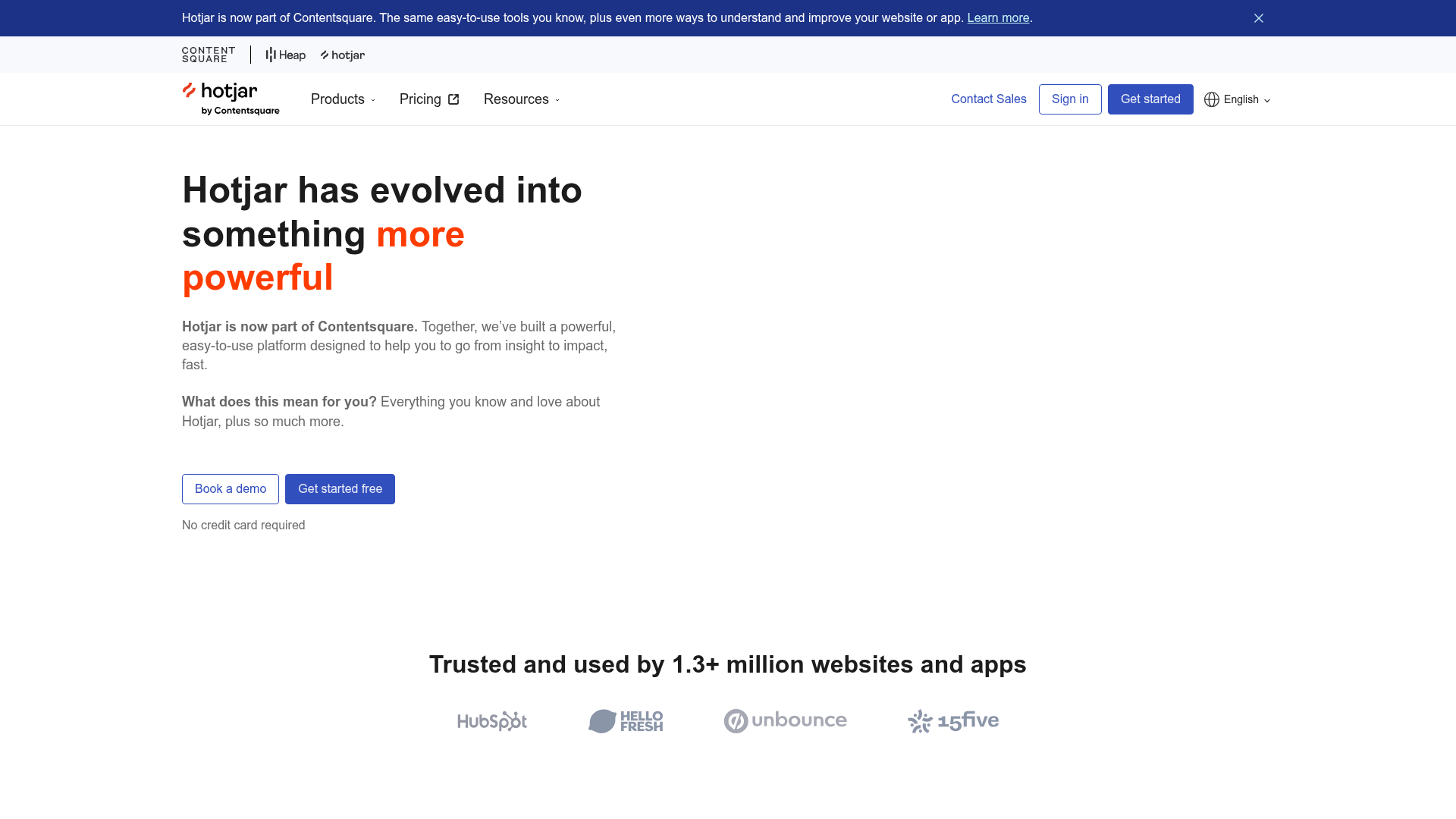
Hotjar in 2026 is the best paid alternative to Clarity if you need surveys and feedback in the same tool, and the only one of the historically-ranked nine where the free tier alone beats every other paid product on session volume. The 200k-session free plan, post-Contentsquare repricing, is the most under-priced offer in this category by a wide margin.
Three things to track on Hotjar in 2026. First, the brand: hotjar.com still loads, the script still installs as hotjar, the team is still shipping. Under the hood, everything has moved to Contentsquare Experience Analytics; the pricing page redirects to contentsquare.com, the billing entity is Contentsquare, and the long-term roadmap is determined by the parent. The "Hotjar" label is functionally a Contentsquare SKU now. Second, the free tier: 200,000 monthly sessions, 1 project, replays + heatmaps + funnels, error and performance monitoring, basic surveys (100/mo), and LLM/MCP connection so you can query Contentsquare from Claude or ChatGPT. Third, the upgrade path: paid Growth is €39/mo on annual billing or €49/mo monthly; Plus and Scale tiers exist but require quotes through Contentsquare sales, and the price discontinuity from Growth to Plus is real (typically 10x+).
The first-hand frame: I've used Hotjar across enough client and personal projects to know its replay UI cold. The post-2026 Contentsquare UI is faster than the old Hotjar dashboard, the survey builder is the cleanest in the category, and the MCP integration with Claude is the under-the-radar 2026 feature that nobody is writing about – you can ask Claude "find me three sessions where users abandoned the cart on the shipping step" and get them back as Hotjar URLs. The friction analysis in Experience Analytics finally surfaces what was three dashboards in old Hotjar into one.
The candid cons. The brand confusion is real: half the buyers don't realize "Hotjar" and "Contentsquare" are the same bill now, and the dual-domain pricing experience is messy. The mid-tier price discontinuity (Growth to Plus) is steep enough that most operators either stay free or jump straight to Scale negotiations. Native mobile-app coverage is web-mobile only, same as Clarity. The "Replays + Heatmaps + Funnels" free-tier bundle is amazing, but the Voice of Customer (interviews, structured user research) sits behind a separate Contentsquare paywall on most plans.
- 200,000 free monthly sessions, the most generous paid-tool free tier in the category.
- Best survey and feedback widget builder of any tool in this list; the reason to keep it alongside Clarity.
- Contentsquare MCP integration lets you query session data from Claude/ChatGPT/Copilot in natural language.
- 100k+ customers globally; security review is a non-event at most companies.
- Brand confusion: "Hotjar" and "Contentsquare" are the same product on different domains, with different pricing UI.
- Growth-to-Plus tier jump is steep and quote-gated; no transparent mid-tier price.
- No native iOS or Android mobile-app SDK; mobile web only.
- The Voice of Customer suite (interviews, panels) sits behind a separate Contentsquare add-on.
Pricing 2026 from the Contentsquare pricing page: Free €0 (200k sessions/mo, 1 project, replays + heatmaps + funnels + basic surveys + MCP); Growth €39/mo annual, €49/mo monthly; Plus and Scale quote-only. EU and US billing both available; annual savings ~20%.
Rating: 4.3/5 on G2 (350+ reviews under Hotjar; another 400+ under Contentsquare); 4.4/5 on Capterra (520+ reviews). The legacy Hotjar rating is artificially compressed by users complaining about the old 35-sessions/day free tier; sentiment on the post-Contentsquare free tier is improving.
3. PostHog – best for product teams that want session replay + analytics + flags in one tool
Best for: SaaS and product teams that already run product analytics or feature flags and want session replay in the same toolchain; engineering-led companies that value open source and self-host. Standout: Natural-language replay search via MCP; open-source code base; usage-priced past the free tier. Pricing: Free 5,000 recordings/mo, then $0.005/recording (5k–15k) dropping to $0.0015 at 500k+; full PostHog suite priced separately by product. Free trial: Not applicable – the free tier is permanent.
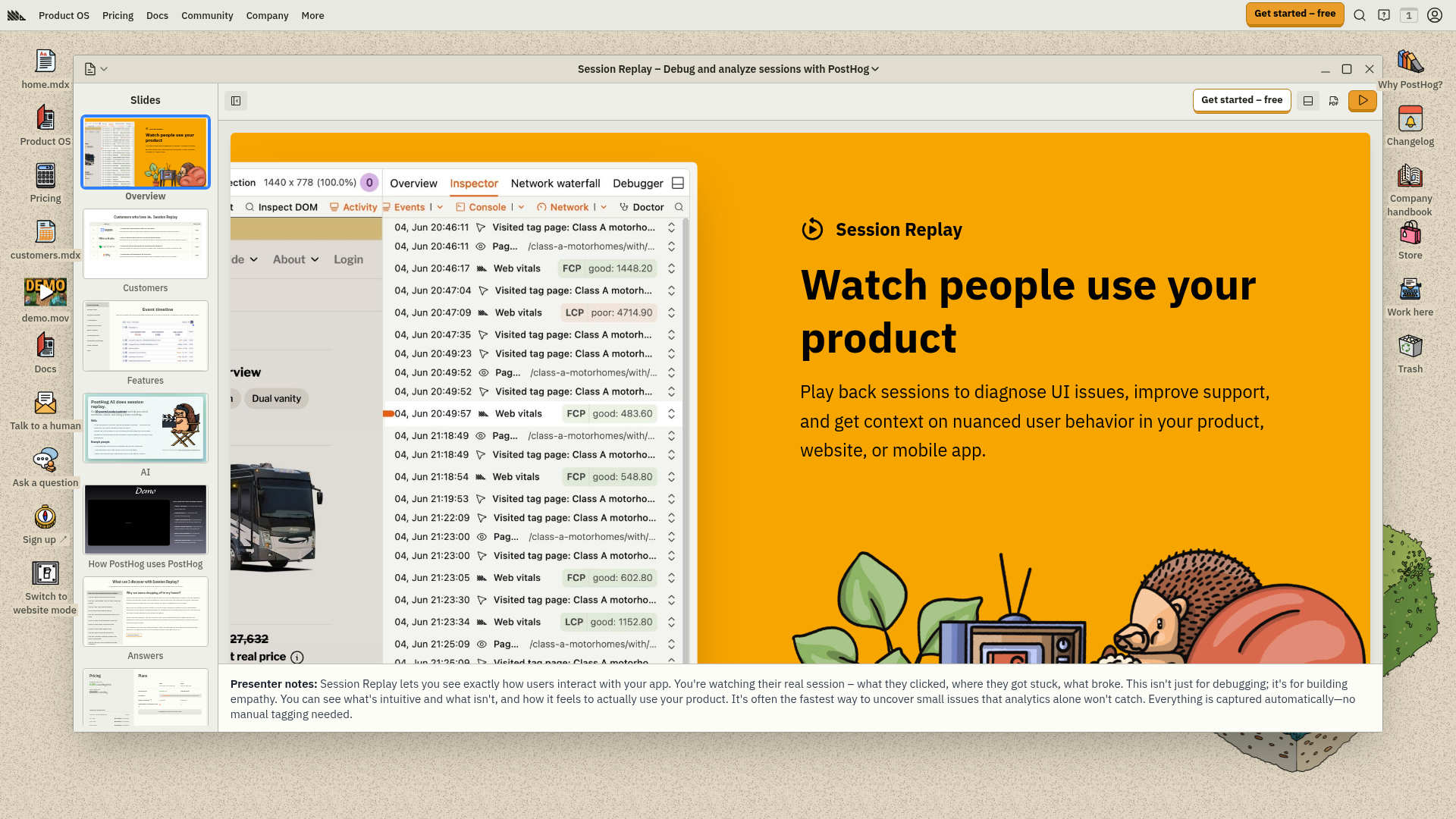
PostHog is the best AI heatmap and session-recording tool for product-led SaaS teams that already have engineers, already touch feature flags, and want replays in the same dashboard as funnels, A/B tests, and surveys. It is not a marketing-first tool. The UX is engineering-oriented, the install assumes you can edit application code, and the analytics suite is the reason you'd actually adopt it. Session replay is a checkbox in a bigger product, not the whole product.
The 2026 pricing matters because it's the cleanest usage-priced model in the category. The first 5,000 recordings per month are free, then $0.0050 per recording from 5k to 15k, $0.0035 from 15k to 50k, $0.0020 from 50k to 150k, $0.0017 from 150k to 500k, and $0.0015 above. For a 50k-session/mo site that records every visitor, that's about $258/mo on PostHog (5,000 free + 10,000 × $0.005 + 35,000 × $0.0035 = $0 + $50 + $122.50, plus the base PostHog account); for a 500k-session/mo site, it climbs to roughly $930/mo. Hotjar's 200k free sessions undercut PostHog purely on session-replay cost up to that ceiling, but you don't get PostHog's product analytics, feature flags, experiments, or data warehouse.
The AI angle is the most interesting bit. PostHog ships AI session summaries (beta), natural-language replay search (you describe the behavior; the tool finds the recording), and a session-clustering pass that surfaces representative examples from thousands of replays. The MCP integration lets a Claude or Cursor session pull replays directly through the agent surface. Among the engineering-oriented tools, this is the AI workflow that goes beyond a chatbot.
The candid cons. The UI is not designed for marketers, and it shows; if your CRO team can't write SQL or doesn't want to think about events, the tool's main value bleeds away. Mobile-app session replay is an add-on, not core. The open-core model means some advanced features (managed reverse proxy, EU residency on certain tiers) are paid add-ons even if the base is free.
- Cleanest usage-priced model in the category; you pay only for the recordings you keep.
- Natural-language replay search via MCP is the strongest AI workflow of any tool here for engineering teams.
- Open source and self-host option for strict EU residency or security needs.
- Replay sits inside a full product suite (analytics, flags, experiments, surveys); one tool covers what 5 normally do.
- Engineering-first UX; marketing teams without engineering support will underuse it.
- Mobile-app replay is an add-on, not core.
- AI summaries are in beta as of May 2026; not yet at Clarity-level polish for non-technical readers.
- Self-host path is real but operationally heavy; "open source" doesn't mean free at scale.
Pricing tiers from the PostHog session replay page: Free (5,000 recordings/mo, 1-month retention); Paid (unlimited recordings, 3-month retention, download files), priced at $0.005/recording falling to $0.0015 at scale; PostHog Cloud bundles other PostHog products with their own usage prices.
Rating: 4.6/5 on G2 (480+ reviews); 4.6/5 on Capterra (135+ reviews). High product-team enthusiasm; lower marketing-team familiarity.
4. Crazy Egg – best for snapshot heatmaps and simple A/B testing
Best for: small marketing teams that want classic snapshot heatmaps, simple A/B testing, and AI analysis on every tier without buying PostHog or learning a product-analytics UI. Standout: AI analysis for Heatmaps & Recordings on every plan; A/B testing on Plus and above. Pricing: $29/mo Starter, $99/mo Plus, $249/mo Pro, $599/mo Enterprise (annual billing). Free trial: 30-day free trial on every tier.
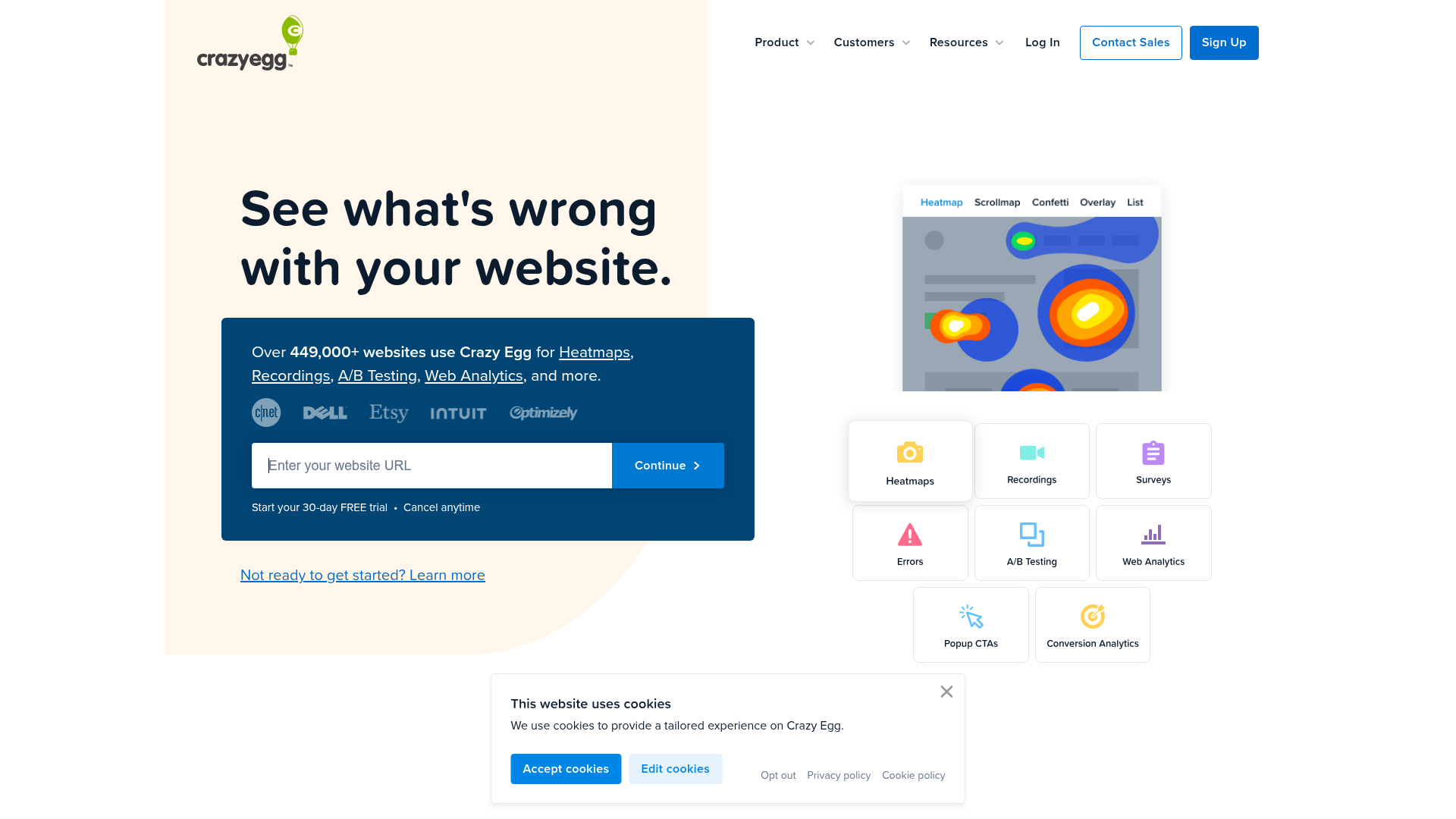
Crazy Egg is the best non-free AI heatmap tool for small marketing teams that want a stable, well-known dashboard with AI analysis included and the option to run simple A/B tests in the same UI. It's the tool you choose when you've already decided Clarity is too Microsoft and Hotjar is too Contentsquare, and you want a classic snapshot-heatmap workflow with 449,000 websites of social proof.
The 2026 pricing structure is the gotcha to learn before you sign. Crazy Egg bills by pageviews, not sessions: Starter is 5,000 tracked pageviews/mo with 50 recordings, Plus is 150,000 pageviews with 1,000 recordings, Pro is 500,000 pageviews with 5,000 recordings, Enterprise is 1,000,000 pageviews with 10,000 recordings. On a content site where each visitor reads 4–6 pages, the pageview cap fills 4–6x faster than a session cap, so the Starter tier is functionally a 1,000-session/mo product, not a 5,000-session/mo product. AI analysis is included on every tier, which the rest of the listicle SERP buries.
Specific real-number anchors. Crazy Egg's Pro tier ($249/mo, $2,988/yr on annual billing) gets you 500k tracked pageviews, 5,000 recordings, 100 heatmap reports, 2 years of recordings storage, A/B testing, error tracking, and CTAs management. That's competitive with FullStory's mid-tier without the sales motion, and the AI analysis on heatmaps is the feature that justifies it over Clarity for teams that need contextual narrative on heatmaps rather than raw click density.
The candid cons. The pageview-not-session billing trap is the single biggest reason buyers feel stung; if you don't model pageviews per session for your actual traffic, you'll burn through the cap and pay overage or upgrade mid-month. The dashboard, while functional, has the visual density of a 2015 SaaS product; it has not been redesigned alongside the AI features. Surveys are unlimited but the editor is dated. There is no native mobile-app coverage; web only.
- AI analysis on every plan, including the $29 Starter.
- A/B testing baked in from Plus ($99/mo) upward, replacing a second tool.
- 449,000+ deployed sites; security and procurement review is straightforward.
- 30-day free trial on every tier, including Enterprise.
- Pageview-based billing fills 4–6x faster than session-based billing on content sites; Starter is really 1,000 sessions/mo.
- Dashboard UI is dated relative to Clarity and Contentsquare 2026.
- Survey builder is minimal; no Voice of Customer depth.
- Mobile-app support is web-mobile only.
Pricing tiers from Crazy Egg pricing, annual billing: Starter $29/mo (5k pageviews, 50 recordings, 5 heatmap reports, 6 months storage); Plus $99/mo (150k pageviews, 1,000 recordings, 75 heatmap reports, 2 years storage, A/B testing, errors, CTAs); Pro $249/mo (500k pageviews, 5,000 recordings, 100 heatmap reports, AI export); Enterprise $599/mo (1M pageviews, 10,000 recordings, 200 heatmap reports, SAML SSO, onboarding).
Rating: 4.2/5 on G2 (450+ reviews); 4.4/5 on Capterra (90+ reviews); 4.5/5 on Trustpilot. Long, stable history; lower-than-Hotjar polish.
5. Mouseflow – best for friction-score-led CRO on European sites
Best for: European marketing teams that want a friction-score-driven CRO workflow, EU data residency, and the option to start free before paying. Standout: Friction Score (proprietary CRO metric layered over every session); Denmark-based with strong GDPR posture. Pricing: Free, Essential €25/mo (5k sessions), Advanced €109/mo (25k sessions), Premium €319/mo (100k sessions), Enterprise custom (annual billing). Free trial: 14-day money-back guarantee on every paid tier; free plan has no card required.
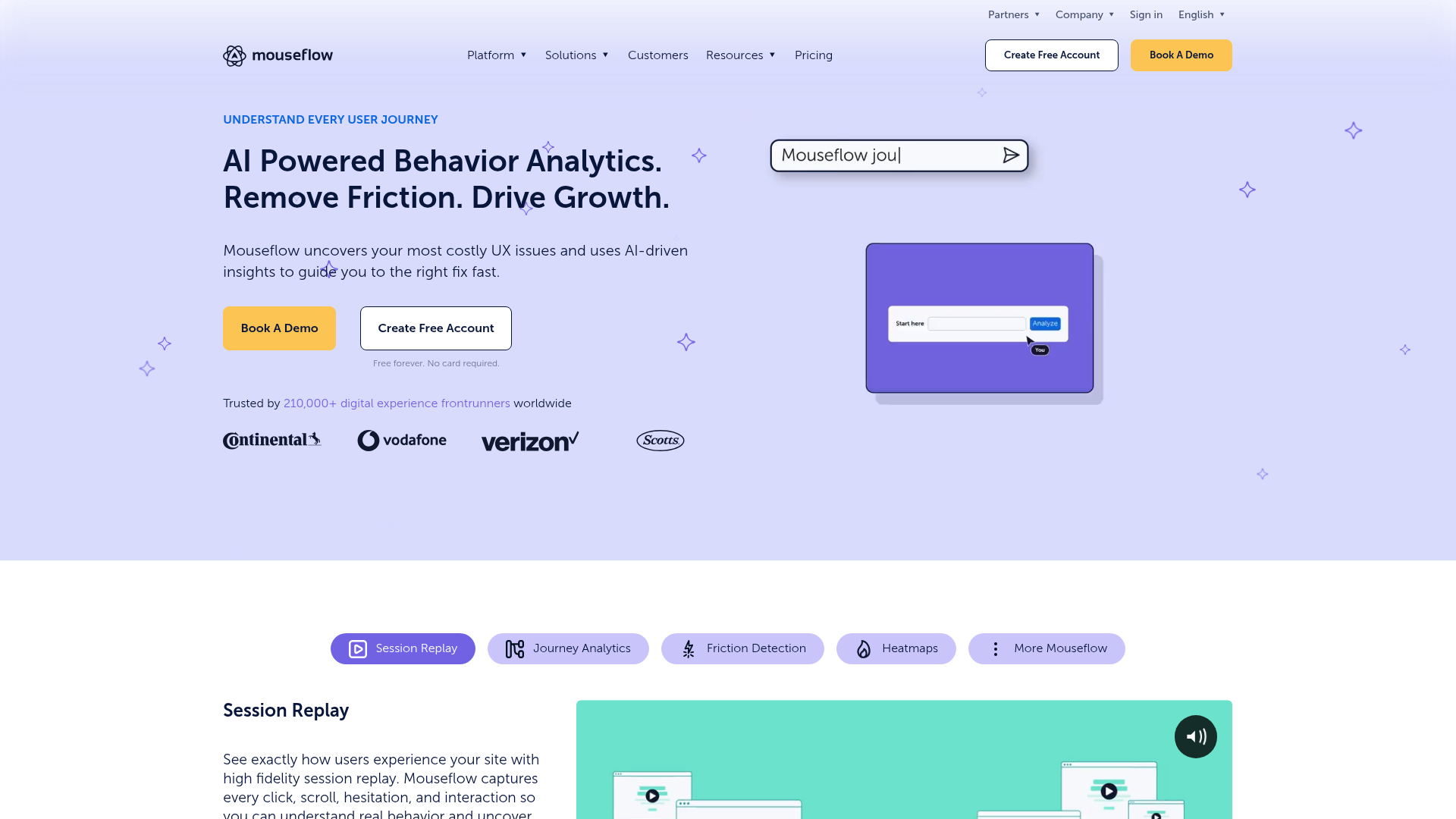
Mouseflow is the best AI heatmap and session-recording tool if you want a friction-score-led CRO workflow and you publish to a European audience that pushes back on US-based session-replay vendors. The Friction Score is the single feature in this category that Clarity hasn't matched yet, and the EU data residency is real (not a checkbox).
The Friction Score is what it sounds like: an aggregate per-session metric, 0–10, that combines rage clicks, dead clicks, U-turns, refreshes, and error events into one number you can sort and filter sessions by. It is a proprietary heuristic, not an AI model in the modern sense, but it surfaces "this session went badly" without you having to watch every replay. Mouseflow ranks all your sessions by Friction Score and lets you binge the top-20 worst sessions of the day, which is the closest thing in the category to a Clarity-style AI summary if your AI features are gated by a budget.
Pricing in 2026 is unchanged from 2025 and lives in euros: Free (~500 sessions/mo, 1 website, 1 month data retention), Essential €25/mo with 5,000 sessions and 1 website, Advanced €109/mo with 25,000 sessions and 2 websites, Premium €319/mo with 100,000 sessions and 5 websites, Enterprise custom. Annual billing saves about 35% versus monthly. Compared with Lucky Orange's $39/mo Build tier, Mouseflow's €25 Essential includes more sessions for less money, but lacks live chat.
The first-hand frame. I've installed Mouseflow on European-traffic landing pages and used the Friction Score sort as the primary review surface. For teams without dedicated AI tooling in their stack, this single sort order does roughly 70% of what Clarity's AI summary does, for a paid tier price. The dashboard is clean, mobile-first, and feels EU-designed (which sounds like a backhanded compliment but is the right answer for the audience).
The candid cons. The Friction Score is proprietary, not transparent; you can't fully audit why a specific session scored 7.3. Funnels are a separate paid product on the higher tiers, not bundled in. AI session summaries are not yet shipped (Friction Score is the closest analogue). Mobile-app coverage exists but is shallow compared with Smartlook or LogRocket.
- Friction Score is the most actionable single CRO sorting key in the category short of Clarity's AI summaries.
- EU-based and EU-hosted by default; GDPR posture is strong without configuration work.
- 14-day money-back guarantee on every paid tier; low-risk upgrade path.
- Annual billing saves ~35% over monthly; transparent pricing in euros.
- Friction Score is opaque; you can't audit the weighting of each input.
- Funnels are a paid add-on on lower tiers, not bundled in.
- No native AI session summaries in 2026 (Friction Score is the proxy).
- Mobile-app coverage is shallow compared with dedicated mobile tools.
Pricing tiers from Mouseflow pricing, annual: Free €0 (~500 sessions/mo, 1 website); Essential €25/mo (5k sessions, 1 website); Advanced €109/mo (25k sessions, 2 websites); Premium €319/mo (100k sessions, 5 websites); Enterprise quote.
Rating: 4.5/5 on G2 (200+ reviews); 4.7/5 on Capterra (170+ reviews). Sentiment in EU markets is markedly higher than US markets.
6. Lucky Orange – best for small Shopify and ecommerce with live chat
Best for: small Shopify stores and ecommerce sites that want session replay + heatmaps + live chat in the same bill; one-bill consolidation for sub-50k-session stores. Standout: Live chat included on every paid tier; tightest Shopify-app integration in the category. Pricing: Build $39/mo, Expand $249/mo, Scale $1,049/mo (annual billing). Free trial: 7-day free trial.
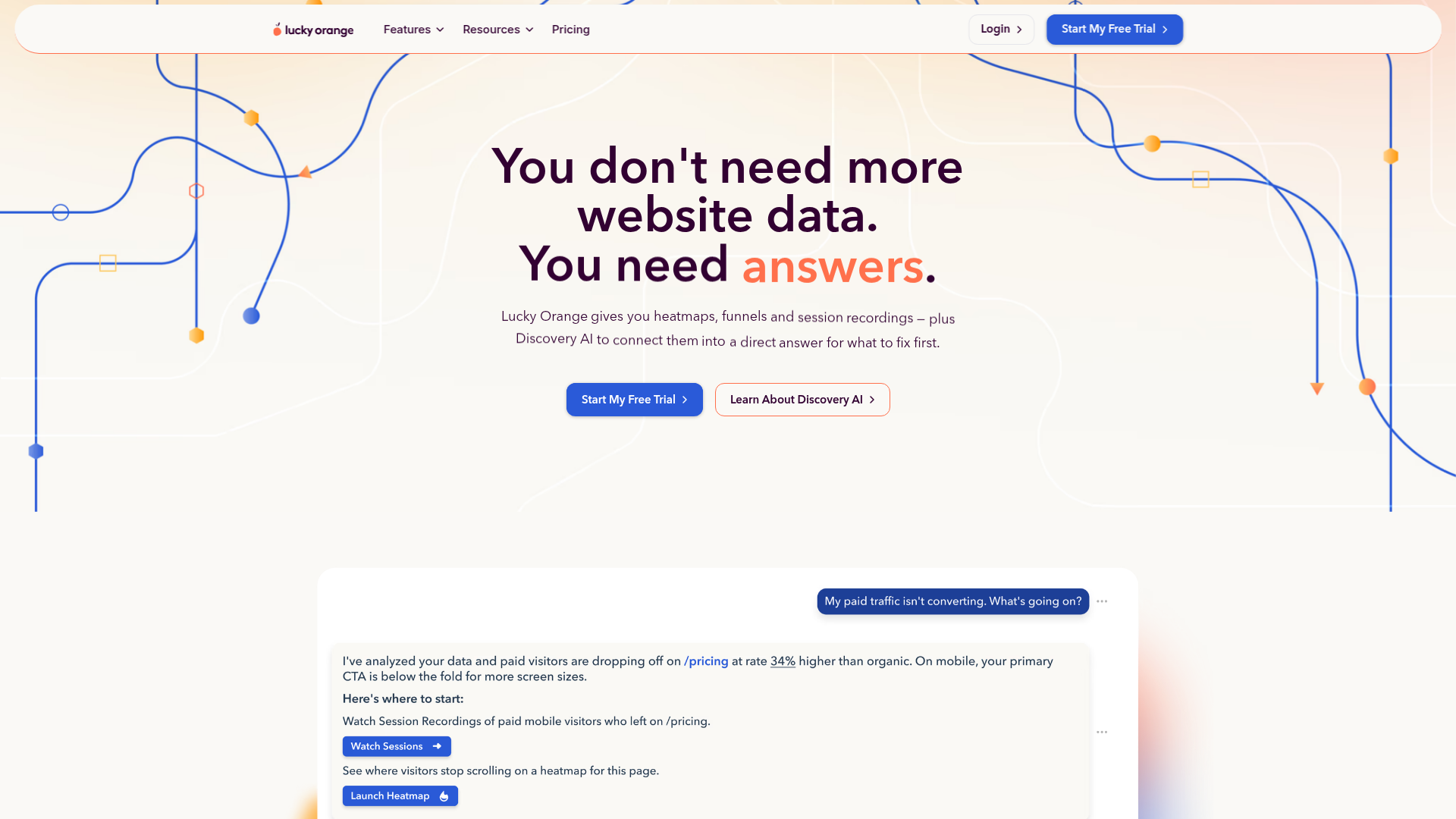
Lucky Orange is the best AI heatmap and session-recording tool for small Shopify and ecommerce sites that want live chat and heatmaps in one bill, and the only tool in this list where "watch the session, then chat with the visitor live" is a real workflow rather than a half-built feature. With 500,000+ deployed websites and a top-tier Shopify app rating, it is the default install on a meaningful slice of the small-DTC long tail.
The 2026 pricing is unusual in that every feature is on every tier; you don't pay extra for heatmaps versus recordings versus chat versus surveys. What you buy is volume and storage. The Build tier is $39/mo for the entry volume (typically 5,000 sessions and 2 websites), Expand jumps to $249/mo for the mid-market volume, and Scale is $1,049/mo for the high-traffic tier; bigger custom plans exist on request. Annual billing is the default; monthly is more expensive.
The mid-tier jump is the trap. There is no "$99/mo middle ground" between Build and Expand, which means a store that outgrows the 5k-session Build cap goes either to add-on overage charges or to a 6x price increase to Expand. For a Shopify store that pulls 30k–80k sessions/mo, this lands awkwardly; the math often pushes you either to Mouseflow Advanced at €109/mo (more sessions, less chat) or to Hotjar's free Contentsquare tier (more sessions, more surveys, no chat).
The decision rule. If you are running a Shopify store, want live chat in the same script you'll use for heatmaps, and you do less than 5,000 sessions/mo, Lucky Orange Build at $39/mo is the most consolidated single-bill option in this list. If you are above 5,000 sessions/mo and don't strictly need live chat, you'll save by running Clarity (free) + Tidio or Intercom (separate chat) rather than upgrading to Lucky Orange Expand.
The candid cons. The mid-tier price jump from Build to Expand is the biggest single complaint in user reviews. The dashboard is Shopify-flavored, which helps DTC operators and hurts B2B SaaS operators. AI features are present but lighter than Clarity, Hotjar, or PostHog; "AI" here is closer to heuristic surfacing than to AI summaries. No native iOS/Android mobile-app SDK.
- Every feature on every tier; you pay for volume, not for which features you can touch.
- Live chat included; the only tool in this list where "watch session then chat live" is one product.
- Best-in-category Shopify app integration; install is a click for Shopify Plus stores.
- 500,000+ websites of deployment; security review at most stores is trivial.
- Mid-tier price jump from $39 to $249/mo with no $99 in-between option.
- AI features are heuristic-driven, not AI-summary-grade like Clarity or PostHog.
- Dashboard is Shopify-DTC-flavored; B2B SaaS use cases feel under-served.
- No native mobile-app SDK; mobile-web only.
Pricing tiers from Lucky Orange pricing, annual: Build $39/mo, Expand $249/mo, Scale $1,049/mo. Monthly billing roughly 20% higher.
Rating: 4.5/5 on G2 (440+ reviews); 4.6/5 on Capterra (110+ reviews); 5.0/5 on the Shopify App Store (1,000+ reviews). The Shopify-specific sentiment is the highest in this list.
7. FullStory – best for enterprise with a security review process
Best for: enterprise organizations that need SAML SSO, custom contracts, mobile-app SDKs, and a sales motion they can put through procurement; data-science teams that will use replay data for GenAI training. Standout: StoryAI add-on; deepest mobile-app SDK in the category; willing to sell through long enterprise sales cycles. Pricing: "Request pricing and demo" – no public pricing. Typical contracts start at roughly $1,500/mo and climb from there, based on third-party reports. Free trial: Free pilot on request; no self-serve trial.
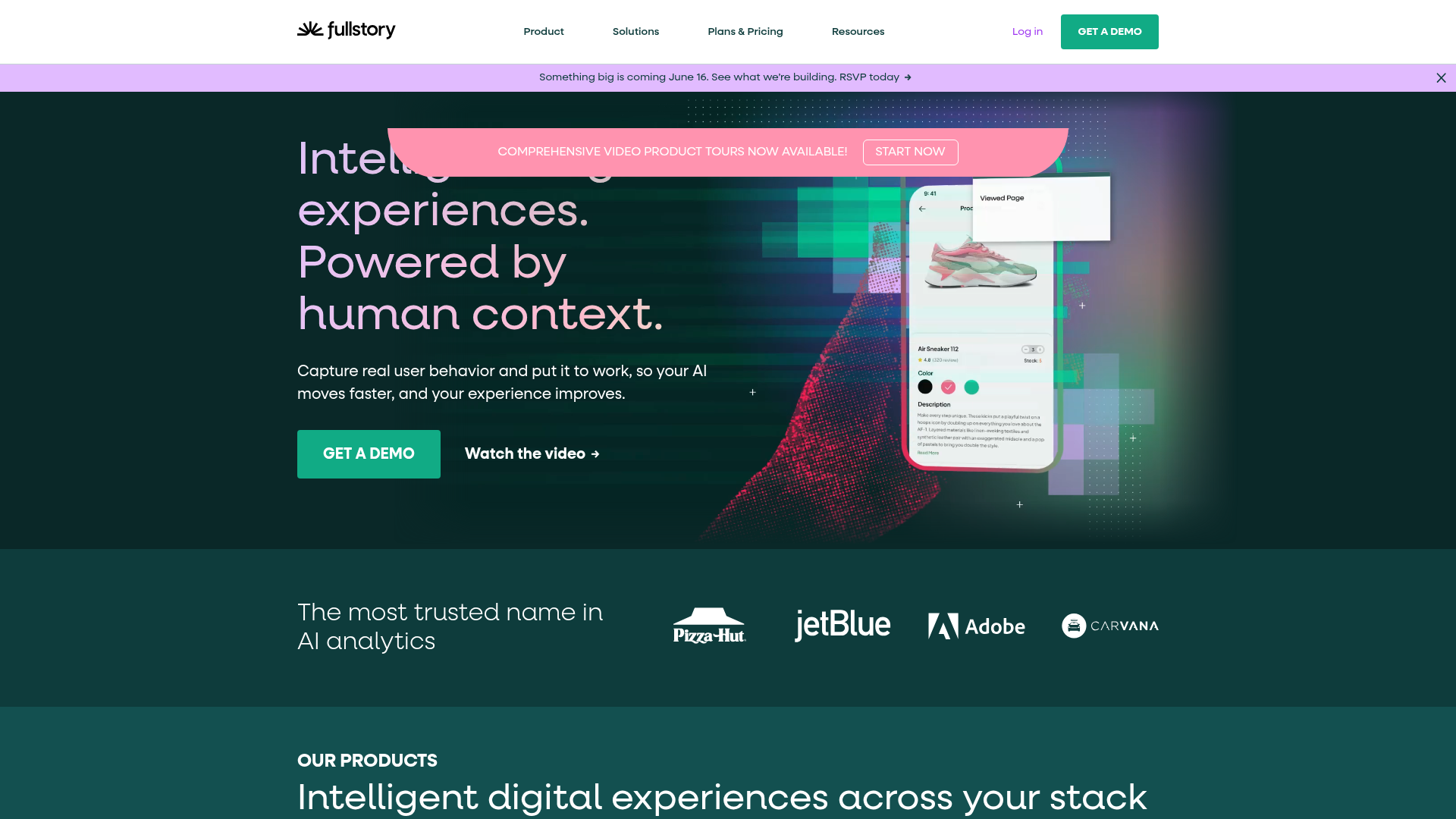
FullStory is the best AI heatmap and session-recording tool for enterprises that already buy software through a sales motion, need SAML SSO and procurement-friendly contracts, and have a real mobile-app surface where the SDK quality matters. It is not the right pick for a self-serve operator who wants to install today and see results tomorrow; the "Request pricing" wall is the design.
The product itself is genuinely strong. The Business, Advanced, and Enterprise tiers each layer on more analytics, more retention, and more StoryAI capabilities (AI agents that help with session analysis, funnel building, and behavioral pattern detection). FullStory's mobile SDKs for iOS and Android remain the deepest in the category outside of Smartlook, and the Multi-Org Management add-on is genuinely useful for agencies and holding companies that run multiple brands under one contract.
What you actually pay is the hard part. FullStory does not publish pricing in 2026. Third-party reports, vendor analyses, and procurement databases consistently put Business-tier contracts in the $1,500/mo to $2,500/mo range for entry-level enterprise commitments; Advanced and Enterprise climb materially from there. If you are not committing to a 12-month contract, FullStory's pricing model isn't built for you. Annual commitments are the default.
The candid cons – which there are many of, because the surveyor-voice listicles refuse to print them. No public price is a real cost: every operator who evaluates FullStory pays for it in sales-cycle time, even before the contract. The product is overbuilt for marketing-only use cases; you're paying for analytics and experimentation features that overlap with what you already buy from Mixpanel or Amplitude. The free pilot is real but gated through sales, not self-serve. The product roadmap is enterprise-driven, which means SMB-friendly features (transparent pricing, a real free tier) are unlikely to ship soon.
- Deepest mobile-app SDKs in the category outside Smartlook; production-grade iOS, Android, React Native, Flutter coverage.
- StoryAI agents materially shorten enterprise session-analysis cycles.
- SAML SSO, custom contracts, multi-org management built in; procurement-friendly.
- Used by enough Fortune 500 brands that the security review is largely a copy-paste exercise.
- No public pricing in 2026; every evaluation costs sales-cycle hours.
- Typical contracts start ~$1,500/mo and require an annual commitment.
- No self-serve trial; pilot is gated through sales.
- Overbuilt for marketing-only use cases; you pay for analytics depth you may not use.
Pricing: contact sales. Business, Advanced, Enterprise tiers with custom volume and feature sets. Add-ons: Multi-Org Management, Mobile, Advantage Subscription, StoryAI, Guides and Surveys.
Rating: 4.5/5 on G2 (1,800+ reviews); 4.6/5 on Capterra (115+ reviews). High enterprise satisfaction, lower SMB satisfaction.
8. LogRocket – best for SaaS engineering teams that need session replay + error tracking
Best for: B2B SaaS engineering teams that want session replay, JavaScript error tracking, and AI debugging in one tool; engineering-led product orgs. Standout: Galileo AI watches every session to surface user struggle and behavioral patterns; MCP integration for AI agent workflows. Pricing: Free 1,000 sessions, Team $69/mo (10k sessions) or $139/mo (25k), Professional $295/mo with Galileo AI and MCP, Enterprise custom (annual on Professional+). Free trial: 14-day Team trial; free pilot for Enterprise.
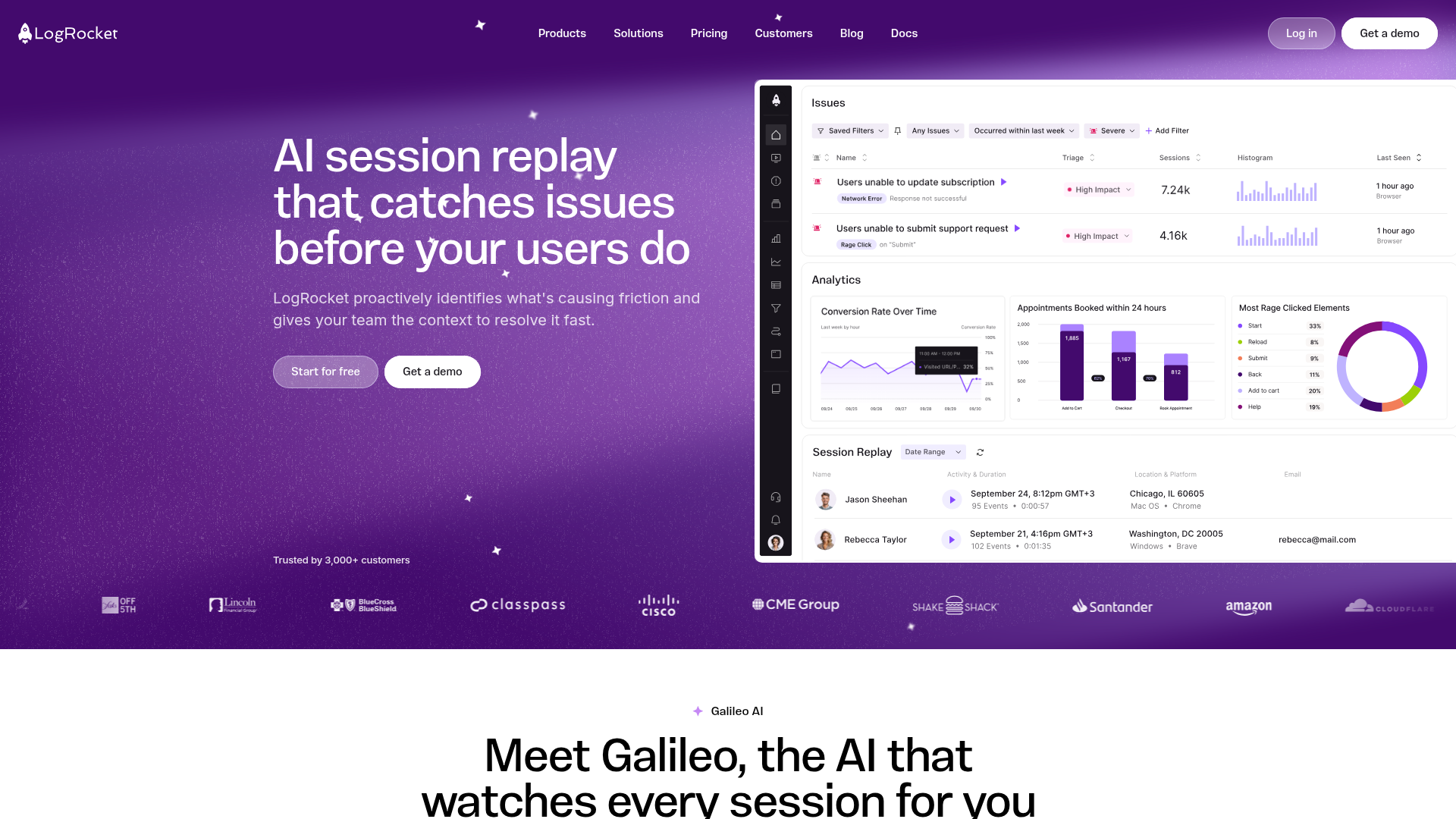
LogRocket is the best AI heatmap and session-recording tool for B2B SaaS engineering teams that want session replay alongside JavaScript error tracking, console logs, network monitoring, and AI debugging, all in one product. It is purpose-built for engineering-led organizations where the developers, not the marketers, file the support tickets and watch the replays.
The 2026 product is anchored by Galileo AI, LogRocket's AI layer that watches every recorded session and surfaces user-struggle and behavioral patterns automatically. Galileo writes severity scores on issues, generates issue descriptions, recommends issues to look at, and clusters similar sessions, with an "Ask Galileo" interface that lets you chat with your data. The Professional tier ($295/mo annual) includes Galileo AI, product analytics, and the MCP integration that lets AI agents (Claude Code, Cursor) pull session data programmatically.
The pricing math is cleaner than most enterprise-facing tools. Free covers 1,000 sessions/mo with 1-month retention. Team starts at $69/mo for 10,000 sessions and $139/mo for 25,000, on monthly commitment with a 14-day trial. Professional is $295/mo annual-only and is the AI tier. Enterprise is custom-priced with self-hosted available, conditional recording, and annual pilot. For a SaaS product doing 25,000 sessions/mo where the engineering team will actually use Galileo for triage, Professional pays back in roughly 10–20 saved engineering hours per month.
The candid cons. LogRocket is engineering-product, not marketing-product. If your CRO use case is "I want to see which CTA buttons get clicked," LogRocket is overpriced and overbuilt; Clarity does it for free. The AI features are real but skewed toward debugging workflows, not toward marketing summaries. Native mobile-app replay is an add-on, not core. The free tier at 1,000 sessions is the tightest of any tool in this list, intentionally; the product is sold to teams that will pay.
- Galileo AI is the most engineering-relevant AI layer of any tool in this list; debug workflows are materially faster.
- Session replay + JS error tracking + product analytics + AI debugging in one tool replaces 2–3 separate subscriptions.
- MCP integration for AI agents is genuinely useful for engineering teams using Claude Code or Cursor.
- Self-hosted option on Enterprise for strict data residency or security requirements.
- Engineering-product, not marketing-product; overpriced for pure CRO use cases.
- 1,000-session free tier is the tightest in the category.
- Native mobile-app replay is an add-on, not core.
- Professional and Enterprise are annual-commit only; no monthly Professional.
Pricing tiers from LogRocket pricing: Free (1,000 sessions/mo, 1-month retention); Team starting $69/mo (10k sessions) or $139/mo (25k), monthly commitment with 14-day trial; Professional $295/mo annual with Galileo AI, product analytics, MCP; Enterprise custom with conditional recording, self-host, annual pilot.
Rating: 4.6/5 on G2 (1,500+ reviews); 4.7/5 on Capterra (90+ reviews). Strong engineering-team sentiment; minimal marketing-team adoption.
9. Smartlook – best for native iOS and Android mobile-app heatmaps
Best for: mobile-first products with native iOS and Android apps where you need real mobile-app heatmaps (not mobile-web); product teams that already use Cisco AppDynamics infrastructure. Standout: true native-mobile-app heatmaps with screen-element targeting; one of the only tools that handles this category seriously. Pricing: Free 3,000 sessions/mo, Pro from $55/mo (5,000+ sessions), Enterprise custom (annual). Free trial: 30-day free trial on Pro and Enterprise; free plan needs no card.
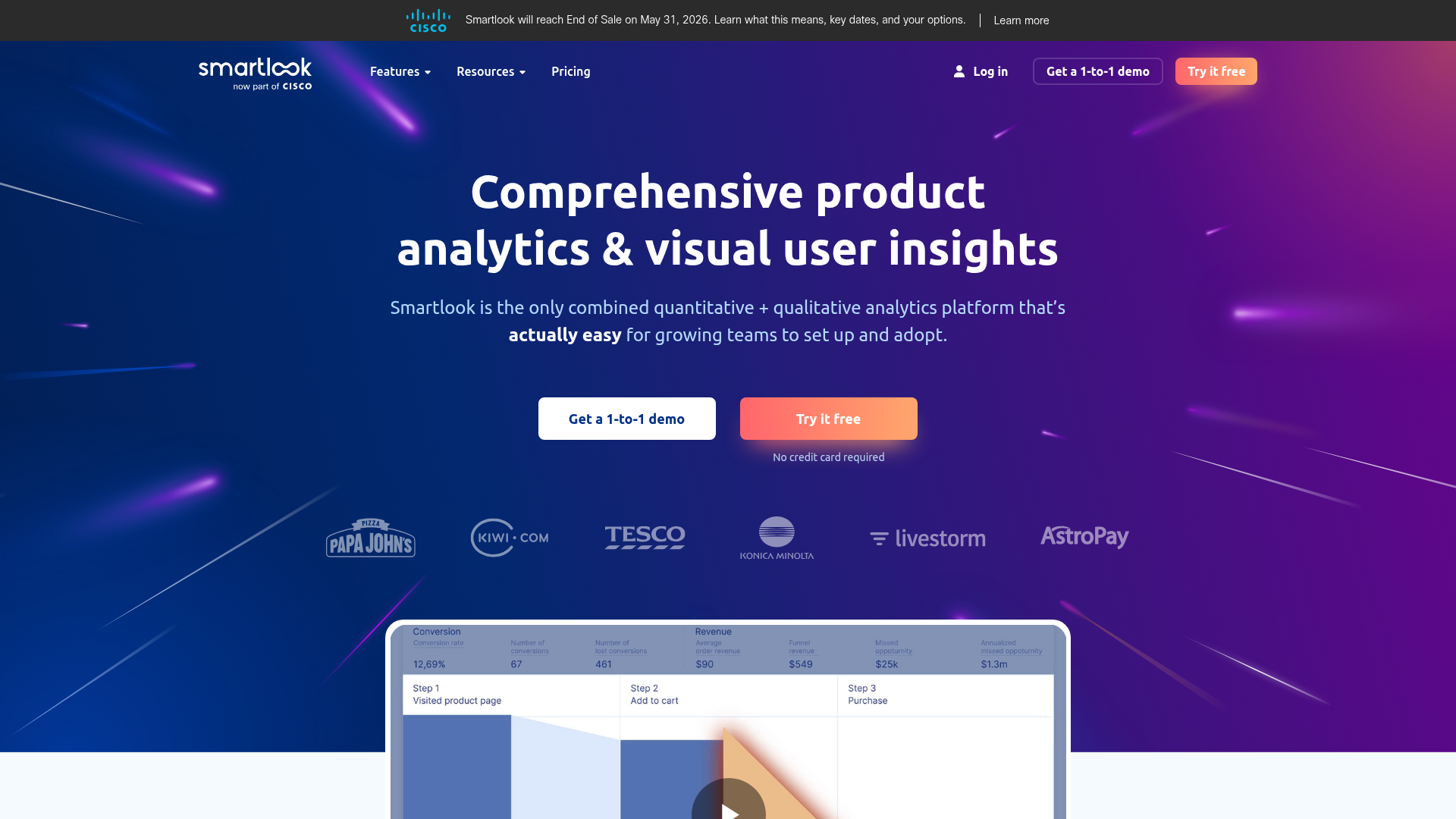
Smartlook is the best AI heatmap and session-recording tool if you have a native iOS or Android mobile app where you need real, screen-element-aware heatmaps and session replays, and the only tool in this list besides FullStory and LogRocket that handles native mobile properly. Acquired into the Cisco AppDynamics umbrella, Smartlook is now part of a larger observability portfolio, which both helps (enterprise-ready) and hurts (slower product roadmap) the standalone tool.
The native-mobile angle is the differentiator. Smartlook treats a mobile app's screens, taps, scrolls, and view transitions as first-class objects, not as a mobile-web fallback. Heatmaps work on native app screens; session recordings replay touches, swipes, and screen transitions; events can be tied to specific screen elements like buttons or list items. For a product team that ships a real native app and wants the same insights they'd get from Clarity on the web, Smartlook is the answer.
The 2026 pricing is straightforward. Free is 3,000 monthly sessions, basic product analytics, historical heatmap data, web and mobile-app support, and one month of data retention. Pro starts at $55/mo for 5,000 sessions with more advanced analytics, daily anomaly reporting, CSV exports, premium integrations, and DevTools/product analytics add-ons. Enterprise is custom-priced with SSO, REST API, unlimited users and projects. Annual billing is the default on Pro and Enterprise; the free tier is permanent.
The candid cons. The web-side product is functional but not category-leading; if your traffic is 95% web and 5% mobile app, Clarity beats Smartlook on the web side, and you only buy Smartlook for the mobile-app coverage. AI features are limited compared with Clarity, PostHog, or LogRocket Galileo. The Cisco AppDynamics acquisition is now ~3 years old and the standalone product roadmap has slowed visibly. PostHog and FullStory both ship more frequently in the same category.
- True native iOS and Android mobile-app heatmaps; one of the only tools that does this well.
- 3,000-session free tier on web and mobile is generous for a pre-revenue or early-stage app.
- Cisco AppDynamics integration matters for enterprise observability stacks.
- Daily anomaly reporting on Pro is a useful CRO-feed addition.
- Web-side product is no longer category-leading vs Clarity, Hotjar 2026, PostHog.
- AI features lag Clarity, PostHog, and LogRocket by a meaningful gap.
- Post-acquisition product velocity has slowed; fewer ship notes than competitors.
- Pro tier starts at $55/mo for only 5,000 sessions; pricing scales steeply with mobile-app volume.
Pricing tiers from Smartlook pricing: Free $0 (3,000 sessions/mo, 1-month retention, web and mobile); Pro from $55/mo (5,000 sessions, daily anomaly reporting, exports, integrations); Enterprise custom (SAML, REST API, unlimited projects).
Rating: 4.6/5 on G2 (760+ reviews); 4.7/5 on Capterra (450+ reviews). High mobile-app-team satisfaction; lukewarm web-only-team sentiment.
The three to avoid in 2026
Three tools historically ranked in this category are now hard to justify buying as standalone heatmap or session-recording products in 2026. Honest verdicts, named, with the reason.
VWO Insights is the standalone session-replay product inside Wingify's VWO Experience Optimization platform. The problem in 2026 is that VWO Insights is bundled into the broader VWO suite, which prices at $199/mo and up depending on the configuration, and the experience-optimization platform is built around A/B testing, not session replay. If you actively use VWO's A/B testing, Insights is a value-add. If you don't, you're paying enterprise-A/B-testing prices for a session-replay tool that Clarity ships for free. The standalone VWO Insights URL (vwo.com/pricing/insights-web/) returned a 404 in May 2026 testing, which is a signal in itself that the standalone product is being de-emphasized. Skip unless you already pay for VWO testing.
Inspectlet was a serious contender in the 2018–2021 category. In 2026, the product's last meaningful release feels stuck around 2022, the dashboard has not been redesigned alongside the AI revolution, and there is no AI session-summary, no AI chat, no natural-language replay search, and no documented mobile-app SDK roadmap. Pricing has stayed around $39–199/mo across tiers. Clarity does everything Inspectlet does and adds the four AI features Inspectlet doesn't ship, for free. There is no remaining case for buying Inspectlet in 2026.
Heatmap.com is interesting because it tried to differentiate on a real innovation: revenue-attributed session recordings (every recording is tied to the dollar value it generated). For a high-AOV Shopify or DTC store optimizing for revenue per session, this is a real feature, and ~$300+/mo for the behavior-suite tier is defensible. The honest verdict: if you are not a high-volume ecommerce store explicitly optimizing AOV per session, Heatmap.com is paying full price for a feature you don't use, while Clarity gives you everything else for free. Skip unless your CRO target is literally "raise AOV per session by X%".
The pattern across all three: they're not bad products. They are products that historically ranked in the 5–10 slot of every heatmap listicle in 2022, and the 2026 Clarity-and-Contentsquare reset moved their pricing-to-value ratio from "okay" to "negative". In a list of 9, three are now obsolete.
A note on what I'm not calling obsolete. Hotjar's "AI is incremental" reputation is no longer fair after the Contentsquare merger; the 2026 MCP integration with Claude is the best AI-and-replay workflow in the paid market, and the free-tier session volume is the most generous offer in the category. Crazy Egg's price-by-pageviews model is a real gotcha, but the AI analysis on the Starter tier is honest, and the A/B testing on Plus removes a second subscription. Lucky Orange's mid-tier price jump is a real problem, but the Shopify-app integration is the best in the category. These three are paid tools with real flaws, not obsolete tools – the difference is that VWO Insights standalone, Inspectlet, and Heatmap.com at full price now have no remaining decision rule for most operators.
Frequently asked questions
What is the best alternative to Hotjar?
Microsoft Clarity, by a wide margin. It is free forever, runs unlimited sessions, ships AI session summaries and AI chat in 2026, is deployed on 2M+ sites globally, and matches Hotjar's replay quality on web. The only Hotjar features Clarity doesn't replicate are surveys, feedback widgets, and structured user interviews – and the post-Contentsquare Hotjar free tier now bundles 200,000 sessions plus basic surveys for €0, so most teams install Clarity for replays and add Hotjar's free Contentsquare plan when they need surveys. If you need polished, marketer-friendly heatmaps with surveys in one bill, Contentsquare Growth at €39/mo annual is the paid step. For everyone else, Clarity is the answer.
What happened to Hotjar?
Contentsquare acquired Hotjar in March 2021, and the platform was fully consolidated under contentsquare.com through 2024 and 2025. The Hotjar brand still exists – hotjar.com still loads, the script still installs as hotjar – but pricing, the product roadmap, and the support stack now live under Contentsquare Experience Analytics. In the 2026 repricing, the free tier was upgraded to 200,000 monthly sessions, a roughly 200x improvement over the original 35-sessions-per-day cap. Paid Growth starts at €39/mo annual or €49/mo monthly; Plus and Scale are quote-only. Heap (the product-analytics platform Contentsquare also acquired) sits in the same umbrella.
Is Lucky Orange better than Hotjar?
For a small Shopify store under 5,000 sessions/month that wants live chat and heatmaps in the same bill, Lucky Orange's $39/mo Build plan is a strong pick. For everyone else, the post-Contentsquare Hotjar free tier (200,000 sessions/mo, replays, heatmaps, funnels, basic surveys) beats Lucky Orange's paid Build tier on raw price and on session volume. If your CRO workflow leans on surveys and feedback, Hotjar's Voice of Customer beats Lucky Orange's survey feature. If it leans on live chat, Lucky Orange beats Hotjar (which doesn't ship chat). The decision splits cleanly on whether live chat in the same script matters to your stack.
Does Hotjar still exist?
Yes – hotjar.com still loads, the product still exists, the team is still shipping. Hotjar is now a SKU inside Contentsquare's Experience Analytics platform, not an independent standalone brand. The "Hotjar" label will likely outlive the standalone pricing page; for now, both URLs work, and the same product is sold under both names. The brand confusion is real, and most buyers don't immediately notice that the billing entity is Contentsquare. Plan-tier pricing for Hotjar is the same as Contentsquare Experience Analytics: €0 Free, €39/mo Growth annual, €49/mo Growth monthly, Plus and Scale quote-only.
Is Microsoft Clarity actually better than Hotjar in 2026?
For session replay and AI-driven CRO summaries, Clarity is now the better pick for most operators. It is free with unlimited sessions, ships four 2026 AI features (AI summaries, AI chat, Brand Agents, AI-enhanced heatmaps), and runs on 2M+ deployed sites. For surveys, feedback widgets, and structured Voice of Customer research, Hotjar (Contentsquare) is still better; Clarity's survey builder is minimal. The realistic 2026 setup is to run both: Clarity as the primary replay and AI-summary tool, Hotjar Free for surveys. CNIL's April 2026 session-replay consultation applies equally to both; consent-banner posture is comparable.
How does Microsoft Clarity make money if it's free?
Clarity is a Microsoft platform investment, not a standalone P&L. Microsoft monetizes the broader ecosystem signal through Bing Webmaster Tools, Microsoft Advertising, and Edge browser insights, which is the same answer the company gives about Search Console at Google. The aggregate Clarity data improves Microsoft's web-quality models and, in the 2026 Brand Agents launch, feeds Copilot shopping experiences. Individual project data is never sold to third parties, per the documented privacy policy, and the data-sharing toggle in project settings lets you opt out of contributing to the aggregate model. The trade-off is explicit and transparent, which is more than can be said for most "free" SaaS tools.
Are heatmap tools still useful with AI Overviews and zero-click search?
Yes, because heatmaps measure on-site behavior, not click-through. AI Overviews and zero-click search shift the acquisition problem: you get less traffic from each ranking, so the value of each visitor that does land on your site goes up. That makes session-replay and heatmap analysis more important per-visitor, not less. The piece of CRO that was about diagnosing why people bounced from the homepage is now about diagnosing why the smaller, higher-intent slice of visitors that survived AI Overviews don't convert. Clarity, Hotjar (Contentsquare), and PostHog all remain relevant in the post-AI-Overview SERP world. The tools to avoid are the ones that were already obsolete for separate reasons (Inspectlet, standalone VWO Insights, Heatmap.com at current pricing).
Will session-replay tools survive the CNIL consultation in 2026?
Yes, but the consent-banner posture will tighten across the category. CNIL's April 2026 public consultation focuses on three things: how session-replay scripts obtain consent, how they mask PII in recordings, and where they store the data. Tools with EU hosting and documented GDPR pathways (Contentsquare, Mouseflow, PostHog self-host) are positioned best. Tools with US-only data residency and weaker PII-masking defaults (Smartlook, Lucky Orange on default install) carry more risk. Microsoft Clarity is interesting: the GDPR/CCPA pathway is documented, but the opt-out-not-opt-in default for Microsoft data sharing is the part most likely to draw CNIL attention. The realistic expectation is that paid tools will tighten consent UI by Q3 2026 and that the cost of running session replay on European traffic will rise – just not enough to kill the category.
Do I need both a heatmap tool and a CRO testing tool, or can one replace the other?
Both, but the order matters. A heatmap and session-recording tool tells you what is broken; a CRO testing tool (or an AI bandit) tells you whether the fix worked. The two surfaces share data but solve different problems. The 2026 stack that works for most operators is Clarity for the diagnosis and either a built-in A/B suite (Crazy Egg Plus, PostHog Experiments, VWO if you're already on it) or an AI bandit for the optimization itself. Skipping the heatmap layer and going straight to A/B testing means you're testing variants of a page you don't yet understand. Skipping the testing layer and only watching replays means you're guessing at causation. Pair them, but keep the heatmap tool free if you can.
Which should you choose: decision tree by stack and traffic
The 2026 reset means the right answer depends almost entirely on what you already run, not on which tool has the prettiest dashboard.
If you are a bootstrapped solo operator or this is your first heatmap tool ever, install Microsoft Clarity. Free, unlimited sessions, AI summaries, AI chat. The decision is one click and the script is one line. You can spend the next two years figuring out whether you need anything more. ::card{href="/growth/ai-bandit-vs-ab-testing-landing-page-cro-30-day-playbook" title="Replacing A/B testing with an AI bandit (30-day data)" description="What CRO tooling looks like on the other side of A/B testing's slow attribution problem."}
If you run a Shopify or DTC store and want surveys, feedback widgets, and live chat in the same script you'd use for heatmaps, run Clarity for the AI replay layer and add Hotjar's free Contentsquare tier for the surveys. If you're under 5,000 sessions/month and want live chat in the same bill, Lucky Orange Build at $39/mo is the simpler one-tool answer. If you're above 5,000 sessions/month and don't strictly need live chat, the Clarity + Hotjar Free combination wins.
If you're a B2B SaaS team that already runs PostHog, or you want product analytics, feature flags, experiments, and session replay in one tool, PostHog is the answer. The natural-language replay search and the MCP integration with Claude Code are the under-the-radar 2026 features that make the engineering-led workflow materially faster. Usage pricing means you pay for what you record. ::card{href="/growth/experiment-best-ai-landing-page-builders-2026-conversion-optimization-tax" title="The AI landing page builder optimization tax" description="What you pay for the AI-conversion-optimizer tier most teams sign up for too early."}
If you're a SaaS engineering team that needs error tracking, console logs, and AI debugging alongside replay, LogRocket Professional at $295/mo is the consolidation pick. Galileo AI replaces a separate AI-debugging subscription, and MCP lets your AI coding agents pull session data directly.
If your traffic is mobile-app-first (native iOS, native Android), Smartlook from $55/mo or FullStory enterprise are the only two tools that handle this category seriously. Smartlook is the self-serve pick; FullStory is the enterprise pick.
If you are an enterprise with a procurement process, SAML SSO requirements, and an annual commitment expectation, FullStory is the right product. The "Request pricing" wall is intentional and matches your buy cycle. Plan for $1,500/mo and up.
If you're tempted by VWO Insights standalone, Inspectlet, or Heatmap.com at current pricing, reconsider. ::card{href="/growth/experiment-best-ai-meeting-note-takers-2026-per-seat-cost-math" title="The per-seat trap in AI meeting note takers" description="What the cost of a vendor-priced SaaS tier really looks like once a team grows."} The first does what VWO does already, the second hasn't shipped meaningful AI features, and the third is solving a problem (revenue per session) that 90% of buyers don't have. Clarity solves the other 90% for free.
The two cross-engine reality checks. First, no single tool sees what every channel sees; ::card{href="/growth/llm-seo-tracking-stack-cross-engine-citation-coverage" title="The LLM SEO tracking stack" description="Why one AI-visibility tool can't see ChatGPT and Perplexity at once."} the same logic applies to session replay across browsers and devices. Second, the era of $89/mo content tools paying back unambiguously is gone; ::card{href="/growth/experiment-growth-content-tool-roi-after-ai-overviews" title="When a content-optimization tool still pays back" description="The break-even keyword count after AI Overviews took 58% of the clicks."} the same break-even rigor should apply to whichever heatmap tool you buy.
Ready to map your own AI tools stack?
If this piece was useful, the larger map I publish – which tools to use across SEO, content, ads, automation, and CRO, with the real pricing and the real decision rules – is the next step. I write one tool review and one growth playbook per week on omidsaffari.com, and the newsletter is the only place you'll get the AI tools map for business owners (the master list, kept current with every repricing) without going through a paywall.
The AI tools map for business owners
One operator-tested AI tool review per week. The newsletter goes out Tuesdays.
May 20, 2026
More from Growth

9 Best AI Call Tracking Tools in 2026 (and the 4 Priced Out by CallRail's Free Conversation Intelligence)
CallRail just bundled Conversation Intelligence into every plan free. I priced 9 AI call tracking tools against the new math, and 4 are now overpriced.
May 20, 2026
9 Best AI Heatmap Tools in 2026 (and Why Clarity Wins Free)
Microsoft Clarity is free and AI-first. Hotjar is now Contentsquare. I priced 9 AI heatmap and session-recording tools, and 3 are now obsolete.
May 20, 2026
6 Best AI Landing Page Builders in 2026 (and the Optimization Tax)
The six AI landing page builders worth running in 2026, priced behind the trial walls, plus the AI-optimization tier most teams pay for too early.
May 19, 2026