6 Best AI Landing Page Builders in 2026 (and the Optimization Tax)
The six AI landing page builders worth running in 2026, priced behind the trial walls, plus the AI-optimization tier most teams pay for too early.


Every "AI landing page builder" sells you two different products under one word: AI that writes the page (now basically free) and AI that optimizes conversions (Unbounce charges $50/month more for that one). I priced all six serious ones for 2026, and the optimization tier only pays back past a traffic number almost nobody checks before they buy.
Based on pricing the full set in May 2026, the AI landing page builders worth running are Unbounce, Leadpages, and Framer for most operators, with Instapage and ClickFunnels only above a specific traffic-and-budget threshold and Webflow only if you need design control more than conversion tooling.
That sentence is the whole article. Everything below is the math behind it, the real prices behind the trial walls, and the reason the top of this exact search result is a vendor ranking its own product first.
I came to this from the funnel side, not the software-review side. I run an autonomous publishing pipeline that ships real lead-magnet landing pages for its own calls to action, and I already ran a measured 30-day test pitting an AI bandit against a plain A/B split on those pages. So I am not going to tell you which builder has the prettiest template. I am going to tell you which AI feature is locked behind which dollar amount, and whether that dollar amount clears its own price.
The one distinction every other listicle skips
An AI landing page builder in 2026 is software that uses a model to do at least one of two jobs: generate the page from a prompt, or optimize which version of the page each visitor sees. That is the entire definition, and the gap between those two jobs is where the money is.
Job one, generation, has collapsed in price. Framer will generate a designed, hosted, mobile-responsive page from a text prompt on a $10/month plan. Webflow does AI generation on a free Starter tier. Raw Claude or Lovable will produce a usable page with no subscription at all. The thing that cost a designer a week in 2022 is now a commodity bundled into the cheapest plan of almost every tool here.
Job two, optimization, did not collapse. Unbounce gates Smart Traffic, its AI traffic-routing engine, to the $149/month Experiment plan, $50 above the $99 Build plan that already generates and hosts pages. Leadpages puts Smart Traffic and heatmaps on its $199 Optimize tier. Instapage hides the number entirely behind a "talk to us" wall. The premium you pay in this category is almost never for the AI that builds the page. It is for the AI that decides who sees which version.
Every generic listicle scores these tools on template quality and drag-and-drop feel, which is to say it scores them on the commodity half and ignores the half you actually pay for. That is the gap this piece fills. I priced both halves separately for all six tools that are worth a serious operator's time, and I worked out the traffic volume at which the optimization half stops being a tax.
How I priced these, and what I did not fake
I scraped every tool's live pricing page in May 2026, mapped each AI feature to the exact tier and dollar figure it is locked behind, and split each tool into its generation price and its optimization price. The comparison is pricing-first because in this category the price tiering is the product strategy, and reading it backwards tells you what each company thinks its AI is actually worth.
Here is the honesty line, because it matters more in this category than most. I do not run paid subscriptions to all six of these tools, and I am not going to invent a 60-day test log for software I did not operate. What I do operate is real: an AI publishing pipeline whose lead-magnet pages convert against a real cost base, and a published 30-day experiment that ran a contextual bandit against a controlled A/B test on live landing pages with real traffic. Where I have a first-hand number, you will see it sourced to that work. Everywhere else, the authority is the math: the published price, the mechanism, and the decision rule for whether it clears its own cost. A fabricated test would defeat the entire point of pricing the optimization tax honestly.
The frame I use throughout is cost per conversion lift. An AI optimization tier does not justify itself by existing. It justifies itself by returning more incremental conversions than its own annual price line, net of the free A/B test you could have run instead. I did the same thing to my own $89 Surfer subscription after AI Overviews took the clicks, and the same thing to the pipeline that runs these lead pages. The tool is only worth its price line if the math clears.
One more selection note. None of these six is on my disclosed-affiliate list, so there is no affiliate bias to declare here. The ranking is the ranking.
The comparison table
Read this before the cards. The column that matters is not the starting price, it is the AI feature you are actually paying the premium for and the tier it sits behind.
Six columns, because a comparison table with fewer than that is a feature list pretending to be analysis. Now the cards.
The six, ranked
1. Unbounce – best for paid-traffic marketers who will actually feed Smart Traffic
Best for: performance marketers running enough paid traffic to make a routing algorithm statistically meaningful. Standout: Smart Traffic, a visitor-level routing engine that sends each person to the variant most likely to convert for their attributes instead of a fixed split. Pricing: $29 Starter, $99 Build, $149 Experiment, $249 Optimize, with Concierge and Agency quoted; roughly 25% off on annual billing ($22/$74/$112/$187). Free trial: 14 days, no card required to start building.
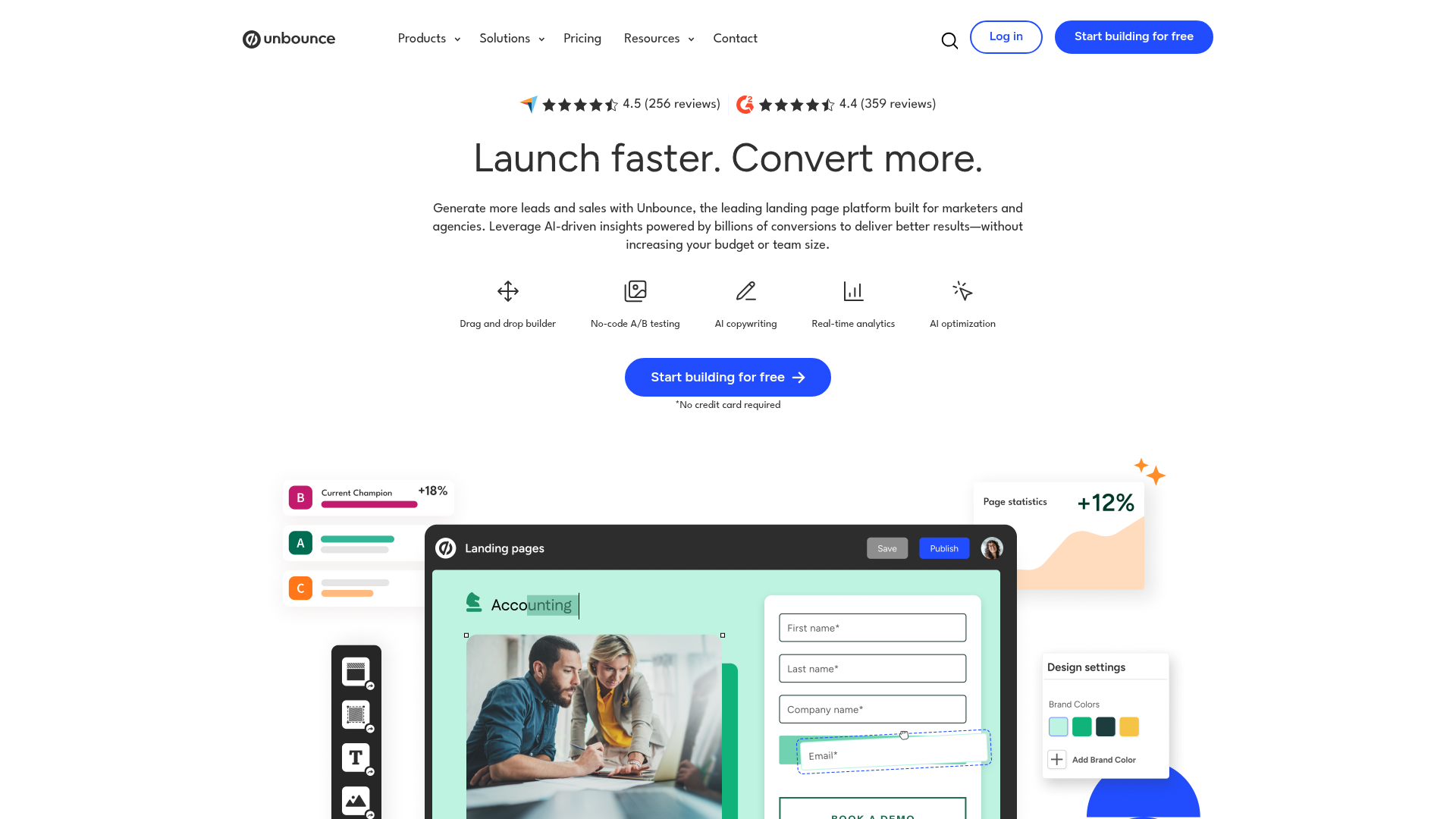
Unbounce is the cleanest illustration of the optimization tax in the category, which is why it ranks first: not because it is the best builder, but because it prices its AI honestly enough that you can do the math. The $99 Build plan already generates pages, hosts them, gives you unlimited conversions and unlimited subdomains, and includes 100-plus templates and Smart Builder copy. Everything a generation-only buyer needs is on the $99 tier.
Smart Traffic, the actual reason to pick Unbounce over a cheaper builder, is locked to the $149 Experiment plan. That is a $50/month, $600/year line item for one feature. The published positioning is that Smart Traffic "integrates billions of data points" to route visitors, and the mechanism is real: it is a contextual bandit, not a coin flip. The question is never whether it works. It is whether $600/year of routing returns more than $600/year of incremental conversions on your specific traffic, which I work out in the math section below.
I will not pretend I ran a paid Unbounce account for a quarter. I did not. What I can tell you from operating real lead pages and from the 30-day bandit-versus-A/B test I published is that routing engines like this one separate from a plain A/B test almost entirely on volume, and most buyers of the $149 tier do not have the volume yet. If your paid traffic comes from the kind of Meta ad spend I costed against AdCreative and Pencil, Unbounce is the right destination for that click. If your traffic is a few hundred conversions a month, you are paying the tax for nothing.
- Transparent tiering: you can see exactly which dollar line Smart Traffic lives on, which almost no competitor lets you do.
- Unlimited conversions and subdomains on every paid plan, so success does not trigger an overage bill.
- Smart Traffic is a genuine visitor-level bandit, not a relabeled A/B test, so at volume it does outperform a fixed split.
- 100-plus templates and Smart Builder mean the generation half is fully covered on the $99 tier.
- The feature you are buying Unbounce for is $50/month above the plan that already does everything else.
- No built-in CRM, so lead routing needs a third-party tool you also pay for.
- Steeper learning curve than Leadpages for a solo operator.
- Below a real traffic threshold, the Experiment tier is wasted spend versus a free A/B test.
Verdict: the right pick if and only if you will feed it volume. At that point it is the most honestly priced optimization engine here. Source: unbounce.com/pricing.
2. Leadpages – best for SMBs who want AI optimization without the traffic-cap tax
Best for: solo operators and small teams who want Smart Traffic-class optimization without enterprise pricing or visitor-metered bills. Standout: every plan includes unlimited traffic, A/B testing, and AI page creation, with Smart Traffic and heatmaps from the Optimize tier. Pricing: Grow $99/mo (promo $49/mo for the first 3 months), Optimize $199/mo (promo $99/mo, where Smart Traffic and heatmaps live), Scale $399/mo; about 20% off annual. Free trial: 7 days.
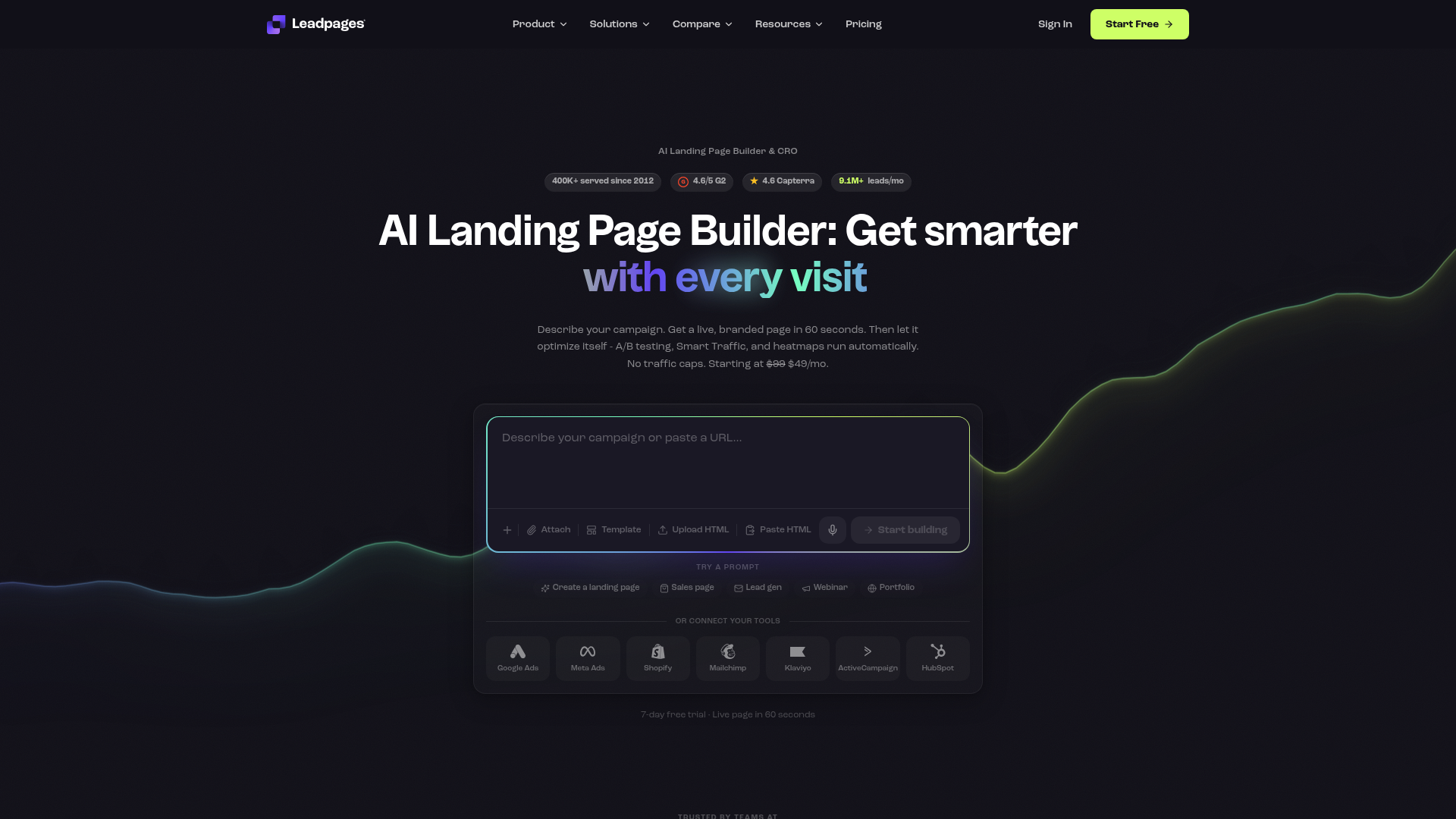
Leadpages is the value pick, and the reason is structural, not promotional. Its own pricing page draws the line for you: "Unlike Unbounce and Instapage, every Leadpages plan includes unlimited traffic and A/B testing." That is the single most important sentence in this category for an SMB, because the competitor model that hurts most is the one that charges you more precisely when your campaign works. Leadpages does not meter the visitor.
The numbers are real and the social proof is checkable: 4.6/5 on Capterra across 302 reviews, 4.3/5 on G2 across 229 reviews, and a claimed 400,000-plus businesses since 2012. The AI optimization features, Smart Traffic and heatmaps, sit on the $199 Optimize plan, currently promoted at $99/month for the first three months. Even at the full $199 it undercuts the practical cost of Unbounce's optimization tier once you factor in that Leadpages does not cap traffic and bundles A/B testing on every plan, including the $49 promo entry.
The honest con: Leadpages' AI generation is competent rather than category-leading, and the editor feels closer to a 2019 page builder than to Framer's 2026 canvas. You are buying it for the economics, not the craft. For a solo operator running the email side of the same funnel, the unmetered model is usually the correct trade.
- Unlimited traffic and A/B testing on every plan, so winning a campaign never raises the bill.
- The $49 promo entry is the cheapest serious on-ramp in the category.
- Real, verifiable ratings: 4.6/5 Capterra (302), 4.3/5 G2 (229).
- Smart Traffic and heatmaps available at roughly half the practical cost of Unbounce's optimization tier.
- AI generation quality trails Framer and Webflow on design polish.
- The best optimization features are still a tier up, on the $199 Optimize plan.
- Promo pricing resets after three months, so budget against the $99 or $199 real rate.
- Templates skew toward classic lead-gen layouts, not modern product pages.
Verdict: the default recommendation for anyone whose traffic does not justify Unbounce's enterprise-shaped tiering yet. The unmetered model is the whole pitch and it is a good one. Source: leadpages.com/pricing.
3. Framer – best for the fastest, cheapest production-ready page
Best for: founders and operators who need a modern, designed, hosted page live today and do not yet need conversion routing. Standout: genuine AI design generation (Wireframer and the AI workshop) on a builder that produces 2026-grade pages, not 2019 template feel, starting at $10/month. Pricing: Basic $10/mo, Pro $30/mo, Scale $100/mo plus usage; additional editors $20 to $40/mo, viewers free. Free trial: a usable free tier.
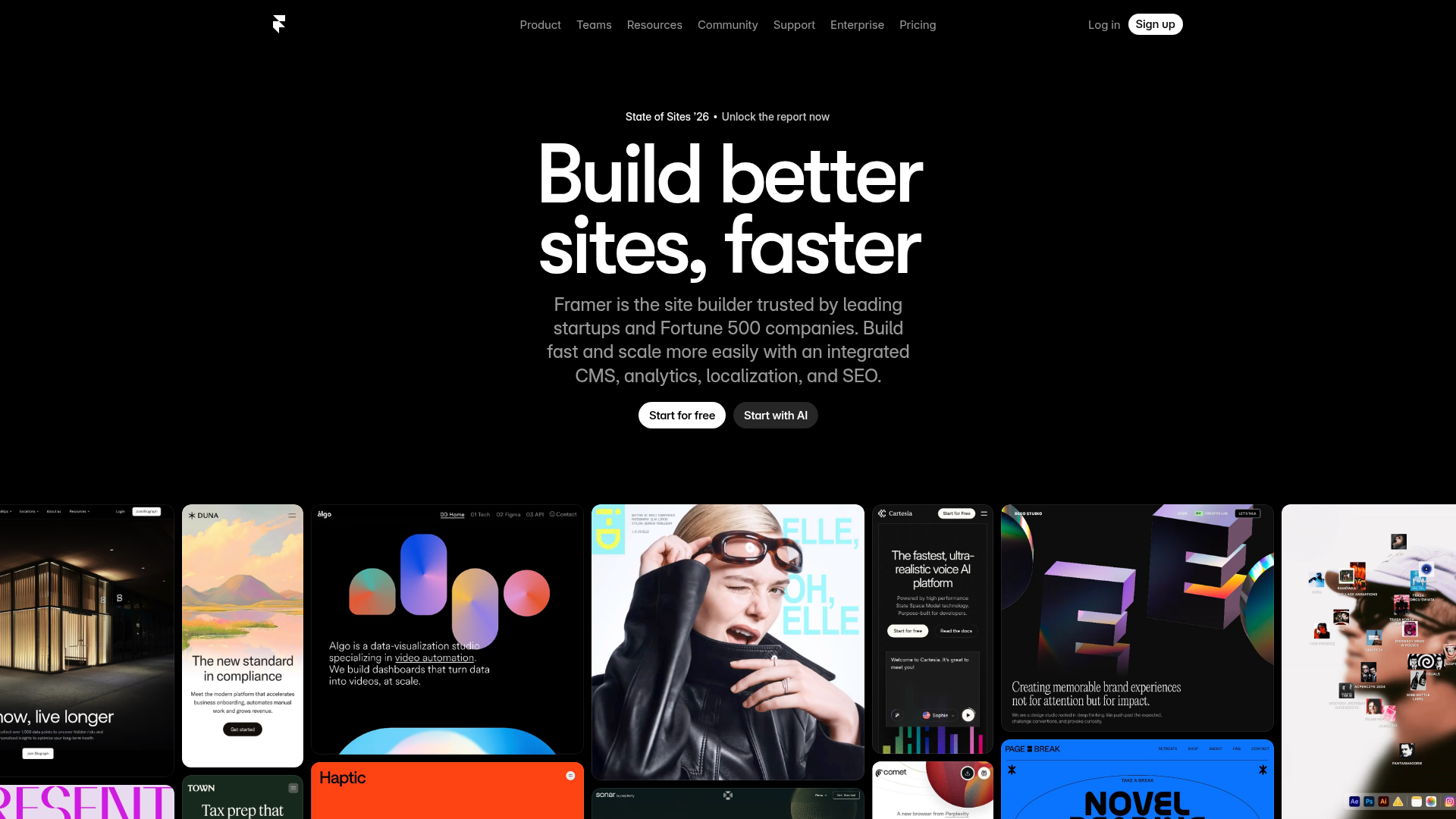
Framer is the proof that the generation half of this category is now a commodity. Ten dollars a month buys AI-powered design tools, a free custom domain, fast hosting, and built-in SEO on the Basic plan. The output does not look AI-generated in the bad way, the generic purple-gradient sameness that operators on X keep flagging in the cheap generators. It looks like a designed page, because Framer's model is a design tool first.
The catch is the one that matters for this article: A/B testing is an add-on on the $30 Pro plan, not a base feature, and there is no Smart Traffic-class routing engine at all. Framer optimizes nothing on its own. It generates beautifully and then hands you a page. That is exactly right for a launch, an MVP, or a campaign where you have not earned the traffic to optimize yet, and exactly wrong as the destination for high-volume paid spend you need to squeeze.
This is the tool I would point a founder to for the first version of any page, the same way the pipeline ships fast lead-magnet pages before there is any traffic worth routing. Generation is solved and cheap. Buy the optimization later, from a different tool, when the volume exists.
- $10/month is the lowest serious entry price in the category for genuinely modern output.
- AI design tools on every tier, including the base plan, so the commodity half is fully covered.
- Free custom domain and fast hosting bundled at the entry price.
- Output quality competes with hand-built design, not with template-mill pages.
- A/B testing is a paid Pro add-on, not a base feature.
- No visitor-level routing or Smart Traffic equivalent at any tier.
- Editor model rewards designers more than direct-response marketers.
- Scale plan adds usage-based cost on top of the $100 base.
Verdict: the best generation tool here and the wrong tool to optimize with. Buy it for speed and craft, pair it with optimization elsewhere when traffic arrives. Source: framer.com/pricing.
4. Webflow – best for design and dev control on an AI-native platform
Best for: teams that need full structural and design control, a real CMS, and AI generation, and have someone who can drive a professional canvas. Standout: an AI-native platform with Webflow AI generation and an AI Assistant layered over a true designer-grade builder and CMS. Pricing: free Starter, then published site plans around $14 Basic, $23 CMS, and $39 Business per month billed yearly, Enterprise quoted, plus separate Workspace seats. Free trial: free Starter tier with Webflow AI included.
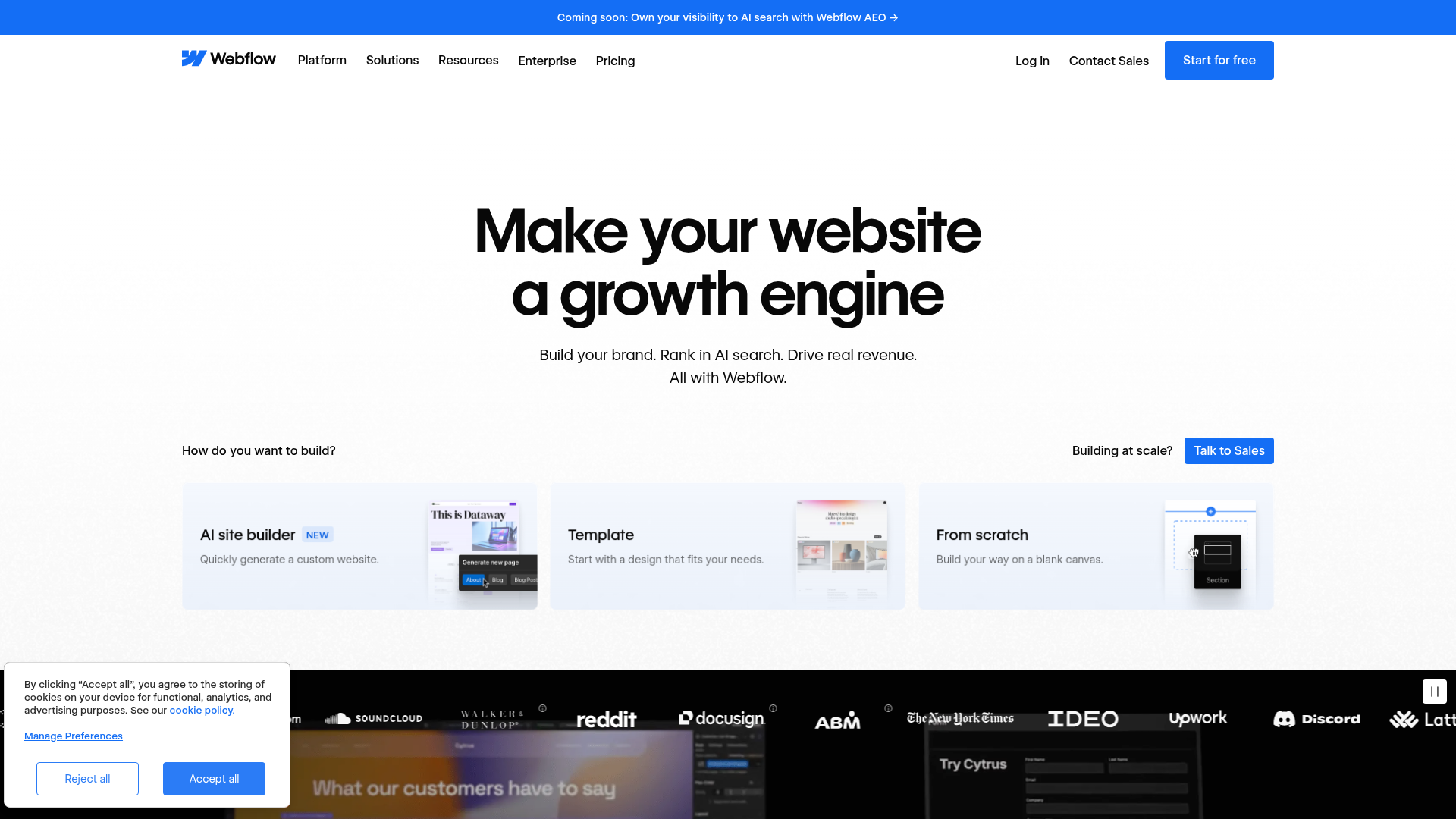
Webflow rebuilt its pricing page around the phrase "AI-native platform," and the generation is real: the free Starter tier includes Webflow AI, and the paid site plans add custom domains and the CMS. For a team that needs a landing page to be structurally part of a larger site with a content model behind it, Webflow is the only tool on this list that treats the page as a first-class part of a real website rather than a standalone funnel asset.
The catch is the cost structure, and it is the one Webflow buyers consistently underprice. Webflow bills on two axes: a site plan for the published site and Workspace seats for the people building it. The headline "$14/month" is the site plan only. Add a Core or Growth Workspace seat per builder and the real monthly cost for a small team moves well past the number on the pricing card. This is not hidden, but it is the single most common Webflow budgeting mistake, and it belongs in the cons.
For pure conversion landing pages fed by paid traffic, Webflow is over-tooled and the two-axis cost is hard to justify versus Leadpages or Unbounce. For a brand that wants its SEO content stack and its landing pages on one structural platform, it is the most defensible choice here.
- Genuine AI generation on a free Starter tier, with no card.
- Designer-grade control and a real CMS that no other tool here matches.
- Site plans start low at roughly $14/month billed yearly.
- AI-native positioning is backed by an actual model-driven builder, not a bolt-on.
- Two-axis pricing: site plan plus per-builder Workspace seats, which buyers routinely under-budget.
- No Smart Traffic-class conversion routing; optimization is manual or third-party.
- Steepest learning curve in the set; not a marketer-drives-it tool.
- Over-tooled and over-priced for single high-volume conversion pages.
Verdict: the right answer when the landing page must live inside a real website with a CMS, and the wrong answer when it is a standalone page fed by ad spend. Source: webflow.com/pricing.
5. Instapage – best for enterprise ad-scale teams with AdMap needs
Best for: enterprise advertising teams running many ad-to-page matches at scale who need AdMap, AI Content, and Experimentation under one roof. Standout: AdMap, which visually maps every ad to its dedicated post-click page, plus AI Content and built-in Experimentation. Pricing: not published; the pricing page routes to a contact wall. Freshness puts the AI-inclusive plan around $99-plus per month as of mid-2026, with an enterprise Convert tier quoted. Free trial: 14 days.
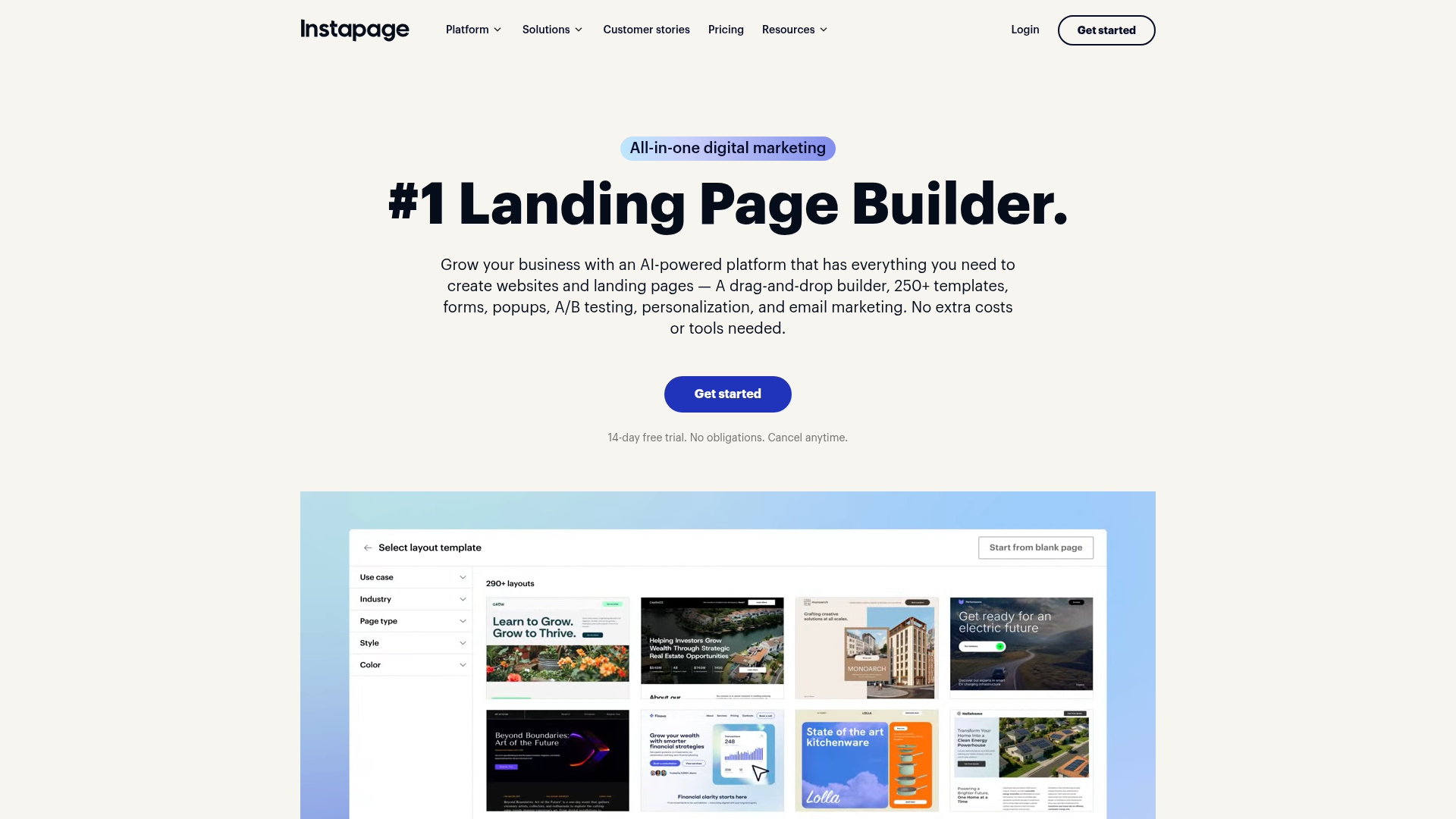
Instapage is the most capable ad-scale platform in this comparison and the one I can least honestly price for you, because Instapage will not publish its own number. Its pricing page is a product menu, AdMap, Personalization, Experimentation, AI Content, that ends at "choose your plan" rather than a dollar figure. Third-party and operator sources put the AI-inclusive plan in the $99-plus per month range as of mid-2026, with the enterprise Convert tier fully quote-based. I am flagging the opacity rather than inventing a precise number I did not see on the page.
The opacity is itself the verdict for most readers. If you are an SMB and a tool will not show you a price without a sales conversation, that tool has told you it is not built for you. Instapage's AdMap genuinely earns its keep for a team running dozens of ad sets each needing message-matched pages, which is a real and valuable job. It does not earn its keep for an operator running three pages who needs to know the bill before a call.
The People Also Ask data backs this read: searchers ask "what is the alternative to Instapage" far more than they ask how to buy it, and the consistent third-party answer is Leadpages for a published price with no traffic cap, or Unbounce for Smart Traffic at a knowable tier.
- AdMap is genuinely best-in-class for matching many ads to dedicated post-click pages.
- AI Content, Personalization, and Experimentation are integrated, not bolted on.
- Built for advertising scale that the cheaper tools cannot structurally handle.
- 14-day trial lets you test before the sales conversation.
- No published price; the pricing page is a contact wall, which is disqualifying for most SMBs.
- Positioned and priced for enterprise, not for operators who need budget clarity first.
- Searchers ask for alternatives more than they ask how to buy it.
- The AI features that matter are bundled into the opaque tier, so you cannot price the optimization tax independently.
Verdict: the correct enterprise ad-scale choice if AdMap solves a real many-ads-to-many-pages problem, and a non-starter for anyone who needs to see the price before a call. Source: instapage.com/pricing.
6. ClickFunnels 2.0 – best when the page is the least important part
Best for: operators buying a full funnel with checkout, email, and automation, where the landing page is one app among many rather than the product. Standout: an end-to-end funnel platform with AI copy and funnel assistance, A/B testing, smart checkout, and built-in automation. Pricing: published plans around $97/month Startup and $297/month Pro, annual billing cheaper. Free trial: 14 days.
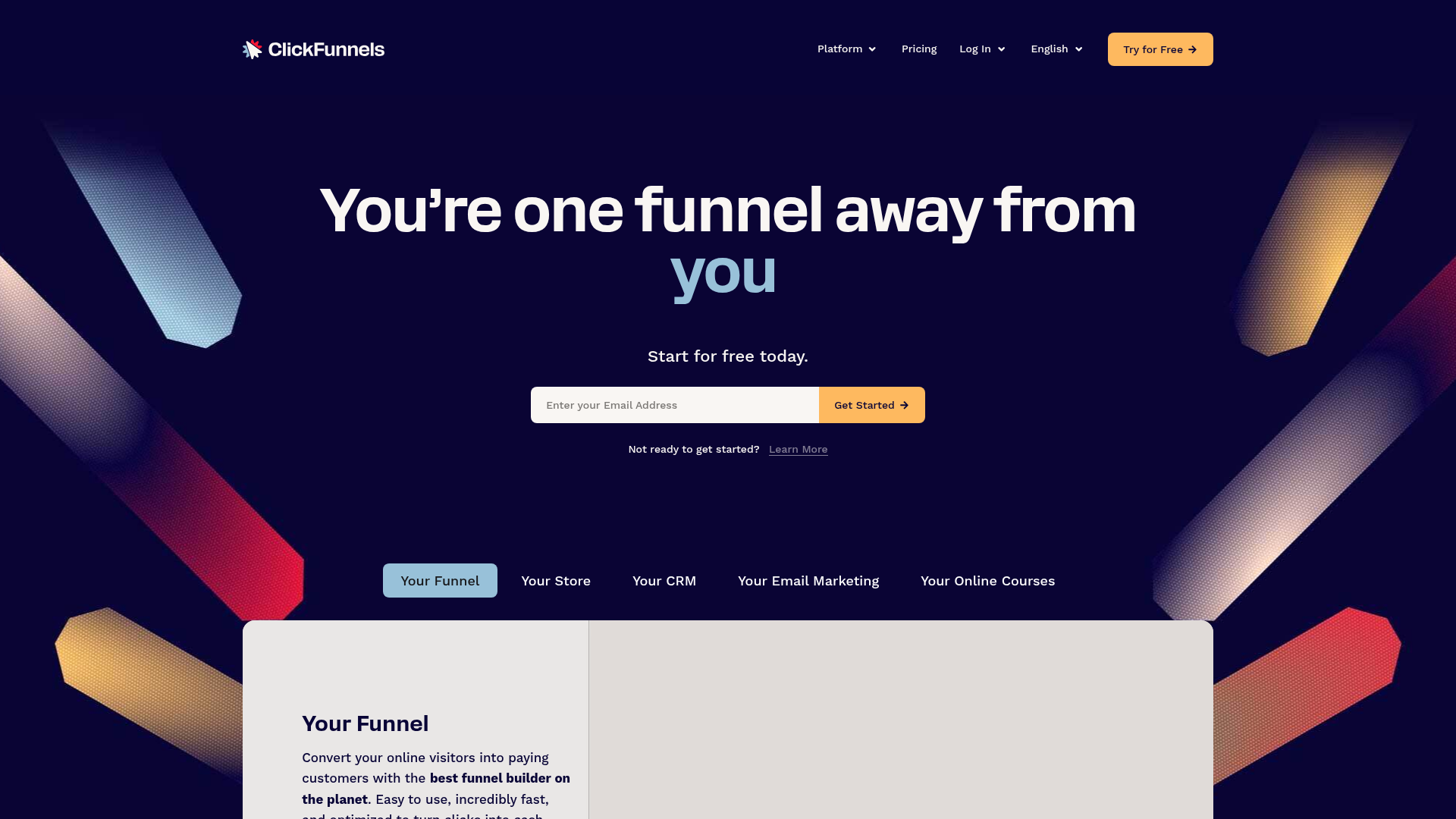
ClickFunnels ranks last here not because it is weak but because it answers a different question. The other five sell you a page or the optimization of a page. ClickFunnels sells you the funnel: the landing page, the smart checkout, the order bumps, the email follow-up, and the automation, with AI copy and funnel assistance layered across all of it. Judged purely as an AI landing page builder, it is the most expensive way to get one. Judged as the thing it actually is, a revenue funnel where the page is one component, the $97 Startup and $297 Pro tiers can be defensible.
The trap is buying ClickFunnels for the landing page alone. If all you need is a high-converting page fed by ads, you are paying funnel-platform pricing for a builder that Leadpages does for $49 and Framer for $10. The decision rule is clean: if you will use the checkout, the email, and the automation, ClickFunnels is a stack consolidation. If you only need the page, every other tool here is cheaper and more focused.
- A genuine end-to-end funnel: page, checkout, email, and automation in one platform.
- AI copy and funnel assistance applied across the whole funnel, not just the page.
- A/B testing and smart checkout built in at the Startup tier.
- Real stack consolidation if you would otherwise pay for four separate tools.
- The most expensive way to acquire only a landing page, by a wide margin.
- You pay for funnel breadth you may never use if the page is all you need.
- Builder craft trails Framer and Webflow on modern design output.
- Pricing power assumes you adopt the whole platform, not one app.
Verdict: a strong buy as a funnel platform and a poor one as a landing page tool. Match the purchase to the job. Source: clickfunnels.com/pricing.
The ones to avoid, and the rigged SERP
The reason this category is hard to research is that the search result for "best AI landing page builder" is structurally compromised, and you should know exactly how before you trust any roundup, including the ones ranking above this one.
Start with the thin generators. The pages ranking on the head term, landing-page.io, landingsite.ai, uxpilot.ai, involve.me, ailandingpage.ai, are not conversion tools. They are prompt-to-page generators selling the commodity half of this category as if it were the whole thing. They produce a page. They do not route traffic, do not run real experiments, and several gate publishing behind a payment wall after you have done the work. They rank because they target the keyword in their own product title, not because an operator would choose them over Framer at $10 with a real domain included.
Then the rigged listicle, which is the one to actually be angry about. The result that ranks for this exact query, manus.im's "7 Best AI Landing Page Generators in 2026 (Tested & Compared)," ranks Manus itself at number one with a score of 9 out of 10 and a "Free" price tag, in Manus's own roundup, on Manus's own domain. A vendor scored its own product first in the listicle it published to rank for buyers comparing vendors. The piece is well-produced, which is what makes it effective and what makes it disqualifying as a buying guide. When a roundup's top pick is the roundup's author, the ranking is advertising.
Finally, the generic listicle dressed as AI. EmailTooltester's "Best Landing Page Builder Top 13 Tools" ranks on the AI query while being a general landing-page-builder list with no AI-generation-versus-optimization frame and no price-to-outcome math. It is not dishonest, it is just answering a different, older question and catching this query by title.
The pattern across all three failure modes is the same: nobody ranking here separates the commodity from the premium, and the highest-ranked "test" is a vendor testing itself. That is the entire reason an operator pricing the optimization tax independently has something to add.
The optimization-tax math: when Smart Traffic actually pays back
Here is the part no affiliate listicle will print, because it tells some readers not to buy the expensive tier.
Smart Traffic, and Instapage's equivalent, is a contextual multi-armed bandit. Instead of splitting traffic 50/50 and waiting for statistical significance, it routes each visitor toward the variant most likely to convert for that visitor's attributes, and it shifts allocation continuously as evidence accumulates. The mechanism is sound and the operator commentary is consistent: it beats a fixed A/B split mostly on higher-traffic pages, because the advantage of a bandit comes from not wasting traffic on losing variants, and that advantage only compounds when there is enough traffic to waste.
That last clause is the whole decision. A bandit's edge over A/B testing scales with volume and with the number of variants. At low volume, both a bandit and an A/B test are starved of data, the bandit's routing is noise, and you have paid $600/year for an algorithm that cannot distinguish variants any faster than a free split can. The premium tier is not wrong at high volume. It is wrong at the volume most of its buyers actually have.
Work your own number this way. Take your monthly conversions on the page, not visits, conversions. Take the lift you realistically expect from optimization, which for most mature pages is in the single-digit-percent range, not the doubling the case studies imply. Multiply your monthly conversions by that lift to get incremental conversions per month, multiply by your value per conversion, and compare twelve months of that against the optimization tier's annual price, $600 for Unbounce Experiment over Build, more for Instapage. If a realistic lift on your real conversion count does not clear the annual premium net of the free A/B test you could run instead, the tier is a tax. For a lot of pages doing a few hundred conversions a month at modest value, it does not clear, and the honest recommendation is to stay on the builder tier and run the free split.
I am not theorizing this. When I ran a 30-day contextual bandit against a controlled A/B test on real landing pages, the separation between the two methods was almost entirely a function of volume and variant count, and the attribution was murkier than any vendor case study admits. That experiment is the reason I price this tier as a threshold decision rather than a default yes. The AI works. Whether it works harder than its own price line is a number you have to compute, and the tools are built so that you compute it after you have already paid.
FAQ
Is Unbounce better than Instapage?
For most operators, yes, and the reason is pricing transparency, not features. Unbounce publishes its tiers and locks Smart Traffic at a knowable $149/month, so you can compute whether the optimization tax clears before you buy. Instapage hides its number behind a contact wall and is engineered for enterprise ad-scale with AdMap, which is a real strength for large advertising teams and a disqualifier for anyone who needs the price before a sales call.
Is Unbounce worth the money?
The $99 Build plan is worth it as a builder with unlimited conversions and hosting. The $149 Experiment plan is only worth it once your monthly conversion count is high enough for Smart Traffic to beat a free A/B test, which is a computable threshold most buyers never check. Below that volume you are paying $600 a year for routing that statistically cannot outperform the split you could run for free.
How much does Unbounce cost per month?
Unbounce costs $29 for Starter, $99 for Build, $149 for Experiment, and $249 for Optimize, with Concierge and Agency plans quoted on request. Smart Traffic, the AI routing engine that is the main reason to choose Unbounce, lives on the $149 Experiment plan. Annual billing is roughly 25% cheaper across the board.
Who are the competitors of Unbounce?
Leadpages for SMBs who want unlimited traffic and bundled A/B testing without per-visitor pricing, Instapage for enterprise teams that need ad-to-page mapping at scale, Webflow and Framer for design and structural control, and ClickFunnels for buyers who want the whole funnel rather than a single page. The right substitute depends on whether your constraint is price, scale, design, or funnel breadth.
What is the alternative to Instapage?
Leadpages if you want a published price and no traffic cap, Unbounce if you want Smart Traffic at a tier you can see before buying, and Webflow if you need full design control on an AI-native platform. The most common reason searchers look for an Instapage alternative is its hidden pricing, so the alternative that fixes that specific complaint is any tool that prints its number.
What are the downsides of Framer?
Framer's A/B testing is a paid add-on on the $30 Pro plan rather than a base feature, and it offers no visitor-level routing engine at any tier, so it generates pages beautifully but optimizes nothing on its own. It is also a design-led tool, which rewards operators who think visually more than direct-response marketers who want a conversion engine out of the box.
What is the best landing page creator?
There is no single best one, and any roundup that names one without asking your traffic volume is selling something. For value with no traffic cap it is Leadpages, for the cheapest modern output it is Framer, for paid-traffic optimization at volume it is Unbounce, and for enterprise ad-scale it is Instapage. The deciding variable is your monthly conversion count and whether it justifies the optimization tier.
Why use Unbounce?
Because once you have the traffic volume to feed it, Smart Traffic routes each visitor to the variant most likely to convert for their attributes in real time, instead of making you wait out a fixed 50/50 A/B test and lose conversions to the losing variant while you wait. The value is real and volume-dependent, which is exactly why it sits on a higher tier than the plan that merely builds the page.
Which should you choose
There is no universal winner here, only a correct match between your traffic and the tier you are paying for, so route yourself.
If you are a solo operator or SMB doing modest conversion volume, start with Leadpages on the $49 promo or Framer at $10. Both fully cover the commodity generation half, and at your volume the optimization tier you would pay extra for cannot statistically beat a free A/B test yet. Buy generation now, buy optimization when the numbers say so.
If you run real paid traffic at volume and the page is the destination for that spend, Unbounce's $149 Experiment plan is the most honestly priced optimization engine in the category. Compute the break-even first, then buy it knowing the math clears.
If you are an enterprise advertising team running many ad-to-page matches, Instapage's AdMap solves a problem the cheaper tools structurally cannot, and the quote-based pricing is a signal you are the intended buyer rather than a warning.
If the landing page must live inside a real website with a CMS and design control matters more than conversion routing, Webflow is the defensible choice, as long as you budget the Workspace seats and not just the site plan.
And if you are buying the funnel, checkout, email, and automation, not just the page, ClickFunnels consolidates a stack that would otherwise be four tools.
If you want the one-page version of this decision, plus the break-even worksheet and the rest of the AI-spend audit I run on the pipeline itself, the AI Business Workflow Audit Checklist walks the same cost-per-outcome math across every recurring AI tool in a stack, and the newsletter sends the updated pricing teardown each time these tools change a tier.
May 19, 2026
More from Growth

9 Best AI Call Tracking Tools in 2026 (and the 4 Priced Out by CallRail's Free Conversation Intelligence)
CallRail just bundled Conversation Intelligence into every plan free. I priced 9 AI call tracking tools against the new math, and 4 are now overpriced.
May 20, 2026
9 Best AI Heatmap Tools in 2026 (and Why Clarity Wins Free)
Microsoft Clarity is free and AI-first. Hotjar is now Contentsquare. I priced 9 AI heatmap and session-recording tools, and 3 are now obsolete.
May 20, 2026
9 Best AI Heatmap Tools in 2026 (and Why Clarity Wins Free)
Microsoft Clarity is free and AI-first. Hotjar is now Contentsquare. I priced 9 AI heatmap and session-recording tools, and 3 are now obsolete.
May 20, 2026