9 Best AI Meeting Note Takers in 2026 (and the Per-Seat Trap)
I priced 9 AI meeting note takers on what a 10-seat team actually pays past the free-tier cliff, plus the consent-law trap that makes the bot a liability.


Every "best AI note taker" list ranks on transcription accuracy. I ranked nine on the two numbers that actually hit a P&L: what a 10-seat team pays the month after the free tier runs out, and the legal exposure of a bot that joins calls uninvited. Fathom's free plan has no time cap; Fellow's "free" is 5 notes per user for life; Otter caps a free call at 30 minutes. Those three facts decide more buying than any word-error-rate benchmark.
Based on pricing-and-liability testing, Fathom, Granola, and Fellow are the best AI meeting note takers as of May 2026, for three different buyers. Fathom wins on a free plan that does not expire. Granola wins on bot-free capture that keeps the call human. Fellow wins on a data-governance posture that survives a privileged call.
The per-seat spread at 10 seats runs from $0 a month (Fathom, free plan intact) to $290 a month (Otter Business). That is a $3,480 annual swing between two tools that produce roughly the same summary. The accuracy charts every other list ranks on hide that number, because at the level of a 30-minute sales call, Fathom, Otter, Granola, and Fireflies all transcribe within a few points of each other and all of them slip on strong accents. Accuracy is a tie. Price and liability are not.
There is one decision under all of this, and it is not "which is most accurate." It is bot-in-the-call versus bot-free capture. That single fork decides your legal blast radius, which tools you can even run on a privileged call, and whether the other side sees a stranger sitting in the meeting. In October 2025 Shopify's CEO Tobi Lutke said publicly that meetings should be between the people in them, not "you, me, and some startup's viral growth strategy." By May 2026 that was no longer a hot take. It was the buying criterion.
What is an AI meeting note taker?
An AI meeting note taker is software that joins or listens to a call, transcribes the audio, and writes a structured summary with action items you can search later. That is the whole category in one sentence. Everything past that is capture mode, pricing, and who owns the recording.
The split that decides everything is how the tool gets the audio. Bot-join tools (Fireflies, Otter, Read.ai, the Zoom and Teams native assistants) send a visible participant into the call. Bot-free tools (Granola, Jamie, Fathom in its desktop mode) capture audio from your device with nothing showing up in the participant list. That distinction looks cosmetic. It is the entire legal story, and I will come back to it before the rankings, because it eliminates half the SERP's top picks for any call that carries privilege or PII.
How I ranked them: cost-at-scale, not accuracy
I evaluated 12 tools and carded 9. The ranking is built on four axes, in priority order: real per-seat cost at 1, 10, and 25 seats; the exact point where the free tier stops being usable; the data-governance posture (does it train on your audio, where do the servers sit, how long is the recording kept); and the cons real buyers report on G2, not the ones the vendor lists.
Accuracy is deliberately not the primary axis, and that is the contrarian part. Vendors quote transcription word-error-rate because it is the number they can win. Summary fidelity, which is what you actually consume, is a different and worse number, and every major tool degrades the same way the moment a call has accents or cross-talk. A Fathom user on G2 working with Irish and Scottish clients reports it "occasionally struggles to transcribe these accurately compared to standard American or English accents," and that if people talk over each other "the system sometimes misses a speaker." You will find the same complaint, almost verbatim, on Otter, Granola, and Fireflies. When every tool fails the same way, the failure is not a differentiator. Price is.
The 12-to-9 cut was on purpose, and the three that did not get a card explain the axes. Krisp was cut as a primary note taker because it is a noise-cancellation product with notes bolted on, not the reverse, so it competes in a different category even though it shows up in these lists. MeetGeek was cut because its free tier (3 hours, then a hard stop) and its position behind stronger tools at the same roughly $10 price made it a worse version of choices already on the list. Equal Time was cut because its differentiator, speaking-time equity analytics, is a real but narrow use that does not generalize to the buyer this article is for. None of those are bad tools. They are answers to questions most operators are not asking, and a 9-card list that earns the read is better than a 12-card list that pads it.
A note on honesty, because this matters in a category full of vendor-written reviews. I run an autonomous publishing system and client-call workflows against a real recurring cost base, so the economics here are anchored, not invented. Where I have not personally run a tool across a 10-seat rollout, I give you the decision rule and the cited pricing and G2 data rather than a fabricated 30-day test. The thing nobody else publishes is not another accuracy table. It is the per-seat math after the free tier breaks, and the consent-law rule that decides which tools you are allowed to use at all. That framing connects directly to how I think about cost per booked meeting on the sales side: the recorder is a line item, and most teams never cost it past seat one.
The 2026 consent problem: why the bot is the liability
Here is the part the accuracy lists skip entirely, and it is the most expensive thing in this article.
There is no formal, country-wide ban on AI note-taking bots. There is, in 2026, real and rising resistance, and it is coming from exactly the people who control whether your tool gets to stay in the stack. Shopify's Tobi Lutke refused them publicly. A wave of legal and executive pushback through early 2026, referenced alongside a May 2026 New York Times piece, centers on one fear: an AI transcript is discoverable. It can be subpoenaed. It can break attorney-client privilege. In a board or M&A context it is, in the phrase that is now circulating, a legal time bomb in the room.
The mechanism is simple. In two-party-consent states, every person on a call must consent to being recorded. California, Florida, Illinois, Pennsylvania, Washington, and roughly nine others sit in this bucket. A note-taking bot that silently joins a call with a participant in one of those states is not a productivity feature. It is a recording made without consent, stored on a third-party server, that you cannot delete from the other side's systems.
It helps to be concrete about what "discoverable" means in practice, because the abstract version gets waved away. If a dispute reaches litigation, the verbatim transcript and summary of a call are an artifact a court can compel. That is materially different from someone's recollection of a meeting. A summary that says a deadline was "agreed" or a defect was "known" is now a document with a timestamp, attributed to named speakers, sitting on a third-party server you do not control and cannot purge from the other side. The tool did not create the risk, the conversation did, but the tool converted an ephemeral conversation into a retained, attributed, exportable record, and it did that by default while everyone was focused on whether the summary was accurate.
This produces a hard decision rule, and it is the spine of the rest of this piece. If a call carries legal privilege, M&A or financing detail, healthcare or financial PII, or anything you would not want read aloud in a deposition, then bot-free capture plus a vendor that contractually does not train on your audio is not a preference. It is the floor. That single rule eliminates the silent-auto-join behavior that Fireflies and Otter ship by default, and it is why Fellow and Jamie, which most accuracy lists rank in the middle, move up.
The cheaper version of the same rule, for non-privileged calls: turn off auto-join, announce the recording, and pick a tool that lets you delete the audio after the summary is generated. Most teams do none of these three things, which is the actual reason this is a liability and not a footnote.
There is an operational version of this that takes about ten minutes and removes most of the exposure. Open your note taker's settings and disable automatic calendar-based join, so the bot only records when you explicitly start it. Set a default that announces recording to all participants. Where the tool supports it, enable audio deletion on summary completion so the only artifact retained is the text you actually use. Then write one line into your client and vendor onboarding that says recordings happen and how to opt out. None of that is legal advice, and a regulated firm should still ask its counsel, but the point is that the liability is mostly a default-settings problem, and the default is set to "convert the user," not "protect the buyer."
What changed in 2026, and what it does to the buying decision
Three shifts in the last twelve months changed which tool is the right answer, and none of them are accuracy.
The first is the consent backlash moving from forums to the C-suite. A year ago, refusing a note-taking bot was a power move by a security-minded engineer. By May 2026 it is a stated position from public-company CEOs and a recurring theme in legal coverage, which means the question on the other side of your call is no longer "what tool is that," it is "why is there a recorder in here." That reprices the visible bot. A tool whose default behavior embarrasses you in front of a prospect now has a revenue cost, not just a privacy cost, and that is why bot-free capture moved from a nice-to-have to a ranking axis.
The second is native encroachment. Zoom AI Companion and Microsoft 365 Copilot in Teams both ship competent in-platform note taking now, bundled into licenses a large share of teams already hold. That collapses the floor of the market. For a Zoom-or-Teams-centric internal team, the honest 2026 question is no longer "which note taker do I buy," it is "what does a dedicated tool do that the one I already pay for does not." For a lot of buyers the honest answer is "not enough to justify $19 a seat," and any list that does not say so is selling you something.
The third is pricing creep dressed as tiering. The pattern across Fireflies, Otter, and others is that the genuinely useful features keep migrating up a tier. The headline price stays palatable; the price you actually pay drifts toward Business as you adopt the features that made you buy. A G2 reviewer's complaint that "advanced features are restricted to higher pricing tiers, which can become costly over time" is not a one-off gripe, it is the category's revenue model. The defense is the per-seat math above: cost the tier you will actually land on, not the one you sign up on. This is the same metered-pricing trap that shows up across the AI stack, and the Notion credit-cliff decision is the same shape of problem in a different product.
The net effect of all three: in 2026 the right note taker is cheaper, quieter, and tighter on data than the one the SERP ranks first, and the gap between those two things is now large enough to be a budget and a reputation decision rather than a preference.
The comparison table
Read this before the cards. The "price /seat at 10" column is the number every other list omits, and it is the one you will actually pay.
The pattern jumps out once it is in a grid. The tools that win the accuracy listicles (Otter, Fireflies) are the most expensive at 10 seats and the loosest on data training. The tools those lists bury (Fathom, Granola, Fellow) are cheaper and tighter on governance. That inversion is the whole point.
The per-seat math nobody publishes
This is the section the title promises and every other list skips. The headline price is per user per month. The number that hits your P&L is that figure times seats times twelve, after the free tier stops being usable. Run it at three real team sizes.
At 1 seat, the honest answer is that you should pay almost nothing. Fathom is $0 on a plan that does not expire. tl;dv keeps unlimited transcription free. Zoom AI Companion is $0 marginal if you already pay for Zoom. Anyone paying $16.99 to $20 a month for a solo note taker in 2026 is paying for a feature gap that, for most solo operators, does not exist. The solo decision is not "which paid tool," it is "why are you paying at all."
At 10 seats, the spread becomes a real budget line. Fellow Team is $11 per seat, which is $1,320 a year. Granola Business is $14, or $1,680 a year. Fathom Team is $19, or $2,280 a year. Fireflies Pro is $18, or $2,160, and Business is $29, or $3,480. Otter Pro is roughly $2,039 a year and Otter Business is $3,600. The gap between the cheapest governed option (Fellow at $1,320) and the brand-name default (Otter Business at $3,600) is $2,280 a year for two products that write a near-identical summary. That delta is a junior contractor's monthly invoice, spent on a logo.
At 25 seats, the same arithmetic compounds into a hiring decision. Otter Business at 25 seats is $9,000 a year. Fathom Team is $5,700. Fellow Team is $3,300. The difference between Otter Business and Fellow Team at 25 seats is $5,700 a year, which is most of an offshore part-time salary, or about thirty-five months of the entire infrastructure spend behind a daily AI publishing system. The note taker is rarely the right place to spend that.
Three rules fall out of the math. First, never pay at 1 seat unless you can name the specific paid feature you use weekly. Second, at 10-plus seats the free-versus-paid question is settled, so the only question is which paid tier, and the answer skews to Fathom or Fellow on cost. Third, the brand premium on Otter and the tier-creep on Fireflies are real money at scale, and "everyone uses it" is not a line item. The same discipline applies to any per-seat AI tool: model the bill at the seat count you will actually reach, not the one on the pricing page screenshot.
The 9, ranked
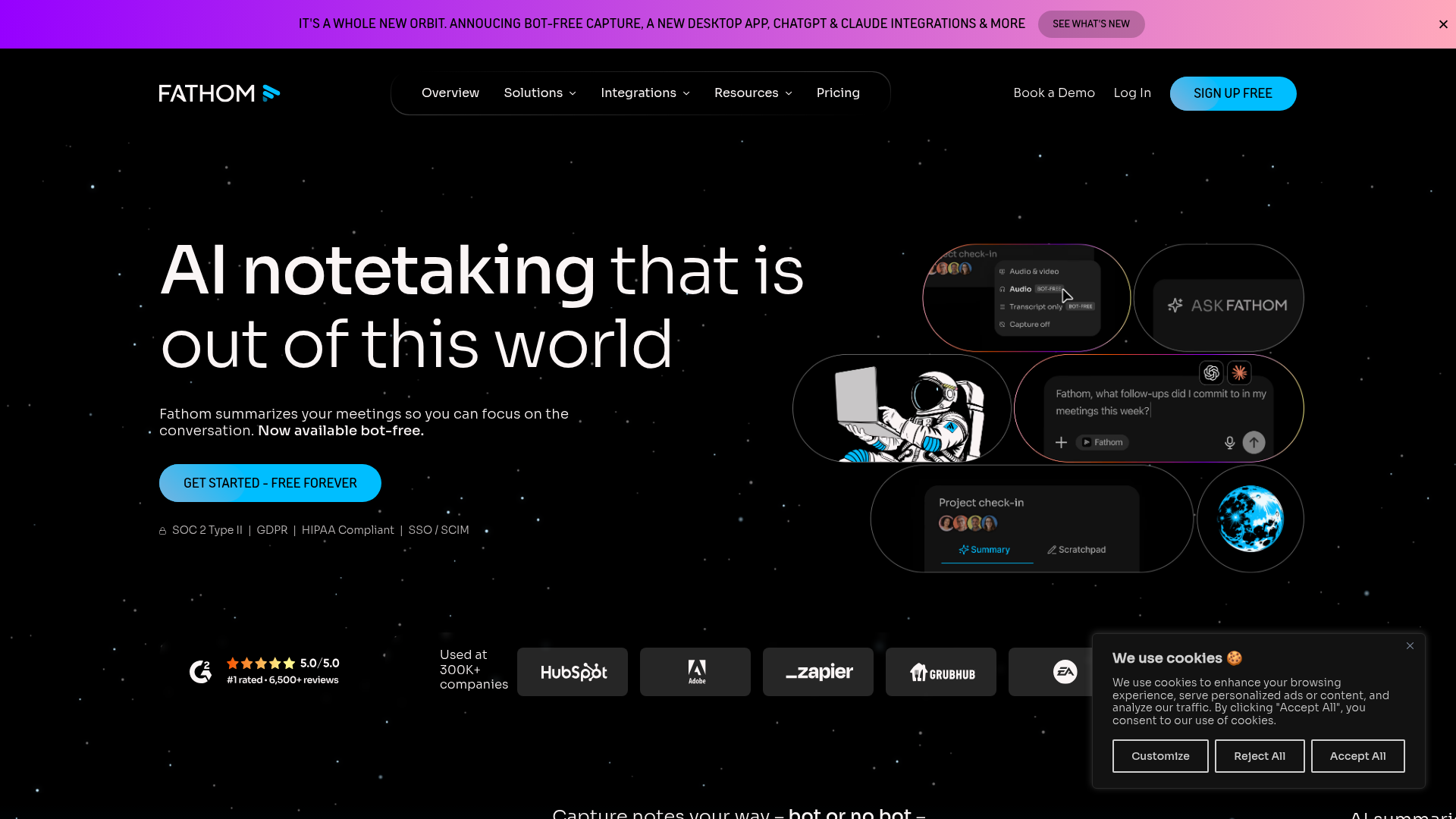
1. Fathom – best for a free plan that does not expire
Best for: Solo operators and small teams who run client calls and refuse to pay per seat until they have to. Standout: A genuinely uncapped free plan, plus an MCP server that pipes transcripts into ChatGPT and Claude. Pricing: Free ($0, unlimited recordings, no time cap); Premium $20/user/mo; Team $19/user/mo; Business $34/user/mo. Free-tier cliff: There effectively is not one for an individual. The free plan has unlimited transcription and no per-call time limit, which is the single rarest property in this entire category.
Fathom is the only tool here whose free plan is a product rather than a trial. Most "free" plans in this space are a 30-minute leash designed to convert you by Thursday. Fathom's is not, and that fact alone reorders the whole ranking.
The reason it is not pure charity: Fathom's economics push you toward Team and Business through AI Scorecards, the feature that auto-scores rep calls against a rubric so a sales manager can coach without sitting through 40 recordings. A lifecycle manager on G2 describes it turning client calls into "structured, actionable summaries" across multiple campaigns without missing next steps. That is the upgrade path, and it is an honest one: the free tier is real, and the paid tier sells a manager workflow, not a paywall on your own notes.
The cons are real. The same G2 base reports it struggles with thick accents and cross-talk, that the desktop app can lag, and that meeting-start notifications sometimes miss. None of that is disqualifying for a US-centric operator. All of it matters if your calls are with Glasgow or Lagos.
- The only free plan here with no time cap and no card, which makes it the default for anyone testing the category.
- MCP server pipes transcripts straight into Claude or ChatGPT, no copy-paste.
- AI Scorecards make the paid upgrade a coaching tool, not a ransom on your notes.
- At $19/user/mo Team, it undercuts Otter and Avoma at 10 seats by $30 to $50 a month each.
- Accents and overlapping speech degrade the transcript, per repeated G2 reports.
- Desktop app can feel sluggish, and start-of-meeting notifications are unreliable.
- It is a bot-or-bot-free tool, so the governance default still depends on you configuring it.
Verdict: if you are choosing one tool to start with and do not yet know your seat count, start here. The free plan means the decision costs nothing, and the paid math stays competitive when you grow into it. Rated roughly 4.8/5 across a large G2 base.
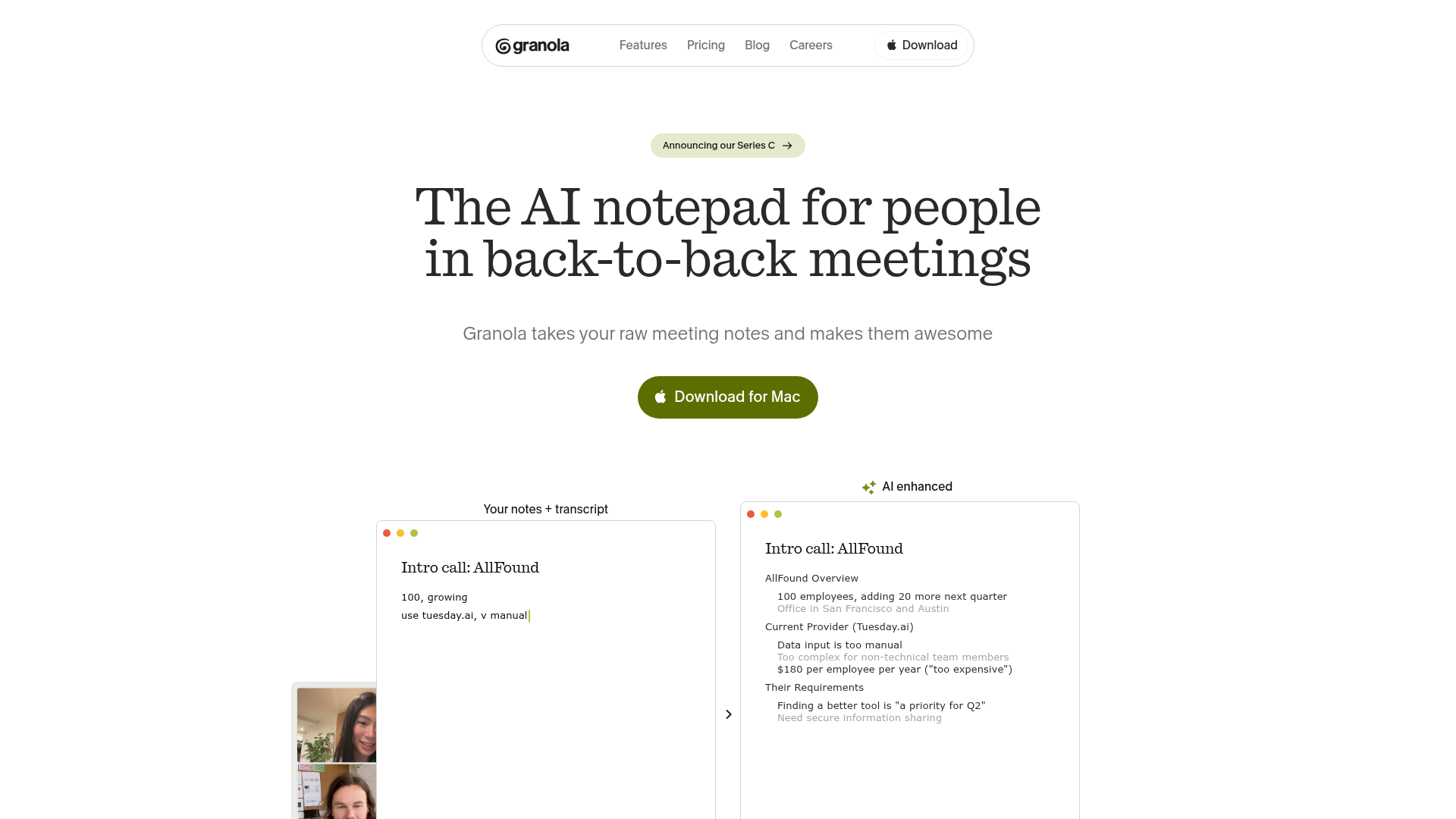
2. Granola – best for bot-free notes that keep the call human
Best for: Operators in back-to-back calls who take rough notes themselves and want AI to finish them, with no bot announcing itself. Standout: It pairs your typed notes with its own transcript and enhances them into a structured summary, all without joining the call. Pricing: Free ($0, but meeting history locks after 30 days); Business $14/user/mo; Enterprise $35/user/mo. Free-tier cliff: The day a note turns 31 days old. The free plan lets you take notes, but you cannot read anything older than 30 days, which makes it unusable as a system of record the moment you need to look back.
Granola is the bot-free tool everyone is talking about for a reason. It captures your computer's audio directly, so there is no participant called "Granola Notetaker" sitting in the call making the other side wonder who is recording them. A G2 user puts it well: running in the background without joining as a bot "means I can actually be present in conversations. No awkward 'there's a bot in this call' energy."
That bot-free property is also why it ranks second instead of first on governance: it solves the social problem of the visible bot, which is exactly the problem Lutke and the 2026 legal pushback are reacting to.
The cons are specific and Granola admits one of them itself. Speaker identification is weak. Granola's own feature-requests page states the real-time transcription models it uses on macOS and Windows are not yet capable of reliable on-device speaker separation. It also does not carry speaker memory across calls, so you re-label the same people every meeting. And there is no full raw transcript to fall back on if the summary misses something, a documented G2 complaint on longer meetings.
- Bot-free capture removes the single biggest 2026 liability and the awkward-stranger problem in one move.
- Summaries surface decisions and action items rather than dumping raw text, per consistent G2 feedback.
- Cross-device capture between Mac and iPhone is genuinely useful for on-the-go catch-ups.
- At $14/user/mo it is the cheapest paid tier of any serious tool on this list.
- Speaker identification is weak by the vendor's own admission, and there is no cross-call speaker memory.
- No full transcript fallback, so a missed line in a long call is just gone.
- The free tier's 30-day history lock makes it useless as a record without paying.
Verdict: if your calls are mostly two-person and you value being present over a perfect speaker-labeled transcript, Granola at $14 is the best-value paid tool here. If you need defensible who-said-what records, it is the wrong tool.
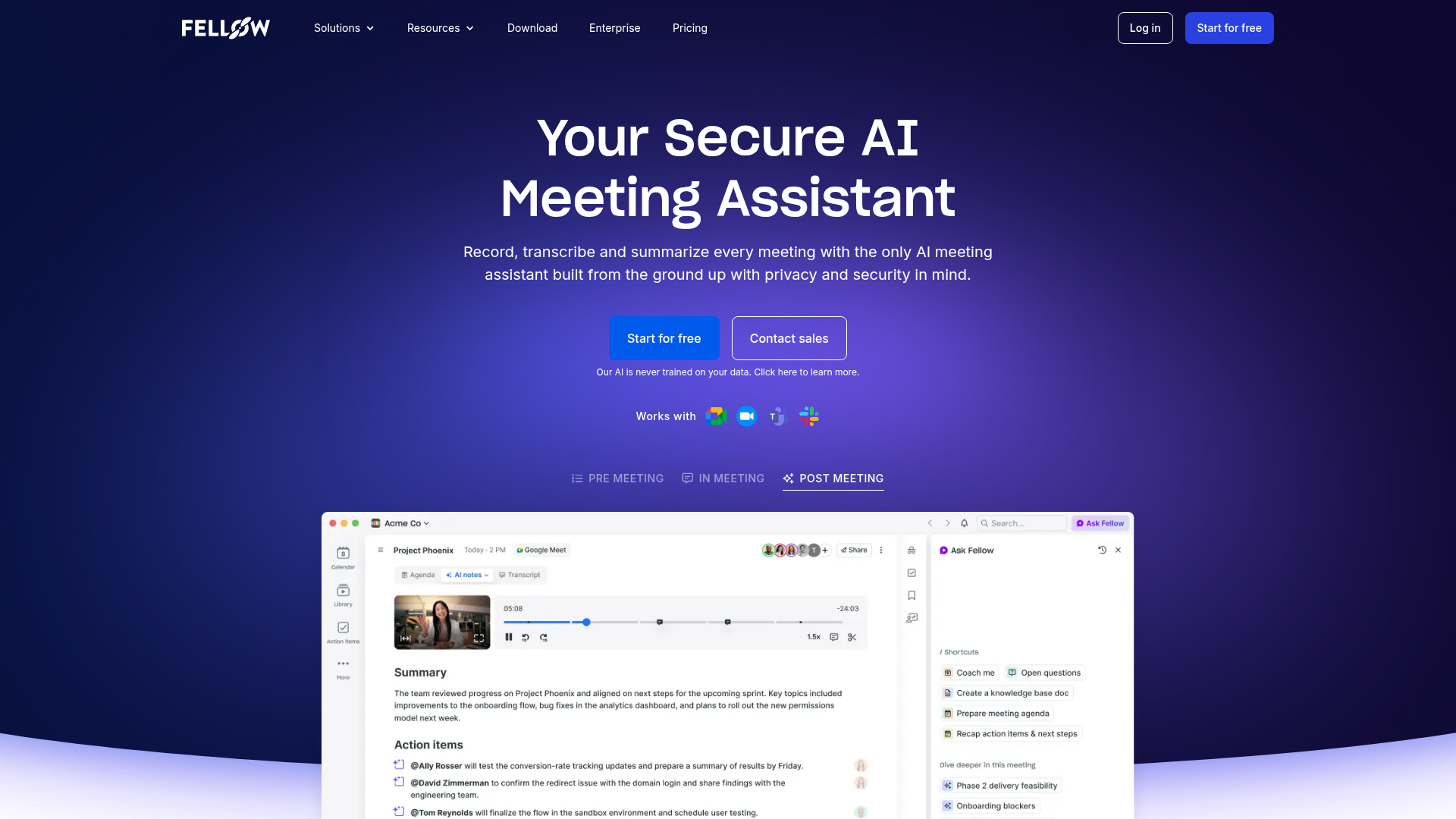
3. Fellow – best for data governance and privileged calls
Best for: Teams whose calls carry privilege, PII, or compliance weight and who need per-recording permissions plus a contractual no-training guarantee. Standout: Granular per-meeting access control, a centralized admin library for audit, and a stated policy that it never trains AI models on your data. Pricing: Free ($0, but 5 AI notes per user, lifetime, not monthly); Team $11/user/mo; Business $23/user/mo; Enterprise starts at a 10-user minimum. Free-tier cliff: Your fifth note, forever. Fellow's pricing page states the free plan includes "5 AI notes (lifetime) / user." This is the most aggressive cliff on the list, and naming it is the point: do not architect anything on Fellow's free tier.
Fellow is the tool the accuracy lists rank in the middle and the governance rule moves up. It records across Zoom, Meet, Teams, and Slack huddles, it has a botless mode, and crucially it does not train on your data, the same contractual posture Jamie takes. For a call that could end up in discovery, that single property outweighs a two-point accuracy edge from a tool that does train on your audio by default.
The admin library is the real product. Every recording and transcript lives in one place with permissioned access, which is what a compliance team needs when the question is "who saw this." AskFellow then answers across only the meetings you are allowed to see and drafts follow-ups and CRM updates from them.
The cons are honest. Setup is heavier than the simplest tools, and reviewers say the interface takes about a week to get comfortable with. The free tier is functionally a demo. And the Enterprise tier's 10-user minimum, stated on the pricing page, means a 4-person firm that needs the enterprise security controls has to wait until it grows into the seat floor, an irritating gate for exactly the small high-stakes team that needs governance most.
- Contractual no-training-on-your-data stance, which is the deciding factor for privileged calls.
- Per-recording permissions plus a centralized, auditable library, built for compliance review.
- Team tier at $11/user/mo is the cheapest governed option, well under Otter and Fireflies.
- Botless mode available, so you can run it without the visible-bot liability.
- Free tier is 5 notes per user for life, which is a demo, not a plan.
- Heavier setup and a roughly one-week learning curve versus instant-on tools.
- Enterprise security gated behind a 10-user minimum, which penalizes small high-stakes teams.
Verdict: if any meaningful share of your calls is privileged or carries regulated PII, this is the tool, and the $11 Team tier makes it cheaper than the tools you should not be using for those calls anyway.
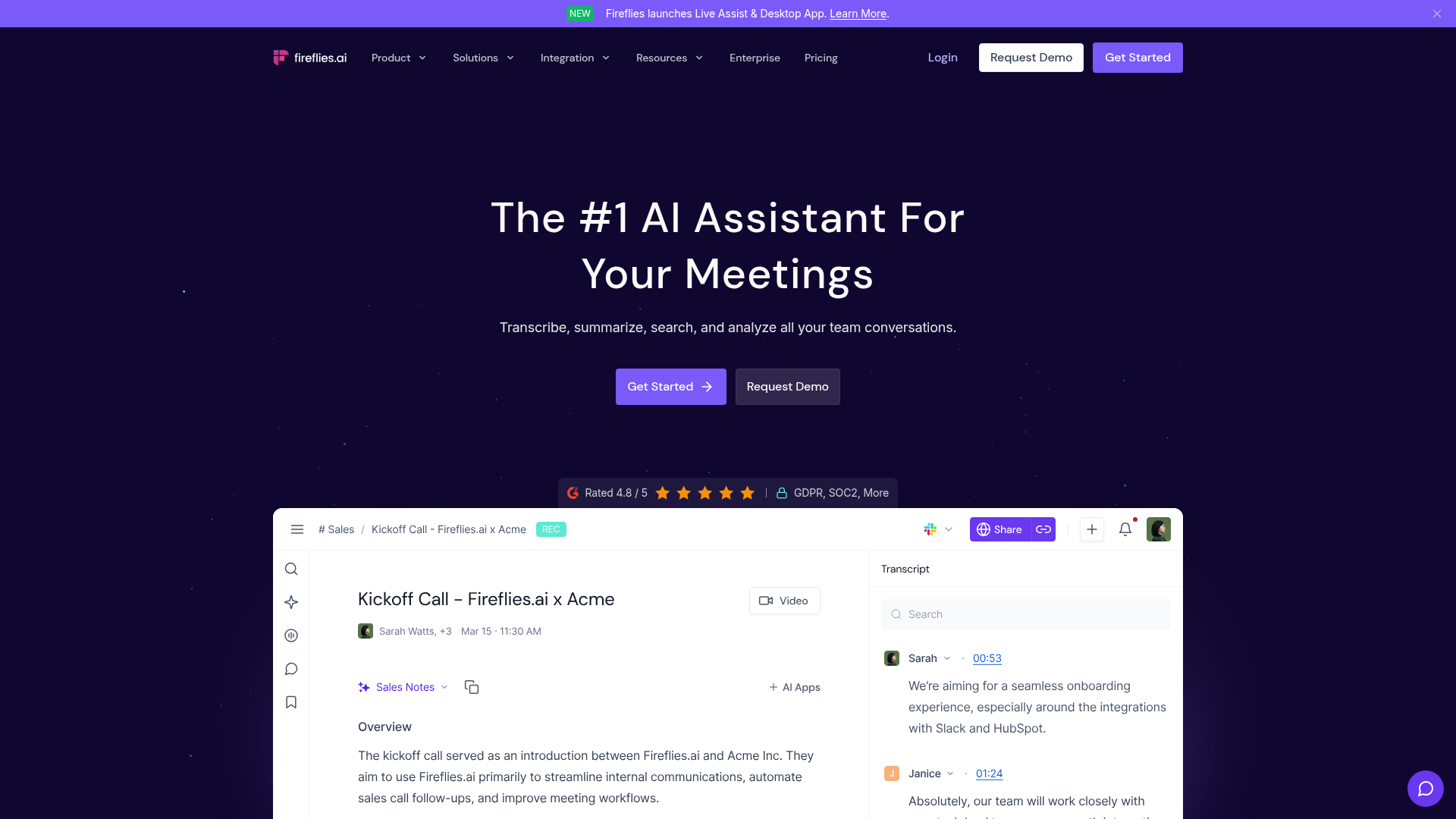
4. Fireflies.ai – best for conversation intelligence and CRM sync
Best for: Revenue teams that live in a CRM and want talk-time, sentiment, and call recaps pushed into the pipeline automatically. Standout: AskFred searches across every past meeting ("what did the prospect say about budget last quarter") and returns the answer with timestamps, plus 200-plus sales-tuned skills. Pricing: Free ($0, 800 minutes of storage, transcription unlimited); Pro $18/seat/mo; Business $29/seat/mo; Enterprise $39/seat/mo. Free-tier cliff: When stored minutes hit 800. Transcription stays unlimited, but you lose access to the back catalog, which for a sales team is the asset.
Fireflies is the strongest tool here for a team whose system of record is the CRM. It auto-logs recaps and transcripts into the pipeline, pushes summaries into Slack, and surfaces to-dos so the weekly task list builds itself. A G2 reviewer describes it pushing recaps "straight to our Slack channels" and logging transcripts into the CRM with no copy-paste. For a team running an outbound motion, that is the same instinct as building a tight prospecting-to-meeting stack: the recorder is part of the pipeline, not a sidecar.
Now the con that decides whether you can use it on the calls that matter, and it is severe. Fireflies' default auto-join is aggressive. A G2 reviewer reports that "if you're not extremely careful with your calendar permissions," the bot "may end up joining private 1-on-1s uninvited, which can be awkward." Another describes the screen-full-of-bots problem when several people each run their own notetaker: "on my screen I am seeing like six people I am talking to." Combine aggressive auto-join with the 2026 consent rule and the conclusion is blunt: Fireflies is excellent for internal sales calls and a liability on anything privileged unless you manually lock auto-join down first.
- Best-in-class CRM and Slack sync, so recaps and to-dos flow into the pipeline with no manual step.
- AskFred cross-meeting search with timestamps is genuinely strong for recall.
- Unlimited transcription even on the free tier, rare in this list.
- 200-plus sales-tuned skills give revenue teams analysis the generic tools do not.
- Default auto-join will pull the bot into private 1 if calendar permissions are loose, a documented G2 complaint.
- Transcripts shift meaning on accents, per G2, which matters for international pipelines.
- Advanced features are tier-gated, so real cost drifts toward Business at $29/seat as you scale.
Verdict: buy it for an internal revenue team that lives in HubSpot or Salesforce, lock auto-join down on day one, and never point it at a privileged call. Rated strongly on G2 for automation, with the auto-join behavior as the consistent caveat.
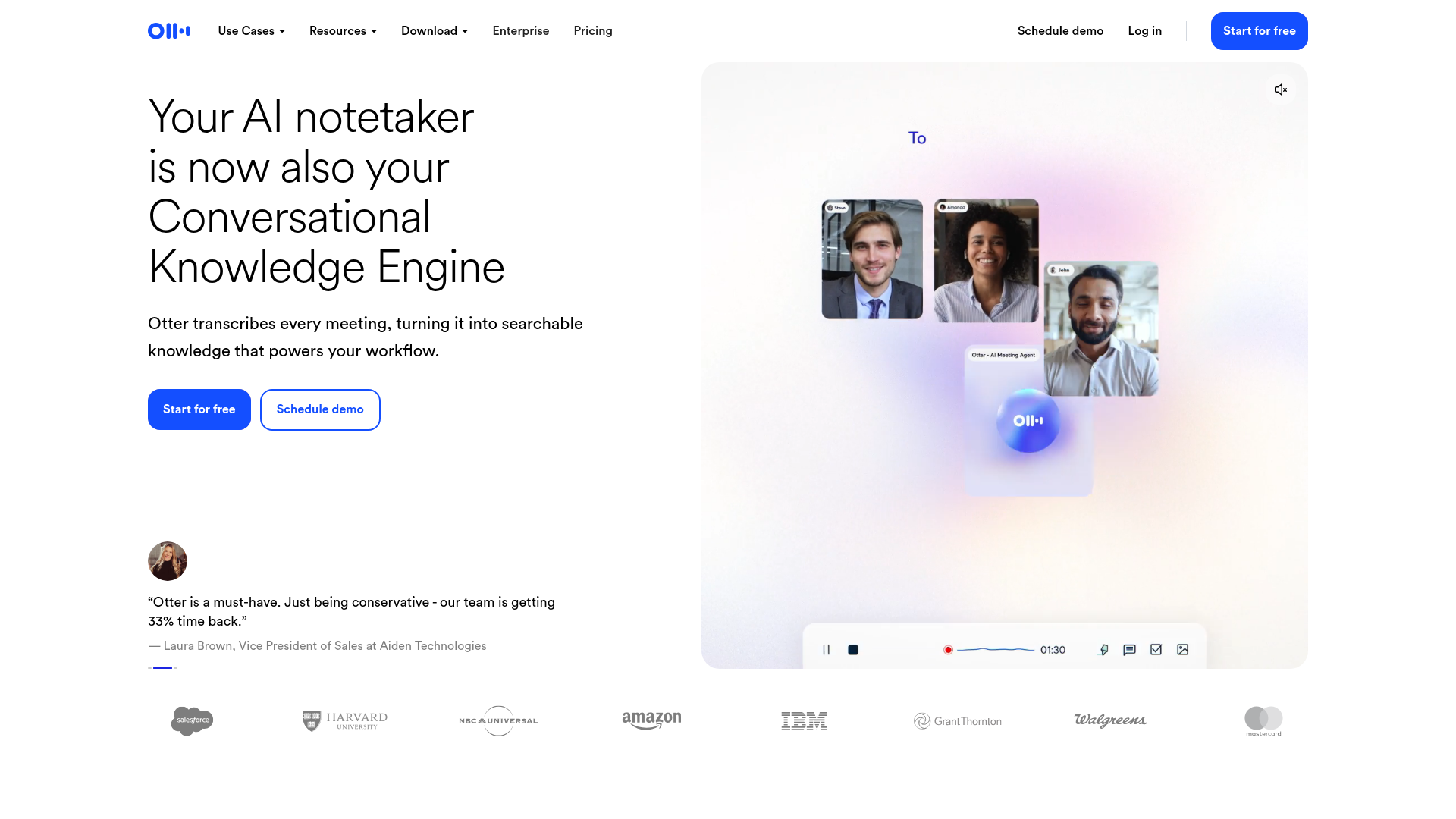
5. Otter.ai – best for a shared team knowledge base
Best for: Teams that want one searchable, shared transcript library and live captions across Zoom, Meet, and Teams. Standout: Otter Chat lets anyone ask questions across the meeting history, and Channels group related meetings into a team-wide knowledge base. Pricing: Basic (free, 300 minutes/month, 30-minute cap per call); Pro $16.99/user/mo; Business $30/user/mo. Free-tier cliff: 30 minutes into your first real meeting. The free plan caps a single conversation at 30 minutes and the month at 300, a documented G2 frustration.
Otter is the most recognized name in the category and a legitimately strong shared-knowledge tool. Multiple G2 reviewers praise its clean interface and the way the Meeting Agent stays in the call and produces an action-item outline the moment it ends. As a team-wide searchable record across recurring meetings, it does the job.
Two cons matter and both are well documented. First, speaker diarization slips. A G2 reviewer reports that during conference talks "it doesn't always distinguish clearly between different speakers" and "frequently assigns the wrong name to a voice," forcing manual cleanup. Second, it is a bot-join tool and, on standard terms, your data can be used to improve the service unless you are on enterprise terms that say otherwise. That puts Otter in the same bucket as Fireflies for privileged calls: capable, recognized, and the wrong choice when the call is sensitive.
The pricing con is structural. At 10 seats, Otter Business is $300/month and Pro is roughly $170/month, against Fathom Team at $190 and Fellow Team at $110. You are paying a brand premium for a tool with the category's harshest free cap and a known diarization weakness.
- Strong shared-library and Channels model for team-wide meeting knowledge.
- Clean, low-friction interface that most reviewers find immediately usable.
- Otter Chat answers questions across history at roughly ChatGPT-level usefulness on your own meetings.
- Free tier caps a call at 30 minutes and the month at 300, the harshest cliff here.
- Speaker diarization misassigns names on accented or multi-speaker calls, per repeated G2 reports.
- Most expensive credible option at 10 seats, and not the right tool for privileged calls on standard terms.
Verdict: choose Otter only if a shared team transcript library is the explicit requirement and your calls are internal and English-first. Otherwise you are paying the most for a known weakness. Rated solidly on G2, with diarization and cost as the recurring complaints.
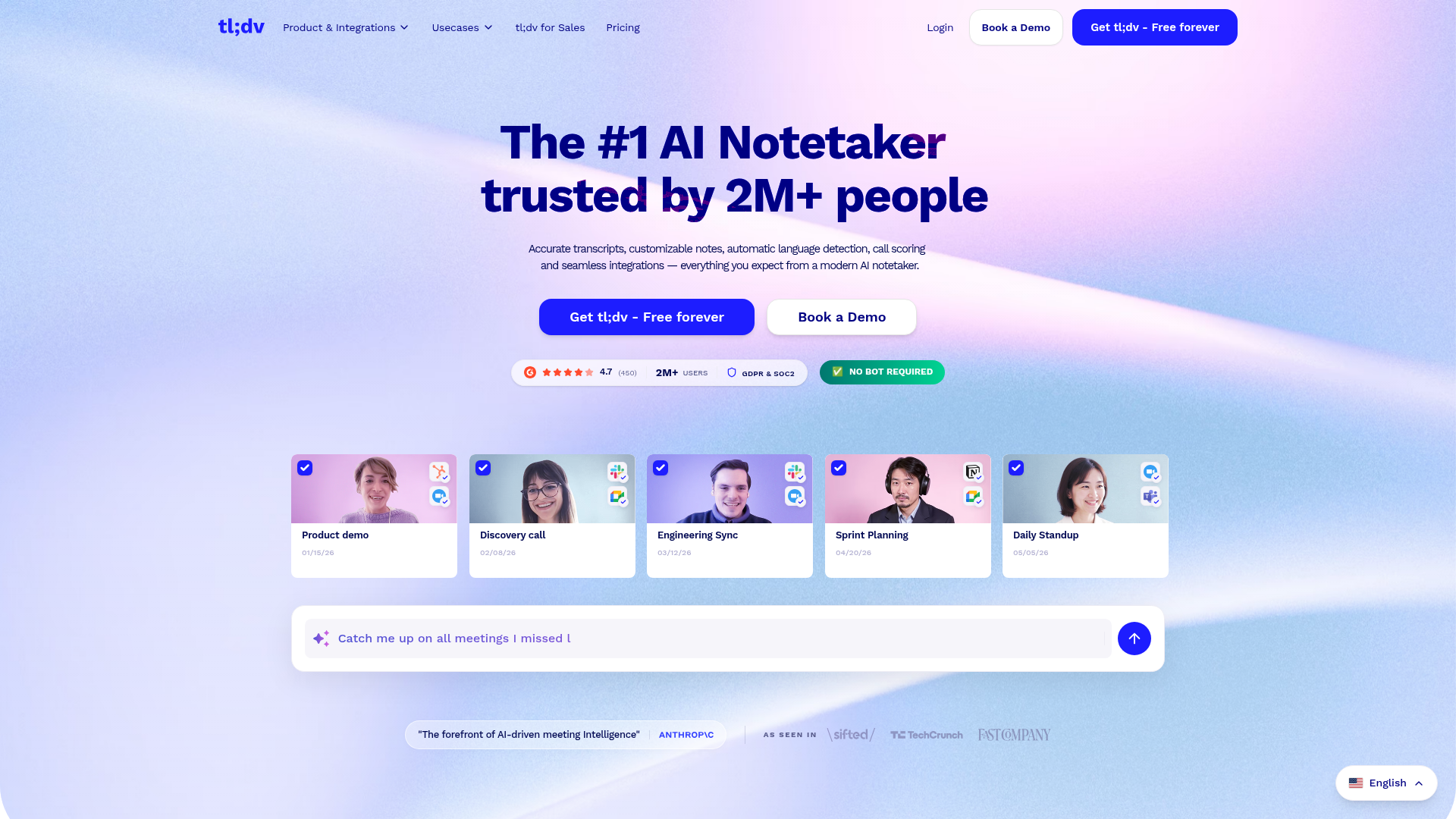
6. tl;dv – best for multilingual meeting search and a generous free tier
Best for: Distributed teams running calls across languages who want searchable recordings without paying on day one. Standout: Free unlimited transcription plus strong multi-language coverage and AI search across the meeting library. Pricing: Free ($0, unlimited transcription); paid plans from roughly $18/user/mo billed annually. Free-tier cliff: Soft. The free plan keeps unlimited transcription; paid opens the deeper AI features and integrations, so the cliff is feature-shaped, not a hard wall.
tl;dv is the quiet value pick. Its free tier actually survives daily use, which already puts it ahead of Otter and Fellow on the one axis most buyers test first. For a team with calls in several languages, the language coverage is the differentiator, and the AI search across past meetings is competent rather than best-in-class.
It is carded sixth, not higher, for two honest reasons. It is a bot-join tool, so it inherits the same 2026 consent exposure as Fireflies and Otter and needs the same auto-join discipline. And its conversation-intelligence depth trails Fireflies and Avoma, so a revenue team that needs sales analytics will outgrow it. As a clean, cheap, multilingual recorder it is strong; as a sales-intelligence platform it is mid.
The scenario where tl;dv is the right call is concrete: a distributed team of, say, eight people running customer calls across English, Spanish, and German who need a searchable record and do not run a CRM-driven sales motion. At roughly $18 a seat that is about $1,728 a year for eight, against Fireflies Business at $29 a seat, or $2,784, for analytics that team will not use. The free tier also means the trial costs nothing and the eventual paid decision is made on real usage rather than a sales call. The honest ceiling: the day that team starts running quota-carrying reps, tl;dv stops being enough and the migration cost is real, so buy it knowing where it ends.
- Free unlimited transcription that genuinely survives daily use, rare here.
- Strong multi-language coverage for distributed, non-English-first teams.
- Paid tier at roughly $18/user/mo is competitive against Fireflies Pro.
- Bot-join capture, so it carries the same consent exposure and needs auto-join locked down.
- Conversation-intelligence depth trails Fireflies and Avoma for revenue teams.
- Fewer native CRM workflows than the sales-first tools.
Verdict: the best free-tier-survives-daily-use option for a multilingual team that does not need deep sales analytics. If you do need that analytics layer, keep reading.
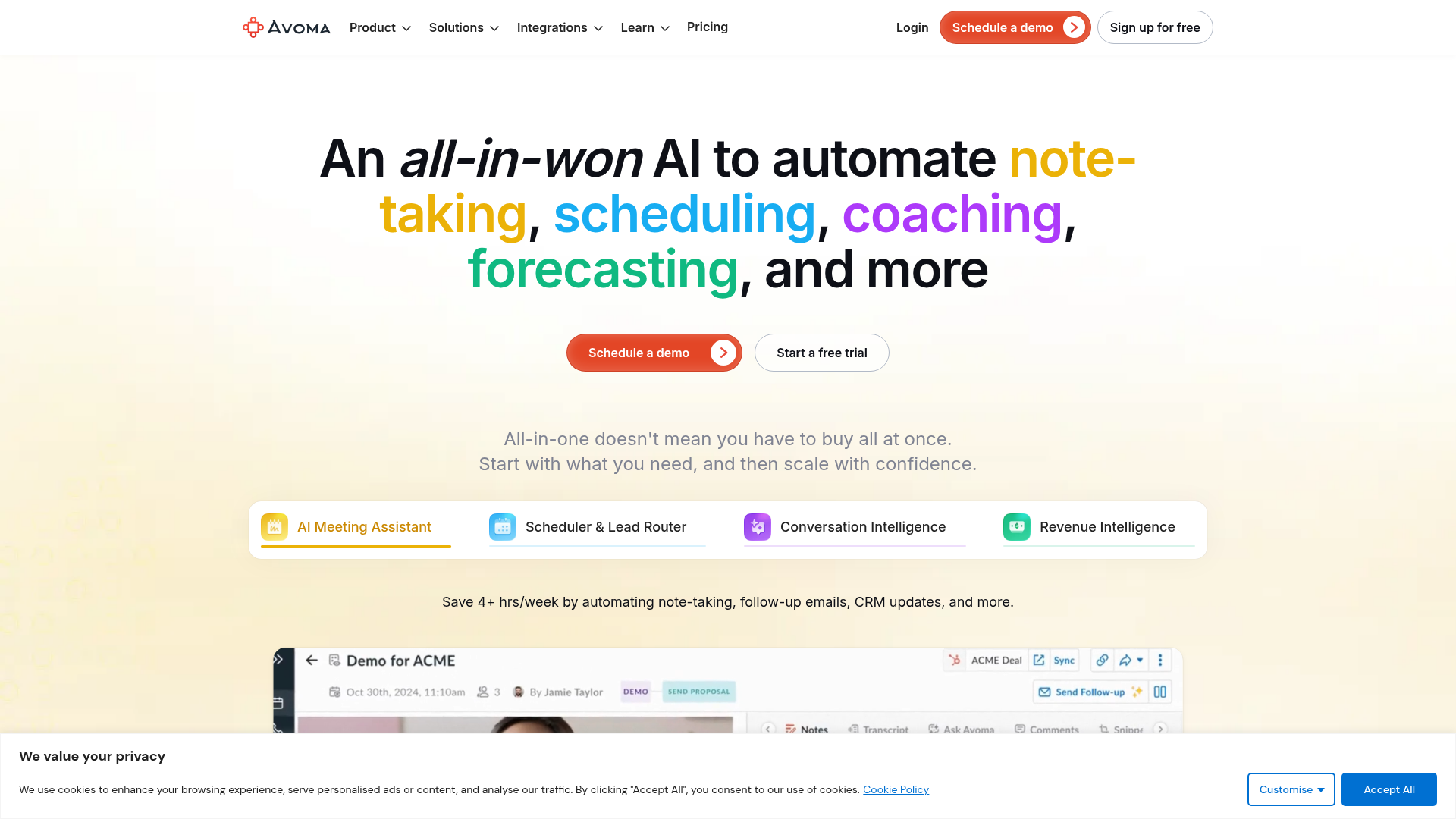
7. Avoma – best for revenue and conversation analytics
Best for: Sales-led teams that want pipeline-grade conversation analytics, talk-time, and coaching dashboards, not just a transcript. Standout: A conversation-analytics dashboard tracking total conversations, median meetings per rep, and coachable patterns across the team. Pricing: From $19/recorder/month billed annually, scaling up through analytics tiers, for up to 25 users on the entry band. Free-tier cliff: There is no usable free tier. Avoma is a paid analytics platform; the entry point is the floor, not a trial.
Avoma is the tool you buy when the recorder is the smaller half of the purchase. The product is revenue intelligence: who talked too much, which deals show risk in the call language, how coaching correlates with close rate. The note-taking is table stakes underneath that.
That focus is also the con. For a solo operator or a small team that just needs clean client-call summaries, Avoma is overbuilt and the per-recorder pricing model is awkward compared with simple per-seat tools. It earns its place for a defined buyer: a sales org that will actually use the analytics. For anyone else it is the wrong shape and the wrong price.
- Genuine revenue-analytics depth: talk-time, deal-risk signals, rep coaching dashboards.
- Strong CRM and dialer integrations for a sales-first stack.
- Entry band covers up to 25 users, reasonable for a mid-size sales team.
- No usable free tier, so there is no low-risk way to evaluate it.
- Per-recorder pricing is awkward against clean per-seat models.
- Overbuilt and overpriced for solo operators or non-sales teams.
Verdict: buy Avoma only if the analytics is the reason. As a plain note taker it is the most expensive way to get a summary on this list.
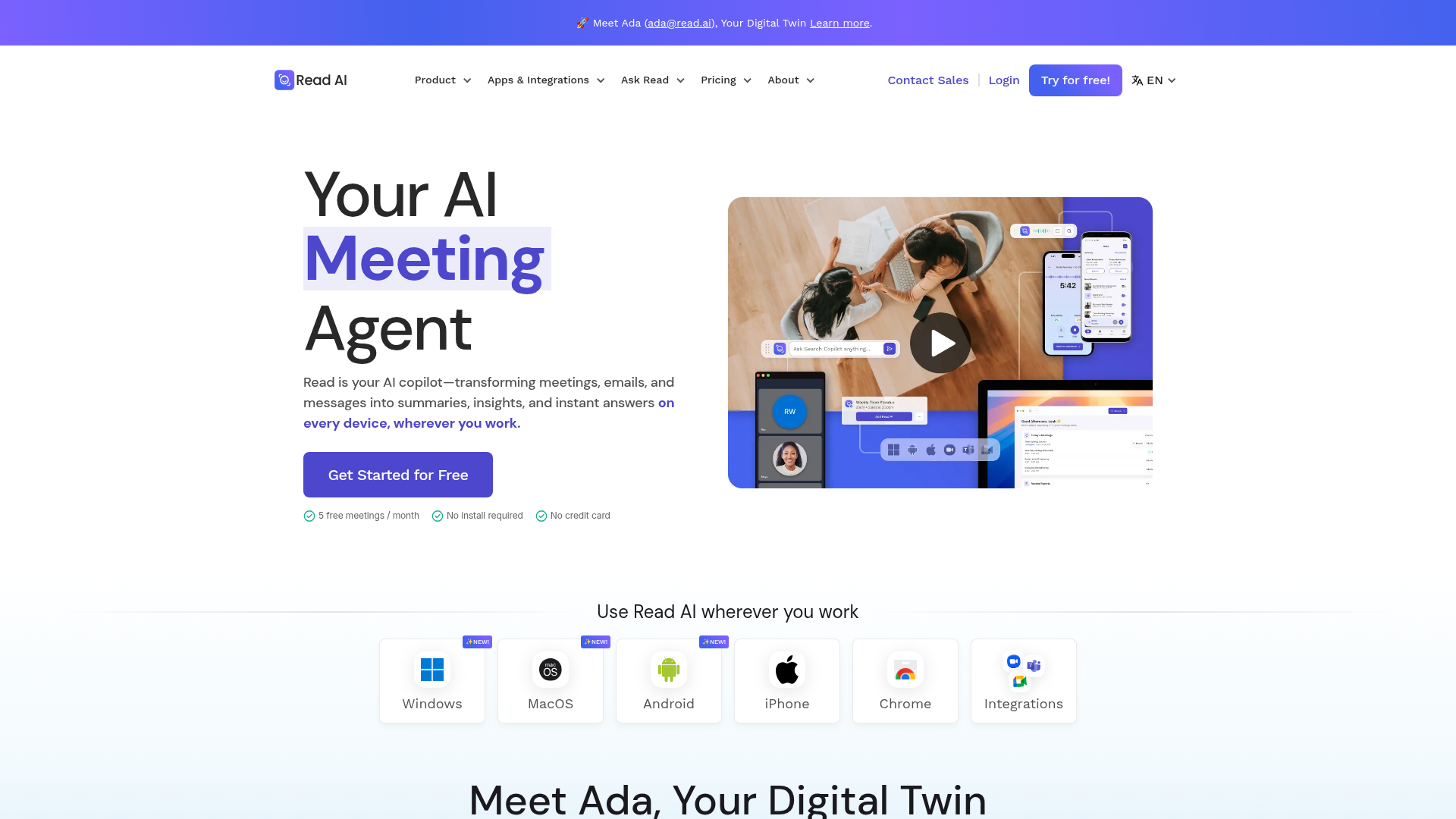
8. Read.ai – best for coaching across meetings and email together
Best for: Managers who want engagement and sentiment signals stitched across meetings, email, and messaging, not just call transcripts. Standout: Multi-channel analytics, real-time meeting metrics, and cross-surface search that spans more than the call. Pricing: A limited free plan, then paid tiers that vary by analytics depth; "read ai pricing" is a high-enough search that the vendor moves it often, so verify the current band on read.ai before you commit. Free-tier cliff: A small number of free meetings, then a hard upgrade. The free plan is an evaluation, not infrastructure.
Read.ai's differentiator is scope: it does not see a meeting as the unit, it sees a working relationship across channels. For a manager trying to understand engagement and follow-through beyond the call, that breadth is real and unusual.
The cons are the flip side of the breadth. It is bot-join, so it carries the standard 2026 consent exposure. The multi-channel data collection is exactly the surface area a privacy-conscious buyer should question hardest, because the more channels a tool ingests, the larger the governance question becomes. And pricing has been a moving target, which is itself a planning cost. It is a capable coaching layer for a manager who specifically wants the cross-channel view, and the wrong default for anyone who just needs meeting notes.
Weigh it on the governance trade directly, because that is the real decision with Read.ai. The product's value comes from ingesting more of your working surface, and that same property is the thing that makes it the heaviest data-footprint tool on this list. For a sales manager who has consciously decided that cross-channel engagement signal is worth that footprint, and whose calls are internal or prospect-facing rather than privileged, it is a defensible buy. For anyone who reaches for it because it looked like a more powerful note taker, it is the wrong tool acquired for the wrong reason, and the extra data it holds is pure downside with no offsetting use. The decision rule is not the feature list. It is whether you can articulate, in one sentence, why you want a tool to read your email as well as your calls.
- Genuinely multi-channel: signals across meetings, email, and messaging in one place.
- Real-time meeting metrics are useful for managers running live coaching.
- Cross-surface search beats single-meeting tools for relationship recall.
- Bot-join capture plus broad multi-channel ingestion is the largest governance surface here.
- Pricing has moved repeatedly, which is a real planning cost.
- Overkill for anyone whose actual need is a meeting summary.
Verdict: a manager-coaching tool with a meeting recorder inside it. If you want the cross-channel view, it is differentiated. If you want notes, it is too much surface area for the job.
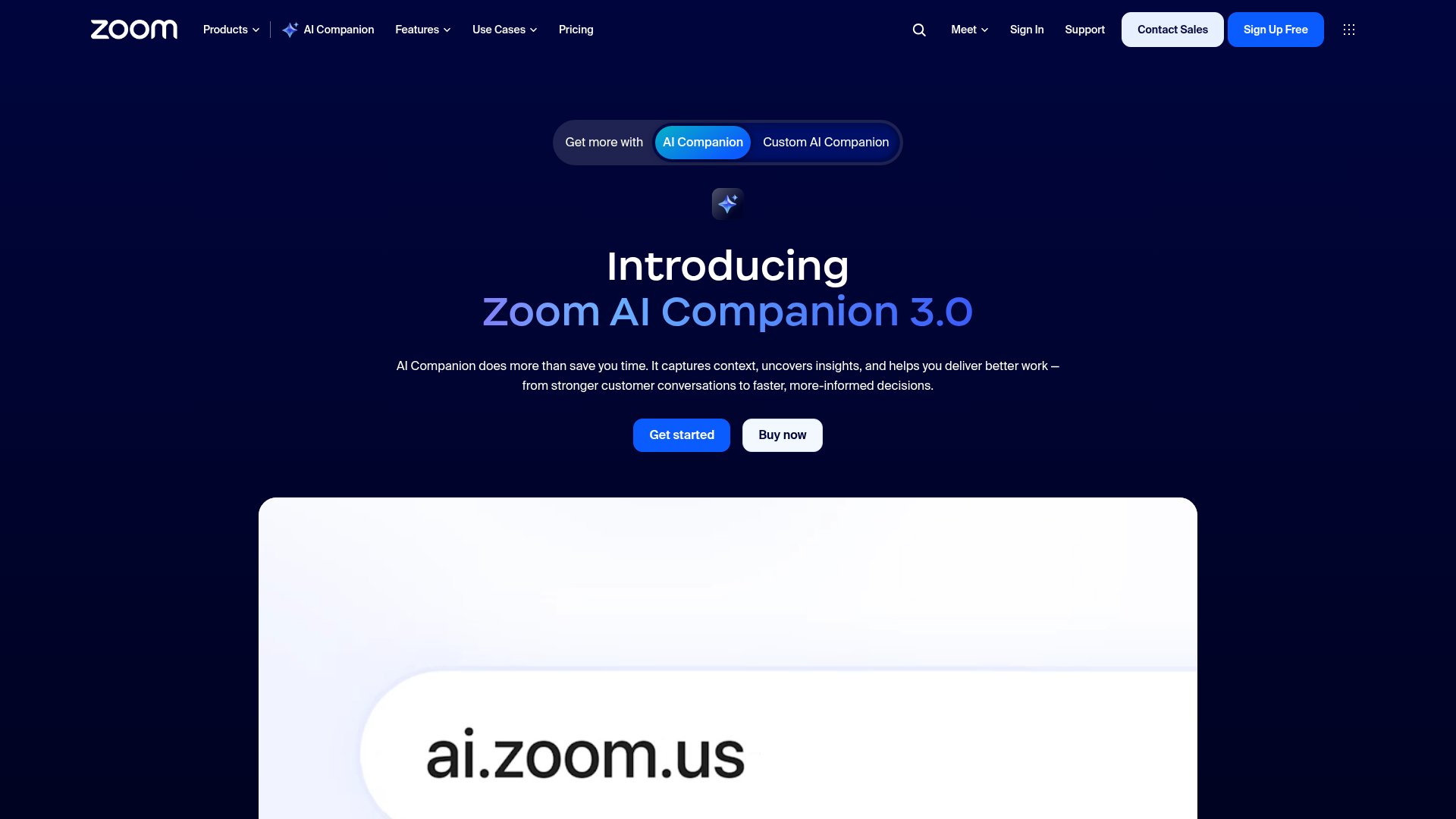
9. Zoom AI Companion – best when you already pay for Zoom
Best for: Teams already on a paid Zoom plan who want competent native notes at zero marginal seat cost. Standout: It is built into the client you already run. No bot to admit, no extra vendor, no new data-processor to vet. Pricing: Bundled into paid Zoom plans at no additional per-seat charge. The "you already bought this" option. Free-tier cliff: Not applicable in the usual sense. It is included with your existing Zoom subscription; the cliff is simply being on Zoom's free tier.
The strategic point of carding Zoom AI Companion last is the same logic that makes the Notion metered-pricing trap worth its own analysis: the cheapest tool is often the one you already pay for. Zoom's native note taker transcribes in real time, summarizes, and organizes notes on one page, and for a Zoom-centric team that is frequently good enough to make a separate $19-per-seat tool hard to justify.
The cons are real and they are about ceilings. It only meaningfully covers Zoom calls, so a team that also lives in Meet or Teams needs something cross-platform anyway. Its cross-meeting intelligence and CRM workflows are thinner than Fireflies or Avoma. And the governance posture follows your Zoom enterprise terms, which you should actually read rather than assume. As a zero-marginal-cost baseline it is strong. As a system, it is a floor, not a ceiling.
- Zero marginal seat cost if you already pay for Zoom, which beats every paid tool on price by definition.
- No extra vendor, no extra bot, no new data processor to vet.
- Competent real-time transcription and one-page summaries for standard internal calls.
- Effectively Zoom-only, so cross-platform teams still need a second tool.
- Thinner cross-meeting intelligence and CRM workflows than the sales-first tools.
- Governance is whatever your Zoom enterprise terms say, which most teams never check.
Verdict: before you buy anything on this list, check whether the note taker you already pay for inside Zoom clears your bar. For a lot of internal teams, it does, and that is the cheapest answer in the article.
The ones to avoid
Blunt section, named names, with the failure mode for each.
Any free tier used as infrastructure. This is the single most common and most expensive mistake in this category. Fellow's free plan is 5 AI notes per user for life. Otter's free plan dies 30 minutes into a real call. Granola's free plan hides everything older than 30 days. None of these is a scam; all of them are acquisition funnels engineered to convert exactly when you start to depend on them. The failure mode is not the price. It is discovering the cliff in the middle of the quarter when the records you need are locked. If a tool is load-bearing, it is paid. Decide that on day one.
Generic Chrome-extension recorders with no stated retention. There is a long tail of cheap or free browser-extension note takers with no SOC 2, no stated data-retention policy, and no clear server region. Running one of those on an external or privileged call is the exact 2026 liability this article is about, with none of the governance controls of the carded tools. The volume of searches for "free ai note taker," about 2,400 a month, is precisely the demand these tools are built to capture. Do not point them at anything sensitive.
Krisp as your primary note taker. Krisp is excellent at the thing it is actually for, real-time noise cancellation, and a G2 reviewer's "the other person on the line can't even hear a pin drop" is accurate. But Core at $16 and Advanced at $30 per user per month buys audio cleanup with notes attached, not a notes system with audio cleanup attached. If your primary need is structured meeting notes, you are paying for the wrong half of the product.
The vendor-written "best of" page that ranks itself number one. This is a pattern, not a single tool, and it is worth naming because it shapes the entire SERP for this query. At least one widely-cited "best AI note takers" list is published by a note-taker vendor that ranks its own product "Best Overall" without disclosing the conflict in the ranking itself. The G2 quotes on those pages are often real and useful. The ranking is marketing. The tell is simple: if the site selling a tool also crowns it, the order is an ad, and you should read the cons and ignore the rank.
Running one without the liability: the setup that takes ten minutes
The tool choice is half the decision. The configuration is the half that actually determines your exposure, and it is the half nobody writes about because it does not sell software. Here is the operator version, and it applies to whichever tool you land on.
Turn off automatic join first. Every bot-join tool defaults to joining anything on your calendar, which is exactly how Fireflies ends up in a private 1:1 and how you end up explaining a recorder to a prospect who did not expect one. Switch it to manual start. You lose nothing real and you remove the single most common embarrassment in the category.
Decide your privilege line before you need it, not during a call. Write down, in one sentence, which call types are off-limits for any recorder: legal, M&A, anything under HR, anything with regulated PII. For those, the rule from earlier is absolute, bot-free capture and a vendor that contractually does not train on your data, which in practice means Fellow or Jamie and not the default settings on Otter or Fireflies. The mistake is treating this as a per-call judgment. It is a policy you set once.
Make recording announced and deletable. Pick the tool setting that notifies participants, and where the tool supports deleting audio once the summary is generated, turn that on so the only retained artifact is the text you use. This single change converts "we have a server full of unconsented recordings" into "we keep meeting notes," which is a materially smaller problem if anyone ever asks.
Cost the rollout at your real seat count on day one. Before you standardize a tool, multiply its likely tier by the seat count you will reach in twelve months, not the two seats you are testing with. The per-seat math earlier in this piece exists because the difference between modeling at 2 seats and modeling at 25 is, for Otter Business versus Fellow Team, $5,700 a year. That is a decision you want to make once, on a spreadsheet, not discover in a renewal email.
Re-audit at renewal, because the tier you bought is not the tier you are on. Feature migration up the price ladder is the category's revenue model, so the honest annual question is not "is this still good," it is "what am I paying now versus what I signed up for, and does the native tool I already own close the gap yet." For a growing number of internal teams in 2026, the answer to that last clause is yes, and the renewal is the moment to act on it.
None of this is exotic. It is the difference between a tool that saves you an hour a week and a tool that becomes a line in a discovery request, and the gap between those two outcomes is about ten minutes of settings and one written rule.
Frequently asked questions
What is the best AI for meeting notes?
For most operators, Fathom. It is the only tool here with a genuinely uncapped free plan, and its paid tiers at $19 to $34 per user per month undercut Otter and Avoma at team scale. If your calls carry privilege or PII, the answer changes to Fellow or Jamie, because governance outranks convenience the moment a transcript could be subpoenaed.
What is the most accurate AI note taker?
No tool is reliably the most accurate, and that is the honest answer. Fathom, Otter, Granola, and Fireflies all transcribe within a few points of each other on clean English audio, and all of them degrade on strong accents and cross-talk per their own G2 reviews. Accuracy is effectively a tie, which is why this ranking is built on price and liability instead.
Is there an AI note taker without a subscription?
Yes, but read the fine print. Fathom's free plan has no time cap and no card and is genuinely usable daily. Otter's free tier caps a call at 30 minutes and the month at 300. Fellow's free plan is 5 notes per user for life, not per month. tl;dv's free tier keeps unlimited transcription. "Free" means four different things across this list.
Can ChatGPT take meeting notes?
Not directly. ChatGPT cannot join a call, so it cannot record or transcribe a live meeting on its own. The workable pattern is to use a recorder and connect it: Fathom exposes an MCP server so ChatGPT or Claude can query the transcript after the call for deeper analysis, which is the closest thing to "ChatGPT took my notes."
Which is better, Fireflies or Otter?
Fireflies for revenue teams that live in a CRM, because it auto-logs recaps and to-dos into the pipeline. Otter for a shared team transcript library with strong search. On price they are close, Fireflies Pro at $18 per seat versus Otter Pro at $16.99, so workflow decides, not cost. Both are bot-join tools, so both need auto-join locked down before any sensitive call.
Is Fireflies.ai reputable?
Yes. The recurring complaint is not security, it is behavior: the default auto-join will pull the bot into private 1:1s if your calendar permissions are loose, a documented G2 frustration rather than a vulnerability. Treat it as a configuration task on day one and the reputational risk is the visible-bot problem, not the vendor.
Is there a Microsoft AI meeting note taker?
Yes. Microsoft 365 Copilot in Teams transcribes and summarizes natively. If your organization already holds Copilot licenses, it is the zero-marginal-cost option for Teams calls, the same logic that makes Zoom AI Companion the cheapest answer for Zoom-centric teams: the best price is often the tool you already pay for.
Is there a free AI for meeting minutes?
Yes, but only three survive daily use. Fathom's free plan is uncapped, tl;dv keeps unlimited transcription free, and MeetGeek gives roughly three hours free. The others, Otter, Fellow, Granola's history lock, are trials in disguise. If meeting minutes are an ongoing need, treat free as an evaluation and budget for the paid tier.
Can I use AI to take meeting notes?
Yes, and for most operators it is already the default. The real question is which call types you should not let it touch. Internal standups and prospect calls are fine with announced recording. Privileged, regulated, or PII-bearing calls need bot-free capture and a no-training vendor, which narrows the field to Fellow or Jamie. The capability is settled; the governance is the decision.
Is Otter the best transcription app?
It is the most recognized, not the best by 2026. Otter's diarization misassigns speaker names on accented or multi-speaker calls per repeated G2 reports, and at 10 seats Business is $3,600 a year against Fathom Team at $2,280 for a comparable summary. Otter is the right pick only when a shared, searchable team transcript library is the explicit requirement. Otherwise you are paying the most for a known weakness.
What is the best AI note taker without a subscription for a small team?
For a small team, Fathom on its free plan, because it is the only one whose free tier has no time cap and no seat ceiling for individual use. If you already pay for Zoom or Microsoft Copilot, the native note taker is the genuine zero-cost answer. Everything else marketed as "free" for teams is a per-user trial that converts the moment the work becomes load-bearing.
Which should you choose
Route by what your calls actually are, not by which tool won an accuracy chart.
If you are a solo operator or small team running mixed client calls and you do not yet know your seat count, start with Fathom. The free plan costs nothing and does not expire, and Team at $19 per seat stays competitive when you grow into it. There is no reason to pay before you have to in this category, and Fathom is the only tool that genuinely lets you not.
If any meaningful share of your calls is privileged, regulated, or carries PII, choose Fellow, or Jamie if you specifically need EU data residency and ISO 27001. The deciding property is the contractual no-training stance plus per-recording access control, and Fellow's $11 Team tier makes the governed option also the cheap one. Do not run Fireflies or Otter on these calls on standard terms.
If you are a revenue team whose system of record is the CRM, choose Fireflies, lock auto-join down on day one, and keep it pointed only at internal and prospect calls. If the purchase is really about conversation analytics and rep coaching rather than notes, choose Avoma instead and accept the per-recorder pricing as the cost of the analytics. This is the same stack logic as a tools-economics pillar: buy for the workflow that moves revenue, not the feature list.
If you run an agency or a fractional practice across three to ten clients, the calculus is different again, and it is the one most lists ignore entirely. Your problem is not seats, it is boundaries: each client's calls should not be co-mingled in one searchable library, and a recorder that auto-joins everything is a confidentiality incident waiting for an audit. The right shape here is Fellow for its per-recording permissions and admin library, scoped per client, with manual join as the hard default. The wrong shape is one cheap shared Otter or Fireflies workspace with everything in it, which is convenient until the day a client asks who could see their calls and the honest answer is "everyone on the plan." For this reader the governance posture is not a tax, it is the deliverable.
If your team already lives in Zoom or holds Microsoft Copilot licenses, check the native note taker first. For a large share of internal teams it clears the bar, and it is the only zero-marginal-cost answer here. Buy a dedicated tool only when you can name the specific thing the native one cannot do.
The decision in one line: if the call is internal, use what you already pay for; if it is a prospect call, Fathom or Fireflies with auto-join off; if it is privileged or a client's confidential conversation, Fellow or Jamie, bot-free, no training, and never the default settings. Everything else in this article is detail underneath those three branches. The mistake is not picking the wrong tool. It is picking one tool for all three branches because switching felt like overhead, and then discovering the overhead was the cheap part.
Before you buy any of these, map what your team already pays for against what it actually needs, because the most expensive line item in this category is the tool you bought when a tool you already had would have done. I keep a free AI tools map for business owners that does exactly this triage across the stack. Get the AI tools map and run your meeting-notes line through it before you add another seat.
May 19, 2026
More from Growth

10 Best AI Social Media Management Tools in 2026 (and the AI Tax)
I priced 10 AI social media management tools on what a real team pays after the AI-tier upcharge, and named the ones the upgrade math says to skip.
May 21, 2026
9 Best AI Call Tracking Tools in 2026 (and the 4 Priced Out by CallRail's Free Conversation Intelligence)
CallRail just bundled Conversation Intelligence into every plan free. I priced 9 AI call tracking tools against the new math, and 4 are now overpriced.
May 20, 2026
9 Best AI Heatmap Tools in 2026 (and Why Clarity Wins Free)
Microsoft Clarity is free and AI-first. Hotjar is now Contentsquare. I priced 9 AI heatmap and session-recording tools, and 3 are now obsolete.
May 20, 2026