Krea 2 Style Transfer: 40-Frame Campaign, Real Cost Ladder
Krea 2's style-transfer tested on a real 40-frame client campaign: the compute-cost ladder vs a Midjourney pipeline and where art direction still carried.



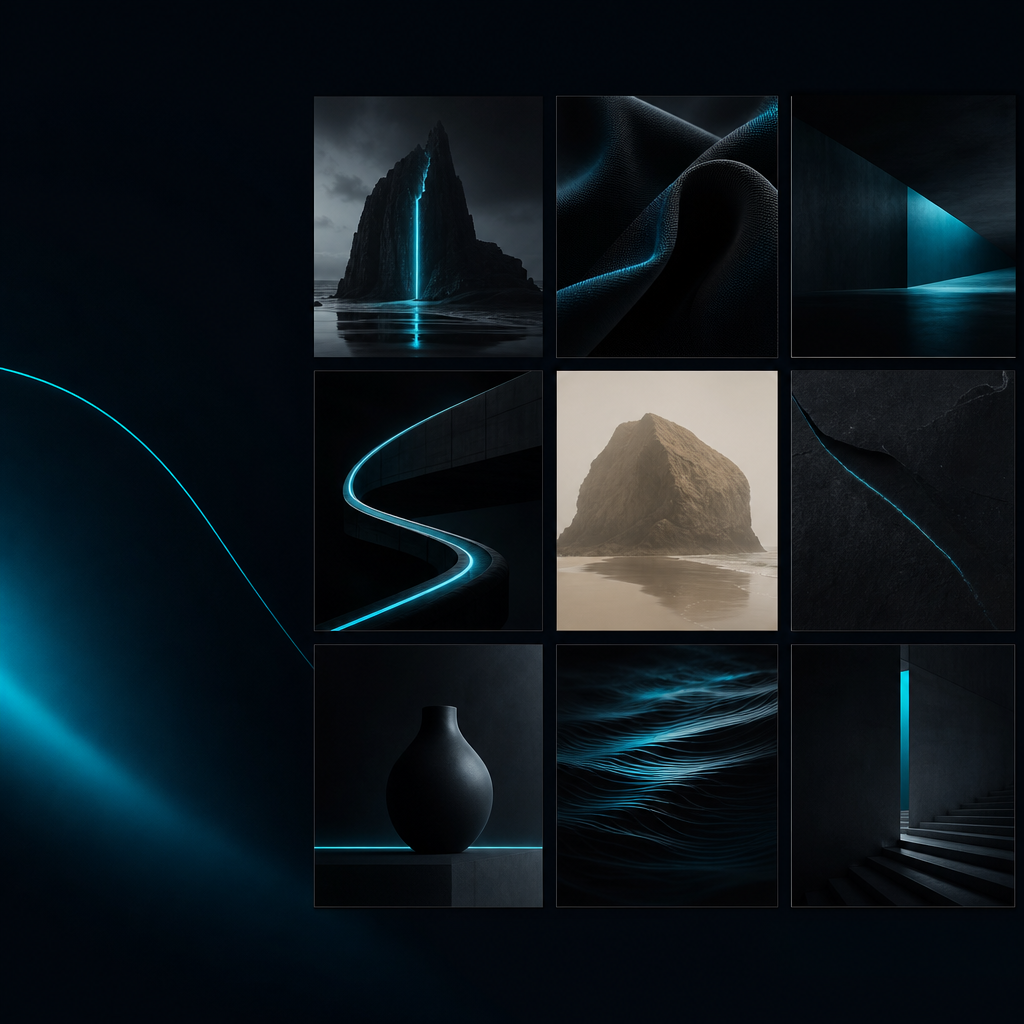
Krea 2 landed within 0.14 points of GPT Image 2 on style fidelity – at Krea's compute-unit price, not OpenAI's. I rebuilt a client's 40-frame campaign on its style-transfer system the day it shipped to find out whether "style fidelity" survives contact with a real brand world.

The result – 40 frames, one brand world
The campaign shipped as a 40-frame set across hero, product, lifestyle, and editorial cutdowns. Same color story across all of it: cool near-monochrome ground, one electric-cyan accent, no warm push, no glossy "AI premium" drift. The client signed off without asking which images were generated and which were photographed, which is the only test that matters on a brand set.
The headline number from Contra Labs' four-model style-transfer benchmark earned the trial: Krea 2 Large is the #2 model on Style Fidelity, 0.14 points behind GPT Image 2, and the gap to the rest of the field is more than four times that. It is the only non-GPT model above the 3.0 net-useful threshold.
Honest caveat in the same breath, because the benchmark hides this: 26% of Krea 2 Large outputs landed in the bottom two style ratings versus 20% for GPT. The set held, but three things still needed a designer's hand, and I'll come back to them.
The brief – what the client needed
The constraint was the hard one: 40 frames that read as one brand, not 40 individually nice images. This is the failure mode every prompt-only AI image tool hits. You get pretty frames. They don't sit together. The campaign reads as a Pinterest board, not a brand.
The fixed inputs were standard for client work.
- A color story locked before generation started: cool near-monochrome subjects, single accent, no warm tones, controlled value range
- A type ramp kept out of the model entirely – set in Figma against finished images, never asked of an AI
- A reference art direction the client had already signed off on, three frames of which I used as the moodboard anchor
This is the brief that breaks prompt-only pipelines. Prompt-only models give you "polished and safe," which is the opposite of brand-specific. The system-drift problem is the same one I hit on the Figma Make custom skills work from the build side: without a controlled input, the model regresses to its mean aesthetic every few generations.
Krea 2's pitch is that style is not a prompt word, it is a controllable input. That's what I needed to test.
The setup – moodboard, style references, strength
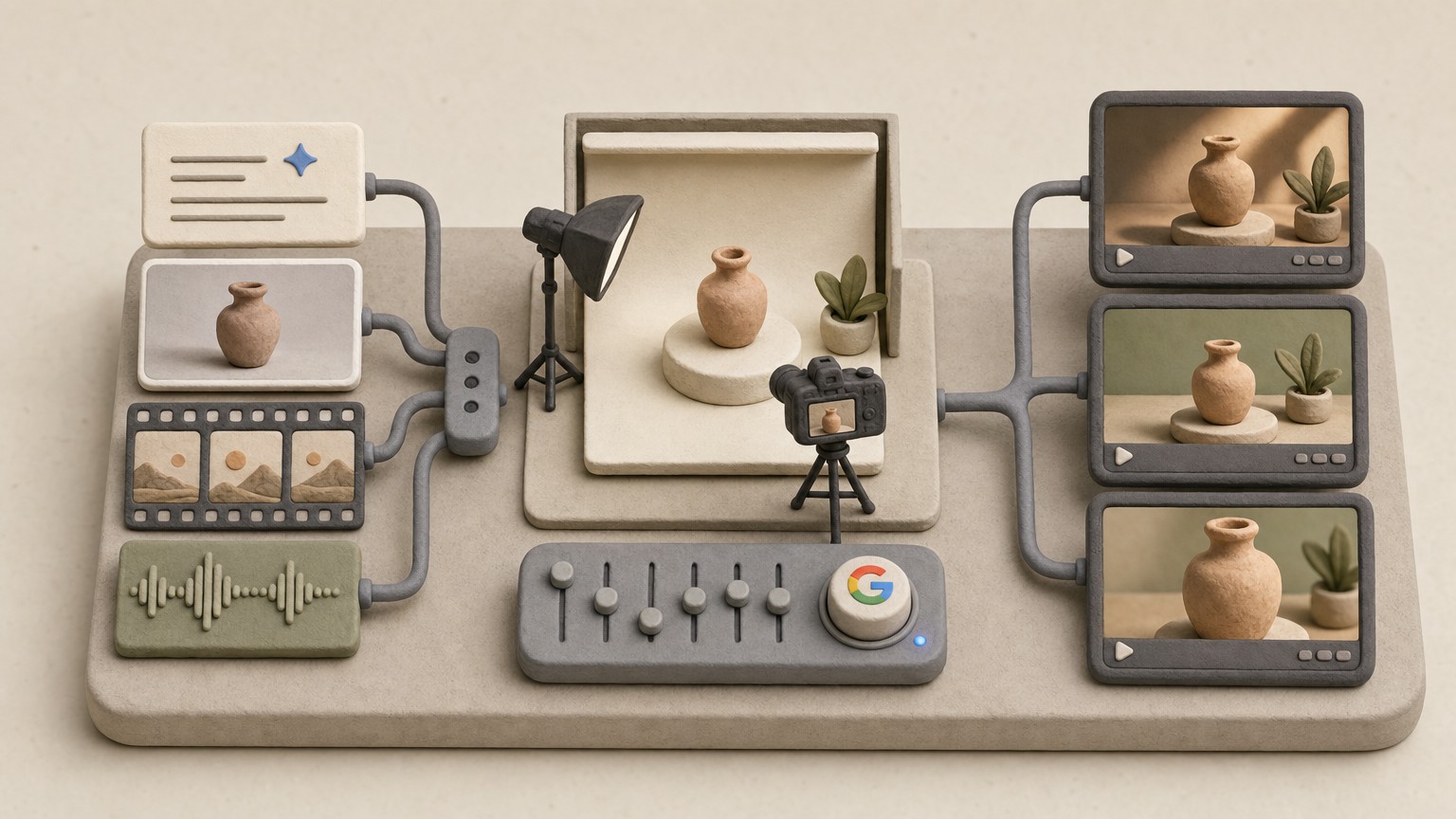
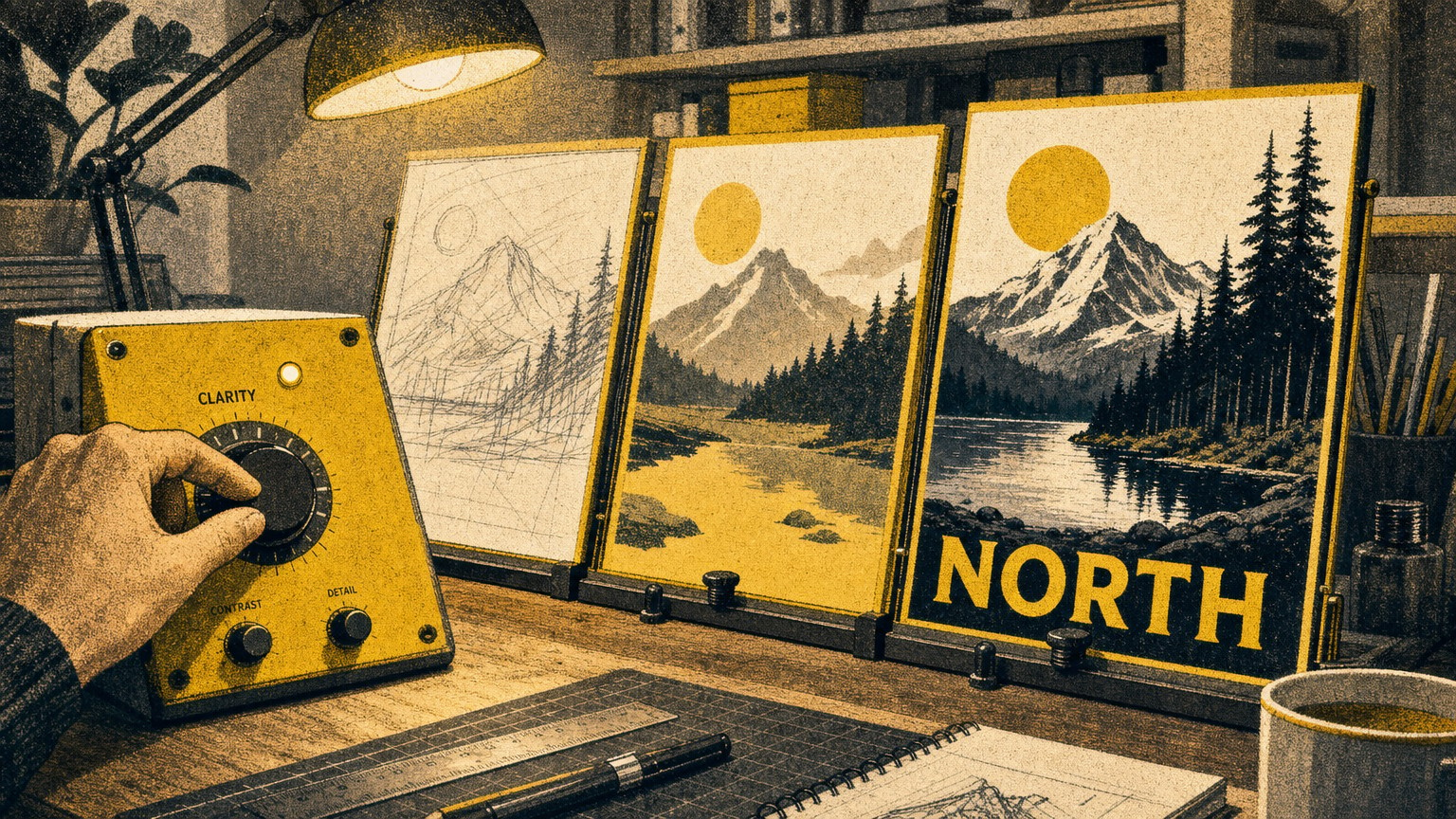
Krea 2 is Krea's first from-scratch foundation model; the style-transfer system is the part worth the trial. You pass it images. It extracts the style components – palette, lighting, grain, compositional rhythm – and transfers them onto whatever subject you prompt. You combine up to four references at once. A strength control governs how hard each one pulls.
The exact configuration that landed the set:
- A 4-image moodboard at the ceiling: the three signed-off reference frames plus one tonal anchor pulled from the existing brand library
- Style-strength dialed to the upper-mid range – high enough to lock the color story across subjects the model had never seen prompted, low enough that subject anatomy didn't get crushed
- Batch-variation pulled toward the cohesive end of the slider, not the wide-spread end – this is the lever most operators get wrong
Plan structure matters because it sets the iteration math. Krea 2 access starts on Pro at $35/month with 20,000 compute units. Max is $70/month for 60,000.
Generation time changed the working loop: sub-15-second renders. When iteration is that cheap on clock time, you stop pre-committing to prompts and start treating generation as a conversation with the moodboard. You generate a six-frame test, read the drift, nudge the strength, regenerate. The cost of being wrong is 15 seconds and a handful of compute units, not a coffee break.

The build – frame by frame, what shipped
The working loop on a real brand set, once the moodboard was locked:
- Generate a 6-frame test batch on a new subject category
- Read the drift against the color story – not against "is it a nice image"
- If two or more frames drift, nudge style-strength up a step; if subjects flatten, nudge it down
- Lock the setting for that subject category and run the full batch
- Reroll the obvious misses; do not try to prompt them into compliance
The style-transfer system earned its position by holding the color story across subjects it had never been prompted on. The moodboard had no people in it. The campaign needed people. The system carried the cool near-monochrome palette, the value range, and the cyan accent onto figures without making me describe the palette in prose. That is the thing prompt-only pipelines cannot do. You can write "cool near-monochrome with an electric cyan accent" into a Midjourney prompt every time, and you will still get drift every six frames because the prompt is competing with the model's prior.
Batch-variation behavior is worth naming as a separate lever. Cohesive setting kept the palette and detail tight across the batch. The few off-brand frames I sent to rerolls came from pushing variation wide on the lifestyle category, where I was trying to get more compositional range out of one strength setting. The fix wasn't a better prompt. It was pulling variation back and running a second batch.
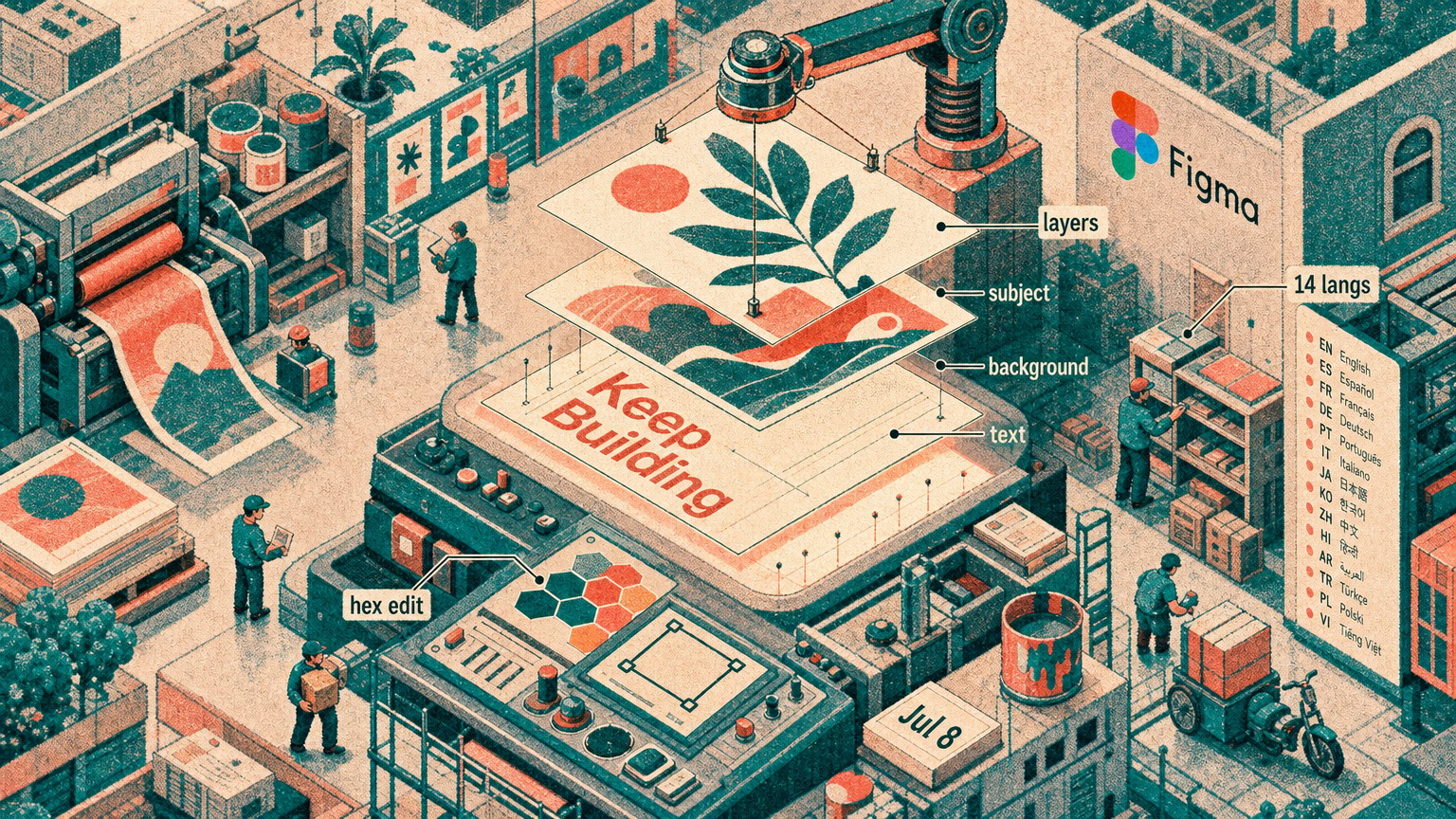
Typography never went through the model. Every type pass happened against finished images in Figma. AI text is still fragile and a client type ramp is non-negotiable.
The compute-unit cost ladder vs Midjourney
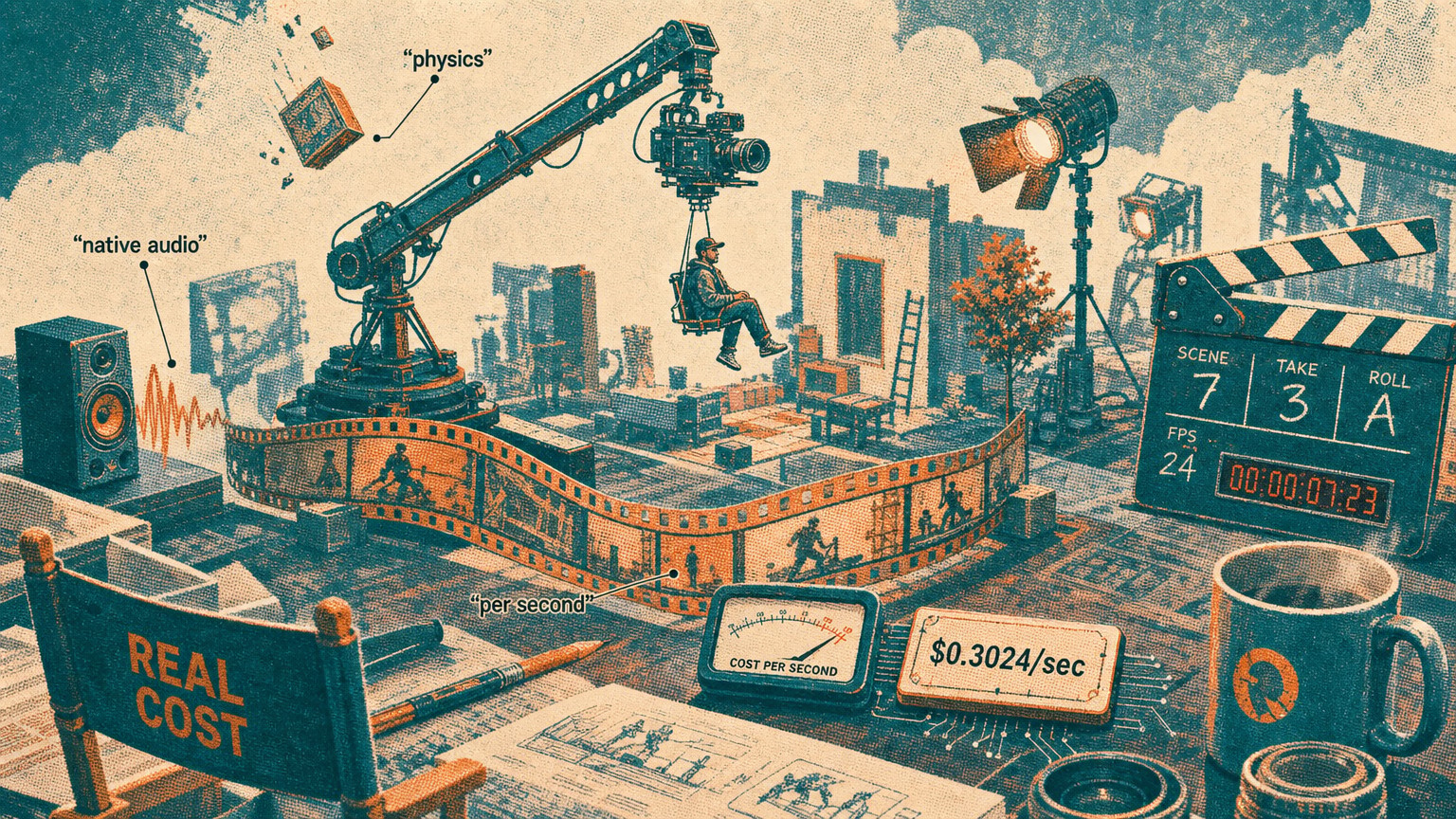
Real numbers from the build, including the test batches and the rerolls. The 40-frame set – plus roughly 90 frames of test generations and rerolls before final selection – ran inside the Pro tier's 20,000 compute unit allowance for the month. The math on a per-usable-frame basis works out to a few dollars per shipped frame at the $35 plan price, and the marginal cost on rerolls inside the allowance is effectively zero until you hit the cap.
The Midjourney pipeline I'd otherwise have used on this same brief: standard plan plus the iteration time, which is where the real cost lives. The dollar line is closer than people assume. The clock line is not. On a 40-frame set with a locked brand world, my Midjourney pipeline is two days of prompt engineering and reroll grind before I get cohesion. Krea 2 was a half-day of moodboard work and a working loop that paid attention to my style-strength dial instead of fighting my prompts.
The constraint that flips the call: when the brand IS the Midjourney aesthetic – that signature warm, cinematic, slightly nostalgic look – Midjourney wins. You don't fight a model that's already aimed at your destination. For a conservative client brief with a defined color story that isn't Midjourney's default, Krea 2's style-transfer system closes the gap that used to cost two days of grind.
Cost-per-usable-frame is the metric. Not cost-per-render. The brand-video math from the Runway agent pipeline lands the same way: iteration cost is the lever, not list price.

What broke – where human art direction was load-bearing
Three places. Worth being specific because the benchmark doesn't tell you any of them.
Typography stayed out of the model entirely. Every type lockup, every label, every headline was set against finished images in Figma. The brand type ramp is non-negotiable on a client set and AI text is still fragile enough that asking for it is a tax on every reroll.
Final color grade still happened in a real editor. The set was 90% there on the way out of Krea 2 – the color story held, the value range held, the accent read consistently. The last grade pass to exact brand hex on the cyan accent and a uniform shadow density across the set happened in DaVinci. Twenty minutes per category. Necessary.
The reroll judgment was the work. 26% of Krea 2 Large outputs landing in the bottom two style ratings is a benchmark number, but on the desk it means roughly one in four generations needs to be discarded. The model does not know which one. You do. That judgment – which frame is on-brand, which is a near-miss worth rerolling, which is a hard fail – is the part of an art director's job that doesn't change. Budget for it. Don't expect the model to know.
This is the honest line about creative AI right now. The production layer compressed. The art direction layer did not. On this campaign, AI handled the production. The art direction was still 80% of the work, and that's roughly what we tell clients at DVNC.studio when they ask whether AI replaces the brief or just speeds up the render.
Copy or skip – the call for a working designer
Copy it if you ship client sets that have to hold one brand world across many frames, and you are cost-sensitive on iteration. This is the use case Krea 2 was built for. A 4-image moodboard plus a style-strength dial plus 15-second iteration is a real production tool, not a demo.
Skip it if you need a single hero image with Midjourney's signature aesthetic, or your brand IS the generic-premium look that prompt-only models default to. Don't fight a model that already shoots at your target.
The takeaway in design terms: style-transfer-as-a-control closes most of the brand-world gap that used to be the structural reason AI image tools couldn't ship client campaigns. The remaining gap – type, final grade, the reroll judgment – is still human, and that's roughly where it should be.
I made the moodboard, the style-strength settings, and the exact prompts for this 40-frame set into a downloadable pack. It's the AI Poster and Campaign Prompt Pack – the working configuration, not the marketing version. It's free, it's the only CTA here, and the link is in the footer of this site.
Can Krea 2 keep a brand consistent across a full campaign set, not just one image?
In this 40-frame run it held the color story across subjects it was never prompted on, with a 4-image moodboard and style-strength dialed to upper-mid. The batch-variation control is the lever that keeps the set cohesive – pulled toward cohesive, not wide, it gives you usable batches instead of pretty scatter.
Krea 2 vs GPT Image 2 for style fidelity – which actually wins?
GPT Image 2 is still #1. Krea 2 Large is #2 at a 0.14 Style Fidelity gap on Contra Labs' four-model benchmark, and it's the only non-GPT model above the net-useful threshold. The real operator question is cost-per-usable-frame on your specific pipeline, not the leaderboard position.
Which Krea plan do I need to use Krea 2?
Krea 2 access starts on Pro at $35/month with 20,000 compute units. Max is $70/month for 60,000 units.
How many style references can Krea 2 combine at once?
Up to four simultaneous style references in a moodboard, with a strength control governing how hard each reference pulls the output.
Did Krea 2 replace the designer on this campaign?
No. Typography and the final color grade were done by hand, and roughly a quarter of outputs needed a reroll judgment the model couldn't make. It replaced the production grind, not the art direction.
Jun 2, 2026