10 Best AI Email Marketing Tools I'd Buy in 2026 (and the Ones to Avoid)
Pricing-first ranking of AI email marketing tools for 2026: Kit, beehiiv, Klaviyo, Brevo, ActiveCampaign, and the tools to avoid.


The keyword looks small at 260 searches a month, but DataForSEO puts it at $59.81 CPC. That is not a content keyword. That is a buying committee trying to avoid a $500/month mistake.
Based on pricing, automation depth, and AI features as of May 2026, Klaviyo, ActiveCampaign, Brevo, Kit, and beehiiv are the best AI email marketing tools for most growth teams.
The verdict: the best AI email marketing tools in May 2026
The best AI email marketing tool depends less on the AI copywriter and more on the data model your business runs on.
That is the buying rule. Do not buy “AI email” first. Buy the right customer-data layer first, then care about the AI features sitting on top of it.
Ecommerce needs purchase history, product feeds, abandonment events, and revenue attribution. Creators need subscribers, tags, products, recommendations, and paid audience growth. B2B needs CRM handoff, lead scoring, sales context, and campaign attribution. Product-led SaaS needs events, objects, traits, lifecycle stages, and triggered messaging.
The ranked shortlist:
- Klaviyo – best for ecommerce lifecycle AI
- ActiveCampaign – best for complex marketing automation
- Brevo – best low-cost multichannel option
- Kit – best for creator businesses and courses
- beehiiv – best for media newsletters
- Omnisend – best Klaviyo alternative for Shopify value
- Customer.io – best for product-led SaaS event messaging
- HubSpot Marketing Hub – best when CRM is the source of truth
- MailerLite – best budget newsletter automation
- Mailchimp – best for tiny small-business lists, not serious AI automation
The primary keyword, “ai email marketing tools,” is only 260 searches a month. The CPC is $59.81. The broader “email marketing automation software” keyword is 1,600 searches at $36.16 CPC, and “best newsletter platform” is 880 searches at $24.25 CPC.
That gap matters. A small, expensive keyword means the buyer is close to choosing software, not collecting definitions.
What is an AI email marketing tool?
An AI email marketing tool is an email platform that uses AI to write, segment, personalize, send, optimize, or analyze campaigns while still handling the core ESP jobs of list management, consent, deliverability, automation, and reporting.
That definition excludes a lot of tools ranking for the keyword. A text generator can draft 5 abandoned-cart subject lines, but it cannot decide who is eligible to receive the email, suppress unsubscribed contacts, or report revenue per recipient.
The AI features worth paying for fall into 5 buckets:
- AI copy and subject-line generation
- AI send-time optimization
- AI segmentation from natural language
- AI product recommendations or dynamic content
- AI campaign or flow agents that build assets inside the ESP
Salesforce frames AI in email marketing around personalization, segmentation, send-time optimization, and content creation in its AI email marketing guide. That is the right category map, but it still leaves the buying question open.
If the AI feature cannot tie back to open rate, click-through rate, revenue per recipient, retained subscriber rate, or operator time saved, it is decoration.
How I evaluated the tools: pricing, data model, and payback
I did not run a live campaign in all 10 tools. I modeled them against the same 3 operating cases: 1,000 subscribers, 10,000 subscribers, and 50,000 subscribers.
That is the honest way to compare this category. A 14-day free trial tells you whether the editor is annoying. It does not tell you whether the tool still makes sense when the list is 10x bigger, the CFO asks about attribution, and the migration risk is no longer theoretical.
I used the same pricing-first approach I use in my AI SEO tools comparison: start with the business model, then score the tool by the cost at the point where the channel has to make money.
My scoring weights:
The keyword cluster also shaped the ranking. DataForSEO showed:
I picked “ai email marketing tools” as the primary angle because the generic “email marketing automation software” SERP is more crowded and less precise. The AI SERP is weaker, more vendor-owned, and too willing to mix opt-in lifecycle platforms with cold-outreach tools.
That is how you get a buying guide where Snov.io, Jasper, Mailchimp, Klaviyo, and a shared inbox tool all sit in the same table. Those are not the same job.
For the pricing model, I used 3 list-size bands:
- 1,000 subscribers: the first paid plan question. Can a solo operator, small store, or early newsletter use it without pain?
- 10,000 subscribers: the first serious business question. Does the tool still make sense once email has revenue pressure?
- 50,000 subscribers: the scaling question. Does pricing stay rational, or does the migration conversation start?
The 1,000-subscriber number catches fake affordability. The 50,000-subscriber number catches tools that look cheap until your list works.
The competitor gap is obvious. Vendor-owned rankings naturally put the vendor near the top. Affiliate roundups often rank by commission-friendly categories. Cold-outreach blogs sometimes treat outbound prospecting as email marketing. That is fine for sales development, but it is not the same as consent-based lifecycle email.
One warning before the table: ESP pricing changes constantly. Recheck the official pricing page before signing an annual contract, especially above 10,000 contacts, if SMS is involved, or if the plan uses credits.
The comparison table: 10 tools, one buying view
The table below is the buying view I would want before migrating a list, not a feature checklist copied from pricing pages.
“Starting price” is almost never the real decision.
The real decision is the price at the first list size where the channel has to pay for itself. A $9 plan that breaks at 10,000 contacts is not cheaper than a $79 plan that keeps your revenue flows clean. An $800/mo CRM suite is not expensive if sales attribution depends on it, but it is absurd if you only send a Tuesday newsletter.
The ranked list: the 10 AI email marketing tools worth considering
The list below ranks tools by fit, not hype. Each card answers the same question: who should buy this, where does the AI help, and where does the pricing stop making sense?
1. Klaviyo – best for ecommerce lifecycle AI
Best for: Shopify, WooCommerce, and ecommerce brands with purchase-history-driven retention · Standout: K:AI Marketing Agent and ecommerce segmentation · Pricing: Free up to 250 profiles and 500 emails/month · Free trial: Free plan
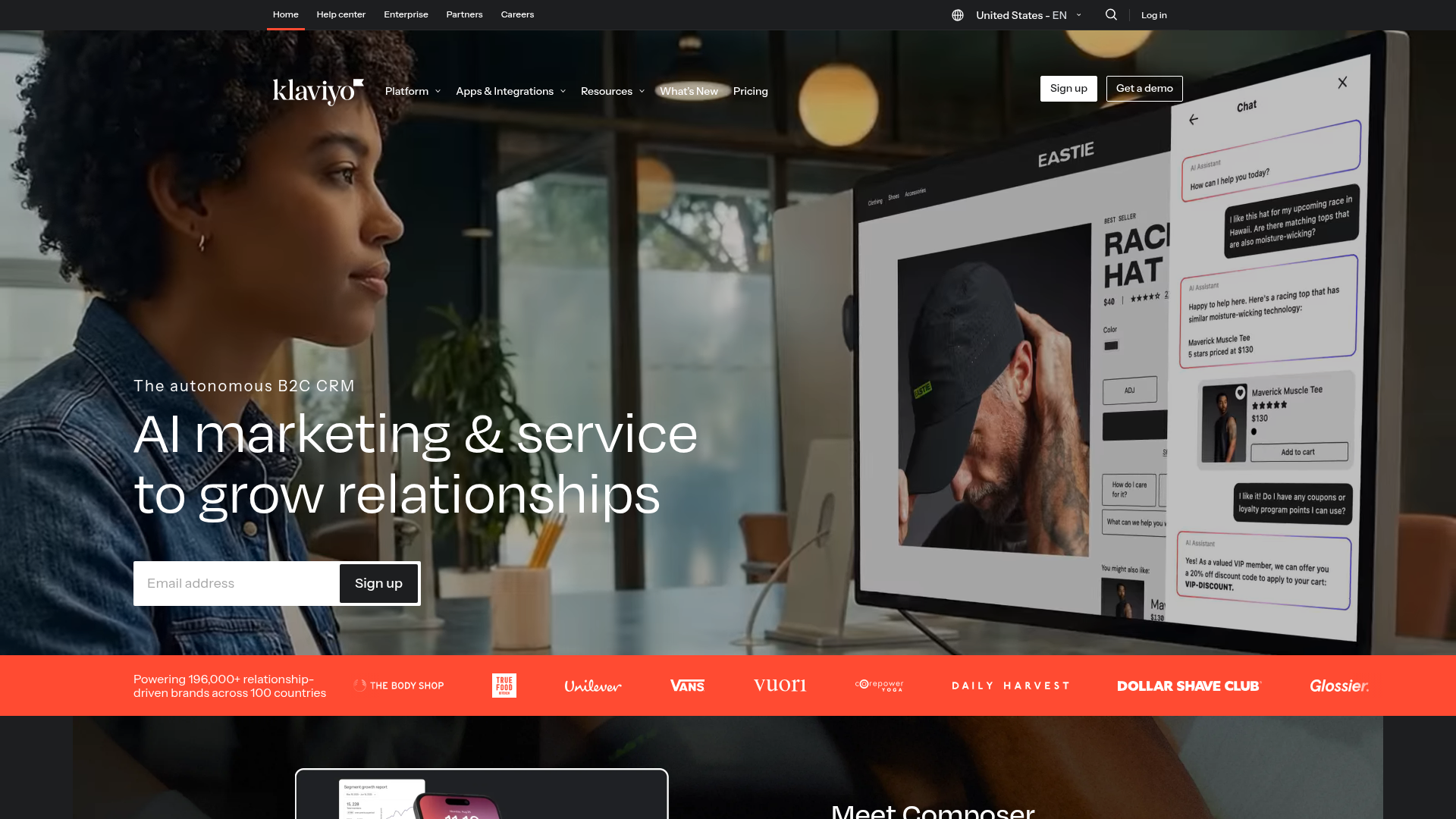
Buy Klaviyo when purchase history drives personalization. Do not buy it for a content-only newsletter.
Klaviyo’s advantage is not that it can write a subject line. The advantage is that its AI and automation sit close to product feeds, purchase history, customer profiles, abandoned carts, repeat purchase cycles, and revenue attribution.
Klaviyo says its K:AI Marketing Agent can analyze a website and generate campaigns, flows, signup forms, and weekly recommendations. The important part is that Klaviyo says it is available in all accounts without additional cost, which matters because plenty of “AI” features become useful only after a plan upgrade.
The pricing page lists a free plan up to 250 active profiles, 500 emails/month, and 150 mobile message credits. That free tier is real, but tight. At 250 profiles, you are testing the operating model, not running a mature retention program.
The cost model changes at ecommerce scale. If a 20,000-profile store sends abandoned cart, browse abandonment, winback, post-purchase, VIP, replenishment, and campaign emails, judge the software cost against revenue per recipient. If Klaviyo helps recover 2 more carts per week on a $90 average order value, the monthly math looks different.
If the business is a media newsletter with sponsorships, the math does not look as good. You are paying for a commerce brain you do not fully use.
- Strong ecommerce data model for purchase history, product feeds, customer profiles, and revenue attribution.
- K Marketing Agent is tied to campaigns, flows, signup forms, and recommendations, not just copywriting.
- Good fit for lifecycle flows where segmentation can change revenue per recipient.
- Strong Shopify and ecommerce ecosystem recognition, which reduces migration and hiring risk.
- Free plan is useful for testing setup at 250 active profiles.
- Profile-based pricing climbs as the list grows, especially if you collect low-intent leads.
- Ecommerce-first mental model is overkill for creator newsletters and simple B2B nurturing.
- Free plan support is limited, which matters during sender-domain and migration setup.
- Media-style publishing, referral programs, and sponsorship workflows are not Klaviyo’s core job.
Pricing reality: the official entry point is free up to 250 profiles and 500 monthly emails. Above that, the price varies by profile and send volume, so the useful buying step is to model your active profiles, not your total historical contacts.
Recheck the current review count and your exact profile tier before signing an annual plan.
Verdict: Klaviyo is the first tool I would price for ecommerce retention. It is not the first tool I would price for creators, agencies with mixed clients, or a B2B services newsletter.
2. ActiveCampaign – best for complex lifecycle automation
Best for: SMB growth teams, agencies, and B2B services that need serious automation · Standout: Active Intelligence, predictive sending, AI-suggested segments · Pricing: Starter $15/mo billed annually for 1,000 contacts · Free trial: 14-day trial
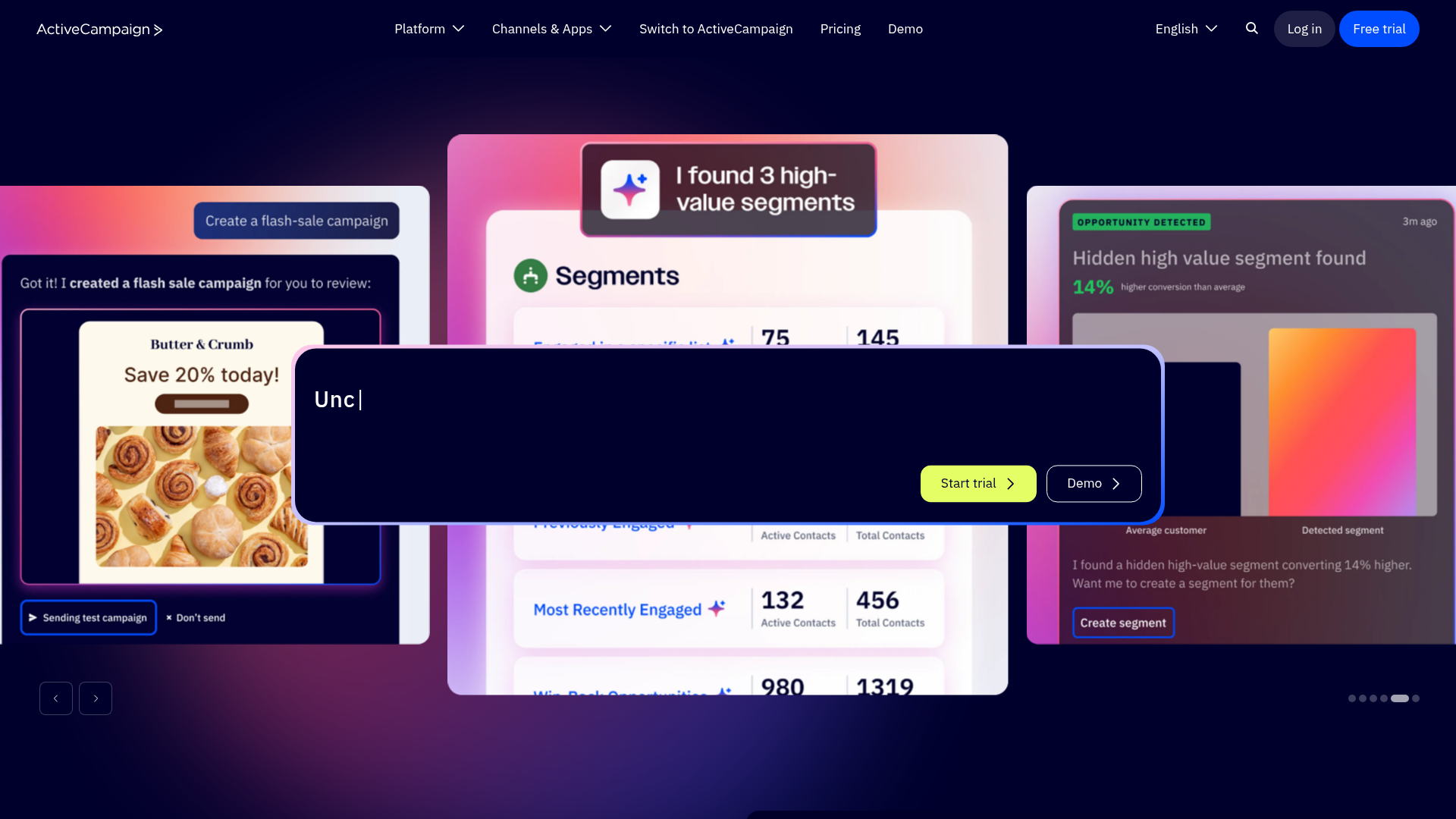
ActiveCampaign is the safest pick for SMB teams that need serious automation but do not want HubSpot pricing.
Its core strength is workflow depth. You buy ActiveCampaign because the business needs triggers, branches, lead scoring, tags, pipeline handoff, conditional content, ecommerce sync, and multi-step nurturing without moving into a full enterprise CRM suite.
The pricing page lists Starter at $15/mo, Plus at $49/mo, Pro at $79/mo, and Enterprise at $145/mo for 1,000 contacts when billed annually. Those prices are the clean starting point, but they are not the whole story.
Starter is cheap, but it includes 5 actions per automation. That is not enough for most lifecycle systems once you move past welcome sequences. Pro is the first serious plan if predictive sending, more advanced automation, and conditional logic matter.
ActiveCampaign’s AI feature set includes Active Intelligence, an AI campaign builder, AI-suggested segments, AI content and image generation, predictive sending, and automation support. The important distinction is that predictive sending and suggested segments can affect actual performance, while copy generation mostly saves time.
At 1,000 contacts, ActiveCampaign is easy to justify for a business with even 1 sales call or course sale influenced by email. At 10,000 contacts, the question becomes operational: do the automations save enough time and improve enough conversion to offset the plan jump? At 50,000 contacts, you need clean tagging discipline, or the system can become a maze with invoices.
This is also why agencies like it. A repeatable ActiveCampaign setup can be cloned across 5 clients much more easily than a custom HubSpot portal or a hacked-together Mailchimp account.
- Strong general-purpose automation depth for SMBs, agencies, B2B services, and education businesses.
- AI features sit near segmentation, campaign building, predictive sending, and automation.
- Lower entry point than HubSpot for teams that need workflows, not a whole CRM suite.
- Good fit when email, CRM-lite, ecommerce, and lead nurturing overlap.
- Useful agency standard because automations can be templated and reused.
- Starter pricing is attractive, but 5 actions per automation is a hard ceiling for real lifecycle work.
- Plan complexity means buyers need to map required features before choosing a tier.
- Some AI actions and advanced features may need higher plans or add-ons.
- Setup time is real. A messy tag strategy can make ActiveCampaign feel heavier than it is.
Pricing reality: $15/mo for Starter looks cheap, but many growth teams should model Plus at $49/mo or Pro at $79/mo at 1,000 contacts. Higher contact tiers need a fresh calculation.
Market familiarity matters. It means your freelancer, agency, or ops hire has probably seen the tool before.
Verdict: buy ActiveCampaign when you need automation depth across leads, customers, and lifecycle stages. Do not buy it if all you need is a clean weekly newsletter.
3. Brevo – best low-cost multichannel option
Best for: Price-sensitive teams that need email, SMS, WhatsApp, and basic automation · Standout: AI content generator, send-time optimization, AI segmentation on higher tiers · Pricing: Starter $9/mo; Standard $18/mo; Professional $499/mo · Free trial: Free tier
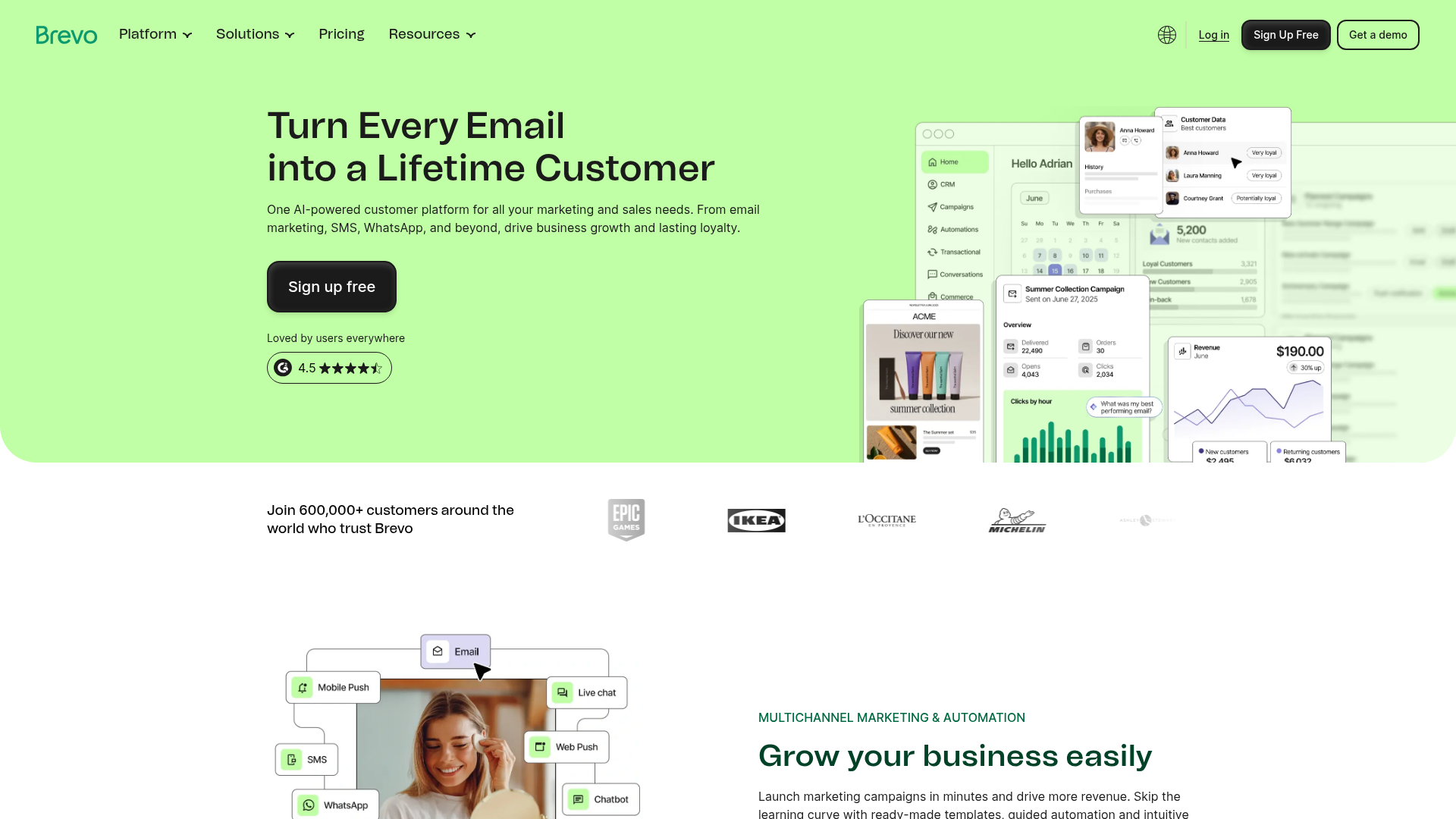
Brevo is the tool to price first when you have a large list, simple segmentation, and no desire to pay Klaviyo or HubSpot money.
The reason is its pricing model. Brevo has historically been more send-volume-oriented than contact-tier-only competitors, which can be attractive if you have a large database but do not email every contact constantly.
According to Brevo’s pricing help page, Starter begins at $9/mo, Standard at $18/mo, and Professional at $499/mo. The same page lists the AI content generator on Starter, AI send-time optimization on Standard, and AI product recommendations plus AI segmentation on Professional.
That tier split matters. The cheapest plan gives you AI writing. The more useful optimization and segmentation features sit higher.
Brevo also has add-ons that buyers need to read before calling it “the cheap one.” Logo removal is $9/mo on Starter. A dedicated IP is $251/year. Extra marketing seats are $9/mo. The base plan can still be good value, but the invoice is not always the headline price.
Where Brevo gets interesting is multichannel. If your customer journey includes email plus SMS or WhatsApp, Brevo can be a clean starting point. Just remember the Meta 24-hour window and opt-in rules if WhatsApp becomes part of the journey. I covered that constraint in the ManyChat cost-per-booked-call breakdown, and the same compliance reality applies here.
At 1,000 contacts, Brevo is a price-first choice. At 10,000 contacts, it can still look good if your segmentation is simple. At 50,000 contacts, I would audit sending frequency, automation caps, branding, support, and SMS costs before committing.
- Strong low-cost entry point at $9/mo Starter and $18/mo Standard.
- Useful multichannel mix for email, SMS, and WhatsApp without buying a heavy CRM.
- Send-time optimization exists on Standard, not only enterprise.
- Good fit for local businesses, services, and price-sensitive operators.
- Add-on pricing is visible enough to model before purchase.
- Advanced AI segmentation and product recommendations sit on the Professional tier.
- Starter caps, contact storage details, and automation limits require careful reading.
- Add-ons like logo removal, extra seats, and dedicated IP can change the invoice.
- Less specialized than Klaviyo for ecommerce and less deep than ActiveCampaign for complex automation.
Pricing reality: Starter at $9/mo is real, but Standard at $18/mo is a better baseline if send-time optimization matters. Professional at $499/mo is where advanced AI segmentation changes the category.
Recheck current plan limits because Brevo pricing pages and help-center details can shift.
Verdict: Brevo is the cost-control pick. It is not the strongest AI platform, but it may be the best business decision when the alternative is overbuying HubSpot or Klaviyo.
4. Kit – best for creator businesses and courses
Best for: Creators, course sellers, coaches, and small digital-product businesses · Standout: Creator automations, recommendations, products, referral system on Pro · Pricing: Free Newsletter plan; Creator $33/mo annual for 1,000 subscribers; Pro $66/mo annual for 1,000 · Free trial: Free plan and 14-day paid trial
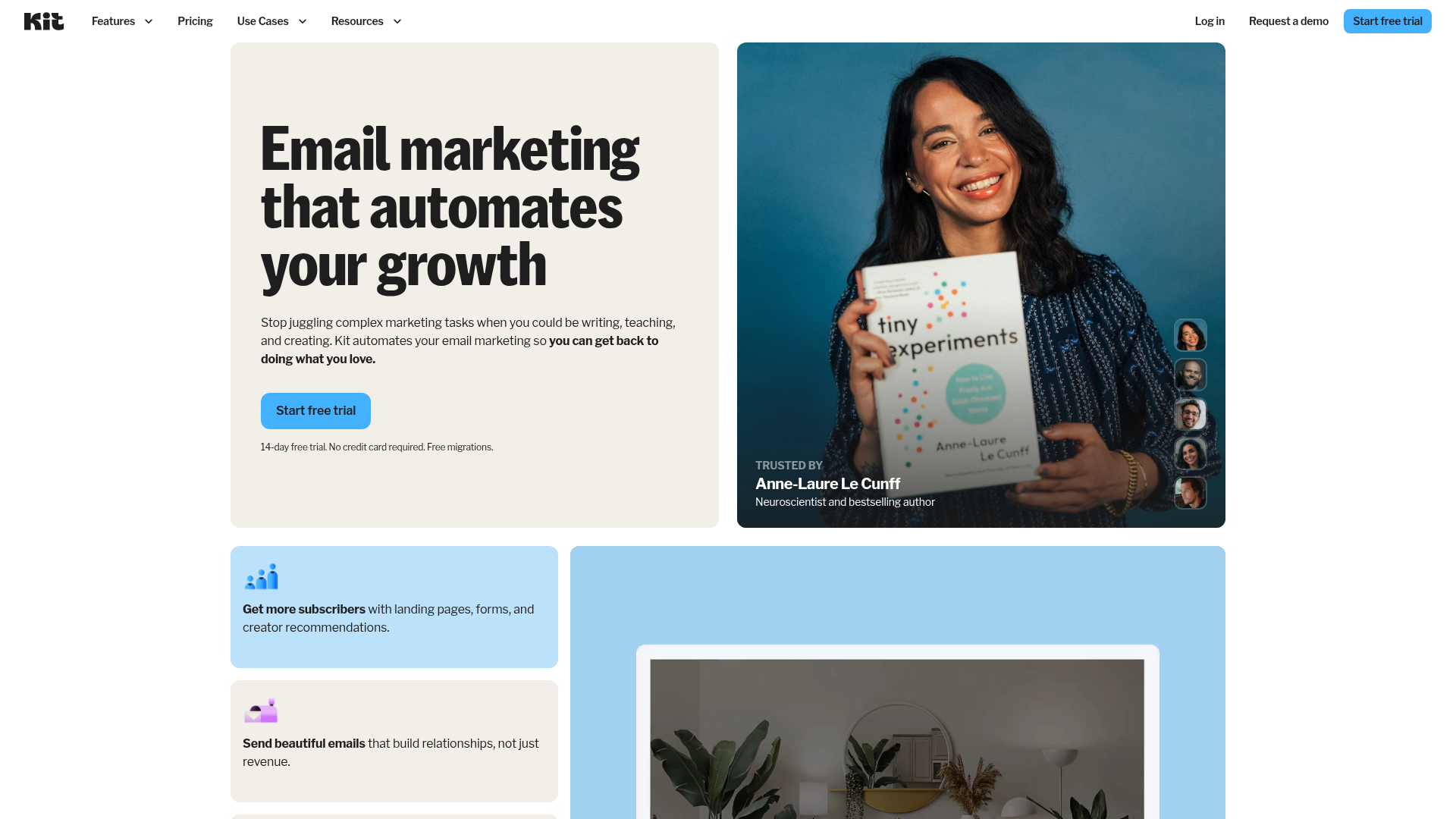
Kit is not the strongest AI tool in this list, but it is one of the best business tools for creators who sell products, courses, or sponsorships.
That distinction is important. If this ranking were only “most impressive AI feature,” Kit would not be top 5. But if the job is turning an audience into revenue, Kit’s subscriber, tag, automation, product, and recommendation model is hard to beat.
Kit’s pricing page lists the Newsletter plan at $0/mo up to 10,000 subscribers, Creator at $33/mo annually for 1,000 subscribers, and Pro at $66/mo annually for 1,000 subscribers. It also lists a 14-day trial with no card required and no sending limits.
No sending limits is a major creator-friendly detail. A newsletter operator sending 3 broadcasts a week does not want to count every campaign against a tiny monthly email cap.
Kit also includes landing pages, forms, visual automations, products, subscriptions, recommendations, and a referral system on Pro. Those features matter more to a creator business than an AI subject-line box.
The cost model is clean at 1,000 subscribers if you sell anything. One $99 course sale can cover multiple months of Creator. At 10,000 subscribers, Kit makes sense if revenue comes from products, sponsorships, coaching, paid subscriptions, or affiliate campaigns. At 50,000 subscribers, I would compare Kit against beehiiv if media monetization is the core model.
Affiliate link if used, and Kit still loses on deep AI personalization. It is not Klaviyo for commerce. It is not Customer.io for product events. It is not ActiveCampaign for advanced branching.
- Excellent fit for creators selling courses, products, paid subscriptions, coaching, or sponsorships.
- Free plan up to 10,000 subscribers is unusually generous for list-building.
- No sending limits removes a common newsletter cost anxiety.
- Built-in recommendations and creator-network mechanics help audience growth.
- Cleaner creator operating model than CRM-first tools.
- Native AI depth is lighter than Klaviyo, ActiveCampaign, HubSpot, and Customer.io.
- Email design and template flexibility are weaker than some traditional platforms.
- Not ecommerce-first, so product-feed and purchase-history personalization are limited.
- Pro is needed for some growth features, so serious creators should not judge only the free plan.
Pricing reality: the free Newsletter plan is good for early list growth. Creator at $33/mo annual for 1,000 subscribers is the real baseline for a business. Pro at $66/mo annual is the tier to model if referrals and advanced growth features matter.
Review volume is lower than Mailchimp or ActiveCampaign, but the creator fit is sharper.
Verdict: buy Kit when the newsletter supports a creator business. Choose beehiiv instead when the newsletter itself is the media product.
5. beehiiv – best for media newsletters and monetization
Best for: Media newsletters, sponsorship-driven audience businesses, and paid newsletter operators · Standout: AI Website Builder, beehiiv MCP, Ad Network, Boosts, dynamic content on Max · Pricing: Launch free; Scale around $43/mo annual view or $49/mo monthly; Max around $96/mo annual view · Free trial: Free plan
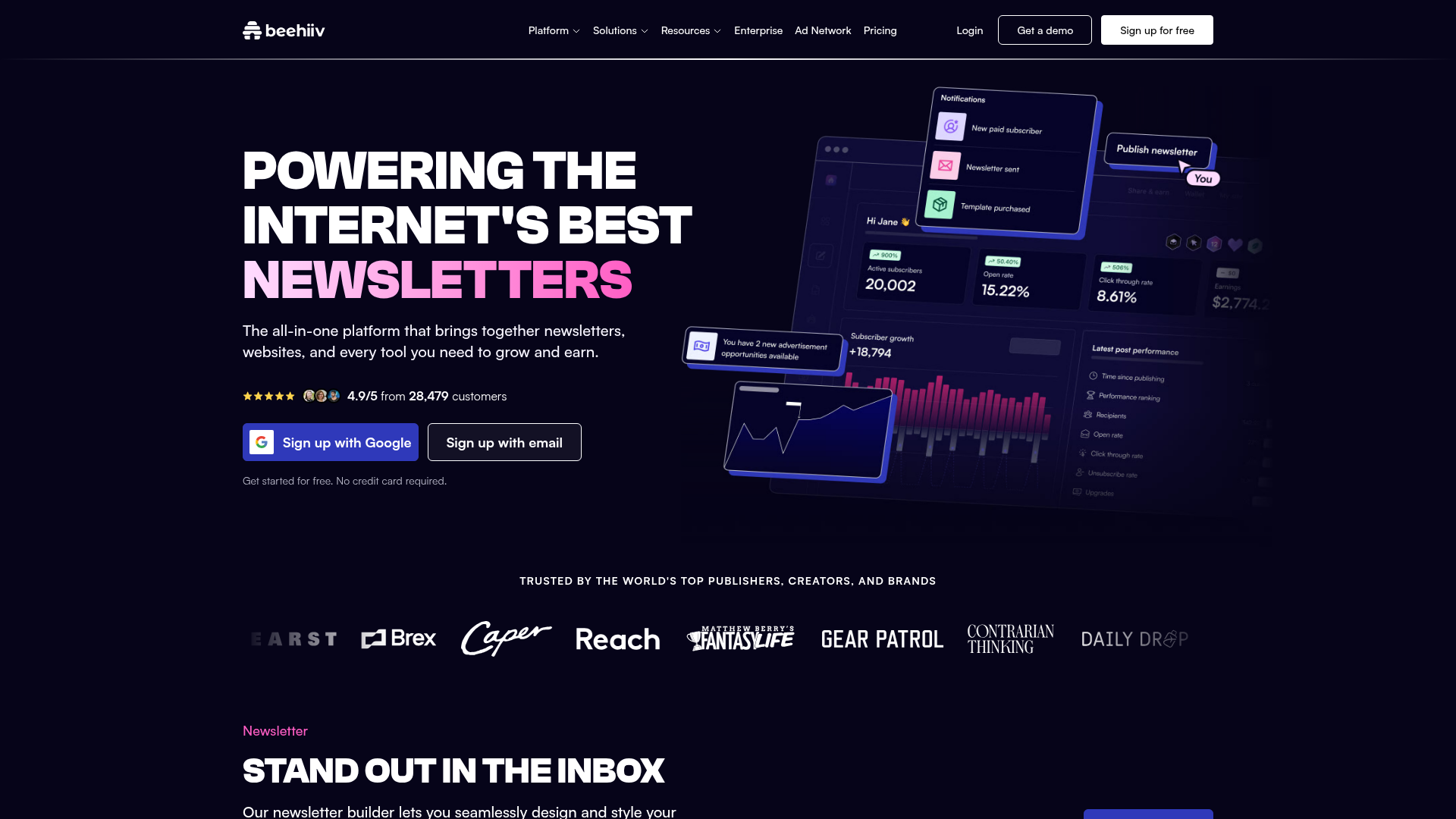
beehiiv is the best pick when the newsletter is the product, not just a support channel for a product.
This is the media-company distinction. Klaviyo asks, “What did this customer buy?” HubSpot asks, “Where is this contact in the CRM?” beehiiv asks, “How does this audience grow, retain, monetize, and publish?”
The beehiiv pricing page lists Launch at $0, Scale around $43/mo in the annual pricing view, Max around $96/mo, and Enterprise as custom. Its FAQ also says paid plans start at $49/mo. Launch includes up to 2,500 subscribers and unlimited sends.
Feature-wise, beehiiv bundles newsletter publishing, a website, podcast features, recommendations, AI Website Builder, beehiiv MCP, Ad Network, Boosts, digital products, automations, surveys, and dynamic content on Max.
That is not the same as a general ESP. It is closer to an audience business operating system.
At 1,000 subscribers, beehiiv’s free Launch plan is enough to validate a media concept. At 10,000 subscribers, Scale becomes the real question because growth and monetization features start to matter. At 50,000 subscribers, the decision is whether revenue comes from ads, sponsorships, subscriptions, Boosts, and audience products. If yes, beehiiv belongs in the final 2.
I have written separately about newsletter economics and retained subscriber cost in the SparkLoop and Boosts analysis. That is the frame I would use here too: do not ask only what a subscriber costs to acquire. Ask what a retained subscriber is worth after churn, deliverability, and monetization.
- Strongest fit here for media newsletters where audience growth and monetization are the core business.
- Free Launch plan includes up to 2,500 subscribers and unlimited sends.
- Built-in Ad Network, Boosts, paid subscription, and recommendation mechanics reduce tool sprawl.
- AI Website Builder and beehiiv MCP make sense inside a publishing workflow.
- Better media operating model than traditional SMB email tools.
- Not ideal for sales-led CRM workflows with complex handoffs and pipeline stages.
- Advanced white-label, dynamic content, and higher-end controls require Max or Enterprise.
- Lifecycle automation is not as deep as ActiveCampaign.
- Ecommerce purchase-history personalization is not the main use case.
Pricing reality: Launch is free. Scale is the likely serious starting point for a growing media newsletter. Max is where dynamic content and advanced controls start mattering.
The lower review count reflects a newer platform compared with Mailchimp or HubSpot. It does not mean weaker category fit.
Verdict: buy beehiiv when newsletter growth and monetization are the business. Do not buy it as a generic CRM automation tool.
6. Omnisend – best Klaviyo alternative for Shopify value
Best for: Shopify and ecommerce brands that want retention automation without Klaviyo pricing pressure · Standout: Omnisend MCP, Forms AI, AI Segment Builder, product recommender · Pricing: Free; Standard commonly from $16/mo, with promos sometimes lower · Free trial: Free plan
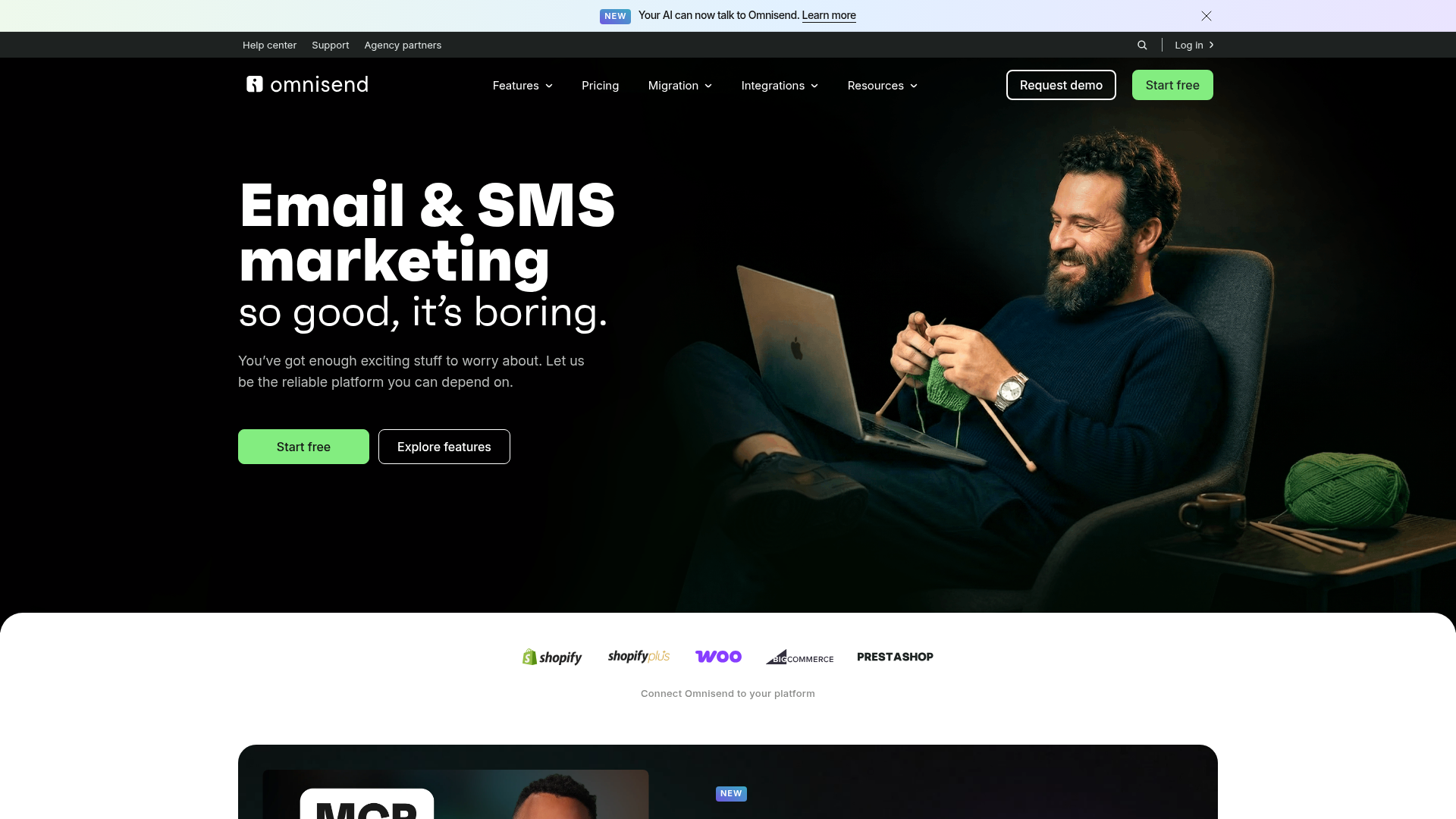
Omnisend is the best value play for Shopify teams that want most of the retention stack without defaulting to Klaviyo.
Its ecommerce orientation is clear. Omnisend is built around product recommendations, ecommerce automations, SMS, forms, segmentation, and revenue-oriented messaging. It is not trying to be the best creator newsletter tool or the best B2B CRM suite.
The pricing page lists a free plan with 500 emails/month and 250 contacts. Standard is commonly shown from $16/mo, though current promotions may show a lower price such as $11.20 for 500 contacts. Pro pricing may also show promotional values, including around $41.30 in some views for 2,500 contacts.
That promo variability is exactly why I would recheck Omnisend pricing at purchase time. The tool can be cost-effective, but do not build your 12-month model from a temporary discount.
AI and automation features include Omnisend MCP, Forms AI, AI Segment Builder, AI subject-line and email assistant, product recommender, ecommerce automations, and SMS. The product recommender and AI segment builder are the features I would care about most because they sit closer to revenue.
At 1,000 contacts, Omnisend can be cheaper than Klaviyo while covering the core ecommerce jobs. At 10,000 contacts, it becomes a serious Klaviyo comparison. At 50,000 contacts, I would inspect billable contact rules, SMS volume, and advanced personalization needs.
One catch: Omnisend’s billable-contact model can include some non-subscribers who receive automated messages. That is not a scandal. It is a pricing detail you need to model.
- Strong Shopify and ecommerce fit at a lower perceived cost than Klaviyo.
- Product recommendations, ecommerce automations, forms, and SMS are aligned with retention revenue.
- AI Segment Builder and Forms AI are more useful than plain copy generation.
- Free plan is enough to test the workflow with 250 contacts and 500 emails/month.
- Good second quote when Klaviyo pricing feels too high.
- Still ecommerce-first, so it is weak for pure creator, B2B, and product-led SaaS use cases.
- Promotional pricing can obscure the real annual cost.
- Billable contact rules may include some non-subscribers receiving automated messages.
- Pro is where advanced personalization and higher-volume use gets more interesting.
Pricing reality: model Standard for basic ecommerce automation and Pro if SMS, advanced reporting, or heavier personalization matters. Do not compare a promo price against Klaviyo’s normal price without normalizing the period.
Treat Omnisend as a real Klaviyo alternative, not a fringe tool.
Verdict: choose Omnisend when you are ecommerce-first, cost-sensitive, and do not need Klaviyo’s deeper ecosystem.
7. Customer.io – best for product-led SaaS behavior messaging
Best for: Product-led SaaS, marketplaces, and apps with event-based lifecycle messaging · Standout: AI Agent, LLM actions, visual workflows · Pricing: Essentials $100/mo for 5k profiles and 1M emails; Premium $1,000/mo annual · Free trial: Startup program/free eligibility, no simple forever-free plan
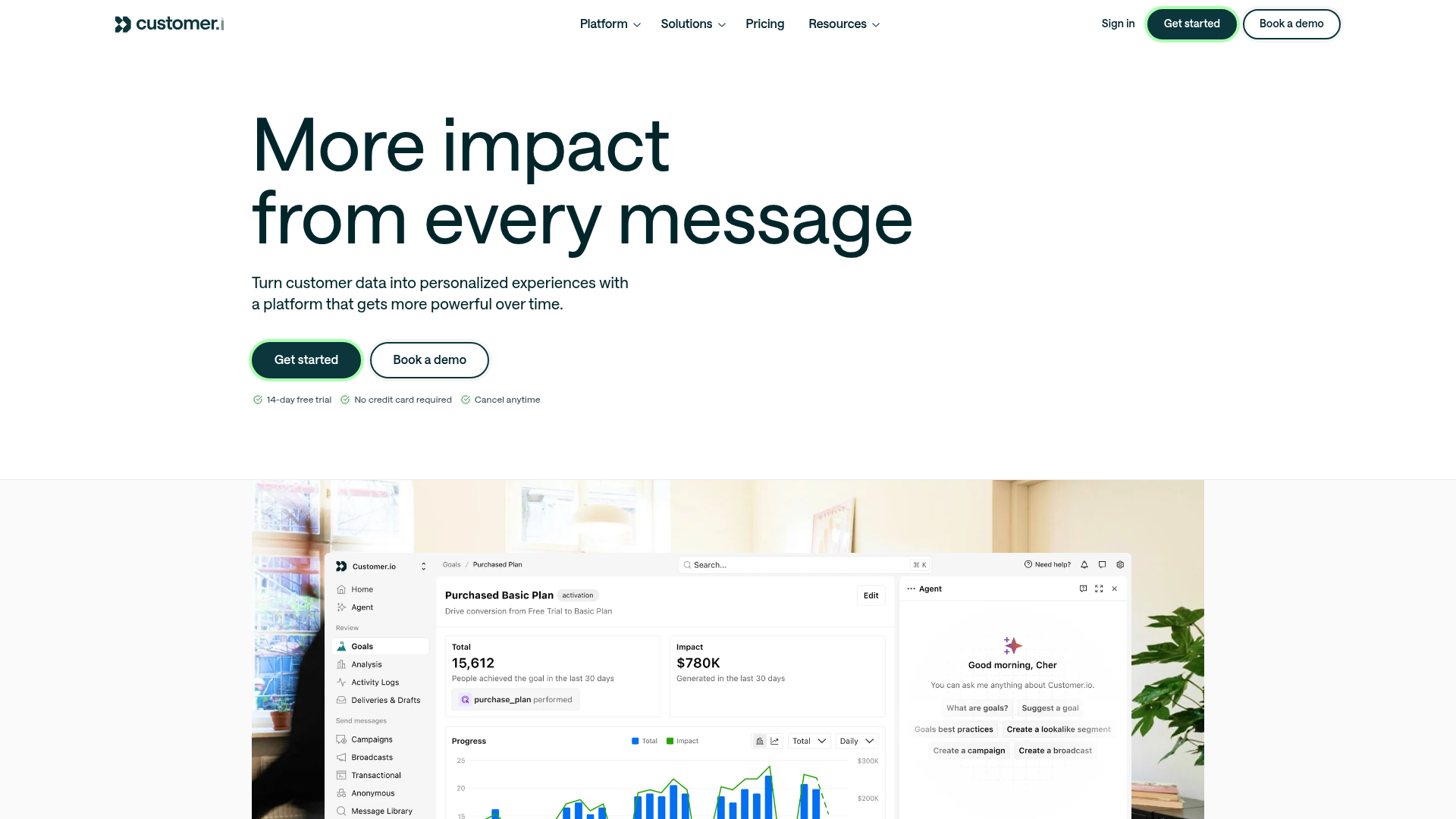
Customer.io is wrong for a simple newsletter and right for a product-led SaaS company with events, objects, and lifecycle states.
This is the cleanest data-model split in the list. If your business asks, “Did the user invite a teammate, create a project, hit usage limit 3 times, and fail activation by day 7?” Customer.io belongs on the shortlist.
If your business asks, “Can I send a weekly email to 4,000 subscribers?” it does not.
The pricing page lists Essentials from $100/mo for 5,000 profiles and 1M emails/month. That plan includes a visual workflow builder, AI Agent, and LLM actions with a sample 100k credit allocation. Premium starts at $1,000/mo billed annually.
Customer.io costs more because it solves a different problem. Product events are more complex than newsletter tags. You need event tracking, identity resolution, clean traits, objects, and lifecycle state logic. That setup requires engineering discipline or at least a competent growth ops person.
At 1,000 subscribers, Customer.io is overkill unless those “subscribers” are actual product users with behavioral events. At 10,000 profiles, it starts to make sense for SaaS activation and expansion. At 50,000 profiles, it can be cheaper than lost activation revenue if messaging is tied to product behavior.
The AI layer matters only if the data plumbing is good. LLM actions and AI agents are useful when they can operate on reliable events. They are dangerous when the event taxonomy is a junk drawer.
- Best fit here for product-led SaaS behavior messaging and event-triggered lifecycle campaigns.
- Strong profile, event, and object model for activation, onboarding, retention, and expansion.
- AI Agent and LLM actions sit inside workflows, not outside as generic copy tools.
- Essentials includes 5,000 profiles and 1M emails/month, which is generous for send volume.
- Premium tier supports more serious lifecycle programs and larger teams.
- Expensive compared with creator, newsletter, and SMB tools.
- Requires clean event tracking and data plumbing before the tool pays back.
- Not ideal for non-technical operators who want simple newsletters.
- Premium starts at $1,000/mo annually, which is a real budget line.
Pricing reality: Essentials at $100/mo is the real entry point. Premium at $1,000/mo is not a “maybe later” price for many SMBs. It is a different procurement category.
The score matters less than whether your team can maintain the data model.
Verdict: buy Customer.io when product events drive lifecycle revenue. Avoid it for newsletters, creator funnels, and basic services businesses.
8. HubSpot Marketing Hub – best when CRM is the source of truth
Best for: B2B teams where sales, marketing, and service attribution need one CRM · Standout: HubSpot Credits, Breeze/AI agents, AI email template upload, AEO in Pro+ · Pricing: Free; Starter promo around $9/mo/seat; Professional $800/mo annual plus onboarding · Free trial: Free tools
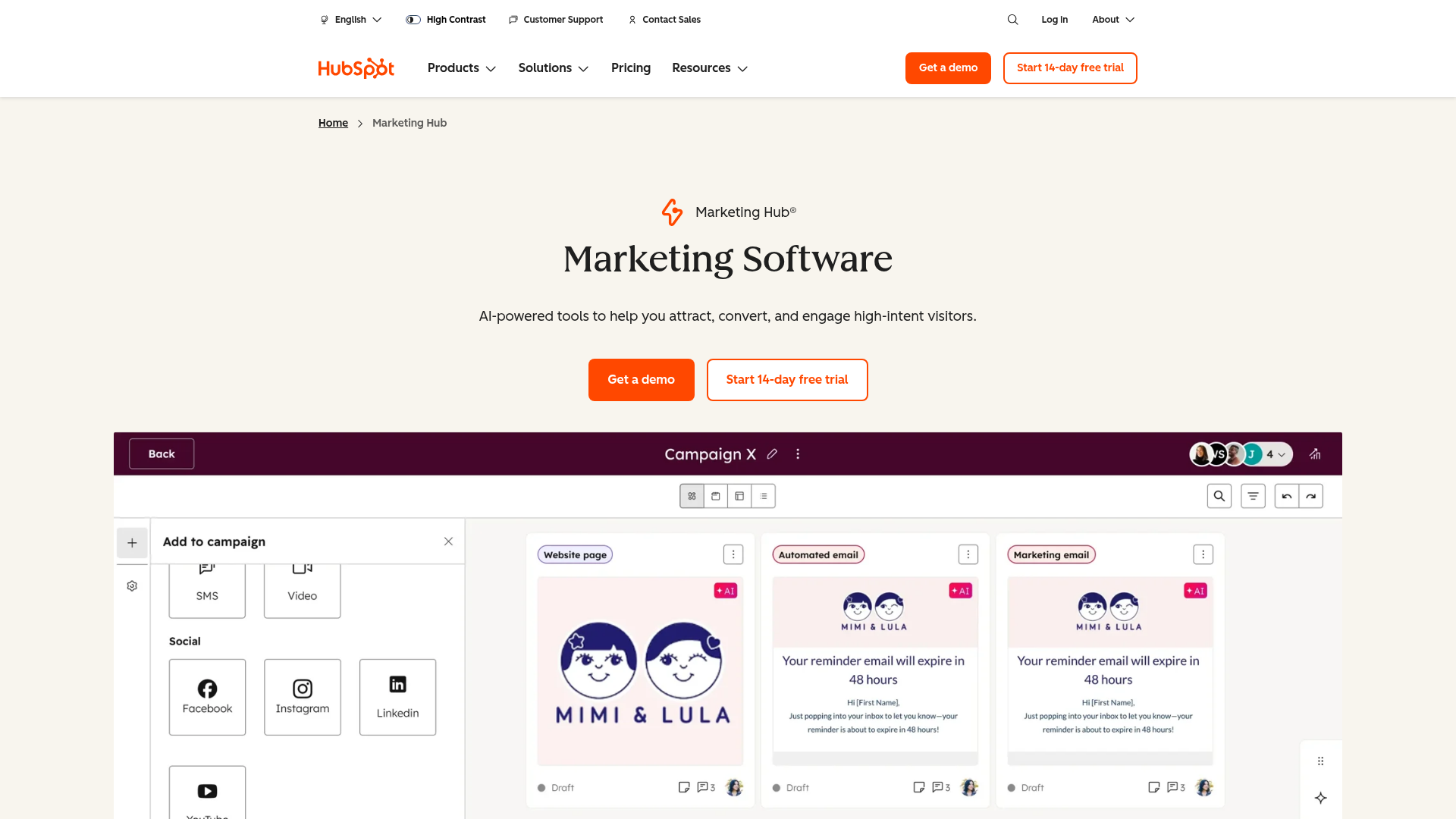
HubSpot wins when sales, marketing, and service attribution all need one CRM. It loses badly if you only need newsletters.
This is not a subtle trade-off. HubSpot is excellent when the business runs on contact records, lifecycle stages, deals, forms, meetings, sales handoff, website tracking, ads, service tickets, and reporting. Email is only 1 part of the system.
The Marketing Hub pricing page lists free tools, Starter pricing that may show around $9/mo/seat as a promo and $20/mo/seat monthly, Professional at $800/mo annually or $890 monthly, and Enterprise at $3,600/mo. Professional has a required $3,000 onboarding fee. Enterprise has a required $7,000 onboarding fee.
Those onboarding numbers are not footnotes. They are the warning label.
HubSpot’s AI stack includes HubSpot Credits, Breeze and AI agents, Customer Agent credit usage, AI segment suggestions, AI email template upload in beta, advanced personalization, lead scoring, and AEO features in Pro+. The AI is more valuable when it can see the CRM, website, ads, sales, and service context.
At 1,000 contacts, HubSpot can be cheap if you stay near free or Starter. At 10,000 contacts, the question is whether CRM-owned attribution justifies the suite. At 50,000 contacts, you should not buy HubSpot just for email. You buy HubSpot because the organization wants CRM gravity.
HubSpot’s risk is overbuying. A founder who wants to send 2 newsletters a month can accidentally buy a machine built for a 12-person revenue team.
- Strongest choice when CRM, sales handoff, service data, ads, forms, and marketing attribution need one system.
- AI features become more useful because they can sit across CRM and customer data.
- Good fit for B2B companies with sales cycles, lifecycle stages, and pipeline reporting.
- Large ecosystem of agencies, templates, integrations, and trained operators.
- Free and Starter tools can work for early teams before the suite jump.
- Professional pricing at $800/mo plus $3,000 onboarding is a serious cliff.
- HubSpot Credits add another accounting layer to AI usage.
- Easy to buy too much suite when email is the only job.
- Newsletter-first teams will pay for CRM machinery they do not need.
Pricing reality: Starter is not the decision point for serious marketing automation. Professional pricing and onboarding are the real buying line. If you cannot justify $800/mo plus onboarding, do not pretend HubSpot is a cheap email tool.
The ecosystem is massive, which helps hiring and implementation.
Verdict: choose HubSpot when CRM attribution is the source of truth. If email is the only job, choose ActiveCampaign, Brevo, Kit, beehiiv, or MailerLite instead.
9. MailerLite – best budget newsletter automation
Best for: Budget-conscious newsletters, simple funnels, and small businesses · Standout: AI writing assistant on Advanced, smart sending, clean automation builder · Pricing: Free up to 500 subscribers and 12,000 monthly emails; Growing $10/mo; Advanced $20/mo · Free trial: Free plan and 14-day premium trial
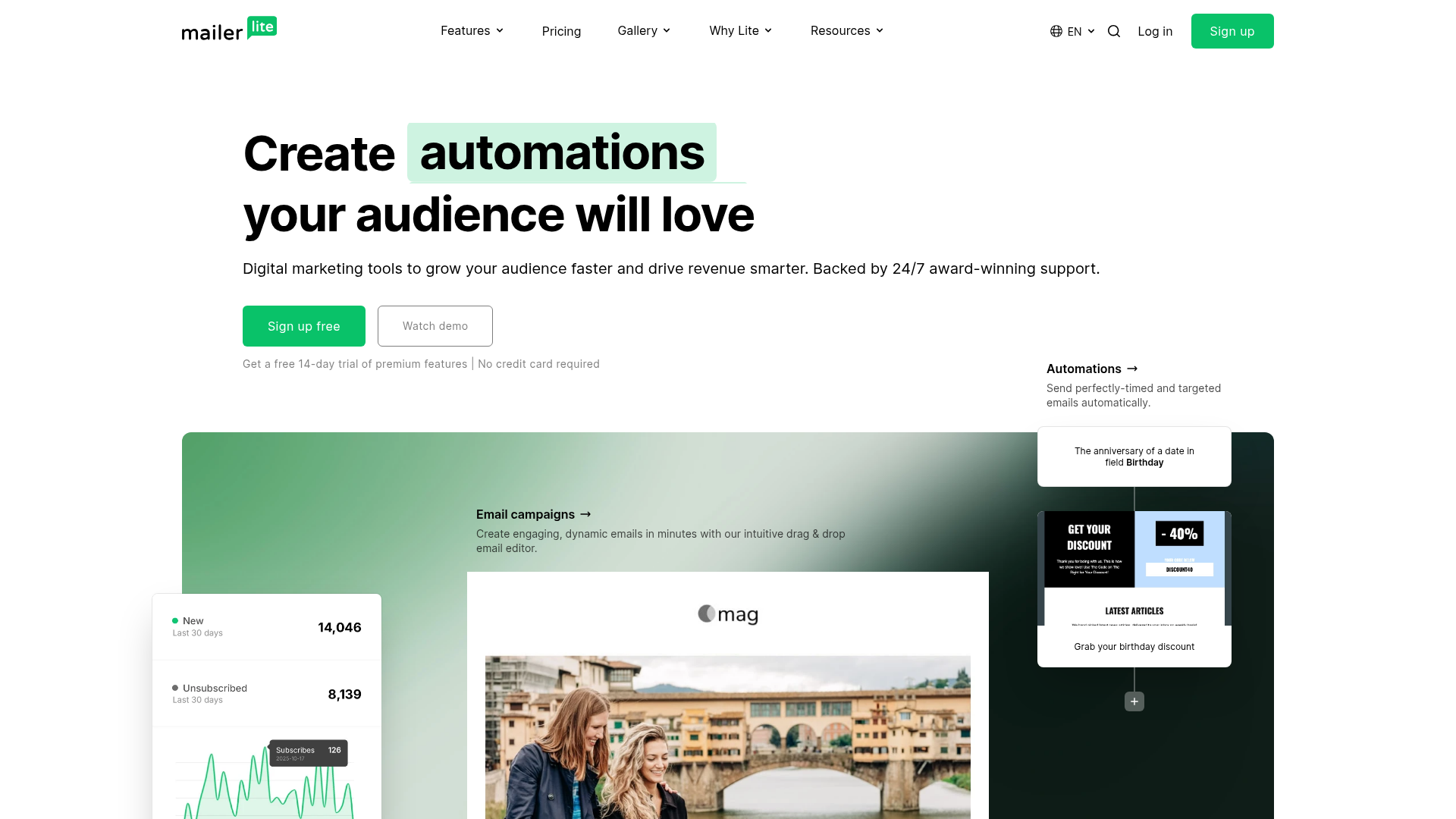
MailerLite is the sane budget pick when the business needs clean newsletters and basic automations, not an enterprise AI layer.
This tool wins by not pretending to be more complex than it is. You get newsletters, forms, landing pages, automations, segmentation, and enough reporting for many small businesses. The interface is simpler than ActiveCampaign and the cost is lower than most serious lifecycle stacks.
The pricing page lists a free plan up to 500 subscribers and 12,000 monthly emails. Growing Business starts at $10/mo for up to 500 subscribers. Advanced starts at $20/mo and includes AI writing assistant and smart sending. There is also a 14-day premium trial.
MailerLite’s AI is not the star of the category. The value is that the platform is inexpensive, readable, and good enough for basic automation. If AI writing assistant saves 30 minutes per campaign, fine. I would not buy the tool for that alone.
At 1,000 subscribers, MailerLite is one of the easiest recommendations for a budget operator. At 10,000 subscribers, it remains attractive if the business model is newsletter-plus-simple-funnel. At 50,000 subscribers, I would compare against Kit or beehiiv if audience monetization matters, and ActiveCampaign if automation depth matters.
- Strong value for newsletters, small businesses, and simple automations.
- Free plan up to 500 subscribers and 12,000 monthly emails is useful for testing.
- Advanced plan at $20/mo gives access to AI writing assistant and smart sending.
- Cleaner learning curve than heavier automation platforms.
- Good default when budget matters more than advanced attribution.
- AI features are lighter than Klaviyo, ActiveCampaign, HubSpot, and Customer.io.
- Attribution and revenue reporting are not as deep as ecommerce or CRM-first tools.
- Less powerful for complex branching, sales handoff, and product-event messaging.
- Growing teams may outgrow it once segmentation and lifecycle logic mature.
Pricing reality: Growing Business at $10/mo is the budget baseline. Advanced at $20/mo is the AI baseline. Above 10,000 subscribers, model the monthly cost against Kit and beehiiv before assuming MailerLite remains the best fit.
It has enough adoption to be safe, especially for small teams.
Verdict: buy MailerLite when you need affordable, clean email automation. Do not buy it expecting enterprise AI or deep ecommerce personalization.
10. Mailchimp – best for tiny small-business lists, not serious AI automation
Best for: Tiny businesses that want a familiar starting point · Standout: Intuit Assist, generative AI on Standard/Premium, predictive segmentation on higher tiers · Pricing: Free up to 250 contacts and 500 sends/month · Free trial: Free plan and 14-day paid trial
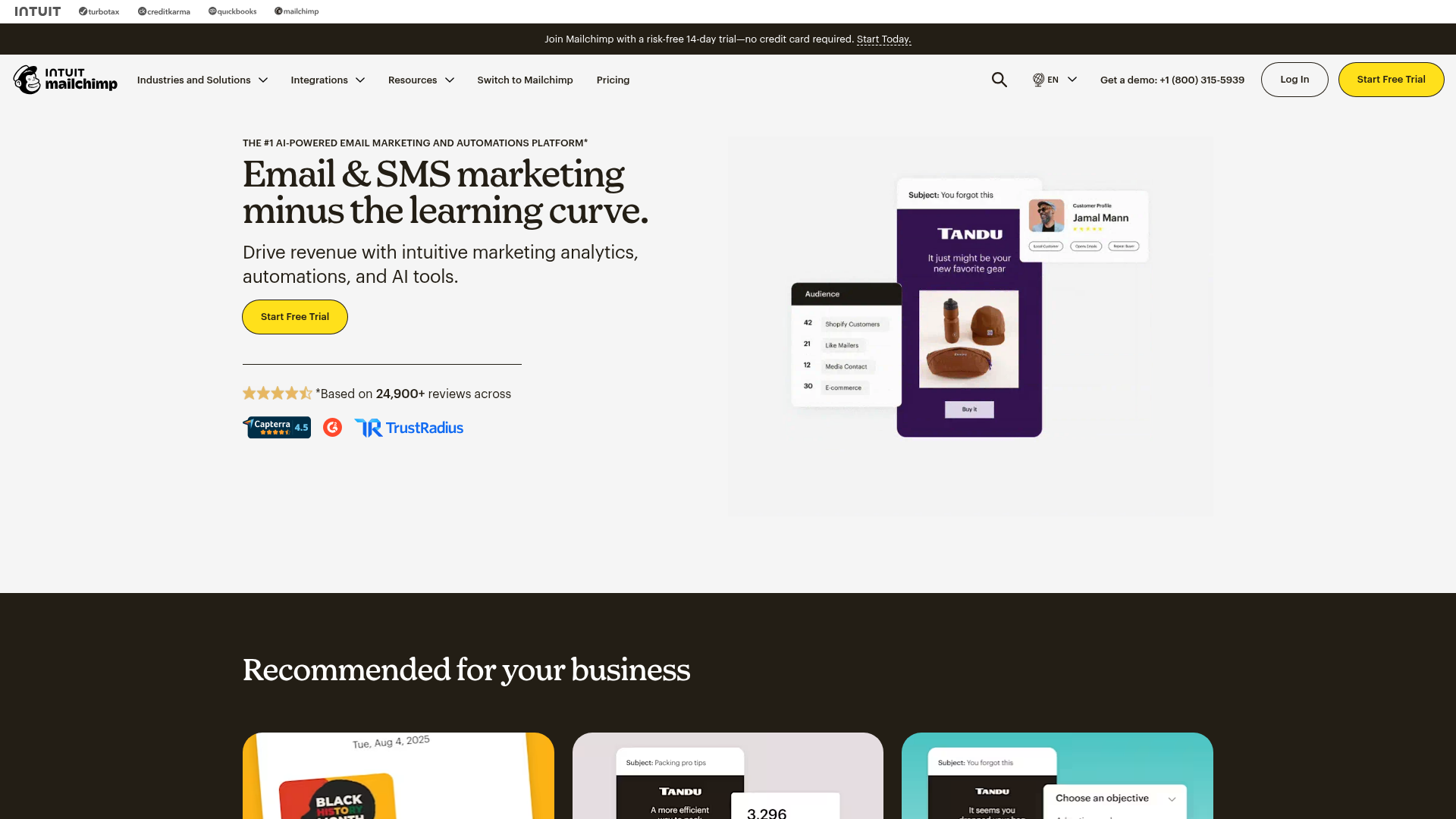
Mailchimp is fine when you are under 250 contacts and want a familiar starting point. It is not the tool I would pick for serious AI lifecycle marketing.
That is the blunt read. Mailchimp is known, easy to start, and widely supported. For a local business, tiny ecommerce store, or first newsletter, familiarity has value.
But familiarity is not a growth strategy.
The Mailchimp pricing page confirms a free plan up to 250 contacts and 500 sends/month, plus a 14-day trial on paid tiers. It also shows Intuit Assist availability on Standard and Premium, and predictive segmentation on higher plans. Exact displayed pricing can vary by locale and currency, so recheck USD before purchase.
The issue is not that Mailchimp is unusable. The issue is that teams outgrow it in the exact places that matter for lifecycle growth: automation depth, audience rules, pricing clarity, and advanced segmentation.
At 1,000 contacts, Mailchimp can be acceptable if the business sends simple campaigns. At 10,000 contacts, I would compare ActiveCampaign, Brevo, Kit, beehiiv, and Klaviyo before staying by default. At 50,000 contacts, inertia is usually the only reason Mailchimp stays in the stack.
Mailchimp’s AI features can help with creation and targeting, but they do not change the category fit enough for me to rank it higher.
- Familiar interface and broad market recognition reduce beginner friction.
- Free plan is useful for tiny lists under 250 contacts.
- Intuit Assist and generative AI features exist on higher paid tiers.
- Good enough for basic newsletters and small-business campaigns.
- Large ecosystem of templates, guides, and integrations.
- AI is not on the cheapest useful tiers.
- Contact and audience rules can become expensive or confusing as the list grows.
- Automation is weaker than ActiveCampaign and Klaviyo for advanced teams.
- Not the tool I would choose for serious lifecycle marketing in 2026.
Pricing reality: the free plan is the main reason to start. Once you need serious automation or higher-volume sending, compare the paid tier against better-fit tools before staying.
High review volume does not mean best fit. It means the tool has been around forever.
Verdict: use Mailchimp if you are tiny and need to start today. Do not default to it for a growing ecommerce, creator, B2B, or SaaS email program.
The ones to avoid: what is not working in AI email marketing tools
The tools to avoid are not always bad tools. They are often the wrong category pretending to solve the email marketing job.
Avoid writing-only tools as your email marketing platform
Jasper, Copy.ai, ChatGPT, and standalone subject-line generators can draft copy. They do not replace list management, consent, sending, deliverability, segmentation, suppression, unsubscribe handling, or reporting.
Jasper’s email marketing use-case page can rank in this SERP because copywriting is part of email marketing. But Jasper is not an ESP. It cannot run your abandoned-cart sequence, update a suppression list, warm a sending domain, or report revenue per recipient inside a campaign flow.
Use writing tools for drafts. Do not migrate your email operation to a text box.
Avoid cold-outreach tools if you mean opt-in marketing
Snov.io, Instantly, Smartlead, Apollo, and similar tools can be useful for outbound. They are not the same as opt-in lifecycle email platforms.
Cold email optimizes for prospecting, inbox placement, reply rates, enrichment, and meeting conversion. Email marketing optimizes for consent-based subscriber relationships, deliverability, segmentation, retention, revenue, and lifecycle timing.
I separate that stack in the Apollo, Clay, and Smartlead cost-per-meeting piece. If your problem is outbound meetings, read that. If your problem is customer retention, newsletter growth, or lifecycle automation, do not rank cold-email tools against Klaviyo and Kit.
The same split matters in AI SDR math. An AI SDR workflow and an opt-in email program have different data, compliance, and conversion targets. I covered that distinction in the AI SDR vs human SDR playbook.
Avoid choosing by “AI subject line generator” alone
Subject lines matter. They do not matter enough to choose the platform.
A 4% lift in opens is useful if the rest of the system is sound. It is irrelevant if your segments are wrong, your suppression rules are broken, your cart data is missing, or your attribution cannot tell campaign revenue from flow revenue.
Rank these before subject-line AI:
- Data model
- Automation depth
- Deliverability controls
- Reporting and attribution
- Pricing at 10,000 and 50,000 subscribers
- AI features
That order is less exciting. It is also how you avoid migrating twice.
Avoid cheapest-free-plan thinking
Free plans are good for testing UI, forms, imports, and editor feel. They are rarely enough to run a serious program.
Common free-plan limits include contact caps, send caps, branding, automation limits, support limits, A/B testing restrictions, and missing segmentation features. A free plan that blocks the 2 features you need is not free. It is a delayed procurement meeting.
Use free plans to test fit. Use paid-tier math to choose the stack.
Avoid HubSpot if email is the only job
HubSpot can be the right choice when CRM attribution matters. It is not the right choice because you want to send newsletters with AI subject lines.
Professional at $800/mo plus $3,000 onboarding is a big line item. It can be rational for B2B revenue teams. It is overkill for a creator, local business, or simple newsletter.
If email is the only job, start with ActiveCampaign, Brevo, Kit, beehiiv, MailerLite, Klaviyo, or Omnisend depending on the business model.
Avoid Mailchimp by default for growing teams
Mailchimp is familiar. Familiar is not the same as good.
If you are under 250 contacts, fine. If you need complex automations, revenue attribution, ecommerce personalization, creator monetization, or product-event messaging, start elsewhere. Inertia gets expensive around the exact moment email starts working.
FAQ: AI email marketing tool questions from the SERP
These questions come from DataForSEO People Also Ask results for “best ai email marketing tools” and “email marketing automation software” pulled on May 18, 2026.
Which AI tool is best for email marketing?
The best AI email marketing tool is Klaviyo for ecommerce, ActiveCampaign for complex lifecycle automation, Brevo for low-cost multichannel sending, Kit for creators, and beehiiv for media newsletters. The right choice depends on whether your revenue comes from purchases, leads, products, ads, subscriptions, or product usage.
Can I use AI for email marketing?
Yes, you can use AI for email marketing to draft campaigns, create segments, personalize offers, optimize send times, and analyze results, but the AI still needs clean consent and customer data. AI improves the workflow only after deliverability, list quality, and segmentation are already in place.
What is the best AI email management tool?
For marketing email, the best AI email management tool depends on whether you manage ecommerce customers, creator subscribers, CRM leads, or product users. Do not choose a shared-inbox AI tool if you need campaign automation, list management, unsubscribe handling, and reporting.
What is the best email automation software?
ActiveCampaign is the best general email automation software for SMB teams, while Klaviyo is better for ecommerce and Customer.io is better for product-led SaaS event messaging. Brevo is the better low-cost option when automation needs are simpler.
What is the 80/20 rule in email marketing?
The practical 80/20 rule in email marketing is that a small set of segments, flows, and offers usually drives most revenue, so optimize the highest-value automations before chasing more campaigns. In most accounts, that means welcome, abandoned cart, post-purchase, reactivation, and high-intent lead nurture before another newsletter.
How to send 10,000 emails per day?
To send 10,000 emails per day safely, use an opt-in list, authenticated sending domain, proper unsubscribe handling, warmed sending reputation, and an ESP plan that permits the volume. Do not use Brevo, Mailchimp, Klaviyo, or any reputable ESP to blast cold lists.
What is the 60 40 rule for email?
The 60/40 rule says an email should balance visuals and text, but growth teams should treat it as a design heuristic, not a law. Deliverability, clarity, accessibility, mobile rendering, and sender reputation matter more than hitting an exact image-to-text ratio.
Which AI email marketing tool should you choose?
Choose the AI email marketing tool that matches your revenue model first, then your list size, then your AI wish list.
If you are a solo creator or course seller, start with Kit if you sell products, courses, coaching, or paid subscriptions. Choose beehiiv if the newsletter itself is the media product. Choose MailerLite if budget matters more than monetization infrastructure.
If you run an ecommerce brand, price Klaviyo first if retention revenue justifies the cost. Price Omnisend second if you want Shopify value and cost control. Consider Brevo if you need email, SMS, and WhatsApp but your ecommerce logic is simpler.
If you run B2B services or an SMB growth team, ActiveCampaign should be the default first quote. HubSpot only makes sense if CRM attribution, sales handoff, and pipeline reporting already live there or need to live there.
If you run product-led SaaS, Customer.io is the serious event-based messaging pick. Choose ActiveCampaign if event complexity is moderate and you do not need a full product-event messaging layer. Encharge is worth a look as a SaaS-specific alternative, but I would re-verify pricing and current AI features before putting it above Customer.io.
If you run a local service business, start with Brevo or MailerLite. Move to ActiveCampaign if lead nurture and sales follow-up become more complex. Avoid HubSpot unless CRM and sales ops truly need it.
If you run an agency, ActiveCampaign is the most reusable general automation platform across clients. Brevo is strong for price-sensitive clients. Klaviyo and Omnisend are the ecommerce lane. beehiiv and Kit are the creator and newsletter lane.
If you want the buying checklist I use before adding another AI tool to a growth stack, grab theai-business-workflow-audit-checklist.
May 19, 2026
More from Growth

9 Best AI Call Tracking Tools in 2026 (and the 4 Priced Out by CallRail's Free Conversation Intelligence)
CallRail just bundled Conversation Intelligence into every plan free. I priced 9 AI call tracking tools against the new math, and 4 are now overpriced.
May 20, 2026
9 Best AI Heatmap Tools in 2026 (and Why Clarity Wins Free)
Microsoft Clarity is free and AI-first. Hotjar is now Contentsquare. I priced 9 AI heatmap and session-recording tools, and 3 are now obsolete.
May 20, 2026
9 Best AI Heatmap Tools in 2026 (and Why Clarity Wins Free)
Microsoft Clarity is free and AI-first. Hotjar is now Contentsquare. I priced 9 AI heatmap and session-recording tools, and 3 are now obsolete.
May 20, 2026