12 best AI image generators for realistic photos in 2026 (and the ones to avoid)
The 12 best AI image generators for photorealistic photos in 2026, ranked by live pricing, real strengths, and who each one is actually for.
Published Updated
 By Omid Saffari



Photorealism is the one job AI image tools used to be worst at and are now eerily good at, but only a handful of them actually hold up at print size. A realistic portrait that survives a zoom into the eyes and the hands costs about $10 to $20 a month, and picking the wrong tool wastes both the money and a week of prompting.
The verdict
"Realistic" is not one job, it is five: portraits of real-looking people, product and ecommerce shots, commercially safe images you can hand a paying client, pictures with readable text in them, and free or fully private generation. The tool that wins one of those usually loses another, which is why a single ranking never fits everyone.
For photoreal portraits, skin, and lighting, the two worth paying for are Midjourney V7 and Google Nano Banana Pro. They read photographic intent (lens, depth of field, golden hour) better than anything else and hold detail in faces and hands where cheaper tools fall apart. The cheap challengers that now trade blows with them on public benchmarks are Reve at $7.99 a month and Seedream 4.5 at roughly four cents an image. If the picture is going in front of a paying client, Adobe Firefly is the only pick that ships with commercial indemnification. Need legible text on a poster or packaging mockup, and Ideogram is the specialist. Want it free, Leonardo gives you 150 generations a day and Stable Diffusion is free forever on your own machine.
The rest of this is the priced, honest breakdown behind those calls, plus the ones to skip.
What "realistic" actually means in an AI image
Photorealism means the image looks like a photograph someone took, not a render or a painting. The difference lives in the details a real camera captures by accident: individual hair strands, skin pores and subsurface light, accurate reflections, and the soft falloff of real lighting. The classic tells that an image is AI are hands with the wrong number of fingers, eyes that do not match, teeth that blur together, garbled text on signs, and skin that looks airbrushed to plastic. A tool is "good at realism" when it gets those hard parts right at full resolution, not just in a small thumbnail. Every tool below is judged on that bar.
How these were picked
These twelve were priced from each vendor's own live page during this writeup, not from a memory of last year's plans, because pricing in this category changes monthly. The ranking is not a claim that anyone sat and ran a month-long bake-off; it is built from current pricing, published benchmark standings, the documented strengths of each model, and the five real jobs above. That is more honest than a vague "we tested them all" claim with no rubric behind it.
A long tail got cut on purpose. General apps that wrap an older model and mostly upscale a low-resolution result (Fotor, Picsart, Canva's basic generator) are fine for a quick social graphic but do not produce print-grade realism, so they are out. The "unrestricted" and watermark-mill sites that flood this search are out for quality and safety reasons covered at the end. What is left is the set that can actually make a photo you would print.
The comparison table
The 12 best AI image generators for realistic photos
1. Midjourney: best for photoreal portraits and cinematic lighting
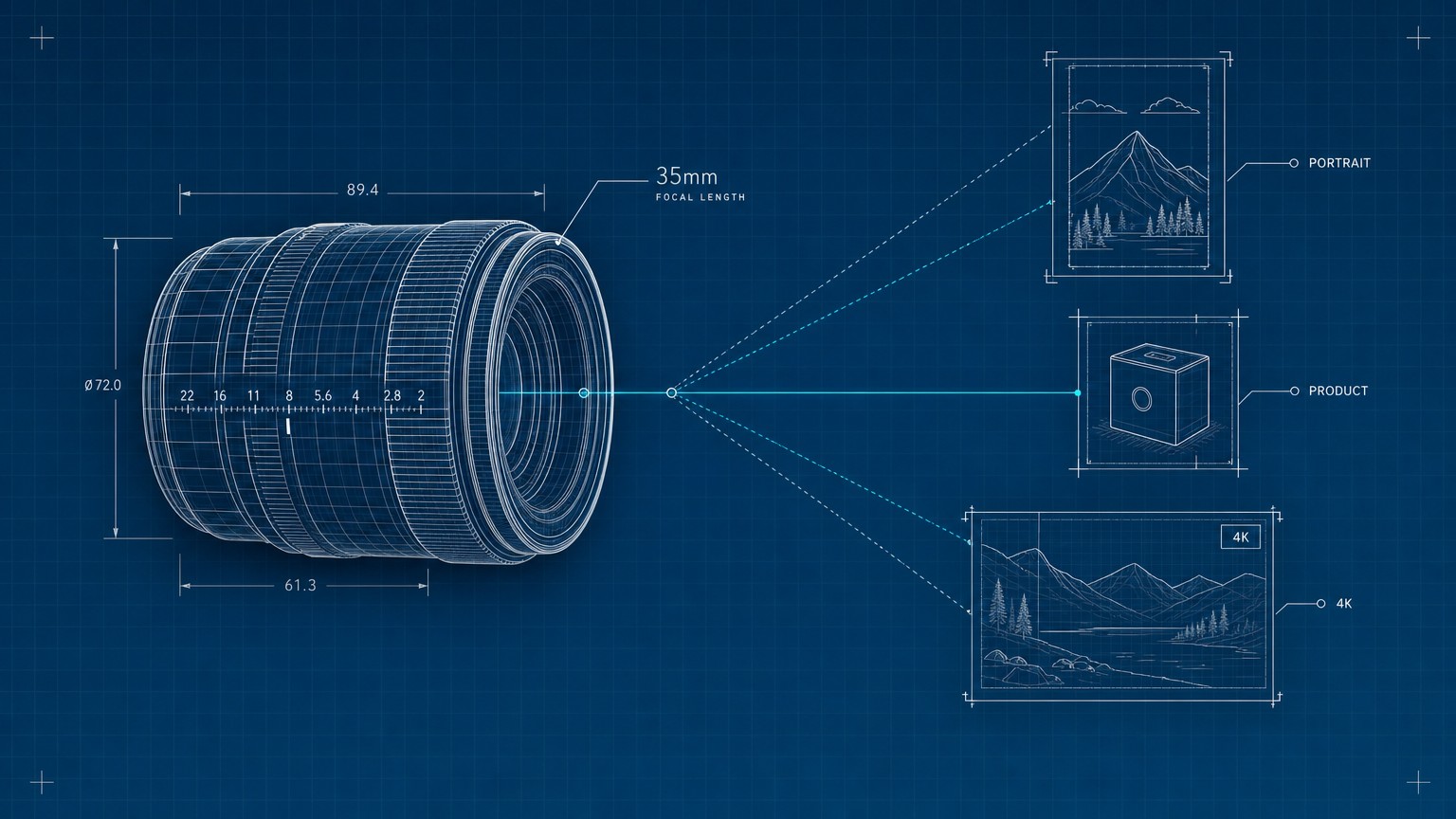
Still the one to beat when the subject is a person. Midjourney understands photographic language better than any competitor, so a prompt like "shot on a 35mm lens, shallow depth of field, golden hour backlight" produces exactly that look instead of a generic glossy render. In practice you can describe a headshot the way a photographer would brief a shoot and get skin texture, stray hair, and catchlights in the eyes that survive a full-resolution crop. The wall most people hit is the workflow: there is no free trial, and generation lives partly in Discord and partly in the web app, which feels clumsy if you expected a clean editor. It also will not let you reliably edit one specific region the way Nano Banana Pro does.
Best for: Photoreal portraits, faces, and cinematic lighting.
Standout: Reads photographic terms (lens, depth of field, light) better than anything else.
Pricing: Basic $10/mo, Standard $30/mo (unlimited relax mode), Pro $60/mo (Stealth Mode), Mega $120/mo. Annual billing is 20% off, so Basic drops to $8/mo.
Free trial: None.
Brief it like a photographer
Name the camera language: subject, lens (35mm, 85mm), aperture or depth of field, light direction and quality, and time of day. "85mm portrait, f/1.8, soft window light from camera left, late afternoon" beats "realistic photo of a woman."
Generate a grid, then upscale
Midjourney returns four options. Pick the strongest composition, then use its upscale to render the full-resolution version where skin and hair detail actually appear.
Vary, do not re-roll
Instead of starting over, use the subtle variation on your best result to fix small issues (a hand, an expression) while keeping the look you liked.
- Best-in-class skin, hair, and lighting realism for people
- Photographic prompt control most tools cannot match
- Unlimited relax-mode generation on the $30 plan and up
- V8.1 keeps improving detail and prompt fidelity
- No free trial at all
- Discord-and-web workflow feels dated next to single-editor rivals
- Weak at precise region edits on an existing image
- No commercial indemnification
2. Google Nano Banana Pro: best for realism you can also edit
If Midjourney is the portrait specialist, Google Nano Banana Pro (the image model inside Gemini 3 Pro) is the all-rounder that also lets you edit. It produces state-of-the-art realism up to 4K and, more importantly, follows editing instructions on an existing image: change the jacket color, remove the background object, relight the scene, all in plain language. For anyone doing product shots or composites where you generate once and then need ten controlled changes, that native editing is the difference between a usable tool and a slot machine. The catch is access: the best experience is bundled into a Google AI subscription, and the per-image API pricing climbs at 4K.
Best for: Realistic images you need to edit precisely after generating.
Standout: Native, instruction-based editing at up to 4K resolution.
Pricing: Included in Google AI Pro at $19.99/mo (50% off the first year) and Google AI Ultra ($100/mo and $200/mo tiers). API: $0.039 per image up to 1024px, $0.134 at 1K to 2K, $0.24 at 4K, with the batch API halving those for a 24-hour turnaround.
Free trial: Limited free use inside Gemini.
- Top-tier realism plus genuine instruction-based editing
- Up to 4K output
- Bundled into an affordable Google AI subscription
- Batch API halves cost for non-urgent jobs
- 4K API pricing adds up fast at volume
- Best features are gated behind a Google subscription
- Editing power has a learning curve versus one-shot tools
3. FLUX.2: best for developers and self-hosting
FLUX.2 from Black Forest Labs is the model the open-source community reaches for when it wants photoreal output without being locked to a consumer app. Its rendering of natural light and organic portraits is genuinely excellent, and because the smallest variant ships as open weights you can run it on your own hardware with no per-image fee and full privacy. This is an API-and-weights product, not a polished website with a monthly plan, so it suits a builder wiring image generation into an app more than a marketer who wants a button to click. If you have never touched an API, start elsewhere; if you have, the price-to-quality here is hard to beat.
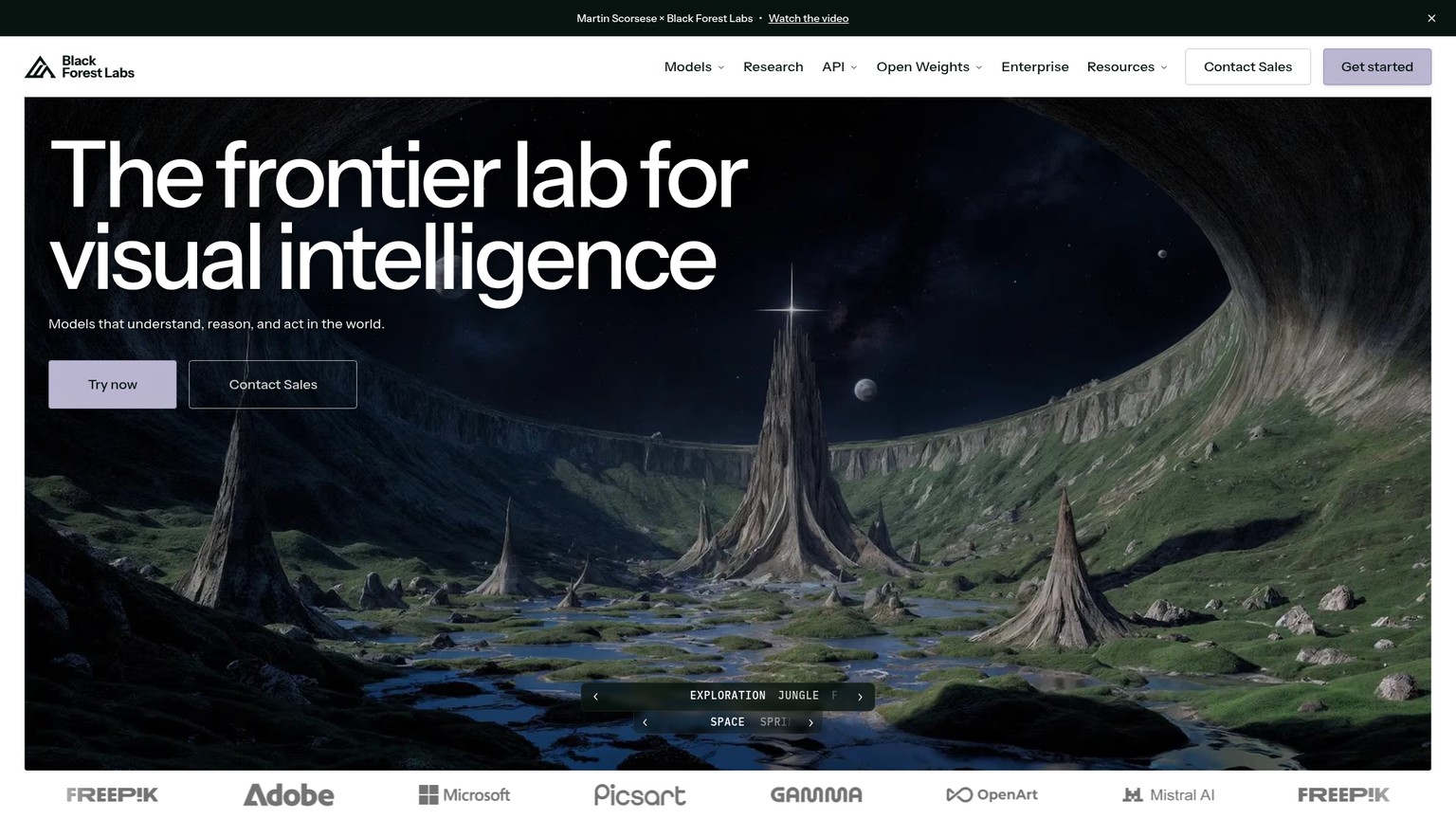
Best for: Developers embedding realism into a product, or self-hosting for privacy.
Standout: Open-weight option (FLUX.2 klein) you can run locally for free.
Pricing: API per megapixel: FLUX.2 [pro] $0.03/MP, FLUX.2 [max] $0.07/MP, FLUX.2 [klein] $0.002/MP. No consumer subscription.
Free trial: Open weights are free to download and run.
- Excellent natural light and portrait realism
- Open-weight variant runs locally, free and private
- Transparent per-megapixel API pricing
- Strong choice for product integrations
- No consumer app or monthly plan
- Requires technical setup to use well
- Top quality (max) costs more than the pro tier
4. ChatGPT (GPT Image 2): best for beginners
For most people who just want a realistic image without learning a new tool, ChatGPT is the easiest on-ramp. The GPT Image 2 model is built into the chat you already use, so you describe what you want in normal language, look at the result, and say "make the lighting warmer and turn her head slightly" without touching a single setting. It will not top Midjourney on the most demanding portraits, and it is more cautious about generating real-looking people, but for everyday realistic scenes, mockups, and quick concepts the conversational loop is unbeatable for speed of learning. The $20 Plus plan that enables reliable generation is the same one many people already pay for other reasons.
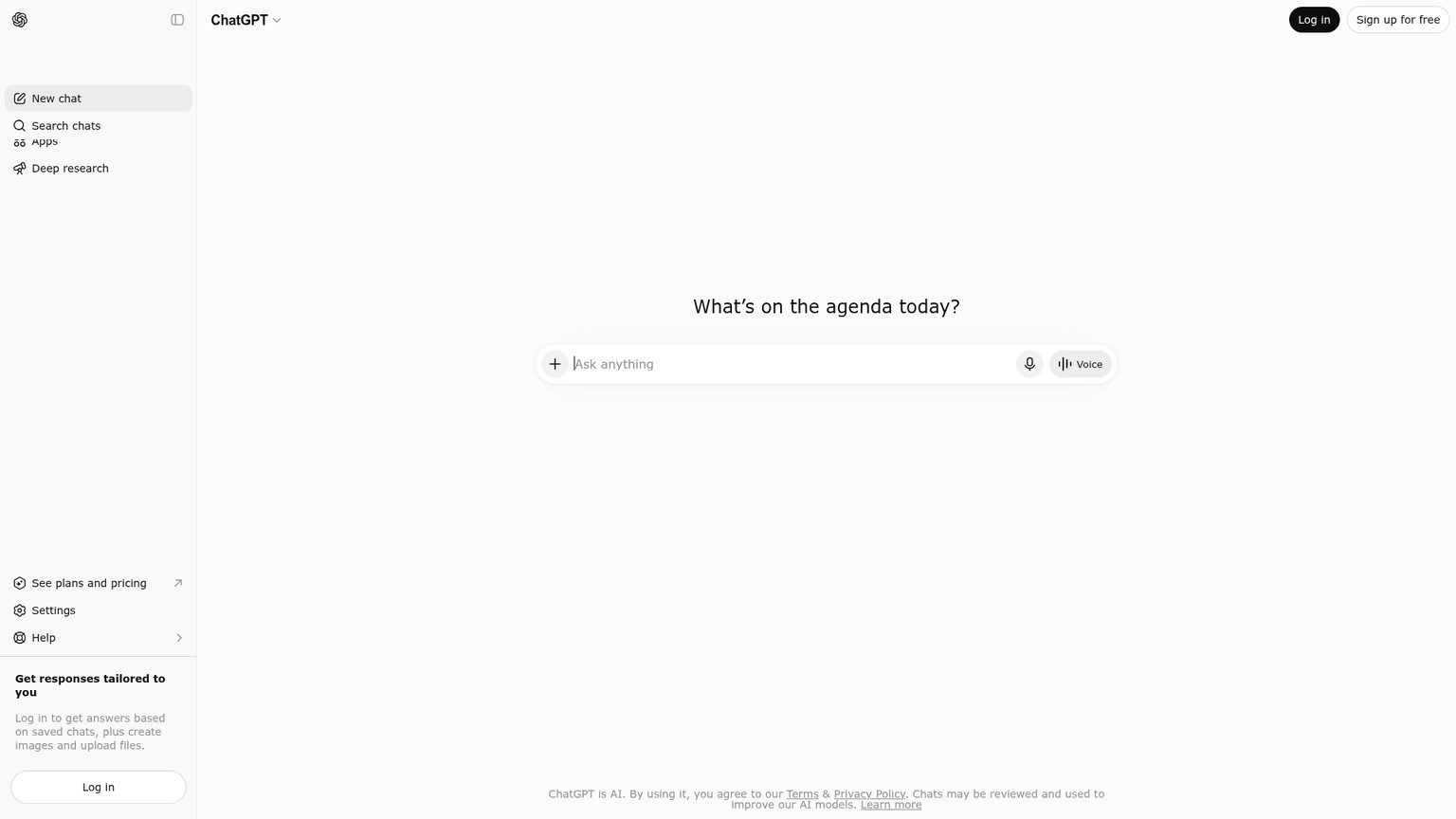
Best for: Beginners who want results through plain conversation.
Standout: Refine an image by just talking to it, inside a tool you already know.
Pricing: Free tier (limited), Plus $20/mo, plus cheaper Go and higher Pro tiers. Image generation included from Plus up. API access exists, priced per image.
Free trial: Yes, limited generation on the free plan.
- Easiest possible learning curve
- Conversational, iterative refinement
- Bundled into a subscription many already have
- Strong prompt adherence for everyday scenes
- Trails the leaders on demanding portrait realism
- More restrictive about real-person generation
- Free tier limits are tight
5. Adobe Firefly: best for commercial and client work
The realism in Adobe Firefly is good, not category-leading, but that is not why you would pay for it. Firefly is the only mainstream generator trained on licensed and Adobe Stock content and sold with commercial indemnification, which in plain terms means Adobe stands behind your legal right to use the output. For a designer or agency handing images to a paying client, that protection matters more than squeezing out the last 5% of skin detail. It is built directly into Photoshop, so you can generate a background and then composite and retouch in one place, and recent versions even let you run partner models like GPT Image 2 and Google's Nano Banana inside Firefly.
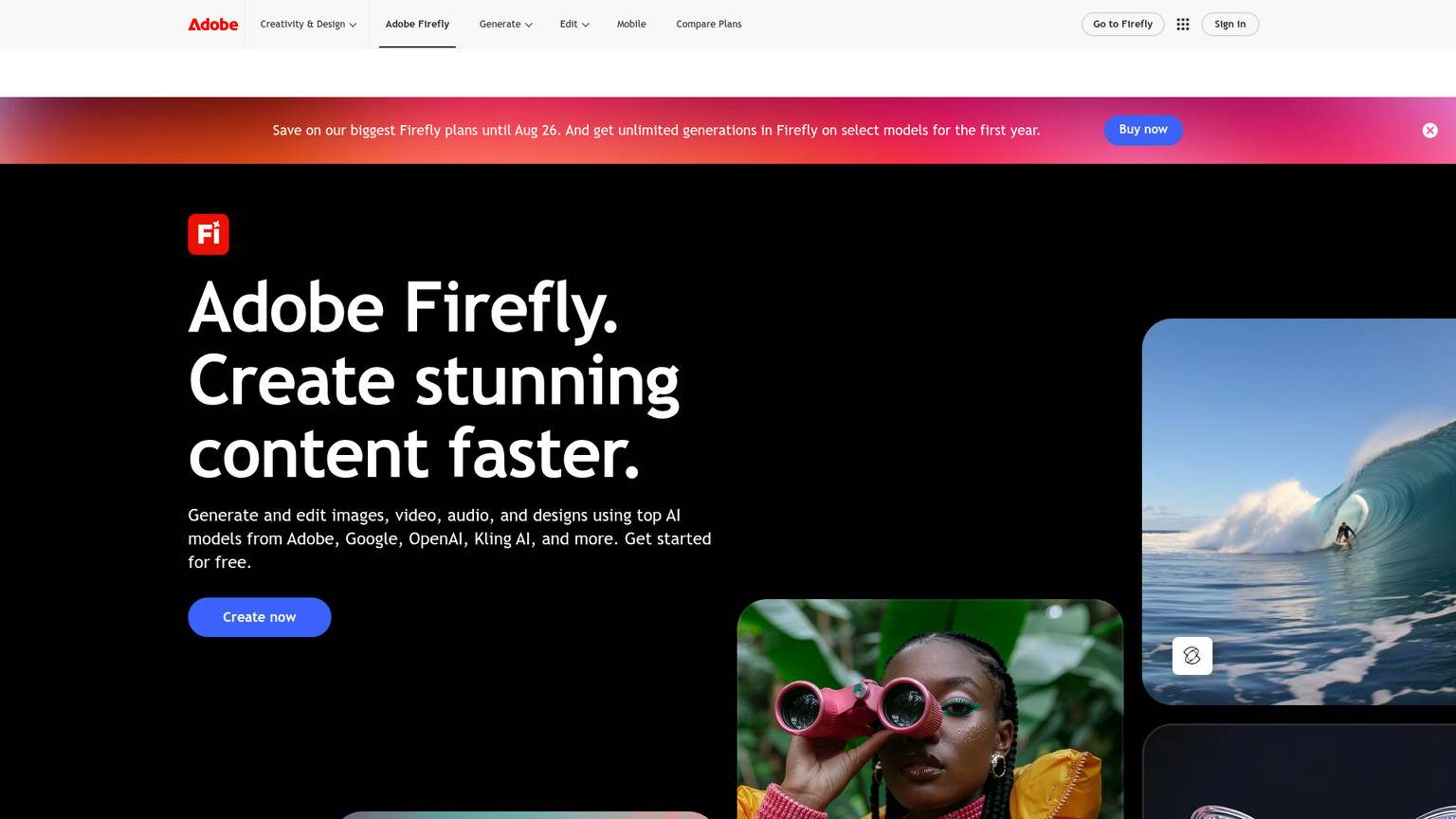
Best for: Commercial work where you need legal cover and Photoshop integration.
Standout: Commercially indemnified output trained on licensed content.
Pricing: Free (25 generative credits/mo), Standard $9.99/mo (2,000 credits), Pro $19.99/mo (4,000 credits), Premium $199.99/mo (50,000 credits). Paid plans include unlimited standard image generations; credits cover premium features like video and partner models.
Free trial: Yes, 25 credits per month.
- Commercial indemnification protects client work
- Trained on licensed, not scraped, content
- Built into Photoshop for generate-and-retouch
- Runs top partner models inside one app
- Base realism trails Midjourney and Nano Banana Pro
- Premium credits drain quickly on video and partner models
- Best value assumes you already live in Adobe's ecosystem
6. Ideogram: best for realistic images with readable text
Most generators turn any text in an image into garbled nonsense, which is why Ideogram earns its place. It renders legible, correctly spelled words inside a photoreal scene, so it is the tool to reach for when the image is a product package with a real label, a storefront sign, a poster, or an ad mockup that has to show actual copy. The base realism is solid and the typography is genuinely class-leading; the trade-off is that for a plain portrait with no text, the dedicated portrait tools still edge it out. A free tier lets you confirm it handles your exact wording before paying.
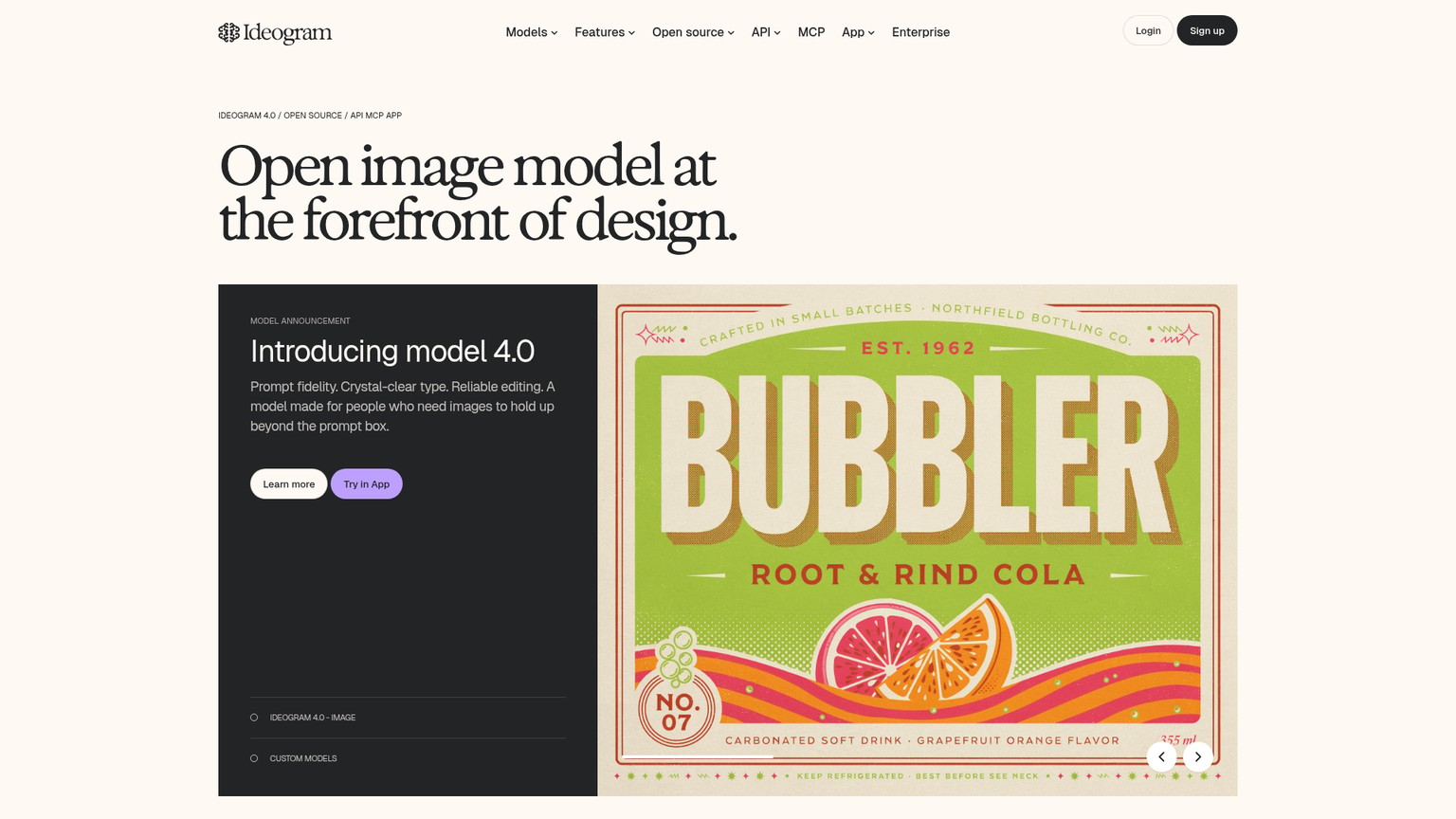
Best for: Photoreal images that must contain accurate, readable text.
Standout: The best legible-text rendering of any realism-capable generator.
Pricing: Free, Plus $15/mo (1,000 priority credits), Pro $42/mo (3,500 credits), Team $20/user/mo billed annually. Top up 150 priority credits for $4.
Free trial: Yes, free credits on sign-in.
- Renders accurate, readable text others cannot
- Solid all-round photo realism
- Free tier to test your exact use case
- Reasonable $15 entry price
- Pure portrait realism trails the specialists
- Pro tier jumps to $42
- Credit-based, so heavy use needs top-ups
7. Reve: best cheap photorealism
Reve is the value upset of 2026. The model, originally codenamed Halfmoon, climbed to the top of public image-quality leaderboards (it reached #1 on Artificial Analysis's Image Arena with an ELO around 1167, per the benchmark), and its standout is a typography engine the company says was trained on 50 million font samples for roughly 98% text accuracy. Translated: you get near-flagship realism, strong layout control, and clean text for $7.99 a month, which undercuts almost everything above it. For a solo creator or small team that wants leading-edge output without a $30 to $60 bill, it is the first place to look. The cons are simply maturity: a smaller ecosystem, fewer integrations, and a younger company than Adobe or Google.
Best for: Creators who want near-flagship realism and text control on a budget.
Standout: Benchmark-leading quality plus a typography engine at a low price.
Pricing: Free plan, Lite $7.99/mo, Pro $19.99/mo. API runs around a fraction of a cent per image. (Pricing per current reports; vendor page is access-gated.)
Free trial: Yes, free plan.
- Benchmark-leading realism at $7.99/mo
- Excellent text and layout control
- Free plan to try the full quality
- Cheapest serious option here
- Young company, smaller ecosystem
- Fewer integrations than the incumbents
- Public pricing page is access-gated
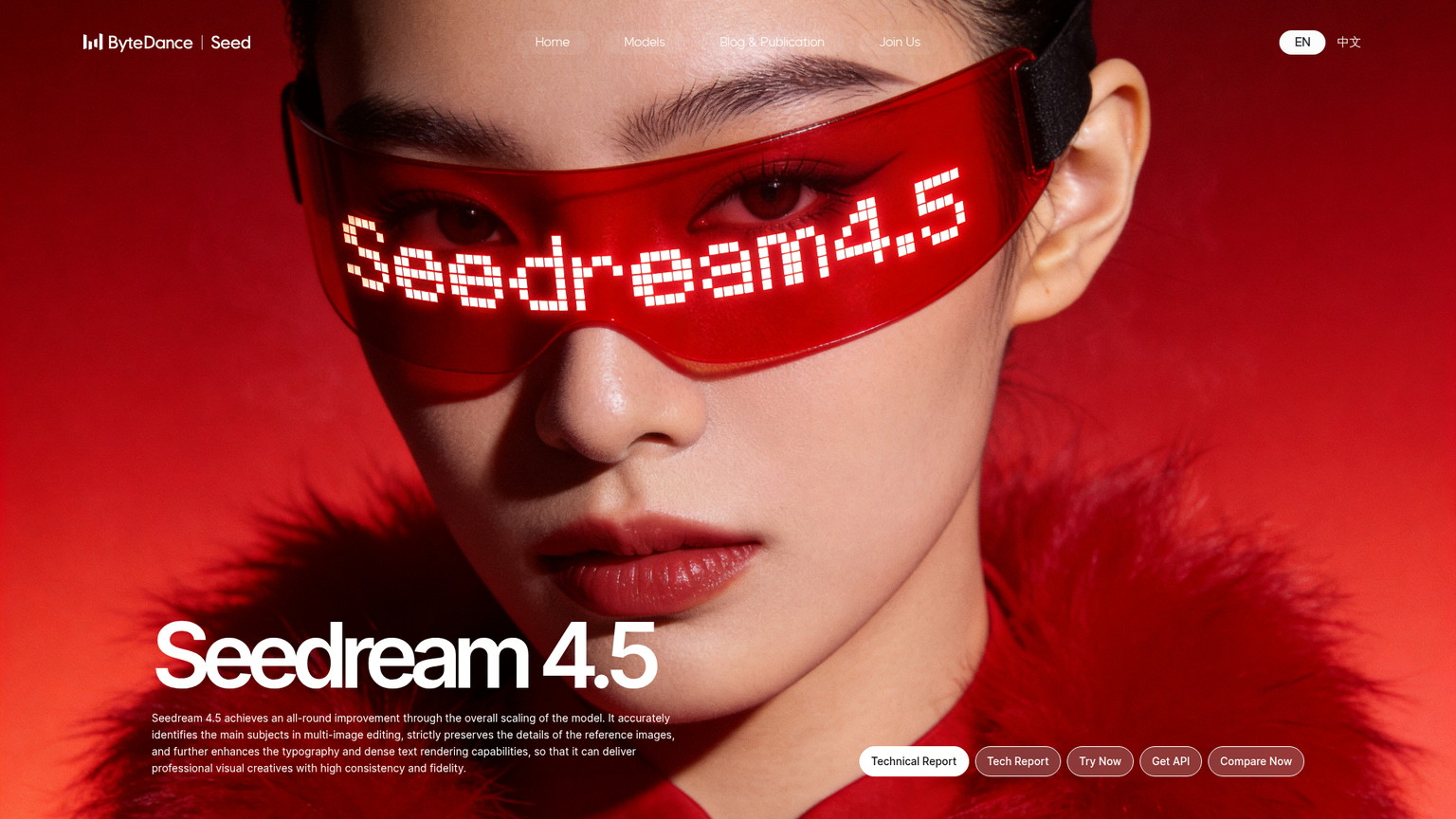
8. Seedream 4.5: best for cheap 4K and subject consistency
From ByteDance, the company behind TikTok, Seedream 4.5 is the other cheap heavyweight. It produces 4K-grade output, renders text well, and its real party trick is accepting up to 14 reference images at once to keep a character, product, or style consistent across a whole set of shots, which matters enormously for anyone building a catalog or a series. It ranks around #10 on the LM Arena leaderboard and costs roughly three to four cents an image through platforms like WaveSpeed and Replicate. There is no consumer subscription, so you access it through an API or a third-party canvas, which is the main barrier for non-technical users.
Best for: Consistent multi-image sets (catalogs, characters) at 4K, cheaply.
Standout: Up to 14 reference images for subject and style consistency.
Pricing: Roughly $0.03 to $0.04 per image via WaveSpeedAI or Replicate. No consumer subscription.
Free trial: Through whichever platform hosts it.
- 4K-grade output at a few cents per image
- Multi-reference consistency across a set
- Strong text rendering
- Very low cost at volume
- No first-party consumer app or plan
- Access requires an API or third-party platform
- Less brand recognition and support
9. Leonardo AI: best free tier for realism
If your first question is "can I do this for free," Leonardo AI has the most generous answer: 150 fast tokens every single day on the free plan, which is enough to actually learn the tool and produce real work without paying. Beyond the free allotment, it offers fine controls over style and elements and lets you train custom models, which appeals to game and concept artists as much as to people chasing photo realism. The realism is very good rather than absolute best-in-class, but combined with the daily free credits it is the easiest place to get serious without a subscription. Heavy daily users will eventually want the $12 Apprentice plan to lift the token ceiling.
Best for: Getting realistic results free, then scaling cheaply.
Standout: 150 free fast tokens per day, the most generous daily free tier here.
Pricing: Free (150 tokens/day), Apprentice $12/mo (8,500 tokens/mo), Artisan $30/mo (25,000), Maestro $60/mo (60,000), Teams from $24/seat.
Free trial: Yes, refreshes daily.
- Best daily free allowance for realism
- Fine style and element controls
- Custom model training
- Smooth path from free to $12 paid
- Realism is strong but not class-leading
- Token system needs watching on heavy days
- Best controls take time to learn
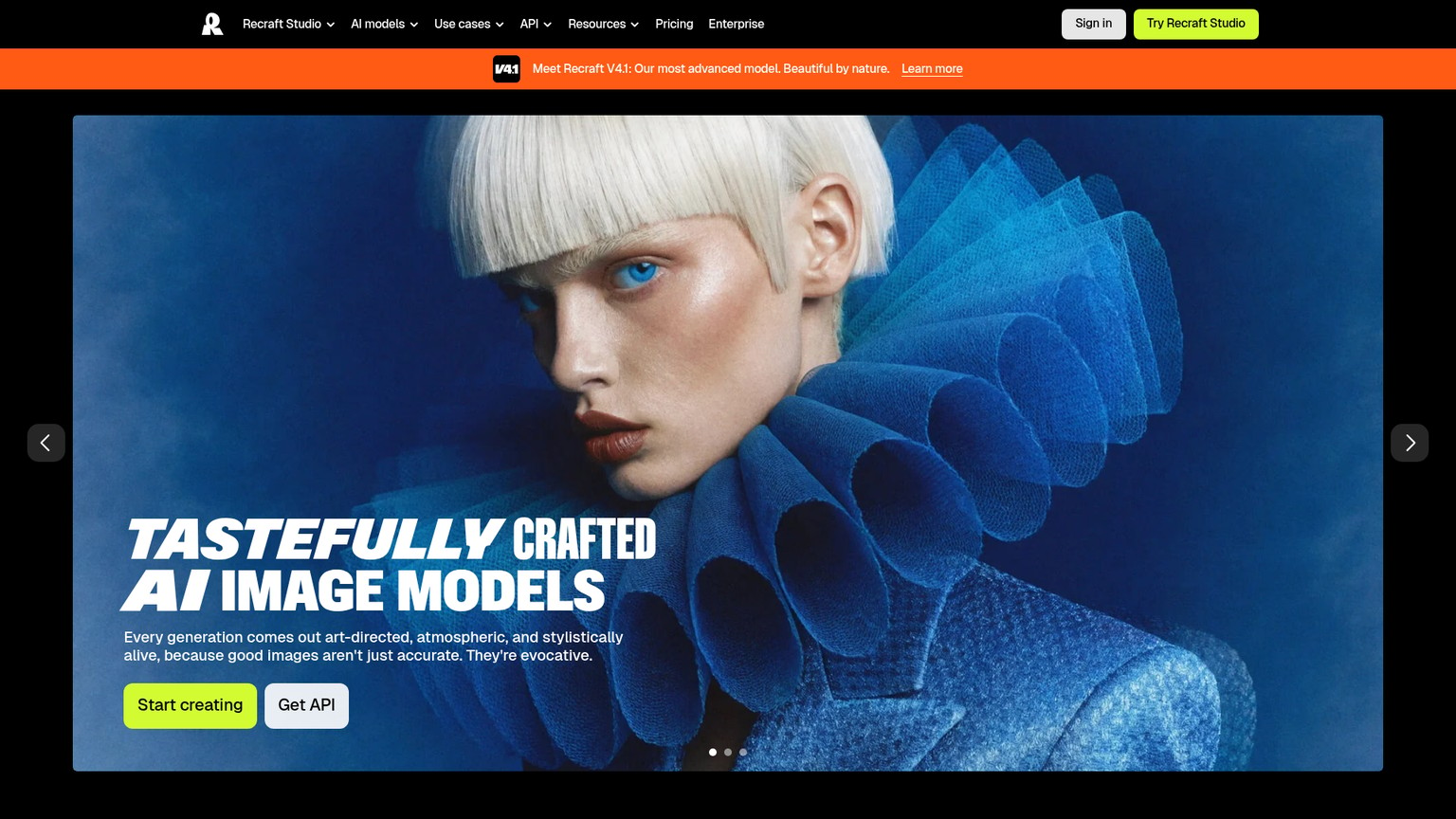
10. Recraft: best for brand-consistent design sets
Recraft earns its spot for teams that need realistic imagery to match a brand, not one-off art. It generates both raster photos and true vector (SVG) graphics, supports custom color palettes, and is built to produce a consistent set of on-brand visuals rather than a single striking image. For a marketing or design team that has to keep every asset looking like it came from the same place, that consistency is worth more than peak photo realism. The trade-off is exactly that: it is a design-system tool first and a photorealism tool second, so a pure portrait job is better served elsewhere. The $10 Basic plan (billed annually) is an easy entry for a small team.
Best for: Brand-consistent image and vector sets for design teams.
Standout: Raster plus true vector output with custom palettes.
Pricing: Free (personal use), Basic $10/mo (annual $120), Pro $16/mo (annual $192), Pro+/Team $18/mo per seat.
Free trial: Yes, free tier.
- Consistent, on-brand output across a set
- Vector (SVG) plus raster in one tool
- Custom palettes and style controls
- Cheap entry at $10/mo
- Design-first, so pure portrait realism trails specialists
- Free tier is personal-use only
- Best value is annual billing
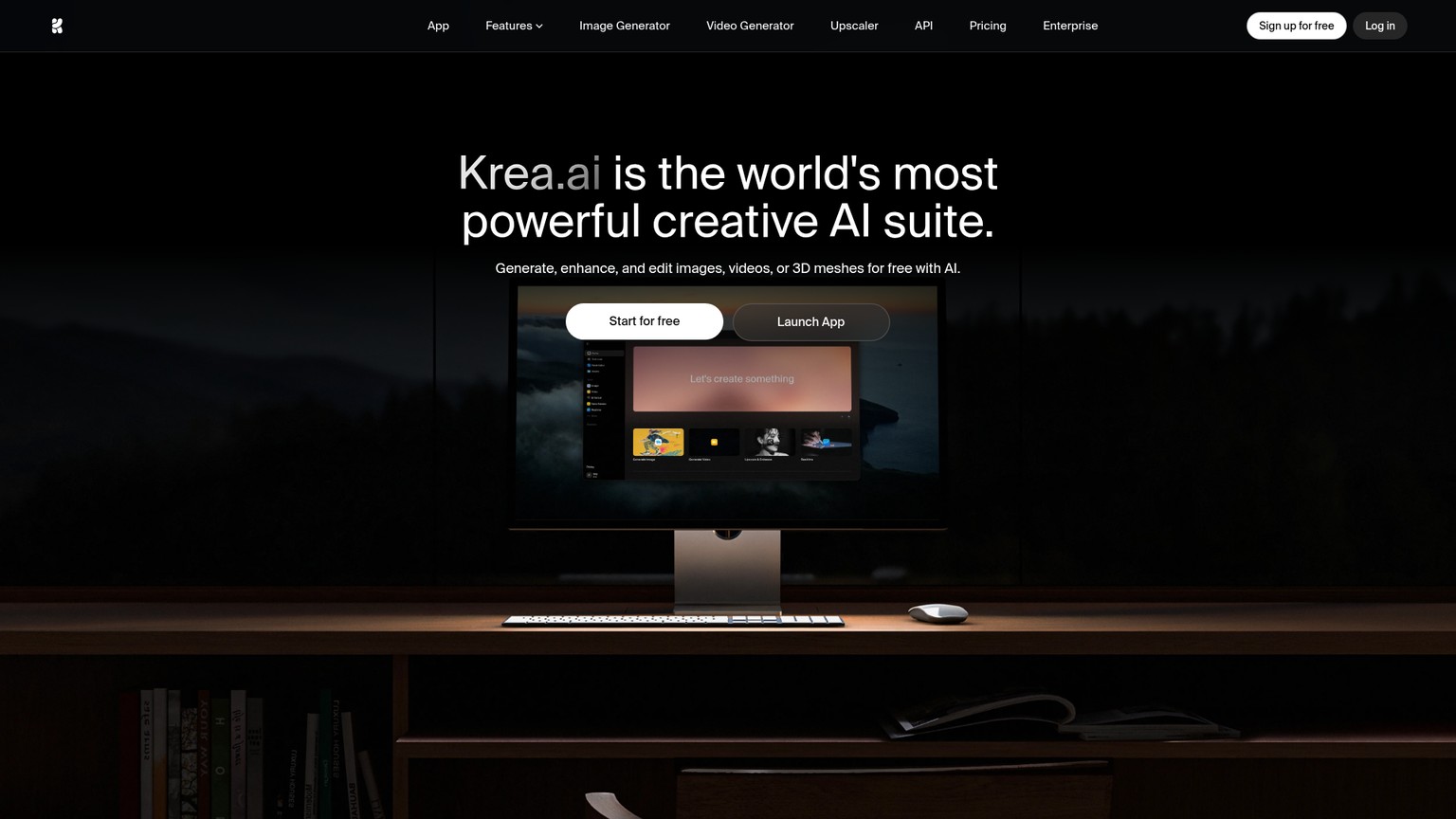
11. Krea AI: best for using many models in one place
Krea AI solves a different problem: instead of one model, it gives you a canvas that hosts many, including third-party flagships like Nano Banana Pro alongside its own Krea-1, plus real-time generation, upscaling, and enhancement in a single subscription. For someone who wants to compare models on the same prompt, or who likes a live canvas where the image updates as you type, it is the most flexible workspace here. You are paying for breadth and workflow rather than a single best-in-class model, and credits are consumed across all that capability, so a heavy user can move through the Basic plan's allowance quickly.
Best for: Comparing and combining multiple models in one real-time workspace.
Standout: Many models (including Nano Banana Pro) plus a real-time canvas in one plan.
Pricing: Free (100 daily credits), Basic $9/mo (5,000 credits, commercial license), Pro $35/mo (20,000 credits, all video, Nodes), Max $70/mo (60,000 credits). 20% off annual.
Free trial: Yes, 100 credits daily.
- Access many top models in one subscription
- Real-time canvas and strong upscaling
- Commercial license from the $9 plan
- Daily free credits to try it
- Quality depends on which hosted model you pick
- Credits drain across image, video, and 3D
- Pro jumps to $35 for the full feature set
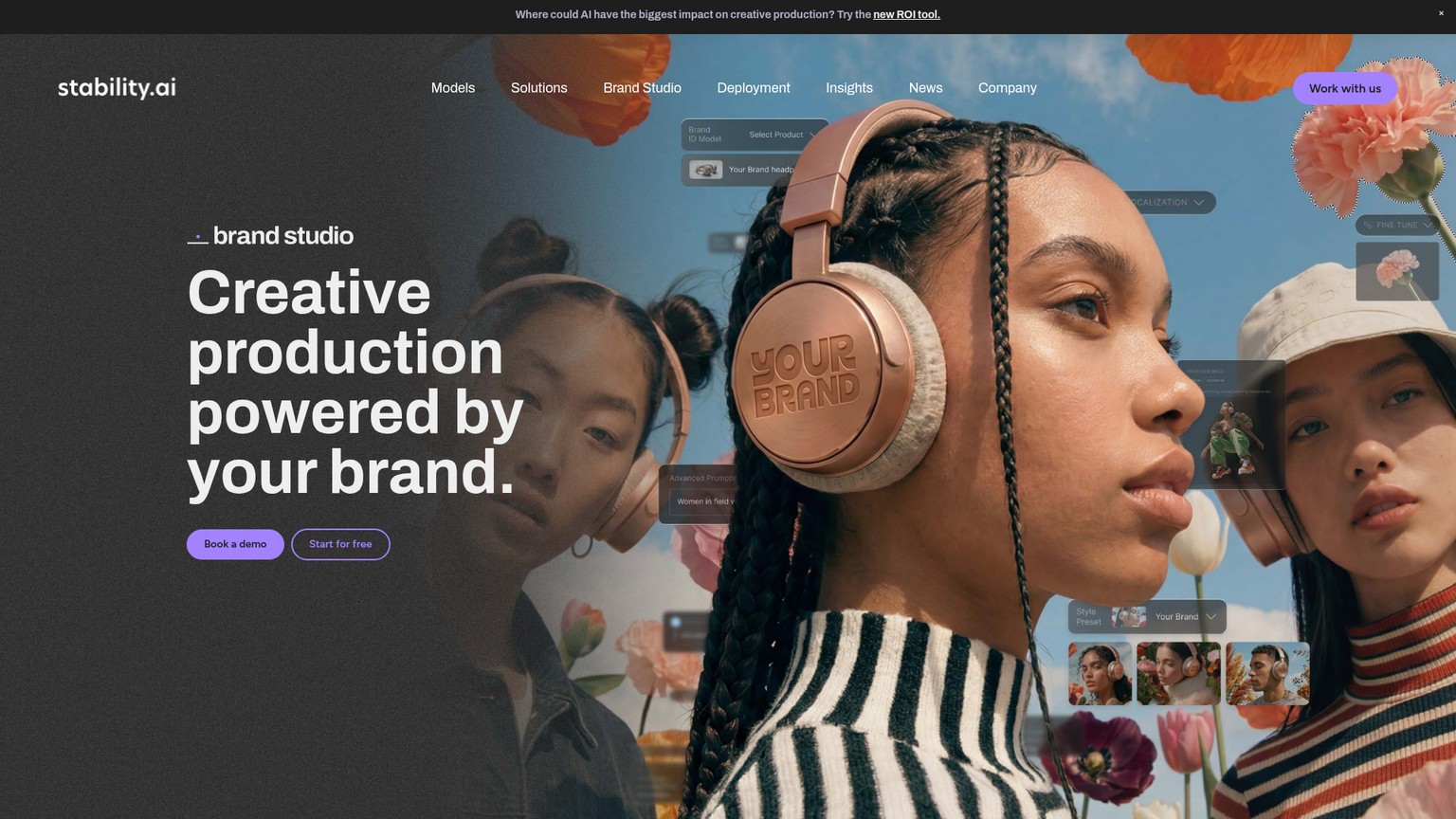
12. Stable Diffusion (open-source): best for control, privacy, and free use
When you want total control and zero per-image cost, Stable Diffusion and the wider open-source ecosystem (including FLUX's open weights) are the answer. Run it locally through ComfyUI, Automatic1111, or Forge on your own GPU and you pay nothing per image, keep every generation private, and can fine-tune custom models (LoRAs) on a specific face, product, or style for repeatable realism no closed tool will give you. The cost is effort: you need a capable graphics card and the patience to set up nodes and models. For a hobbyist with a gaming PC or a studio that needs a private, customizable pipeline, the ceiling is as high as your skill. For someone who just wants a button, it is the wrong tool.
Best for: Full control, privacy, and free unlimited generation for technical users.
Standout: Free to run locally with custom-trained models and no per-image fee.
Pricing: Free to run on your own hardware; hosted GPU options are cheap. Cost is your GPU and setup time.
Free trial: Free and open-source.
- No per-image cost, fully private
- Total control with custom LoRA training
- Massive community of models and tools
- Photoreal ceiling as high as your skill
- Needs a capable GPU and real setup
- Steep learning curve
- No support; you are your own admin
The ones to avoid
A few categories of "realistic AI image" tool are best skipped no matter how high they rank. The free watermark mills that flood this search (generic "AI photo generator" sites you have never heard of) typically wrap an old model, stamp a watermark across the result, and upsell credits to remove it; the realism is thumbnail-deep and breaks the moment you zoom in. The "unrestricted" and "no limits" generators trade safety for a quick click and routinely produce content that gets you banned from real platforms; the lack of guardrails is the product, and it is not worth the risk. And the stale general apps (older versions of Canva, Fotor, Picsart's basic generator) are fine for a social graphic but quietly upscale a low-resolution output, so anything destined for print falls apart. If a tool will not state which model it runs or what an image costs, treat that as the answer.
FAQ
What is the most realistic AI image generator right now?
For people, skin, and lighting, Midjourney V7 and Google Nano Banana Pro lead. The cheaper challengers Reve ($7.99/mo) and Seedream 4.5 (about four cents an image) now match them on public benchmarks, so the "most realistic" pick depends on whether you are paying for a polished app or chasing the best dollar-for-dollar quality.
How do you generate realistic photos with AI?
Write the prompt like a photographer: name the subject, the lens (35mm, 85mm), the aperture or depth of field, and the light direction and time of day. Where the tool allows it, start from a real reference image, generate several options, then upscale the best one to bring out skin and hair detail. Vague prompts produce the plastic look; camera language produces the photo.
Is there a 100% free AI image generator for realistic photos?
Yes. Leonardo AI gives 150 free fast tokens every day, enough for real work, and Stable Diffusion is free forever if you run it locally on your own GPU. ChatGPT, Ideogram, Krea, and Adobe Firefly also have free tiers, though they cap how much you can generate before asking you to pay.
What is the best AI for realistic photos of people?
Midjourney and Google Nano Banana Pro are the strongest for faces, skin texture, and hands. If the portrait is for commercial use, choose Adobe Firefly instead, because its output is commercially indemnified and trained on licensed content, which protects you legally when a client pays for the image.
What is the best AI for making existing photos look better?
For editing a real photo, choose a tool with native, instruction-based editing: Google Nano Banana Pro is the strongest for relighting, removing objects, and changing details by description, and Adobe Firefly is built into Photoshop for generate-and-retouch in one place. Most pure text-to-image tools are weaker at editing an image you already have.
Which should you choose
The pick comes down to the kind of realism you actually need. For photoreal portraits and lighting, pay for Midjourney ($10 to $30/mo) or Google Nano Banana Pro (in Google AI Pro at $19.99/mo). For the best realism on a budget, start with Reve at $7.99/mo or Seedream 4.5 at a few cents an image. For client and commercial work, Adobe Firefly is the only safe answer because the output is indemnified. For images with readable text, Ideogram. For free, Leonardo's 150 daily tokens or Stable Diffusion run locally. For a developer embedding generation into a product, FLUX.2. For brand-consistent design sets, Recraft. And for trying many models in one place, Krea. Match the tool to the job and the realism follows; force one tool onto every job and you will fight it.
13 best AI image generators in 2026
The broader roundup across every use case, not just photorealism, with live pricing and candid cons.
- Last Updated
- Category
- Design
- Language
ElevenLabs Alternatives: Murf, MAI-Voice-2, OpenAI TTS and Cartesia (Verified October 2026)
Compare ElevenLabs, Murf, MAI-Voice-2, OpenAI, Cartesia, Google and Speechify by studio or API job, with verified prices and switching costs.Oct 4, 2026Design
Higgsfield API Pricing
Price Higgsfield API video and image jobs, separate API dollars from app credits, and check top-ups, expiry and cashback before scaling.Sep 27, 2026Design
Is Gemini Live Avatar Free
Check Gemini Live Avatar access, Enterprise API charges and custom-avatar limits before budgeting a customer-facing video agent.Sep 27, 2026Design
Gemini 3.8 Flash TTS Pricing
Price Gemini 3.8 Flash TTS by audio minute, compare Flash-Lite and service tiers, and budget the January 2027 increase.Sep 24, 2026Design
ngram vs Demosmith
Compare ngram and Demosmith for product videos, browser capture, revisions and usable exports, with costs matched to the same job.Sep 19, 2026Design
ArtPatt Pricing
ArtPatt pricing explained: Free limits, Pro exports, saved patterns, AI-image allowances, and when a paid plan earns its place.Sep 15, 2026Design
Cutsio Video Indexing Cost
Decode Cutsio's indexed minutes, stored hours, seats, and overages to choose a plan for a growing video library.Sep 13, 2026Design