The best AI image-to-video generators in 2026 (and the ones to avoid)
Ranked AI image-to-video generators for 2026 with real pricing: Veo 3.1, Kling, Runway, Hailuo and more, plus the one to stop recommending.
Published Updated
 By Omid Saffari



Animating a single still photo into a few seconds of believable motion went from a party trick to a real production tool in the last year, and the cost of getting it right runs from free to ninety dollars a month. The tool that nails a cinematic portrait is not the one that nails a fast social clip, and one name still topping most lists quietly shut its doors to consumers two months ago.
There is no single best AI image-to-video generator, because "animate this image" is really four different jobs. For photorealism with sound, Google Veo 3.1 is the one to beat. For turning a portrait into natural character motion, Kling wins on consistency. For frame-by-frame creative control, Runway earns its price. And if you are paying out of pocket and want cinematic motion for under ten dollars, Hailuo and Luma Dream Machine are the value picks. Below is each tool with its real, current price pulled this week from the vendor's own page, who it actually fits, and the honest place it falls down.
What image-to-video actually means
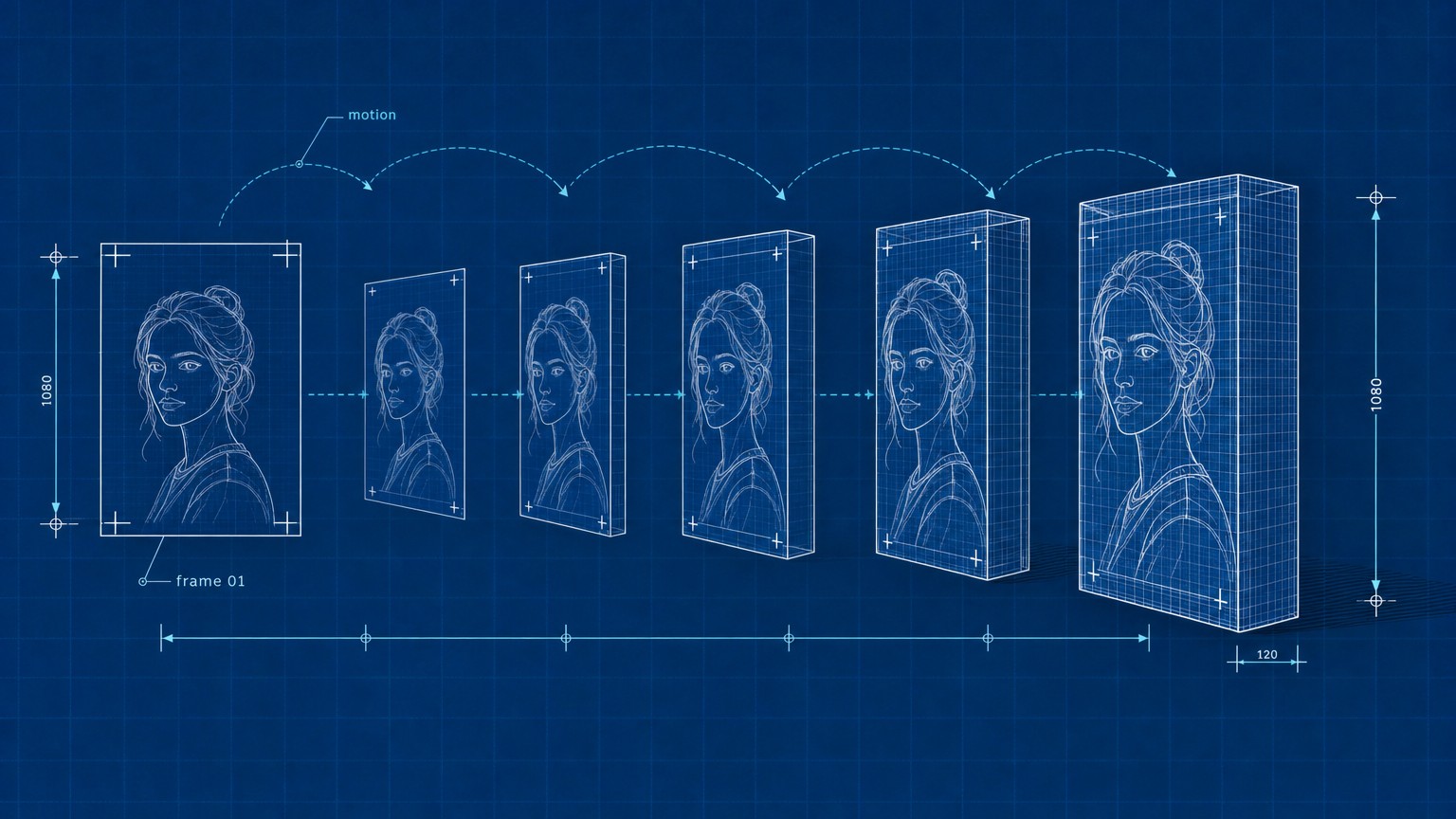
Image-to-video means you hand the model a still picture and it generates a short video clip that starts from that exact image, inventing the motion, camera movement, and sometimes the audio. It is different from text-to-video, where you describe a scene from scratch and the model builds everything. Image-to-video keeps your subject, your framing, and your art direction locked, then brings them to life, which is why product marketers, photographers, and social creators reach for it: you control the first frame, the AI handles the seconds after it. If you still need to create that first frame, our best AI image generators guide covers the tools that pair naturally with everything below.
How these were picked
Every price here was read off the vendor's live pricing page this week, not copied from another roundup, because in this category prices change monthly and stale numbers are the norm. I did not run a personal month-long test farm; instead each tool was judged on what it is built to do for image-to-video specifically, its motion quality and control as reported by the vendor and current user threads, the honesty of its free tier, and where the per-credit math actually lands for a real buyer.
A few tools got cut on purpose. General text-to-video platforms that bolt on a weak image-to-video mode did not make the depth cut. Neither did "free unlimited" sites that survive on watermarks and unclear rights. And the single most-recommended name in older lists, OpenAI's Sora 2, is in the avoid section for a reason that has nothing to do with quality. The incumbents lean on a vague "we tested them all" with no rubric; naming the criteria and the cuts is the more useful version.
The comparison at a glance
The 11 best AI image-to-video generators
1. Google Veo 3.1: best for photorealistic clips with sound
Google Veo 3.1 is the current benchmark for turning a still image into a clip that looks filmed rather than generated, and it is the only tool on this list that adds synchronized, context-aware audio to the motion. Feed it a portrait or a product shot and it holds lighting and physics steady while it moves, which is the exact place cheaper models fall apart with warping faces and rubbery limbs. You reach it through Google Flow, Google's filmmaking workspace, on a Google AI Pro plan at $19.99 a month, which includes 1,000 Flow credits, roughly ten of the top-quality Veo clips or far more at the lighter "Lite" and "Fast" quality settings. The catch is the credit math: at full quality those 1,000 credits disappear fast, and serious volume pushes you toward the Ultra plan that starts at $99.99 a month. For a photographer or marketer who wants the most convincing single result, that is still the price to pay.
Best for: Photorealistic image-to-video where quality and audio matter most
Standout: Native synchronized audio and best-in-class realism
Pricing: $19.99/mo (Google AI Pro, 1,000 Flow credits); Ultra from $99.99/mo
Free trial: Limited free Flow access on a free Google account; students get Pro free for a year
Animate a photo with Veo 3.1 in Flow
Open Flow and start a project
Go to Google Flow with your Google AI Pro account and create a new scene. Flow is the studio layer; Veo is the model running underneath it.
Upload your still image as the first frame
Drop in the photo you want to animate. This becomes the anchor: Veo keeps its composition and lighting and generates motion forward from it.
Describe the motion, not the scene
Because the image already sets the scene, your prompt should describe what moves: "slow push in, hair drifts in a light breeze, soft daylight." Keep it to the motion and camera.
Generate, then refine on a Lite pass
Run one quality generation, then iterate cheaper "Lite" passes to test prompt tweaks before spending credits on the final high-quality render.
- The most photorealistic motion of any tool here
- Only option with synchronized native audio
- Strong prompt following for camera and movement
- Backed by Google's infrastructure and roadmap
- Top-quality credits burn quickly at $19.99/mo
- Locked inside Google Flow rather than a standalone editor
- Heavy use realistically needs the $99.99+ Ultra tier
2. Kling: best for portraits and character animation
Where Veo wins on realism, Kling (now on its 3.0 model) wins on keeping a person looking like the same person from the first frame to the last. Its standout is character consistency: animate a portrait and the face does not morph or drift, which is why it dominates Reddit threads for avatars, talking characters, and anything with a recognizable subject. It also has the most generous free tier in this guide, handing out daily free credits so you can test real output before paying. Paid plans start at an intro $6.99 a month for Standard (renewing around $8.80), with a Pro tier at an intro $25.99 (renewing near $32.56) for more credits and higher resolution, and annual billing cutting roughly a third off. The honest weak spot is the queue: free and lower tiers can wait in line at busy times, and the interface still carries some rough translation from its origins.
Best for: Animating portraits and characters with stable identity
Standout: Character consistency that does not warp the face
Pricing: Standard from $6.99/mo intro ($8.80 renew); Pro from $25.99/mo intro ($32.56 renew)
Free trial: Yes, daily free credits (watermarked)
- Best-in-class character and face consistency
- Genuinely usable free daily credits
- Low entry price, big annual discount
- Native 4K and clips up to about 15 seconds
- Busy-time queues on lower tiers
- Interface still a little rough in English
- Renewal price is higher than the intro headline
3. Runway: best for frame-level creative control
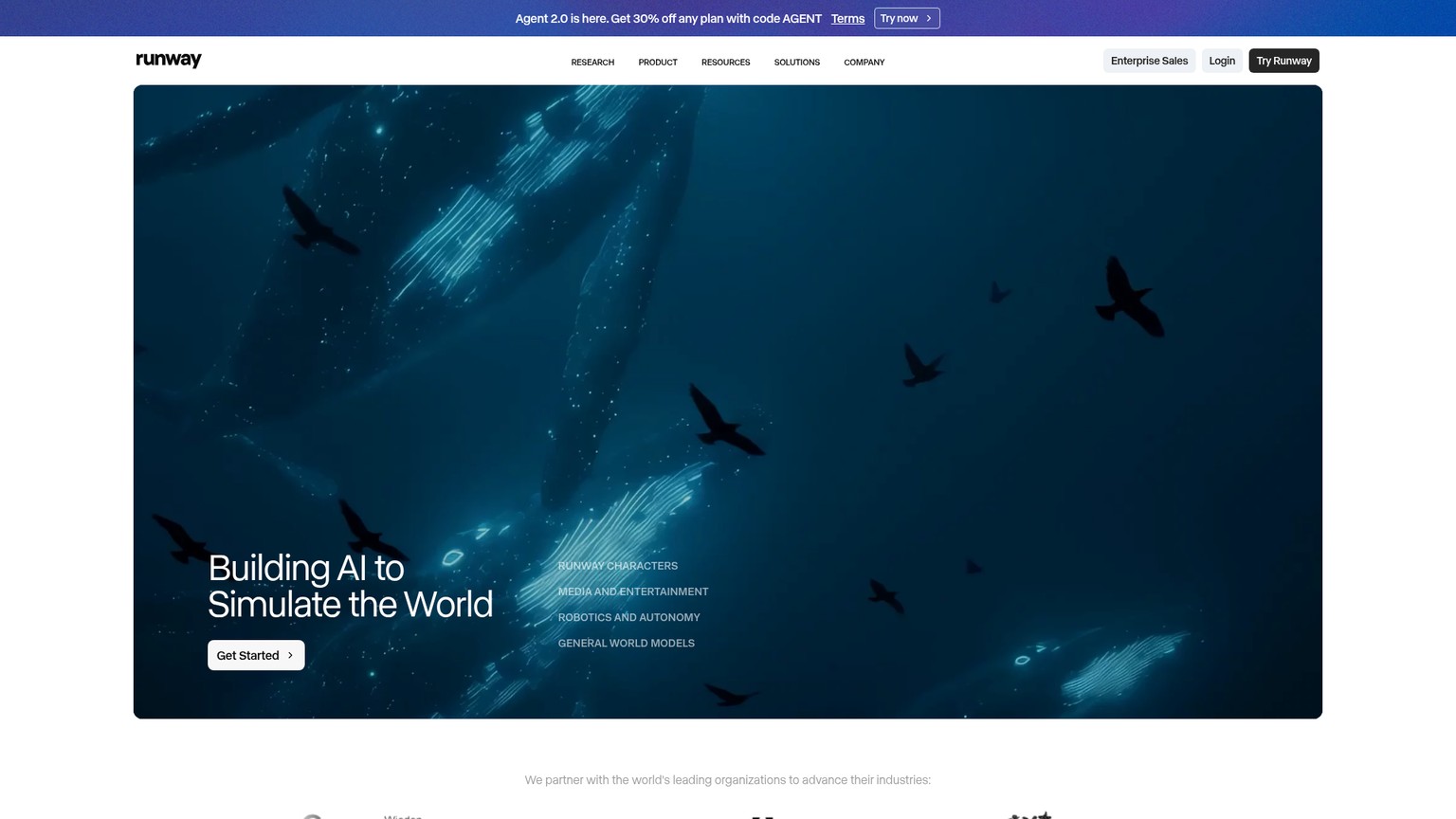
Runway is the tool to choose when you want to direct the motion rather than accept what the model gives you. Its Gen-4.5 model pairs with a real editor, including a motion brush that lets you paint which parts of an image should move and camera directives that let you call the shot, so a still landscape can get a precise slow dolly while the foreground stays locked. It is the closest thing here to a professional post-production seat, and it hedges your bets by also hosting Veo 3.1, Kling 3.0, and image models inside one subscription. Pricing is credit-based: free with 125 one-time credits to try it, then Standard at $15 a month (or $12 billed annually) for 625 credits, Pro at $35 ($28 annual) for 2,250, and Unlimited at $95 ($76 annual) for 9,500. For an agency editor or a creator who treats motion as a craft, the control is worth the premium; for someone who just wants a quick clip, it is more tool than the job needs.
Best for: Editors who want motion-brush and camera control
Standout: Direct creative control plus multiple hosted models
Pricing: Free (125 credits); Standard $12/mo annual; Pro $28/mo annual; Unlimited $76/mo annual
Free trial: Yes, 125 one-time credits
- Motion brush and camera directives for real control
- Hosts Veo, Kling, and image models in one place
- Mature editor built for production work
- Clear annual savings on every tier
- More complex than single-purpose tools
- Credits at higher quality go quickly
- Top-end Unlimited tier is genuinely expensive
4. Hailuo AI: best for cinematic motion on a budget
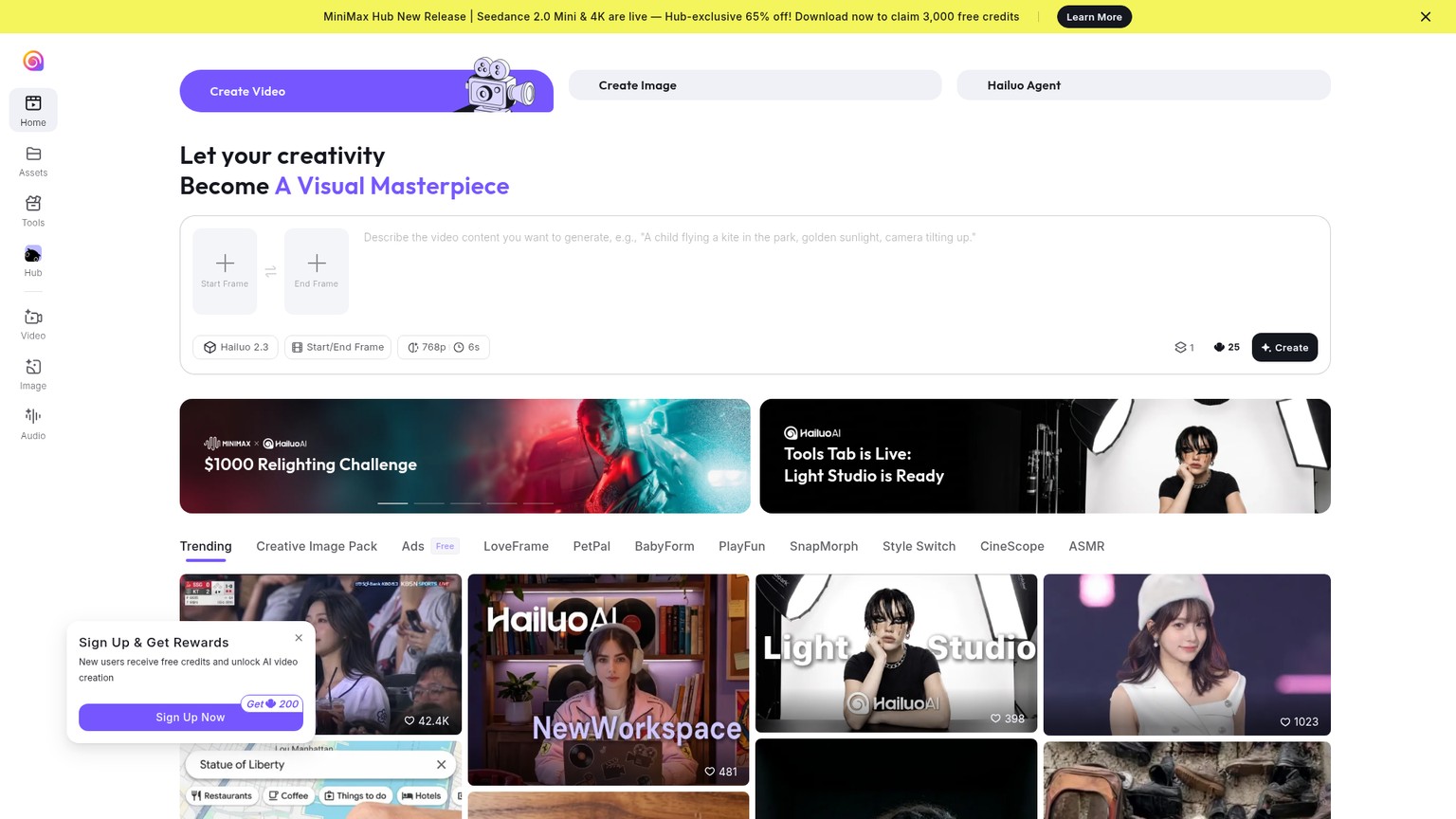
Hailuo AI, from the lab MiniMax, punches well above its price for one thing: smooth, cinematic motion that looks more expensive than it costs. Its latest Hailuo model handles complex movement and camera work cleanly, and the platform bundles access to frontier models including Veo 3.1 inside a single subscription, so you are not locked to one engine. There is a real free tier with free credits to start, and the Standard plan runs $9.99 a month for 1,000 credits with watermark removal and faster generation, scaling up to an unlimited tier near $94.99 for heavy users. The one rule to internalize: credits reset monthly and do not roll over, so picking a tier above your real usage is money lit on fire. For a solo creator or small team that wants frontier-grade motion without a frontier price, Hailuo is the value sweet spot.
Best for: Budget-conscious creators who still want cinematic motion
Standout: Premium motion quality at an entry price, multi-model bundle
Pricing: Free credits; Standard $9.99/mo (1,000 credits); up to ~$94.99/mo unlimited
Free trial: Yes, free credits (watermarked)
- Cinematic motion quality for under ten dollars
- Frontier models bundled in one subscription
- Real free tier to test before paying
- Mobile app for on-the-go generation
- Credits do not roll over month to month
- Heavy use climbs toward $95/mo fast
- Less fine-grained control than Runway
5. Luma Dream Machine: best for fast, fluid motion
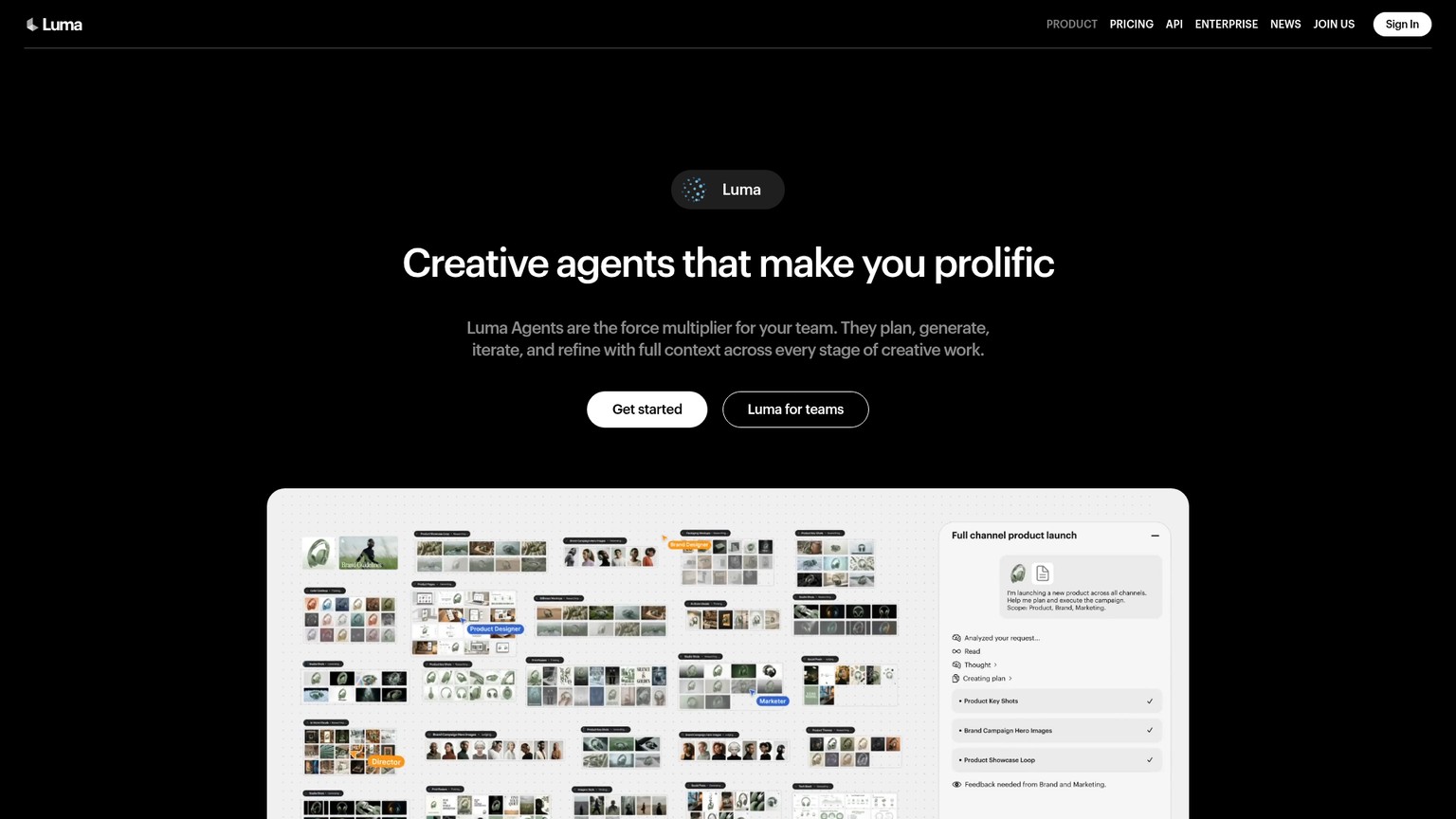
Luma's Dream Machine is built for speed and natural movement, and it is the one I reach for when I want several fluid options quickly rather than one perfect render slowly. Its Ray model produces smooth, physically believable motion and easy camera moves from a single image, with a fast enough turnaround that iterating feels conversational. A free tier lets you try it, and paid plans start at Plus for $30 a month (or $300 a year) with 10,000 credits, climbing to Pro at $90 and Ultra at $300 for studios. The honest note is that the entry price is higher than Kling or Hailuo, so Luma earns its place on speed and motion quality rather than on being the cheap option. For a creator who values quick, good-looking iteration over absolute photorealism, it is a strong daily driver.
Best for: Quick, fluid motion and fast iteration
Standout: Natural movement and responsive generation speed
Pricing: Free tier; Plus $30/mo (10,000 credits); Pro $90/mo; Ultra $300/mo
Free trial: Yes, limited free tier
- Fast generations that make iteration painless
- Smooth, natural-looking motion
- Easy camera-move controls
- Clean, approachable interface
- Entry paid tier costs more than rivals
- Less photorealistic than Veo at the top end
- Credits do not roll over
6. Higgsfield: best for camera-control presets
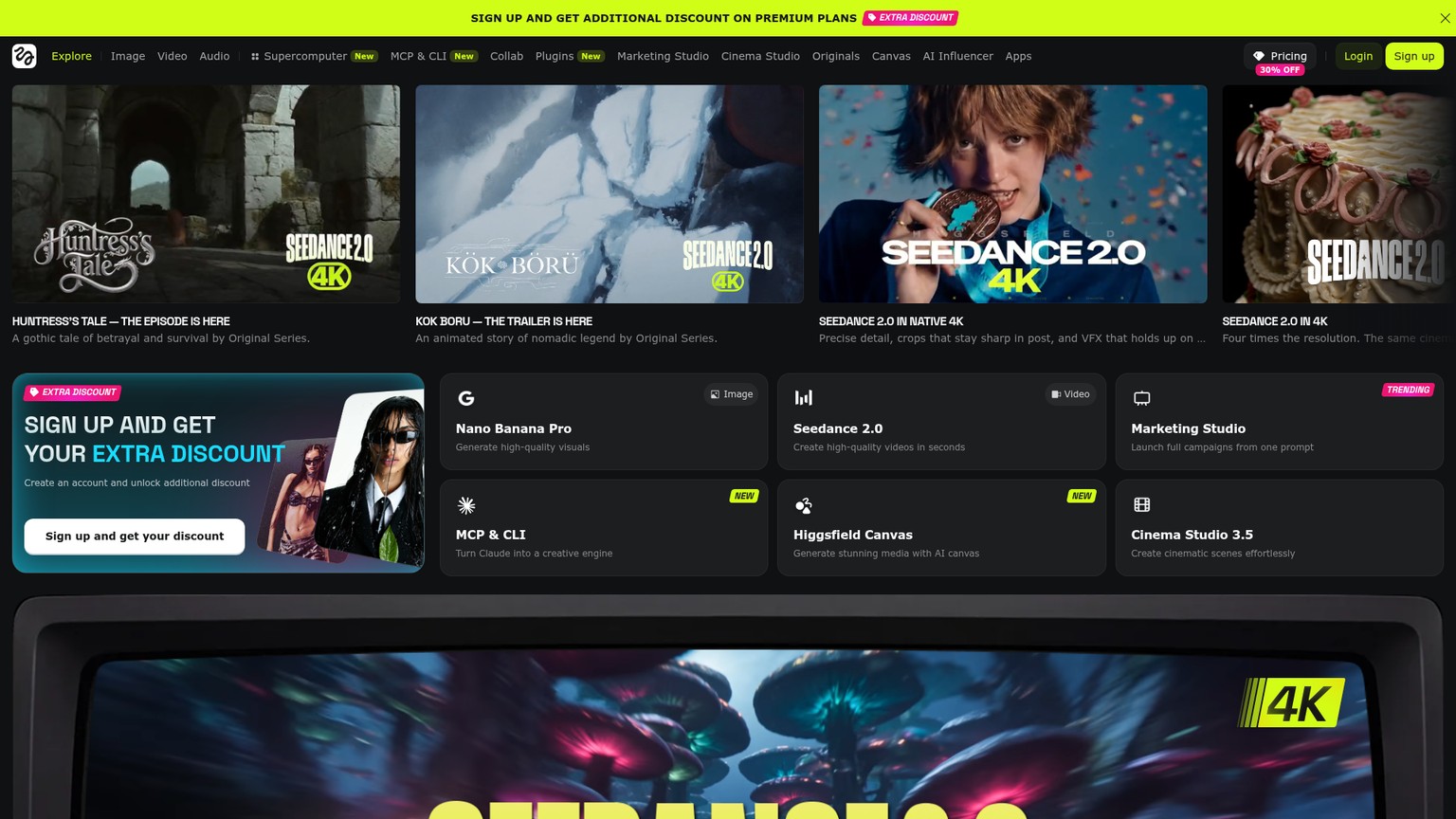
Higgsfield made its name on cinematic camera control, and that is still its reason to exist: it ships preset camera moves, think dramatic dolly zooms, crash pushes, and orbit shots, that you apply to an image without prompting them from scratch. That makes it a fast way to get a music-video or trailer feel out of a single frame, and like other aggregators it gives you several underlying models, including Kling 3.0, in one place. Plans start at Basic for $19 a month billed annually (270 credits), with Pro at $59 monthly or $47 annually (1,200 credits) and an Ultra tier offering unlimited generations on select models. The trade-off is that the preset-driven approach is a feature and a ceiling: it is brilliant for the looks it ships and less flexible when you want something outside them. For a short-form creator chasing a specific cinematic motion, it is a shortcut worth the credits.
Best for: Cinematic camera moves from presets
Standout: Ready-made dramatic camera motions
Pricing: Basic $19/mo annual (270 credits); Pro $47/mo annual (1,200 credits); Ultra unlimited on select models
Free trial: Limited trial access
- Preset camera moves with a real cinematic feel
- Several models bundled together
- Fast path to a trailer or music-video look
- Unlimited option on higher tier
- Preset-driven, less flexible off-script
- Credit allotment is modest on Basic
- Best looks lean on a recognizable house style
7. Seedance 2.0: best for value and 4K output
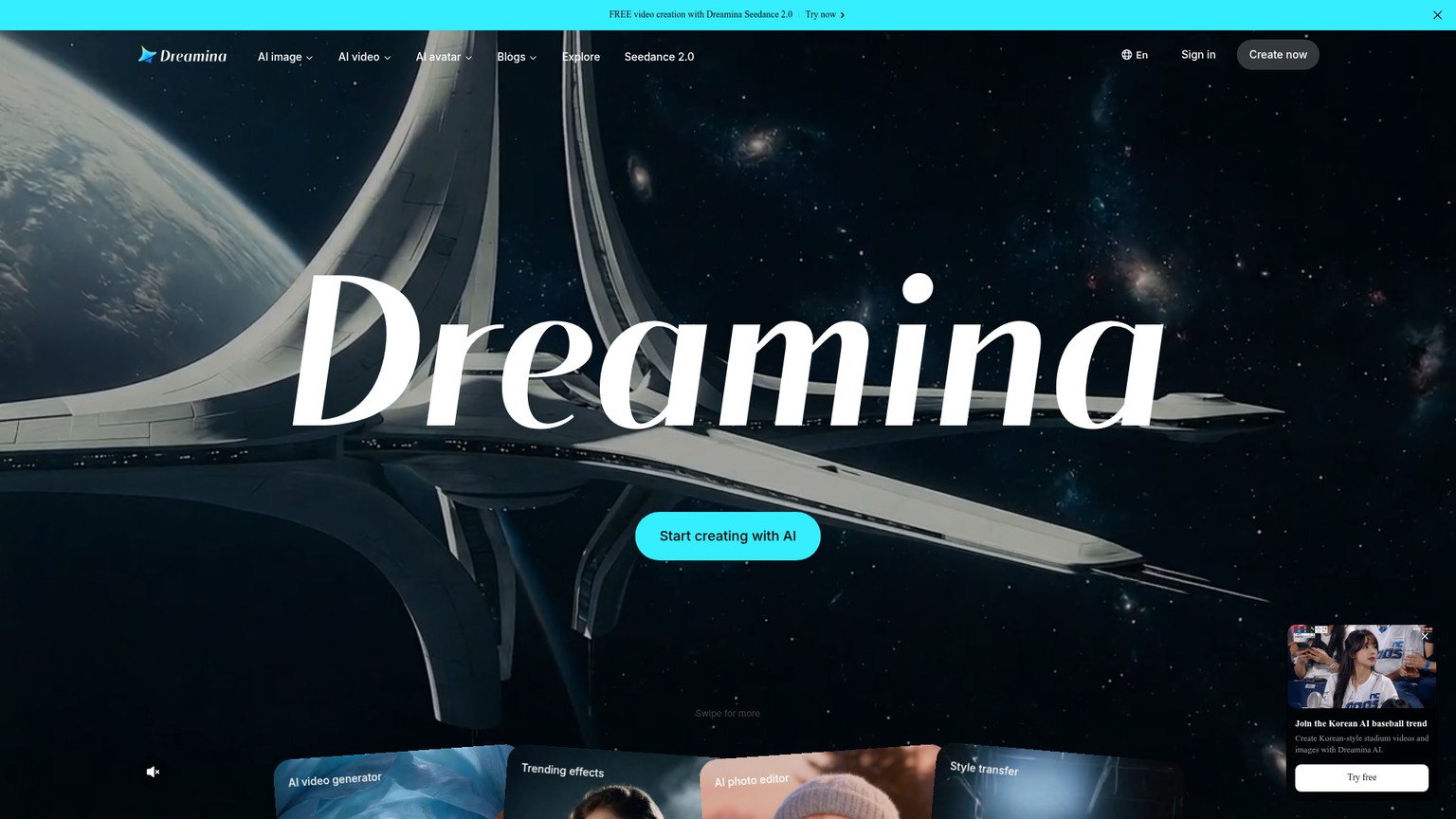
Seedance 2.0, ByteDance's video model accessed through the Dreamina app, is the aggressive value play: it pushes 4K resolution and frame rates up to 60fps at prices that undercut most Western tools. It comes from the same company as CapCut, so the consumer polish is there, and free daily credits let you start without a card, though those free allotments have tightened through 2026. International paid pricing through Dreamina lands around $9.99 a month for Standard and roughly $19.99 for Pro, with a per-clip cost that can dip under fifty cents for a short generation. Two honest caveats: pricing is regional and shifts often, so treat those numbers as a live estimate rather than a fixed quote, and the cheapest official route runs through the Chinese-language Jimeng app with local payment. For a creator who wants high-resolution output at the lowest credible price and does not mind a moving target, it is hard to beat on cost.
Best for: High-resolution output at the lowest price
Standout: 4K and 60fps for the money
Pricing: ~$9.99/mo Standard, ~$19.99/mo Pro (regional, approximate)
Free trial: Yes, daily free credits (reduced in 2026)
- 4K and 60fps at a low price
- CapCut-grade consumer polish
- Free daily credits to start
- Strong per-clip economics
- Pricing is regional and changes often
- Cheapest tier needs the Chinese-language app
- Free allotments have shrunk in 2026
8. Pika: best for playful social effects
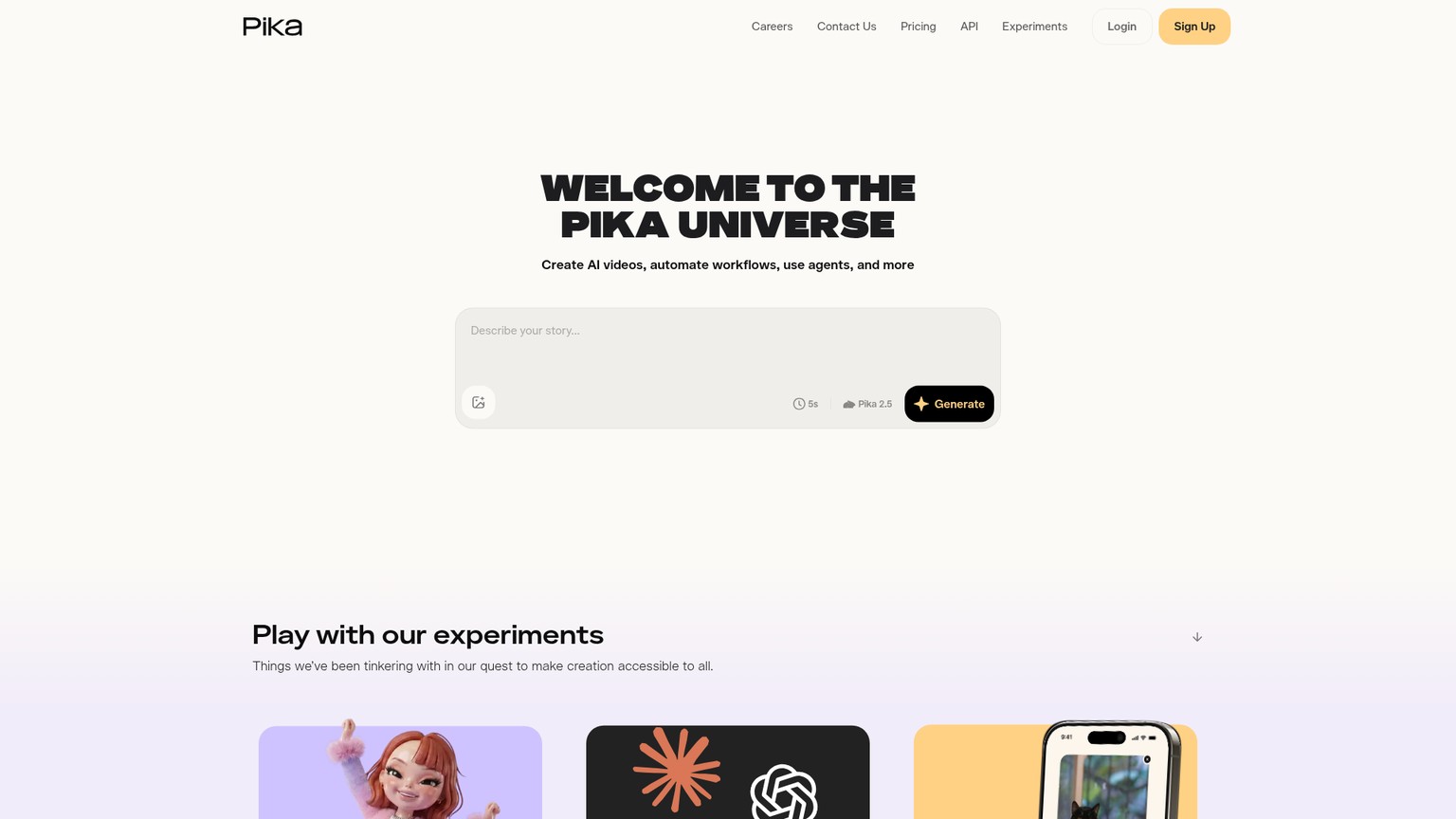
Pika leans into fun rather than realism, and that focus is its strength for social creators. Its signature Pikaffects, things like Pikaswaps and Pikadditions, let you do playful, attention-grabbing transformations on an image (melt it, inflate it, add an object) that are built to stop a scroll on TikTok or Reels. It runs Turbo and Pro models, has a free tier with 80 monthly video credits, and paid plans are the cheapest entry of any dedicated tool here: Standard at $8 a month billed yearly for 700 credits, Pro at $28 for 2,300, with higher tiers above. Usefully, Pika's credits roll over when you buy more, which softens the non-rolling pain that hits other tools. It will not give you a photoreal corporate clip, and it is not trying to. For a meme-fluent creator who wants quick, shareable motion, it is the most fun tool on the list.
Best for: Playful, shareable social clips
Standout: Pikaffects transformations
Pricing: Free (80 credits); Standard $8/mo annual (700 credits); Pro $28/mo annual (2,300 credits)
Free trial: Yes, 80 monthly credits
- The cheapest dedicated paid entry tier
- Genuinely fun, social-native effects
- Purchased credits roll over
- Low-friction, approachable interface
- Not built for photorealism
- Effects-led rather than precise control
- Lower ceiling than Veo, Kling, or Runway
9. Adobe Firefly: best for commercially safe work
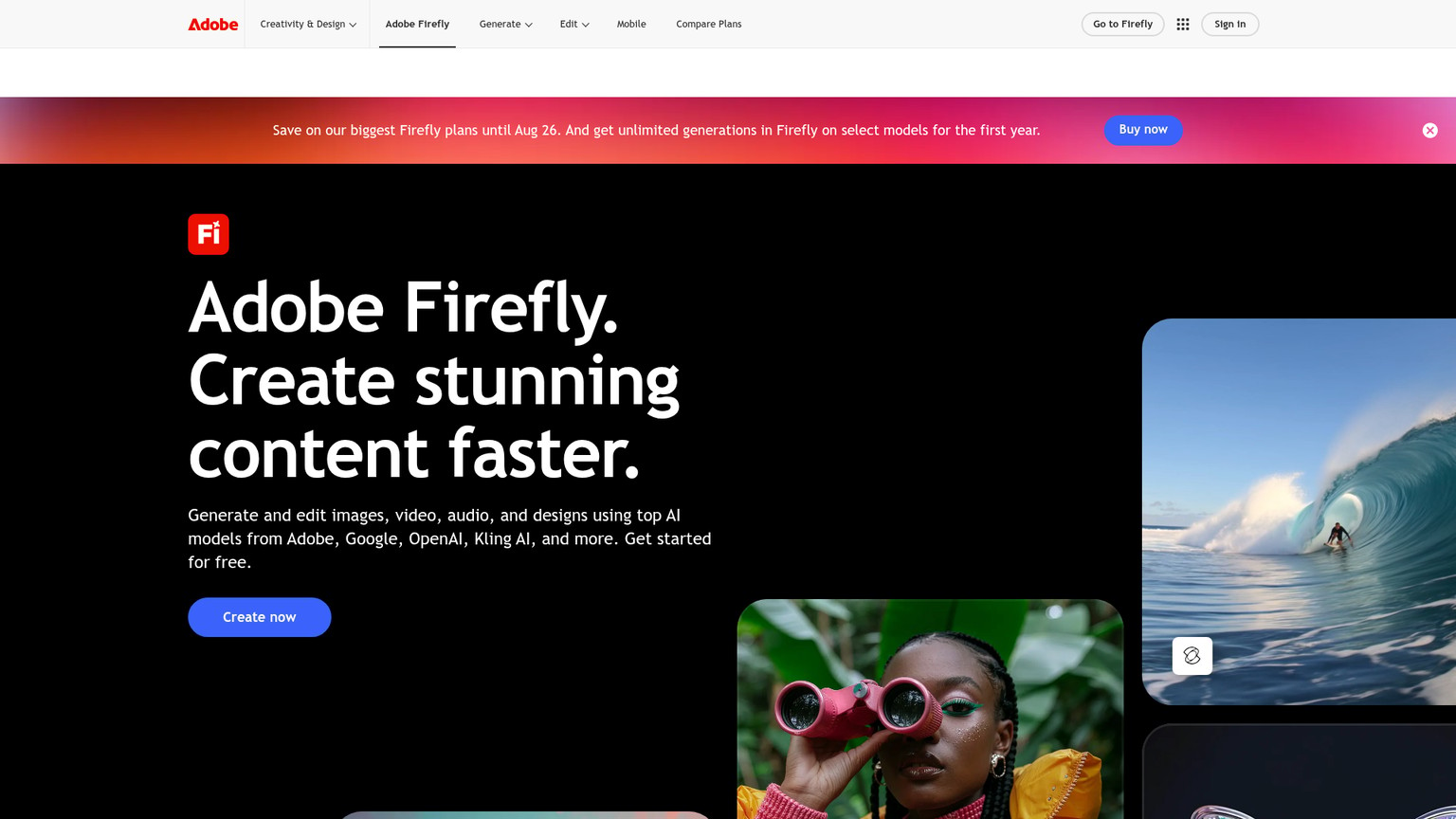
Adobe Firefly is the pick when the output has to be legally clean for a client, because Adobe indemnifies its commercial use and trains on licensed and public-domain content, which matters to any agency or brand nervous about rights. Its image-to-video feature lives inside the wider Creative Cloud workflow and, notably, now hosts partner models including Kling and Runway alongside Adobe's own, so you get safety plus choice. Plans are credit-based: Standard at $9.99 a month for 2,000 generative credits, Pro at $19.99 for 4,000 (about 40 five-second clips, since a clip runs roughly 100 credits), Pro Plus at $49.99, and Premium at $199.99 for heavy volume. The honest limitation is that Firefly's own model trails the frontier on raw motion quality, so you are buying it for the indemnity, the integration, and the workflow more than for the sharpest result. For a marketing team inside Adobe already, that bundle is exactly the point.
Best for: Brand and agency work that must be commercially safe
Standout: Indemnified, rights-clean output inside Creative Cloud
Pricing: Standard $9.99/mo (2,000 credits); Pro $19.99/mo (4,000 credits); Premium $199.99/mo
Free trial: Trial credits via Creative Cloud
- Commercially indemnified, rights-clean output
- Hosts Kling and Runway as partner models
- Integrated with Creative Cloud apps
- Predictable per-clip credit math
- Adobe's own motion quality trails the frontier
- Credit costs add up on heavy video use
- Best value only if you are already in Adobe
10. Wan: best for developers and free use

Wan, Alibaba's open-source video model, is the answer for anyone who wants image-to-video without a subscription and with full control. Because it is open-source, the model weights are public, meaning you can run it yourself on your own hardware or on a rented GPU and generate as much as your compute allows, for free beyond the cost of that compute. The quality is genuinely strong for an open model, and it shows up inside many of the aggregator platforms above as one of their selectable engines. The trade-off is real: self-hosting needs a capable GPU and a comfort with setup that rules it out for non-technical buyers, and you trade a polished interface for raw flexibility. For a developer, a tinkerer, or a team that wants to build image-to-video into its own product without per-clip fees, Wan is the most important free option in the category.
Best for: Developers and anyone wanting free, self-hosted generation
Standout: Open-source weights you can run without per-clip fees
Pricing: Free (open-source; you pay only for your own compute)
Free trial: Free by nature
- Free to run, no subscription
- Full control over the model and pipeline
- Strong quality for an open model
- Available inside many aggregator platforms
- Self-hosting needs a capable GPU
- Setup is technical, not for casual users
- No polished consumer interface on its own
11. Canva: best for the simplest path
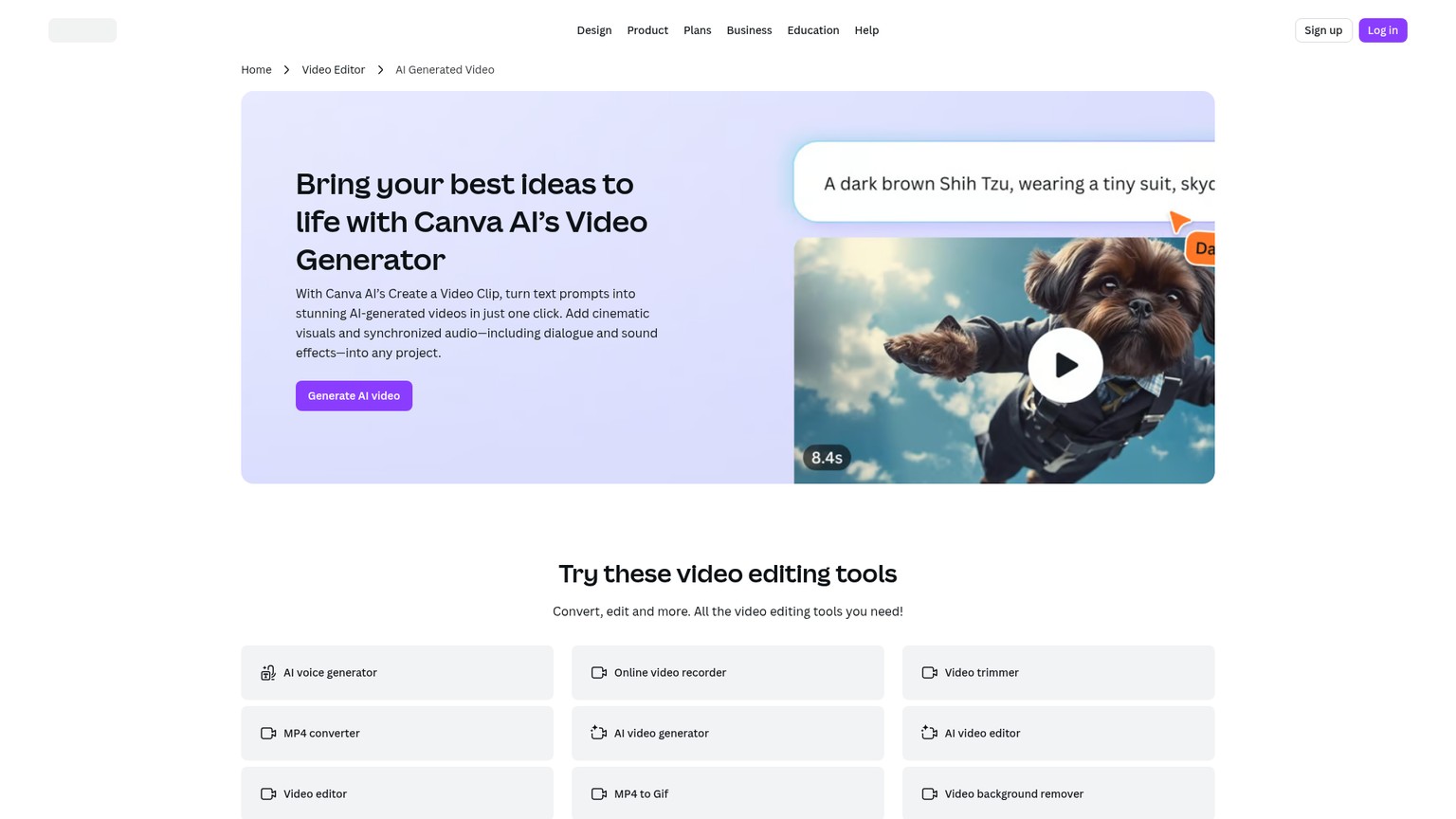
Canva earns the last slot for one honest reason: it is the tool most people already have open. Its AI video and image-to-video features sit right inside the design editor millions use for everything else, so you can animate an image and drop it straight into a social post, a slide, or a thumbnail without leaving the workflow or learning a new app. It ranked second in Google's own results for this search precisely because of that low friction. It is not a frontier model and will not match Veo's realism or Kling's character work, and the image-to-video sits behind Canva Pro at roughly $15 a month. But for a small business owner, a marketer, or a teacher who wants a quick animated clip inside the tool they already pay for, the right answer is often the one that needs zero new logins.
Best for: People who already live in Canva and want simple
Standout: Image-to-video built into an all-in-one editor
Pricing: Inside Canva Pro, roughly $15/mo
Free trial: Yes, limited free features
- Already in millions of existing workflows
- Zero learning curve, instant to use
- Output drops straight into your designs
- Covered by a Canva Pro subscription
- Not a frontier model on quality
- Behind the Canva Pro paywall
- Limited control versus dedicated tools
The ones to avoid
The most important name to cross off is OpenAI Sora 2, and not for quality reasons. OpenAI announced on March 24, 2026 that it is discontinuing Sora: the consumer web and app experiences were shut down on April 26, 2026, the Sora 2 API is scheduled to sunset on September 24, 2026, and account data is deleted after the cutoffs. Sora 2 was genuinely impressive, which is why its name stuck, but building any current workflow on a tool that is mid-shutdown is a mistake. Export anything still sitting in a Sora account before the data-deletion cutoffs, and pick one of the live tools above instead.
Two more to skip. Older open models like the original Stable Video Diffusion are now well behind the 2026 frontier on motion and consistency, fine for experiments but not for client work. And the wave of generic "free unlimited AI video" sites should be treated with caution: they survive on heavy watermarks, low resolution, and vague terms about what they do with your uploaded images, which is the wrong trade for anything you actually care about.
Frequently asked questions
What is the best free AI image-to-video generator?
Kling and Hailuo offer the most usable free daily credits, so you can produce real clips without paying, both watermarked. Luma and Pika also have free tiers, and Wan is free if you can self-host it. For the best free quality on a recognizable subject, start with Kling.
What is the best AI image-to-video tool for YouTube?
For YouTube, prioritize resolution and audio. Google Veo 3.1 is the strongest single choice because it adds synchronized native audio and exports clean high-resolution clips, while Runway is better if you want frame-level control over the motion. Both clear the quality bar for a YouTube upload.
Is there an AI image-to-video app for phones?
Yes. Hailuo, Kling, and Pika all have mobile apps that let you animate an image from your phone, and Seedance runs through the mobile-friendly Dreamina app. Most of the other tools here, including Runway and Veo via Flow, are web-first and best used on a desktop.
Can I animate a photo to video for free online?
You can, through the free tiers of Kling, Hailuo, Luma, and Pika, which run entirely in the browser with no install. Expect a watermark, capped resolution, and a daily credit limit on free plans; removing those is the main reason to move to an entry paid tier around $8 to $10 a month.
What do people on Reddit recommend for image-to-video?
Current Reddit threads lean heavily on Google Veo 3.1 for photorealism and synchronized audio, and on Kling for keeping a character or face consistent across the clip. Those two come up most often as the picks worth paying for, with Hailuo cited as the value option.
Which should you choose
Match the tool to the job rather than chasing one winner. If you want the single most convincing, audio-equipped result and can absorb the credit cost, Google Veo 3.1 at $19.99 a month is the pick. If your image has a face or a branded character that must stay recognizable, Kling gives you that consistency plus the most generous free tier to prove it first. If motion is your craft and you want a motion brush and camera directives, Runway is the professional seat.
On a tighter budget, Hailuo delivers cinematic motion for $9.99 a month and Luma Dream Machine wins on speed and fluid movement. For brand and agency work that has to be legally clean, Adobe Firefly buys you indemnity and Creative Cloud integration. For social-first fun, Pika is the cheapest and most playful. And if you are a developer or just want free generation with full control, Wan is the open-source answer, while Canva is the right call when the best tool is simply the one you already have open.
Best AI video generators in 2026
If you are starting from a text prompt instead of an image, this companion roundup ranks the text-to-video tools with the same honest pricing.
If you want one short, no-fluff briefing a month on the AI tools actually worth your money, join the newsletter. It is the fastest way to keep this kind of pricing and pick current without reading ten stale roundups.
- Last Updated
- Category
- Design
- Language
ElevenLabs Alternatives: Murf, MAI-Voice-2, OpenAI TTS and Cartesia (Verified October 2026)
Compare ElevenLabs, Murf, MAI-Voice-2, OpenAI, Cartesia, Google and Speechify by studio or API job, with verified prices and switching costs.Oct 4, 2026Design
Higgsfield API Pricing
Price Higgsfield API video and image jobs, separate API dollars from app credits, and check top-ups, expiry and cashback before scaling.Sep 27, 2026Design
Is Gemini Live Avatar Free
Check Gemini Live Avatar access, Enterprise API charges and custom-avatar limits before budgeting a customer-facing video agent.Sep 27, 2026Design
Gemini 3.8 Flash TTS Pricing
Price Gemini 3.8 Flash TTS by audio minute, compare Flash-Lite and service tiers, and budget the January 2027 increase.Sep 24, 2026Design
ngram vs Demosmith
Compare ngram and Demosmith for product videos, browser capture, revisions and usable exports, with costs matched to the same job.Sep 19, 2026Design
ArtPatt Pricing
ArtPatt pricing explained: Free limits, Pro exports, saved patterns, AI-image allowances, and when a paid plan earns its place.Sep 15, 2026Design
Cutsio Video Indexing Cost
Decode Cutsio's indexed minutes, stored hours, seats, and overages to choose a plan for a growing video library.Sep 13, 2026Design