10 Best AI Cold Email Tools in 2026 (and the Inbox Tax)
I priced 10 AI cold email tools on what a real outbound setup costs after the inbox tax, plus the cost per positive reply at honest 2026 reply rates.


The cold email tool you pick controls maybe 20% of whether your message lands in the inbox. The other 80% is infrastructure you buy separately, and the pricing page never mentions it. In 2026, after Microsoft started hard-rejecting unauthenticated bulk mail with a permanent 550 error, that gap is the whole game.
Based on pricing 10 tools through a real outbound setup, Smartlead, Instantly, and Saleshandy are the best AI cold email tools as of May 2026, but only once you budget the inbox tax.
I priced every tool on this list the way I price everything on this site: by the outcome it moves and the real money it takes to get there, not the headline number. That is the same discipline I run on a publishing pipeline that ships a post a day inside a $20 daily cost cap, and it is the discipline almost no cold email listicle applies. The going rate for a "best cold email software" article is to rank the sequencer, quote the cheapest plan, and stop. That number is a fraction of what outbound actually costs.
This piece does the rest of the arithmetic. For each tool you get the sequencer price, the add-ons it forces, the real monthly floor for a working 1,000-emails-a-day setup, and the cost per positive reply at the reply rates operators actually report in 2026. Then the tools to skip, the rigged SERP to ignore, and a persona-routed pick at the end.
What is an AI cold email tool?
An AI cold email tool is a sequencer that automates personalized outbound email across rotating inboxes, with warmup, deliverability monitoring, and reply handling built in. It is not an email marketing tool.
That distinction is the first thing most buyers get wrong. Email marketing platforms like Kit, Brevo, and Klaviyo send broadcast campaigns to people who opted in, and I covered the pricing math on those in the AI email marketing tools breakdown. A cold email tool sends one-to-one-looking messages to people who never asked to hear from you. Different deliverability model, different legal basis, different software.
The "AI" label covers four real features in 2026. AI copy generation drafts first lines and subject variants. AI personalization pulls a prospect's LinkedIn or website into a custom opening. AI reply triage sorts responses into interested, not now, and not interested. AI send-time and volume optimization throttles inboxes automatically. Only the last two reliably earn their keep, and I will say which tools do them well.
The bigger shift is structural. Sequencers used to compete on the sequence. Now they compete on infrastructure, because every serious tool figured out the same thing at the same time: the sending machinery is where the money and the failure both live. Smartlead sells dedicated servers. Instantly sells pre-warmed inboxes. Woodpecker resells mailboxes by the seat. The sequence became the cheap, commoditized layer. The expensive layer is everything that gets you into the inbox.
The 2026 deliverability reckoning, and why the tool is 20% of the job
Here is the uncomfortable part: in 2026 the mailbox providers, not the cold email vendors, decide whether your campaign works. Three rule changes in two years rewrote the channel, and the sequencer cannot opt out of any of them.
Google and Yahoo moved first. In February 2024 both began enforcing bulk sender rules: any domain sending more than 5,000 messages a day must pass SPF, DKIM, and DMARC authentication, must offer one-click unsubscribe, and must keep its spam complaint rate below 0.3%, with anything above 0.1% treated as a warning sign. Google publishes the full spec in its email sender guidelines, and the 0.3% number is not a suggestion. Cross it and your domain reputation collapses for weeks.
Google Email Sender Guidelines
The SPF, DKIM, DMARC and 0.3% spam-rate rules every bulk sender must pass.
Then Microsoft followed, and it followed harder. Microsoft's high-volume sender requirements took effect on May 5, 2025, covering anyone sending more than 5,000 messages a day to outlook.com, hotmail.com, and live.com addresses. The company originally said non-compliant mail would land in Junk. It amended that. In 2026, mail that fails authentication is hit with a permanent 550 5.7.515 rejection. The message is refused outright. It never reaches Junk, because it never reaches the recipient.
Outlook's New Requirements for High-Volume Senders
Microsoft's bulk sender policy, now enforced as a hard 550 rejection.
A sequencer does not fix any of this. SPF, DKIM, and DMARC live in your DNS records. The complaint rate is a function of your list quality and your offer. Authentication is infrastructure work that happens before the tool ever sends a byte.
Warmup is the second hard number. Operator reports through late 2025 and into 2026 are consistent: a brand-new inbox with no warmup places 0% to 2% of cold messages in the primary inbox, while the same inbox after 14 to 60 days of warmup places 70% to 96%. That spread is the difference between a campaign that works and a campaign that quietly burns your list. Every tool on this list either bundles warmup or sells it, and the bundled versions are converging because the providers themselves now discount obvious warmup traffic.
There is an architecture under all of this, and it is non-negotiable in 2026. You authenticate with SPF, DKIM, and a DMARC policy that starts at p=none and tightens as your reputation proves out. You never send cold mail from your primary domain, because one spam trap there can poison your real business email for months. You buy lookalike secondary domains, two or three mailboxes on each, and you keep every mailbox under 40 sends a day. You add a one-click unsubscribe header, because Google and Yahoo now require it on bulk mail. The cold email tool helps you watch all of this. It does not do any of it for you.
Monitoring is its own discipline. Google Postmaster Tools shows your domain reputation and spam rate straight from the source, and checking it is free. Most sequencers surface a version of the same signals inside their dashboards, which is genuinely useful, but the raw provider data is the one that decides your fate. The same domain-reputation logic governs the daily content engine behind this site, which I keep clear of penalties using the four rules in the content-engine teardown. Reputation is a slow asset and a fast liability.
The third number is the one the vendors hate. Average cold email reply rates in 2026 sit around 0.4% to 2%, down from 2% to 3% in 2020 despite every tool now shipping AI personalization. The reason is blunt: inbox filters got smarter, and spun AI personalization at scale reads as synthetic. The operators clearing 8% to 15% are not the ones with the best AI generator. They are the ones with verified lists, warm inboxes, conservative volume, and copy that sounds like a person rather than the generic draft most built-in AI writers ship. AI that references a real, recent, specific trigger can lift replies two to three times. AI that stuffs a generic "I loved your recent post" into 10,000 emails drags them toward zero.
So the cold email tool is real, and it matters. It just is not the lever most buyers think it is. It is roughly 20% of the outcome. The DNS, the domains, the mailboxes, the warmup, the list, and the offer are the other 80%, and that 80% is what the inbox tax pays for.
How I priced these: the inbox tax and cost per positive reply
I priced all 10 tools through one standard setup: a working outbound program sending 1,000 emails a day. Same method I use for every pricing teardown on this site, including the 16 AI SEO tools comparison and the Brand Radar versus Semrush cost math, where the only number that matters is the one you actually pay.
A thousand emails a day sounds modest until you apply the volume discipline. Safe sending in 2026 is 30 to 50 emails per inbox per day. At 40 a day, 1,000 emails needs 25 sending inboxes. You never run those on your primary domain, so the 25 inboxes spread across 9 secondary domains, two or three mailboxes each. That spread is not optional. It is what keeps one burned inbox from poisoning the rest.
Now the inbox tax, line by line, monthly:
The 9 secondary domains run about $12 a year each, so $9 a month. The 25 mailboxes are where it splits. Twenty-five Google Workspace seats at $7.20 each is $180 a month. Microsoft 365 seats run about $150. Specialist cold-email mailbox providers like Maildoso and Mailforge sell mailboxes purpose-built for outbound at $1.50 to $3 each, so the same 25 inboxes cost $37 to $75. Warmup is bundled free in most sequencers now, or $5 per inbox if bought separately, which would add $125. Lead data is $39 to $99 a month depending on the database. Email verification is $10 to $30. And the sequencer itself is $40 to $95.
Add it up. A lean build on specialist mailboxes lands near $164 a month: $9 domains, $50 mailboxes, $0 bundled warmup, $50 lead data, $15 verification, $40 sequencer. A Workspace build lands near $362: $9 domains, $180 mailboxes, $59 lead data, $20 verification, $94 sequencer.
Either way, read the proportion. The sequencer is $40 to $94 of a $164 to $362 bill. It is 11% to 24% of what outbound actually costs. The "$40 a month" tool is a quarter of the real number, often less. That is the inbox tax, and it is why a comparison that ranks tools by their cheapest plan is worse than useless. It is misleading.
The second number I run is cost per positive reply, because a reply is not a meeting and a meeting is not revenue. The honest chain: 1,000 emails a day across 22 working days is 22,000 sends a month. At a realistic 1% reply rate that is 220 replies. Positive replies, the ones that are actually interested, run about a quarter of total replies, so 55. Divide the tooling cost by 55.
The lean $164 stack costs $2.98 per positive reply on tooling. The Workspace $362 stack costs $6.58. Run the same math at a poor 0.4% reply rate and the lean stack jumps to $7.45 and the Workspace stack to $16.45. At a strong 2% rate the lean stack drops to $1.49.
One honesty note, because the voice of this site does not let me skip it. Those numbers are tooling only. They exclude the list you buy, the copywriting time, and the human who works the replies. Load those in and the real cost per positive reply for most programs sits between $20 and $50. The point of the tooling math is not to pretend outbound is cheap. It is to show you which slice of the bill the tool actually controls, so you stop overpaying for the slice and underfunding the rest. The same logic drives the AI SDR cost-per-booked-meeting playbook: the tool is the easy line item to obsess over and the wrong one.
The 10 best AI cold email tools in 2026, compared
Here is the whole field in one view. Read the last column first: the inbox-tax note is the one that tells you what the tool really costs.
Ten tools, one buying view. The ranking below is not the table order. It is the order I would hand a growth lead asking where to put the budget.
The ranked list: 10 AI cold email tools, priced and tested
1. Smartlead – best for agencies running many client workspaces
Smartlead is the tool I would hand an agency, because it is the only one on this list that does not punish you for scale. The verdict: it wins on unlimited inboxes and a real infrastructure stack, and it loses on a UI that assumes you already know what you are doing.
- Best for: agencies and operators managing outbound for multiple clients
- Standout: unlimited email accounts and unlimited warmup on every plan, including the cheapest
- Pricing: Basic $39/mo, Pro $94/mo, with annual billing at $32.50 and $78
- Free trial: 14 days, no card on the entry tier
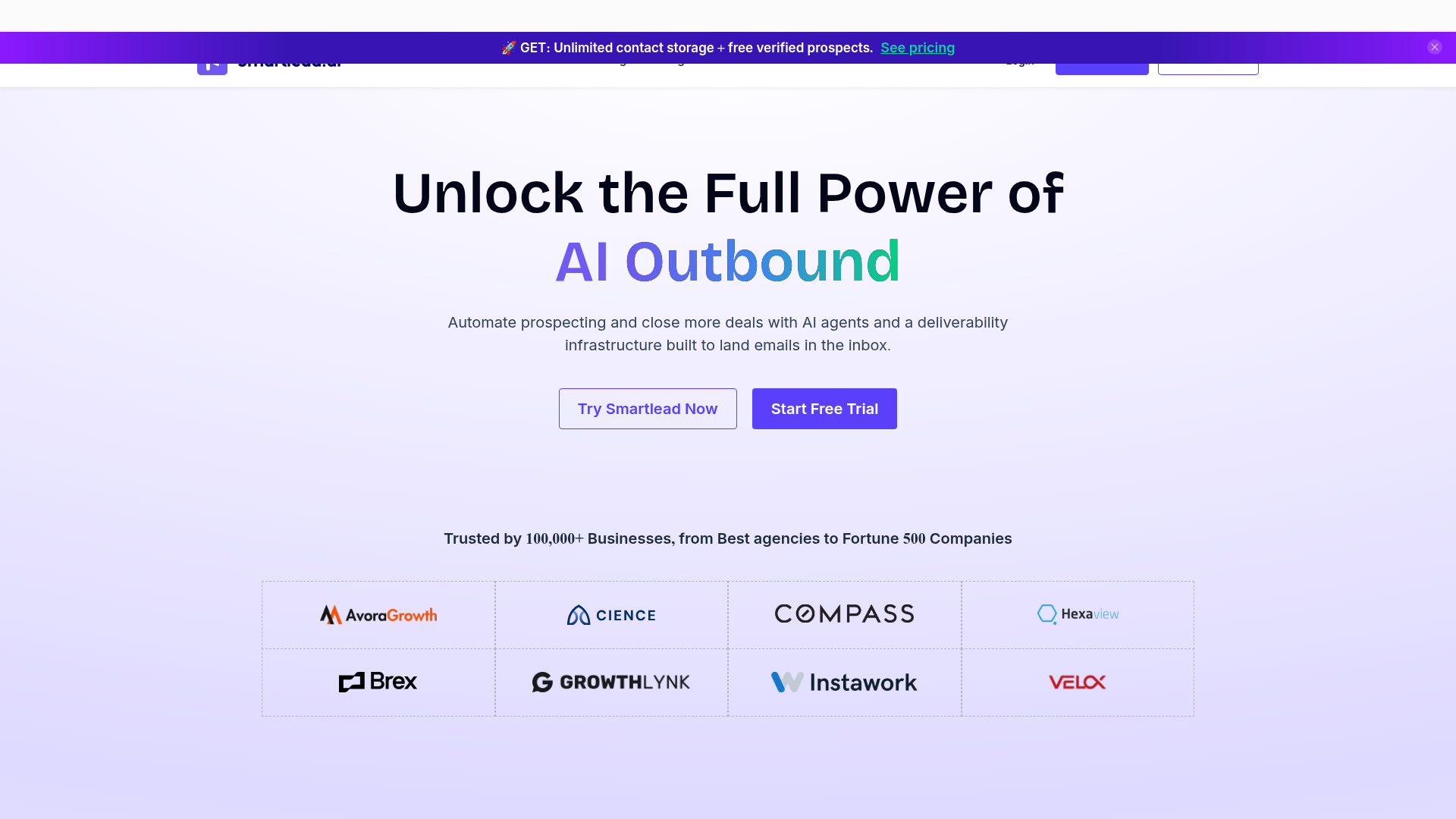
The structural advantage is the unlimited inbox model. Every other tool here either charges per inbox, per seat, or caps you, and that cap is exactly where outbound gets expensive. On Smartlead, the 25 inboxes for a 1,000-a-day program cost nothing extra inside the sequencer. You still pay your mailbox provider, but the tool does not double-charge you for connecting them.
Where the real cost hides is the add-on shelf. Smartlead's pricing page shows Basic at $39, but a working agency build is Pro at $94 plus SmartProspect, the built-in lead database, at $59, plus SmartServers, the dedicated sending infrastructure, at $39 each. That is $192 a month before you add a single client workspace at $29 apiece. The honest Smartlead number for an agency is closer to $250 to $320, not $39. It is still good value at that number, because it is replacing three separate tools, which is the same consolidation logic behind the Apollo, Clay, and Smartlead outbound stack.
The AI is competent and unspectacular. Reply categorization is genuinely useful and runs without supervision. The AI copy generator is the part I would ignore in favor of a real model, a point I will come back to in the FAQ.
- Unlimited inboxes and warmup on every tier, which is unique at this price
- Master inbox and reply triage scale cleanly across dozens of client workspaces
- SmartServers give you real dedicated sending infrastructure inside one bill
- Genuine API and webhook depth for operators who automate their own ops
- The UI is dense and unfriendly to first-time senders
- The unified inbox can lag noticeably once you cross 30-plus connected accounts
- The add-on stack means the true cost is two to five times the headline price
Pricing tiers, exact: Basic $39/mo or $32.50 annual, Pro $94/mo or $78 annual, with higher unlimited-lead tiers near $174 and $379. Smartlead holds roughly 4.6 out of 5 on G2 across several hundred reviews, and the recurring complaint in those reviews is the learning curve, not the deliverability.
2. Instantly.ai – best for speed-to-volume sending
Instantly is what you reach for when the constraint is "I need to send a lot, soon." The verdict: fastest path to high-volume sending with warmup included, undercut by an aggressive upsell into separate leads and CRM products.
- Best for: operators scaling to thousands of sends a day quickly
- Standout: very large send pool, free warmup, and unlimited connected inboxes
- Pricing: Growth $37.60/mo, Hypergrowth $77.60/mo, Light Speed $286.30/mo, annual billing
- Free trial: a limited free tier rather than a full trial
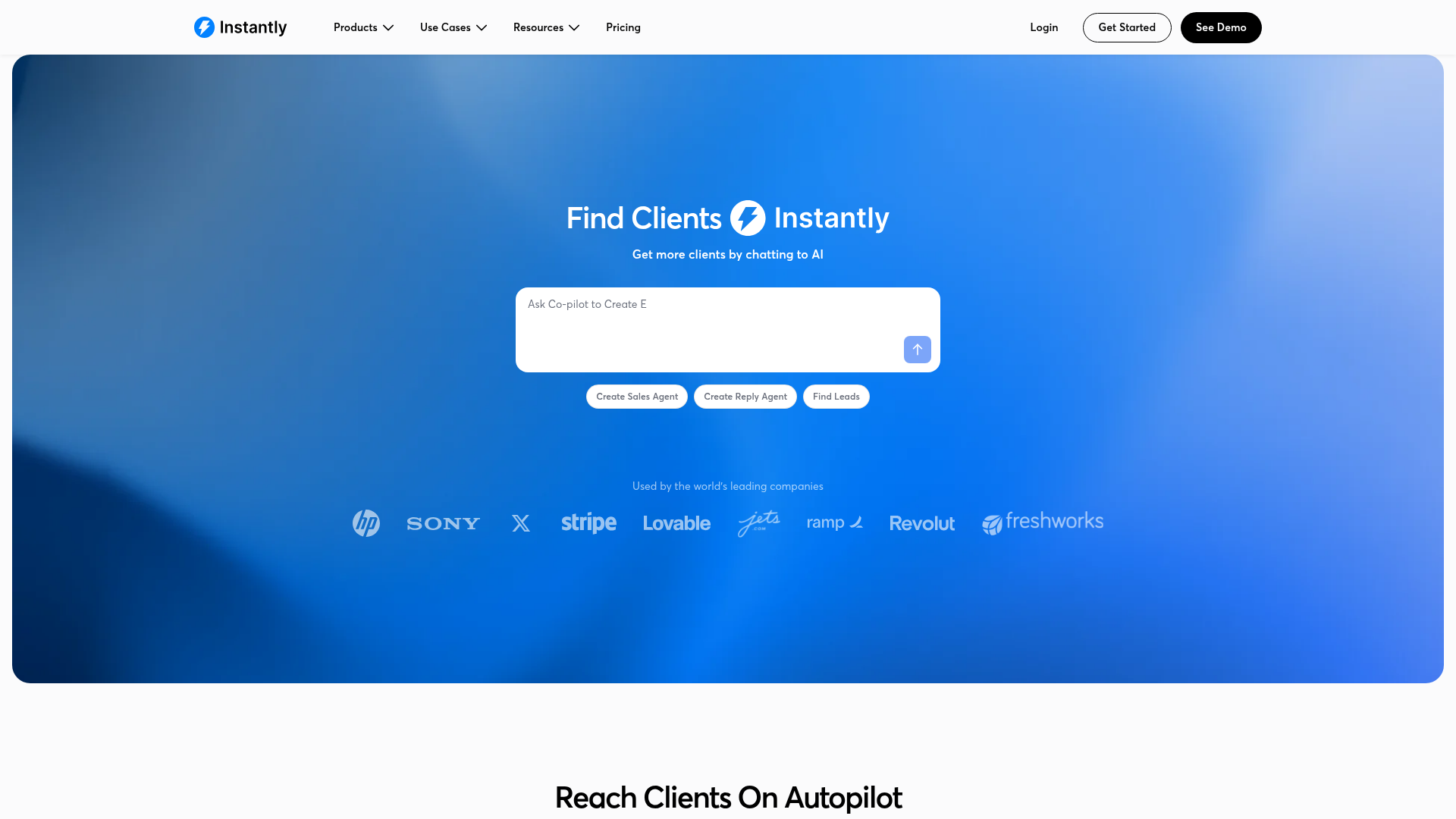
On raw sending, Instantly is excellent. The warmup network is large, ramping is smooth, and the pricing on the outreach plans is genuinely competitive: Growth at $37.60 a month annual gets you unlimited inboxes and free warmup. For a solo operator who already has domains and mailboxes set up, this is the fastest tool here to get a campaign live.
The catch is the unbundling. Instantly's lead database is a separate subscription, and its CRM is a separate subscription again. Stack outreach, leads, and CRM and the real floor is around $122.50 a month annual, not $37.60. The marketing leans hard on the $37.60 number. The product quietly assumes you will buy all three. That is a fair business model and a misleading first impression, and you should price the stack you actually need.
The other thing to know is reputational. Through 2025 a steady thread of operators reported sudden account suspensions and slow support during disputes. It is not universal, and it does not appear to be a deliverability problem with the sends themselves, but it is frequent enough that I would not run a single client's entire outbound program on Instantly without a backup tool configured. The X consensus is consistent on a related point: switching from Smartlead to Instantly almost never fixes spam placement, because neither tool controls inbox placement. The infrastructure does.
- Among the fastest tools to get a high-volume campaign live
- Free warmup network is large and ramps inboxes smoothly
- Unlimited inboxes on every outreach plan
- Clean, modern interface that beginners actually navigate
- Leads and CRM are separate paid products, so the real floor is roughly $122/mo
- Recurring reports of abrupt account suspensions and slow dispute support
- The AI features lean toward demo polish over reliability
Pricing tiers, exact: Growth $37.60/mo annual ($47 monthly), Hypergrowth $77.60/mo annual ($97 monthly), Light Speed $286.30/mo annual ($358 monthly). Instantly carries a high G2 score near 4.8 out of 5, though the reviews skew toward ease of use rather than long-run deliverability.
3. Saleshandy – best value, flat-fee unlimited inboxes
Saleshandy is the value pick, full stop. The verdict: the lowest real entry point for unlimited-inbox sending, with honest flat-fee pricing and a lead database that is good enough rather than great.
- Best for: founders and small teams who want unlimited inboxes without per-seat math
- Standout: flat-fee plans with unlimited connected email accounts from $25 a month
- Pricing: Outreach Starter $25/mo, Pro $69/mo, Scale $139/mo, annual billing
- Free trial: a free plan plus a 7-day trial of paid features
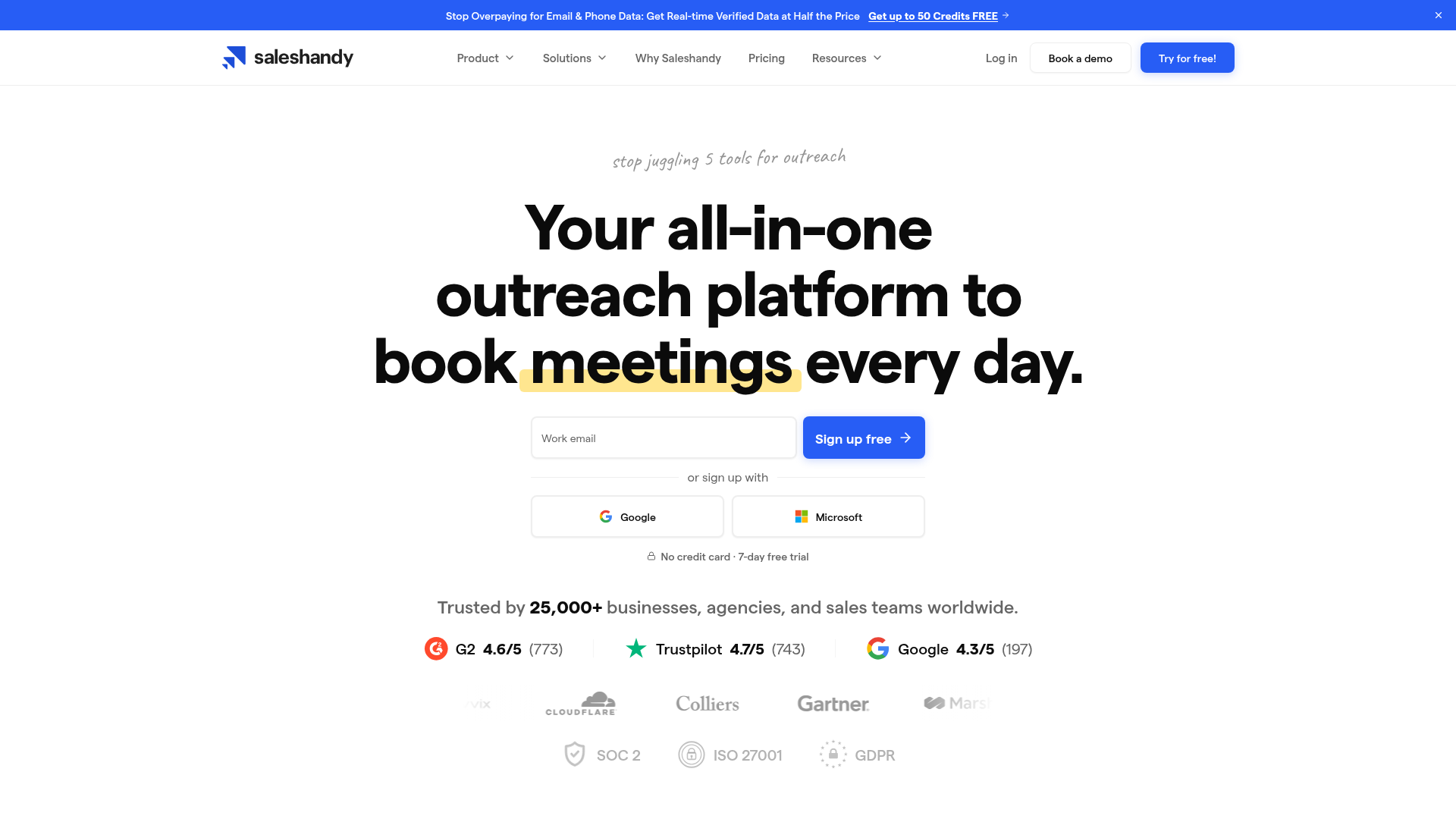
Saleshandy's pricing is the most honest on this list. Outreach Starter is $25 a month annual, billed at $300 a year, for 6,000 emails a month and unlimited connected inboxes. Pro is $69 a month annual ($828 a year) for 150,000 emails. Scale is $139. There is no per-seat surcharge, and the unlimited-inbox model means a 1,000-a-day program does not get taxed by the sequencer. For a solo operator or a lean team, this is the cheapest credible way to run real outbound.
The honest cons are about the edges. The Lead Finder, Saleshandy's B2B database, is a separate add-on, and it is thinner than Apollo's 275-million-contact set. Agency client management is only available from the Pro tier, so an agency on Starter cannot cleanly separate client workspaces. And the AI writing assistant is, again, the part you should not pay attention to.
What Saleshandy gets right is the thing most buyers underrate: it does not pretend the sequencer is the whole product, and it does not bury the real number behind a cheap headline. The $25 plan is genuinely the $25 plan. You still pay the inbox tax, but the tool itself is priced like the commodity layer it is. That matches the pricing-first lens I applied to content optimization tools after AI Overviews: pay for the layer, not the logo.
- Lowest real entry price for unlimited-inbox sending, $25/mo annual
- Flat-fee model with no per-seat or per-inbox surcharge
- Transparent pricing page with monthly and annual numbers stated plainly
- Solid reply management and deliverability monitoring on every tier
- The Lead Finder database is a separate add-on and weaker than Apollo's
- Agency client workspaces require the $69 Pro tier at minimum
- Fewer native integrations than Smartlead or Instantly
Pricing tiers, exact: Outreach Starter $25/mo annual ($36 monthly), Pro $69/mo annual ($99 monthly), Scale $139/mo annual ($199 monthly), Scale Plus $209/mo annual ($299 monthly). Saleshandy sits around 4.6 out of 5 on G2, with reviews consistently praising the price-to-value ratio.
4. Apollo.io – best all-in-one (database plus sending)
Apollo is the tool that tries to be the whole outbound stack in one tab. The verdict: unbeatable as a B2B database with sending attached, genuinely weak if you judge it purely as a deliverability-grade sequencer.
- Best for: teams that want prospecting and sending in a single tool
- Standout: a 275-million-contact B2B database built directly into the sequencer
- Pricing: Free $0, Basic $49/seat/mo, Professional $79/seat/mo, annual billing
- Free trial: a permanently free tier with capped credits
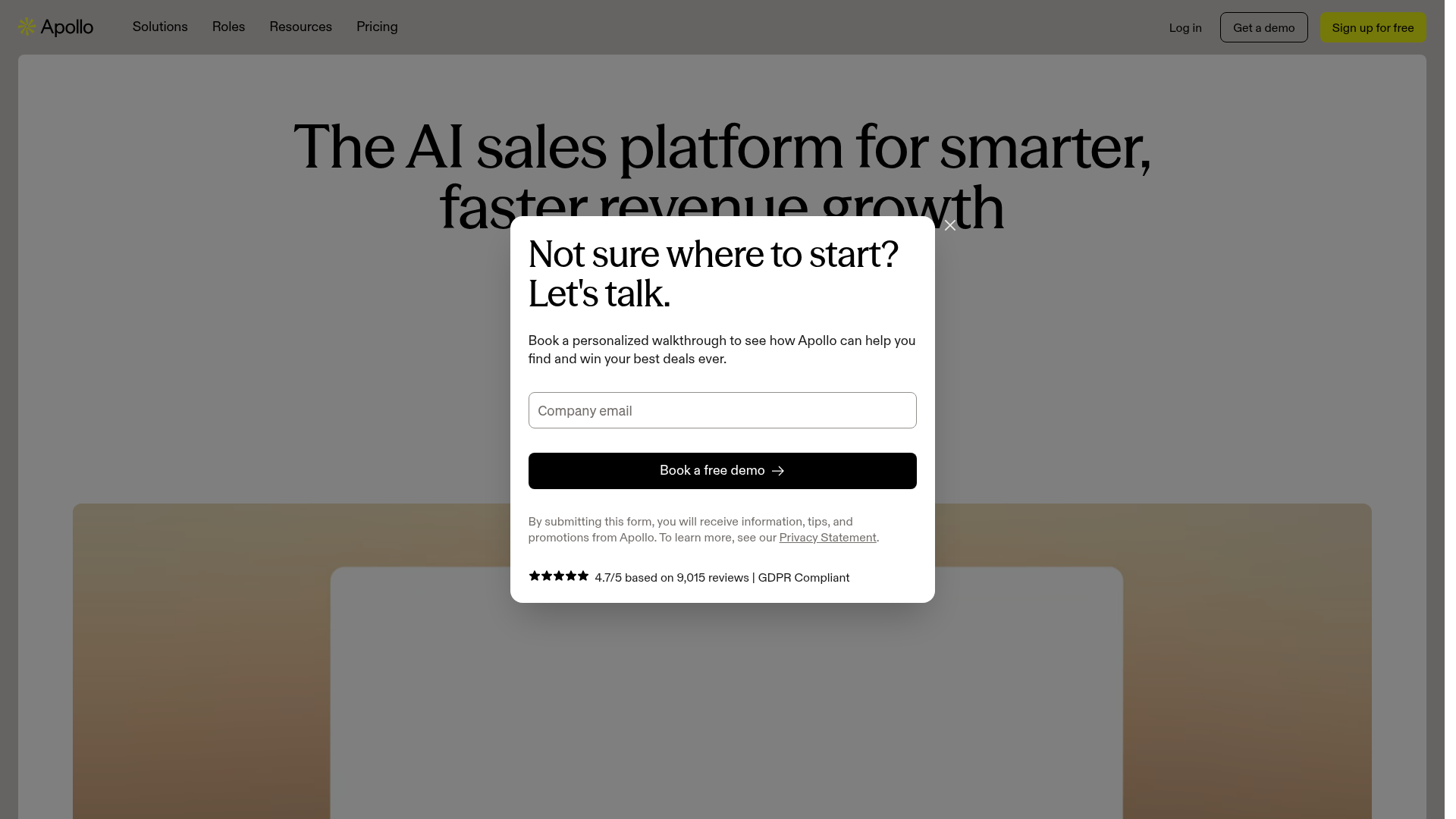
Apollo's real strength is the database. Its pricing starts with a free tier and climbs to Basic at $49 a seat and Professional at $79 a seat, all per seat per month on annual billing, with Organization at $119 and a three-seat minimum. For that you get contact data, intent signals, and a sequencer in one place, which is why it shows up in so many outbound stacks, including the Apollo, Clay, and Smartlead comparison where I looked hard at its data accuracy.
That comparison is also where Apollo's weakness shows. Apollo's email match rate runs around 42%, well below specialist enrichment tools, and its data freshness varies by industry and seniority. As a sequencer, Apollo is fine for warm-ish, lower-volume sending, but it is not built for the rotate-25-inboxes deliverability game. If you run aggressive cold volume through Apollo's native sending, placement suffers. The pattern I would run is Apollo for data, a dedicated sequencer for sending.
The per-seat pricing is the other honest con. A three-person team on Professional is $237 a month before the inbox tax. Apollo is excellent value as a database for one or two power users and expensive as a team sending platform. Price it as a data tool and it is a strong buy. Price it as your deliverability layer and you will be disappointed.
- The built-in 275M-contact database removes a whole separate subscription
- Genuinely useful free tier for testing and very low-volume sending
- Intent signals and filters are strong for ICP targeting
- One tool for prospecting and sending reduces operational overhead
- Email match rate near 42% trails specialist enrichment tools
- Native sending is not deliverability-grade for high-volume cold outbound
- Per-seat pricing scales painfully for teams of three or more
Pricing tiers, exact: Free $0, Basic $49/seat/mo annual, Professional $79/seat/mo annual, Organization $119/seat/mo annual with a three-seat minimum. Apollo holds roughly 4.7 out of 5 on G2 across a very large review base, with data accuracy the most common complaint.
5. lemlist – best for multichannel personalization
lemlist is the tool for operators who treat outbound as a sequence of touches across channels, not a wall of emails. The verdict: the best multichannel personalization on this list, priced with a per-seat and per-sender model that punishes scale.
- Best for: sellers running email, LinkedIn, and calls as one coordinated sequence
- Standout: native multichannel steps with lemwarm warmup bundled in
- Pricing: Email Starter $32/seat/mo, Email Pro $55/seat/mo, Multichannel Expert $87/seat/mo, annual
- Free trial: 14 days
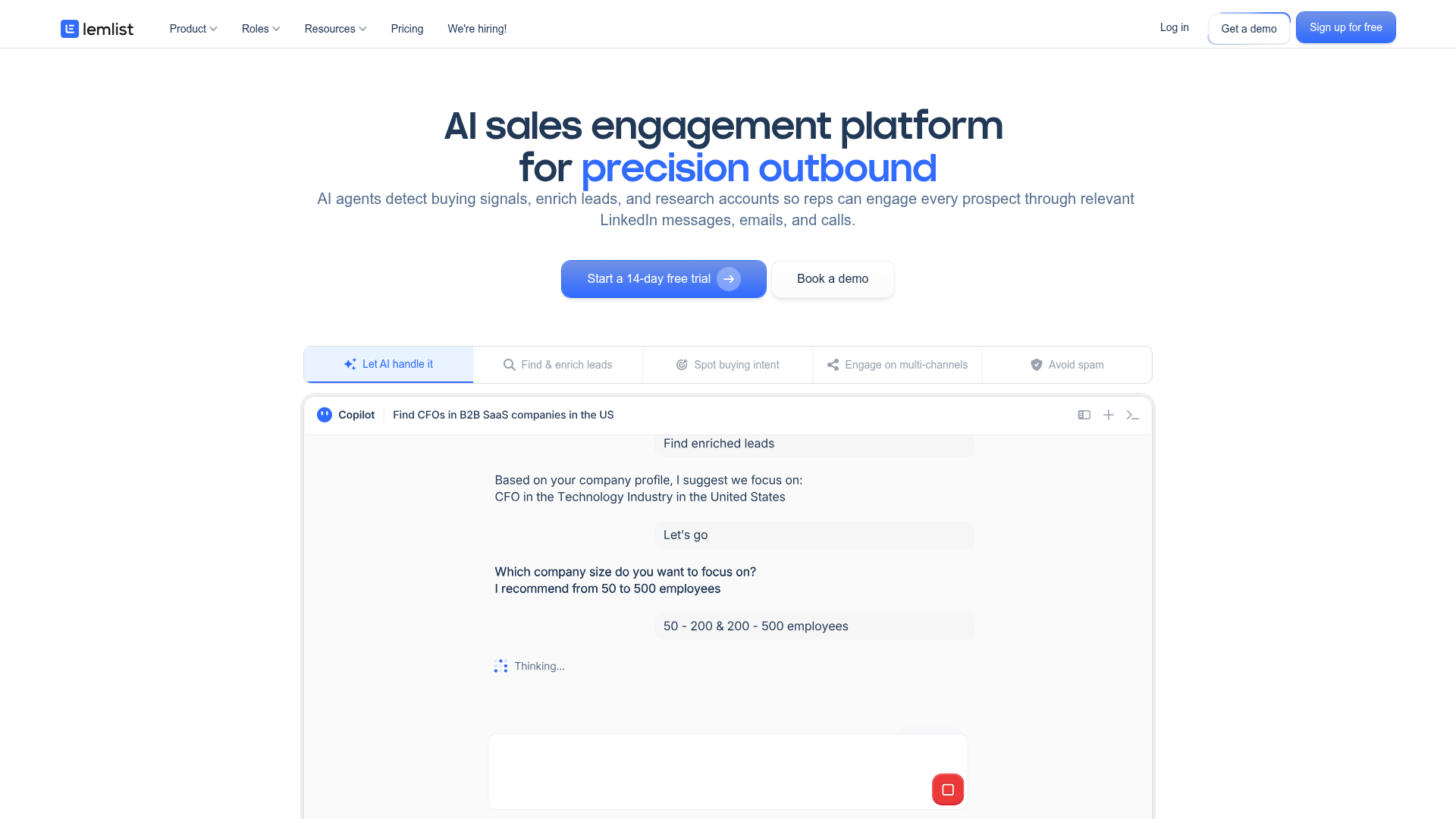
lemlist has always been the personalization tool, and in 2026 that means real multichannel orchestration. A sequence can send an email, wait, view a LinkedIn profile, send a connection request, wait, then trigger a call task, all in one flow. For relationship-led B2B sales, that beats pure email volume. The pricing bundles lemwarm, lemlist's warmup, into the paid plans, which is a real saving against buying warmup separately.
The model is also where it gets expensive. lemlist charges per seat, and multichannel is locked to the top Multichannel Expert tier at $87 a seat annual ($109 monthly). Each extra sending address beyond the plan's allowance is $9 a month. A three-person team on Multichannel Expert is $261 a month, and adding senders for a 25-inbox program pushes it well past $400 before the mailboxes themselves. lemlist is priced like a sales tool for a small team, not an outbound machine for an agency.
The lemlist credits system, where one credit equals one cent and credits buy contact data, is a reasonable pay-as-you-go model but adds another variable to forecast. If your model of outbound is fewer, more personalized touches to a high-value list, lemlist is excellent. If it is high-volume rotation, the per-sender math will hurt.
- The strongest native multichannel sequencing, with email, LinkedIn, and calls
- lemwarm warmup is bundled into paid plans, a real cost saving
- Personalization features genuinely lift replies on smaller, targeted lists
- Clean, well-designed interface with a gentle learning curve
- Per-seat pricing plus $9 per extra sender scales badly for high volume
- Multichannel is gated to the most expensive Expert tier
- The credits system adds a second cost variable to track
Pricing tiers, exact: Email Starter $32/seat/mo annual, Email Pro $55/seat/mo annual, Multichannel Expert $87/seat/mo annual ($109 monthly). lemlist sits near 4.5 out of 5 on G2, with the per-seat cost the most cited drawback.
6. QuickMail – best for deliverability-obsessed agencies
QuickMail is the quiet professional's pick. The verdict: the most deliverability-focused tool here, with auto-throttling and free warmup that protect your domains, held back by a thin feature set everywhere else.
- Best for: agencies that treat inbox placement as the only metric that matters
- Standout: automatic send-volume throttling plus free MailFlow warmup
- Pricing: Basic $49/mo, Pro $99/mo, Expert $299/mo
- Free trial: 14 days
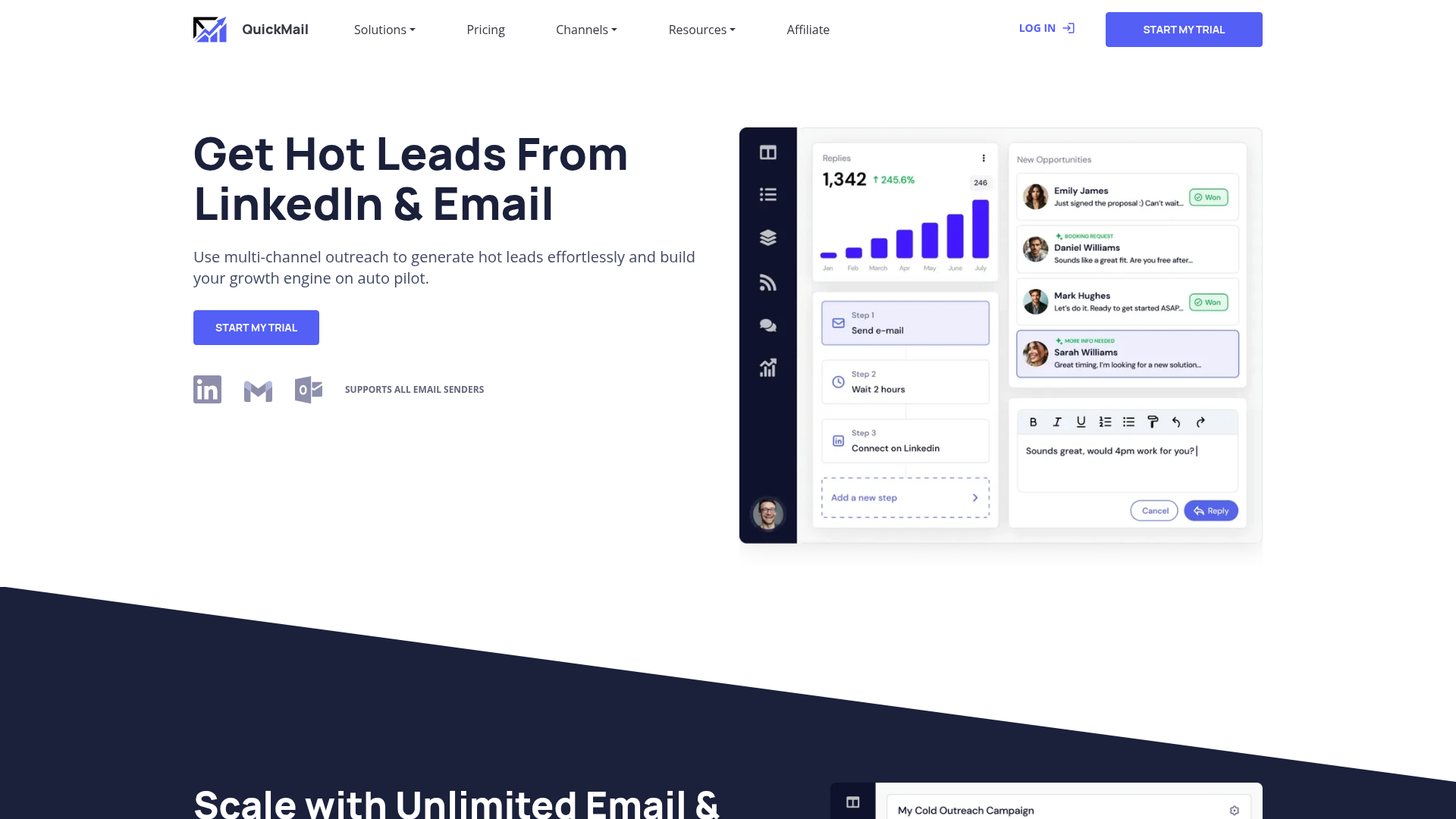
QuickMail's design philosophy is conservative, and that is the compliment. Its pricing starts at $49 a month for Basic with 5,000 emails, climbs to Pro at $99 for 100,000, and Expert at $299 for 500,000 with two workspaces. MailFlow, its warmup tool, is free and unlimited. The auto-throttle feature watches your sending and automatically slows inboxes that show reputation stress, which is exactly the kind of automation that prevents the slow-burn list damage most senders never notice until replies dry up.
This matters because, as the deliverability section laid out, volume discipline is one of the few things that actually moves placement. A tool that enforces discipline for you is worth more than a tool with a flashier AI generator. QuickMail's inbox rotation is mature, and its reporting is genuinely diagnostic rather than decorative.
The cons are about breadth. QuickMail has no built-in lead database, so you bring your own data, which means another subscription. The interface looks like it was designed in 2019 and never refreshed. Integrations are fewer than Smartlead or Apollo. And the AI features are minimal, which, depending on your view, is either a weakness or a refreshing absence of bloat. QuickMail is a focused deliverability tool. If you want one tool to do everything, this is not it. If you want the sending layer done right, it is one of the best.
- Auto-throttling actively protects domain reputation without manual babysitting
- Free, unlimited MailFlow warmup included on every plan
- Mature inbox rotation and genuinely diagnostic deliverability reporting
- Flat per-account pricing with no per-seat surcharge
- No built-in lead database, so you fund a separate data tool
- Dated interface and a smaller integration library
- Minimal AI features compared with the rest of the field
Pricing tiers, exact: Basic $49/mo, Pro $99/mo, Expert $299/mo with extra workspaces at $49 each. QuickMail holds around 4.6 out of 5 on G2, with deliverability and support the most praised attributes.
7. Reply.io – best for adding an AI SDR layer
Reply.io is the most AI-forward tool on this list, for better and worse. The verdict: a capable multichannel sequencer with a genuinely ambitious AI SDR, priced per seat and overselling the autonomy of that AI.
- Best for: teams that want AI to draft, send, and triage with light human oversight
- Standout: "Jason," a free-tier AI SDR that builds and runs sequences
- Pricing: Email plans from $59/seat/mo annual, agency tiers from roughly $166/mo
- Free trial: 14 days
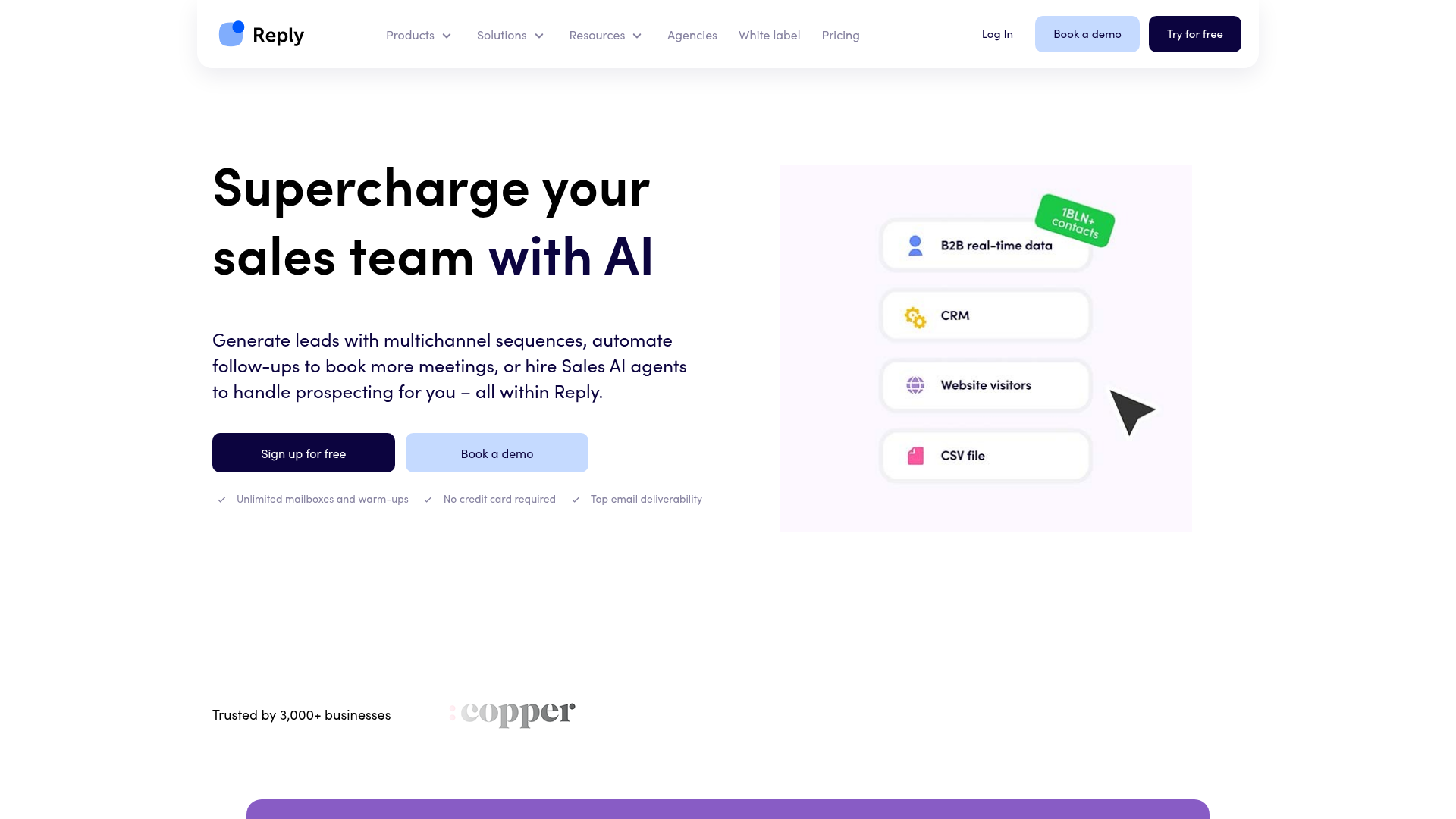
Reply.io has leaned into the AI SDR framing harder than anyone. Jason, its AI agent, will source contacts, draft sequences, send, and sort replies. The pricing puts a free Jason tier in front of paid email plans that start near $59 a seat per month annual, with multichannel and agency tiers above that. As a multichannel sequencer, Reply is solid: email, LinkedIn, calls, and SMS in one flow, comparable to lemlist.
The honest read on the AI SDR is that it is more demo than colleague. Jason is impressive in a sales call and uneven in production. The contact sourcing is hit or miss, the drafted copy needs the same human edit any AI draft needs, and the reply triage, while useful, is not accurate enough to run unsupervised on high-value accounts. That is not unique to Reply. It is the state of AI SDRs in 2026 generally, a point the AI SDR versus human SDR playbook goes into at length. The attribution problem alone means you cannot fully hand outbound to an agent yet.
Priced as a multichannel sequencer with strong AI assistance, Reply is a fair buy at $59 a seat. Priced as the autonomous SDR the marketing implies, you will be disappointed and you will still be doing the work. Per-seat pricing also makes it expensive for teams, the same trap as lemlist and Apollo.
- Genuinely capable multichannel sequences across email, LinkedIn, calls, and SMS
- The free Jason tier is a low-risk way to test an AI SDR workflow
- AI reply triage is useful for sorting high-volume inbound responses
- Mature integrations with major CRMs
- The AI SDR is oversold; it still needs constant human oversight
- Per-seat pricing scales expensively for teams
- Contact sourcing quality through the AI is inconsistent
Pricing tiers, exact: email plans from roughly $59/seat/mo annual, scaling through multichannel tiers, with agency pricing from about $166/mo. Reply.io sits near 4.6 out of 5 on G2, with the AI features drawing both the strongest praise and the sharpest criticism.
8. Woodpecker – best for low-volume, high-deliverability senders
Woodpecker is the tool for senders who would rather email 50 people well than 1,000 people badly. The verdict: conservative, deliverability-first, and EU-friendly, with an add-on model that quietly doubles the bill.
- Best for: consultants and small B2B teams running careful, low-volume outreach
- Standout: conservative sending defaults and strong deliverability tooling
- Pricing: base from $24/mo annual ($35 monthly), scaling by contacted prospects
- Free trial: a free trial with no card required
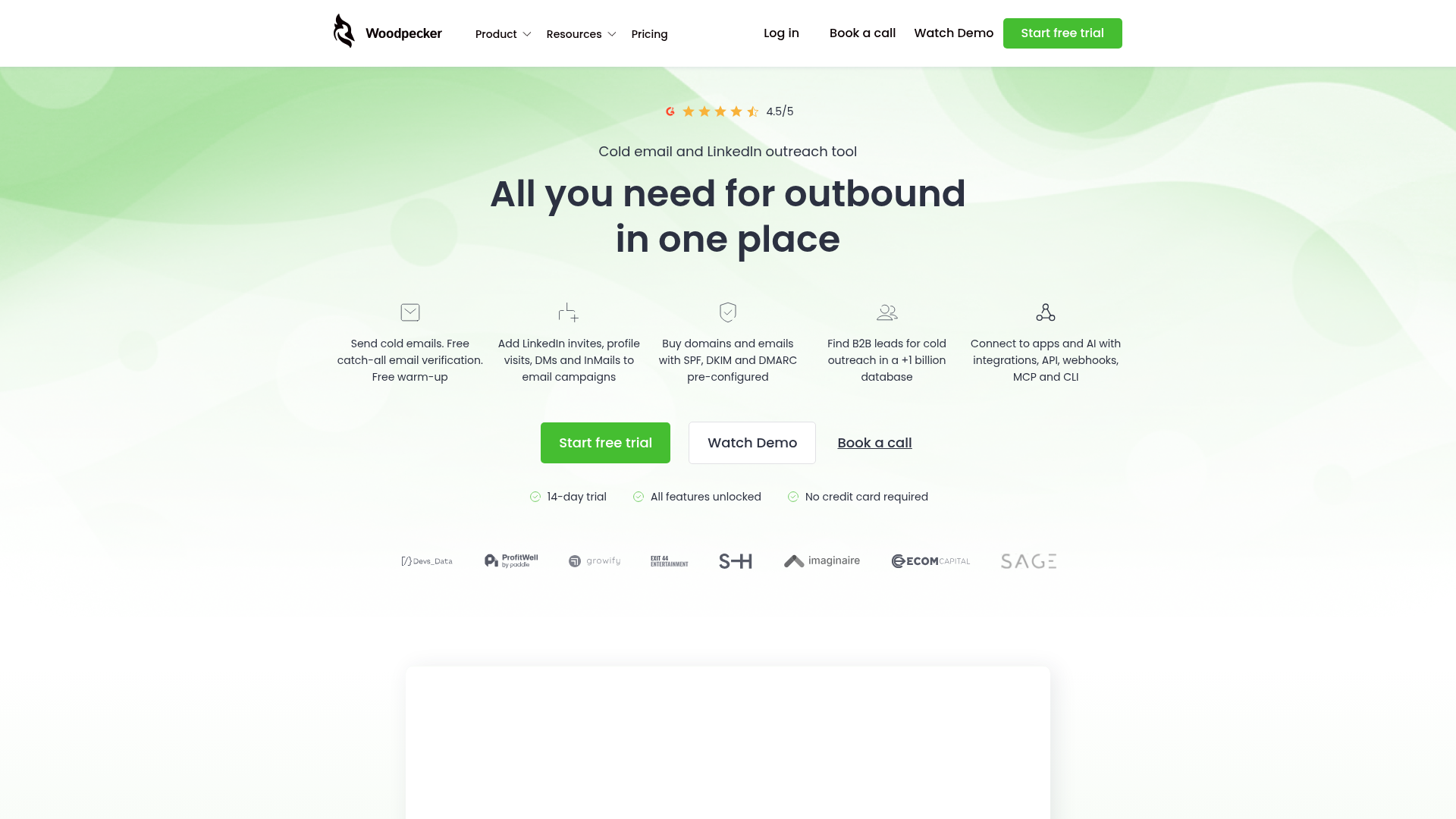
Woodpecker, a Polish company, has always built for deliverability and for European compliance, and that shows in the defaults. Its pricing starts low, with a base around $24 a month annual, and scales by contacted prospects rather than raw sends. For a consultant emailing a few hundred carefully chosen prospects a month, Woodpecker is genuinely one of the best-value tools here, and its GDPR posture is more credible than most US-built tools.
Then you read the add-on shelf, and the real number appears. Woodpecker's pricing page lists LinkedIn outreach at $29 a month per connected account, additional warmups at $5 a month per inbox, mailboxes at $6 a month each for Google or Microsoft or $4 for specialist providers, dedicated servers at $59 a month, the API and integrations add-on at $20 a month, agency client slots at $27 a month each, and white-label at $5 a month per client. None of that is in the base price. An agency build on Woodpecker can quietly pass $200 a month with the base plan still reading $24.
That is not dishonest, exactly. Every line item is disclosed. But it is the clearest example on this list of why you must total the add-ons before you compare. Woodpecker's $24 and Saleshandy's $25 are not the same product at the same price. Saleshandy's $25 includes unlimited inboxes. Woodpecker's $24 charges you per mailbox. For low volume, Woodpecker is excellent. For scale, the add-ons make it one of the more expensive options.
- Conservative sending defaults genuinely protect deliverability
- Credible GDPR and EU compliance posture, better than most US tools
- Strong, diagnostic deliverability monitoring
- Fair value for genuinely low-volume, high-care outreach
- The add-on model means the real cost is often two to three times the base
- Per-mailbox charging makes high-inbox-count programs expensive
- Lower send ceilings than Smartlead or Instantly on comparable spend
Pricing tiers, exact: base from $24/mo annual ($35 monthly), with add-ons including LinkedIn at $29/mo per account, dedicated servers at $59/mo, and agency clients at $27/mo each. Woodpecker sits around 4.1 out of 5 on G2, the lowest score in this top group, with the add-on pricing the most common complaint.
9. GMass – best Gmail-native, cheapest entry
GMass is the tool for the operator who lives in Gmail and wants to send from inside it. The verdict: the cheapest real entry point on this list and the simplest, structurally limited by the fact that it runs on Gmail.
- Best for: solo operators and small senders who work entirely inside Gmail
- Standout: sends cold campaigns directly from your Gmail interface
- Pricing: Standard $25/mo, Premium $29/mo, Professional $49/mo, on annual billing
- Free trial: a free tier limited by Gmail's own send caps
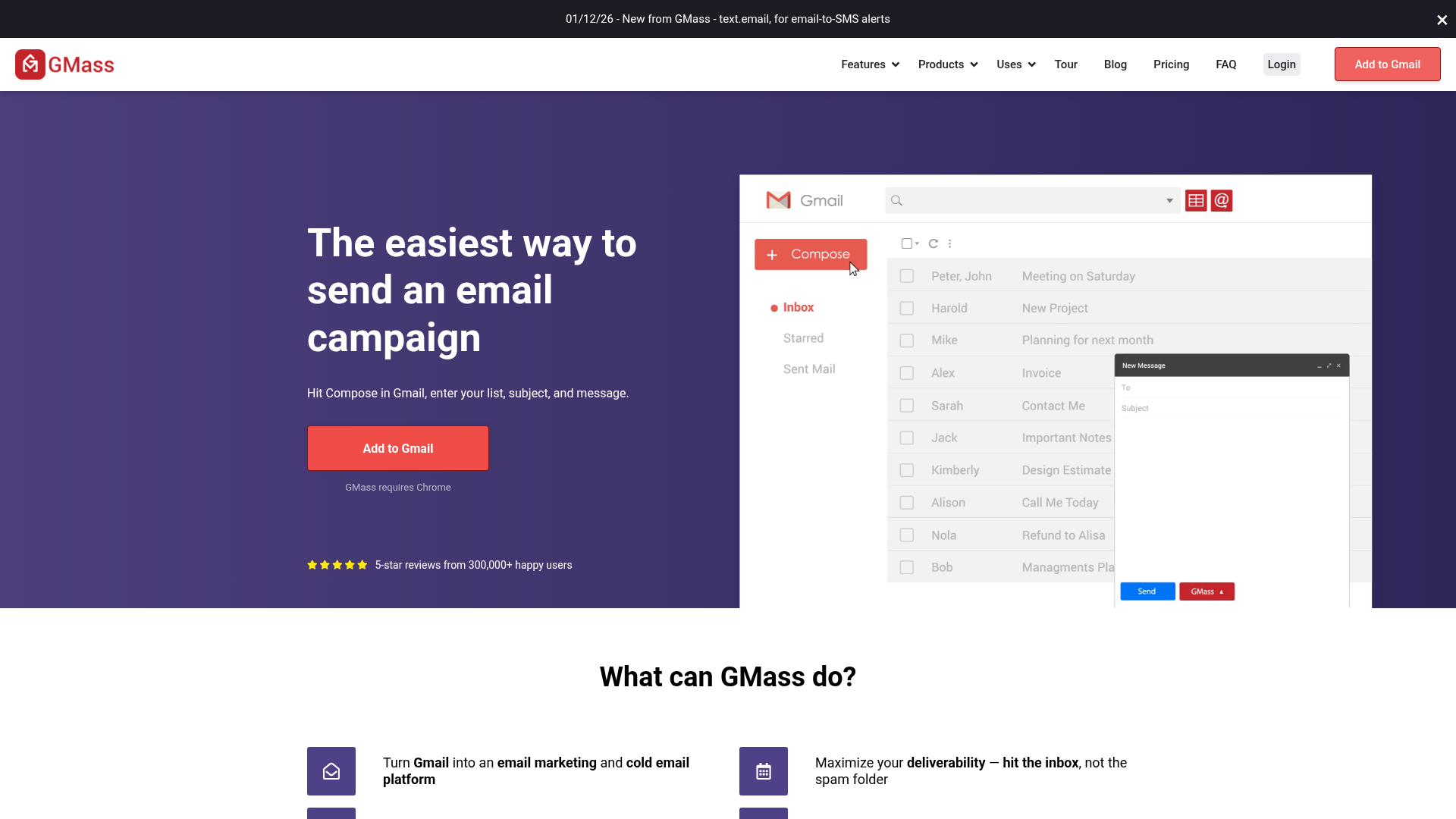
GMass is a Chrome extension that turns Gmail into a cold email sender. Its pricing is the lowest here: Standard at $20.75 a month on annual billing ($249 a year), Premium at $29 annual, Professional at $49 annual, all with "unlimited" emails. Setup is genuinely the fastest on this list, because there is nothing to set up. If you can use Gmail, you can use GMass.
The word "unlimited" needs the asterisk the marketing gives it. GMass sends through Gmail, so it is bound by Google's daily send limits: roughly 500 a day on a free Gmail account and around 2,000 a day on Google Workspace. That ceiling is the whole story. GMass cannot send 1,000 a day from one inbox sustainably, and running cold volume through your primary Workspace domain is exactly the mistake the deliverability section warns against. To use GMass for real cold outbound, you set up separate, secondary Workspace accounts, which means you are paying Google $7.20 per inbox, which is the expensive end of the inbox tax.
GMass's Inbox Rotation feature, MultiSend, helps spread volume across multiple connected Gmail accounts on the higher tiers. But the core truth holds: GMass is the best tool for a solo operator sending a few hundred genuinely personal emails a month, and the wrong tool for a real cold-at-scale program. As an entry point to learn the channel, at $25 a month, it is hard to beat.
- The cheapest credible entry point at $20.75/mo on annual billing
- Zero learning curve; it is just Gmail with extra buttons
- MultiSend inbox rotation helps spread volume on higher tiers
- Excellent for low-volume, genuinely personal outreach
- Bound by Gmail and Workspace daily send caps, so it cannot scale cold volume
- Real cold use forces expensive secondary Workspace mailboxes
- No lead database and minimal deliverability tooling
Pricing tiers, exact: Standard $29.95/mo or $20.75/mo annual ($249/year), Premium $39.95/mo or $29/mo annual ($349/year), Professional $59.95/mo or $49/mo annual ($599/year). GMass carries a very high rating, near 4.8 out of 5, across thousands of Chrome Web Store reviews.
10. Snov.io – best combined prospecting plus outreach on a budget
Snov.io is the budget all-rounder. The verdict: a genuinely capable email finder, verifier, and sequencer in one cheap subscription, with no single layer strong enough to be a category winner.
- Best for: small teams that want prospecting and sending in one low-cost tool
- Standout: email finder, email verifier, and sequencer bundled in one plan
- Pricing: Starter $39/mo, Pro S $99/mo, plus a free trial tier
- Free trial: free plan with 50 credits
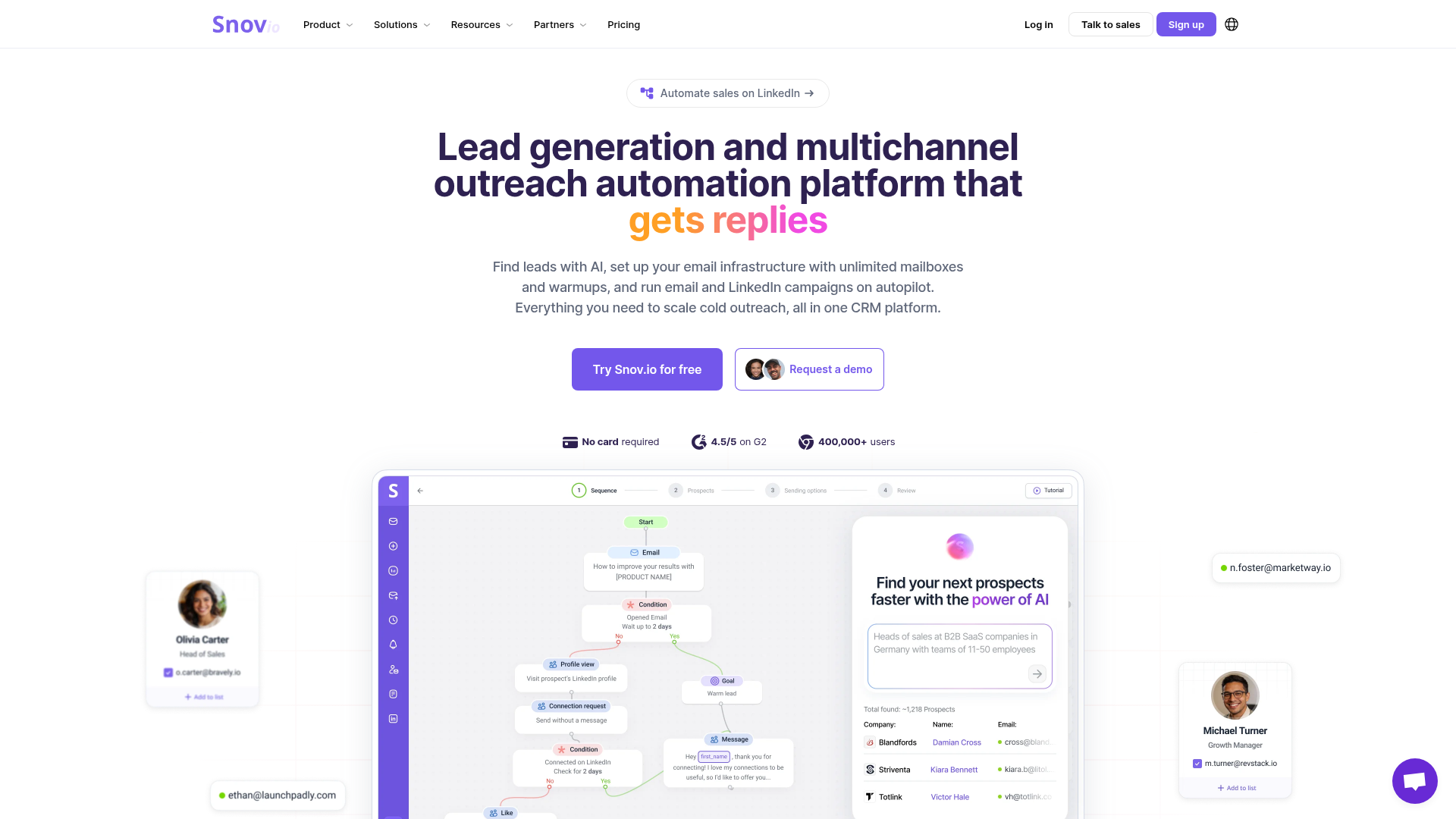
Snov.io's appeal is the bundle. For $39 a month on the Starter plan you get 1,000 credits, 5,000 email recipients, an email finder, an email verifier, and a sequencer. Pro S at $99 a month lifts that to 5,000 credits and 25,000 recipients. The pricing is credit-based, where credits cover finding and verifying contacts, and the model takes a few minutes to internalize but is reasonable once you do.
For a small team starting outbound from zero with no existing data tool, Snov.io is a sensible single purchase. It replaces a finder, a verifier, and a sequencer, and the verifier in particular is a real asset, because list hygiene is one of the cheapest ways to protect the sub-0.3% complaint rate Google and Yahoo demand.
The honest limitation is that nothing in the bundle is best-in-class. The finder's match rate is decent but below specialist enrichment tools. The sequencer's deliverability tooling is thinner than QuickMail's or Smartlead's. The LinkedIn automation is a $69-a-month-per-slot add-on, which erodes the budget positioning fast. Snov.io is the jack-of-all-trades, and it is priced like one. If you want one cheap tool to start, it is a strong pick. If any single layer is your bottleneck, a specialist will beat it.
- Email finder, verifier, and sequencer bundled into one low-cost plan
- The built-in verifier directly protects your spam-complaint rate
- Genuinely cheap entry for a combined prospecting and sending tool
- Reasonable free tier for testing the full workflow
- No single layer is best-in-class; it is a competent generalist
- The credit model adds forecasting friction
- LinkedIn automation is a $69/mo per-slot add-on that breaks the budget framing
Pricing tiers, exact: Starter $39/mo, Pro S $99/mo, with a free trial plan at 50 credits and LinkedIn slots at $69/mo each. Snov.io sits around 4.6 out of 5 on G2, with value the most praised attribute and depth the most common reservation.
What the AI actually does in these tools, and what it fakes
The word "AI" appears on all 10 pricing pages, and it describes four genuinely different features that are not equally worth your money. Two are theater. Two move the number. Knowing which is which is the difference between buying a tool for the right reason and buying it for the brochure.
AI copy generation is the first, and the most oversold. Every tool here drafts your subject lines and opening lines, and none of them do it well. Built-in generators are tuned to be safe, which produces exactly the bland, on-the-nose copy that filters and humans both pattern-match as outbound. A general-purpose model writes a sharper cold email than any sequencer's built-in tool, the same finding behind the AI copywriting tools breakdown. Treat the built-in writer as a placeholder, not a copywriter. Draft elsewhere, paste in.
AI personalization is the second, and it is genuinely double-edged. Done right, it reads a prospect's recent post or a line from their site and writes a first sentence that proves you did the homework. Done wrong, it is spintax: the same hollow "loved your recent work" wrapped in 10,000 slightly different sentences. Mailbox filters in 2026 are tuned to catch that exact pattern, and operators report stuffed, irrelevant personalization actively killing trust and dragging reply rates toward 0.4%. The feature is not the problem. The volume is. AI personalization helps on a 200-prospect list you could almost have done by hand, and it hurts on a 20,000-prospect blast.
The benchmark spread proves the point. Operators report AI personalization lifting reply rates from 1-3% to 8-9% when it enriches a tight list with genuine context, and one documented rebuild on a general model lifted a campaign from 2% to 5%. The same operators put generic AI output at 0.4%. That is a 20-fold spread on the identical feature. The variable is not the tool. It is whether the personalization is true.
AI reply triage is the third, and this one earns its keep. Once a campaign is live, replies arrive as a messy stream of interested, not now, wrong person, unsubscribe, and out-of-office. Sorting that by hand across 25 inboxes is real labor. Smartlead, Instantly, and Reply.io all categorize replies automatically, accurately enough to run with light supervision. This is the AI feature I would actually pay for, because it turns the most tedious part of outbound into a filtered queue.
AI send-time and volume optimization is the fourth, and quietly the most valuable. QuickMail's auto-throttle, which slows an inbox showing reputation stress, is AI doing the one job that most protects your results. It enforces the volume discipline humans forget. It is unglamorous, it gets no marketing spend, and it prevents the slow-burn list damage that kills campaigns. The same principle, letting a system optimize continuously instead of guessing, is why I moved landing-page testing to bandit algorithms over manual A/B tests.
Then there is the AI SDR, the fifth thing and the most aggressively marketed. An AI SDR promises to source, write, send, and reply on its own. In 2026 it does about 70% of that, badly enough that the remaining 30% is your job anyway, and now you are supervising a machine instead of doing the work cleanly yourself. The honest cost accounting on that trade is the whole point of the AI SDR versus human SDR playbook. For now, treat every AI SDR as an assistant with a confident manner and a spotty memory.
So when you weigh these tools, discount the AI copy generator entirely, treat AI personalization as a scalpel and never a hammer, and pay real attention to reply triage and volume optimization. Those last two are where the AI label is not marketing.
The ones to avoid
Not every tool that ranks for "best cold email software" deserves your money, and some of the loudest results in that search are the least trustworthy. Here is what I would walk past, and why.
Mailshake is the first. Mailshake is a fine sequencer, but its pricing shape is wrong for cold email in 2026. The AI personalization and the genuinely useful features sit behind the Sales Engagement tier at roughly $85 a month per user, while the lower Email Outreach tier at about $45 is a plain sequencer with the AI stripped out. You are either overpaying for a sales-engagement suite you will not fully use, or underpaying for a tool that does less than Saleshandy does at $25. The shape does not fit the job.
Outreach.io and Salesloft are the second category, and the mistake here is more expensive. Both are excellent enterprise sales-engagement platforms, and both cost upward of $100 per seat per month. They are built for inside-sales teams managing a pipeline, with forecasting, conversation intelligence, and deal management. Cold email is a minor feature inside a much larger suite. If you buy Outreach or Salesloft to send cold email, you are funding a CRM-adjacent platform to use 10% of it. The same misallocation logic shows up whenever a vendor defines the metric and the tier, which I dug into in the HubSpot Breeze outcome-pricing breakdown.
The third thing to avoid is not a tool. It is the search results themselves.
Run the search "best cold email software" and look at who ranks. The top organic results include Saleshandy's own blog, which ranks itself first. lemlist's blog ranks for it. Snov.io's product landing page ranks for it. GMass's blog ranks for the cheapest-tool variant. Warmup vendor TrulyInbox runs a listicle that funnels into its own product. Review sites like EmailToolTester rank too, and EmailToolTester openly discloses that it earns affiliate commissions on the tools it recommends. There is nothing illegal about any of this. It is just that almost every top result for the highest-intent cold email query in 2026 is written by someone paid for the conclusion.
This is why the unique-angle test on this site exists. A real comparison names cons on every tool, including the ones it ranks highest, and including any it has a commercial relationship with. This article gave Smartlead, the top pick, three real cons. It disclosed the Apollo affiliate link in a callout you could not miss. If a listicle cannot do that, its ranking is for sale, and you should price tools the way this article does instead: total the real cost, run the cost-per-positive-reply math, and trust the arithmetic over the adjectives.
The Apollo, Clay and Smartlead outbound stack, priced
When the $250-a-month stack upgrade pays back, and the email match rate the vendors do not publish.
FAQ
These are real questions pulled from what people actually search around cold email, answered straight.
Which AI is best for writing cold emails?
For the copy itself, a general-purpose model like Claude or ChatGPT outwrites every cold email tool's built-in generator. The built-in AI writers are trained to be safe and generic, which is the opposite of what a cold email needs. Use a general model for drafts, then edit hard so the opening references a real, specific, recent trigger. The cold email tool's job is rotation, warmup, and deliverability, not prose. If you are choosing a writing assistant specifically, the AI copywriting tools comparison covers that decision in full.
What is the 30/30/50 rule for cold emails?
The 30/30/50 rule splits your effort across a cold campaign: 30% on the subject line, 30% on deliverability, and 50% on follow-ups. The logic is that most replies come from follow-up messages rather than the first email, so the initial send is worth less of your attention than operators instinctively give it. It is a useful corrective, though in 2026 I would weight deliverability well above 30%, because a 550 rejection means the subject line and the follow-ups never get read at all.
How do you send 10,000 emails a day?
Not from one inbox, and not without infrastructure. Safe sending in 2026 is 30 to 50 emails per inbox per day, so 10,000 a day needs roughly 200 to 250 sending inboxes spread across 80 to 100 warmed, rotated secondary domains. The sequencer distributes the volume and throttles inboxes under stress, but it cannot create capacity you have not bought. Anyone promising 10,000 a day from a single Gmail account is describing a fast way to burn a domain, not a sending strategy.
How much does it cost to send 10,000 emails?
The sequencer is the cheap part. The 200-plus inboxes that volume requires cost $400 to $750 a month on specialist mailbox providers like Maildoso or Mailforge, or well over $1,400 a month on Google Workspace seats. Add the 80-plus domains, lead data, and email verification and the real monthly cost lands between $700 and $1,800 before the sequencer subscription, which by that point is a rounding error on the bill.
Is it illegal to send a cold email?
No. Cold email is legal in the United States under the CAN-SPAM Act, provided you do not use deceptive subject lines or headers, you include a valid physical address, and you offer a working opt-out that you honor promptly. The European Union is stricter: under GDPR you need a lawful basis, usually legitimate interest, and the rules vary by member state. Cold email is a legal channel almost everywhere. It just has to be honest, relevant, and easy to opt out of.
Which is the best AI tool for cold email?
There is no single winner, because the tools split by job. For agencies, Smartlead. For speed-to-volume, Instantly. For value, Saleshandy. For an all-in-one with a built-in database, Apollo. The honest answer is to pick on your constraint, not on a ranking, and to remember the tool is only about 20% of the result. The infrastructure underneath it, the domains, authentication, warmup, and list, decides the other 80%.
Which cold email tool should you choose?
The right tool depends on who you are and what your real constraint is. Here is the routing.
If you are a solo founder starting outbound, choose Saleshandy. At $25 a month annual with unlimited inboxes, it is the cheapest credible way to run real volume, and it does not hide the number. Pair it with specialist mailboxes and a small lead-data subscription and your true floor is around $165 a month for a 1,000-a-day program. If you want to test the channel even more cheaply first, GMass at $25 a month lets you learn the mechanics from inside Gmail before you commit to infrastructure.
If you run an agency managing outbound for multiple clients, choose Smartlead. The unlimited-inbox model and the client-workspace structure are built for exactly your problem, and even with SmartProspect and SmartServers added the consolidated bill beats running three separate tools. QuickMail is the alternative if deliverability is your single obsession and you would rather bring your own data.
If you are a B2B growth lead who needs prospecting and sending together, the honest answer is a two-tool stack, not one. Use Apollo for data, where its 275-million-contact database earns its keep, and a dedicated sequencer for sending, where Apollo is weak. That split is the same conclusion the Apollo, Clay, and Smartlead stack comparison reached. One tool that does both acceptably is Snov.io, if budget is tighter than ambition.
If your outbound is relationship-led, fewer and more personal touches to a high-value list, choose lemlist for its multichannel sequencing or Woodpecker for its conservative, deliverability-first defaults. Both are priced for that model and both are wrong for high-volume rotation. And if you want an AI SDR layer, Reply.io is the most credible option, as long as you treat the AI as an assistant that still needs you, not a replacement for you.
If your model is conversational rather than email-led, the channel comparison shifts again. A comment-to-DM flow has its own cost structure, which I costed per booked call in the Instagram and WhatsApp DM automation breakdown, and for some offers a DM funnel beats cold email outright. Cold email is one channel, not the channel.
Whichever you choose, remember the proportion this article has hammered: the tool is roughly 20% of the outcome and a quarter of the cost. Spend most of your attention on the domains, the authentication, the warmup, the list, and the offer. The same is true of most growth channels, which is why I price every one of them the same way, from paid newsletter growth to the content engine behind this site.
May 21, 2026
More from Growth

9 Best AI CRM Tools in 2026 (and the Agent Tax)
I priced 9 AI CRMs through May 2026 on what the agent layer actually costs once it runs. The seat sticker is the small number now.

9 Best AI Customer Service Tools in 2026 (and the Resolution Tax)
I priced 9 AI customer service tools on cost per resolution for 2026, plus the per-resolution tax hidden in every vendor's billing unit.

9 Best AI Copywriting Tools in 2026 (and Why ChatGPT Beat 6 of Them)
I tested 9 AI copywriting tools in 2026 and priced every plan after the repricing. A $20 ChatGPT seat beats 6 of them; 3 still earn the cost.