Krea AI review (2026): the real-time design tool, what it costs, and where it breaks
A designer's Krea AI review: the real-time canvas, the Enhancer, Krea 2, real 2026 pricing, and the one export gap that decides brand work.
Published Updated
 By Omid Saffari

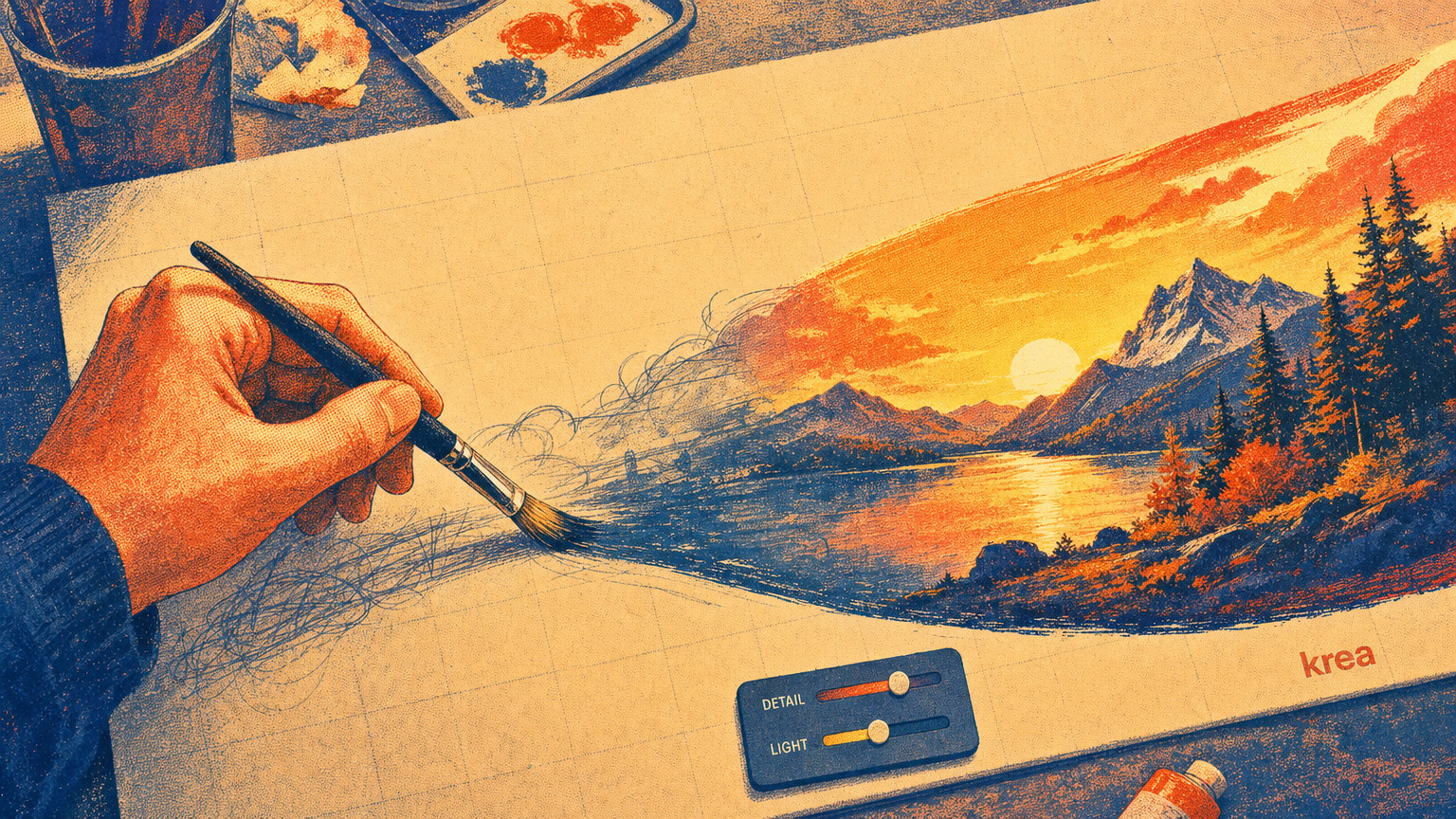
Krea AI is the design tool where the image keeps up with your hand: you sketch, drag, and type, and the picture redraws in real time instead of making you wait for a generation. That speed is its whole pitch, and also where you have to know exactly what it can and cannot ship.
The verdict: what Krea is for, and who should pay
Pay for Krea if your work lives in the messy early hours of a project, the part where you are chasing a look and need fifty directions before lunch. Its real-time canvas is the best tool on the market for that, and nothing else feels as close to sketching. Do not pay for it expecting finished, client-ready logos or print files to fall out the other end, because they will not.
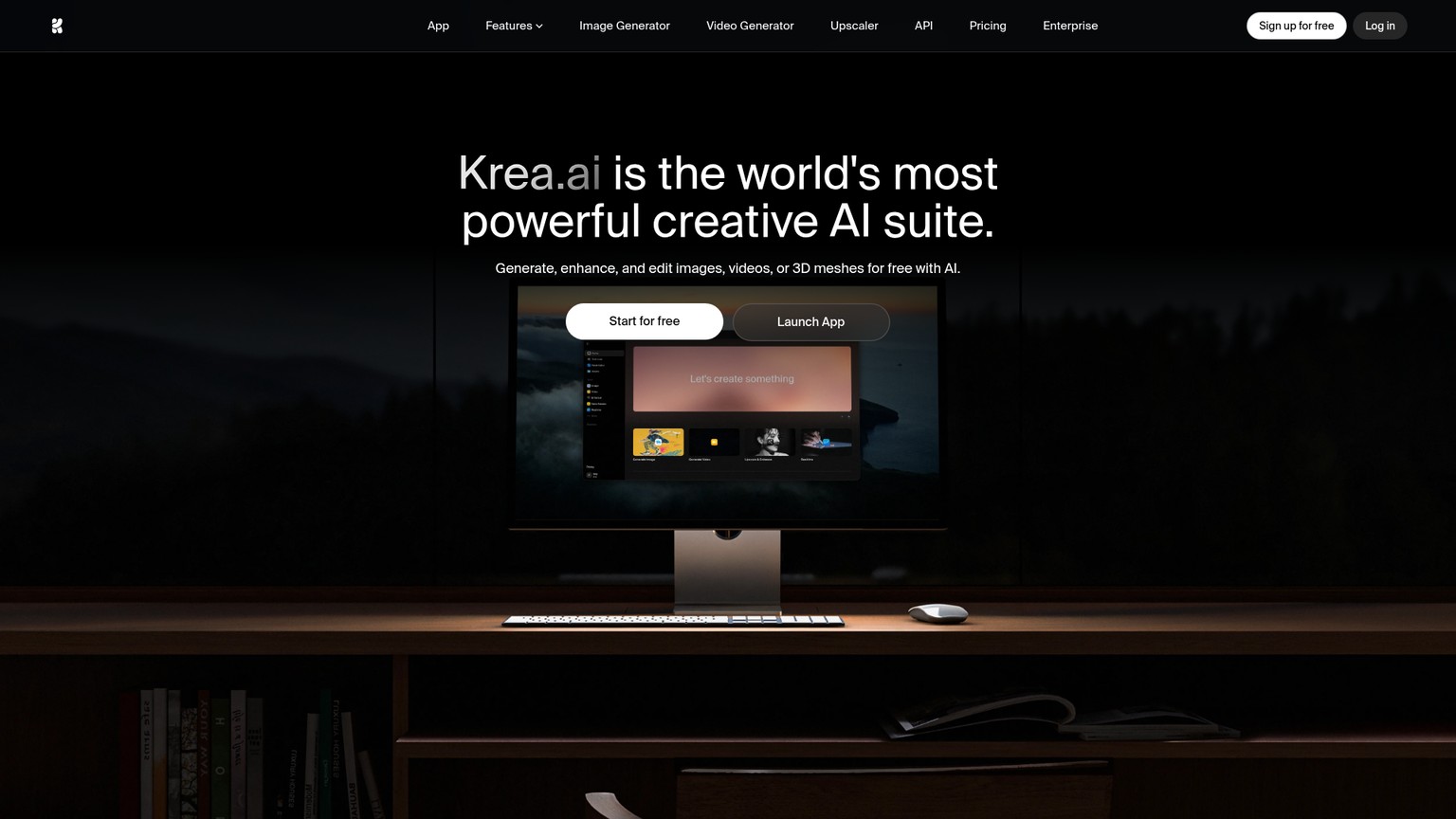
Krea is a browser-based AI creative suite built around one idea: the image should update as fast as you can think. Type a prompt, drag a shape, nudge a slider, and the picture redraws live. Around that canvas it stacks image generation across many models, video, an Enhancer for upscaling, an Edit tool, and custom model training.
The honest call: Krea is a divergence engine, not a delivery tool. It is where you find the idea, not where you ship it.
What Krea actually does
Krea bundles five tools that each cover a different stage of visual work. Here is what each one is for, in the order you would actually reach for them.
The real-time canvas (Realtime) is the headline. As you type a prompt, adjust a slider, or move shapes around the canvas, the image updates instantly, with no waiting for a generation to finish. You can even point your webcam at it and map your own gestures onto the output. For a designer, this collapses the slowest part of AI image work, the prompt-wait-judge-repeat loop, into something that feels like steering. You stop writing essays to the model and start nudging it.
Image generation gives you the latest models in one place instead of a tab per service. Krea's own flagship model is Krea 1, sitting alongside third-party models like Google's Imagen 4 and OpenAI's ChatGPT Image. You combine text prompts with style references (feeding in an example image so the output matches its look), aspect ratios, and sketches to zero in on a visual. The multi-model part matters more than it sounds: different models are good at different things, and Krea lets you switch without leaving your canvas.
Video turns text prompts or still images into clips using models from Wan, Seedance, Runway, Kling, and Hailuo. You can set a start frame, an end frame, or both, and drive camera movement from the prompt.
The Enhancer upscales an image to a higher resolution, sharpens detail, adjusts lighting, and cleans up noise. Upscale just means raising an existing picture's resolution and crispness. It works on images you made in Krea and on assets you brought in from elsewhere, which is the more useful half: it will clean up a low-res logo or a soft product photo you already have.
Edit is a canvas-based tool for modifying, blending, and expanding images: add or remove objects, change a camera angle, adjust lighting, all by request.
Training is the feature that decides whether Krea holds up in serious work. You upload your own images and train a custom model for consistent outputs: teach it a specific product, a person, or a house style, then use a "magic keyword" to generate on-brand images on demand. Under the hood this is a LoRA, a small trained add-on that makes the AI reliably reproduce your thing instead of a generic one.
Explore on the realtime canvas
Open Realtime, type a loose prompt, drop in a style reference, and start moving shapes. Treat the live preview as a sketchbook, not an export. You are hunting for a direction, not a deliverable.
Lock the look with Training
Once a direction lands, train a LoRA on your product or brand images so the look is repeatable. This is what turns "a nice image" into "our images."
Generate finals with the right model
Switch from the realtime preview to a full generation on the model that fits, Krea 1 for general work, Nano Banana Pro when the image carries text. The full generation is slower and noticeably higher fidelity than the live canvas.
Finish in the Enhancer
Upscale, sharpen, and clean the chosen frame. Export. Anything destined for a vector format leaves Krea here and gets redrawn elsewhere.
Krea 2: what just shipped and why it matters
Krea 2, rolling out in 2026, is Krea's first foundation model built from scratch, and according to Krea's own announcements it was tuned specifically for aesthetic diversity and stylistic control rather than generic prettiness. For designers tired of every AI image looking like the same airbrushed stock photo, that is the right target.
Per the @krea_ai posts, it ships in two open-weight versions: Krea 2 Raw, an undistilled model meant for fine-tuning, and Krea 2 Turbo, a fast distilled version that generates high-quality images in roughly two seconds with strong support for style references, moodboards, and LoRAs. Krea has also published open weights and a technical report, so teams who want to self-host or fine-tune can.
Alongside the model, the platform added designer-facing controls: Generative Sliders to adjust intensity, complexity, and movement on the fly, a Prompt Expander that turns shorthand notes into full prompts, and a Style Reference System that takes both an image and text as input. It is also ComfyUI-compatible for anyone running more complex node pipelines.
For a worked example of bending Krea 2's style control to a full campaign, see the Krea 2 style-transfer brand-world pipeline.
Where Krea breaks: the craft bars
Every AI image tool hits a wall. Krea hits three, and knowing them is the difference between using it well and shipping slop.
It cannot export a vector. This is the big one. Krea outputs raster images, made of pixels like a photo, which blur the moment you scale them up. A logo has to be a vector: math-defined shapes that stay razor-sharp at any size, from a favicon to a billboard. Krea has no vector export, so its output can never be a final logo or editable mark. You can absolutely use Krea to explore logo directions, dozens of moods and shapes in minutes, but the chosen direction then gets redrawn as a vector in Illustrator or generated in a vector-native tool like Recraft. Treat Krea output as the reference, not the deliverable.
Realtime fidelity is for exploration, not finals. The magic that makes the canvas instant, generating in milliseconds instead of the usual dozens of diffusion steps, also makes the live preview lower-fidelity than a full generation. The preview is your sketch; you commit to the look there, then run a standard (slower) generation to get the clean version. Designers who ship the realtime frame directly are the ones whose output looks "AI." Do not.
Text and consistency need the right setup. AI image models are historically bad at rendering crisp, correct text inside an image, and at producing the same character or product twice. Krea's answer to both is structural: for typographic text, route to the strongest text model in its lineup rather than a generic one (Nano Banana Pro is available from the Basic plan up; here is how Nano Banana handles text). For consistency, the Training feature is the real fix, train a LoRA on your subject and the magic keyword brings it back reliably. Skip Training and brand consistency across generations is a coin flip.
- Best-in-class real-time canvas for fast, divergent visual ideation
- Many top models (Krea 1, Imagen 4, ChatGPT Image, plus video models) in one workspace
- Custom Training (LoRA) for genuinely on-brand, repeatable output
- Enhancer works on imported assets, not just Krea generations
- Krea 2 open weights make self-hosting and fine-tuning possible
- No vector export: cannot produce a final logo or editable mark
- Realtime preview fidelity is below a full generation, easy to ship too early
- Generic text rendering and cross-image consistency require deliberate setup
- The genuinely useful models and commercial rights sit behind paid tiers
Krea pricing in 2026, tier by tier
Krea is free to start and scales by how much you generate and which models you unlock. Prices below are the annual-billed totals Krea lists; annual saves 40% over paying monthly, so the monthly option costs more per month.
The line that matters for working designers is Basic. At roughly $5.25/mo billed annually it is the cheapest tier with commercial-use rights and access to the strong image models including Nano Banana Pro, so it is the floor for anyone doing paid client work. Free is genuinely useful for evaluation and personal exploration, but it withholds commercial rights and the best models. Pro is the call only when you generate video seriously, since that is what its all-video-models access buys. Max and the unlimited tier are for studios running Krea as production infrastructure with constant concurrent jobs.
Who should use Krea
The tool is the same; the verdict changes with who is holding it.
The decision rule across all four: Krea is where the idea is found and made repeatable, not where the final vector or print file is produced. Wire that boundary into how your team uses it and the tool is excellent. Ignore it and you ship raster logos that fall apart at scale.
Is Krea AI free?
Yes. Krea has a free plan with daily credits, access to basic image, video, 3D, and lipsync models, upscaling to 2K, and basic LoRA training, with no credit card required. The catch is that commercial-use rights and the strongest models start at the Basic plan, so the free tier is for evaluation and personal work rather than client deliverables.
How much does Krea AI cost?
Free is $0. Paid plans, billed annually, run roughly $63/yr for Basic, $252/yr for Pro, and $756/yr for Max, with a top unlimited tier around $1,920/yr. Annual billing saves 40% versus monthly. Basic is the entry point for commercial work; Pro adds all video models; Max and the unlimited tier target studios with heavy, concurrent usage.
What is Krea AI for?
Real-time image and video generation, enhancing and upscaling existing assets, canvas-based editing, and training custom models for consistent, on-brand output. Its signature use is fast visual ideation: exploring many directions quickly on a canvas that redraws as you work.
Is Krea the best AI app for designers?
For real-time visual ideation and exploring a look, it is among the best available. For producing final logos or editable vector artwork, no, because it has no vector export. Most designers pair Krea for ideation with a vector tool for delivery.
The wider field: best AI image generators in 2026
How Krea stacks against the rest of the image-generation lineup, and which tool wins for which job.
Want the sharp, no-slop read on every AI design tool worth your time, sent the week each one ships? Join the newsletter.
- Last Updated
- Category
- Design
- Language
ElevenLabs Alternatives: Murf, MAI-Voice-2, OpenAI TTS and Cartesia (Verified October 2026)
Compare ElevenLabs, Murf, MAI-Voice-2, OpenAI, Cartesia, Google and Speechify by studio or API job, with verified prices and switching costs.Oct 4, 2026Design
Higgsfield API Pricing
Price Higgsfield API video and image jobs, separate API dollars from app credits, and check top-ups, expiry and cashback before scaling.Sep 27, 2026Design
Is Gemini Live Avatar Free
Check Gemini Live Avatar access, Enterprise API charges and custom-avatar limits before budgeting a customer-facing video agent.Sep 27, 2026Design
Gemini 3.8 Flash TTS Pricing
Price Gemini 3.8 Flash TTS by audio minute, compare Flash-Lite and service tiers, and budget the January 2027 increase.Sep 24, 2026Design
ngram vs Demosmith
Compare ngram and Demosmith for product videos, browser capture, revisions and usable exports, with costs matched to the same job.Sep 19, 2026Design
ArtPatt Pricing
ArtPatt pricing explained: Free limits, Pro exports, saved patterns, AI-image allowances, and when a paid plan earns its place.Sep 15, 2026Design
Cutsio Video Indexing Cost
Decode Cutsio's indexed minutes, stored hours, seats, and overages to choose a plan for a growing video library.Sep 13, 2026Design