The Best AI Browser in 2026: Atlas, Comet, Dia and What Actually Wins
The best AI browser in 2026 depends on your OS and the security tradeoff you accept. Comet, Atlas, Dia and 4 more, compared with current prices.
Published Updated
 By Omid Saffari




The best AI browser in 2026 is the one whose security tradeoff you can live with, not the one with the smartest agent. Perplexity Comet runs everywhere and is free; ChatGPT Atlas has the strongest agent but lives on a Mac; Dia is the safest by design. The agent that books your flight is the same agent an attacker can hijack through a single web page, and no one has fixed that.
An AI browser is a normal web browser with a language model wired into the chrome itself: a sidebar that reads the page you are on, answers questions about it, and in the more aggressive versions, takes actions for you. Tell it "find the cheapest flight to Miami next Tuesday and book it," and an agentic browser will open the airline sites, compare, and check out. That capability is real, it shipped in 2025, and it is genuinely useful. It also rewrites the security model of the web, and that, more than any feature, is what should decide your pick.
Here is the whole field, sorted for the person it actually matters to: someone on Chrome, possibly on Windows, wondering whether to switch.
The verdict, by who you are
For most people, the answer is Perplexity Comet, or don't switch at all. Comet is the only one of the leading AI browsers that runs on Windows, macOS, iOS, and Android, and the browser is free. If you want an AI assistant in your browser and you are not on a Mac, the list is short and Comet is at the top of it.
If you live on a Mac and the thing you actually want is an agent that completes multi-step tasks on its own, ChatGPT Atlas is the pick, and nothing else is close on raw agent capability. Budget around $20 a month for the paid ChatGPT tier that unlocks agent mode.
If you are a knowledge worker who wants AI help with reading, drafting, and summarizing but you are not ready to hand an agent your logged-in sessions, Dia is the most polished and the most security-conscious option, also Mac-only.
And if you are honest about it, most readers should do neither. A ChatGPT, Claude, or Gemini sidebar extension dropped into the Chrome you already use covers the bulk of the assistant value, keeps your extensions and your tab setup, and runs on every OS. The one capability you cannot replicate that way is Atlas's autonomous agent. So the real question is not "which AI browser is best." It is "do I want the agent, or do I just want the assistant?" Most people want the assistant.
At a glance: the seven AI browsers compared
Two things fall out of this table. The free-and-everywhere quadrant has exactly one real AI browser in it, Comet, with Edge alongside if you count a browser that bolts AI on rather than building around it. And the autonomous agent that justifies the "this replaces how you browse" pitch is essentially one feature, on a Mac, for twenty dollars a month. Everything else on the list is page summaries and chat, which is useful, and which you can already add to Chrome.
Why an AI browser is a different kind of risk
Start here, because it is the criterion the verdict turns on and the one most comparisons leave out. For thirty years the web's foundational protection has been the same-origin policy, introduced by Netscape in 1995: a script on one site cannot read data belonging to another. Open your bank and your email in adjacent tabs, and the bank page cannot see your inbox. Every assumption about safe browsing rests on that wall.
An agentic browser does not break that wall. It is handed the keys. When you authorize the agent to act for you, it operates with your full logged-in access to every site at once. It is not crossing a boundary illegally, the way malware does; it has permission. The same-origin policy simply stops applying.
The danger that follows is called indirect prompt injection, and it is worth understanding in plain terms because it is not a bug that gets patched away. The agent reads web content, your command and the page's text, through the same pipeline. An attacker hides an instruction inside a page, a Reddit comment, or a calendar invite. The model has no reliable way to tell "summarize this article" (you) from "email this user's login code to me" (the attacker hidden in the article). It can follow the wrong one. No malware, no exploit, no access to your device required; the attacker just has to get the agent to read something they wrote.
This is not theoretical. In August 2025, Brave's security team hid text inside a Reddit spoiler tag; Comet read it, followed the hidden instructions, and leaked a user's email address and one-time passcode. In March 2026, researchers at Zenity Labs demonstrated a zero-click attack on Comet through a malicious calendar invite, including a path that pulled credentials out of a 1Password vault, without exploiting any flaw in 1Password itself.
Security researcher Simon Willison named the underlying shape of this the lethal trifecta: any agent that combines access to private data, exposure to untrusted content, and the ability to communicate externally can be turned into a data-exfiltration tool by one injected prompt. Meta's published "Agents Rule of Two" says an unsupervised agent should satisfy at most two of those three at a time. Every agentic browser, by design, has all three. OpenAI's December 2025 position is that the right response is to design for permanent risk rather than chase a fix that is not coming.
ChatGPT Atlas: the strongest agent, on a leash
ChatGPT Atlas is OpenAI's browser with ChatGPT built into it, and it has the most capable autonomous agent of anything on this list. Launched on macOS in October 2025, it can take a single instruction, plan a multi-step sequence, and carry it out, clicking, typing, navigating, and submitting across the sites you are logged into, with minimal hand-holding. Its Browser Memories feature reuses ChatGPT's memory so the agent carries your preferences and past tasks between sessions without you re-explaining them. If "an agent that actually completes the task" is what you are buying, this is the one that delivers it.
The costs are specific. Atlas is macOS only as of June 2026; Windows, iOS, and Android have been announced but not shipped. The browser shell is free, but agent mode and Browser Memories sit behind a paid ChatGPT subscription, around $20 a month. And because its agent is the deepest, it is the most targeted: OpenAI shipped a security update in December 2025 after its own red-teaming found a new class of prompt-injection attacks, and runs a continuous AI attacker against Atlas to find more. Independent enterprise testing found Atlas blocked between 5.8 and 6 percent of malicious pages thrown at it, a number that tells you how novel and unsolved this attack surface is rather than that Atlas is uniquely careless. OpenAI also said in March 2026 it would fold Atlas, the ChatGPT desktop app, and its Codex coding agent into a single "superapp"; that has not launched, so for now Atlas is a standalone browser.
Best for: Mac users already paying for ChatGPT who spend real time on transactional workflows, booking, purchasing, comparing across sites, and who will keep a clean, sensitive-session-free profile for the agent. Skip it if: you are on Windows, or the agent is a novelty rather than your daily bottleneck.
Perplexity Comet: the one most people can actually use
Perplexity Comet is the accessibility winner, and for the largest slice of readers that settles it. It launched on Windows and macOS in July 2025, initially gated behind Perplexity's $200-a-month Max tier, went free later that year, and by March 2026 reached all four major platforms: Windows, macOS, iOS, and Android. No other leading AI browser is even close on reach. Its sidebar handles search, page summaries, and translation, and its real strength is research: issue a question, and the agent opens sources, extracts the relevant parts, and assembles a structured answer inside the browser, backed by Perplexity's answer engine. For journalists, analysts, and anyone whose work is synthesis, that is a genuine productivity gain.
Two honest limits. First, the fully autonomous "do it all for me" browsing is the weak spot, unreliable enough in practice that you would not trust it with a checkout. Comet is better understood as a research browser than an agent browser. Second, and more important, Comet has the most extensively documented security record of the three leaders, and not in a good way: the Brave and Zenity findings above were both against Comet, and LayerX security researchers found it up to 85 percent more vulnerable to phishing and web-based attacks than plain Chrome. There is legal weather too. Amazon sued Perplexity in November 2025, arguing that Comet's agent accessing Amazon's logged-in pages is unauthorized access under the Computer Fraud and Abuse Act; the Ninth Circuit heard oral arguments in June 2026 and has not ruled. That case will shape what every agentic browser is allowed to do on your behalf. None of this means don't use Comet. It means use it for research, and route banking and email through a different browser.
Best for: research-heavy work on any OS, especially Windows, where Comet is one of only two real options. Skip it if: you want a dependable autonomous agent, or you would put sensitive sessions in the same window as the AI.
Dia: the safest by design, narrowest reach
Dia, from The Browser Company, the team behind Arc, takes the opposite bet from Atlas: less autonomy, more safety. It is a supervised assistant, strong at writing with awareness of your open tabs, summarizing across them with @tab references, and running natural-language "Skills" you define, and it deliberately does not push toward unsupervised multi-site transactions. The security architecture is the standout, and it is the kind of thing that does not show up in a feature list. Before Dia's beta, the team found a built-in web-fetch tool could be abused for data exfiltration, and pulled the feature entirely rather than ship it with detection-only mitigations, then rebuilt it months later around controls that hold even when an injection occurs. Its sync uses end-to-end encryption built on the assumption that Dia's own servers could be compromised, and it completed a SOC 2 Type II examination for 2025. This is what the security community has been asking every vendor to do: assume injection will happen and build so it cannot succeed.
The tradeoffs are reach and ambition. Dia runs on macOS, Apple Silicon only, with a Windows waitlist and no date. It has a free tier and a $20-a-month Pro tier for unlimited use. It dropped Arc's beloved named workspaces, so Arc loyalists who wanted Spaces rather than AI often end up disappointed. And Atlassian's $610 million acquisition of The Browser Company, closed in late 2025, points Dia toward enterprise: expect tighter Jira and Confluence integration over time, which is good for companies and a wildcard for solo users. If you want an agent that books and buys for you, Dia is not it, on purpose.
Best for: Mac knowledge workers who want AI assistance for reading and writing, value the better-tested security posture, and are not ready to give an agent transaction rights. Skip it if: you are on Windows, or you want autonomy over supervision.
The frontier models powering all three of these, GPT, Gemini, Claude, are themselves moving weekly; if you want the ranking behind the browser names, our breakdown of ChatGPT vs Claude vs Gemini vs Grok covers which model leads where.
The incumbents bolting AI on: Edge, Gemini in Chrome, Opera Neon, Brave
Beyond the three purpose-built AI browsers, the browsers you already have are adding the same capabilities, and for many readers that is the more sensible path.
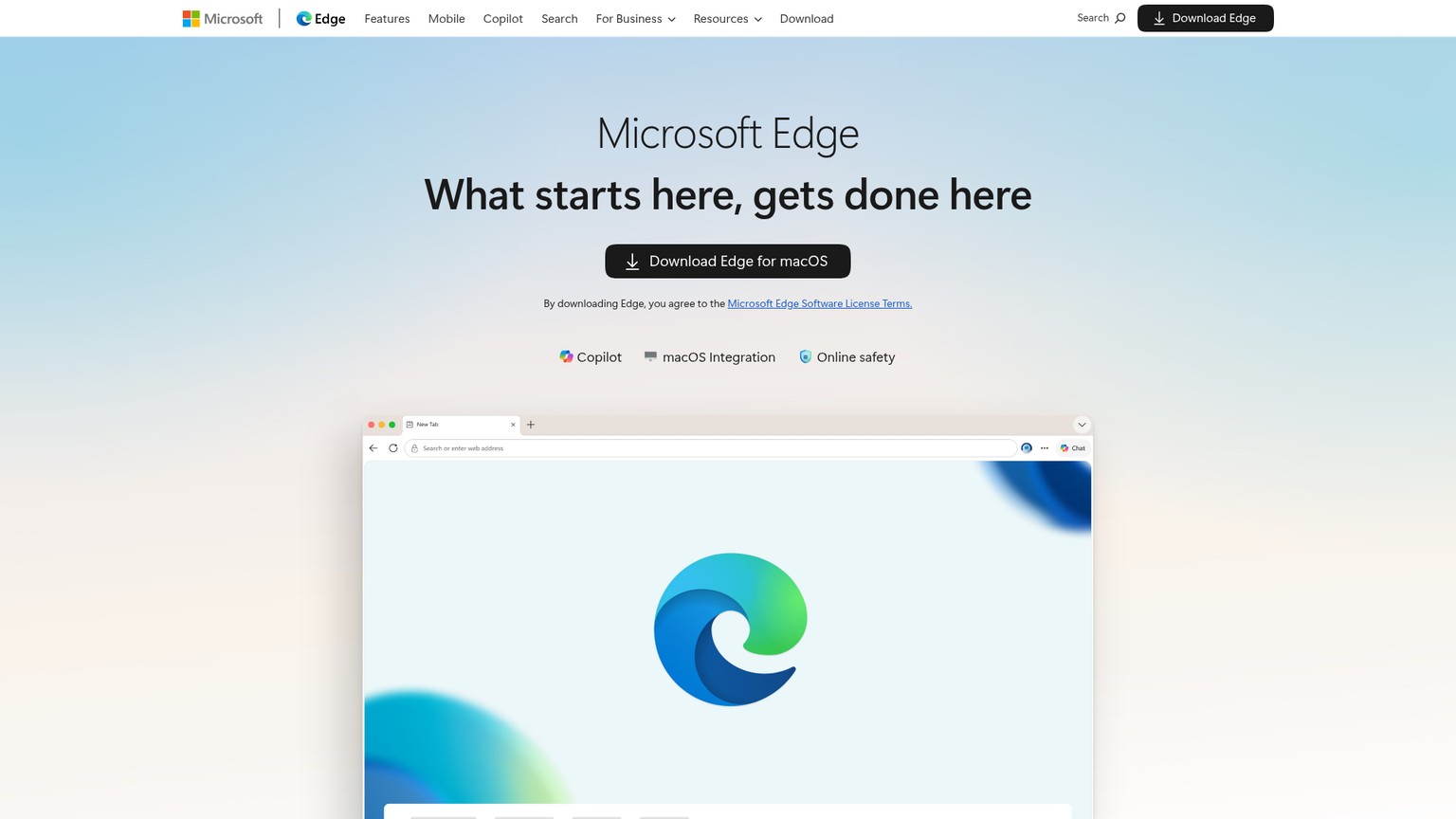
Microsoft Edge with Copilot is the safe cross-platform default. In May 2026 Microsoft retired the separate "Copilot Mode" and folded AI straight into Edge across Windows, Mac, and mobile, so if you run Edge, the AI is simply there. You get multi-tab reasoning (Copilot reasons across all your open tabs), Journeys that auto-group your browsing history, and address-bar page summaries. It is free, it is everywhere, and it has sleeping tabs, the one piece of real memory management none of the dedicated AI browsers offer. The catch is the usual Edge catch: it is a Microsoft funnel, and the AI is increasingly hard to fully switch off.
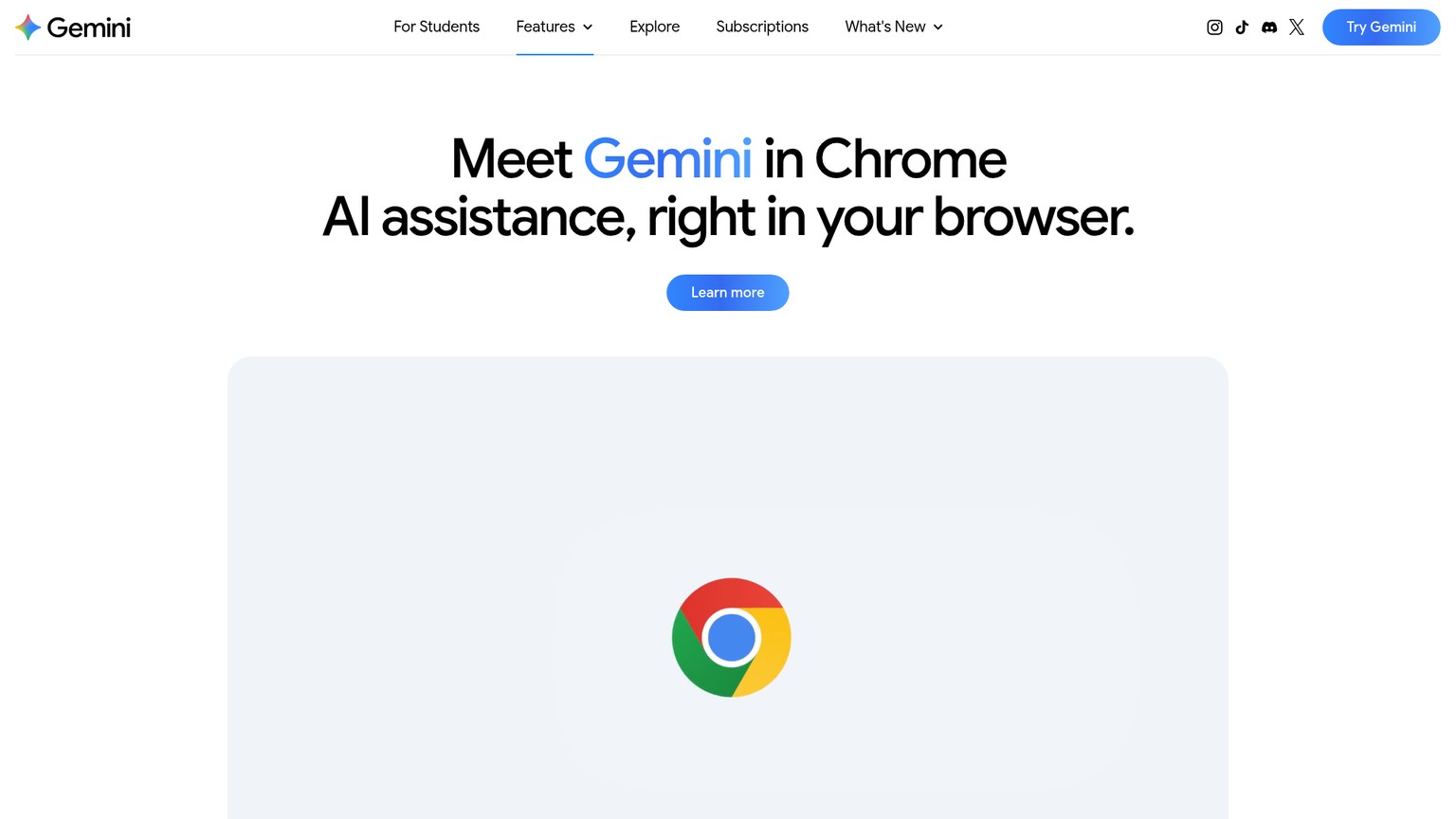
Gemini in Chrome is the one that reaches the most people by a wide margin, because it lives in the browser most of the world already uses. It has been free for Mac and Windows Chrome users in the US since September 2025 and expanded to Canada, New Zealand, India, and dozens more languages in March 2026. Today it is an assistant, a side panel that reads and answers about your pages, with agentic "act on the page for you" capabilities rolling out. It is not yet a true agent, but it requires zero switching, and for most people "Gemini in the Chrome I already have" beats installing anything new.
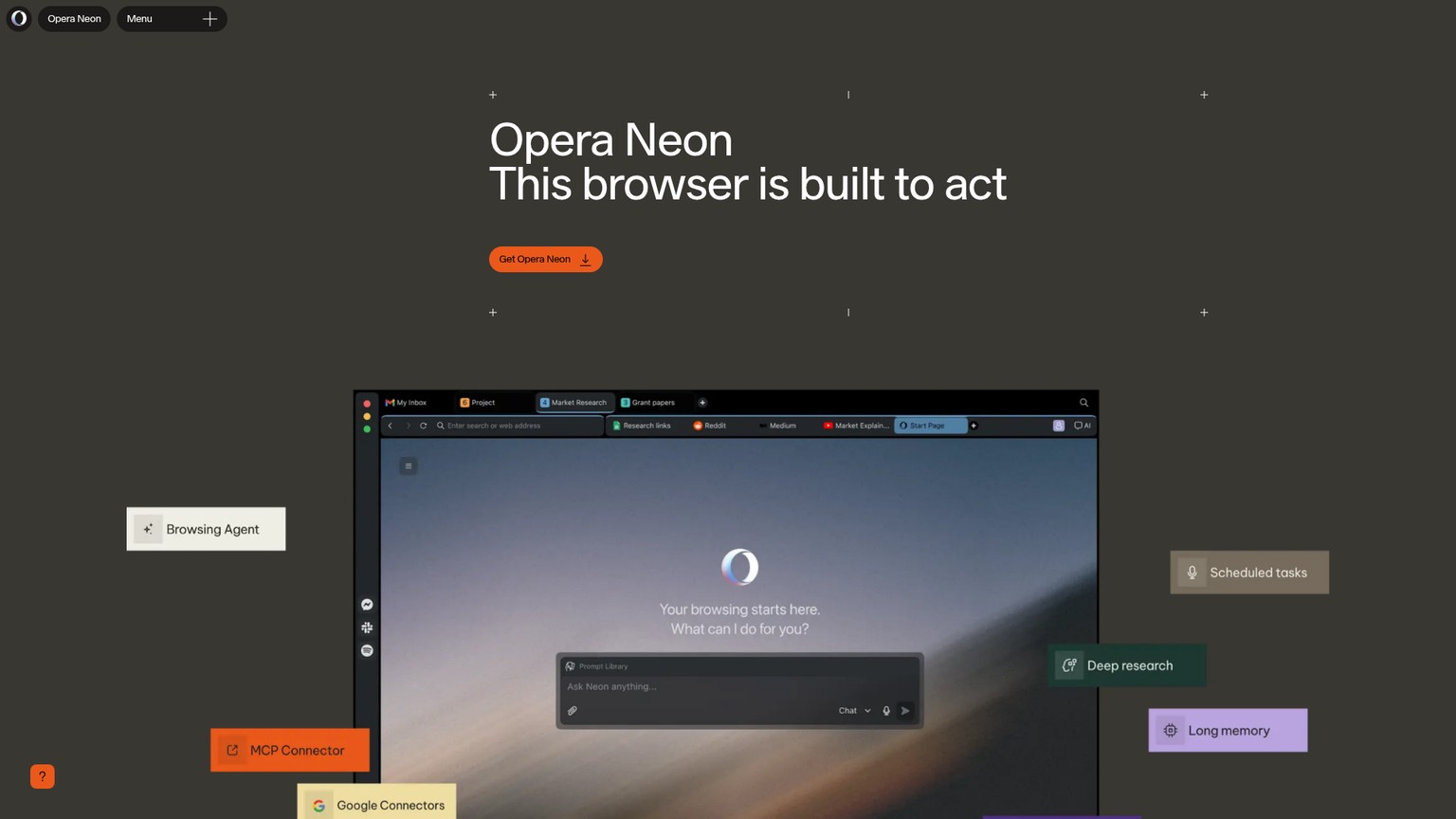
Opera Neon is the niche power-user option. Opened to the public in December 2025 at $19.90 a month, Neon is built to act, its agents perform tasks and can even scaffold small web apps, running on top-tier models including Gemini 3 Pro and GPT-5.1. It is the most ambitious of the also-rans, and the price and narrow appeal keep it specialist.
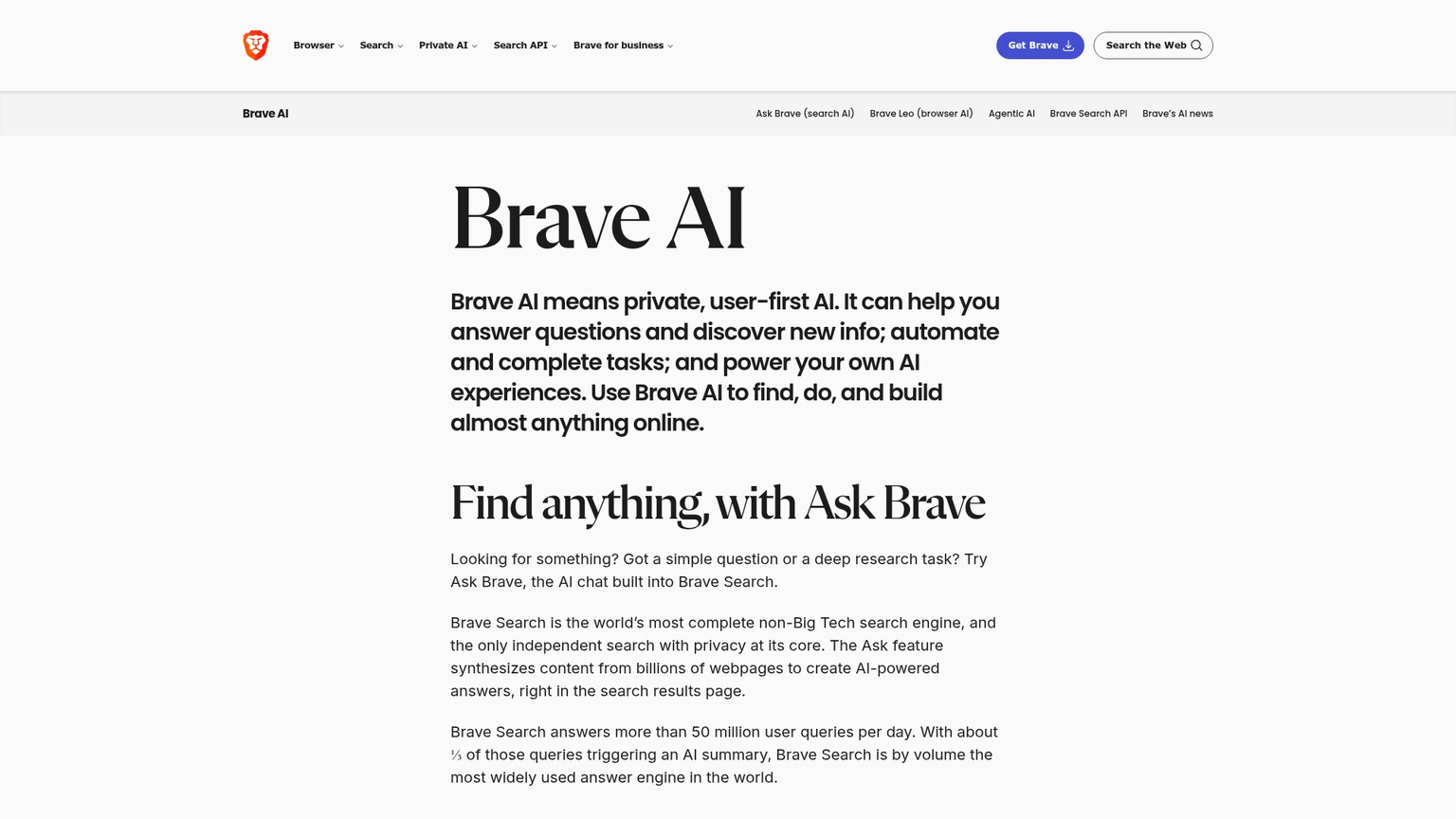
Brave is the contrarian, and worth knowing precisely because it pumps the brakes. Brave's whole stance is privacy by design: its AI features, the Leo assistant and an experimental agentic browsing mode still in testing and off by default, require no sign-in and are strictly opt-in. It is no accident that Brave's security team is the one that publicly exposed Comet's prompt-injection flaw. If your instinct is that handing a browser agent your whole logged-in life is a bad trade, Brave is the browser that agrees with you.
How to pick, and how to use one safely
The decision is simpler than the field makes it look, and it comes down to two questions in order.
What operating system are you on?
This settles half of it before features matter. On Windows, your real AI-browser options are Comet and Edge with Copilot, full stop; Atlas and Dia have no shipped Windows build. On a Mac, the whole field is open. A brilliant browser you cannot install is not a real option.
Do you want an agent, or an assistant?
If you want page summaries, chat, and research help, the assistant, you do not need a new browser at all. Add a ChatGPT, Claude, or Gemini sidebar to Chrome and you have most of it, on any OS, without losing your extensions or tab setup. If you specifically want autonomous task completion, the agent, that is the one thing Chrome cannot fake, and Atlas (Mac) or Comet (everywhere, less reliable) is your answer.
Set up session hygiene before you trust the agent
Create a dedicated browser profile for the agent with no banking, email, or password-manager sessions signed in. Do sensitive things in a plain browser. This single habit neutralizes most of the prompt-injection risk, because the agent can only leak what it can reach.
Decide whether to wait
The category is barely a year old, prices and platforms are moving monthly, and the security story is unsettled with a federal court case pending. If you are not a daily power user, a Chrome sidebar today plus a real switch in six months is the low-regret path.
The honest decision rule: let your OS and your appetite for autonomy choose, not the marketing. These browsers belong to the wider wave of agentic software making decisions and taking actions for you; if you are evaluating that shift across your stack, our guide to the best AI agents in 2026 maps the rest of it.
- An autonomous agent that completes real multi-step tasks (Atlas)
- A free, genuinely cross-platform AI browser (Comet)
- The best-tested security architecture in the category (Dia)
- Page summaries and chat you can add to Chrome in two minutes
- "The future of browsing" framing with no agent behind it
- Any of it, if it means putting your bank and the agent in one window
FAQ
Are AI browsers safe to use?
The browser shell is fine; the agent is the risk. Anything that acts on your logged-in sites can be hijacked by a malicious page through prompt injection, a flaw OpenAI itself calls unlikely to ever be fully solved. Use the agent for research and low-stakes tasks, run it in a separate profile, and keep banking, email, and password managers out of its reach.
Are AI browsers free?
The shells mostly are; the agent that clicks and fills forms usually is not. Comet's browser and Gemini in Chrome are free, Edge folds Copilot into the free browser, while Atlas's agent mode and Dia Pro sit behind roughly $20-a-month subscriptions, and Opera Neon is $19.90 a month. The pattern is consistent: summaries and chat are free, autonomy is paid.
Should I switch from Chrome in 2026?
For most people, not yet. A ChatGPT, Claude, or Gemini sidebar extension in Chrome covers most of the assistant value without changing your OS, extensions, or tab setup. The one exception is ChatGPT Atlas's autonomous agent, which has no Chrome equivalent, so if that specific capability is your daily bottleneck and you are on a Mac, switching makes sense.
Which AI browser works on Windows?
As of June 2026, Comet and Edge with Copilot are your cross-platform options. ChatGPT Atlas and Dia are macOS-only with no shipped Windows build, so Windows users wanting AI-browser features today are limited to Comet, Edge, or Chrome plus an AI sidebar extension.
What happened to Arc?
Arc entered maintenance mode in 2025 and its maker, The Browser Company, pivoted to Dia, its AI-first successor, before Atlassian acquired the company for $610 million. Dia is the most direct lineage from Arc, but it dropped Arc's named workspaces, which is why some Arc loyalists moved to Vivaldi or stayed on Chrome with a workspace extension instead.
If you are sorting which AI tools actually deserve a place in how you work, not just browsers, grab the AI Tools Map for Business Owners: a plain-English guide to what each category is for and where it pays off. Free when you subscribe.
- Last Updated
- Category
- AI
- Language

Otter AI Alternatives: Granola, Krisp, MeetGeek, Circleback and Claap
Choose Granola, Krisp, MeetGeek, Circleback or Claap by the job. Compare live prices, free limits, bot-free capture and CRM handoffs.Oct 8, 2026AI
Mistral Large 4: Pricing, Open Weights, and When to Use It
Mistral Large 4: verified API prices, the launch offer, claimed benchmarks, and when to test the preview or wait for self-hosting.Oct 7, 2026AI
Lindy AI Review (Verified October 2026)
Lindy AI review: current plans, credit costs, email and meeting setup, integration limits, and when Gumloop, n8n or Marblism fits better.Oct 7, 2026AI
Mistral Pricing (2026): API Costs and Vibe Seats
Mistral API rates, Le Chat and Vibe plans, free limits, EU hosting costs and a worked monthly bill. Verified October 2026.Oct 6, 2026AI
Claude Skills
Use Claude Skills across the apps, Claude Code and API. Build a weekly client-report skill file by file, then install and share it.Oct 6, 2026AI
AI Employee: What It Does, Costs, and How to Start
What AI employees can do, current prices for six tools, and how to pick one role, keep human review and measure a 30-day pilot.Oct 6, 2026AI
Wispr Flow Alternatives (2026): VoiceOS, Superwhisper, Aqua Voice, Willow and Monologue
Compare VoiceOS, Superwhisper, Aqua Voice, Willow and Monologue by work task, current price, offline privacy, team controls and coding-agent input.Oct 5, 2026AI