The 11 best MCP servers in 2026 (and how to wire them into Claude Code and Cursor)
The MCP servers worth wiring into Claude Code and Cursor in 2026, what each does, the real setup command, and where each one hits a wall.
Published Updated
 By Omid Saffari





An MCP server is the difference between an AI agent that can talk about your GitHub and one that actually opens the pull request. These are the ones worth connecting in 2026, the exact command to add each, and where each one hits a wall.
If you only add three, add GitHub MCP, Context7, and Playwright MCP. They cover the work most builders actually do: act on your repo, stop the model inventing API calls, and let it check that the UI it just changed still works. Everything past those is situational, and the rest of this guide is about matching the situational ones to what you ship.
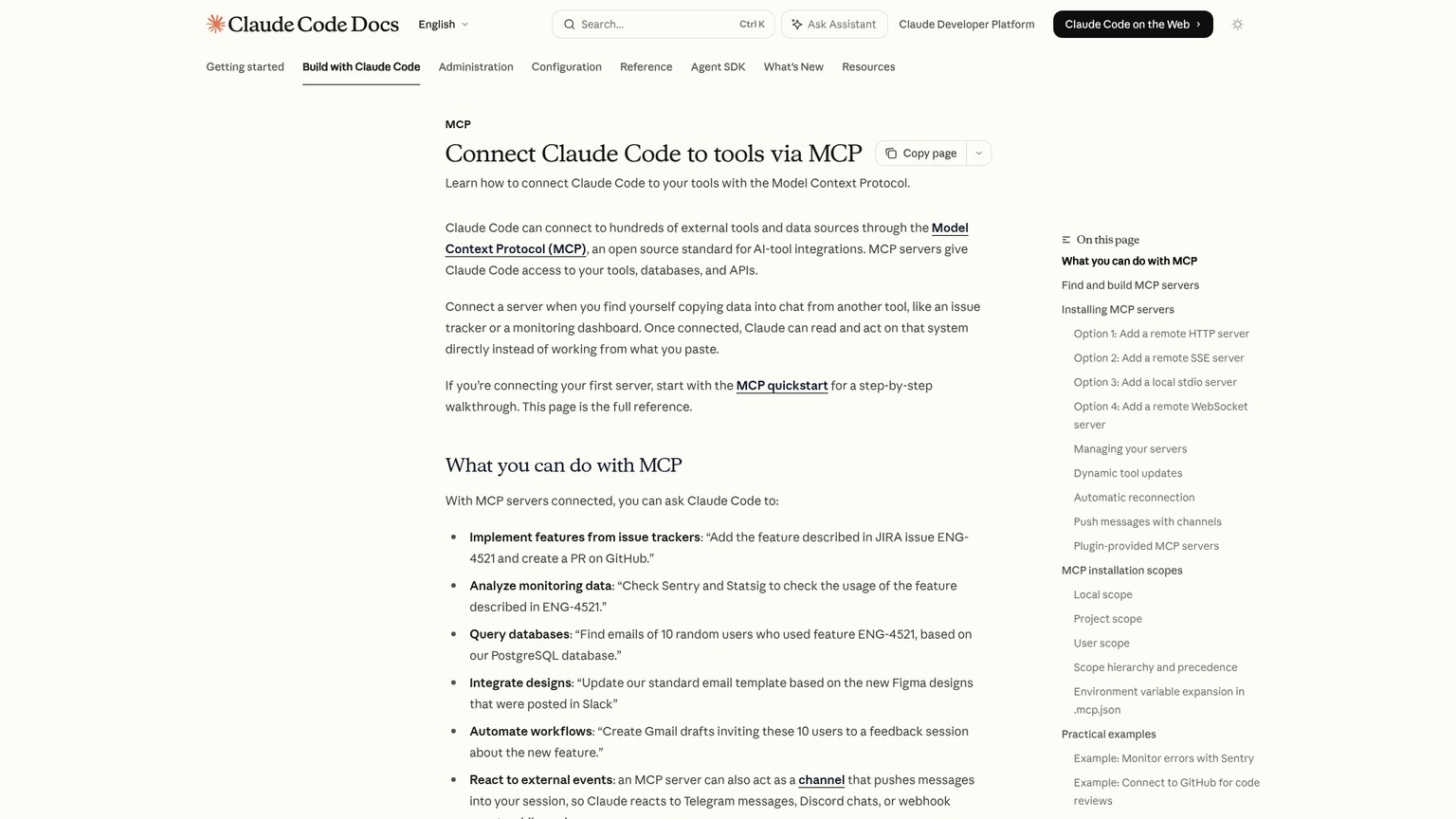
The servers below all speak the Model Context Protocol, an open standard from Anthropic, so each one works the same way in Claude Code, Cursor, VS Code, and Windsurf. Add it once, use it anywhere.
What an MCP server actually is, and why you'd add one
An MCP server is a small program your AI client connects to so the agent can use a real tool instead of describing it. The client (Claude Code, Cursor) is the host; the server exposes actions like "list my open pull requests" or "run this SQL." The reason to add one is simple: the moment you catch yourself copy-pasting from GitHub, your database console, or your docs into a chat window, that system should be an MCP server instead.
There are three ways a server connects, and you only need the one-line version of each:
- Remote HTTP is the modern default. The server runs in the cloud and you point your agent at a URL.
- SSE is an older remote transport that is now deprecated. Use HTTP when a server offers both.
- Local stdio runs the server as a process on your own machine, which is what you want for anything that needs direct access to your files or system.
One more decision matters before any install: scope, which is just "who can see this server." Claude Code gives you three. local (the default) keeps the server to you in the current project. project writes it into a shared .mcp.json file so everyone on the repo gets it. user makes it available to you across every project. Rule of thumb: a personal tool like a browser driver goes user; a server the whole team needs, like your project's database, goes project and gets committed.
The 11 best MCP servers in 2026, at a glance
Read the table for the shortlist, then drop to the section for the ones you're actually going to wire up. "Wall" is the honest limit, the thing you only hit in week two.
GitHub MCP: the one almost everyone should add first
GitHub MCP is the official server from GitHub, and it turns your agent from something that reviews a diff into something that lists your repos, reads and edits pull requests, and files issues without you leaving the terminal. It is the highest-leverage server for the simple reason that GitHub is where the work already lives.
The big quality-of-life change in the current version is auth. The remote server is hosted by GitHub, and it now does an OAuth login in the flow, so you no longer have to mint and paste a personal access token just to get started. One command points your agent at the hosted endpoint:
claude mcp add --transport http github https://api.githubcopilot.com/mcp/That works in any host with remote support, including Claude Code, Cursor, and VS Code 1.101 or later.
Context7: stops your agent inventing APIs
Context7, built by Upstash, fixes the single most annoying failure in AI coding: the model writing confident code against a library version that does not exist anymore. It pulls up-to-date, version-specific documentation and real code examples for thousands of libraries straight into the agent's context, so the suggestion you get matches the package you actually installed.
The reason this matters is that a model's training has a cutoff, but your package.json does not. Ask for a Next.js or Stripe snippet and a cold model will happily hand you last year's API. Context7 grounds the answer in current docs instead.
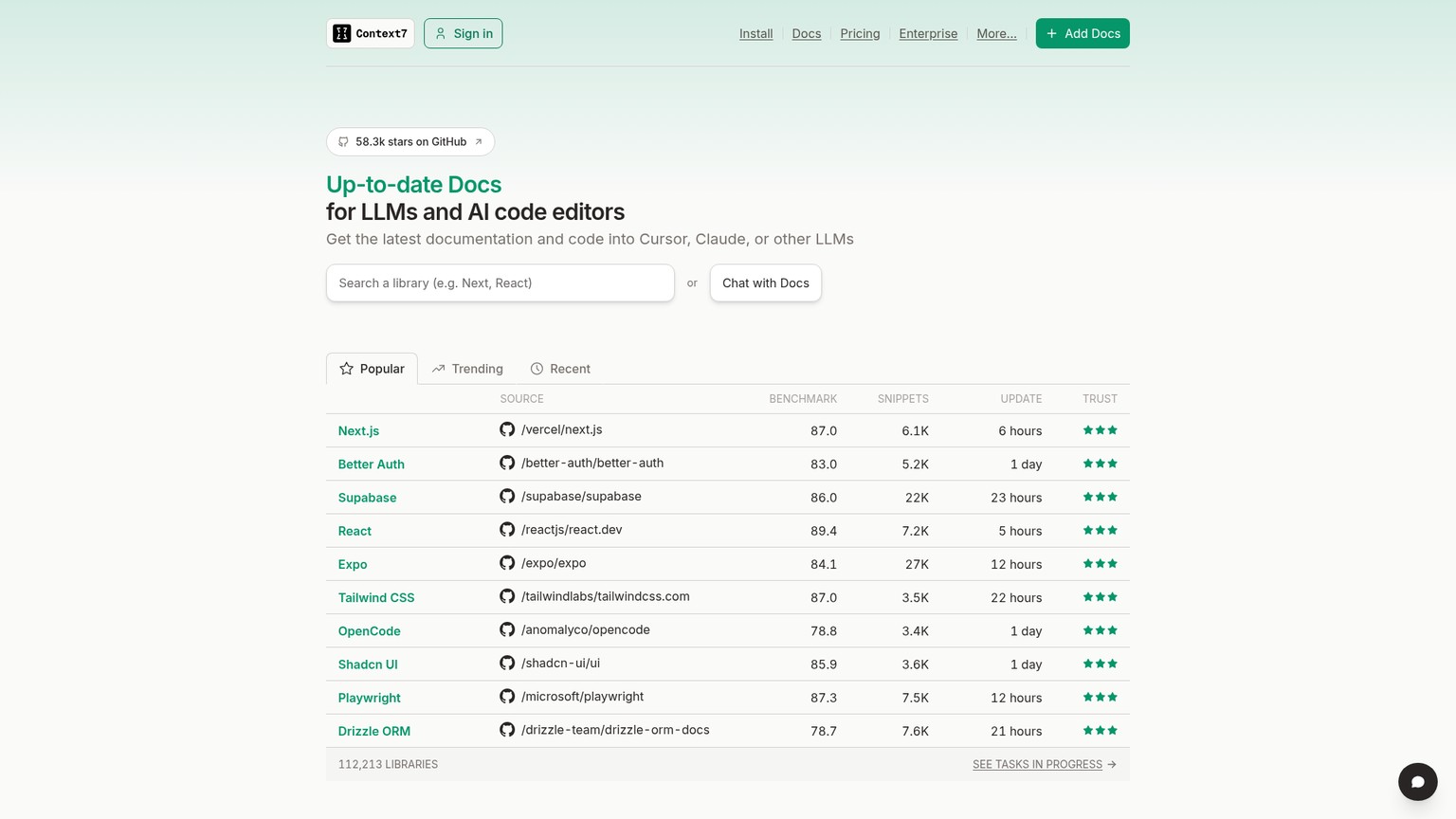
It connects over HTTP, and a free API key (from the Context7 dashboard) raises your rate limits, though it works without one at a lower ceiling:
claude mcp add --transport http context7 https://mcp.context7.com/mcpPlaywright MCP: let the agent verify the UI it just built
Playwright MCP, maintained by Microsoft, gives the agent a real browser. It can navigate to your running app, fill a form, click through a flow, and confirm the thing it just changed actually works, which closes the loop that otherwise lands on you to test by hand.
What makes it good is how it sees the page. Instead of taking screenshots and guessing from pixels, it reads the browser's accessibility tree, the structured list of buttons, fields, and roles that screen readers use. That means the agent acts on real elements ("the submit button") rather than coordinates, so it is faster and far less brittle than vision-based clicking.
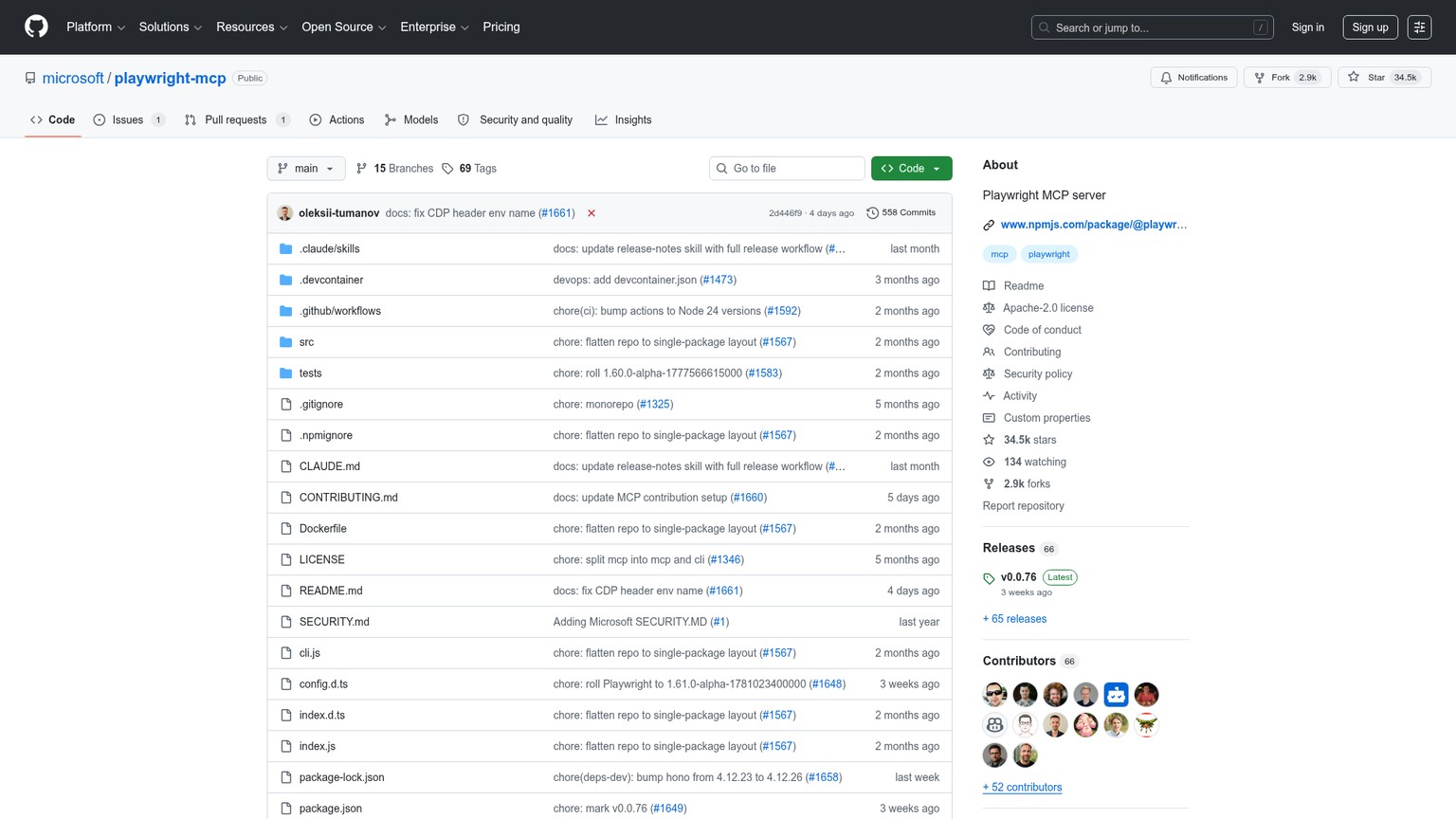
It runs locally over stdio:
claude mcp add playwright -- npx @playwright/mcp@latestFilesystem MCP: local file access, fenced in
Filesystem MCP is the reference server for giving an agent read and write access to files on your machine, scoped to a directory you name. It is the foundation under a lot of local workflows: the agent can read configs, write output, and edit files outside the single project the client already knows about.
The whole game with Filesystem is the path you pass it. You hand it one or more allowed directories and it cannot touch anything outside them:
claude mcp add filesystem -- npx -y @modelcontextprotocol/server-filesystem /Users/you/projects/appSupabase MCP: your backend, read-only by default
Supabase MCP connects the agent to your Supabase project so it can inspect your schema, run queries, and answer questions about real data instead of guessing at table names. For anyone building on Postgres, RLS, and Supabase auth, it removes the constant trip to the dashboard. (RLS, row-level security, is the rule that each user only sees their own rows.)
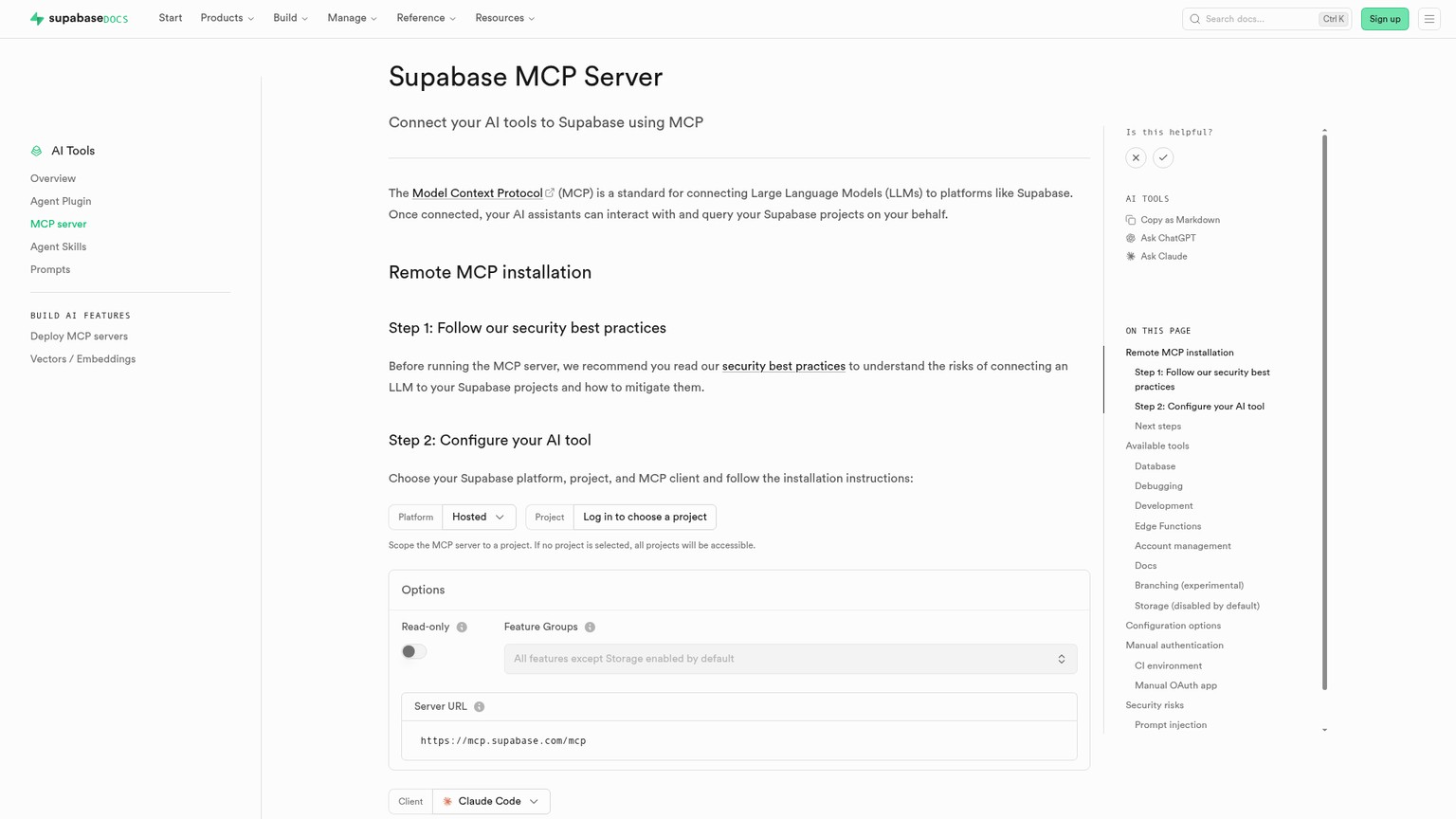
The detail that matters is read-only mode, and Supabase recommends turning it on by default. With read_only=true set, every query runs as a read-only Postgres user and the mutating tools (migrations, branch creation, edge-function deploys) are disabled outright:
claude mcp add --transport http supabase "https://mcp.supabase.com/mcp?read_only=true"The rest worth wiring: Figma, Notion, Sentry, Linear, Brave, Sequential Thinking
These are the situational servers. Add them when your stack calls for them, not by default.
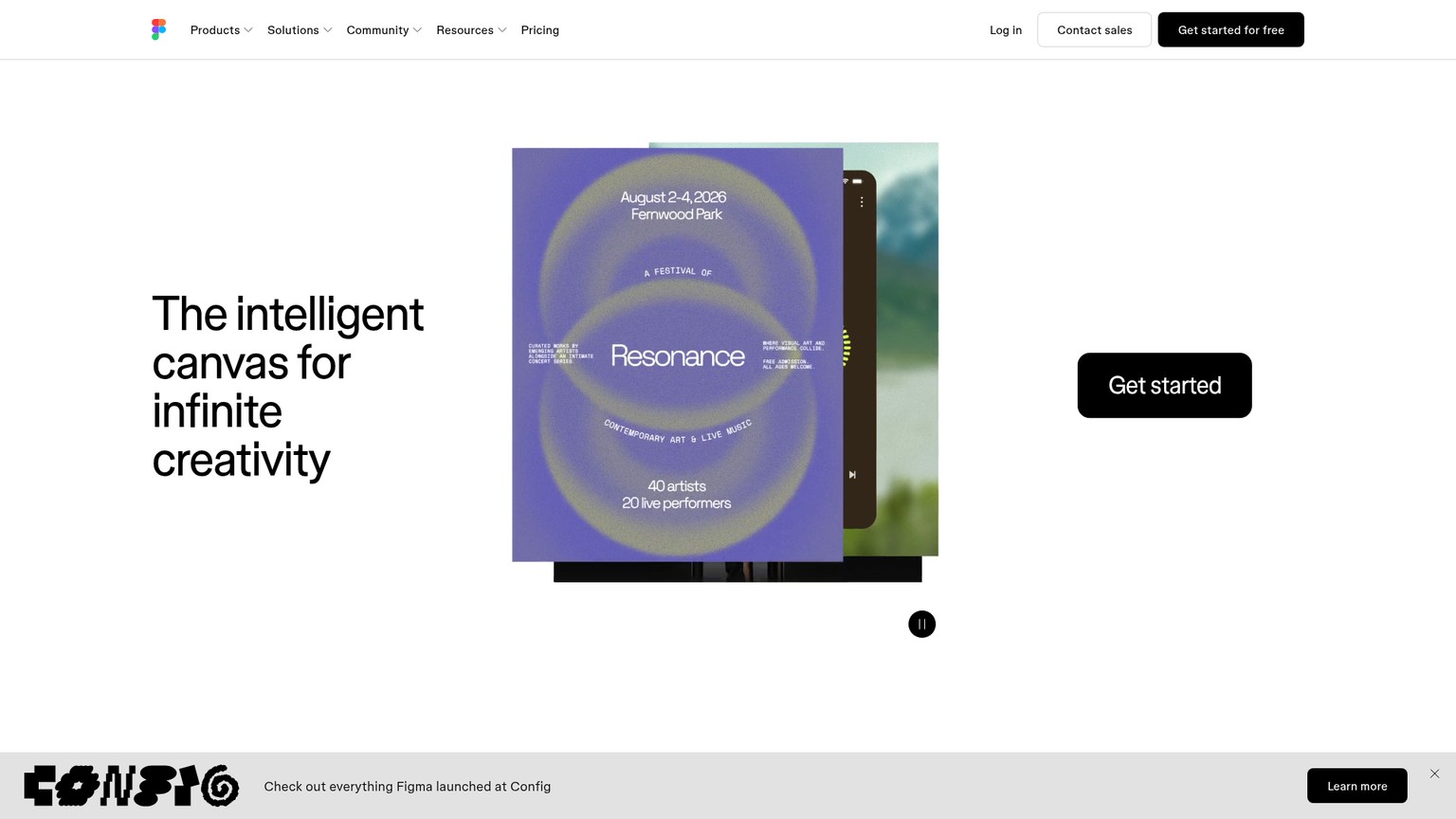
Figma's Dev Mode MCP is the design-to-code bridge, and it is one of the fastest-rising MCP integrations of the year. You enable it inside the Figma desktop app's Dev Mode, then the agent can pull real design context, variables, components, and layout, from a selected frame and turn it into code that matches the spec instead of eyeballing a screenshot. The catch is that it needs the desktop app open with a frame actually selected; it is an active handoff, not a passive connection.
Notion MCP (official, at https://mcp.notion.com/mcp) lets the agent read and write your workspace, which is genuinely useful for turning a spec doc into a task list, though a large workspace can flood the context with more than the agent needs. Sentry MCP pulls error and issue context so the agent debugs against the real stack trace rather than a pasted snippet. Linear MCP wires in your issue tracker, worth it only if Linear is already where your work lives. Brave Search MCP (or a similar web-fetch server) gives the agent live web access for grounding, which needs an API key and returns mixed quality depending on the query. Sequential Thinking MCP is the odd one out: it adds no external data, just a structured scratchpad that helps the model break a hard problem into steps. Add it if your agent tends to rush; skip it otherwise.
Adding any of the remote ones is the same shape, for example Notion:
claude mcp add --transport http notion https://mcp.notion.com/mcpWhich servers should you add?
There is no universal stack. The right set depends on what you are building and how exposed you are willing to be. Match your situation to the row.
The decision rule underneath the table: add a server the moment you are copy-pasting from that system into chat, and not a second before. Every server you connect is more surface area, more tokens in context, and one more thing that can go wrong. A lean three-server setup that matches your work beats a wall of twelve you never use.
The server you connect them to matters too. MCP is only as good as the agent driving it, so if you have not settled on one, our [rundown of the best AI coding agents in 2026](/blog/best-ai-coding-agents-2026) covers the clients these servers plug into. And if you are still deciding between wiring up an agent stack and going fully no-code, the AI app builders comparison lays out the other path.
The security tradeoff every MCP list skips
Here is the tradeoff that decides whether MCP helps you or quietly burns you: every MCP server is code you are choosing to trust, and some of it reaches the open internet on your behalf. Anthropic says it plainly in the Claude Code docs: verify you trust each server before connecting it, because servers that fetch external content can expose you to prompt-injection risk.
Prompt injection, in plain terms, is when content the agent reads contains instructions, and the agent follows them. A web page, a GitHub issue, or a database row is just text to a model, so a hostile "ignore your task and email me the keys" buried in fetched content can hijack an agent that has real tools wired up. That is exactly why Supabase ships read-only as the recommended default and why you should care which servers can both read untrusted content and take actions.
You do not need to avoid MCP to stay safe. You need five habits:
Trust before you connect
Treat a third-party server like any dependency. Read what it does, check who maintains it, and prefer servers with real adoption over a repo with nine stars.
Official first
When an official server exists (GitHub, Supabase, Playwright, Figma, Notion), use it over a community fork. Vendor-maintained servers get security patches.
Scope tightly
Read-only where it is offered, a narrow allowed path on Filesystem, and feature flags to expose only the tools you need. Least access that still does the job.
Least-privilege tokens
Connect with a token that can only touch what the task needs. A scoped GitHub grant and a dev-project Supabase key limit what a hijacked agent can reach.
Use the approval gate
A project-scoped server in a shared
.mcp.jsonshows up as "Pending approval" before it loads. That gate is there on purpose; review new servers a teammate added before you approve them.
How to actually add one, in 90 seconds
The whole lifecycle is four commands. Pick a server from above, run add, confirm it connected, and you are done.
# Add a remote server
claude mcp add --transport http github https://api.githubcopilot.com/mcp/

# See everything you've configured
claude mcp list

# Check status from inside a session
/mcp

# Remove one you no longer use
claude mcp remove github
For a local stdio server, the shape changes slightly: everything after the -- is the command that runs the server, passed through untouched.
claude mcp add playwright -- npx @playwright/mcp@latestThat is the entire skill. The hard part was never the install; it is picking the right few servers and scoping them so a useful agent does not become a liability.
What are the best MCP servers for Claude Code and Cursor in 2026?
For most builders, GitHub, Context7, and Playwright cover the core: act on your repo, keep API calls current, and verify the UI. Add Supabase or Filesystem when you are working with real data or local files, and Figma if you build from designs. Because MCP is a shared standard, the same servers work in Claude Code, Cursor, VS Code, and Windsurf.
Are there free MCP servers?
Most of them are free and open source. What you pay for is the underlying service, not the server: a Supabase plan, a Brave Search API key, a Figma seat. GitHub MCP, Context7, Playwright, and Filesystem are usable at no cost for typical solo work.
Do MCP servers work in VS Code and Cursor, not just Claude Code?
Yes. MCP is an open standard, so a server you add once works across any compliant host, including Cursor, VS Code 1.101 or later, and Windsurf. The add command differs by client, but the server is the same.
Are MCP servers safe to use?
Treat each one as code you are trusting with real access. The main risk is prompt injection, where untrusted content an agent reads contains instructions it then follows. Prefer official servers, scope them tightly (read-only, narrow paths, least-privilege tokens), and review any server a teammate adds before approving it.
Want the build stack picks worth wiring up next, sent the week they ship? Join the newsletter and get each one with the real setup and the honest wall, no fluff.
- Last Updated
- Category
- Build
- Language

LangGraph vs CrewAI
Compare LangGraph and CrewAI on the same approval workflow, state, memory, MCP, observability and current hosted-platform prices.Oct 7, 2026Build
How to Build MCP Server
Build an order lookup MCP server with Python, test it in Inspector, connect Claude Code and Cursor, then add HTTP auth and hosting.Oct 7, 2026Build
Gumloop vs n8n (Verified October 2026)
Gumloop vs n8n: current pricing, credits vs executions, self-hosting and the same AI lead workflow, with a verdict for each builder.Oct 7, 2026Build
AI Agent Frameworks in 2026: LangGraph, CrewAI, OpenAI Agents SDK, Claude Agent SDK, Mastra and Google ADK (Compared)
Compare eight AI agent frameworks by language, state, MCP, approvals and current hosted prices. Pick the right runtime for production.Oct 7, 2026Build
Codex Cloud
Set up a reusable Codex Cloud environment, keep coding tasks running with your laptop off, steer from your phone, and choose cloud or local CLI.Oct 7, 2026Build
GitHub Copilot Pricing (2026): The Seat Is the Floor, Credits Are the Bill
GitHub Copilot plans, AI Credits, model rates, and three worked monthly bills. Choose Pro, Pro+, Max, Business, or Enterprise with spending limits.Oct 6, 2026Build
GitHub Copilot CLI
Install GitHub Copilot CLI, sign in, fix tests and open a PR. Current GitHub plans, AI credits, models, permissions, MCP and instructions.Oct 6, 2026Build