n8n vs Zapier vs Make (2026): Which One Actually Costs Less
n8n bills per run, Zapier per task, Make per credit, and that one difference decides your bill. Which automation tool actually costs less in 2026.
Published Updated
 By Omid Saffari




n8n bills you per workflow run, Zapier per task, and Make per credit. That single difference, not the sticker price, is what decides your monthly bill, and it can swing the same automation by 10x between the three.
The verdict: which one to pick
Pick n8n if you have any technical comfort and run multi-step or AI-heavy workflows. It charges per full workflow run no matter how many steps are inside, so it stays cheapest as your automations get more complex, and you can self-host it for free.
Pick Zapier if you want the largest app library and genuinely zero setup, and your workflows are short. It is the easiest to start and connects to the most services, but it charges for every step, so cost climbs fast the moment a workflow grows past two or three actions.
Pick Make if you want a drag-and-drop visual builder and predictable cost in the middle. Its per-credit pricing sits between the other two, and the visual canvas is the friendliest way to see a branching workflow, as long as you keep an eye on credit-hungry AI steps.
The rest of this piece shows the real 2026 pricing, the math behind those calls, and exactly where each one stops being the right answer.
At a glance
The numbers below are the entry points. What actually separates these tools is the unit in the second column, which the next section unpacks.
All paid prices are billed annually. Monthly billing runs higher on every plan.
Why the billing unit is the whole game
Read the three pricing pages side by side and you will think Make at $9 beats n8n at $20 beats Zapier at $19.99. That comparison is meaningless, because the three are not selling the same unit.
- An execution (n8n) is one complete run of a workflow, start to finish, no matter how many steps are inside it. Ten steps or fifty, it counts as one.
- A task (Zapier) is one action. Every step in a Zap, and every external connector call, burns a task. A five-step Zap that runs once uses roughly five tasks.
- A credit (Make) is one action too. Most actions consume one credit; some AI-powered ones consume several. Make switched its billing unit from "operations" to "credits" on 27 August 2025, so if you remember it pricing in operations, that model is gone.
Put a real workflow through all three and the gap is obvious. Take one workflow with 10 steps that runs 1,000 times a month, a normal load for something like "new lead comes in, enrich it, score it, route it, log it."
So the question is never "which sticker price is lowest." It is "how many steps do my workflows have, and how often do they run." Short workflows that fire rarely are cheap anywhere. Long workflows that fire constantly are where n8n's per-run model pulls away, and where Zapier's per-step model gets expensive fast.
n8n: cheapest at scale, if you self-host or climb the curve
n8n is the one to beat on cost, because it charges per workflow execution and lets you self-host the whole thing for free. It is a source-available automation platform you can run on your own server or use as a managed cloud product.
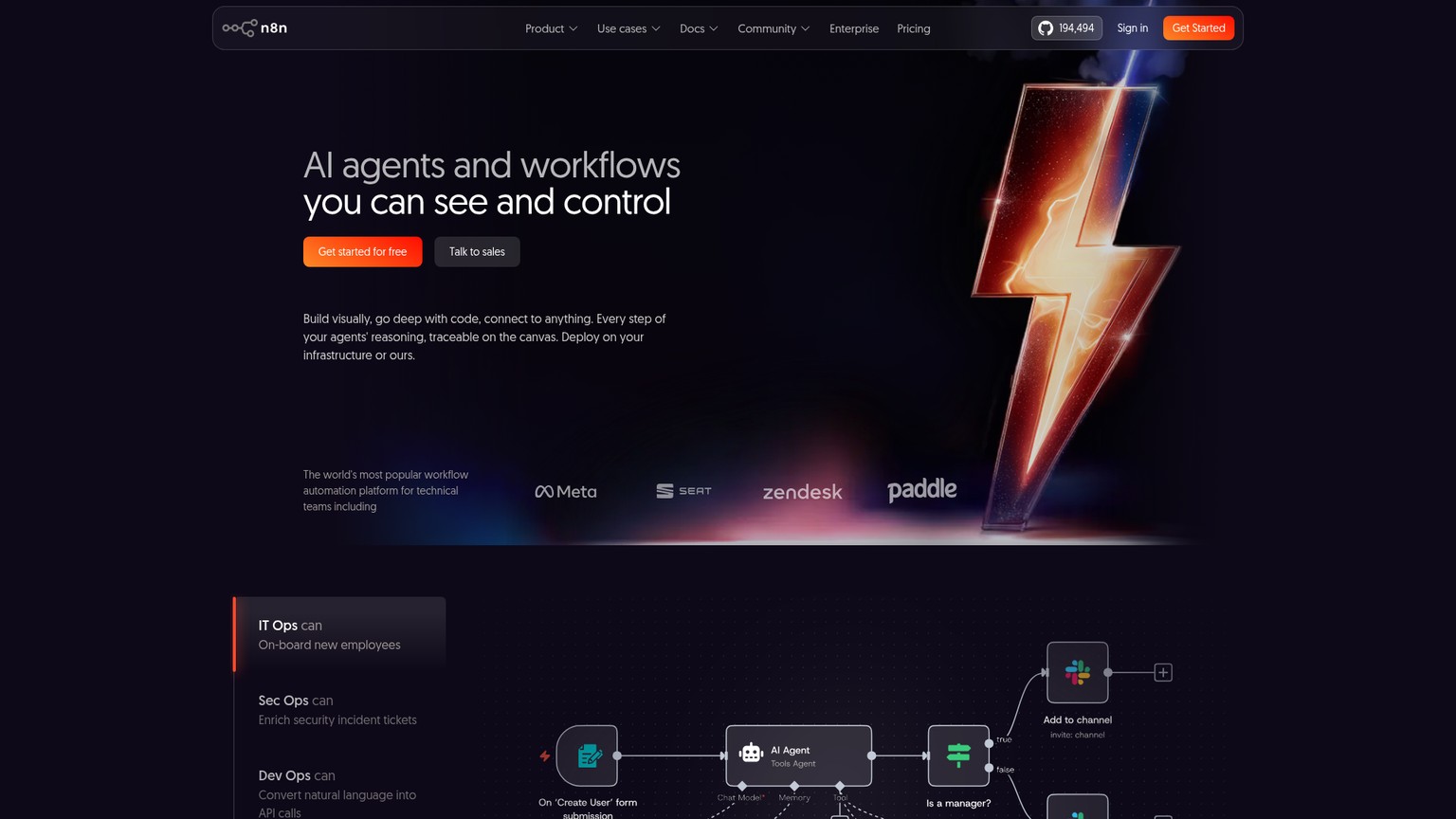
The pricing model is the headline. Every plan bills on executions, where one execution is a full workflow run with unlimited steps. The cloud Starter is $20/mo for 2,500 executions a month, 5 concurrent executions, and one project. Pro is $50/mo for 10,000 executions, 20 concurrent runs, and execution search. In April 2026 n8n dropped active-workflow limits across every plan, so you only pay on runs, not on how many workflows you keep switched on. Above that, Business is $800/mo and Enterprise is custom.
The free lever is the Community Edition: a source-available build on GitHub that you host yourself, with no execution cap from n8n. You pay only for the server it runs on, which for a small workload can be a few dollars a month on a basic VPS.
n8n is also the strongest of the three for AI work. It ships AI agent nodes and LangChain integration (LangChain is a framework for chaining LLM calls into multi-step reasoning), and because you can self-host, you plug in your own model API keys with no platform markup on the tokens.
Who it is for: a technical founder or an indie hacker running real production workflows who wants the lowest bill and will either self-host or pay for managed cloud. Who should skip it: a non-technical user who wants to wire up two apps in five minutes and never think about a server. If n8n looks close but not quite right, the field of n8n alternatives is worth a look before you commit.
Zapier: most integrations, zero setup, priciest per step
Zapier wins on breadth and ease: it connects to more apps than either rival and is the fastest way to get a working automation with no technical knowledge at all. If the thing you want to connect exists as a SaaS product, Zapier almost certainly already integrates with it.
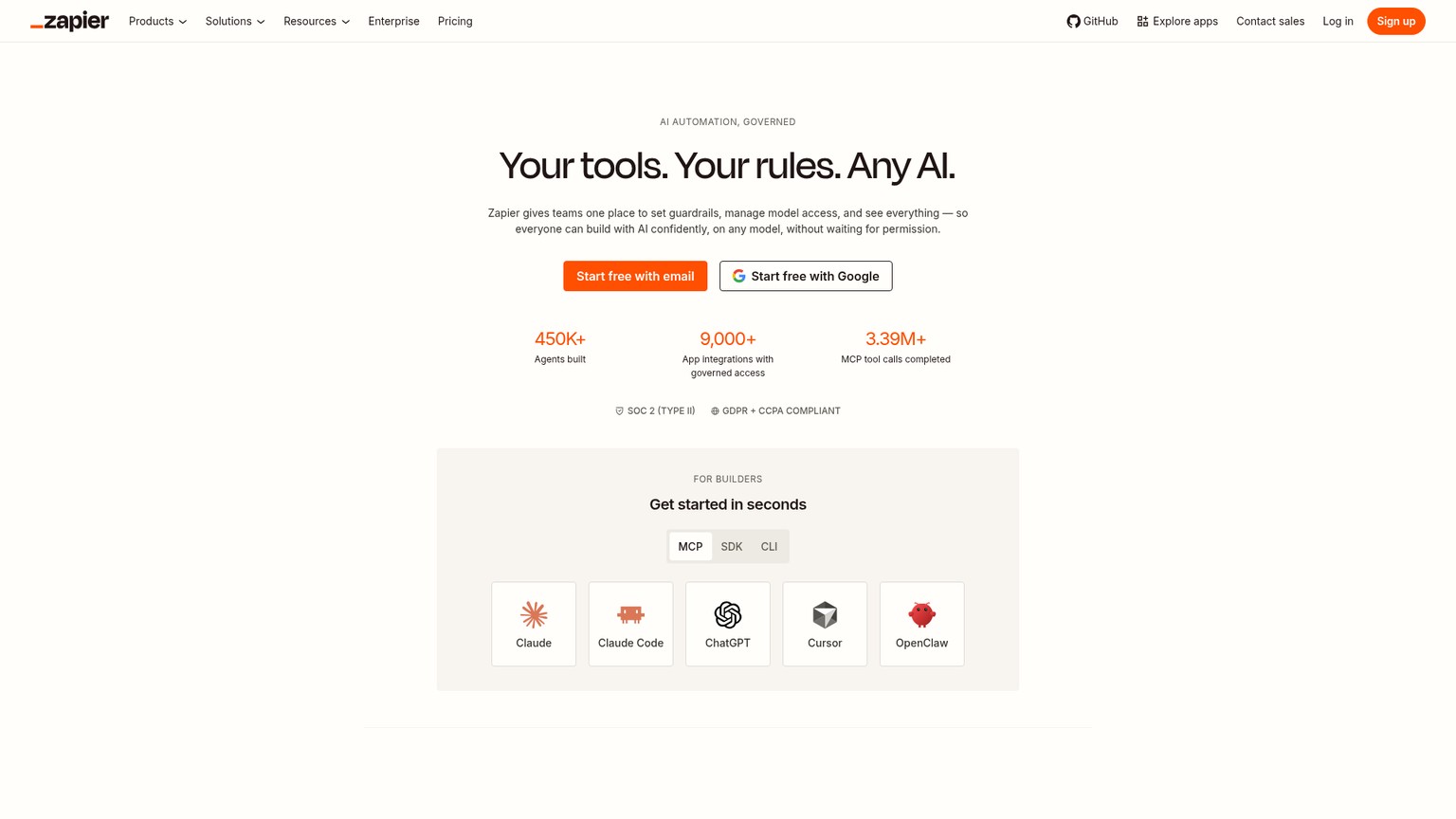
The cost model is where you have to pay attention. Zapier bills per task, and a task is any single action: every step in a Zap and every external connector call counts. The Free plan is genuinely free forever and gives you 100 tasks a month, enough to test an idea or run one light automation. Professional starts at $19.99/mo billed annually ($29.99 monthly) for 750 tasks, with higher task tiers scaling up to millions. Team is $69/mo. If you blow past your tier, Zapier auto-switches you to pay-as-you-go unless you turn that off.
One recent change matters: Zapier now runs AI steps, code, MCP, and its SDK out of the same shared task pool, so there is no separate AI budget to track. That simplifies the mental model, but it also means an AI step is just another task draining the same bucket.
Who it is for: a non-technical founder or operator who values setup speed and integration coverage over the bill, and whose workflows are short. Who should skip it: anyone running long or high-frequency workflows, where the per-step model quietly becomes the most expensive option of the three.
Make: the visual mid-ground, watch the credits
Make sits between the other two: a drag-and-drop visual canvas that is friendlier than n8n's editor, with per-credit pricing that lands cheaper than Zapier on most real workloads. You build "scenarios" by dragging modules onto a canvas and wiring them together, which makes branching logic easy to see.
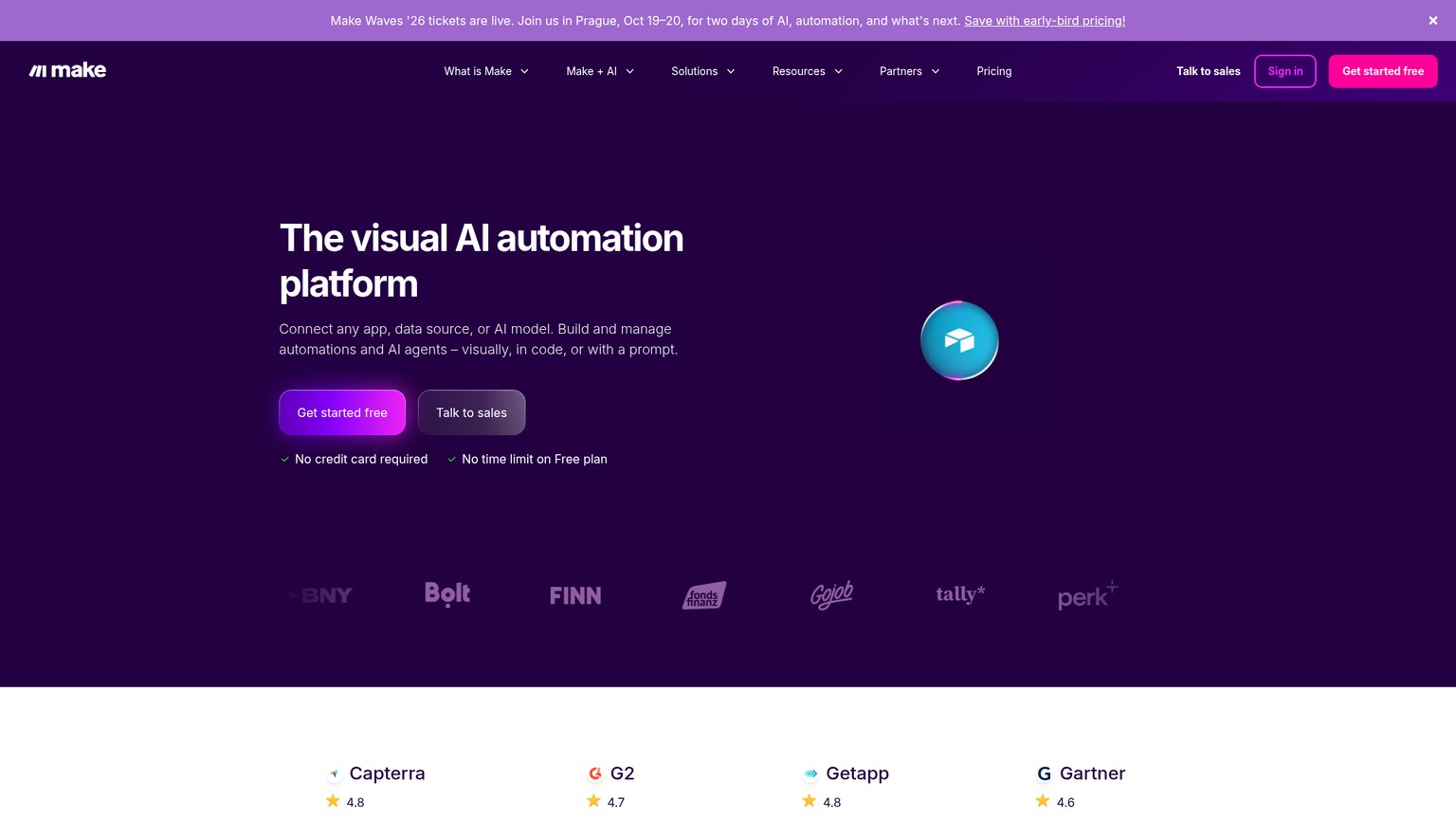
On price, Make moved to a credits model on 27 August 2025: most actions consume one credit, and some AI-powered actions consume more. The Free plan gives you 1,000 credits a month with the full visual builder and 3000+ app connections. Core starts at $9/mo billed annually for 10,000 credits, Pro at $16/mo for the same base credits plus advanced execution features, and Teams at $29/mo with team roles. Run out mid-cycle and you can buy extra credits in bundles of 1,000 or 10,000, or auto-purchase.
For AI, Make ships AI Agents (in beta) and an AI Toolkit on all plans, usable with Make's own AI provider or your own model key. It is a real step up from treating AI as just another billed step.
Who it is for: a semi-technical builder who wants to see their workflow visually and keep cost predictable in the low-to-mid volume range. Who should skip it: someone running very high volumes where n8n's per-execution math wins, or someone who finds large visual canvases harder to reason about than code.
The cost math: one workflow, three bills
Here is the worked version of the example above, so you can map it to your own workflows. Assume a workflow with 10 steps. The numbers are the billable units each tool charges for that work.
Now line that up against the plans. At 1,000 runs a month of a 10-step workflow:
- n8n needs 1,000 executions, comfortably inside the $20 Starter plan, or free if self-hosted.
- Zapier needs ~10,000 tasks, which is far past the 750-task Professional base and into a much higher task tier.
- Make needs ~10,000 credits, right at the base of a $9 Core or $16 Pro plan.
The flip point is step count and frequency. If your workflows are short (two or three steps) and fire occasionally, all three are cheap and you should pick on ease of use, where Zapier and Make win. As steps and runs climb, n8n's per-execution model pulls away and becomes the obvious choice on cost alone.
Which handles AI workflows best in 2026
For serious AI workflows, n8n leads, Make is a fast-improving second, and Zapier is the convenient but costly option. The reason is partly capability and partly the billing unit again.
n8n is built for it: native AI agent nodes, LangChain integration, and self-hosting that lets you bring your own model keys with no platform markup on tokens. An AI agent that loops, calls tools, and branches is still one execution per run, so the cost stays sane even when the logic is complex.
Make has invested here with AI Agents (beta) and an AI Toolkit on every plan, usable with your own LLM key. The visual canvas makes an AI workflow easy to assemble. Just remember that AI actions can cost more than one credit each, so an agent that makes several model calls per run eats credits quickly.
Zapier makes AI trivial to add (it is just another step from the same task pool) but that is also the trap: every AI call is a task, and AI workflows tend to be multi-step, so the per-task model is at its most expensive exactly where AI work lives.
If the automation lives behind a product you are building, the same logic applies to the rest of your stack: pair whichever tool you choose with the right AI app builder so your front end and your automation layer are not fighting each other on cost.
Who should pick what
Match the tool to your situation, not to the lowest sticker price.
The decision rule
If you can answer one question, you have your answer: how many steps do my workflows have, and how often do they run?
Short and infrequent, pick on ease: Zapier for integration coverage, Make for the visual builder. Long, branching, AI-heavy, or high-frequency, pick n8n, because per-execution billing is the only model that does not punish you for building the complex automations that actually move the needle. The sticker prices are close enough to ignore; the billing unit is the decision.
Is n8n better than Zapier?
For multi-step or AI-heavy workflows and cost at scale, yes: n8n's per-execution billing and free self-hosting make it far cheaper as complexity grows. For sheer integration count and true zero-setup simplicity, Zapier still wins. The better tool depends on whether your priority is cost-at-complexity or ease-and-coverage.
Can Zapier replace n8n?
For short, simple automations, easily. For branching, AI agent, or high-frequency workflows, not affordably: Zapier's per-task billing means every step in every run is billed, so the cost of the workflows where n8n shines climbs fast.
Is Zapier still free?
Yes. Zapier has a free-forever plan with 100 tasks per month, plus Zap workflows, Tables, and Forms. It is enough to test an idea or run one light automation, and you only need to pay once you outgrow 100 tasks or want premium features.
Why is everyone using n8n?
Two reasons: per-execution billing makes it dramatically cheaper than per-task tools for serious workflows, and free self-hosting drops the cost to just your server. On top of that, its AI agent nodes and own-key model support make it the default for cost-sensitive AI automation.
Is there anything better than n8n?
It depends on the job. For non-technical visual building, Make or Zapier can be a better fit; for integration coverage, Zapier leads. If n8n's curve or self-hosting is the blocker, the wider field of n8n alternatives covers the ones worth considering.
Want the build-stack breakdowns and real-pricing comparisons like this one before everyone else? Join the newsletter for a short, no-fluff briefing on the tools worth your money.
- Last Updated
- Category
- Build
- Language

LangGraph vs CrewAI
Compare LangGraph and CrewAI on the same approval workflow, state, memory, MCP, observability and current hosted-platform prices.Oct 7, 2026Build
How to Build MCP Server
Build an order lookup MCP server with Python, test it in Inspector, connect Claude Code and Cursor, then add HTTP auth and hosting.Oct 7, 2026Build
Gumloop vs n8n (Verified October 2026)
Gumloop vs n8n: current pricing, credits vs executions, self-hosting and the same AI lead workflow, with a verdict for each builder.Oct 7, 2026Build
AI Agent Frameworks in 2026: LangGraph, CrewAI, OpenAI Agents SDK, Claude Agent SDK, Mastra and Google ADK (Compared)
Compare eight AI agent frameworks by language, state, MCP, approvals and current hosted prices. Pick the right runtime for production.Oct 7, 2026Build
Codex Cloud
Set up a reusable Codex Cloud environment, keep coding tasks running with your laptop off, steer from your phone, and choose cloud or local CLI.Oct 7, 2026Build
GitHub Copilot Pricing (2026): The Seat Is the Floor, Credits Are the Bill
GitHub Copilot plans, AI Credits, model rates, and three worked monthly bills. Choose Pro, Pro+, Max, Business, or Enterprise with spending limits.Oct 6, 2026Build
GitHub Copilot CLI
Install GitHub Copilot CLI, sign in, fix tests and open a PR. Current GitHub plans, AI credits, models, permissions, MCP and instructions.Oct 6, 2026Build