Textile-Designer.ai Review for Screen Printing
Test Textile Designer AI's route from artwork to editable print files, including color separation, export limits, credits and manual cleanup.


This Textile-Designer.ai review for screen printing reaches a qualified yes: the platform can shorten the path from textile artwork to repeat tiles, editable PSD layers, and SVG or EPS vectors, but it is not a complete screen-print prepress system. The public USD plan starts at $14.99 per month. Buy that Basic plan only as a controlled pilot. If the shop needs a generated underbase, highlight white, registration marks, or a documented RIP, use a specialist such as InkSplit instead.
Prices, credits, exports, product pages, demos, and terms were verified against first-party sources on 12 September 2026. No authenticated output test is claimed: the workspace requires sign-in, no account was created in this run, and downloaded files were not directly inspected. The review therefore tests the public workflow and file contract, then gives a two-file acceptance protocol for the paid pilot.
Textile-Designer.ai Review for Screen Printing: The Short Verdict
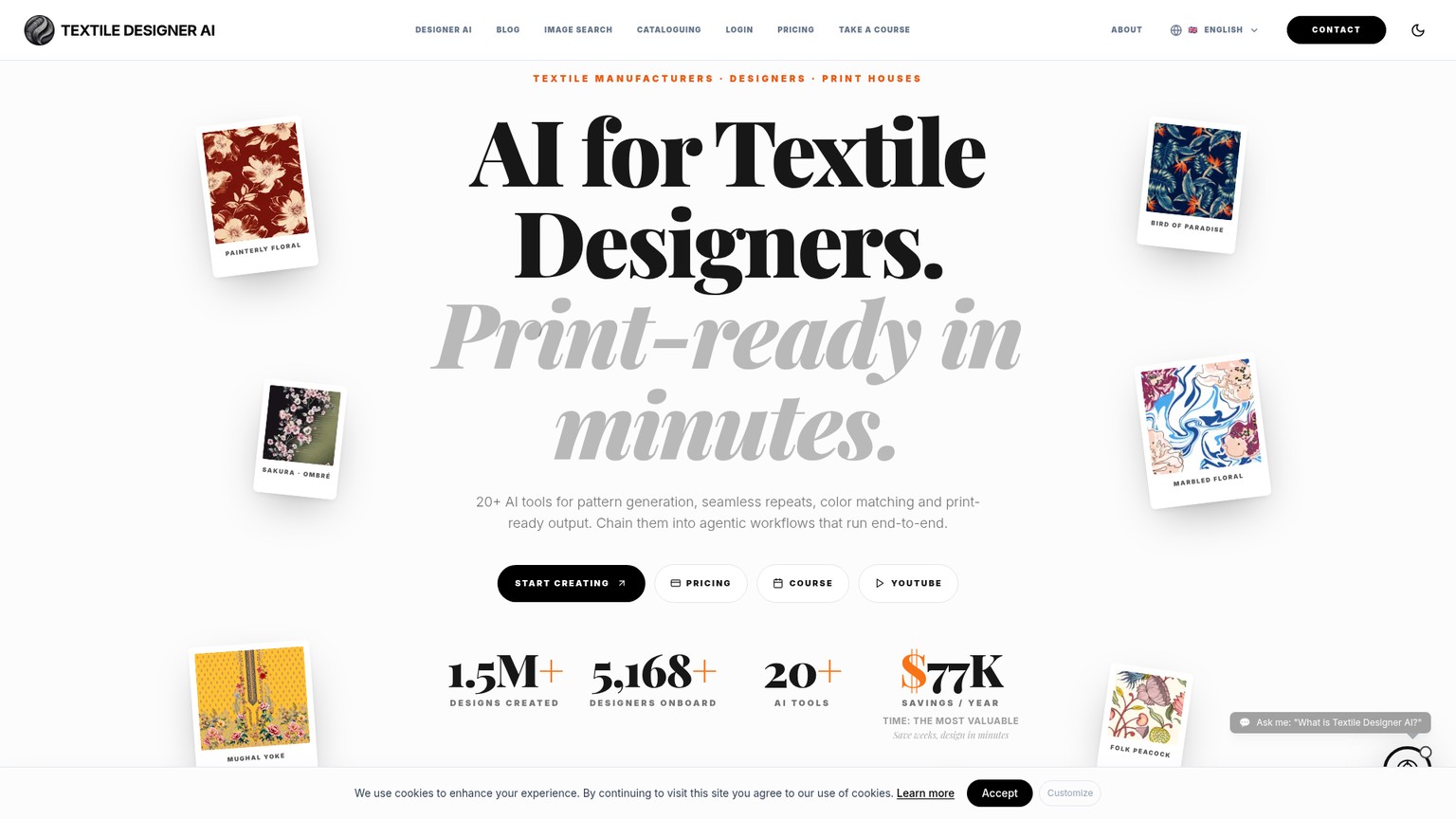
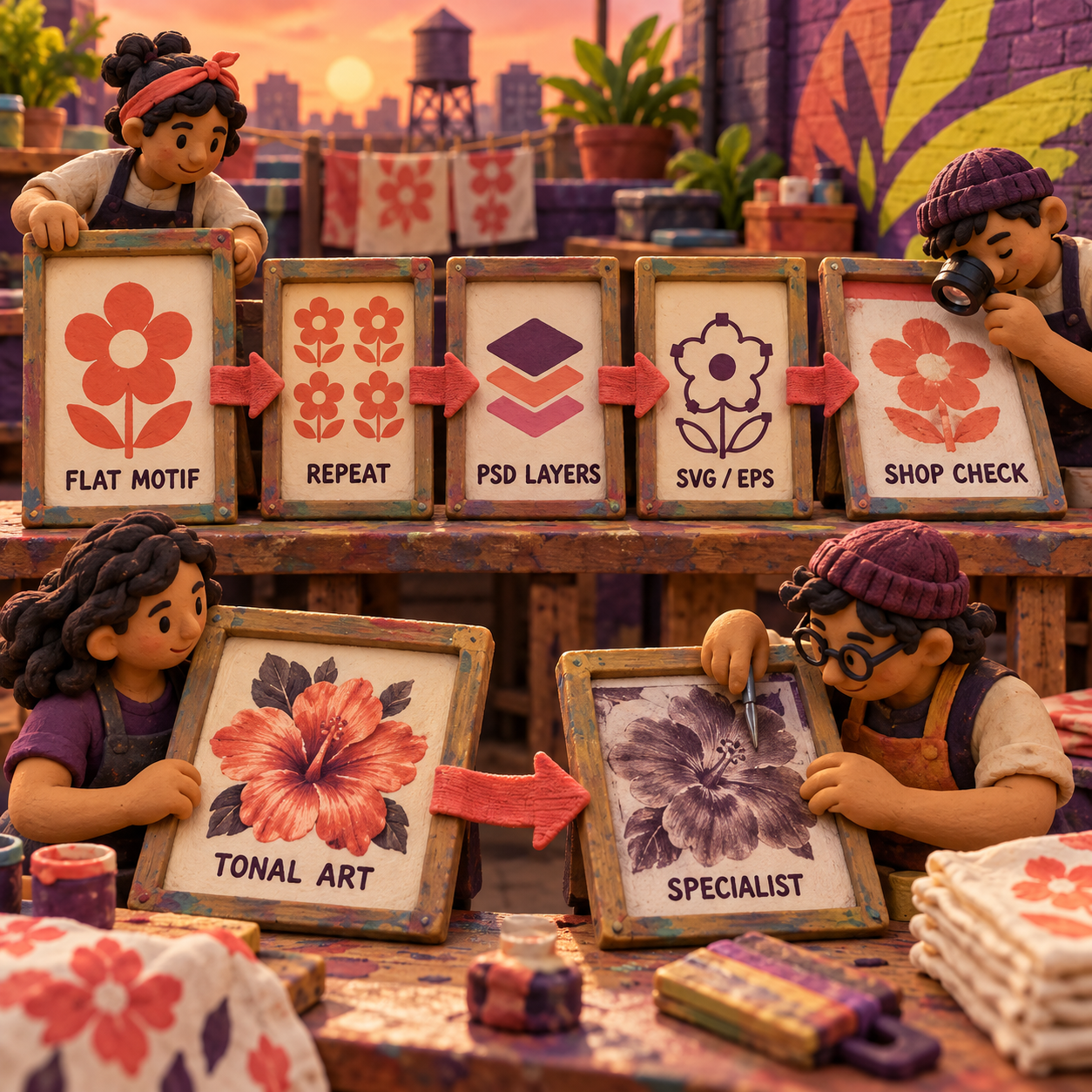
Textile Designer AI is a browser-based suite of more than 20 textile and fashion tools, not a dedicated screen-print RIP. For this review, its useful core is Repeat Set, Color Separation or Color Layering, Object Layering, Vectorizer, Color Matching, and Ready to Print. Together they can turn a finished-looking raster pattern into a more editable production handoff. They do not remove the separator's responsibility for ink count, trapping, white plates, tonal strategy, registration, and film output.
That distinction is the whole review. A layered PSD is useful because a production artist can inspect and repair it. It is not automatically a set of approved films. An SVG or EPS is useful because paths can be edited and scaled. It is not automatically trapped, named by spot ink, or separated for the garment and press in front of the operator.
Who Textile Designer AI Is For, and Who Should Skip It
Textile Designer AI fits textile studios, print houses, converters, and surface designers that regularly receive a flattened PNG or JPEG and need a repeat, a more manageable palette, editable layers, or a scalable vector before production review. It is especially plausible when the same operator also uses pattern-generation, recoloring, extension, and upscaling tools, because the subscription covers a much wider textile workflow than separation alone.
What a Textile Designer AI Review Must Prove
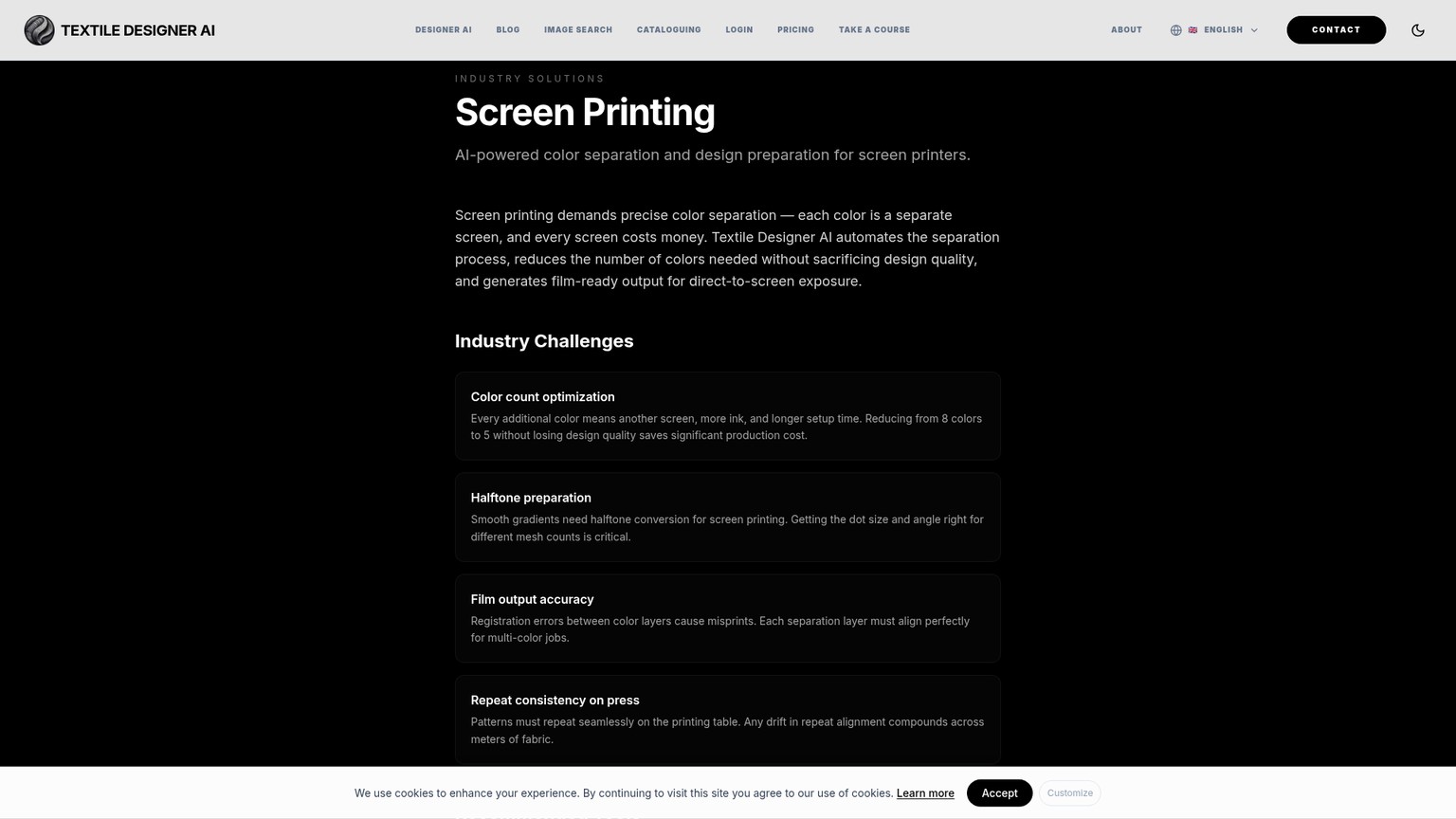
Textile Designer AI's screen-printing page documents PSD, TIFF, and separate PNG outputs, plus halftone conversion with configurable dot size for different mesh counts. Those are relevant capabilities. The same page does not publicly specify a dedicated underbase generator, highlight-white plate, registration-mark output, built-in RIP, or the full LPI, angle, and dot-shape controls a film workflow may require.
The practical shortlist is therefore about the job after export, not the marketing category.
Choose InkSplit when the missing press controls are the job. Choose Illustrator when a production artist wants to own every vector, swatch, trap, and mark. Choose Vector Magic when the only broken link is raster-to-vector conversion. Use the broader screen-print color-separation roundup if the decision is still about which product category to buy rather than whether this one passes.
Who should skip Textile Designer AI outright? Shops that need a one-button film-positive pack for black garments should skip it. Studios handling unreleased client art should also pause until they have an Enterprise training opt-out in writing. And anyone expecting an attractive preview to settle press behavior should keep a separator in the loop: mesh, ink deposit, substrate, cure, and registration are physical variables the browser cannot approve.
AI Textile Color Separation: Four Production Workflows That Matter
Textile Designer AI matters here only if its separate tools form a clean handoff. The following workflows use two acceptance files: an original two-color leaf motif for the flat-art path, and the vendor's more complex floral demonstration for the difficult path. They are a reproducible paid-pilot protocol, not fabricated proof that exports were opened in this run.
1. Build and Inspect the Repeat
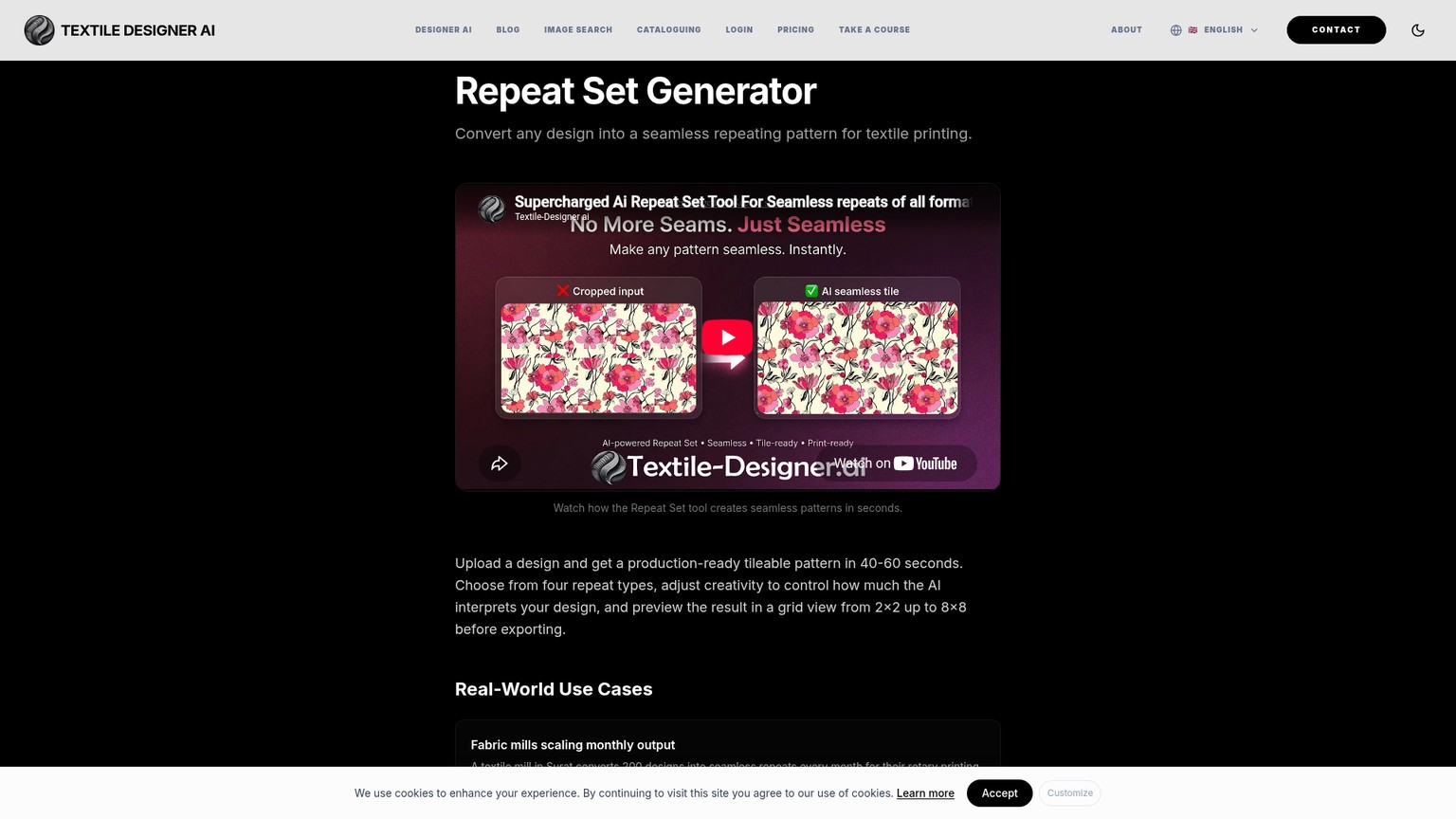
Textile Designer AI's Repeat Set accepts PNG, JPEG, TIFF, and PSD files up to 50 MB. Its feature page describes four repeat types and grid previews from 2x2 through 8x8. The separate AI guide names five families, Block, Half Brick, Half Drop, Mirror, and Step, and describes tileable downloads from 2x2 through 6x6. That mismatch is small, but buyers should settle it in the live workspace instead of assuming either page is the final interface contract.
Use the original leaf motif because its geometry makes errors obvious. The source should contain exactly two flat colors and a motif that crosses at least one tile edge. Run the desired repeat, download both the single tile and a multi-tile preview, then inspect every left-right and top-bottom join at final print size. A pass means no seam, duplicate stem, clipped leaf, or AI-invented bridge. A visually pleasing repeat that changes the motif fails.
The Repeat Set base charge is 4 credits. That is cheap enough to test several layouts, but multiple attractive previews should not distract from the only production question: does one exported tile repeat precisely at the dimensions the shop records?
2. Turn Color Clusters Into Editable Plates
Textile Designer AI's Color Separation accepts PNG or JPEG up to 50 MB and describes separate editable layers. The product's screen-printing page names PSD with individual layers, TIFF, and separate PNG output. Its AI guide calls the core operation Color Layering, lists a 10-credit base cost, and offers Automatic or Advanced-Quant processing with an exact cluster count.
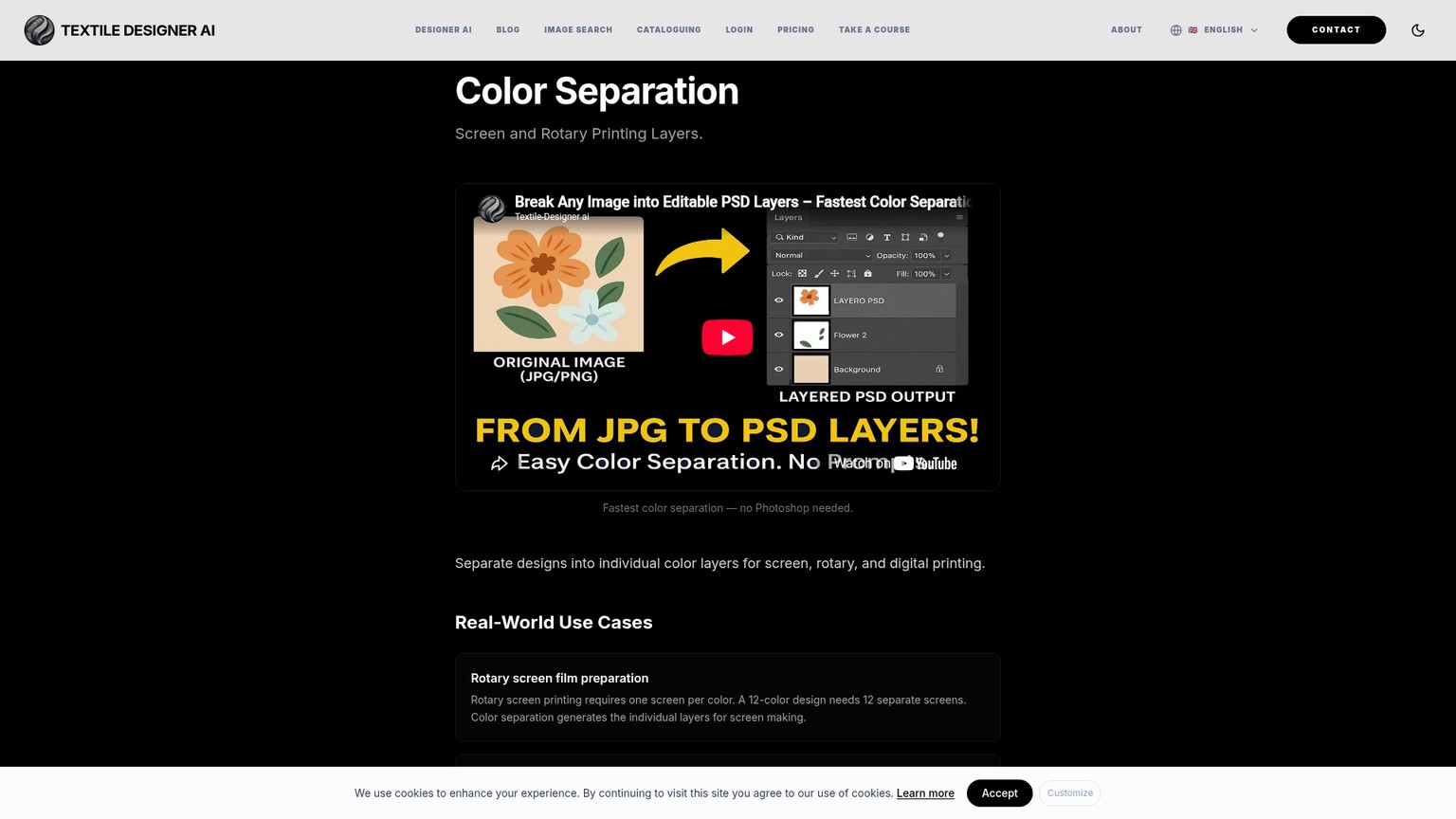
The two-color leaf file should yield two intentional color plates, not a halo of near-duplicate shades. Open the PSD in the shop's normal editor and check that each intended ink can be hidden, recolored, cleaned, and output independently. Zoom into diagonal edges, small gaps, and the repeat boundary. Then overlay all plates to confirm they still register.
The complex floral file asks a different question: can the operator choose a useful palette without losing tonal structure? In the vendor's public demo, one design is manually set to 15 layers and downloaded as PSD; another is automatically detected as 5. That proves the demo exposes both operator-selected and automatic color counts. It does not prove either count is press-appropriate. The vendor's own separation guide still assigns trapping, near-white cleanup, edge correction, shade merging, and tonal or halftone judgment to a human.
3. Isolate Objects, Then Vectorize What Merits It
Textile Designer AI's Object Layering creates a PSD with separate object layers and carries a 7-credit base cost. The public demo reveals the important manual step: the user draws boxes around the desired objects, and the boxes should not overlap. That is assisted extraction, not a no-touch understanding of the pattern.
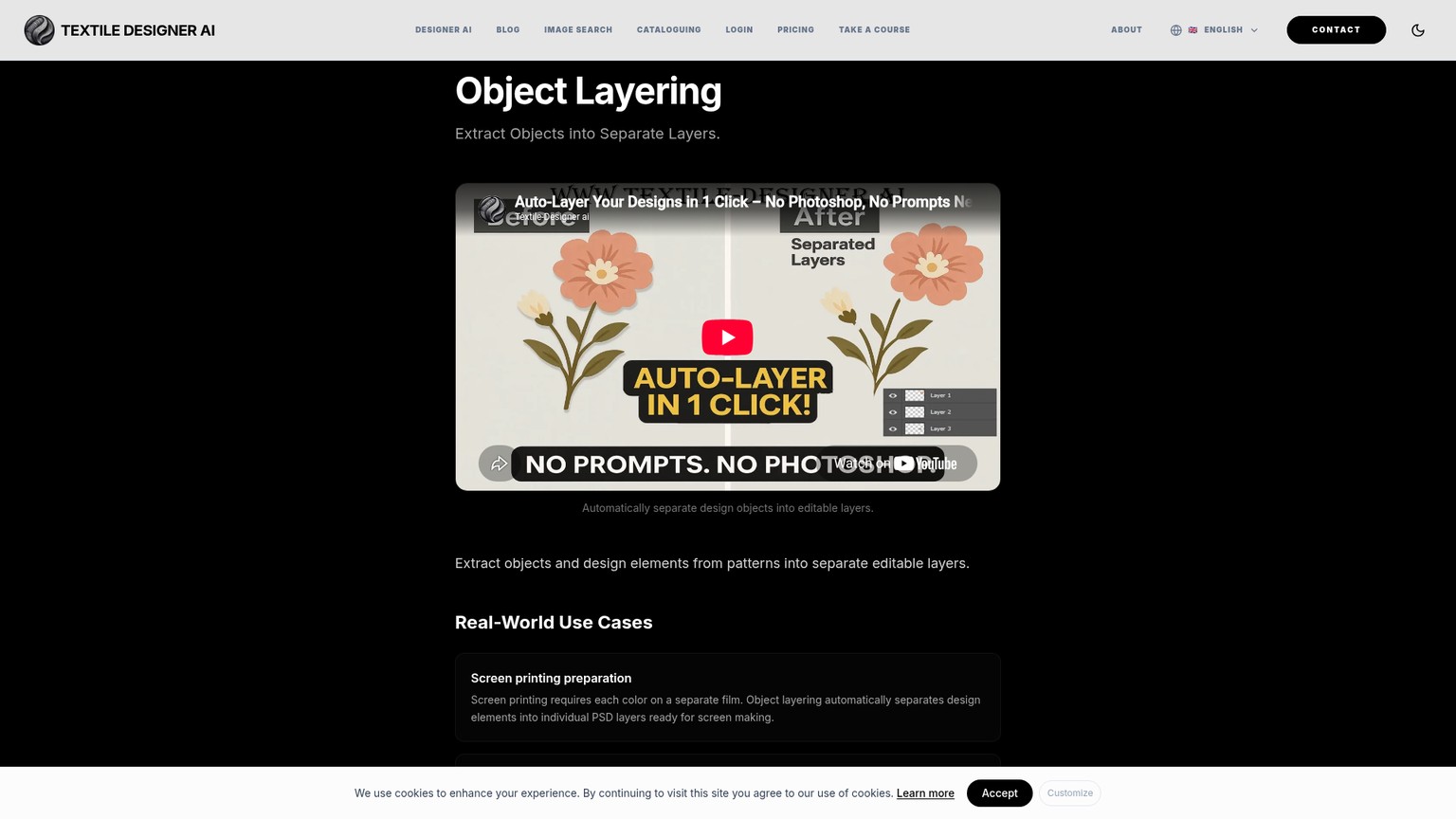
Use Object Layering on the complex floral design. Draw one box around an isolated flower, another around a distinct leaf, and a third only where an overlapping motif can be selected without borrowing its neighbor. The acceptance check is not the number of layers. It is whether the extracted edges are clean enough to move, recolor, or delete without repainting the original art. If overlaps require repeated masks and repair, record that labor as part of the tool's cost.
Vector Export Is a Separate Stage
Textile Designer AI's Vectorizer accepts JPEG or PNG, while the current AI guide documents PNG, SVG, and EPS downloads, optional seamless edges, line-quality choices, and parent grouping. The base cost is 11 credits. SVG and EPS are the relevant editable paths; the tool does not publicly promise native .ai or PDF export.
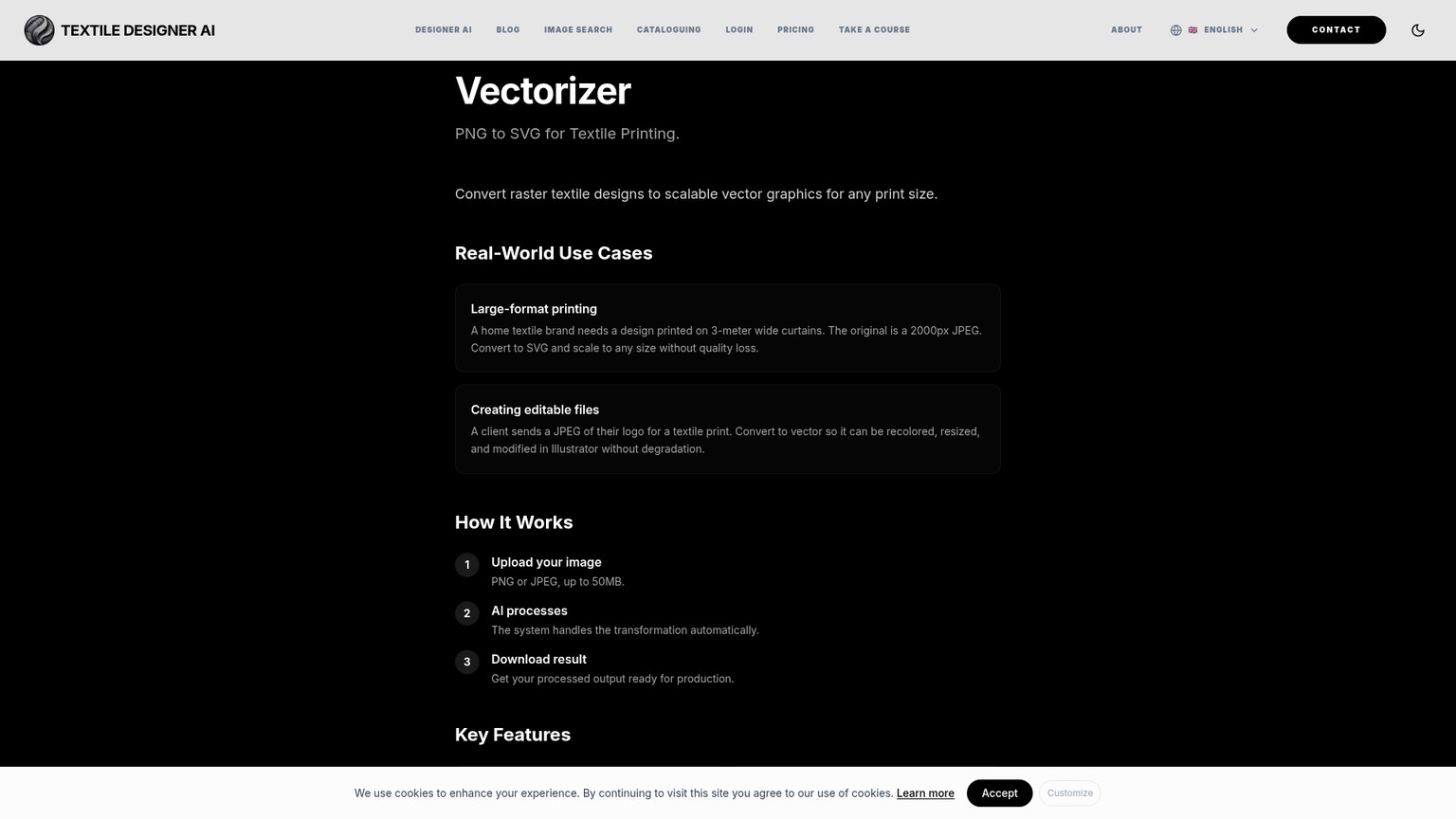
Vectorize the approved flat leaf plate, not the entire complex composite by default. In Illustrator or the shop's vector editor, check the path count, grouping, closed shapes, small holes, and repeat seam. The vendor's screen-print vectorization article names EPS, AI, SVG, and PDF as common shop formats, but the tool's documented export contract is narrower. A file can be technically vector and still be expensive to edit if every textured edge becomes hundreds of points. EPS or SVG is a handoff format, not a quality verdict.
4. Match the Palette and Restore Output Size
Textile Designer AI's Color Matching extracts colors, suggests palettes, maps them to Pantone TCX, replaces colors, and supports shared palettes. The AI guide separates a free PSD recoloring helper from the paid 8-credit Color Matching workflow.
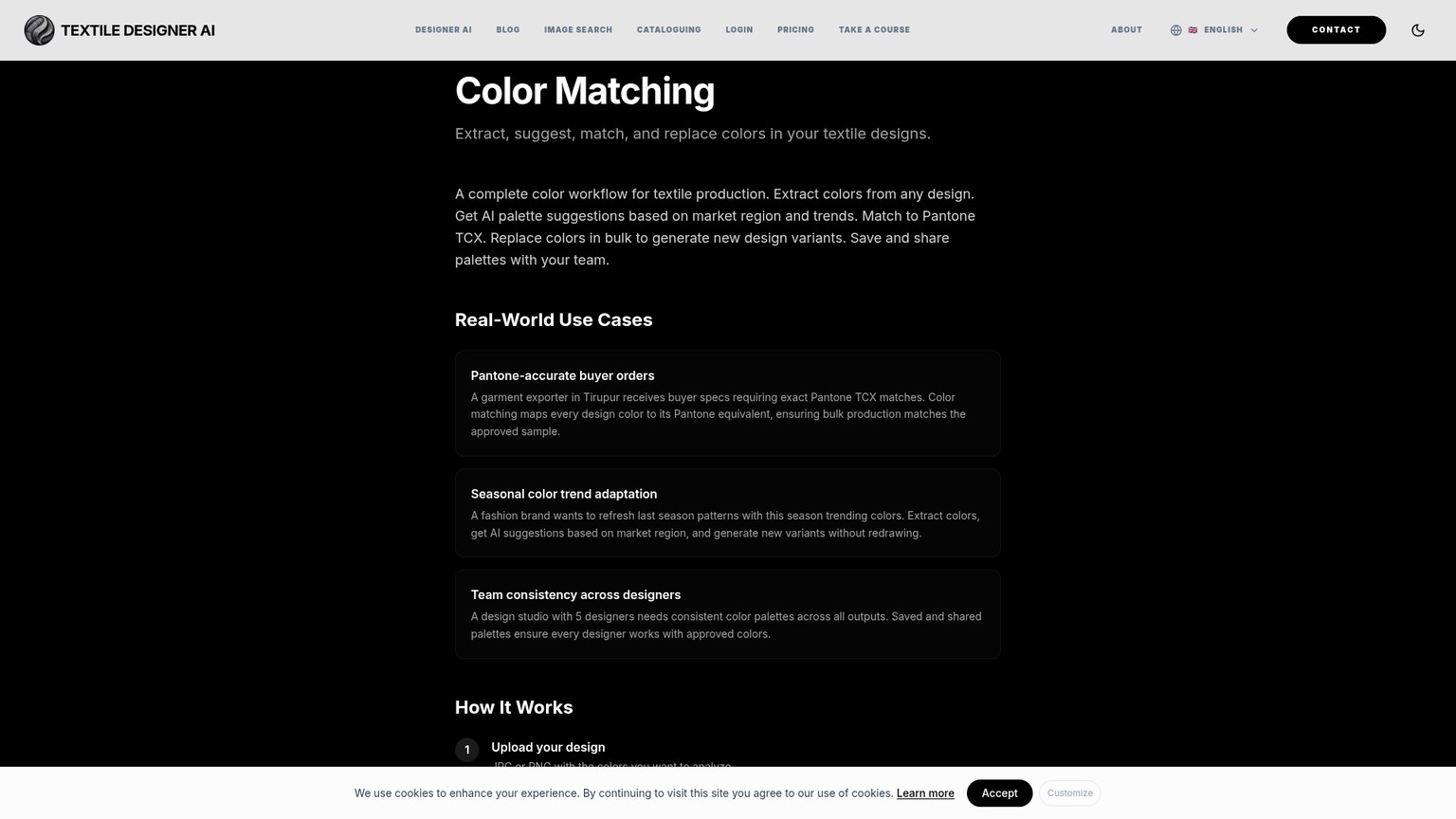
For the leaf motif, map each of the two approved colors, then hand the values to the shop as targets. Do not call that a physical match until a swatch or press proof is viewed under the agreed light. Garment color, underbase, mesh, ink system, deposit, and cure can all move the result away from the display.
Ready to Print Does Not End the Inspection
Textile Designer AI's Ready to Print accepts PNG or JPEG, offers 2x, 3x, or 4x scaling, and downloads PNG or JPEG at a selected target DPI. The AI guide adds Basic and Advanced modes, creativity and resemblance controls, up to 5 images, and one free Change Creativity pass. Its base cost is 7 credits.
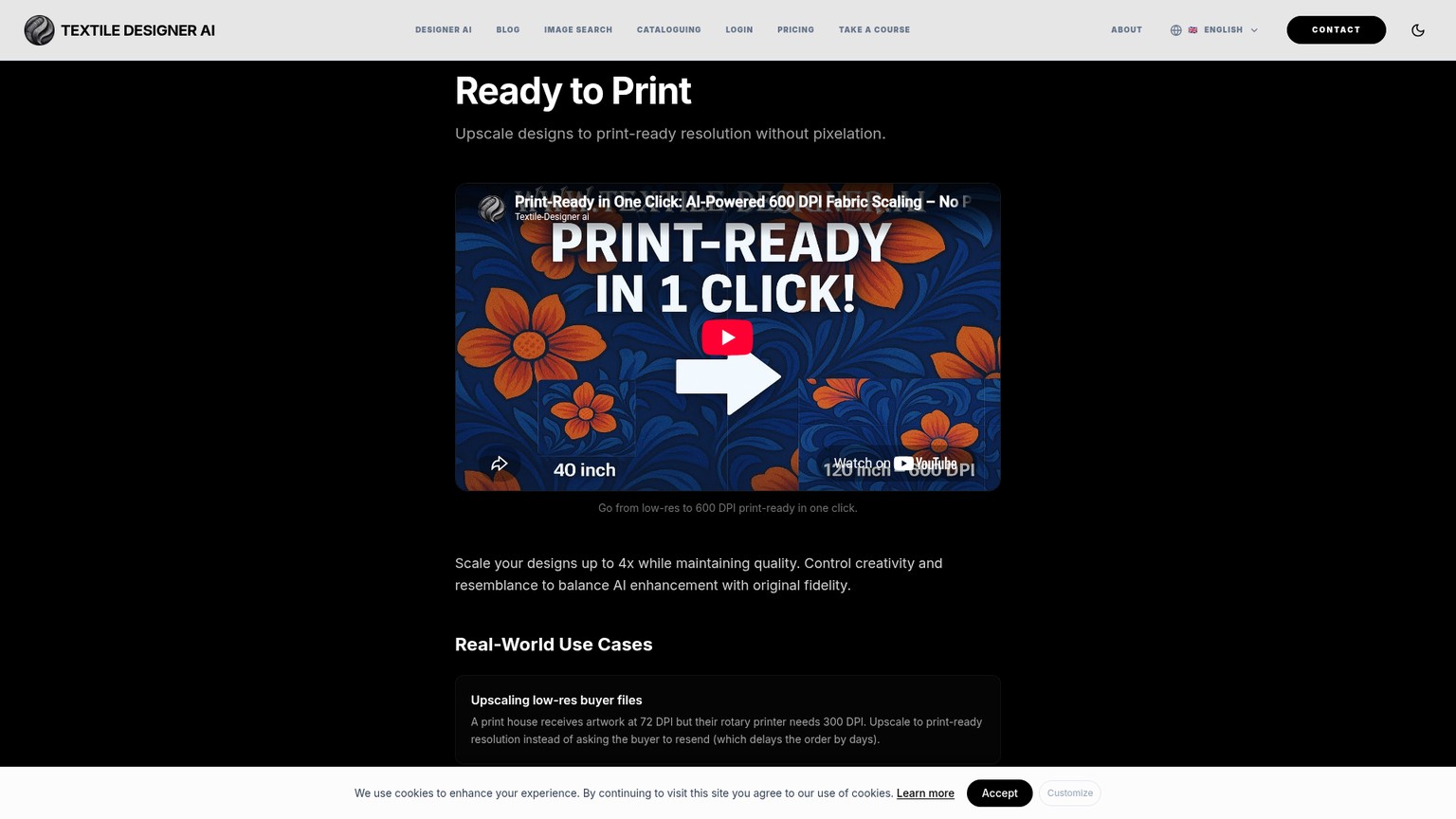
Upscaling should happen after the motif, palette, and edges are approved. Open the result at final physical size and compare narrow gaps, line weight, texture, and repeat joins against the source. A file tagged with a high DPI can still contain invented or softened detail. The pass condition is stable printable structure, not a larger pixel count.
Lock two sources
Use the original two-color leaf repeat and the vendor's complex floral demonstration. Record intended dimensions, permitted inks, garment or fabric color, and the shop's output application before spending credits.
Run the smallest necessary chain
Do not send every file through all six tools. Flat art may need Repeat Set, Color Layering, and Vectorizer. The complex file may need Object Layering and Color Layering before a specialist decides whether vectorization or halftones make sense.
Open every claimed format
Check PSD layers in the normal raster editor and SVG or EPS paths in the normal vector editor. Confirm dimensions, repeat alignment, editability, layer meaning, and composite registration.
Get the shop's acceptance
Require a production artist to list remaining trapping, white-ink, halftone, registration, and film-output work. The pilot passes only when that cleanup stays below the shop's agreed threshold.
Textile Print Production Software Pricing: Every Plan
Textile Designer AI's live pricing page localizes currency; this table records the USD view verified on 12 September 2026. Taxes and regional presentation can differ. The current public catalogue contains monthly, yearly, team, truly unlimited, and Enterprise choices.
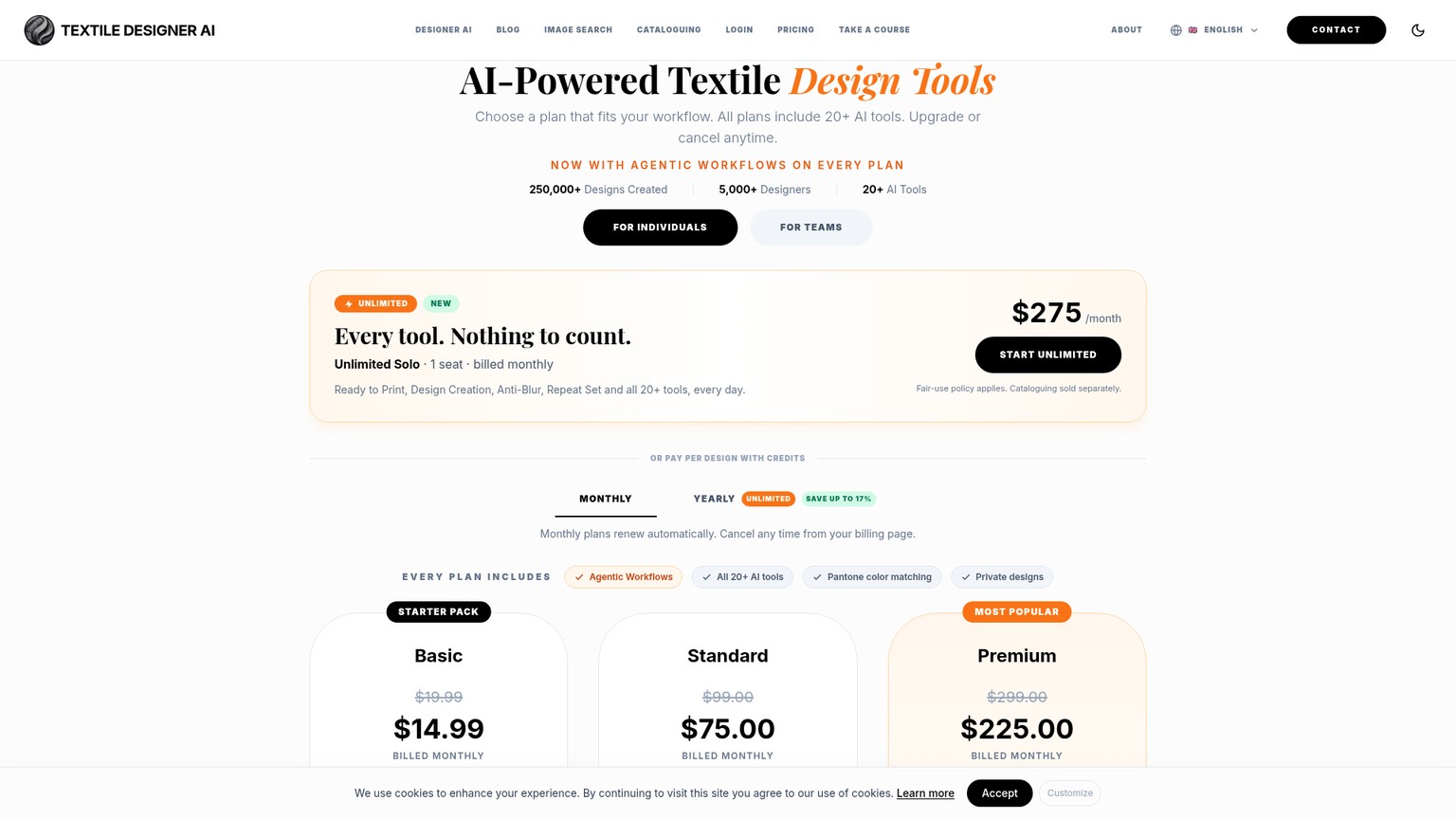
Monthly credits are replaced with a fresh allocation each billing cycle. Yearly plans are one-time 12-month purchases, do not renew automatically, and carry unused credits forward when the next year is purchased. The truly unlimited plans still have a shared daily fair-use budget, reset at midnight IST, plus 5 Boost days per month. The public page does not disclose the budget amount.
What One Complete Handoff Costs
The conservative planning route uses all six relevant tools at their listed base costs:
- Repeat Set: 4 credits
- Color Layering: 10 credits
- Object Layering: 7 credits
- Vectorizer: 11 credits
- Color Matching: 8 credits
- Ready to Print: 7 credits
That totals 47 credits. It is a budget ceiling for this acceptance route, not a recommendation to run every tool on every file. The pricing page also warns that image size, mode, or output can change a base charge.
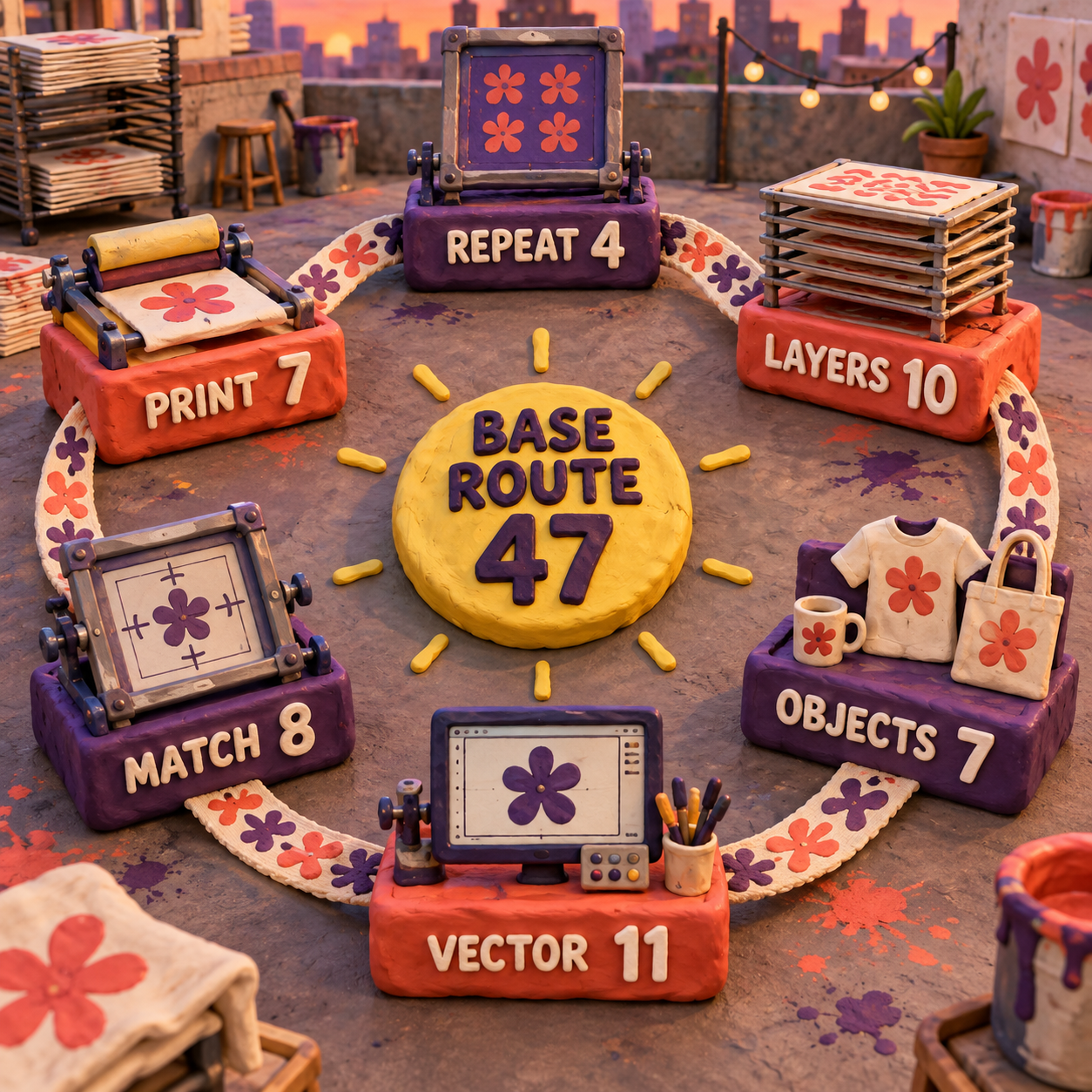
At base rates, Basic funds 5 complete 47-credit routes and leaves 40 credits. If the allocation is fully used, each route consumes about $2.56 of the plan. Standard funds 31 routes with 43 credits left, or $2.35 of allocation per route. Premium makes Repeat Set and Ready to Print unlimited, leaving 36 listed credits across the other four steps; its 3,600-credit balance therefore covers 100 such routes at base rates.
Those figures measure software allocation, not accepted production. Add the minutes spent fixing masks, naming inks, rebuilding a white plate, trapping, making halftones, or recreating vectors. A $2.56 export that needs an hour of repair is more expensive than a $19 specialist workflow that reaches film sooner.
Pricing recommendation: start with Basic, not Standard. Upgrade only after the two acceptance files pass and the actual monthly queue exhausts 275 credits. At high volume, compare Premium with Unlimited Solo: the $50 gap is small, but the unpublished Unlimited fair-use budget should be clarified in writing before a studio depends on it.
Screen Printing Design Preparation: The Real Limitations
Textile Designer AI has enough documented capability to deserve a pilot and enough unresolved production detail to make blind adoption risky. Seven limitations matter more than another gallery of attractive pattern outputs.
1. This Review Could Not Inspect an Authenticated Export
The public workflow route leads to sign-in, and no account was created for this run. That means layer names, canvas dimensions, clipping behavior, embedded profiles, spot-channel semantics, and path cleanliness remain acceptance-test items. Public documentation can verify that PSD, SVG, EPS, TIFF, PNG, and JPEG are offered across the workflow. It cannot verify the contents of a particular downloaded file.
2. Editable Layers Are Not Automatically Screen-Ready Films
The product documents halftones and separate layers, but the checked pages do not document a dedicated underbase or highlight-white generator, registration-mark output, a built-in RIP, or complete LPI, angle, and dot-shape controls. That is the strongest reason to avoid it as a standalone dark-garment or simulated-process solution. A print shop may still need InkSplit, Illustrator, Photoshop, or its existing RIP after the AI step.
3. Object Extraction Still Needs Manual Boxes
The Object Layering demo asks the user to draw non-overlapping boxes around desired motifs. Complex overlaps are exactly where a production artist hopes automation will save time, so selection and edge repair must be measured. The limitation is not that human input exists. It is that the public automatic promise can hide where that input occurs.
4. The Repeat Documentation Disagrees With Itself
One public page says four repeat types and 2x2 through 8x8 previews. The AI guide names five repeat families and 2x2 through 6x6 tileable downloads. Interfaces change faster than landing pages, but a production contract should not require guesswork. Confirm the live choices and exported dimensions during the Basic pilot.
5. Pantone Mapping and DPI Are Still Digital Proxies
Color Matching can map artwork to Pantone TCX, and Ready to Print can upscale and assign a target DPI. Neither promise closes the physical loop. A press proof validates color. A final-size inspection validates effective detail. Treat both tools as preparation aids, not certificates.
6. Credits Expire, and Unlimited Still Has an Undisclosed Limit
Unused monthly credits expire after 30 days. The Unlimited plans remove per-tool counting but apply an unpublished shared daily fair-use budget. Five monthly Boost days can double that day's allowance, yet a studio cannot model peak capacity from the public page alone. Ask for the exact operational threshold and remedy for a blocked production day.
7. The Training License Is Broad
Textile Designer AI's terms say users retain ownership of their original uploads, but they also grant Scientia AI a perpetual, irrevocable, worldwide, royalty-free, sublicensable license to use designs and outputs to train, test, validate, and improve models and services. That license survives account termination. Enterprise customers can request a written training opt-out before uploading.
This is the limitation many feature-led reviews miss. Designs are private on a pricing card is not the same promise as designs are excluded from model training. Do not upload unreleased collections, licensed artwork, buyer-confidential files, or protected brand assets until the rights holder accepts the clause or the vendor supplies the Enterprise opt-out in writing.
Verdict: Buy the Basic Pilot, Not the Promise
Textile Designer AI is worth a $14.99 Basic pilot for a textile operation that starts with existing pattern art and wants faster repeats, editable PSD layers, selective object extraction, palette mapping, vectors, and raster upscaling in one browser suite. It is not the right primary purchase for a screen-print shop whose hard work begins with underbases, highlight whites, simulated-process plates, registration marks, and film output.
The best fit is flat-color fabric and surface-pattern work. The weaker fit is tonal apparel art on dark garments. The worst fit is confidential client work uploaded without a negotiated training opt-out.
If the pilot passes, Basic is enough to establish real credit consumption and cleanup time. If it fails only at apparel prepress, keep Textile Designer AI for pattern preparation and hand the approved art to InkSplit or the existing separation stack. If it fails at repeat alignment or editability, stop; the rest of the suite cannot rescue a broken production handoff.
FAQ
Which AI platform is best for textile design?
There is no universal winner. Textile Designer AI is a strong candidate when repeats, palette work, layered PSD output, vectorization, and upscaling need to live in one textile-focused suite. For screen-print film preparation, InkSplit documents more press-specific controls. Run the same two representative files through the shortlist before choosing.
What is the best software for textile design?
Choose by deliverable. Textile Designer AI fits AI-assisted pattern preparation; Illustrator fits deliberate vector construction and spot-color control; Photoshop fits raster and channel editing; specialist CAD or production systems may be better for weaving, knitting, or mill-specific output. Best depends on what the next operator must receive.
How much does a textile designer get paid?
There is no single reliable global figure. Pay varies by country, employment type, experience, product sector, and whether the role is creative, technical, or production-facing. Use a current local labor-statistics source and live job listings for compensation research; software pricing does not answer the salary question.
How to use AI in textile business?
Start with a bounded handoff: create or receive a motif, build the repeat, reduce and map the palette, separate editable layers, then make a human approve the production file. Measure accepted outputs and cleanup time, not image volume. Keep confidential designs out of any service whose training terms have not been approved.
What are some good apps for textile design?
Textile Designer AI covers AI-assisted pattern operations; Illustrator handles vectors and separations; Photoshop handles raster cleanup and channels; Vector Magic is useful for focused raster-to-vector conversion. Screen printers should also consider a specialist separator such as InkSplit when white plates and film controls matter.
How to use AI in fabric?
Use AI before production approval, not instead of it. Apply it to motif generation, repeat construction, color reduction, palette variants, layer extraction, or upscaling. Then verify scale, repeat seams, color targets, editable output, and press behavior with a swatch or production proof.
How much does Fabric AI cost?
Fabric AI is ambiguous and may refer to a different product. If the question means Textile Designer AI, the verified USD pricing starts at $14.99 per month for 275 credits; the complete plan table above includes every current tier. Confirm the product name and region before purchasing.
How to start using AI for beginners?
Pick one reversible task and one low-risk source file. For this product, a two-color original motif is ideal: test the repeat, export the layers, inspect them in familiar software, and record every correction. Do not begin with a confidential collection or a complicated live order.
Can I use AI for free?
Some tools offer free access, but Textile Designer AI's public pricing page did not advertise a general free plan or free trial when checked. It does describe some free helpers, while its paid Basic plan starts at $14.99 per month. InkSplit offers a free Starter tier if the goal is to evaluate dedicated screen-print separation.
- Last Updated
- Sep 12, 2026
- Category
- Design
Prefer this site in Google


Mark omidsaffari.com as preferred and Google lifts it in Top Stories, AI Overviews and AI Mode for you.
Best AI Tools for Screen Printing Color Separations
Compare tools for editable color plates, underbases and print handoff, with clear limits on what AI and ordinary separation automation do.Sep 12, 2026Design
Pattrn-AI Review for Stained Glass Patterns
Check whether Pattrn-AI turns photos and sketches into editable, printable stained glass patterns, and where manual pattern work remains.Sep 12, 2026Design
Glimeo Pricing (2026): Redos, Extras, and Expiry
Decode Glimeo plans, $10 extra videos, paid redos, expiry rules, and annual billing so your demo-video budget matches the work you approve.Sep 12, 2026Design
Best AI Tools for Landscape Design Proposals
Compare AI landscape design tools for client proposals by photo fidelity, revisions, exports, commercial use, and cost per project.Sep 11, 2026Design
ngram vs Guidde for Product Demo Videos
Compare ngram and Guidde for product demos: source material, capture, editing, branding, exports, and the work needed for each update.Sep 10, 2026Design
Demosmith Pricing
Decode Demosmith plans by AI minutes, demo limits, video versions, exports, and the point where a weekly demo workflow needs an upgrade.Sep 10, 2026Design
CullAi vs Narrative Select
CullAi is now a legacy app. Compare its photo-selection workflow with Narrative Select and see what an existing user gains by moving.Sep 10, 2026Design