10 best vibe coding tools in 2026 (and the ones to avoid)
The 10 best vibe coding tools in 2026, ranked by who they actually fit, with real pricing, honest cons, and the ones to skip.
Published Updated
 By Omid Saffari



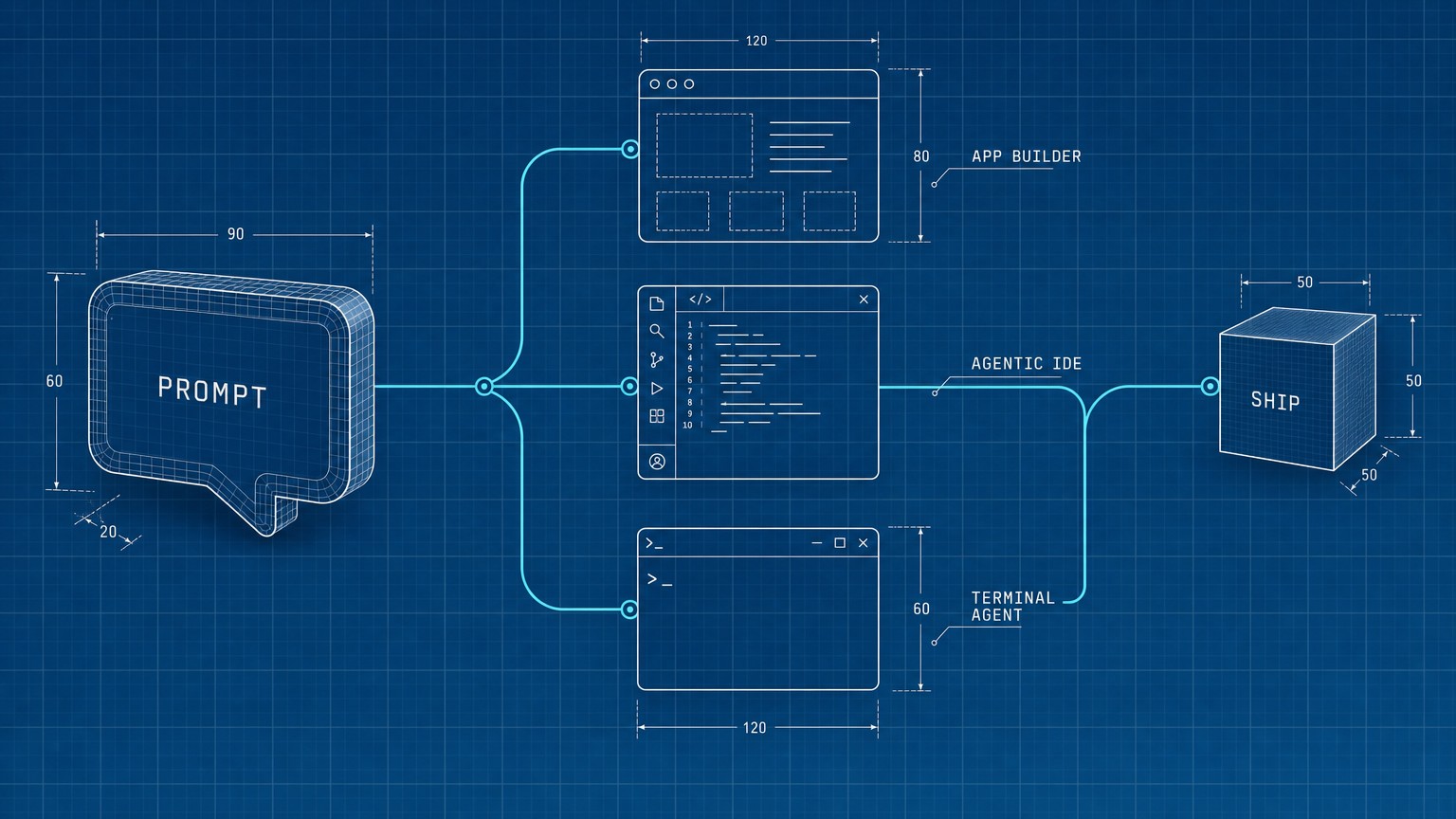
Vibe coding stopped being a meme the day Collins made it Word of the Year, and now there are two dozen tools all promising the same thing: describe an app, get a working app. Most of them will quietly burn through your credits before you ship anything. The split that actually matters is not "best to worst," it is which layer you are buying into.
There is no single best vibe coding tool, because the job splits three ways and the tool that wins one loses the others. If you cannot code and want a real app, Lovable is the pick, with Bolt.new for instant prototypes and Replit when you also want one-click hosting. If you can code and want AI inside your editor, Cursor is the default, Windsurf the cheaper agent, and Google Antigravity the free wildcard worth trying this month. And if you are working over a large existing codebase, Claude Code in the terminal is in a class of its own. The thing that decides it is not features. It is the credit and token math, and that is where almost every roundup goes quiet.
What is vibe coding?
Vibe coding means building software by describing what you want in plain language and letting an AI write the implementation, rather than typing every line yourself. The term went mainstream in 2025, and the tools now fall into three layers worth naming up front, because picking the wrong layer is the most expensive mistake you can make.
- Prompt-to-app builders turn a sentence into a deployed, full-stack app. You never see a code editor unless you ask. Best if you cannot code.
- Agentic IDEs are code editors with an AI agent baked in. You still work in files, but the agent writes most of them. Best if you can read code, even a little.
- Terminal agents run in your command line and operate over an entire existing project. Best for real engineers and big codebases.
Get the layer right and the specific tool almost picks itself.
How we ranked these
Every price, tier, and limit below was pulled from each vendor's own live pricing page while writing this, not from a memory of what these tools cost six months ago, because in this category prices and credit models change constantly and a stale number sends you to the wrong tool. We did not run a month-long personal trial of all ten; instead each tool is priced from its live page and judged on who it actually fits, the standout capability, and the real cost math once you outgrow the free tier.
The lens is the credit or token tax. Nearly every builder here meters usage in credits or tokens, so the sticker price is only half the story, and the other half (how fast a real project drains your monthly allowance) is what separates a $25 plan that lasts from a $25 plan you blow through in a week. We cut pure website builders and enterprise low-code platforms (Wix, Hostinger, OutSystems) because those are a different buying decision, covered separately in our AI website builders roundup.
Vibe coding tools at a glance
The prompt-to-app builders (for non-coders)
These five take a sentence and hand back a running app. If you have never written code, you live here.
1. Lovable: best for non-coders building a real, full app
Lovable is the tool to beat if you cannot write code but need more than a toy. You describe the app in plain language (or hand it a Figma file, a screenshot, even a voice note) and it generates the whole stack: the interface, the backend, a real database, user login, and hosting, not just a pretty front page. A non-technical founder can stand up a working SaaS MVP with sign-ups and a database over a weekend, which is exactly the use case it has gotten famous for. The wall you hit is the credit meter: complex requests chew through credits faster than you expect, and they expire, so it rewards building in focused bursts rather than tinkering for a month.
Best for: Non-technical founders shipping a genuine full-stack MVP
Standout: Generates frontend, backend, database, and auth from one prompt
Pricing: Free forever ($0); Pro $25/mo (100 credits/mo); Business $50/mo (adds a team workspace); Enterprise custom. Students get up to 50% off Pro.
Free trial: Yes, a free-forever tier to evaluate it
A credit in Lovable is just a unit of usage; you spend them every time you send the AI a build instruction, and the count varies with how hard the task is.
Here is the fastest path to a first real result, the part most beginners overcomplicate:
Describe the whole app in one prompt
Not "a login page." Say "a booking app where customers pick a service, choose a time slot, and pay a deposit, with an admin view of all bookings." Lovable plans the data model from that.
Connect the database when it offers
Accept its prompt to set up the backend and authentication natively. Skipping this is why people end up with a frontend that has nowhere to store data.
Refine one screen at a time
Fix the booking flow before you touch the admin view. Small, scoped messages cost fewer credits and produce cleaner changes than one giant "redo everything" prompt.
Publish and test the real link
Hosting is built in. Open the live URL on your phone and actually run a booking. That is your MVP, in an afternoon.
- Generates a genuinely full-stack app, database and auth included
- Multimodal input: text, voice, images, and Figma import
- Free-forever tier and a 50% student discount lower the bar to try it
- The clear top pick for non-coders, not just a prototype toy
- Credits expire in two months, which punishes slow builders
- Complex apps drain credits faster than the plan suggests
- You will still hit limits that need real developer help to clear
If you are torn between this and the next tool, the Lovable vs Bolt comparison breaks down exactly where each one pulls ahead.
2. Bolt.new: best for instant, throwaway prototypes
Where Lovable wants to build your real product, Bolt.new is built for speed: it runs entirely in the browser and turns a prompt into a functioning full-stack web app in minutes, with hosting and payments wired in. It is the one to reach for when you want to test five ideas before lunch and throw four of them away. The trade-off is tokens. Bolt meters everything in tokens, and most of that spend goes to syncing your project's files to the AI, so the bigger the project gets, the more each message costs, and a serious build can drain a monthly allowance quickly.
Best for: Fast, disposable prototypes and idea validation
Standout: Browser-based, prompt-to-app, with unused tokens that roll over
Pricing: Free ($0, 300K tokens/day and 1M tokens/month); Pro $25/mo (starts at 10M tokens/month); Teams $30/member/mo; Enterprise custom.
Free trial: Yes, a free tier with daily and monthly token limits
- Genuinely fast: a working web app in minutes
- Runs in the browser, nothing to install
- Tokens roll over for a second month
- Built-in hosting, Stripe payments, and storage
- Token usage climbs steeply as projects grow
- Less suited to a long-lived, maintained product than Lovable
- Free tier's 1M monthly tokens disappear fast on real work
3. Replit: best all-rounder with deployment built in
Replit is the safe middle choice, a full cloud development environment where its Agent 3 can plan, write, test, debug, and deploy an app on its own, then host it with zero setup. It is the all-rounder because it spans both worlds: a non-coder can let the agent drive end to end, while someone who reads code can drop into the editor when the vibe and the actual logic diverge. Replit reports that the large majority of its users have no coding background, which tells you who it is really built for. The catch is the price jump. The entry Core plan is reasonable, but if you outgrow it the next real tier is a steep leap.
Best for: Going from idea to a deployed, hosted app in one place
Standout: Agent 3 builds and ships; in-browser deploy with no config
Pricing: Free (daily Agent credits); Replit Core $20/mo ($18/mo billed annually, $20 monthly credits); Replit Pro $100/mo ($90/mo annually, $100 credits); Enterprise custom.
Free trial: Yes, a free tier with daily Agent credits
- One place for building, testing, and hosting
- Agent 3 can run the whole loop autonomously
- Friendly to non-coders and tinkering developers alike
- Reasonable $20 Core entry point
- The leap from Core to Pro is $20 to $100/mo with little in between
- Credit-metered, so heavy agent use adds up
- The browser IDE can feel heavy for very simple apps
4. Base44: best for backend-heavy MVPs
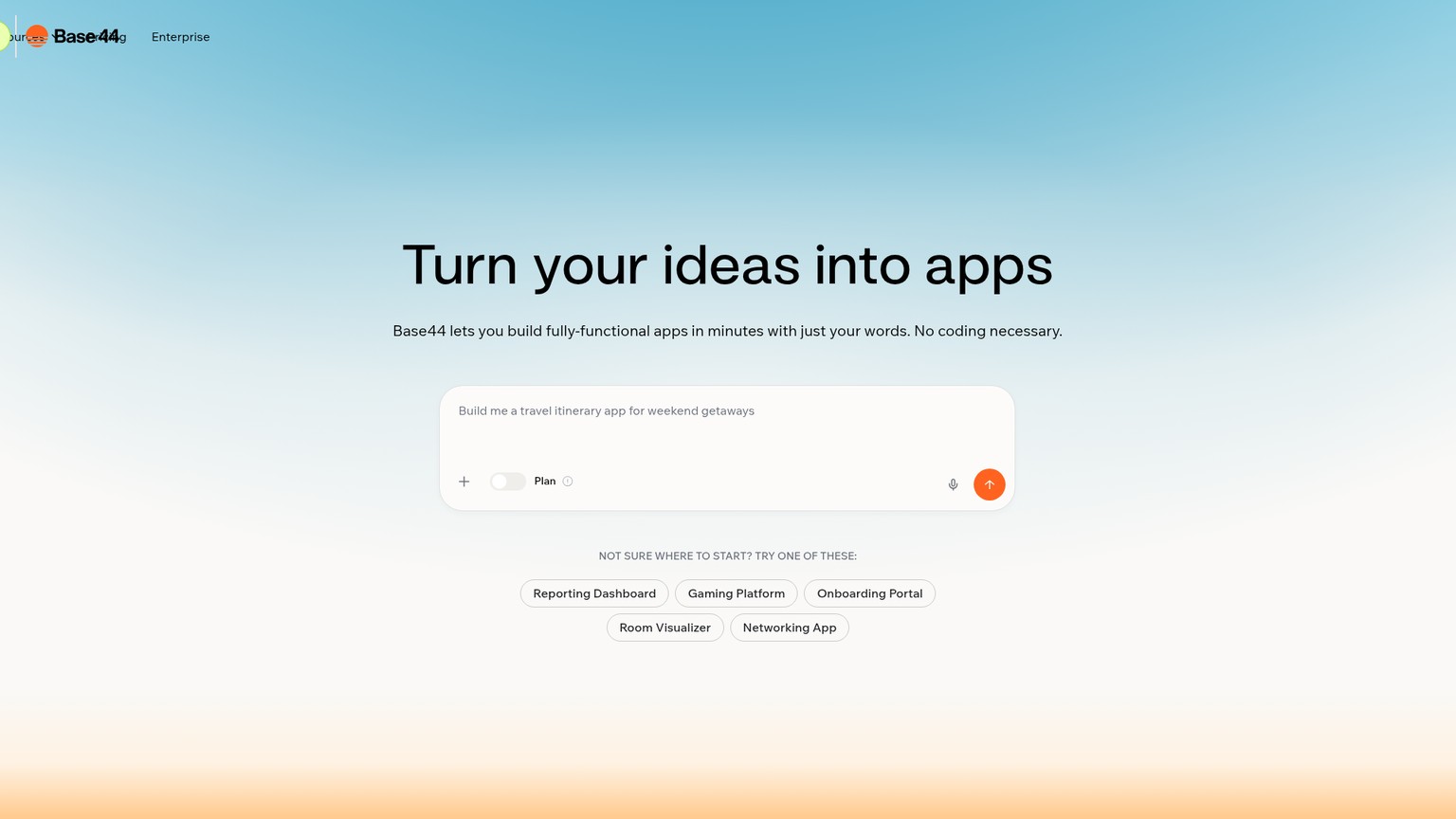
Acquired by Wix in 2025, Base44 leans into the unglamorous half of an app: the backend. Its pitch is "batteries-included," meaning the database, user authentication, email, and analytics are generated and wired up from your plain-language prompts, so you are not bolting services together by hand. That makes it the pick when your app is more about data and logic than visual polish, an internal tool or a CRM-style MVP rather than a marketing site. The thing to track is that Base44 splits usage into two separate meters, message credits and integration credits, so you have to watch both rather than one balance.
Best for: Data- and backend-driven MVPs and internal tools
Standout: Built-in database, auth, email, and analytics from prompts
Pricing: Free ($0); Starter $16/mo (100 message credits, 2,000 integration credits); Builder $40/mo (250 / 10,000); Pro $80/mo (500 / 20,000); Scale $160/mo (1,200 / 50,000).
Free trial: Yes, a free tier
- Backend, auth, and email handled for you out of the box
- The cheapest paid entry on this list at $16/mo
- Backed by Wix, so it is not going anywhere
- Strong fit for internal tools and data apps
- Two separate credit meters to monitor
- Less focused on polished, customer-facing design
- Smaller community than Lovable or Bolt
5. Vercel v0: best for UI and frontend work
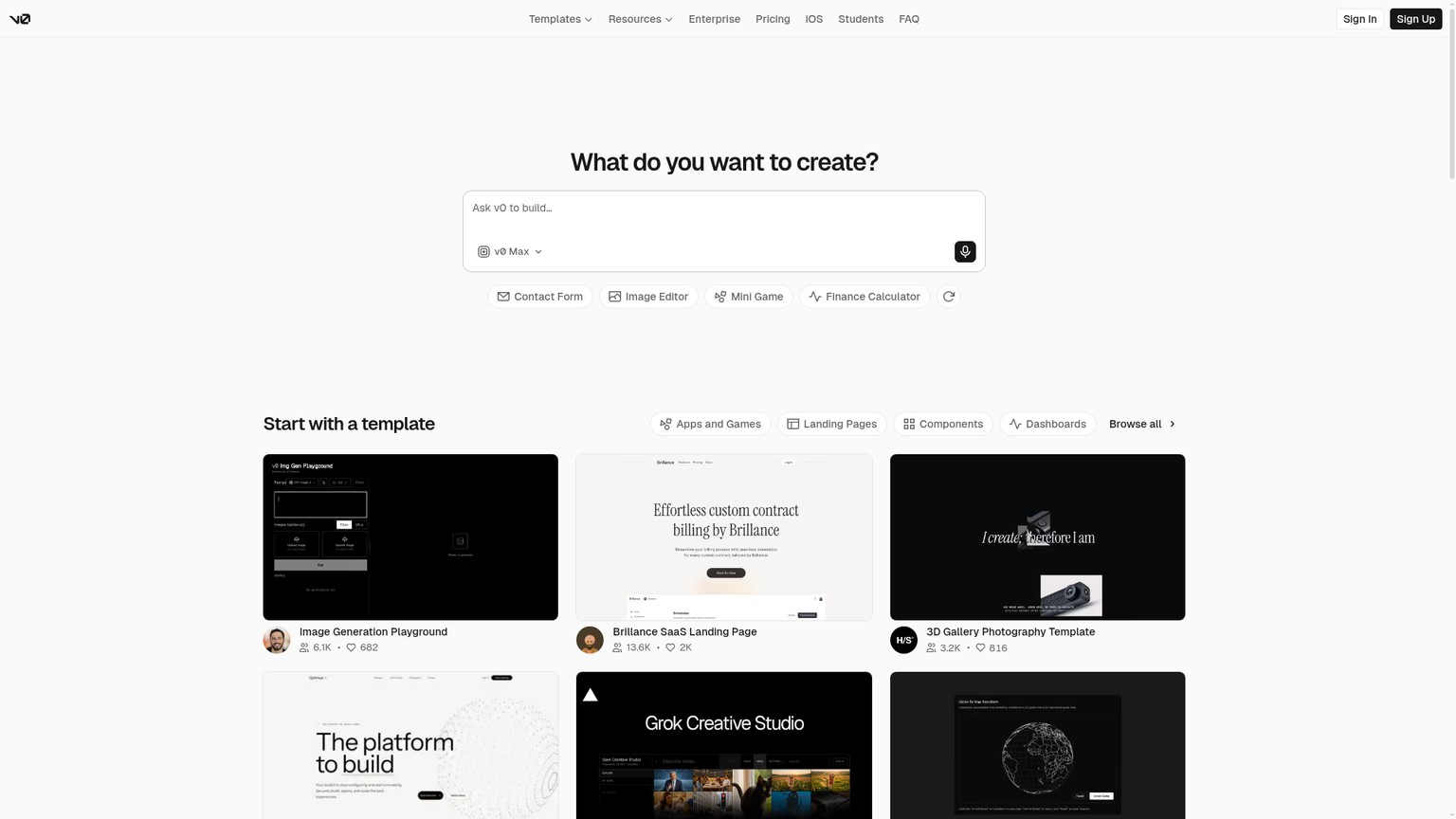
If your bottleneck is the interface rather than the whole app, Vercel v0 is the specialist. It generates production-ready React components using Tailwind CSS and shadcn/ui (a popular open-source component kit), and its Design Mode lets you nudge the result visually instead of re-prompting from scratch. Front-end developers use it to skip the tedious first 80% of a UI, then export to their real editor. Pricing is where you have to read carefully: the plan fee covers a credit allowance, but token usage is billed on top, so a heavy month costs more than the headline number.
Best for: Generating polished React UI fast
Standout: Production React + Tailwind + shadcn/ui, with a visual Design Mode
Pricing: Free ($0, $5 included credits/mo); Team $30/user/mo ($30 credits/user, $2 daily login credits); Business $100/user/mo; Enterprise custom. Token usage (from $1/1M input, $5/1M output) is metered on top.
Free trial: Yes, free tier with $5 monthly credits
- Best-in-class for clean, production-grade UI
- Outputs standard React/Tailwind you actually own
- Design Mode beats re-prompting for small tweaks
- Integrates neatly with editors like Cursor
- Frontend only; it does not build your backend
- Token billing on top of the plan fee is easy to underestimate
- Most valuable to people who already know React
For a deeper look at this whole prompt-to-app category on its own, see our dedicated AI app builders roundup.
The best AI app builders in 2026
A deeper, builder-by-builder comparison of the prompt-to-app tools, with the credit math spelled out.
The agentic IDEs (for developers)
These live in a code editor. You still work in files, but an AI agent writes most of them. If you can read code, even a little, this is where the real power is, and the AI coding assistants comparison goes deeper on the editor-by-editor differences.
6. Cursor: best daily driver for developers
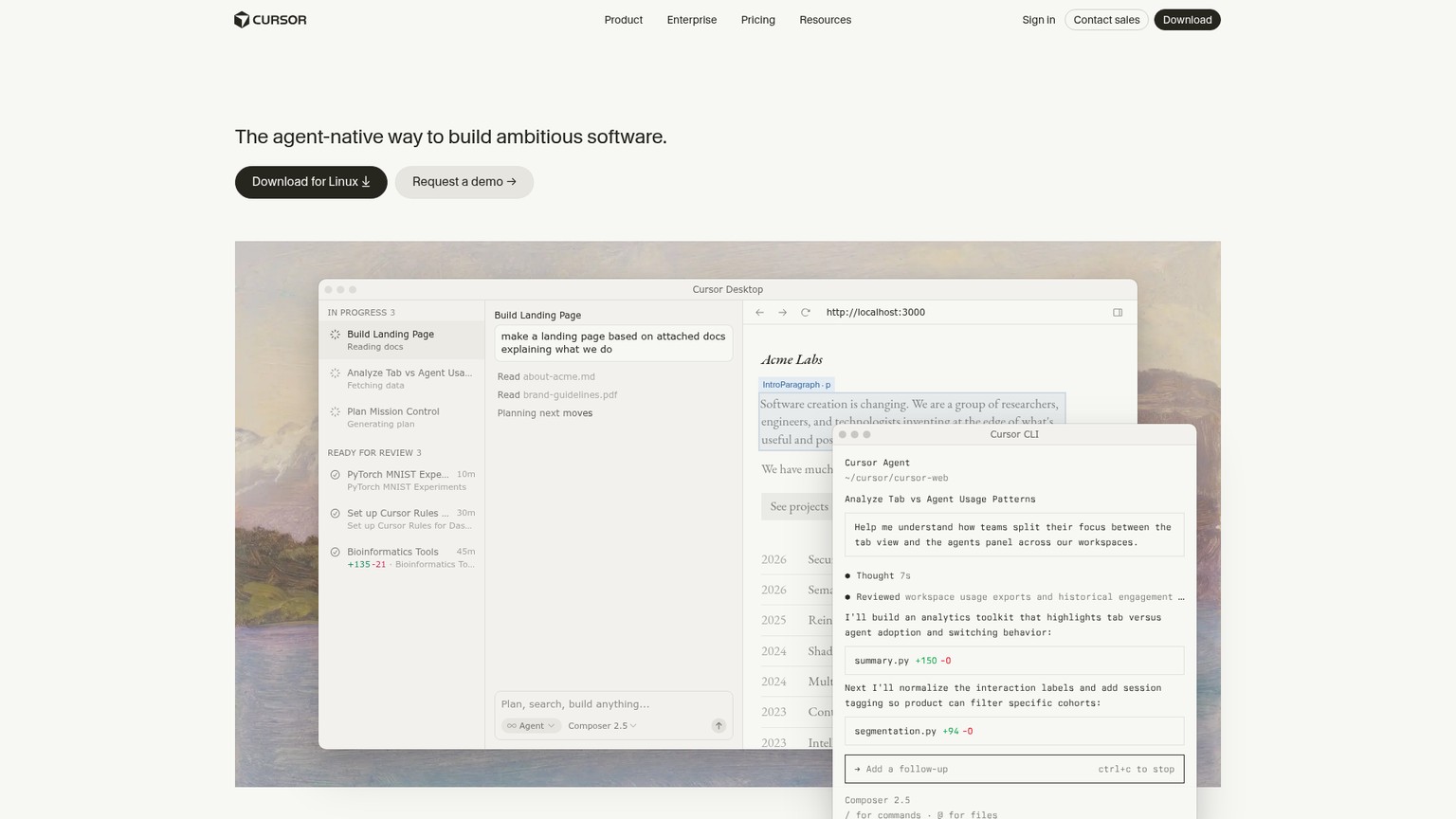
Cursor is the one most working developers actually keep open. It is a fork of VS Code (so it feels instantly familiar) with an AI layer that excels at multi-file edits, switching between underlying models, and chasing down deep bugs with its Bugbot feature. The reason it dominates developer mindshare is that it never makes you leave your normal workflow; the agent just sits inside the editor you already know. The watch-out is cost at scale: Pro is fine for steady use, but heavy agent users get pushed toward pricier Pro+ and Ultra tiers, and a team adds up per seat.
Best for: Developers who want an AI agent inside a familiar editor
Standout: Multi-file edits and model flexibility in a VS Code fork
Pricing: Free (Hobby, limited Agent requests); Pro $20/mo; higher Pro+ and Ultra tiers for power users; Teams $40/user/mo; Enterprise custom.
Free trial: Yes, a limited free Hobby tier
- Familiar VS Code experience, near-zero learning curve
- Excellent at multi-file edits and deep debugging
- Switch between AI models to fit the task
- The de facto standard, so help and tutorials are everywhere
- Heavy agent use pushes you to costlier tiers
- $40/user/mo for teams adds up quickly
- Assumes you can read and steer the code it writes
7. Windsurf: best budget agentic IDE
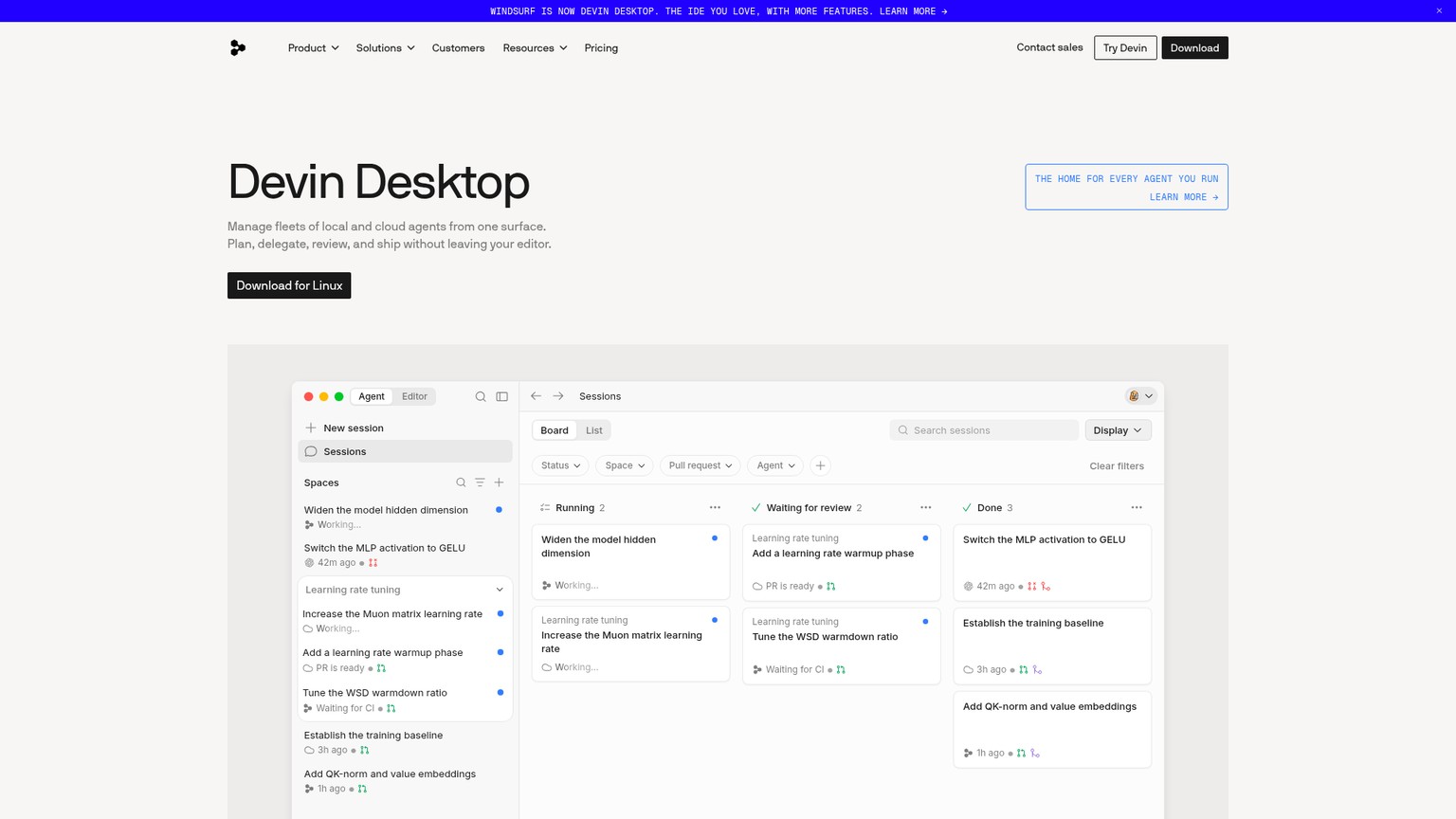
Now part of Cognition (the team behind the Devin agent), Windsurf is the value pick against Cursor. Its Cascade agent handles multi-file changes well, the experience is smooth, and the Pro tier matches Cursor's price while throwing in free use of its own SWE 1.6 model and leading open-source models, which softens the usage bill. It is the right call for an indie developer or a small team that wants agentic coding without the per-seat sting of the bigger names. The catch is the cliff above Pro: if you need serious quota, the Max plan is a steep jump.
Best for: Developers who want agentic coding on a budget
Standout: Cascade multi-file agent plus free use of SWE 1.6 and open models
Pricing: Free ($0); Pro $20/mo; Max $200/mo (much higher quotas); Teams $80/mo plus $40/mo per full dev seat; Enterprise custom.
Free trial: Yes, a free tier
- Matches Cursor's $20 Pro price with extra included models
- Cascade agent is genuinely good at multi-file work
- A capable free tier to evaluate
- Backed by Cognition, a serious AI-engineering team
- The jump from Pro to Max is $20 to $200/mo
- Smaller ecosystem and community than Cursor
- Team pricing layers a base fee on top of per-seat costs
8. Google Antigravity: best free wildcard worth trying now
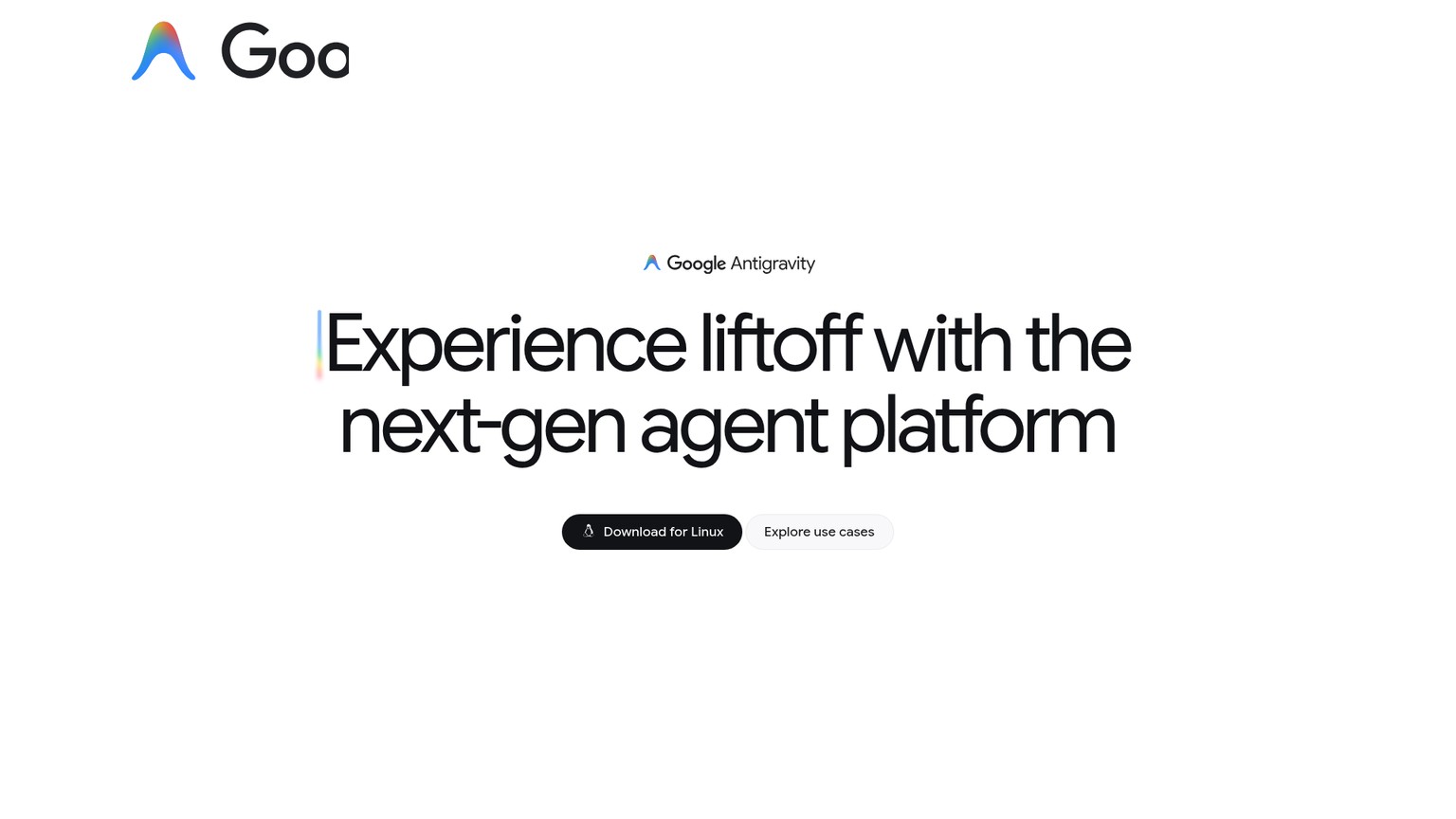
Google Antigravity is the newest name here and the reason it is worth a look this month rather than next year: it is Google's agent-first development platform, powered by Gemini, and it is currently free in public preview. It pairs a full agentic IDE with a terminal surface and an agent manager that lets you run several local agents in parallel, grouped into projects, even with browser-in-the-loop automation. For the price of a download (Mac, Windows, or Linux) you get a genuinely capable agentic environment with no subscription. Being this new is also the risk: it is early software, and on large or messy projects the agent can wander in ways the more mature tools have learned not to.
Best for: Trying a powerful agent-first IDE for free, right now
Standout: Run multiple local agents in parallel, Gemini-powered, no cost
Pricing: Free, available at no charge during public preview. Download for Mac, Windows, or Linux.
Free trial: Free in full during the preview
- Completely free during the public preview
- Parallel local agents and a real agent manager
- Backed by Google and the Gemini models
- A genuine glimpse of where agentic IDEs are heading
- Early-stage; rough edges and changing features
- The agent can lose the plot on large codebases
- No pricing commitment yet, so the free ride will end
9. GitHub Copilot: best safe default for existing teams
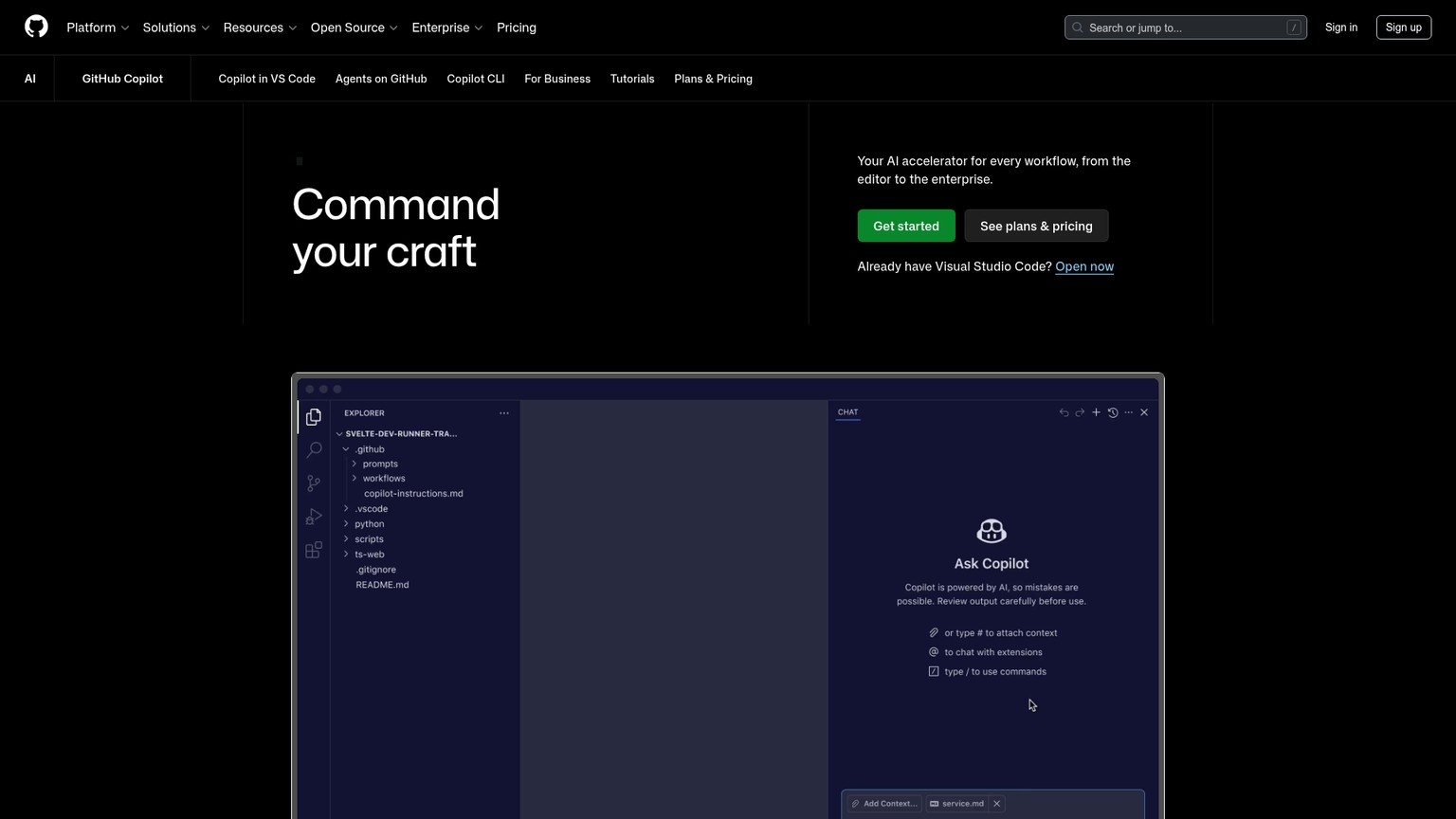
GitHub Copilot is the conservative choice, and for an established team that is a feature, not a flaw. It plugs straight into VS Code and JetBrains, sits inside the GitHub workflow your team already uses, and its agent mode now lets you describe a feature and have it built, not just autocomplete a line. It will not generate a whole app from a single sentence the way Lovable does, but for a team shipping production code with reviews, branches, and CI, it is the lowest-friction, lowest-risk way to add AI. The cost story is the friendliest here: a usable free tier and a $10 Pro plan undercut almost everyone.
Best for: Teams already living inside GitHub and VS Code
Standout: Deep GitHub and editor integration, lowest-risk adoption
Pricing: Free ($0, 2,000 completions/month); Pro $10/user/mo ($15 monthly credits); Pro+ $39/user/mo ($70 credits, 4x+ Pro usage). Business and Enterprise plans exist for organizations.
Free trial: Yes, a free tier with 2,000 completions/month
- Cheapest paid entry for developers at $10/mo
- Seamless fit with existing GitHub and editor workflows
- Agent mode handles real multi-step feature work now
- The safest, most battle-tested option for teams
- Less aggressive at full-app generation than the builders
- Best value assumes you are already on GitHub
- Completions-first heritage means lighter "vibe" than Cursor
The terminal agent (for power users)
10. Claude Code: best for large, real codebases
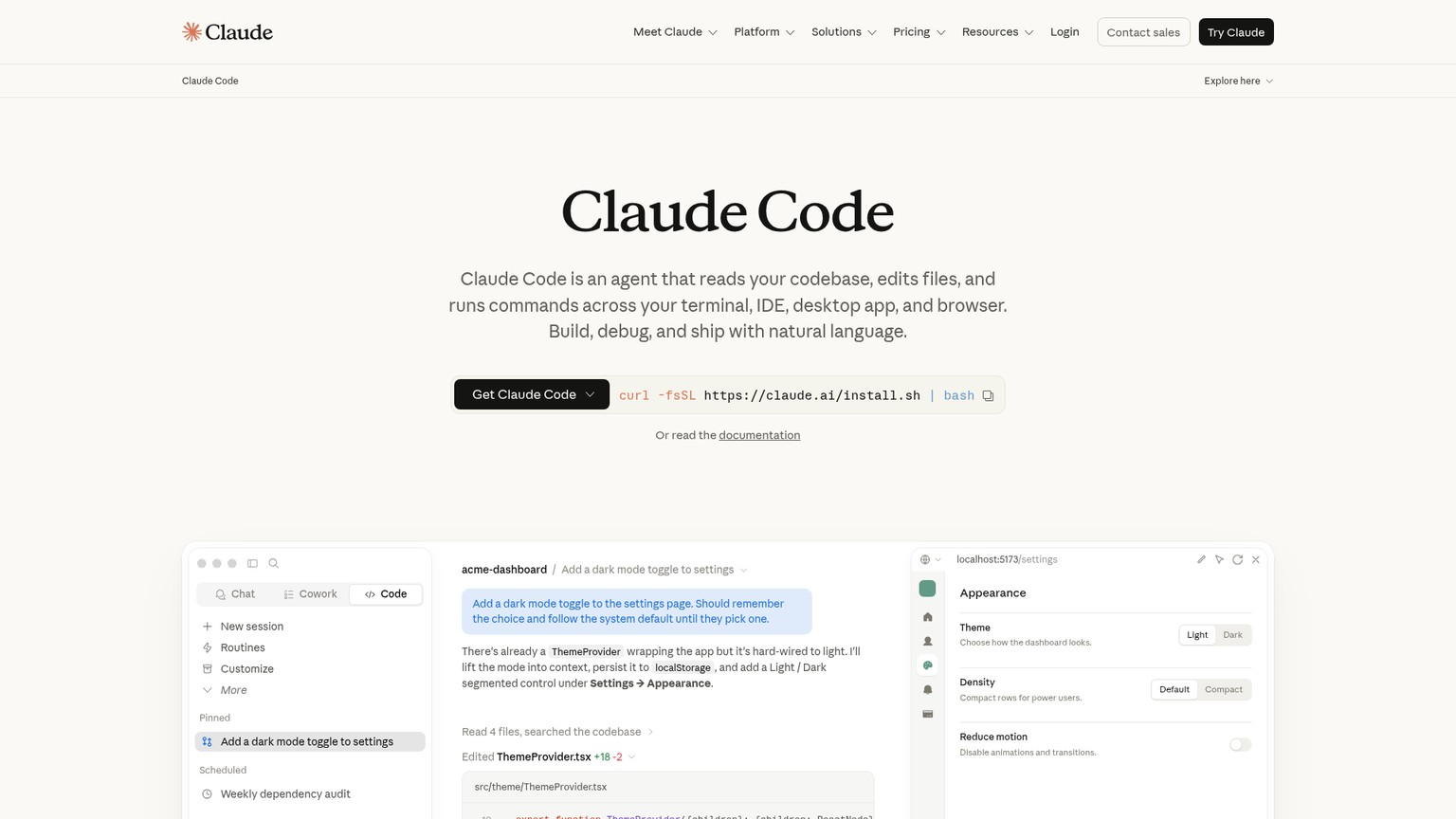
Claude Code is the outlier and, for the right person, the most powerful tool on this list. It runs in your terminal, reads and writes directly to your file system, and holds deep context across a whole project, which is why Axios called it an "infinite vibe coding machine." Where the builders shine on new apps from scratch, Claude Code earns its place on big, existing codebases: large refactors, multi-file automation, and agentic workflows that would overwhelm an in-editor assistant. This is emphatically not a tool for non-coders, but if you are a real engineer it changes what one person can do in an afternoon.
Best for: Engineers running an agent over a large existing codebase
Standout: Terminal agent with deep, whole-project context
Pricing: Included with Claude Pro at $17/mo (annual, $200 up front) or $20/mo monthly; Free tier available; higher Max tiers for heavy use. Also available via usage-based API billing.
Free trial: Yes, available on the free tier with limits
- Unmatched on large refactors and whole-codebase tasks
- Lives in the terminal, scripts and automates cleanly
- Comes bundled with a $20 Claude Pro subscription
- High code quality and deep context retention
- Requires real engineering knowledge to wield
- No visual interface; the terminal is the whole experience
- Overkill for a simple app you could build in Lovable
The ones to avoid
Not a list of bad products, but three traps that cost people real money and broken apps.
Shipping unreviewed AI code straight to production. Every serious source on vibe coding, including the security researchers, lands on the same warning: AI-generated code still carries vulnerabilities, and the convenience makes it tempting to skip review. Treat any vibe-coded output as a fast first draft from a junior developer, not a finished product. The faster the tool, the more important the review.
Chasing the cheapest credits. The lowest sticker price is meaningless once you understand the meter. A $16 plan with a tight credit allowance you blow through in days is more expensive than a $25 plan whose tokens roll over. Match the credit or token model to how you actually work before you look at the headline number.
Buying into lock-in for a product you will scale. The pure prompt-to-app builders are spectacular for getting to an MVP, but some make it hard to take your code and leave. If you know this app is going to grow into a real business, favor the tools that output standard, portable code you own (Cursor, v0, Claude Code) over a closed platform you cannot graduate from.
FAQ
What are the best free vibe coding tools?
Google Antigravity is fully free during its public preview, which makes it the most generous option right now. Beyond that, Cursor, Windsurf, GitHub Copilot, Bolt, Lovable, and Replit all offer real free tiers, enough to build something small and decide whether the paid plan is worth it before you spend a cent.
What is the best vibe coding tool for beginners and non-coders?
Lovable, for building a genuine full app you intend to keep. If you just want to test ideas fast and throw most away, Bolt.new is quicker. And if you want building plus one-click hosting in a single place, Replit's Agent 3 is the friendliest all-rounder.
What is the best vibe coding tool for building a full app, not just a UI?
Lovable, Replit Agent, and Base44 generate the whole stack: backend, database, and authentication, not only a frontend. Vercel v0 is the opposite, brilliant at the interface but it leaves the backend to you, so reach for it only when UI is your bottleneck.
Is Google Antigravity good for vibe coding?
Yes, and it is free in preview, so it is well worth trying. It is Google's agent-first IDE, powered by Gemini, and it can run several local agents in parallel. The caveat is that it is early software: on large or messy projects the agent can wander, so pair it with a mature tool rather than relying on it alone.
Can GitHub Copilot do vibe coding?
Yes. Copilot's agent mode lets you describe a feature in plain language and have it built across multiple files, not just autocomplete a line. It will not spin up an entire app from one sentence like Lovable, but for a team already working in GitHub and VS Code it is the safest way to add AI to real development.
Are vibe coding tools safe to use for production apps?
Use them, but review the output. The consistent warning across the field is that AI-generated code can ship security holes, so treat anything a vibe coding tool produces as a first draft that still needs a human checking the auth, the data handling, and the dependencies before real users touch it.
Which vibe coding tool should you choose?
The decision comes down to which layer you belong in and how you work.
- You cannot code and want a real, lasting app: Lovable. Start on the free tier, and only buy Pro the week you are actually building.
- You cannot code and just want to test ideas fast: Bolt.new, because its rolling tokens forgive a stop-start pace better than expiring credits.
- You want building and hosting in one place: Replit, with Agent 3 driving and zero-setup deploy.
- Your app is mostly backend and data: Base44, the cheapest paid entry, with database and auth built in.
- You can code and want an AI editor: Cursor as the default, or Windsurf for the same $20 with extra included models if budget is tight.
- You want to try the frontier for free: Google Antigravity this month, alongside a mature tool, not instead of one.
- You already live in GitHub: Copilot, the lowest-risk $10 add-on for an existing team.
- You are an engineer on a large codebase: Claude Code, no contest.
Want the same honest, priced breakdown every time a new category of AI tools blows up? Join the newsletter and get the next teardown before the hype cycle peaks.
- Last Updated
- Category
- Build
- Language

LangGraph vs CrewAI
Compare LangGraph and CrewAI on the same approval workflow, state, memory, MCP, observability and current hosted-platform prices.Oct 7, 2026Build
How to Build MCP Server
Build an order lookup MCP server with Python, test it in Inspector, connect Claude Code and Cursor, then add HTTP auth and hosting.Oct 7, 2026Build
Gumloop vs n8n (Verified October 2026)
Gumloop vs n8n: current pricing, credits vs executions, self-hosting and the same AI lead workflow, with a verdict for each builder.Oct 7, 2026Build
AI Agent Frameworks in 2026: LangGraph, CrewAI, OpenAI Agents SDK, Claude Agent SDK, Mastra and Google ADK (Compared)
Compare eight AI agent frameworks by language, state, MCP, approvals and current hosted prices. Pick the right runtime for production.Oct 7, 2026Build
Codex Cloud
Set up a reusable Codex Cloud environment, keep coding tasks running with your laptop off, steer from your phone, and choose cloud or local CLI.Oct 7, 2026Build
GitHub Copilot Pricing (2026): The Seat Is the Floor, Credits Are the Bill
GitHub Copilot plans, AI Credits, model rates, and three worked monthly bills. Choose Pro, Pro+, Max, Business, or Enterprise with spending limits.Oct 6, 2026Build
GitHub Copilot CLI
Install GitHub Copilot CLI, sign in, fix tests and open a PR. Current GitHub plans, AI credits, models, permissions, MCP and instructions.Oct 6, 2026Build