12 best AI presentation makers in 2026 (and the ones to avoid)
The 12 best AI presentation makers in 2026, ranked with real pricing, the PowerPoint export catch nobody warns you about, and a pick for every job.
Published Updated
 By Omid Saffari

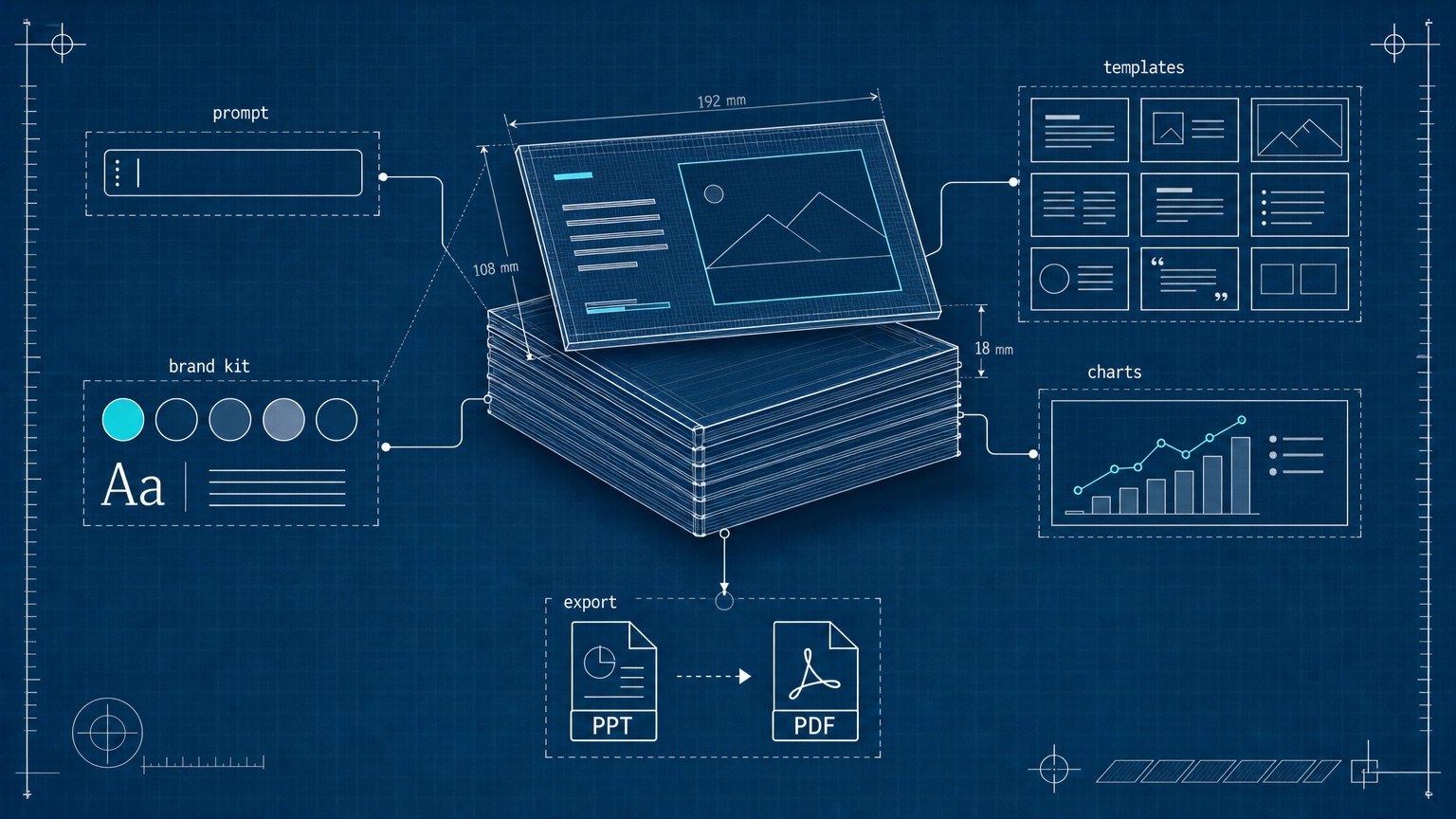
Type one sentence, get a finished slide deck back in under a minute. Almost every AI presentation tool now delivers on that promise, so the real question in 2026 is not whether one can make slides. It is whether the deck survives an export to PowerPoint, and whether it costs you $9 a seat or $30.
For most people, Gamma is the right starting point: it generates the most polished full deck from a prompt, and the free tier is generous enough to judge it. If your decks must end up as clean, editable PowerPoint or Google Slides files, Plus AI is the smarter pick because it works inside those apps instead of exporting to them. Brand-locked teams want Beautiful.ai, enterprises already on Microsoft 365 should just use Copilot, and non-designers who want to tweak everything by hand are best on Canva. The expensive mistake is paying for a $30-a-seat enterprise tool to make slides a free one would have built.
Here are the 12 worth your time, ranked by the job you are hiring one to do, with the real price from each company's live page and the honest catch on each.
What an AI presentation maker actually does
An AI presentation maker turns a prompt, a document, or a rough outline into a full, designed slide deck: it writes the copy, picks a layout, adds images and charts, and applies a consistent theme, all in one pass. That is the line between these and a chatbot. ChatGPT can write the words for your slides, but it hands you text, not a designed deck with a title slide, an agenda, and matching visuals.
One concept decides more buying regret than any other, so it is worth defining now: export fidelity. It means how cleanly a deck moves out of the tool into an editable PowerPoint (.pptx) or Google Slides file. Some tools are "web-native," meaning the polished version only really exists on their website; export it to PowerPoint and the fonts, spacing, and animations can break. If your final deck has to be handed to a client or a boss who will edit it in PowerPoint, export fidelity matters more than how pretty the first draft looks.
How I picked these
These are ranked on four things: how good the first AI-generated draft actually is, export fidelity, the real price from the live pricing page, and who the tool genuinely fits. Every number below was pulled from each vendor's current page this week, or, where a page renders prices with JavaScript, from up-to-date 2026 pricing sources, and is marked that way. I did not run a month of side-by-side deck tests; I priced each tool, mapped what it does and where it breaks, and called the fit, so every figure here is checkable against its source.
I also cut a name you will see on other lists. Tome, long a presentation-tool favorite, has pivoted away from making decks and its pricing page is gone, so it is not a current AI presentation maker and is not ranked here.
The 12 best AI presentation makers, ranked
1. Gamma: best overall for prompt-to-deck speed
Gamma is the tool to try first, because nothing else turns a one-line prompt into a polished, modern deck as fast or as cleanly. You type an idea or paste a document, and in under a minute it returns a full web-native deck with sensible layouts, images, and a consistent theme that usually needs only light edits. A founder can build a fundraising narrative or a workshop deck in an afternoon instead of a weekend. The catch is export fidelity: Gamma's decks look best as shareable web links, and exporting to an editable PowerPoint can break formatting, so it is a poor fit when a client needs the raw .pptx.
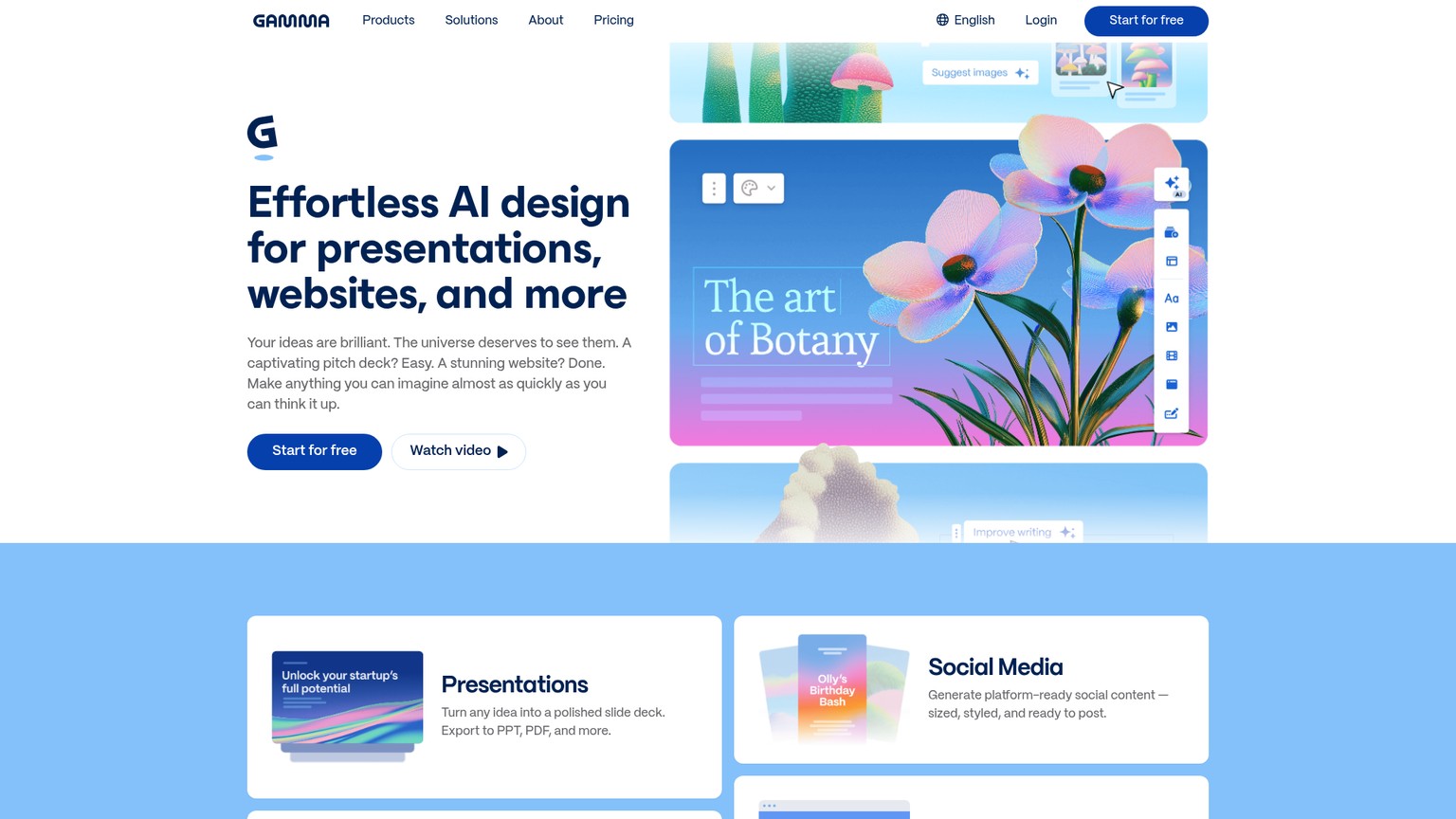
The generous free tier is what makes Gamma the obvious starting line: you can generate real decks before paying anything.
Best for: Anyone who wants the best AI-generated first draft, fast.
Standout: The strongest prompt-to-deck output of any tool here.
Pricing: Free (400 credits at signup); Plus $9/seat/mo billed annually ($108/yr, 1,000 monthly credits); Pro $18/seat/mo billed annually (gamma.app/pricing, this run).
Free trial: Free tier is genuinely usable.
Getting a strong first deck out of Gamma takes about five minutes if you feed it the right input.
Paste real content, not a topic
Instead of typing "marketing plan," paste your actual notes, a doc, or bullet points. Gamma builds a far better deck from real material than from a vague topic.
Pick a format and let it generate
Choose "Presentation," set the number of cards, and generate. Watch it lay out a full themed deck in one pass.
Edit the theme, then check the export
Swap the theme to match your brand, then immediately test the PowerPoint export if you need one. Finding the formatting limits now saves a painful surprise later.
- Best AI first draft of any tool here
- Fast: full deck in under a minute
- Generous free tier
- Clean, modern default designs
- Weak PowerPoint export fidelity
- Credit system can run out on heavy use
- Less manual design control than Canva
2. Beautiful.ai: best for brand-consistent teams
Beautiful.ai solves the problem every team deck eventually has: slides that drift off-brand. Its "Smart Slides" auto-format as you add content, so spacing, alignment, and styling stay consistent without anyone fiddling, and brand colors and fonts lock across the whole deck. For a marketing or sales team that needs every rep's deck to look like it came from the same company, that enforced consistency is worth more than raw generation speed. The trade-off is there is no free tier, only a 14-day trial, so you commit before you have lived with it.
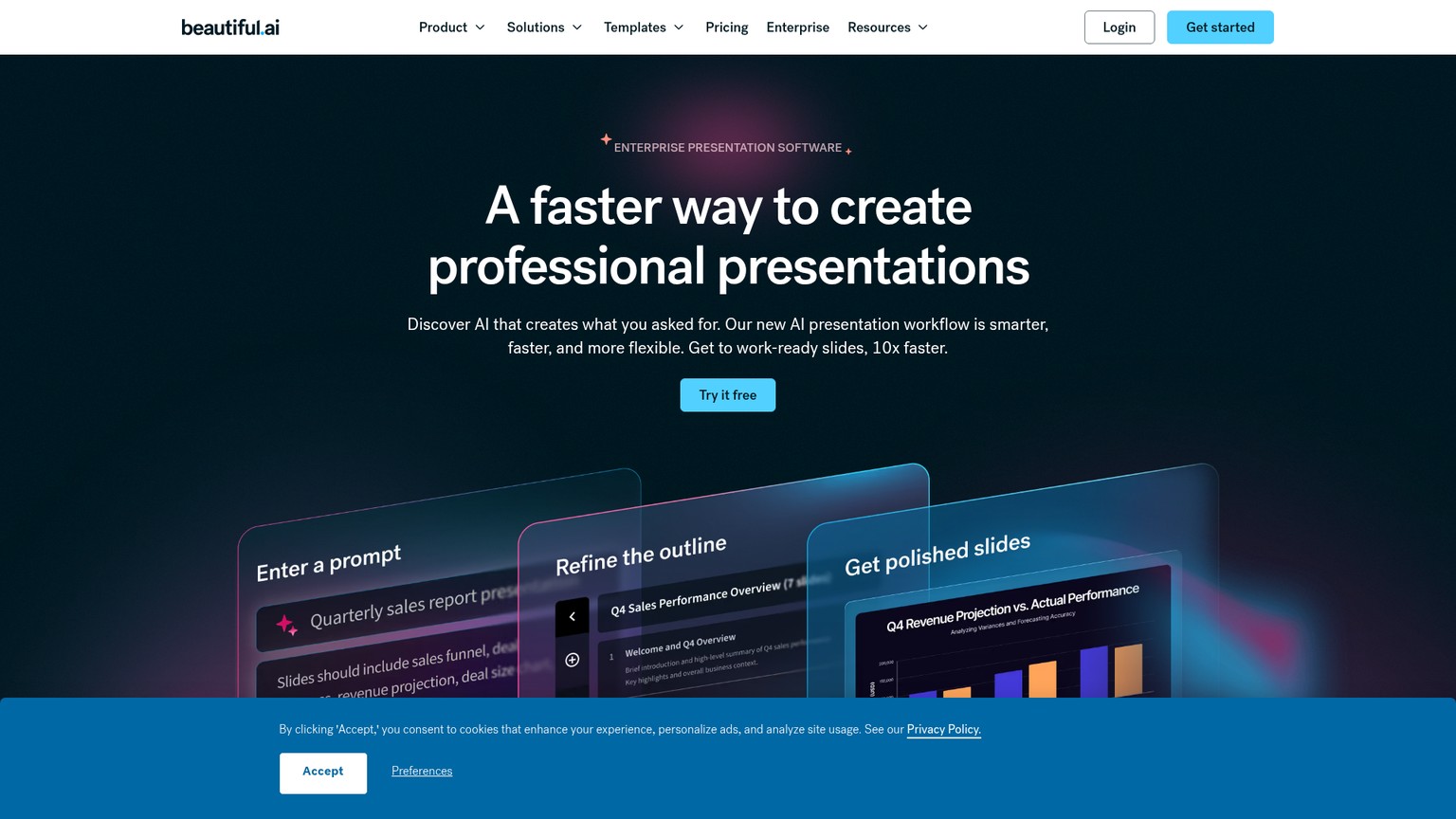
Best for: Teams that need every deck to stay on-brand automatically.
Standout: Smart Slides that auto-format so slides never look messy.
Pricing: Pro $12/mo billed annually; Teams $40/user/mo billed annually; Enterprise custom (beautiful.ai/pricing, this run).
Free trial: 14 days, no permanent free tier.
- Enforced brand and layout consistency
- Unlimited AI generation on Pro
- Genuinely good for non-designers on a team
- No free tier
- Less creative flexibility than open canvases
- Team plan gets pricey at $40/user/mo
3. Plus AI: best for staying inside PowerPoint and Google Slides
Plus AI wins the one job most AI tools quietly fail: producing a clean, editable PowerPoint or Google Slides file. Instead of being a separate website you export from, Plus AI installs as an add-on and generates the deck directly inside PowerPoint and Google Slides, so the output is native from the start with no fidelity loss. For consultants, agencies, and corporate teams whose work has to be handed off and edited in those exact apps, that is the difference between usable and unusable. It is less of a standalone design playground than Gamma, but that is the point: it meets you where your decks already live.
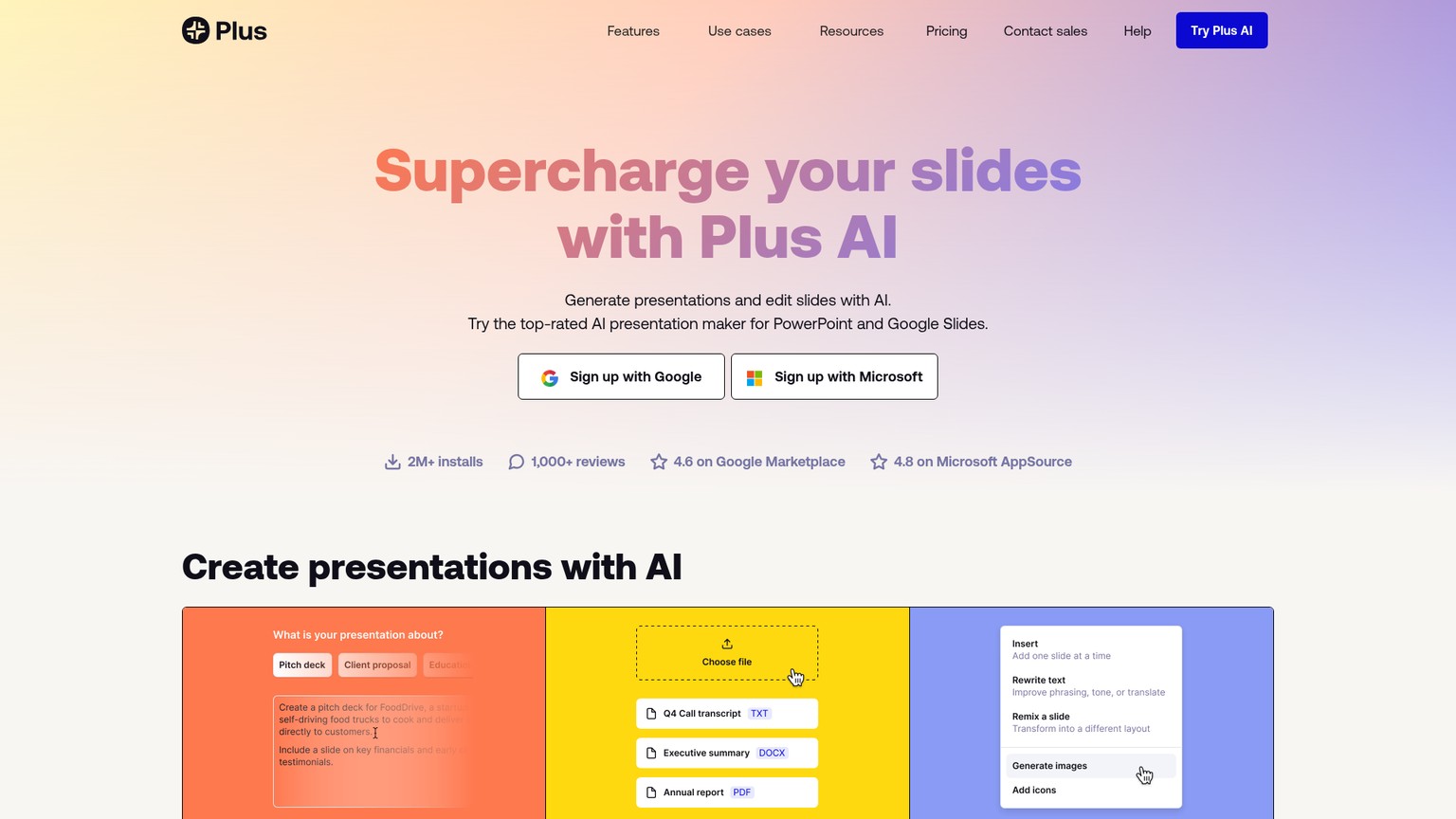
If you generate slides here and want sharper on-slide copy, pairing it with one of the best AI copywriting tools tightens the words before the deck goes out.
Best for: Anyone whose final deck must be an editable PowerPoint or Google Slides file.
Standout: Generates natively inside the apps you already use.
Pricing: Basic $10/user/mo annual ($15 monthly); Pro $20/user/mo annual; Team $30/user/mo annual (plusai.com page renders prices dynamically; saasworthy/2slides 2026). 7-day trial, 1,000 credits.
Free trial: 7 days, credit card required.
- Native PowerPoint and Google Slides output
- No export-fidelity loss
- Works inside tools your team already knows
- No free tier, only a 7-day trial
- Less standalone design polish than Gamma
- Credit-based usage limits
4. Canva AI: best all-in-one for non-designers
Canva is the pick when you want AI to start the deck and then control every pixel yourself. Its Magic Design generates a presentation from a prompt, but the real strength is the enormous template library and dead-simple editor underneath, so a non-designer can take the AI draft and confidently move, restyle, and brand every element. A small-business owner or solo marketer making decks, social posts, and one-pagers in the same tool gets the most value. The AI is a feature inside a giant design suite rather than the whole product, and heavy AI use pushes you toward the paid "AI Pass" add-on.
For custom slide imagery beyond Canva's stock library, a dedicated generator is worth a look: see the best AI image generators for cover art and backgrounds.
Best for: Non-designers who want AI plus full manual control in one tool.
Standout: Massive template library and the easiest editor here.
Pricing: Free; Pro $144/year for one person; Teams $250/year per person; heavy AI via an AI Pass add-on (canva.com/pricing, this run).
Free trial: Strong free tier.
- Best for hands-on editing after the AI draft
- Huge template and asset library
- One tool for decks, social, and print
- AI generation is weaker than Gamma's
- Best AI features sit behind a paid AI Pass
- Can feel cluttered if you only want slides
5. Microsoft 365 Copilot: best for enterprise PowerPoint users
If your organization already runs on Microsoft 365, Copilot is the path of least resistance. It builds and rewrites slides directly inside PowerPoint from a prompt or a Word document, with enterprise security and your existing templates, so nothing leaves the Microsoft tenant. For a large company where IT will not approve a new vendor and decks must be native PowerPoint, that in-house, compliant option beats any standalone tool on procurement grounds alone. The cost is real, though: it is an add-on layered on top of a qualifying Microsoft 365 license, so the true price is higher than the sticker.
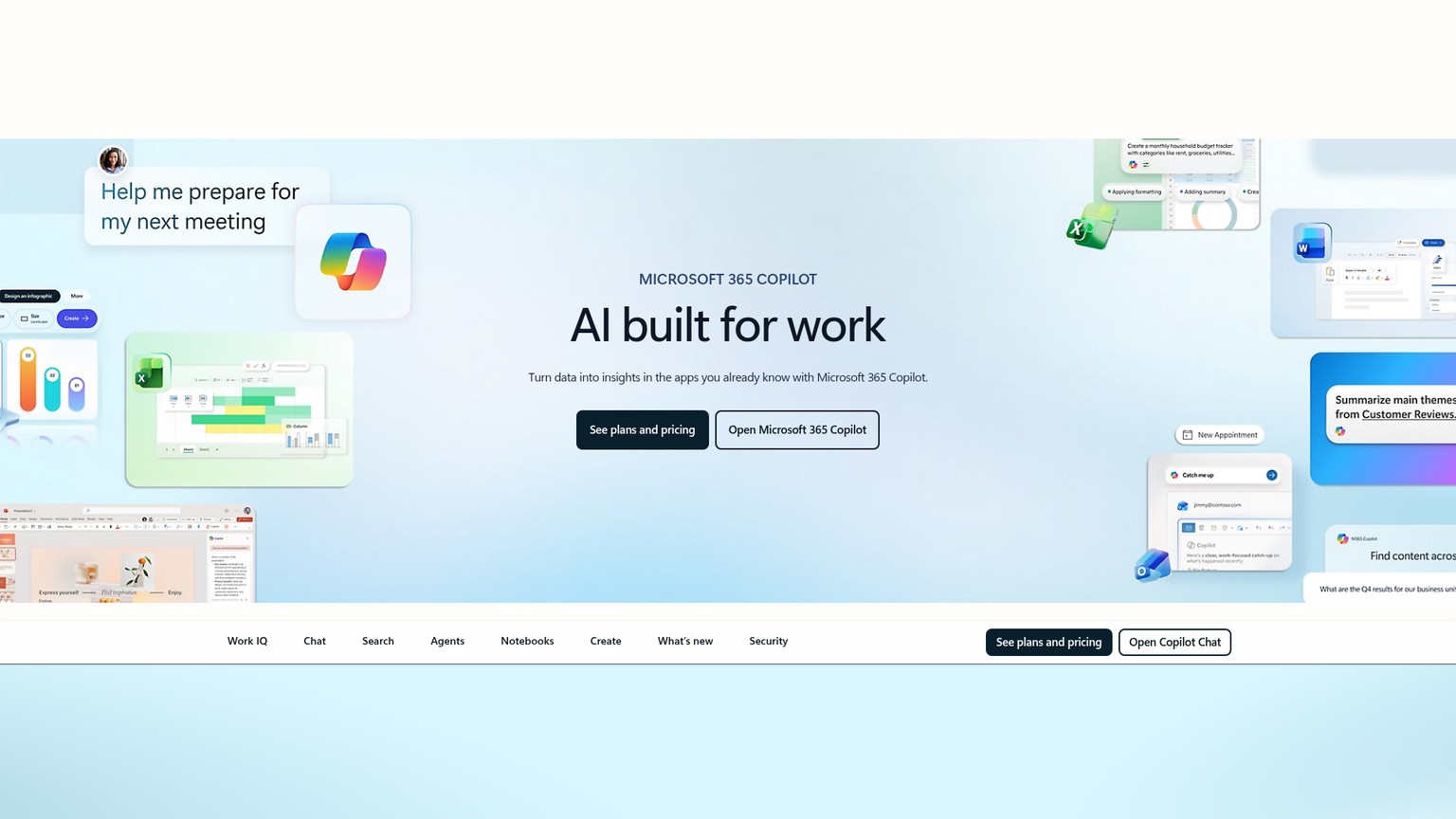
Best for: Enterprises standardized on Microsoft 365 that need native, secure decks.
Standout: Builds slides inside PowerPoint with enterprise security.
Pricing: Enterprise $30/user/mo billed annually, on top of a qualifying M365 license; Business (SMB) $18/user/mo, rising to $21 after June 30 2026 (microsoft.com/microsoft-365-copilot/pricing, 2026).
Free trial: None; requires a base license.
- Native to PowerPoint, no export issues
- Enterprise-grade security and compliance
- Uses your existing corporate templates
- Requires a paid M365 base license on top
- $30/user/mo enterprise add-on adds up fast
- Generation quality trails dedicated tools
6. Decktopus: best for guided, beginner-friendly decks
Decktopus is built for the person who freezes at a blank slide. Rather than just generating from a prompt, it interviews you, asking about your audience, goal, and tone, then builds a structured deck and even suggests speaker notes and a relevant image for each slide. For a student, a first-time founder, or anyone who is not sure how a deck should be structured, that guided hand is more useful than a powerful blank canvas. It is less flexible than Canva and the credit limits are modest, but the on-ramp is the gentlest here.
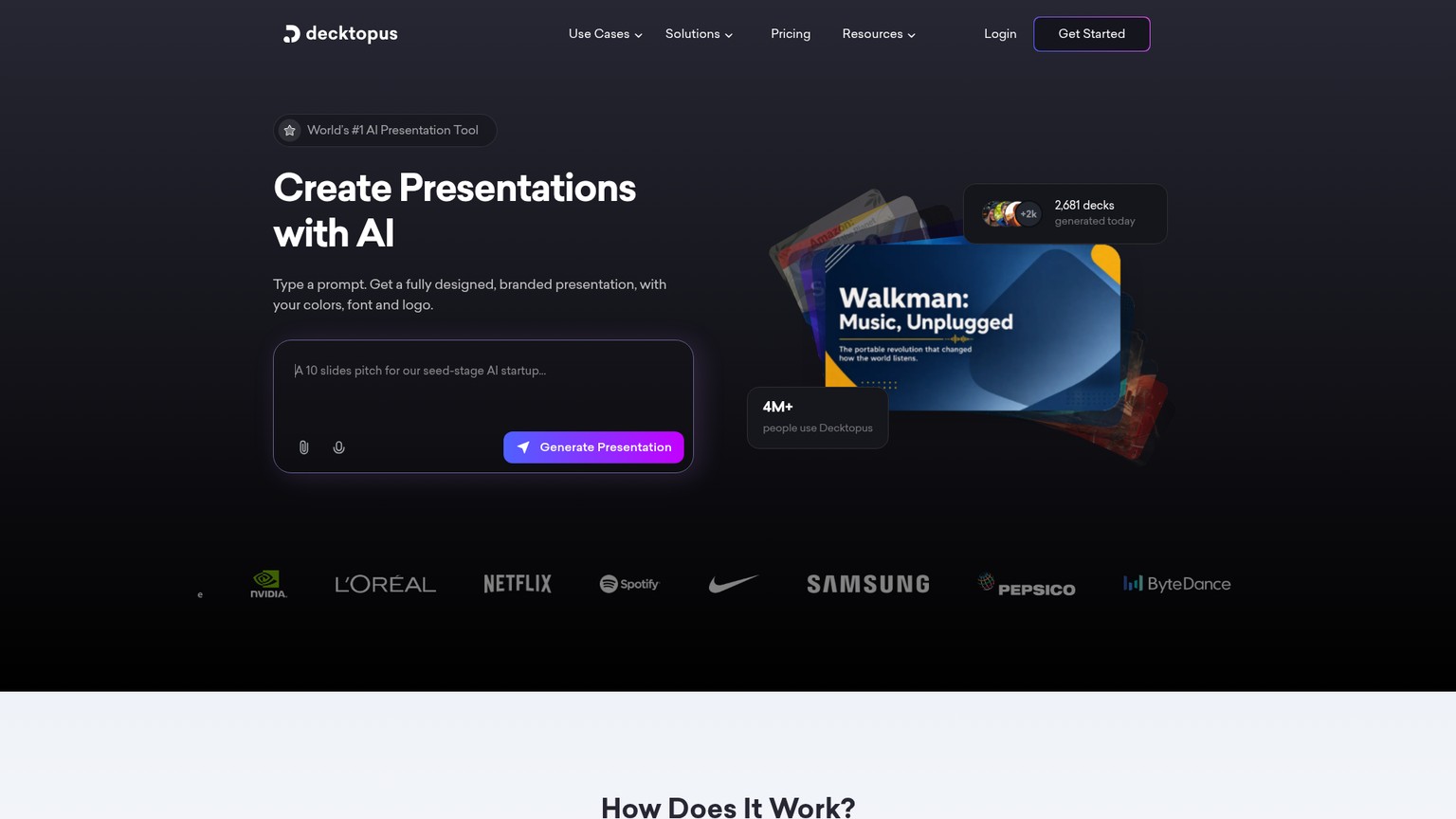
Best for: Beginners who want to be guided through building a deck.
Standout: Asks questions and assembles the structure for you.
Pricing: Pro $14.99/mo ($179.99/yr, 9,000 AI credits/yr); Business $34.99/user/mo ($419.99/yr) (decktopus.com/pricing, this run).
Free trial: Free trial available.
- Most beginner-friendly, guided flow
- Generates speaker notes and images
- Good structure out of the box
- Less design flexibility than Canva
- Credit limits are modest
- Designs look more templated than Gamma's
7. Pitch: best for collaborative teams
Pitch is the tool when more than one person touches the deck. It pairs AI-assisted design with genuine real-time collaboration: comments, assigned slides, shared templates, and live co-editing like a Google Doc for presentations, so a team can build a deck together without emailing versions around. Startups and agencies that produce sales and pitch decks as a group get the most from it. The free tier is usable for small teams, though the AI generation is lighter than Gamma's, so Pitch is more a team workflow tool with AI than an AI-first generator.
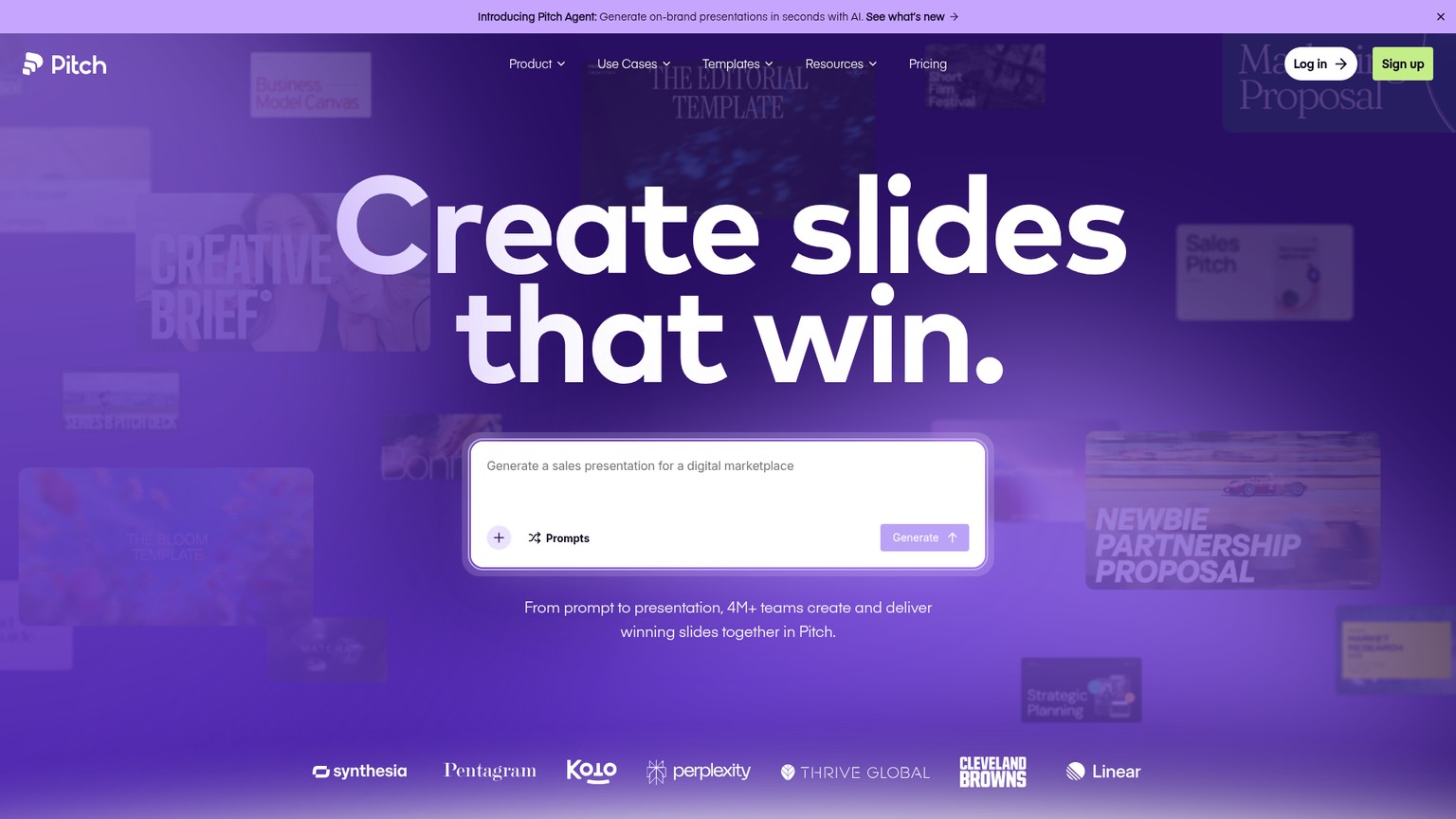
Best for: Teams that build decks together in real time.
Standout: Real-time collaboration with shared templates.
Pricing: Free (up to 5 members, 100 AI credits); Plus $15/mo ($13/mo annual, 6,000 AI credits/yr); higher team tiers above (pitch.com/pricing, this run).
Free trial: Free tier for small teams.
- Best-in-class team collaboration
- Usable free tier for small teams
- Clean, modern templates
- AI generation lighter than dedicated tools
- More workflow tool than AI-first generator
- Single-member cap on the cheapest paid tier
8. Prezi AI: best for non-linear, zoomable presentations
Prezi is the one tool here that does not make slides at all. Instead of a linear stack, it builds a single zoomable canvas where you pan and zoom between ideas, and its AI helps lay that motion out, so the format itself becomes part of the story. For a teacher, a keynote speaker, or a marketer who wants a presentation that feels dynamic rather than another slide march, nothing else offers this. The flip side is that the zoomable format is polarizing, can induce motion sickness if overdone, and does not translate to a normal PowerPoint, so it is a deliberate choice, not a default.
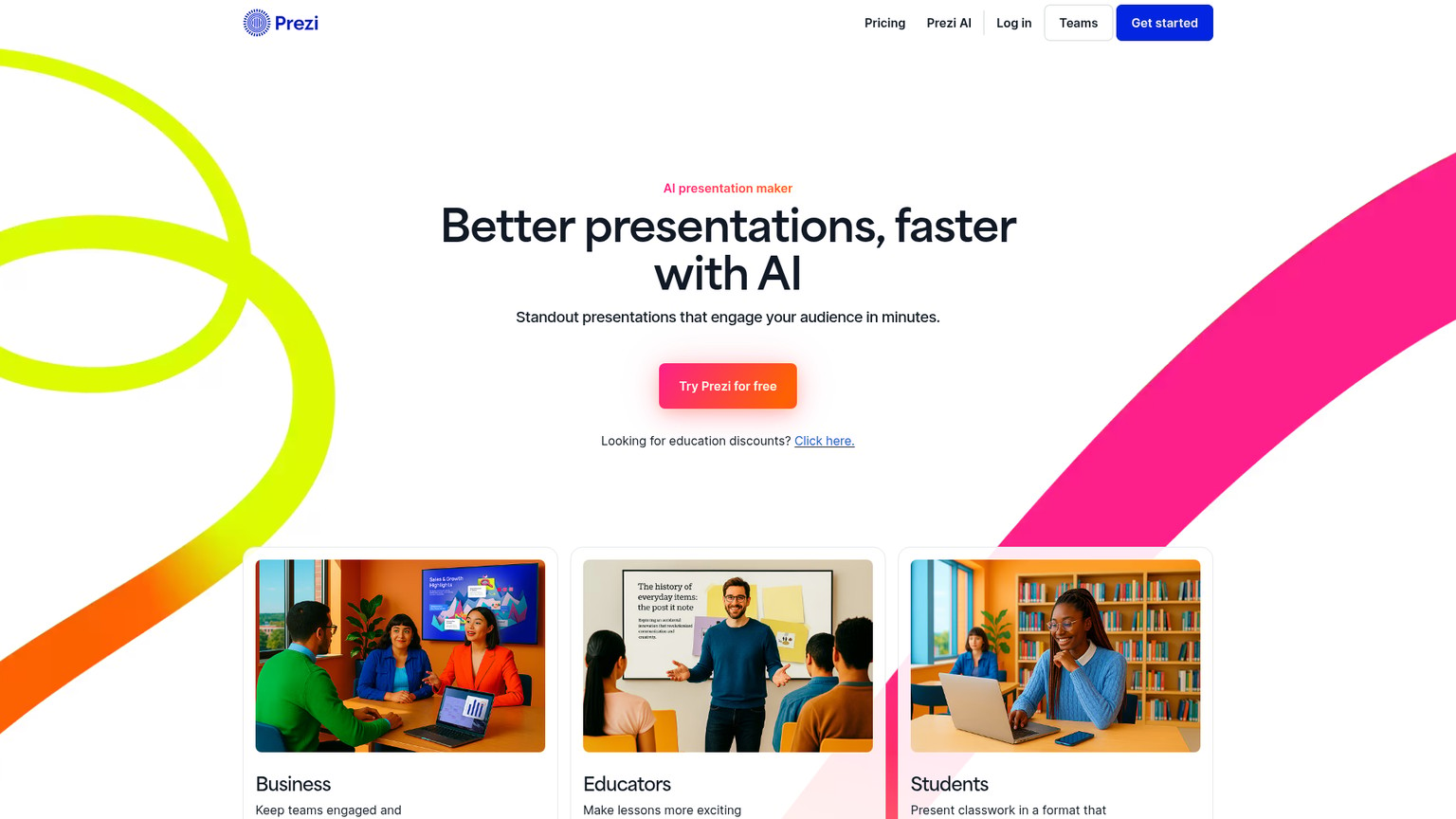
Best for: Speakers who want a dynamic, non-linear, zoomable presentation.
Standout: A motion canvas instead of static slides.
Pricing: Standard $7/mo billed annually (500 AI credits); Plus $19/mo (unlimited Prezi AI, PowerPoint import); Premium $29/mo (prezi.com/pricing, this run). 14-day trial.
Free trial: 14 days.
- Unique zoomable, non-linear format
- Genuinely memorable for live talks
- Can import existing PowerPoint slides
- Format is polarizing and easy to overdo
- Steeper learning curve than slide tools
- Does not export to normal slides
9. Visme: best for marketing and data-heavy visuals
Visme earns its place when the deck is really a marketing asset. It pairs AI slide generation with strong data-visualization and infographic tools, so charts, graphs, and branded visuals look designed rather than dropped in, which is exactly what a content marketer or analyst presenting numbers needs. A team producing reports, lead magnets, and data decks gets more from Visme than from a pure slide generator. The trade-off is complexity: the deeper feature set means a steeper learning curve, and the best assets sit on the paid tiers.
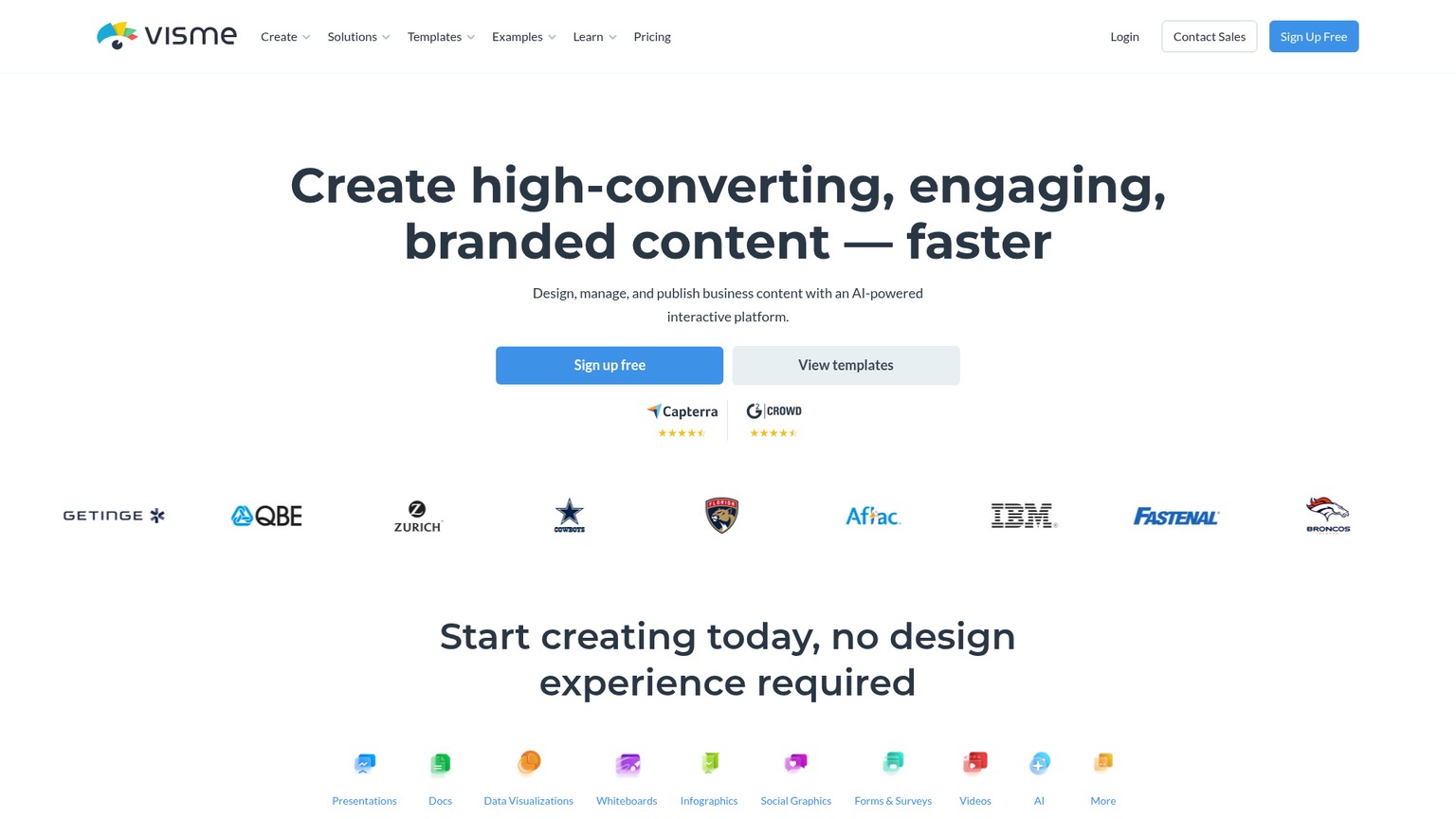
Best for: Marketers and analysts presenting data and branded visuals.
Standout: Strong charts, infographics, and data visualization.
Pricing: Free; Starter $12.25/mo per person ($147/yr); Pro $24.75/mo per person ($297/yr); Enterprise custom (visme.co/pricing, this run).
Free trial: Free tier available.
- Best-in-class charts and infographics
- Strong for marketing and data decks
- Large template and asset library
- Steeper learning curve
- AI generation is not its main strength
- Best assets are paywalled
10. SlidesAI: best budget option for Google Slides
SlidesAI is the cheapest way to get AI slides if you already live in Google Slides. It is a lightweight add-on that turns text into slides right inside Google Slides, so there is no new app to learn and the output is native Google Slides from the first click. For a student, teacher, or solo user who wants quick decks without a new subscription or workflow, the free tier and low Pro price are hard to beat. It is genuinely basic, with none of Gamma's polish or Canva's design depth, but for fast, functional slides inside Google's editor it does exactly one job well.
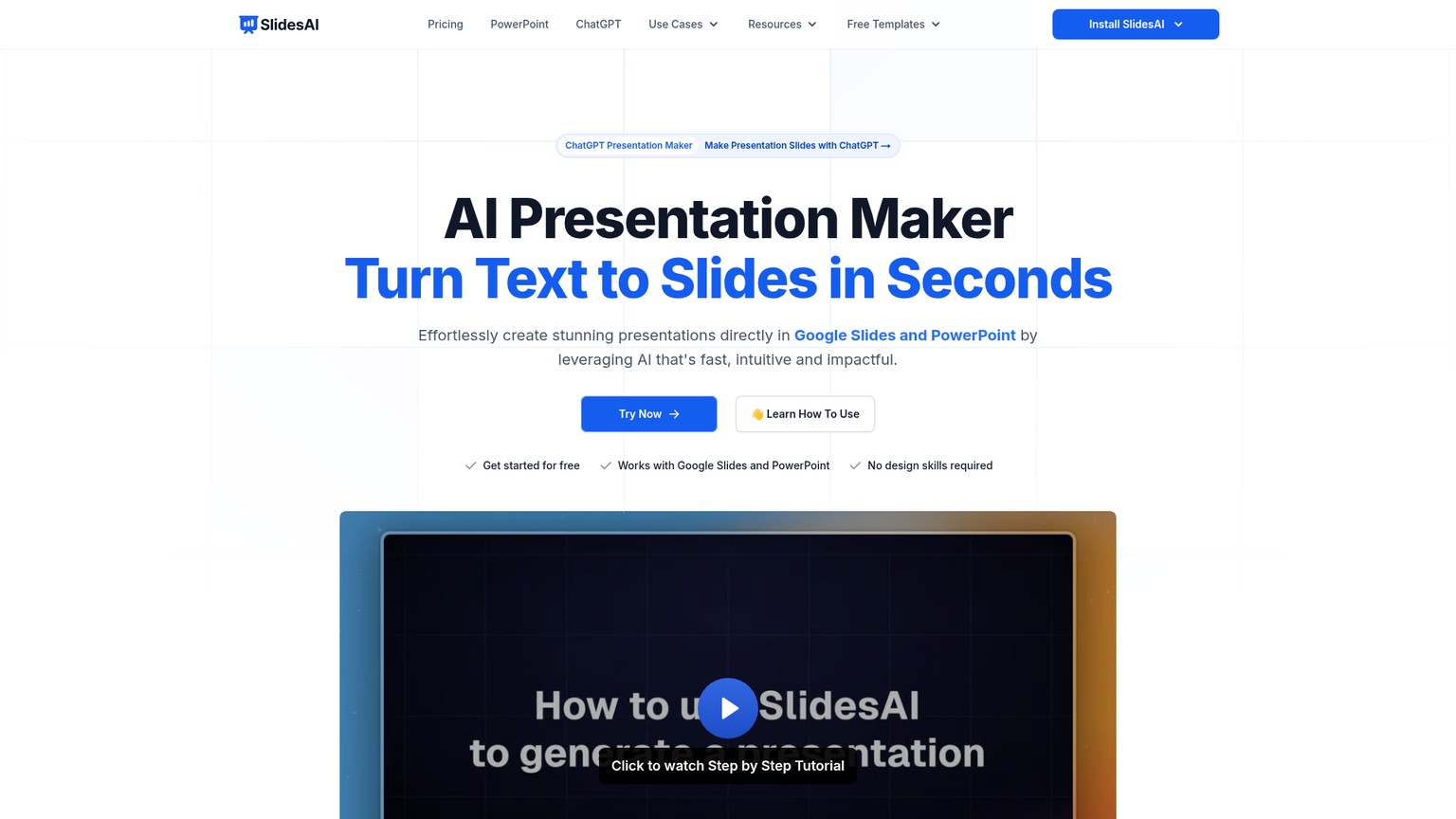
Best for: Google Slides users who want cheap, fast text-to-slides.
Standout: Native Google Slides add-on at the lowest price here.
Pricing: Free (12 presentations/yr); Pro $10/mo ($120/yr, 120 presentations/yr); Premium $20.83/mo ($250/yr, unlimited) (slidesai.io/pricing, this run).
Free trial: Free tier available.
- Cheapest path to AI slides
- Native inside Google Slides
- No new app or workflow
- Basic designs, low polish
- Tied to Google Slides
- Tight limits on the free and Pro tiers
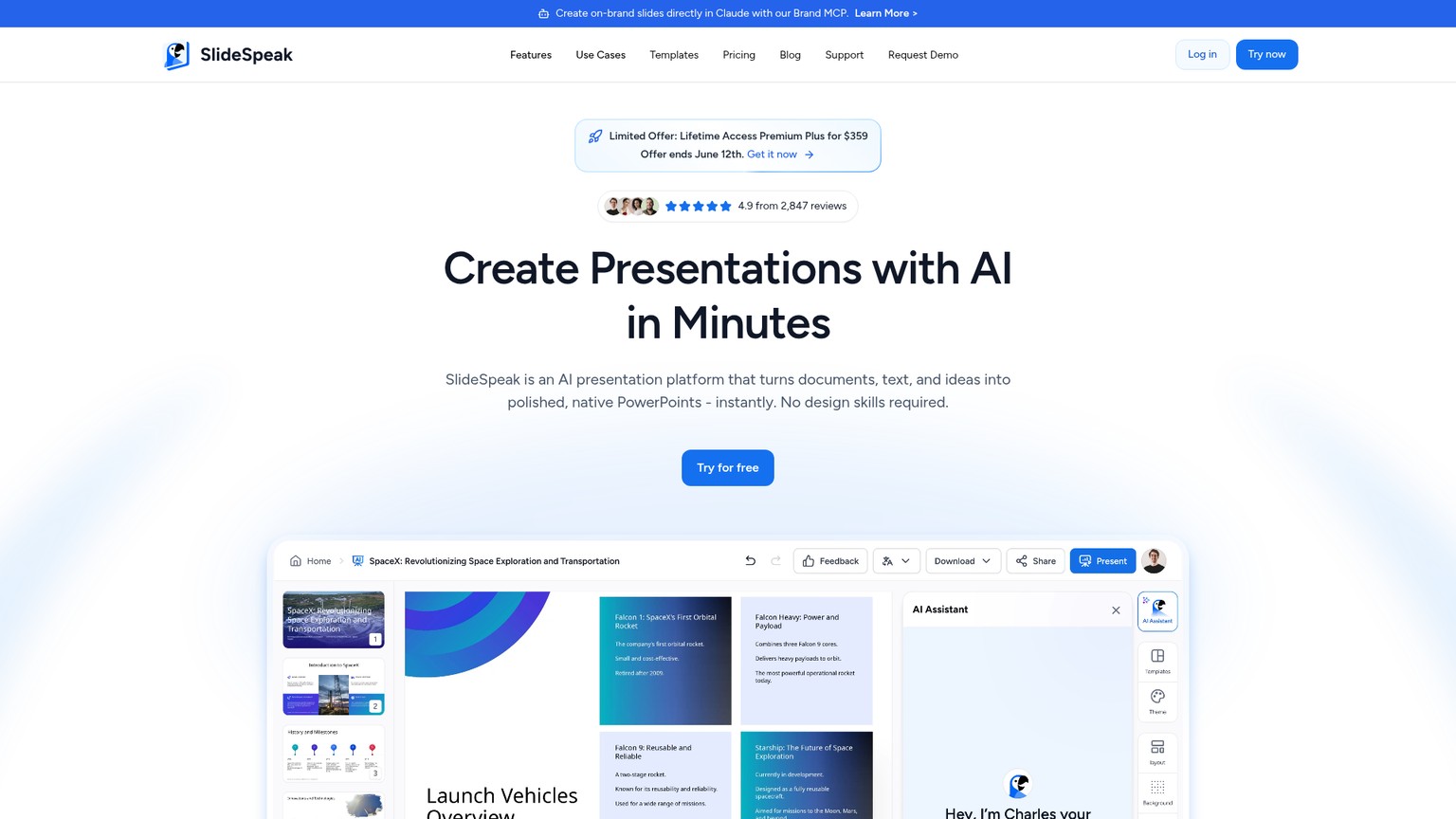
11. SlideSpeak: best for an instant deck from a document
SlideSpeak is the tool to reach for when you already have the content and just need it turned into a deck now. Powered by GPT-4, it takes a document or a single prompt and generates a finished presentation in seconds, and it can also summarize and answer questions about existing PDFs and decks, so it doubles as a document assistant. For a busy professional who has a report and needs a deck by the next meeting, that document-to-deck speed is the whole appeal. It is newer and less proven than Gamma, and the credit-based pricing gets steep once you move past the free tier.
Best for: Turning an existing document into a deck fast.
Standout: GPT-4 document-to-deck in seconds, plus PDF summarizing.
Pricing: Free (3 credits at signup); Premium $29/mo (50 credits/mo); Premium Plus $34/mo billed annually, unlimited credits (slidespeak.co/pricing, this run).
Free trial: Free tier with 3 credits.
- Fast document-to-deck generation
- Doubles as a PDF and deck assistant
- Free tier to test the output
- Newer with a shorter track record
- Credit pricing climbs quickly
- Designs trail Gamma and Canva
12. Presentations.ai: best for fast branded team decks
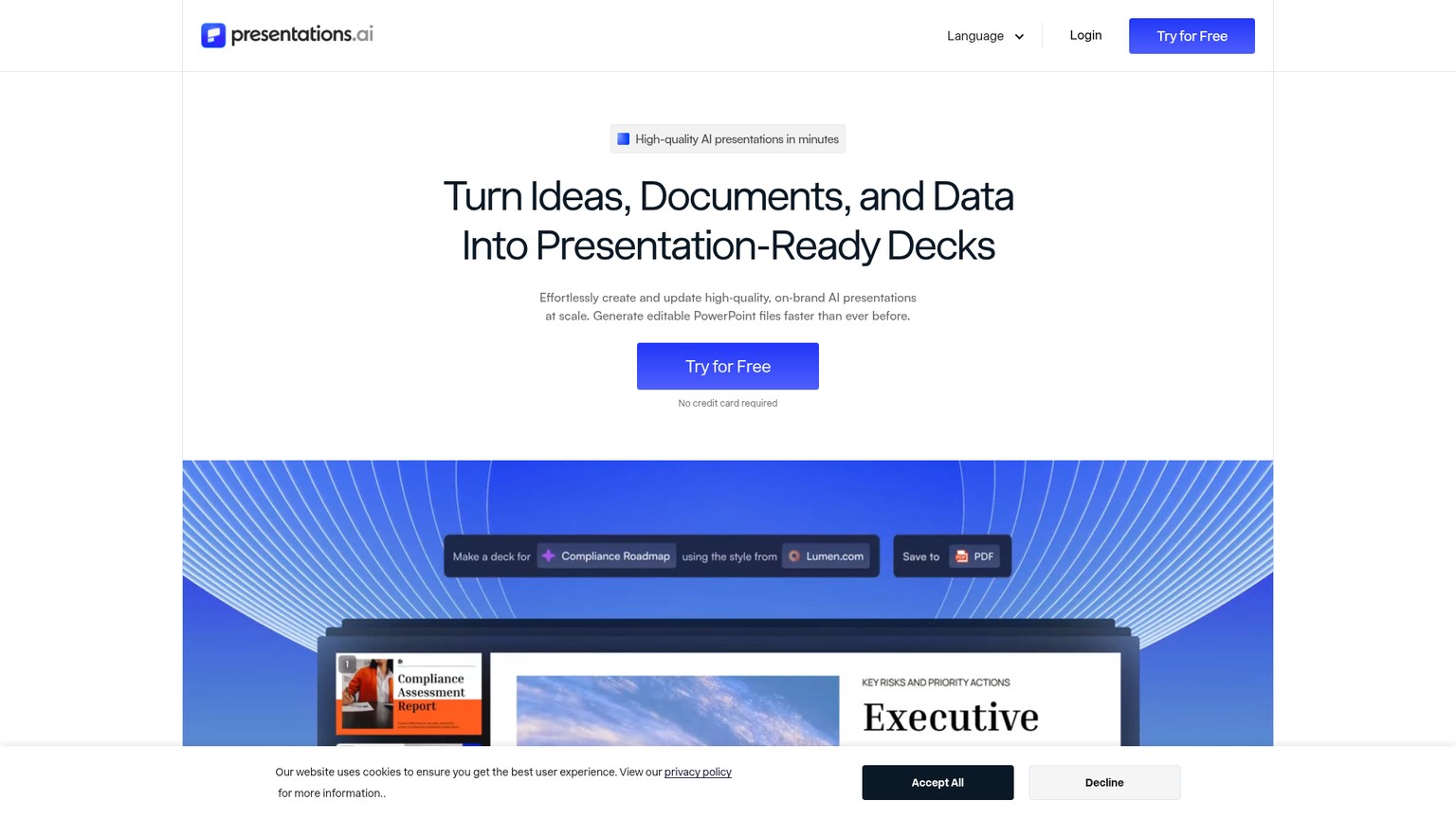
Presentations.ai rounds out the list as a fast, team-oriented generator with a clever twist: its templates are built to reflow, so when you change content the slide re-adjusts instead of breaking, which keeps generated decks looking intentional. It targets teams that want speed and on-brand output without the export drama, and the free tier lets you judge the generation quality before paying. It is less established than Gamma or Canva, and its design ceiling is lower, so it sits at the back of the pack, but for quick branded team decks it is a credible, well-priced option.
If your decks lean on motion, dropping in AI-generated clips is easy now: the best AI video generators cover the tools for that.
Best for: Teams wanting fast, on-brand decks without export headaches.
Standout: Templates that reflow instead of breaking when content changes.
Pricing: Free; Pro $20/mo billed annually; higher team tier $100/mo billed annually (presentations.ai/pricing, this run).
Free trial: Free tier available.
- Reflowing templates keep decks tidy
- Team-oriented with a free tier
- Reasonable Pro pricing
- Less established than the leaders
- Lower design ceiling
- Smaller template library
The ones to avoid
A few options look tempting and are not worth your time or money.
Raw ChatGPT as a slide maker. ChatGPT will happily write your slide text and even output a rough outline, but it does not design slides. You get words, not a deck with layouts, visuals, and a theme, so you still need one of the tools above to finish the job. Use it to draft the content, not to build the presentation.
Generic "AI PPT generator" websites. A search throws up dozens of thin sites promising a free AI deck in one click. Most are shallow wrappers with no real editor, watermark the output, or hide a paywall after the first slide. If a tool has no track record, no real editing, and no clear pricing, skip it.
Any web-native tool when you owe someone an editable .pptx. This is not a single tool to avoid but a trap to watch: if your deliverable is an editable PowerPoint a client or exec will revise, do not build the final version in a web-native generator like Gamma. The export will fight you. Use Plus AI, Copilot, or PowerPoint itself for that hand-off.
FAQ
Can ChatGPT create PowerPoint slides?
ChatGPT can write the text and outline for a presentation, but it does not design slides or output a finished .pptx on its own. To turn that content into an actual deck, paste it into a dedicated tool like Gamma, Plus AI, or SlideSpeak, which handle the layout, visuals, and theme.
How do you make a PowerPoint with AI for free?
Use a tool with a real free tier. Gamma's free plan generates full decks, Canva and SlidesAI are free for basic use, and Presentations.ai has a free tier. Microsoft Copilot is not free; it requires a paid Microsoft 365 license.
Is PowerPoint or Canva better for presentations?
PowerPoint wins when you need precise control, corporate templates, and an editable file others will revise. Canva wins for speed, ease of use, and non-designers who want attractive decks without fighting menus. For AI generation specifically, a dedicated tool like Gamma beats both on the first draft.
Can AI make a presentation from a PDF or document?
Yes. Gamma, Plus AI, SlideSpeak, and Decktopus can all import a document or PDF and generate a deck from it. SlideSpeak in particular is built around turning an existing document into slides quickly.
What is the best free AI presentation maker?
Gamma's free tier is the most generous for full AI deck generation. If you want to start with AI but then edit everything by hand, Canva's free plan is the better choice. Both let you produce a real deck without paying.
Which AI presentation maker should you choose
Match the tool to the job, not the marketing.
- For the best AI first draft, fast: Gamma. Start here, on the free tier.
- For an editable PowerPoint or Google Slides hand-off: Plus AI, which generates natively inside those apps.
- For brand-consistent team decks: Beautiful.ai.
- For an enterprise already on Microsoft 365: Copilot in PowerPoint.
- For non-designers who want to tweak everything: Canva.
- For beginners who want guidance: Decktopus.
- For real-time team collaboration: Pitch.
- For a dynamic, non-linear talk: Prezi.
- For data and marketing visuals: Visme.
- On a tight budget in Google Slides: SlidesAI.
The honest rule: pick by export need and team size first, then by polish. A solo creator sharing web links should grab Gamma; a consultant handing off editable files should pay for Plus AI; an enterprise should just use what IT already approved.
Want more breakdowns like this, with the real pricing and the catch nobody else mentions? I send subscribers practical AI tool teardowns, no hype, so you can pick the right tool the first time.
- Last Updated
- Category
- Design
- Language
Claude Design Is Now Free: Pricing and Business Uses
Claude Design is included on Free. See current plan prices, shared usage limits, exports, setup steps and where prototypes need engineering.Oct 10, 2026Design
Beautiful AI Review
Beautiful.ai review: Smart Slide guardrails, current pricing, Team seat ambiguity, AI features, export limits and when Gamma is the better fit.Oct 10, 2026Design
Nano Banana 2.1 Explained: Pricing, Changes, and When to Switch
Nano Banana 2.1 cuts 1K and 2K image costs about in half. Compare monthly budgets, verify the migration, and decide when Pro earns its premium.Oct 8, 2026Design
ElevenLabs Alternatives: Murf, MAI-Voice-2, OpenAI TTS and Cartesia (Verified October 2026)
Compare ElevenLabs, Murf, MAI-Voice-2, OpenAI, Cartesia, Google and Speechify by studio or API job, with verified prices and switching costs.Oct 4, 2026Design
Higgsfield API Pricing
Price Higgsfield API video and image jobs, separate API dollars from app credits, and check top-ups, expiry and cashback before scaling.Sep 27, 2026Design
Is Gemini Live Avatar Free
Check Gemini Live Avatar access, Enterprise API charges and custom-avatar limits before budgeting a customer-facing video agent.Sep 27, 2026Design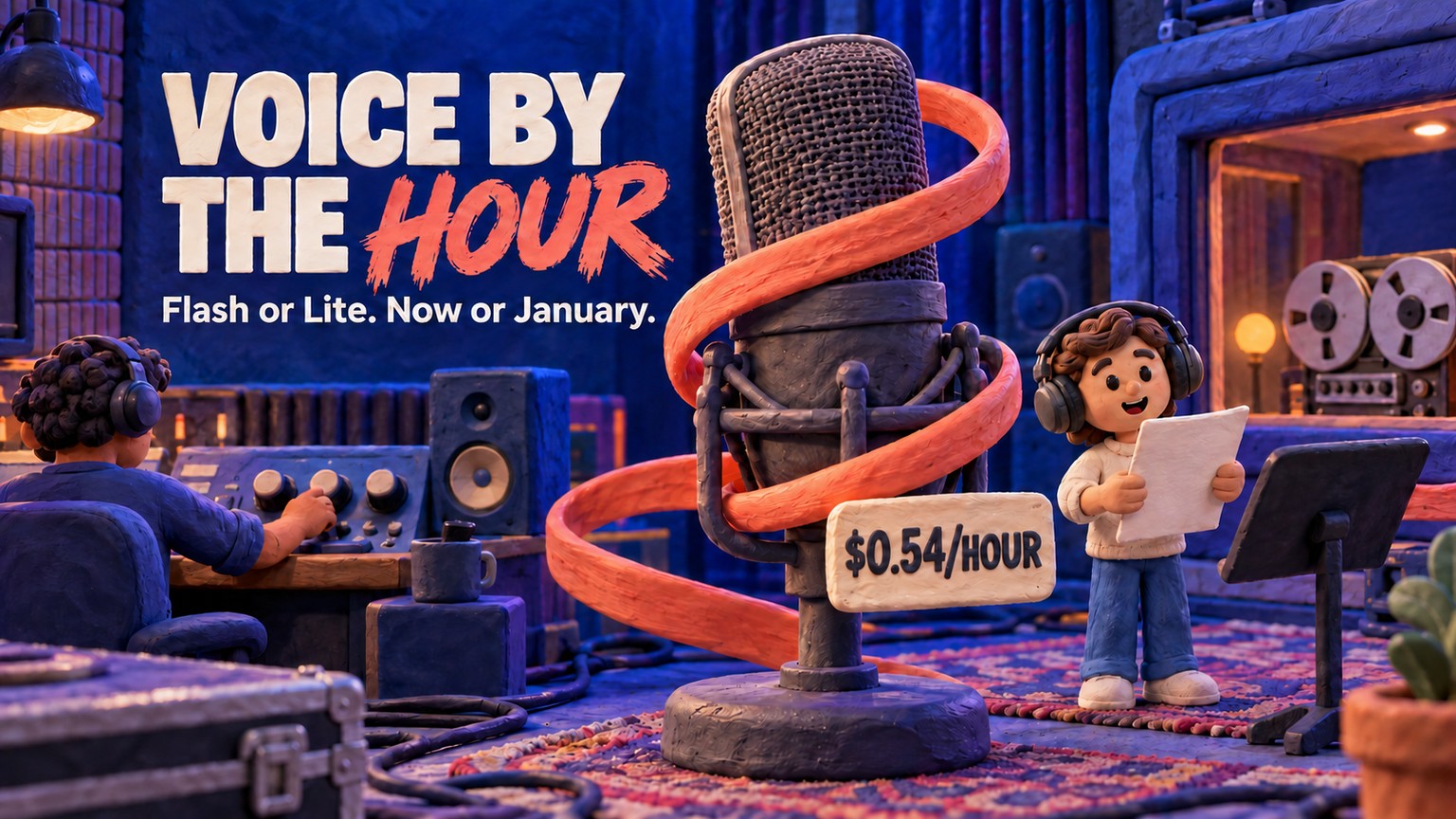
Gemini 3.8 Flash TTS Pricing
Price Gemini 3.8 Flash TTS by audio minute, compare Flash-Lite and service tiers, and budget the January 2027 increase.Sep 24, 2026Design