Best AI Tools for String Art Patterns
Compare string art pattern tools by nail sequences, printable templates, photo controls and usable exports. See where AI claims help and where they stop.

The best AI tools for string art patterns are not image generators. Stringify is the strongest complete free packet, StringAr is the easiest browser workflow, and Thread Circle is the best mobile pick. All six ranked tools start free, but only three document both a usable nail sequence and a printable placement template.
Best AI Tools for String Art Patterns at a Glance
A buildable string art pattern needs more than a convincing preview. It needs an ordered nail route, a placement template that can be printed at the board's physical size, and enough material information to buy the right board, nails, and thread.
Stringify takes the top spot because it documents the shortest complete handoff: local photo processing, a nail-to-nail route, a step-by-step PDF, a separate 1:1 board-template maker, and practical material guidance. Its current toolset covers the pattern and the placement map without asking you to move the route into a second product.
StringAr is the cleaner starting point when interface simplicity matters more than keeping every deliverable in one file. Thread Circle moves ahead of the other mobile choices because its printable PDF includes the artwork, pin template, and complete sequence, although that PDF requires a rewarded ad.
The zero-dollar table does not make these products interchangeable. Across one year, the starting software cost is $0 for every ranked pick. The meaningful cost is the extra handoff: generating a placement map elsewhere, calculating thread by hand, or keeping your place in a route that may contain thousands of moves.
How These Tools Were Picked
The six tools were judged against one fixed deliverable: a high-contrast head-and-shoulders portrait on a 60cm circular board, using one continuous dark thread on a light surface. The board size comes from Stringify's current physical guidance, not from a claimed finished build. This is a documentation-verified comparison dated September 15, 2026. No board was cut, no paid plan was opened, and no finished portrait is presented as proof.
Each product had to answer six buyer questions:
- Does a photo become an ordered route? A pattern needs the sequence of nail visits, not only a picture of the result.
- Can the nail positions be printed at physical size? The map needs a stated diameter, scale, or vector format that can be sized deliberately.
- Can the route be followed without losing position? A step player, numbered list, importable sequence, or clearly formatted PDF earns more than an unstructured text dump.
- Does the software expose the controls that change the craft? Pin count, route length, line weight, crop, contrast, and thread color matter because they alter both likeness and labor.
- Is there a material plan? Board dimensions, nail count, and estimated thread length turn a digital output into a shopping list.
- Are access, privacy, and exports stated plainly? Local processing, account requirements, ads, file formats, and pricing all change the working experience.
That rubric favors the boring output screens over dramatic marketing images. It also prevents the word AI from carrying the ranking. A greedy optimizer can be the right technology here because a deterministic route is the goal. A generative image model can suggest a subject or style, but it does not automatically know where the nails go or which nail the thread visits next.
The same handoff test applies to other counted crafts. A good preview is not yet a production file for peyote patterns, and a beautiful motif is not yet a mirrored, yarn-mapped rug tufting pattern. String art has its own irreversible step: once hundreds of nails are placed, a scaling mistake is now in the board.
Photo to String Art Pattern: The Build-Pack Test
The conversion is ready only when four artifacts agree: the preview, the nail route, the placement template, and the material plan.
Use the 60cm portrait brief as a before-to-after check. The first pass is a circular grayscale preview. It may look convincing from across the room, but it leaves four unanswered questions: how many pins the board needs, where each pin sits, which route the thread follows, and how much thread to buy.
The production pass resolves those questions in order. Crop tightly around the face so the circular frame does not discard the chin or hair. Raise contrast before adding more lines, because the solver can only approximate light and dark with overlapping straight chords. Set the pin count and maximum route length, then inspect whether eyes, mouth, and silhouette survive. Export the ordered sequence. Finally, generate a full-size nail map for the same pin count and board diameter.
Stringify's documented workflow carries that brief from a 500×500 pixel analysis buffer through 50 to 500 nails, a step-by-step PDF, and a separate template tool covering 300mm to 1000mm boards. Its material guide recommends 240 to 360 nails for portraits and states a typical thread range of 1,500m to 3,000m. Those are vendor guidelines, not a promise for every image, but they turn the preview into a checkable starting plan.
StringAr takes a modular route. Its photo generator exports the PNG preview and TXT pin sequence, while its template generator creates a separate PDF or SVG map for 50 to 500 nails. That separation adds one matching step: the pin count in the route and the template must be identical.
String Art Number Generator: What the Sequence Must Contain
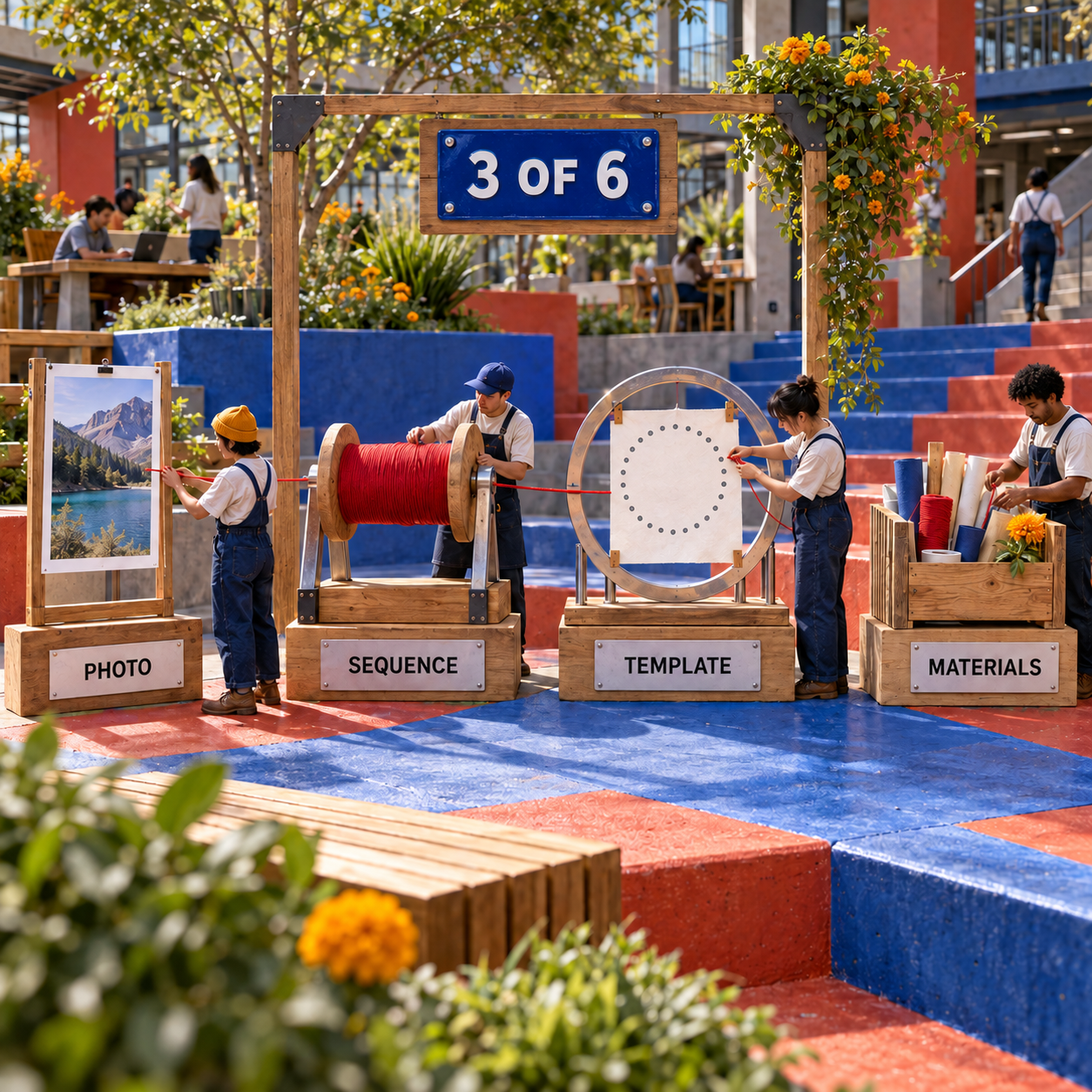
A numbered route is useful only when its indexing system can be resumed, checked, and paired with the physical ring.
The essential output is an ordered list such as current nail, next nail, then the next destination after that. The physical template must use the same origin and direction. If the app numbers clockwise from the top while a separately downloaded map starts elsewhere, every move is offset even though both files look plausible.
Sequence formats matter too. stringweave exports a versioned TXT file containing a comma-separated nail sequence. Its player can import that file, move step by step, scrub the route, and play from 0.25x to 4x. That makes the text file recoverable after a break instead of forcing the maker to mark a paper list manually.
Thread Circle keeps the route inside a Build Mode that shows the starting pin, destination pin, and current progress. Its pins begin at 1. By contrast, StringAr's matching kit mode refers to pins 0 through 199. Neither convention is inherently better. The non-negotiable point is that the sequence and the physical map use the same convention.
An SVG is not automatically a route. It can preserve scalable lines, layers, or nail positions for print and CNC work, but the maker still needs a chronological list of moves. Likewise, a TXT route is not automatically a template. The strongest products either provide both or state exactly which second tool completes the pair.
The Six Best Tools, Ranked by Distance to the Board
1. Stringify: Best Complete Free Build Packet
Stringify is the best overall pick because its free browser workflow documents every critical handoff from source photo to physical board. It generates the route, exports a step-by-step PDF, creates a separate 1:1 nail map, and publishes enough material guidance to plan the build.
The generator handles 50 to 500 nails, thread opacity, contrast, maximum winding steps, and color modes. Processing stays in the browser, and the publisher says no sign-up is required. Pattern output includes PNG and a step-by-step PDF; the board-template tool covers 300mm to 1000mm diameters and exports PDF or SVG.
Its strongest design decision is separation without fragmentation. The route generator and template maker are distinct tools, but both sit in the same product and expose the dimensions needed to reconcile them. That is a safer production model than a glossy preview followed by an undocumented download button.
The wall is shape. Stringify is built around a circular frame and a greedy radial search. If the brief requires a rectangle, polygon, free-positioned nails, or a non-portrait geometric construction, String Art Studio or a more configurable desktop workflow is the better fit. Its material estimates are also planning ranges, not measurements of a specific generated route.
Best for: A first physical portrait that needs one documented browser stack.
Standout: Free route PDF plus a 1:1 PDF/SVG board-template maker.
Pricing: Free; no paid tier is documented.
Free trial: Not needed; the site says no sign-up is required.
- Covers route, printable template, and materials in one product.
- Local browser processing keeps the source photo off the vendor's server.
- PDF and SVG template exports support home printing and scalable production.
- The algorithm is described as greedy radial search instead of being hidden behind an AI label.
- Circular frames are the documented core workflow.
- Material guidance is generic rather than calculated from each finished route.
- The comparison is documentation-led, so render quality still needs validation on your own source image.
A Reproducible Stringify Recipe
The safest workflow locks the board before optimizing the portrait. That prevents a good route from being paired with the wrong physical map.
Prepare the source
Crop to one face or one clear subject. Remove a busy background and increase tonal separation without crushing the eyes and mouth into solid black.
Lock the board
Choose the physical diameter first. For the shared brief, use 60cm, then keep that same diameter in the template maker.
Generate conservatively
Start inside Stringify's documented portrait range of 240 to 360 nails. Use the preview to judge silhouette and facial landmarks before increasing the winding steps.
Inspect the route
Check that the PDF exposes an ordered sequence and that the starting nail agrees with the placement map. Do not rely on the preview as the instruction set.
Print the placement map
Create the nail template with the same nail count and 60cm diameter. Print at 1:1 scale, disable any fit-to-page option, and verify the printed diameter with a ruler before touching the board.
Validate the materials
Treat the stated 1,500m to 3,000m portrait range as a purchasing reference, then compare it with the generated route and keep reserve thread from the same lot.
2. StringAr: Best Beginner Browser Workflow
StringAr is the easiest entry point for a maker who wants visible controls, an immediate sequence, and a separate printable template without creating an account. The live interface exposes 288 pins, 4,000 maximum lines, line weight, draw speed, crop controls, and an automatic quality stop.
The useful handoff is explicit: download a PNG preview and TXT pin sequence for free, then open the separate template generator for PDF or SVG. The template tool supports 50 to 500 nails and states the diameter and nail spacing on its output. StringAr also publishes a materials guide and documents local browser processing with no sign-up.
The workflow is friendlier than its naming. The page calls the conversion step "AI Magic," but its own technical explanation describes continuous-line optimization and pin-placement algorithms. That is image analysis plus route optimization, not evidence that a generative model invents the build.
The main risk is file reconciliation. The generator and template maker are separate surfaces, so changing the pin count in one does not guarantee the other changed with it. Save the pin count, diameter, route, and map together under one project name before buying materials.
Best for: Beginners who want a transparent photo-to-TXT workflow in the browser.
Standout: Simple controls plus a separate 50 to 500 nail PDF/SVG template maker.
Pricing: Free; an optional materials kit is sold separately.
Free trial: Not needed; no sign-up is required.
- The live controls make pin count, route length, line weight, and crop visible.
- PNG and TXT exports separate the visual proof from the ordered route.
- The companion template generator produces PDF and SVG.
- The published project carries an MIT License and permits commercial use under those terms.
- Pattern and placement map must be reconciled manually.
- The free generator exports TXT rather than one consolidated build PDF.
- The word AI overstates what the documented optimizer is doing.
3. Thread Circle: Best Mobile Build Mode
Thread Circle is the best mobile pick because it puts the photo crop, generation controls, complete pin route, printable template, and step-by-step Build Mode on Android, iPhone, and iPad. Its mobile-first route is more useful beside a board than a browser tab that may sleep or reload.
The free app processes the selected photo locally and requires no account. Its direct export is PNG; a printable PDF containing the artwork, pin template, and complete sequence requires watching a rewarded ad. The documented board template is 40 × 40 cm.
Build Mode is the differentiator. It shows the current move from one numbered pin to the next, supports forward and backward navigation, and preserves the relationship between route and map inside one product. That reduces the easiest human error in long builds: resuming on the wrong line after a pause.
The tradeoff is advertising and scope. The Google Play listing says the app may share and collect location, app activity, and other data types for ads and analytics, even though the source image itself is processed locally. The fixed documented template size also makes Stringify or StringAr more flexible when the board is not 40 × 40 cm.
Best for: A maker who wants the route on a phone or tablet while wrapping.
Standout: Mobile Build Mode plus one PDF containing artwork, template, and full sequence.
Pricing: Free with banner ads; PDF export uses a rewarded ad.
Free trial: The free app is the product.
- Available on Android, iPhone, and iPad.
- Keeps preview, numbered route, pin map, and build progress together.
- Processes the selected photo locally on the device.
- Printable PDF contains all three core build artifacts.
- PDF export requires a rewarded ad.
- The documented board template is fixed at 40 × 40 cm.
- Advertising and analytics create a different privacy tradeoff from a local browser tool.
4. String Art Generator: Best for TXT and SVG Export
String Art Generator is the best browser choice when the required handoff is a TXT nail path plus an SVG layer rather than a consolidated craft packet. Version 2.0.1 documents free use, no subscription, and no sign-up.
The visible workflow accepts JPEG, PNG, and WEBP, then exposes 288 pins, 4,000 lines, and line weight 20 as its documented defaults. A maker can change those values, preview progress in real time, inspect the pin connection list, and export a TXT route or SVG layers.
SVG is the reason to choose it over a preview-only web app. Vector paths can be scaled cleanly for printing, laser work, or CNC preparation. The limitation is equally specific: the public workflow does not document a full-size nail-placement PDF or a route-specific material calculation. The SVG may be a production asset, but it does not remove the need to confirm which marks are nail positions and how the route should be followed.
The site describes an in-browser optimization engine. That is the right level of technology for a repeatable conversion, but it does not establish a generative-AI advantage. Buy into the export behavior, not the label.
Best for: Makers who want a free browser route with an SVG handoff.
Standout: TXT nail paths and scalable SVG layers from the same generator.
Pricing: Free; no subscription is documented.
Free trial: Not needed; no sign-up is required.
- Accepts three common web image formats.
- Exposes pins, lines, and line weight instead of hiding the conversion.
- Exports both a chronological TXT route and scalable SVG.
- Runs in the browser without a documented subscription.
- No complete printable placement PDF is documented.
- No per-pattern material estimate is documented.
- The homepage's CNC language still requires the maker to validate scale and machine preparation.
5. String Art Studio: Best for Geometric Patterns and Material Lengths
String Art Studio is the strongest specialist when the design starts as a geometric pattern rather than a photograph. The free web app lets you choose a pattern, change the nail layout, shapes, and colors, print a nail-position map, and follow the construction in a player.
Its material panel is unusually practical. The interface reports nail count, maximum density, total thread length, and length per color. That turns a multicolor geometric design into a supply estimate instead of forcing the maker to measure every chord after the route is final.
The player can show the route continuously or one move at a time, and the download menu includes a nail map plus textual instructions. The source is available under an MIT license in the String Art Studio repository.
The wall is photo conversion. The public app presents selectable generated patterns and parameter controls, not a documented photo uploader. It belongs in the list because many string art searches mean geometric curves, mandalas, and color studies rather than portraits. It should not be chosen for a face unless another product generates the source route first.
Best for: Geometric and multicolor designs that need thread-length calculations.
Standout: Printable nail map plus total and per-color thread lengths.
Pricing: Free and donation-supported.
Free trial: Not needed.
- Calculates thread length instead of stopping at the picture.
- Supports shapes and colors beyond a monochrome circular portrait.
- Provides a nail map, textual instructions, and step player.
- Open-source MIT code makes the implementation inspectable.
- No documented photo-to-pattern conversion.
- The workflow is better for designed geometry than portrait likeness.
- A maker moving in from another generator must reconcile numbering and scale.
6. stringweave: Best Open-Source Route Player
stringweave is the best open-source photo converter for someone who wants the route format and algorithm explained rather than hidden. The hosted app and MIT-licensed repository cover generation, TXT export, PNG export, import, and playback.
The generator accepts JPEG, PNG, and WebP files up to 5 MB, with 120 to 640 pins and up to 5,000 strokes. Work moves off the main browser thread, and the repository documents grayscale conversion, contrast stretching, edge enhancement, a line cache, and a greedy selection loop.
Its strongest feature appears after generation. Exported TXT can be loaded into the player, scrubbed, advanced one move at a time, or played from 0.25x to 4x. That makes the route portable and resumable, which matters more during a long physical wrap than another beauty filter.
The tradeoff is an incomplete board packet. stringweave documents TXT sequence and PNG canvas output, but not a printable nail-placement template or material calculator. Pair it with a separate template generator only after confirming the pin count, origin, and numbering direction match.
Best for: Technical makers who want open code and a reusable sequence player.
Standout: Importable versioned TXT route with detailed playback controls.
Pricing: Free and MIT-licensed.
Free trial: Not needed.
- Publishes the algorithm and sequence-file structure.
- Covers a broad 120 to 640 pin range.
- Player supports import, scrubbing, stepping, and speed control.
- Hosted app avoids a required local development setup.
- No printable nail-placement template is documented.
- No board or thread calculator is documented.
- Open-source transparency does not replace validation on the intended board.
Free String Art Template Generator PDF: What to Print
A useful placement PDF should mark the nails, not merely print the finished portrait.
Five files are easy to confuse:
- Preview image: proves the route can resemble the subject. It does not tell you where to hammer.
- Nail sequence: lists the thread moves in order. It does not establish physical spacing.
- Placement template: marks each nail around the frame at a known diameter and numbering origin.
- Step-by-step packet: combines the route with build instructions and sometimes the placement map.
- SVG template: preserves vector geometry for deliberate scaling, laser, or CNC preparation.
Stringify and StringAr both publish dedicated template makers with PDF and SVG output. Stringify covers 300mm to 1000mm board diameters; StringAr covers 50 to 500 nails and prints diameter and spacing information on the template. Thread Circle takes a different route by placing the artwork, pin template, and sequence inside one mobile PDF, with a documented 40 × 40 cm board size.
Print settings are part of the pattern. Turn off fit-to-page scaling, print at 1:1, assemble tiled pages without stretching them, and measure the final circle before placing a nail. If the printer or PDF viewer silently reduces the page, every gap changes. A vector file avoids pixelation, but it does not stop accidental rescaling.
Who Should Pick What
Choose Stringify when the job is a circular portrait and the safest free handoff matters most. It is the only ranked browser pick that documents the generator, instruction PDF, 1:1 template maker, and material guide as one product.
Choose StringAr when you want the clearest beginner controls and are comfortable matching a TXT route to a separately generated map. Its default interface is easier to read, and the companion template tool is flexible.
Choose Thread Circle when the phone or tablet will sit beside the board. Its guided move display and consolidated PDF are worth the rewarded ad if a mobile build mode prevents lost progress.
Choose StringArtGenerator.cc when TXT and SVG are the required outputs and you already know how the board template will be produced. It is the best bridge into vector or machine-assisted preparation.
Choose String Art Studio when the source is geometric, multicolor, or parameter-driven rather than photographic. Its material-length panel flips the ranking for that job.
Choose stringweave when open source, a documented algorithm, and an importable player matter more than a print packet.
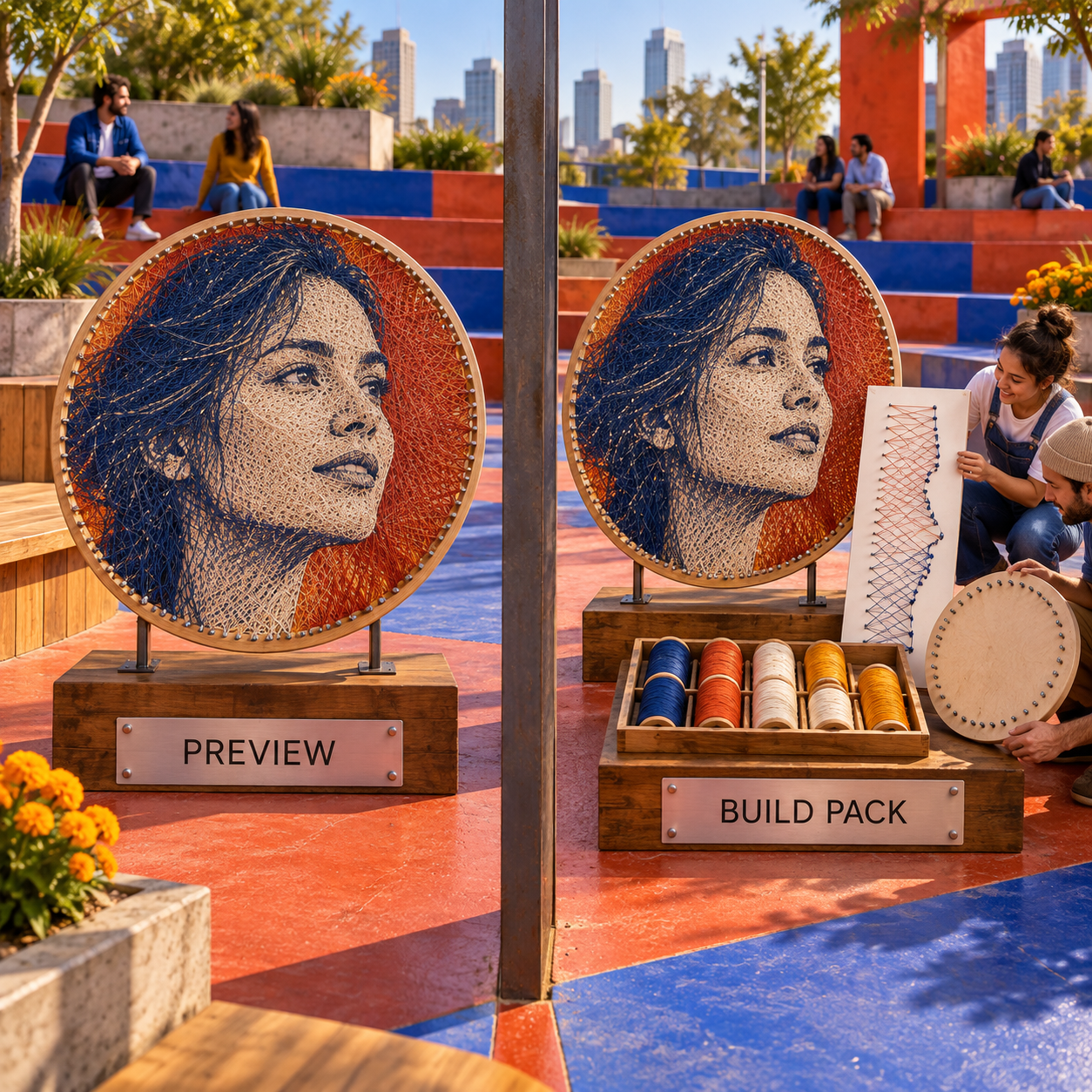
The explicit decision rule is: route first, placement map second, material plan third, platform fourth. A product should move down the list the moment it fails a required physical handoff, even if its preview is more attractive.
Measured Pattern Algorithms, Not Generative AI
The useful automation in string art is mostly optimization, not generative AI.
Stringify explains a greedy radial search: test possible chords from the current nail, score how much remaining darkness each line covers, choose the strongest candidate, subtract its contribution, and repeat. stringweave documents a similar greedy loop with preprocessing and a cached set of possible lines. StringAr and String Art Generator also describe continuous-line or in-browser optimization.
That distinction matters because generation and measurement solve different problems. A generative model invents an image from statistical patterns. A string art optimizer starts with your fixed image and searches for a route through fixed nails. The second task rewards repeatability. Once nail positions and route order are approved, surprise is a defect.
Use a general image model only upstream if the source artwork needs to be invented. Then flatten the image into a high-contrast composition and hand it to a specialist route generator. The specialist tool still owns the numbered path, printable map, and physical scale.
This is also why the label AI-powered should not earn a higher rank. None of the six winners needs a documented generative model to produce its core handoff. The ranking rewards what can be measured: route format, template scale, material estimate, and build controls.
The Ones to Avoid
String Art Maker Pro is not a top pick despite the largest public adoption signal in the field. Its Google Play listing shows 3.9 stars, 4.19K reviews, and 100K+ downloads, and the vendor promotes 8 canvas shapes plus Sound Assist. Those are meaningful conveniences, but the public listing does not document the printable-template format, sequence-file format, or exact in-app tier prices.
The current Google Play disclosure also says the app may collect location, financial information, and three other data types, while data is not encrypted and cannot be deleted. The app may still suit someone who values its shape menu and audio guidance, but the public evidence is too incomplete for it to outrank products with explicit files, scale, access, and privacy behavior.
Avoid a generic AI image generator as the final pattern. It can draw something that resembles threaded art while duplicating nails, breaking a continuous route, inventing impossible crossings, and omitting the placement map. Use its image as a source, never as construction instructions.
Avoid a string-art effect filter that exports only PNG or JPEG. It may be useful for approval art, a social post, or checking the subject, but it leaves the sequence and board unresolved.
Avoid any PDF with an unknown scale. A PDF file is not proof of a full-size template. Confirm diameter, pin count, numbering origin, page tiling, and 1:1 print settings before hammering.
Avoid a tool that hides its renewal price or export gate until after generation. The six ranked products all start free, so there is no reason to accept opaque billing just to discover whether the useful file is locked.
Frequently Asked Questions
What is the best free string art generator?
Stringify is the best complete free option because it documents local photo processing, an ordered route, a step-by-step PDF, a separate 1:1 placement-template maker, and material guidance. StringAr is the easier alternative when you prefer TXT plus a separate PDF/SVG template workflow.
Which app can create string art?
Thread Circle is the strongest documented mobile app for a physical build. It runs on Android, iPhone, and iPad, processes the photo locally, shows every pin move in Build Mode, and makes a printable PDF with the artwork, template, and complete sequence available after a rewarded ad.
How can I create my own string art pattern?
Start with one high-contrast subject, crop it to the frame, choose the board diameter and pin count, generate the route, inspect recognizable features, export the ordered sequence, and print a placement template with the same scale and numbering. Measure the printed map before placing nails.
Which AI app is best for creating artwork?
There is no universal best app. For physical string art, Stringify leads because the final output is a build packet, not just an image. For general illustration, the right choice depends on style, editing, licensing, and export needs that do not settle nail placement.
What AI is better than ChatGPT for image creation?
That question does not decide a string art build. A general image model may create stronger source art for a particular style, but a specialist tool such as Stringify or StringAr still has to calculate the nail route and placement map.
What is the app that most artists use?
There is no single app used by most artists across every medium. A string artist needs a route generator and physical template; an illustrator, photographer, or motion designer needs a different production stack.
What is the best free app for artists?
For mobile string art, Thread Circle is the best free starting point because the app includes generation, numbered instructions, and Build Mode. Its printable PDF requires a rewarded ad.
What do most artists use for digital art?
Artists commonly combine raster editors, vector editors, drawing apps, and specialist production software. For string art, the final specialist stage matters most because it converts the source image into a route and a physical board plan.
Which platforms are best for artists?
Browser tools are strongest when export transparency and local processing matter; mobile apps are better when instructions need to stay beside the work; open-source tools fit makers who want inspectable algorithms and portable files. Choose the platform after defining the handoff.
best ai tools for string art patterns free
All six ranked tools start free. Stringify is the most complete free browser packet, StringAr is the simplest browser workflow, and Thread Circle is the best free mobile route, with its PDF available after a rewarded ad.
best ai tools for string art patterns pdf
Stringify documents a step-by-step pattern PDF plus a separate 1:1 template PDF. StringAr exports its nail-placement template as PDF or SVG, while Thread Circle puts the artwork, 40 × 40 cm pin template, and complete sequence into one PDF.
best ai tools for string art patterns github
stringweave is the best open-source photo-to-route option, with a documented algorithm, TXT format, and player. String Art Studio is the better open-source choice for geometric patterns, printable nail maps, and thread-length calculations.
- Last Updated
- Sep 15, 2026
- Category
- Design
Prefer this site in Google


Mark omidsaffari.com as preferred and Google lifts it in Top Stories, AI Overviews and AI Mode for you.
Chart Minder vs Stitchmastery
Compare Chart Minder and Stitchmastery for knitting chart design, written instructions, exports, and the point where paid software earns its cost.Sep 15, 2026Design
ArtPatt Pricing
ArtPatt pricing explained: Free limits, Pro exports, saved patterns, AI-image allowances, and when a paid plan earns its place.Sep 15, 2026Design
Stitchly Pricing (2026): Pay Once, but Maybe Twice
Check Stitchly's one-time price, free limits, paid exports, Family Sharing, and why purchases do not transfer between iOS and Android.Sep 15, 2026Design
Beadographer vs BeadTool
Compare Beadographer and BeadTool for computer support, existing patterns, bead libraries, photo conversion, and sellable PDF exports.Sep 15, 2026Design
Loomerly Pricing
Decode Loomerly's one-time purchase, free download, listed special offer, supported Apple devices, and the paid features worth checking.Sep 15, 2026Design
Best AI Tools for Peyote Patterns
Compare tools for turning artwork into peyote bead patterns, with checks on staggered rows, bead palettes, word charts, and printable exports.Sep 15, 2026Design
Best AI Tools for Intarsia Knitting Charts
Compare intarsia chart tools for stitch proportions, color-block cleanup, bobbin planning, and usable exports from a photo or AI-made motif.Sep 14, 2026Design