Best AI Tools for Peyote Patterns
Compare tools for turning artwork into peyote bead patterns, with checks on staggered rows, bead palettes, word charts, and printable exports.

The best AI tools for peyote patterns are not AI chart generators. Beadographer is the best overall at $14.99 a year, MakeBead is the strongest free converter, and BeadTool 4 wins for 1-to-9-drop geometry. Use generative AI only to create a clean source motif; use dedicated bead software to make the staggered chart, palette, bead count, word chart, and printable PDF.
Best AI Tools for Peyote Patterns at a Glance
The decisive feature is not how quickly a tool turns a picture into colored cells. It is whether those cells become a pattern that follows peyote's offset construction and tells you what to pick up next.
Beadographer takes the top spot because it combines a browser canvas, photo conversion, bead libraries, peyote-specific layouts, beading mode, counts, editable word charts, and flexible PDF output at the lowest paid price in the group. MakeBead is the cleaner answer when the job is one even-count cuff and the budget is zero. BeadTool 4 moves ahead of both when the design needs more than 3-drop peyote.
Loomerly and Threadologie make more sense when the design needs to travel with you. Loomerly is the simpler long-term Apple purchase. Threadologie is the stronger phone-first production system if progress tracking, QR reopening, and branded seller PDFs matter enough to justify its Pro tier.
How These Tools Were Picked
Each tool was judged against the same deliverable: a high-contrast geometric rosette intended for a flat even-count peyote cuff. This is a documentation-verified comparison dated September 15, 2026, not a claim that all five products were installed and exercised on every supported device.
The common brief keeps the ranking useful. A product only scores well if its documented workflow can carry the rosette through these craft gates:
- Staggered geometry: alternate bead columns must sit half a bead apart. A square pixel grid is not a peyote chart.
- A purchasable palette: the colors should resolve to bead names or product codes, ideally restricted to beads you own.
- Counts: the output should tell you the total and per-color quantities, not leave you counting cells by eye.
- A readable word chart: the instructions need a starting point, row direction, and pickup order that agree with the visual chart.
- Bead-level correction: a clean conversion still needs manual fixes at diagonals, narrow gaps, and the motif's center axis.
- A printable handoff: a useful PDF carries the chart, legend, counts, and word chart at a size you can follow while stitching.
This rubric also separates generative artwork from image conversion. An image model invents pixels from a prompt. A pattern converter takes pixels you already have, reduces them to a bead palette, and places them on a stitch grid. Calling both steps AI hides the point where the craft can fail.
The source-image discipline is similar in other counted crafts. A soft, detailed image tends to collapse when reduced to a small palette, whether the output is a peyote cuff, an intarsia knitting chart, or a cross-stitch portrait. Peyote adds one extra constraint: the grid itself is staggered.
Peyote Stitch Pattern Maker: What the Geometry Must Preserve
A peyote stitch pattern maker has one non-negotiable job: represent the offset.
In peyote fabric, every other bead sits between two beads below it, creating rows that read like offset brickwork. That is why a square Perler-style grid can preserve the colors and still destroy a diagonal, narrow a curve, or shift the center of a motif. The chart has to show the same half-bead relationship the thread will create, and MakeBead exposes it in both its on-screen chart and export.
Even-count and odd-count are not cosmetic labels. Even-count flat peyote has a straightforward turn at both edges. Odd-count creates a centered column but requires a special turnaround at one edge. For a first pattern, even-count is usually the better brief because the edge logic is easier to read and easier for software to express in a word chart.
Drop count changes the unit of construction. In 2-drop peyote, you pick up and pass through pairs rather than single beads. The same logic can extend to larger groups, but the software needs a grid and word chart designed for that grouping. BeadTool 4 documents peyote from 1-drop through 9-drop. Beadographer documents standard, 2-drop, 3-drop, tubular, and mixed offset work through its row-shift controls.
Tubular peyote adds another decision. Even-count rounds use a step-up to reach the next round, while odd-count tubular work can continue as a spiral. A flat cuff converter should not be assumed to understand either route. MakeBead is explicit that its tool is for even-count flat peyote, which is a useful limitation rather than a hidden one.
1. Beadographer: Best Overall
Beadographer is the best overall choice because its browser editor covers the complete path from source image to pattern, beading view, count, word chart, and customizable PDF. Its free version is useful enough to decide whether the canvas suits you, while the $14.99 Annual Member tier turns it into a repeatable design workspace. The live feature split makes the upgrade boundary unusually clear.
For the rosette brief, the strongest control is Use only styles in palette. You can build a palette from the bead colors on hand, place the JPG or PNG over the canvas, adjust its size and opacity, then convert it with only those styles. The converter also lets you set the number of colors and choose RGB or HSV matching. RGB is the documented default recommendation; HSV is the useful second pass when hue relationships matter more than brightness.
The editing loop is more capable than a one-click converter. Draw, paint, erase, select by color, replace a swatch, mirror a motif, and shift an individual row when a mixed offset needs correction. Beading mode then highlights the current row or column so the pattern remains useful after it leaves the design stage.
Membership earns its price at the handoff. Beadographer's guide documents PDF blocks for project dimensions, bead count, per-style bead list, instructions, diagrams, and word charts. You can edit the word chart, set the starting bead, split large projects into panels, choose Letter or A4 pages, and export a tubular peyote word chart when that is the chosen structure.
Best for: Designers who want one browser tool for flat, shaped, mixed-offset, and sellable peyote patterns.
Standout: Palette-restricted conversion plus editable word charts and modular PDF output.
Pricing: Free, or Annual Member at $14.99/year.
Free trial: The free version has no ads and requires no registration.
- True peyote-specific layouts rather than a generic square grid.
- Photo conversion can be limited to the active physical bead palette.
- PDF can combine diagram, counts, bead list, instructions, and word chart.
- Browser delivery avoids a conventional desktop installation.
- The free version cannot save or reload projects and does not export the complete PDF package.
- The supported experience is aimed at Windows, Mac, and iPad, with Chrome recommended.
- Beadographer 5 is still in development and its own page warns that errors may occur.
A Reproducible Beadographer Recipe
The cleanest workflow starts with the stable pattern structure, constrains color before conversion, and treats the generated placement as a draft.
Choose the stitch before the picture
Open a peyote project and choose the bead library that matches the intended material. For a deadline-sensitive pattern, use the established Beadographer 3 workflow; use Beadographer 5 only when its custom beads, custom shapes, or thread paths solve a need the earlier canvas cannot.
Build the physical palette
Add the bead colors you can source or already own. A converter allowed to choose from every color can produce a beautiful chart that becomes an inventory hunt.
Place and convert the motif
Use the image tool to load the rosette as JPG or PNG, scale it over the cuff area, and lower the opacity if tracing is useful. Convert with a restrained color count and enable Use only styles in palette. Start with RGB; compare HSV only if the important hue boundaries collapse.
Repair at bead scale
Inspect the center axis, the narrowest gaps, and every stepped diagonal. Use draw, erase, color selection, swatch replacement, and row shift where the offset breaks the intended symmetry.
Read before exporting
Enter beading mode and advance through the pattern from the intended starting bead. A visual chart that looks balanced can still expose an awkward pickup sequence.
Export the working packet
On the Member tier, assemble the diagram, dimensions, bead list, instructions, and word chart in the PDF. Keep the free screenshot path for a personal one-off, not a pattern intended for customers.
2. MakeBead: Best Free Converter
MakeBead is the strongest zero-cost route from a source image to a complete even-count peyote packet. It runs in the browser, needs no sign-up, keeps conversion on the device, and includes the chart, legend, bead quantities, word chart, and printable PDF without a paid export gate.
The product page is unusually specific about geometry. Alternate columns are offset by half a bead on screen, in the PNG, and in the PDF. Rows 1 and 2 are strung together, then the word chart lists each following row by Miyuki Delica DB code. That alignment between chart and written order is what turns a converter into a beading tool.
The rosette workflow is direct: upload JPEG, PNG, or WebP, set the width, restrict the maximum colors, choose whether to use Floyd-Steinberg dithering, then correct individual beads. Dithering mixes nearby colors to simulate an intermediate shade. It can smooth a photograph, but it often makes a small geometric motif noisier, so leave it off unless a deliberate texture is part of the design.
The limit is just as clear. MakeBead's peyote tool targets even-count work and a curated Miyuki Delica 11/0 palette. It warns when the width is odd, but it is not the choice for an odd-count center column, tubular peyote, broader bead libraries, or advanced multi-drop layouts.
Best for: A fast, private, even-count cuff from an image or simple motif.
Standout: Complete staggered chart, Delica counts, word chart, and PDF at no cost.
Pricing: Free with unlimited conversion and export.
Free trial: No trial needed and no account required.
- Explicit half-bead stagger in every output format.
- Miyuki Delica DB codes turn the color legend into a buying list.
- Finished-size estimate updates from the selected gauge.
- Image conversion and editing happen in the browser.
- Limited to even-count peyote.
- Built around one curated Delica 11/0 palette rather than a broad inventory system.
- No shaped, tubular, or multi-drop peyote workflow is documented.
3. BeadTool 4: Best for Multi-Drop Desktop Work
BeadTool 4 is the strongest specialist when drop count and print-layout control matter more than a modern mobile interface. It supports peyote from 1-drop through 9-drop, tubular peyote, and Native American Gourd, then generates word charts for all of those stitch families.
For a simple rosette cuff, that range can be more software than necessary. For a design built from grouped bead units, it is the reason to buy. The drawing tools include pencil, eraser, flood fill, lettering, shapes, flip, mirror, rotate, shift, and selection operations. Its libraries cover Miyuki Delicas and rounds, Preciosa rocailles, TOHO Treasures, Aikos and rounds, plus pony beads.
Photo transfer is conventional palette conversion, not motif generation. The official help recommends starting with a full stock palette, trying 32 colors, switching from Nearest Color to Popularity when the result is weak, and adjusting sampling. That advice is valuable because it treats the first transfer as a setting problem, not a finished design.
Printing is BeadTool's other advantage. Custom layouts can combine the bead graph, pattern, legend, and word chart, while image export supports PNG and JPG. The documented limitation is that BeadTool 4 cannot physically change pattern orientation, so the source and stitch direction need to be settled before layout work.
The platform wall is decisive. BeadTool's current product page lists Windows and Intel-architecture Mac support and says the app does not work on macOS 26 Tahoe or above, Android, iOS, Linux, or Chromebook. A current Apple-silicon or mobile workflow should not be built around it.
Best for: Windows-based designers making tubular or advanced multi-drop peyote and polished print layouts.
Standout: Documented 1-to-9-drop support with word charts.
Pricing: New BeadTool 4 License $49.95; Future Upgrades $19.95.
Free trial: Free download with no time limit.
- Broadest documented peyote drop-count range in the group.
- Deep desktop drawing and palette tools.
- Word charts cover every supported stitch except Right Angle Weave.
- Print layouts suit pattern packets intended for sale or teaching.
- No Android, iOS, Linux, or Chromebook support.
- Intel-only Mac support excludes a clean long-term Mac path.
- Pattern orientation cannot be changed inside BeadTool 4.
4. Loomerly: Best One-Time Apple App
Loomerly is the best fit when the entire workflow lives on an iPhone, iPad, or Apple-silicon Mac and a one-time purchase is preferable to a subscription. The app converts photos, supports drawing and tracing, uses Miyuki, TOHO, and Preciosa palettes, and exports printable PDFs with word charts.
The portable correction loop is its strongest design argument. A source image can remain visible under the pattern while you redraw a contour, and local processing keeps the image and pattern on the device. The developer says the app does not transmit that data to third parties.
Loomerly's public pages name loom, peyote, and brick grids, but they do not document the same 1-to-9-drop depth as BeadTool or the shaped peyote range of Beadographer. That makes it a strong flat-pattern studio and a weaker choice when the brief starts with unusual stitch geometry.
The US App Store listing shows a $75.00 Full Version and a $29.99 Special Offer. The Full Version is a one-time purchase, covers unlimited patterns and exports, and can be shared across the buyer's iPhone, iPad, and eligible Mac. The Special Offer is a live store listing, not a permanent price promise.
Version 3.14.1 was current at verification and added TOHO Aiko 11/0 and TOHO Treasure 11/0 palettes. That matters more than a cosmetic release note because a broader stock palette reduces the replacements needed after conversion.
Best for: Apple users who want to draw, convert, edit, follow, and export without an annual subscription.
Standout: One purchase across compatible Apple devices with local processing.
Pricing: Free download; Special Offer $29.99; Full Version $75.00.
Free trial: No trial is stated on the US App Store page.
- Purpose-built touch workflow for iPhone and iPad.
- Photo conversion, tracing, manual drawing, PDF, and word chart in one app.
- One-time purchase rather than a subscription.
- Pattern data and processing stay on the device according to the developer.
- No Android or Windows version.
- Full stitch-variation depth is less explicit than BeadTool's or Beadographer's documentation.
- The live Special Offer may not be available when you buy.
5. Threadologie: Best for Mobile Tracking and Seller PDFs
Threadologie is the best phone-first choice for a creator who designs, follows, shares, and sells from the same app. Its product pages combine image conversion and editing with directional guidance, row navigation, progress tracking, bead counts, word charts, PDF export, and QR re-import.
The app supports peyote, brick, loom, and fringe work on mobile. Its current Google Play description names 1-drop, 2-drop, and 3-drop variations, while the August 31, 2026 update adds tubular peyote with a step-up for even counts and a continuous spiral for odd counts. That is a more explicit current geometry statement than Loomerly provides.
The tier boundary matters. Threadologie's terms set Free at $0 for 1 pattern, progress tracking, and QR import. Creators is $2.99/month or $29.99/year for unlimited patterns, image import, and watermarked PDF/QR export limited to personal use. Creators Pro is $5.99/month or $59.99/year and adds clean PDFs, word charts, branding, a creator profile, and commercial use.
That means the cheap tier is not the seller tier. A designer publishing customer-ready instructions needs Creators Pro because the lower paid tier keeps the watermark and personal-use restriction. All paid subscriptions include a 7-day trial for first-time subscribers, subject to regional availability.
The US App Store page also documents bead-type selection for size estimates, advanced color replacement, bead-by-bead tracking, and Pro exports with legends and counts. This is the strongest follow-while-you-bead experience in the group, but it carries the highest recurring price for full output.
Best for: Mobile-first creators who need progress tracking, QR handoff, and branded commercial PDFs.
Standout: The design file can travel from editable pattern to printed QR and back into the app.
Pricing: Free $0; Creators $2.99/month or $29.99/year; Creators Pro $5.99/month or $59.99/year.
Free trial: 7 days for first-time paid subscribers, where available.
- Mobile design and stitch tracking live in one workflow.
- Current support includes flat multi-drop and tubular peyote.
- Pro PDFs include word charts, bead counts, legends, branding, and QR re-import.
- Compatible stylus support helps with bead-level corrections.
- Word charts and clean commercial PDFs require Creators Pro.
- Creators exports are watermarked and licensed for personal use.
- The full workflow is subscription-based rather than a one-time purchase.
Photo to Peyote Bead Pattern: The Correct Workflow
A photo to peyote bead pattern workflow needs two separate creative decisions. First, make a source motif that can survive reduction. Second, translate it into the physical logic of beads and thread. Blending those decisions into one AI prompt produces an attractive picture without a reliable pattern.
The first source pass often fails because it asks for too much: shaded petals, a textured background, fine outlines, dimensional lighting, and decorative detail. Palette reduction turns those soft transitions into scattered single beads. On a small cuff, that noise reads as broken edges rather than nuance.
The useful iteration changes the source, not the stitch chart. Ask the image generator for a centered geometric rosette, solid color regions, clean negative space, high contrast, no text, no shadows, and no gradients. Then remove any remaining soft background and crop tightly before the pattern tool sees it. The generator is producing reference artwork, not a bead graph.
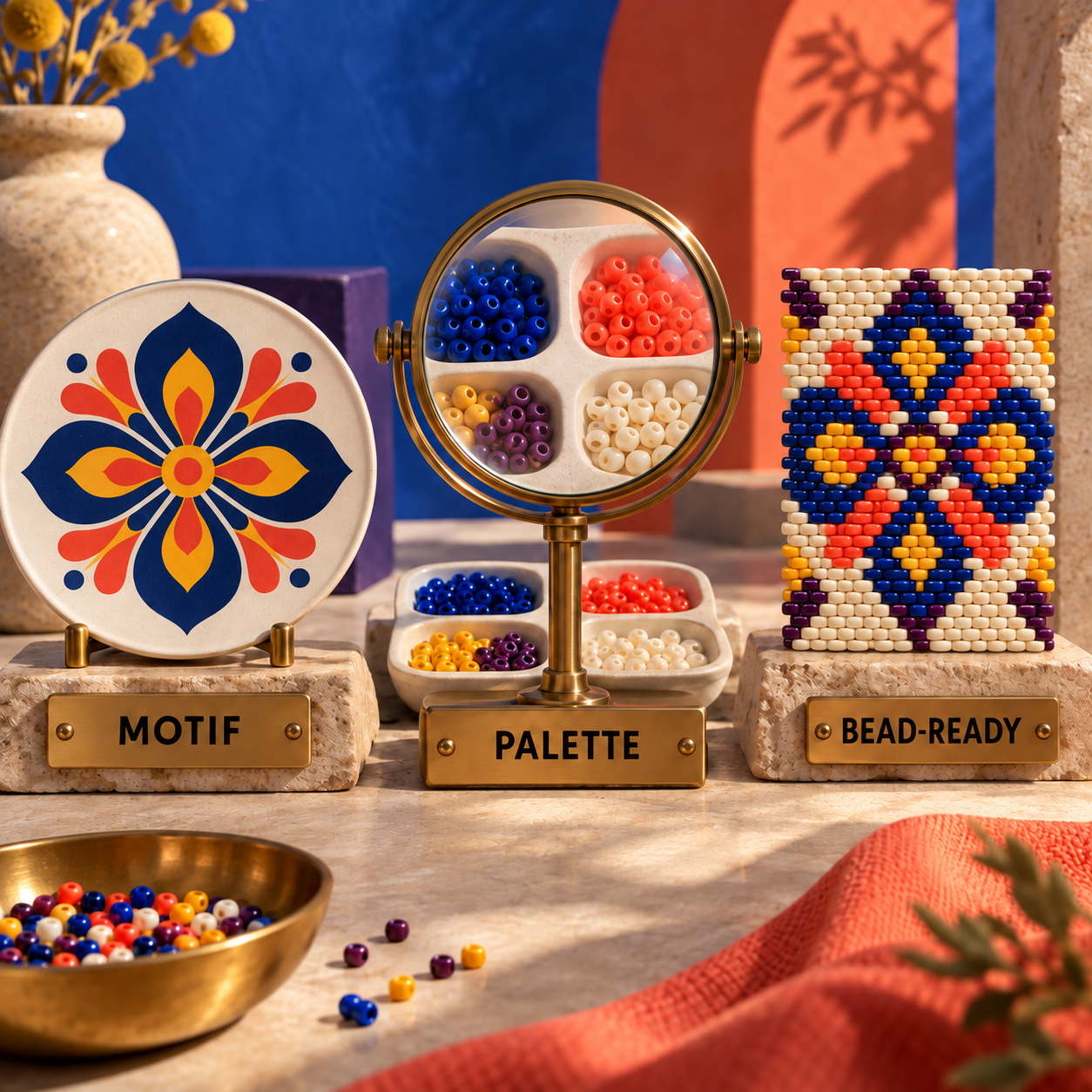
The bead-ready pass starts with inventory. Choose the bead family and build a palette from colors you can buy or already own. Beadographer can force conversion to the active palette. MakeBead maps to its curated Miyuki Delica 11/0 set. BeadTool can work from stock or custom palettes. A color that exists only on screen is a production defect.
Next, convert on the correct peyote canvas and inspect the motif at bead scale. Check the central axis, each one-bead gap, every diagonal, and the outer contour. Replace isolated color specks, reopen gaps that closed during reduction, and make the two sides agree with the stagger rather than with a square-pixel preview.
Finally, read the chart as instructions. Confirm the starting bead, direction, first two rows, and every color run in the word chart. The PDF is ship-ready only when its diagram, legend, per-color count, and pickup order describe the same object.
Generate a flat source motif
Prompt for one centered geometric subject with solid color regions, high contrast, clean negative space, no lettering, no shadow, and no gradient. Do not ask the image model to draw beads or a chart.
Prepare the image
Crop to the intended aspect ratio, remove soft background detail, and preserve the silhouette. A simpler source gives the converter fewer ambiguous colors to invent.
Lock the physical palette
Choose bead family and product colors before conversion. Restrict the converter to that palette whenever the tool provides the option.
Convert on peyote geometry
Select flat even-count, odd-count, tubular, or the required drop structure first. Reject any result shown only on a straight square grid.
Correct bead by bead
Repair symmetry, gaps, diagonals, and single-bead noise. Treat the automated result as a draft, especially around curves and the motif's center.
Audit the handoff
Compare the visual graph, color legend, bead quantities, and word chart. Export only when the four views agree.
Peyote Word Chart Software: Check the Reading Logic
Peyote word chart software is valuable because the visible rows are not read like ordinary graph paper. The starting strand forms rows 1 and 2 together, then each pass adds the next set of up-beads. A useful word chart states the pickup sequence and direction rather than merely listing color totals.
Start by checking that the graph and word chart agree on orientation. BeadTool stores the starting-bead choice with the pattern and provides shift controls when the visible peyote alignment changes. Beadographer lets the export specify the starting bead, alternate row direction where supported, and tubular output. MakeBead writes the combined starting rows and subsequent color runs by Delica code.
Counts solve a different problem. The word chart tells you what to pick up in order; the bead list tells you what to buy. A commercial pattern needs both. Beadographer can place project details and per-style counts into the PDF, MakeBead includes per-tube counts, and Threadologie reserves word charts and clean count-bearing PDFs for Creators Pro.
Free Online Bead Pattern Maker Options
The free online bead pattern maker decision is between a complete narrow workflow and a broader editor with a paid handoff. MakeBead completes the even-count Delica path for free. Beadographer gives you a much wider design environment for free but reserves saved projects, bead lists, word charts, and PDF exports for members.
Miyuki Bead Pattern Maker Online Free
MakeBead is the direct answer when the material is Miyuki Delica 11/0 and the design is flat even-count peyote. It converts locally in the browser, supplies DB color codes and quantities, allows bead-level edits, and exports the working PDF without an account.
Beadographer is better when you need TOHO choices, other bead sizes, shaped peyote, multi-drop layouts, inventory, or reusable projects. Its free screenshot can be enough for a personal experiment, but the $14.99 membership is the practical floor for a pattern you plan to revisit or distribute.
The word free should never override the output test. A free square-grid converter that omits pickup order costs more time at the bead mat than either of these purpose-built routes.
Who Should Pick What
Choose Beadographer when the browser is your studio and the work spans more than a basic cuff. It gives the best balance of geometry, palette control, corrections, counts, beading support, and customizable output.
Choose MakeBead when the brief is one flat even-count Delica pattern from a clean image and the budget is zero. Its narrow scope is exactly why the output is coherent.
Choose BeadTool 4 when 4-drop through 9-drop peyote, tubular work, or desktop print-layout control is central and a supported Windows machine is available. Its geometry range flips the ranking for advanced construction.
Choose Loomerly when the work stays inside Apple's ecosystem and a one-time purchase matters more than the deepest stitch menu. It is the cleanest portable alternative to an annual plan.
Choose Threadologie when design, bead-by-bead progress, QR sharing, and commercial PDF production all need to happen on mobile. Budget for Creators Pro, not Creators, if the finished pattern will be sold.
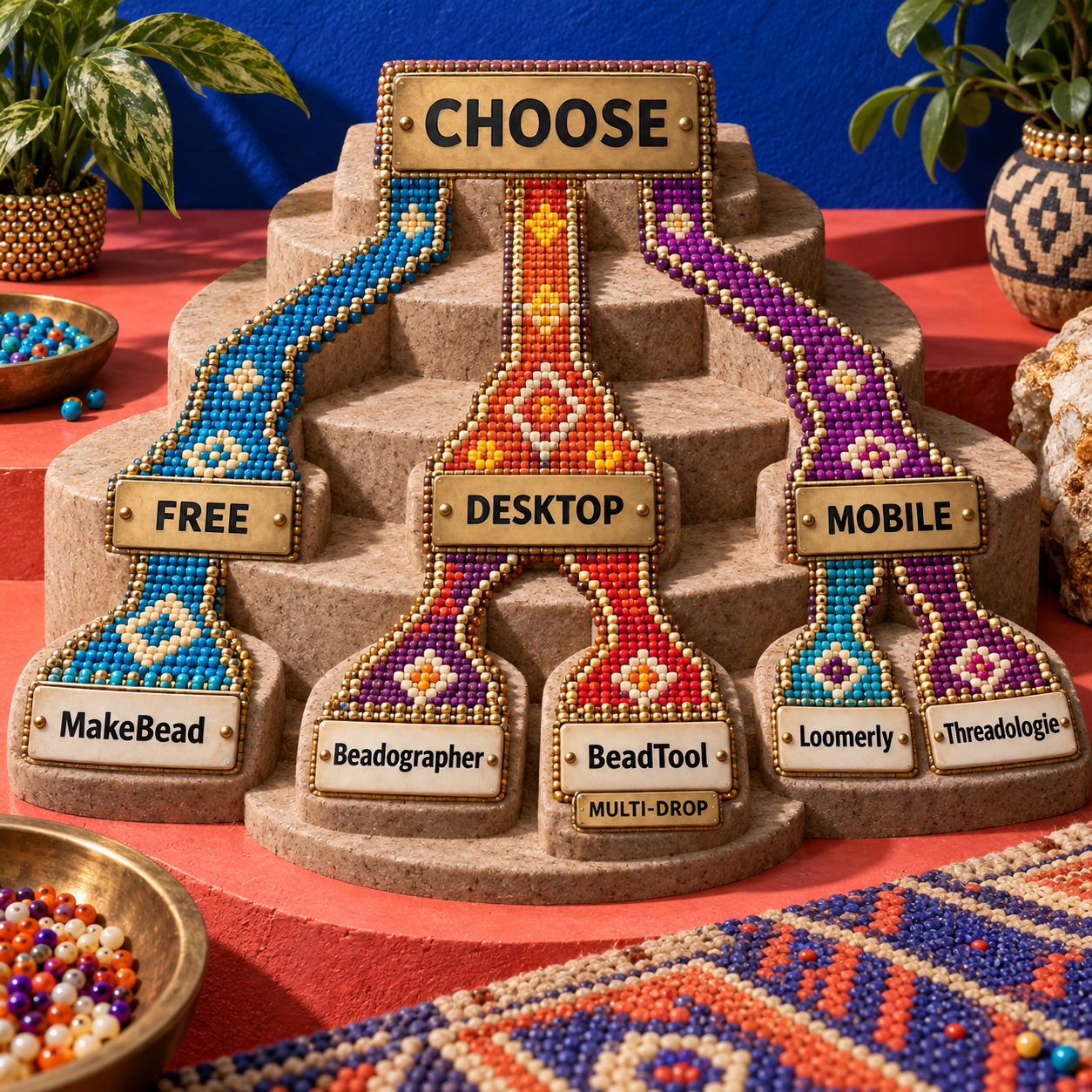
The explicit decision rule is simple: stitch structure first, required handoff second, supported device third, price fourth. Price only decides between tools that can produce the same valid chart. A free app on the wrong grid is not a bargain.
The Ones to Avoid
Avoid square-grid fuse-bead converters for peyote. They may match the source colors, but their equal rows cannot show the half-bead offset that controls diagonals and turns.
Avoid generic pixel editors as the final deliverable. They can simplify a motif, but they do not know bead product codes, pickup order, drop grouping, starting-bead logic, or per-color quantities.
Avoid a generative AI image used as the chart itself. Even an image that appears to contain staggered beads can duplicate, omit, or deform units. Use it as reference artwork and rebuild it in dedicated pattern software.
Avoid BeadTool 4 on an unsupported Mac. The vendor explicitly excludes macOS 26 Tahoe and Apple-silicon support is not listed. Pick Loomerly, Threadologie, MakeBead, or browser-based Beadographer instead of designing a migration around an incompatible application.
Avoid Beadographer 5 for a deadline-critical packet unless its custom shapes or thread paths are essential. Its own product page labels it in development and warns that some errors may occur. Beadographer 3 is the steadier choice for the documented core workflow.
Kandi Peyote Stitch Pattern Maker
The name is less important than the grid. Kandi tools often focus on pony-bead cuffs, fuse beads, or other layouts, and MakeBead itself separates its kandi converter from its peyote converter. Use a kandi tool only when it explicitly renders the intended peyote offset and pickup order; otherwise move the motif into one of the dedicated peyote tools above.
Frequently Asked Questions
What is the best app for making seed bead patterns?
Beadographer is the best broad choice because it combines multiple stitch layouts, bead libraries, photo conversion, editing, beading mode, counts, word charts, and PDF output in a browser. Loomerly is the better Apple-only one-time purchase, while Threadologie is stronger for mobile progress tracking.
Is odd or even peyote stitch easier?
Even-count peyote is easier to learn because it avoids the special turnaround required at one edge of odd-count work. Interweave's stitch guide explains that even-count needs no special turn.
How can I convert a photo into a bead pattern?
Simplify and crop the photo, choose the physical bead palette, select peyote geometry, run the conversion, correct individual beads, then compare the graph, legend, counts, and word chart before exporting. Beadographer and MakeBead both document that full correction path.
What type of beads are best for peyote stitch?
Uniform cylinder beads such as Miyuki Delica give geometric patterns the cleanest chart-to-fabric translation because they sit closely in the offset structure. MakeBead builds its converter around Miyuki Delica 11/0, while the other ranked tools support broader libraries.
What is the difference between Nymo b and d?
Nymo B is the thinner size and Nymo D is thicker. Beadaholique's thread overview also cautions that twisted Nymo can fray during repeated passes. For peyote, test the chosen thread through the actual bead holes for the full number of planned passes before committing.
How many beads to start a peyote stitch?
String the number specified for the pattern's first two rows; there is no universal starting count. One-drop even-count starts with an even number, while odd-count and multi-drop structures change the setup.
How hard is a peyote stitch?
The first few rows are the awkward part because the up-beads have not settled into a visible rhythm. Once those rows are established, the alternating pickup pattern becomes much easier to see and repeat.
What is 2 drop peyote stitch?
It treats two beads as one unit in each stitch: pick up two, skip or pass through the corresponding pair, and continue across. Beadaholique's two-drop tutorial contrasts that with one-drop, which adds one bead at a time.
Is there a PDF tutorial for peyote stitch?
Yes. Beadaholique provides free downloadable PDFs for both even-count and odd-count flat peyote, alongside project examples and videos.
Get the AI Business Workflow Audit Checklist for a sharper way to evaluate where AI helps a creative process and where specialist software still has to own the handoff.
- Last Updated
- Sep 15, 2026
- Category
- Design
Prefer this site in Google


Mark omidsaffari.com as preferred and Google lifts it in Top Stories, AI Overviews and AI Mode for you.
Best AI Tools for Intarsia Knitting Charts
Compare intarsia chart tools for stitch proportions, color-block cleanup, bobbin planning, and usable exports from a photo or AI-made motif.Sep 14, 2026Design
Best AI Tools for Rug Tufting Patterns
Compare tools for rug tufting patterns by color blocks, editable outlines, yarn palettes, and the work needed before printing or projection.Sep 14, 2026Design
Separo vs UltraSeps
Compare Separo and UltraSeps for simulated-process separations, Photoshop work, correction time, and the files your screen printer needs.Sep 14, 2026Design
Best AI Tools for Laser Engraving Depth Maps
Compare AI depth-map tools for laser reliefs by editing, export quality, and the cost of reaching a usable file.Sep 13, 2026Design
Cutsio Video Indexing Cost
Decode Cutsio's indexed minutes, stored hours, seats, and overages to choose a plan for a growing video library.Sep 13, 2026Design
Best AI Tools for Cross Stitch Pet Portraits
Compare AI and photo-conversion tools for cross-stitch pet portraits, with checks for likeness, thread codes, cleanup, and printable charts.Sep 13, 2026Design
DreamYard AI Review
A DreamYard review of photo fidelity, revisions, downloads, free limits, current pricing, and the permission required for client work.Sep 13, 2026Design