Kling AI Review (2026): What It Costs, What Kling 3.0 Nails, and Where It Breaks
The real 2026 Kling AI pricing, the credit-per-clip math, what Kling 3.0 nails, the monthly expiry trap, and where it breaks for client work.
Published Updated
 By Omid Saffari

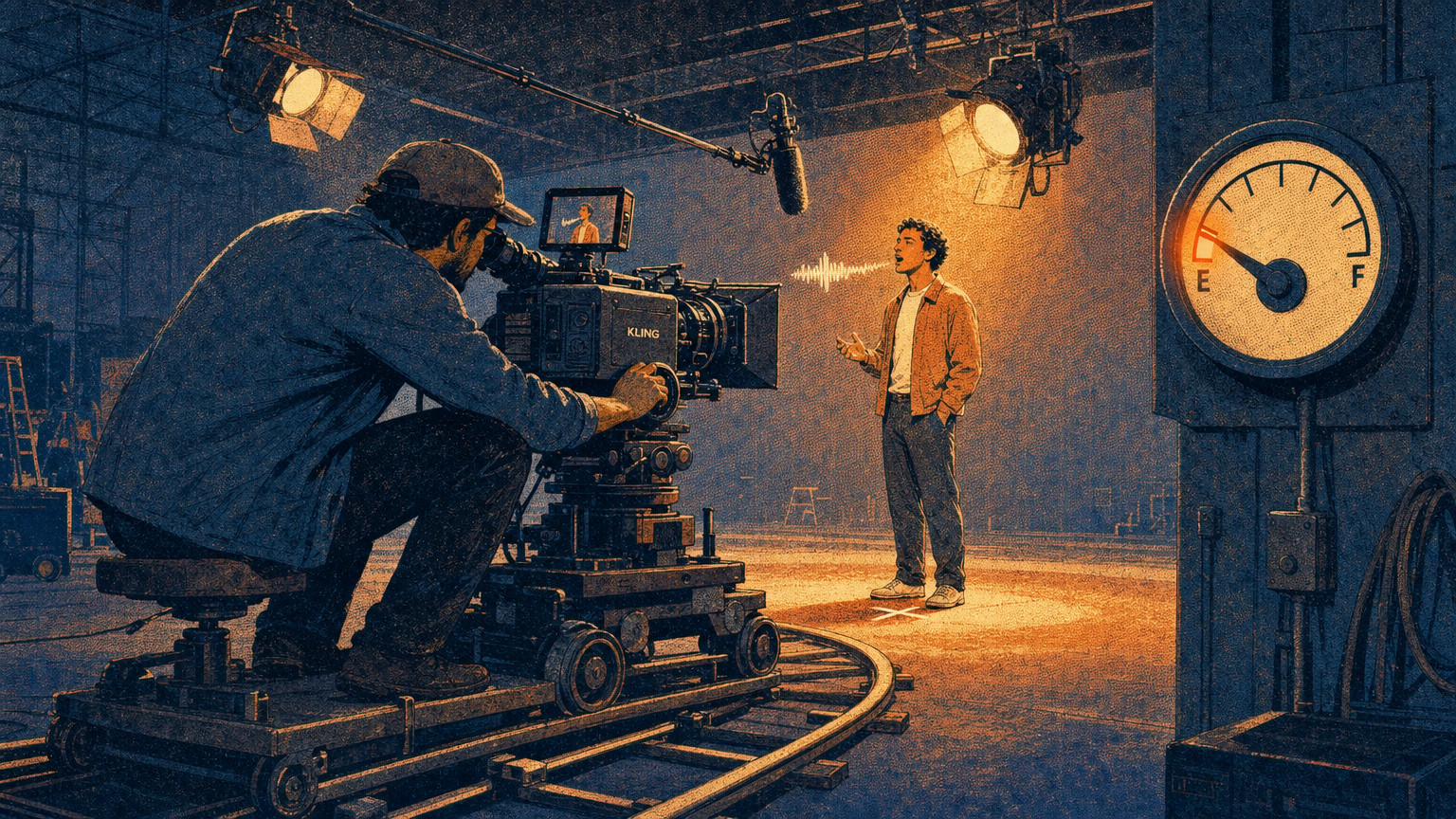
Kling AI makes some of the most cinematic video any model can generate in 2026, with real physics and native lip-sync built in. The catch is not the quality. It is a credit meter that resets to zero every month and a price that quietly climbs the moment you want 1080p.
The verdict, up front
Buy Kling if you want the most cinematic realism available in an AI video tool, motion that obeys physics, faces that emote, and synced dialogue and sound generated automatically, and you make short-form or social content where a single strong shot carries the piece. Its native lip-sync and long, extendable clips are things most rivals still cannot match, and its cheaper tiers undercut Sora 2 Pro on cost per clip.
Skip it, or supplement it, if your work needs the same character to survive a five-shot sequence, if a tight budget cannot absorb credits that expire every month, or if you handle confidential client material and cannot send it to a Chinese-owned platform without a data review.
One plain call: for a solo creator or short-form pro, the $37 Pro plan is the working sweet spot. Test on the free tier first, but know the free tier watermarks everything and forbids commercial use, so it is a demo, not a workflow.
What Kling AI actually is
Kling AI is a text-to-video and image-to-video model built by Kuaishou, the Chinese short-video company, and the current Kling 3.0 release is one of the two or three best-looking video models you can pay for. You type a prompt or feed it a still image, and it generates a clip; feed it a first frame and it animates from there. Where it separates from the pack is the realism of the motion and the fact that it generates sound and lip-synced dialogue in the same pass, not as a bolt-on.
Under the hood you get several modes: straight text-to-video, image-to-video, a Voice Control mode, and Element AI Multi-Shot for stringing motion across a scene. Paid tiers add 1080p and 4K output, brand-watermark removal, and clip extension, so you can push a generation past the short default length. That extension is a genuinely useful lever, and it is one of the things people mean when they say Kling handles longer, more coherent shots than most competitors.
Kling AI pricing in 2026 (the real numbers)
Here are the current tiers straight from Kling's membership page. Prices below are monthly billing; annual billing cuts roughly a third off the three middle plans.
New subscribers currently get a 50% credit bonus in their first month, up to 5,000 extra credits, an offer running through the end of 2026. That sweetens the first bill, not the ongoing cost.
The rule that changes the real price sits in the fine print: Kling's subscription credits do not roll over. They expire at the end of each billing month. Generate 600 of your Standard plan's 660 credits and forget the last 60, and they are gone at renewal. Separately purchased credit packs are more forgiving and stay valid for about two years, but the monthly allotment is strict use-it-or-lose-it. That single rule is why the sticker price understates what Kling actually costs a working creator.
The credit math nobody explains
Credits mean nothing until you convert them to clips and dollars, so do it once. Kling prices a standard 720p video at about 20 credits per generation (660 credits buys 33 clips, and the ratio holds at every tier), and a single image at 1 credit. Divide each plan's price by its clips and the true unit cost appears: a 720p generation runs about $0.30 on Standard, $0.25 on Pro, and $0.23 on Premier.
Now apply the truth every pricing page hides: you do not keep the first render. Budget roughly three generations per shot you actually use, and the honest cost lands near $0.70 to $0.90 per usable 720p clip. That is genuinely cheap for the quality, and it is where Kling beats the premium US models on economics.
Two things push it up fast. Jumping to 1080p or 4K, or extending a clip, multiplies the credit cost per generation, so a portfolio of high-resolution, extended shots burns credits several times faster than the 720p math suggests. And the free tier is a demo, not a plan: it renders slowly, stamps a watermark, and bars commercial use, so treat it as a test drive and price your real work from Standard up.
What Kling 3.0 genuinely nails
Its realism is the reason to be here. Kling 3.0 renders motion that respects physics, cloth that settles, hair that moves with weight, and faces that hold a believable expression through a shot. A camera move is simply how the virtual camera travels through the scene, a crane lift, a drone push, an orbit, and Kling handles those complex moves with a smoothness that reads as filmed rather than generated.
The differentiator, though, is sound. Most AI video models hand you a silent clip and leave audio to you. Kling generates synced sound effects, music, and lip-matched dialogue in the same pass, so a talking-head shot arrives with the mouth actually matching the words. For explainers, ads, and character pieces, that removes an entire post-production step.
The before-and-after shows the workflow. Take a single product still, a sneaker on a plain backdrop. A raw image-to-video pass gives you a stiff, barely-moving clip, technically clean and lifeless. Direct a slow orbit with a rack of studio light and extend it to a few seconds, and the same still becomes a rotating hero shot with real specular highlights sliding across the material. You did not regenerate the product; you directed the camera and let the physics engine sell it.
Start from a strong still
Image-to-video beats text-to-video for control. Generate or shoot a clean first frame, then animate from it, so the model is interpreting motion, not inventing your whole scene.
Direct the camera, then the audio
Pick a defined camera move rather than describing one in prose, and lean on native lip-sync for any talking shot instead of syncing audio by hand later.
Draft at 720p, finish selectively at 1080p
Iterate cheap at 720p to find the shot, then re-render only the keepers at 1080p or 4K. Rendering everything at full resolution is how a plan evaporates.
Extend, do not restart
Use clip extension to lengthen a shot that is working rather than regenerating from scratch and losing the look.
If you also generate the source stills with an image model, the same prompt discipline carries over, our Nano Banana Pro prompt guide applies to the frames you feed Kling.
Where it breaks (the craft bar)
Ask Kling to hold one character across several separate shots and the seams show. This is the ceiling every current video model hits, and working creators reviewing Kling on Reddit and across polarized Trustpilot threads land in the same spot: stunning single shots, shaky continuity. A face drifts between clips, a logo garbles, wardrobe shifts shade. Complex multi-subject prompts, two people interacting with specific choreography, also strain its adherence, and you will regenerate more than you expect.
Then there are the operational cons that reviewers flag most: render times crawl on the free and cheapest tiers, customer support is widely described as slow and unreliable, and the credit-expiration rule quietly penalizes anyone who over-buys. None of these touch the output quality, but they shape the day-to-day experience, and they are why "the videos are gorgeous" and "the platform is frustrating" both appear in the same review.
The caveat that matters most for professional work is ownership. Kling is a Kuaishou product, a Chinese company, and if you run confidential client footage, unreleased product, or anything under NDA through it, that is a data-governance decision, not a creative one. Read the current terms and clear it with the client before you upload sensitive material. For personal and public-facing content it is a non-issue; for regulated or confidential work it is a real gate.
- Best-in-class cinematic realism and physics in 2026
- Native audio and lip-sync generated in the same pass
- Long, extendable clips that hold coherence
- Cheap per-clip cost at 720p, undercuts premium US models
- Genuine free tier to test before paying
- Consistency breaks across multi-shot sequences
- Subscription credits expire monthly, no rollover
- 1080p/4K and extensions multiply credit cost fast
- Slow renders on cheap tiers, spotty support
- Chinese ownership raises a data question for confidential work
The honest line: Kling output is ship-ready for social clips, ads, product motion, explainers, and character shots where a hero frame does the work. It is mood-board-only for tightly continuous multi-shot narratives and a hard no for confidential material until you have cleared the data terms.
Which plan should you buy?
If you are unsure, start on Pro. Standard's 660 credits vanish in a serious week of iteration, and Premier or Ultra only pay off once you are rendering at volume or in high resolution every month.
Is anything better than Kling?
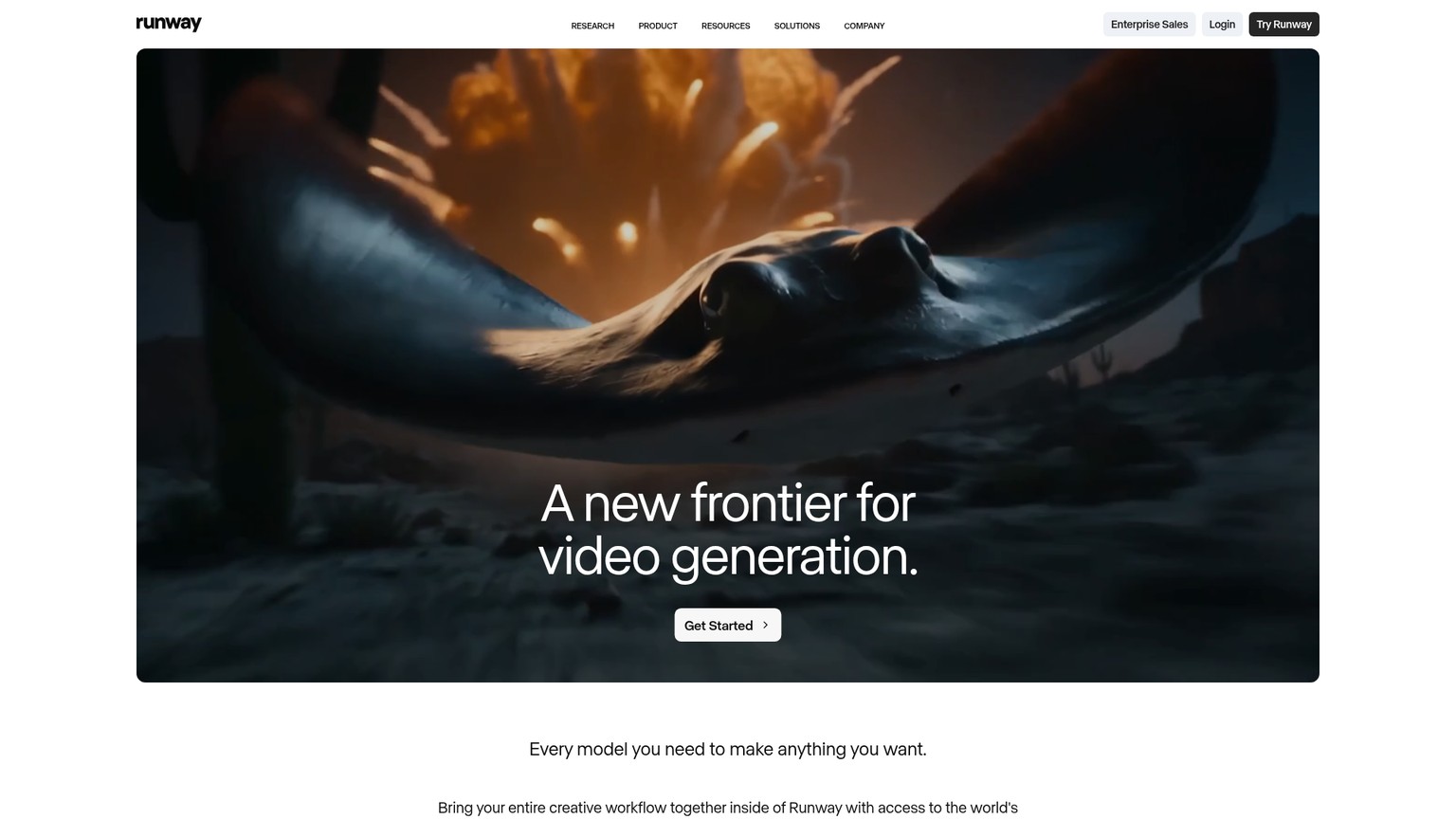
It depends on the axis. For raw prompt adherence and coherence, Sora 2 Pro and Google Veo 3.1 are the peers to beat, Veo in particular matches Kling on native audio and often edges it on following a complicated prompt. For frame-exact editing and a proper timeline, Runway is the more serious finishing tool, with a higher skill floor to match.
If you would rather not commit to a single model, Higgsfield bundles Kling 3.0 alongside Sora 2, Veo, and Seedance in one interface with camera-motion presets, at the cost of a markup and a throttled unlimited tier.
Higgsfield AI review (2026)
Access Kling 3.0 alongside Sora and Veo in one UI: the real pricing, the credit math, and where the aggregator breaks.
What none of them quite replicate is Kling's specific bundle: top-tier cinematic realism, native lip-sync, and long extendable clips at a low per-clip cost. If that combination is your priority, Kling is the pick. If any single one of those matters more, a specialist beats it.
How much does Kling AI cost a month?
There is a free tier, then paid plans at $10 (Standard), $37 (Pro), $92 (Premier), and $180 (Ultra) on monthly billing. Annual billing takes roughly a third off the Standard, Pro, and Premier tiers. Each plan is a monthly credit allotment, and those credits expire at the end of the cycle.
Is Kling AI really free?
Yes, there is a free tier, but it is a demo, not a workflow. Free output is watermarked, cannot be used commercially, renders slowly, and runs on limited daily credits. Real work starts at Standard, which removes the watermark and grants a commercial license.
What is Kling AI best for?
Cinematic single shots with realistic motion and native lip-synced audio, so short-form video, ads, product motion, explainers, and character pieces. It is weakest at holding one character consistently across a long multi-shot sequence.
Which AI is better than Kling?
For prompt adherence and coherence, Sora 2 Pro and Google Veo 3.1 are the closest rivals, Veo also does native audio. For editing control, Runway is stronger. Kling wins on cinematic realism plus lip-sync at a lower per-clip cost, so "better" depends on which of those you need most.
Are my Kling AI videos private, and who owns Kling?
Kling is made by Kuaishou, a Chinese company. For personal and public content that is a non-issue, but for confidential, NDA, or regulated client material you should read the current data terms and clear it with the client before uploading anything sensitive.
Is Kling AI a safe website?
The official platform (kling.ai) is legitimate. Watch for lookalike domains that mimic the name to sell knockoff access or harvest payment details, only subscribe through the official site, and review the billing terms since credits expire monthly.
If you want the honest breakdown on the next AI video and design tool before you spend on it, join the newsletter, one clear-eyed review and workflow a week, no hype.
- Last Updated
- Category
- Design
- Language
Claude Design Is Now Free: Pricing and Business Uses
Claude Design is included on Free. See current plan prices, shared usage limits, exports, setup steps and where prototypes need engineering.Oct 10, 2026Design
Beautiful AI Review
Beautiful.ai review: Smart Slide guardrails, current pricing, Team seat ambiguity, AI features, export limits and when Gamma is the better fit.Oct 10, 2026Design
Nano Banana 2.1 Explained: Pricing, Changes, and When to Switch
Nano Banana 2.1 cuts 1K and 2K image costs about in half. Compare monthly budgets, verify the migration, and decide when Pro earns its premium.Oct 8, 2026Design
ElevenLabs Alternatives: Murf, MAI-Voice-2, OpenAI TTS and Cartesia (Verified October 2026)
Compare ElevenLabs, Murf, MAI-Voice-2, OpenAI, Cartesia, Google and Speechify by studio or API job, with verified prices and switching costs.Oct 4, 2026Design
Higgsfield API Pricing
Price Higgsfield API video and image jobs, separate API dollars from app credits, and check top-ups, expiry and cashback before scaling.Sep 27, 2026Design
Is Gemini Live Avatar Free
Check Gemini Live Avatar access, Enterprise API charges and custom-avatar limits before budgeting a customer-facing video agent.Sep 27, 2026Design
Gemini 3.8 Flash TTS Pricing
Price Gemini 3.8 Flash TTS by audio minute, compare Flash-Lite and service tiers, and budget the January 2027 increase.Sep 24, 2026Design