Texloom Studio Review for Seamless Textile Prints
A Texloom Studio review focused on seamless repeats, color control and print exports, with clear limits on what was tested and what needs checking.


Texloom Studio is worth a look for browser-based repeat QA and handoff utilities, but it is not yet a blind purchase: a controlled 512 × 512 tile exported as a pixel-identical TIFF at 300 DPI, while the live pricing page contradicted itself on credits and annual savings. This Texloom Studio Review for Seamless Textile Prints separates the functions verified in public tools from the account-gated claims a studio must prove before production.
Texloom Studio Review for Seamless Textile Prints
Texloom Studio is a browser workspace that groups pattern generation, repeat checking, colorway creation, print conversion, and supplier documentation around textile artwork. The useful distinction is not AI versus manual; it is whether the next person receives a repeat that joins cleanly, at the intended physical size, in a format their production software can open. Several public Texloom tools completed that narrow handoff well. The signed-in generation, separation, layered PSD, Pantone TCX, and higher-resolution workflow remained account-gated, so those claims are not treated as verified performance.
The verdict turns on four checks: repeat continuity, color control, pixel dimensions at production scale, and the instructions attached to the file. A polished preview matters only after those pass.
Who Texloom Studio Is For, and Who Should Skip It
Texloom Studio fits an independent surface-pattern designer, a small print studio, or a brand team that wants one browser tab for repeat QA, quick colorways, TIFF conversion, and a supplier sheet. It is especially useful when the source art already exists and the immediate problem is preparing a clearer handoff.
Skip the paid Studio, for now, if your shop requires an audited ICC workflow, press-specific RIP settings, spot channels, underbases, trapping, registration marks, or a contractual Pantone target. Those are production controls, not presentation features. The safer shortlist depends on which control you cannot lose.
Adobe Photoshop is the better skip choice when the operator already knows channels, indexed color, masks, ICC profiles, and the printer's file conventions. Its US plan is $22.99 per month on an annual billed-monthly contract, and Pattern Preview repeats the working canvas around the art. It asks for more craft, but it exposes the pixels and layers instead of abstracting them.
PatternedAI is the better skip choice when new pattern generation is the main job. Its public plan comparison lists 2,000 monthly credits on Standard, 4,000 on Pro, and 20,000 on Business; Business also lists color-separated TIFFs and layered AI export. The problem for a buyer is that the dollar prices are not public on that page, so the comparison cannot be completed without entering account billing.
NedGraphics is the better skip choice when the print department, not the browser, owns the decision. Its Design and Repeat product exposes repeat type, size, origin, rescaling, layers, production exports, and Adobe exchange, while the wider Print Studio adds color reduction and calibrated output. Pricing is quote-based, which makes it a procurement project rather than a casual subscription.
This review stays separate from the site's Textile-Designer.ai review, which evaluates a different product, and the screen-print color-separation roundup, which answers a different production question.
The Capabilities That Matter for Seamless Textile Prints
Texloom Studio earns attention where its public tools form a sensible sequence: inspect the tile, change color without changing geometry, export a production format, then attach a readable specification. The controlled run used a deliberately simple 512 × 512 tile so any geometry or edge change would be obvious.
AI Seamless Textile Patterns: Generation Is Not the Same as QA
Texloom Studio presents two different repeat products. The public generator offers Blend and Mirror; its page places half-drop, brick, motif-aware AI, and 4K output behind Pro. The signed-in repeat feature page also advertises straight, half-drop, half-brick, and mirror layouts plus TIFF, PNG, PSD, and JPEG output at 150, 200, or 300 DPI.
The generator accepted the controlled source and exposed the correct 512 × 512 output target, but its run check remained on Checking... because /api/touch returned HTTP 403 in two browser attempts. That is not proof that normal users will fail. It is proof that this review did not obtain a generated tile, so no claim about its seam healing or image quality belongs in the verdict.
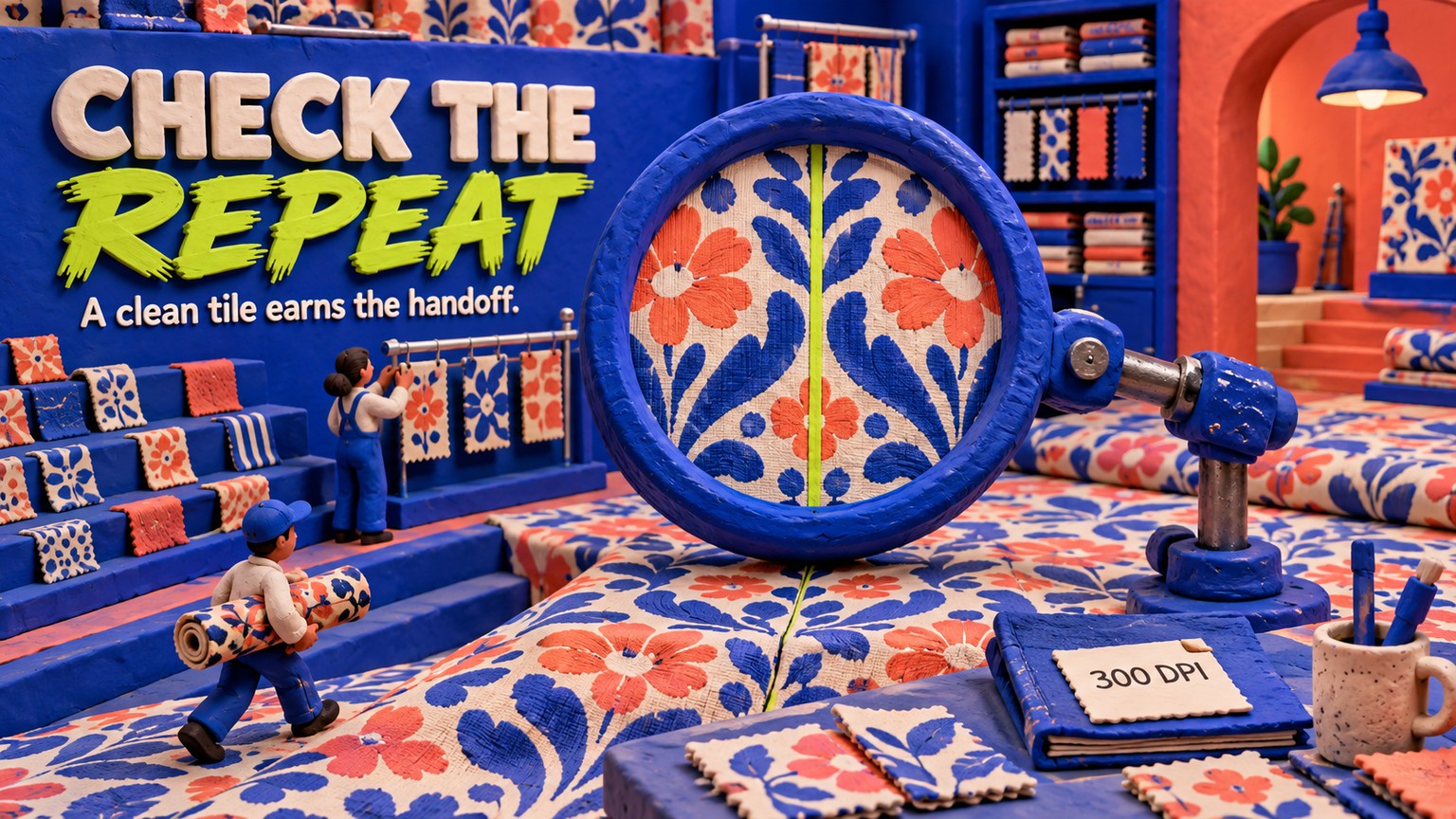
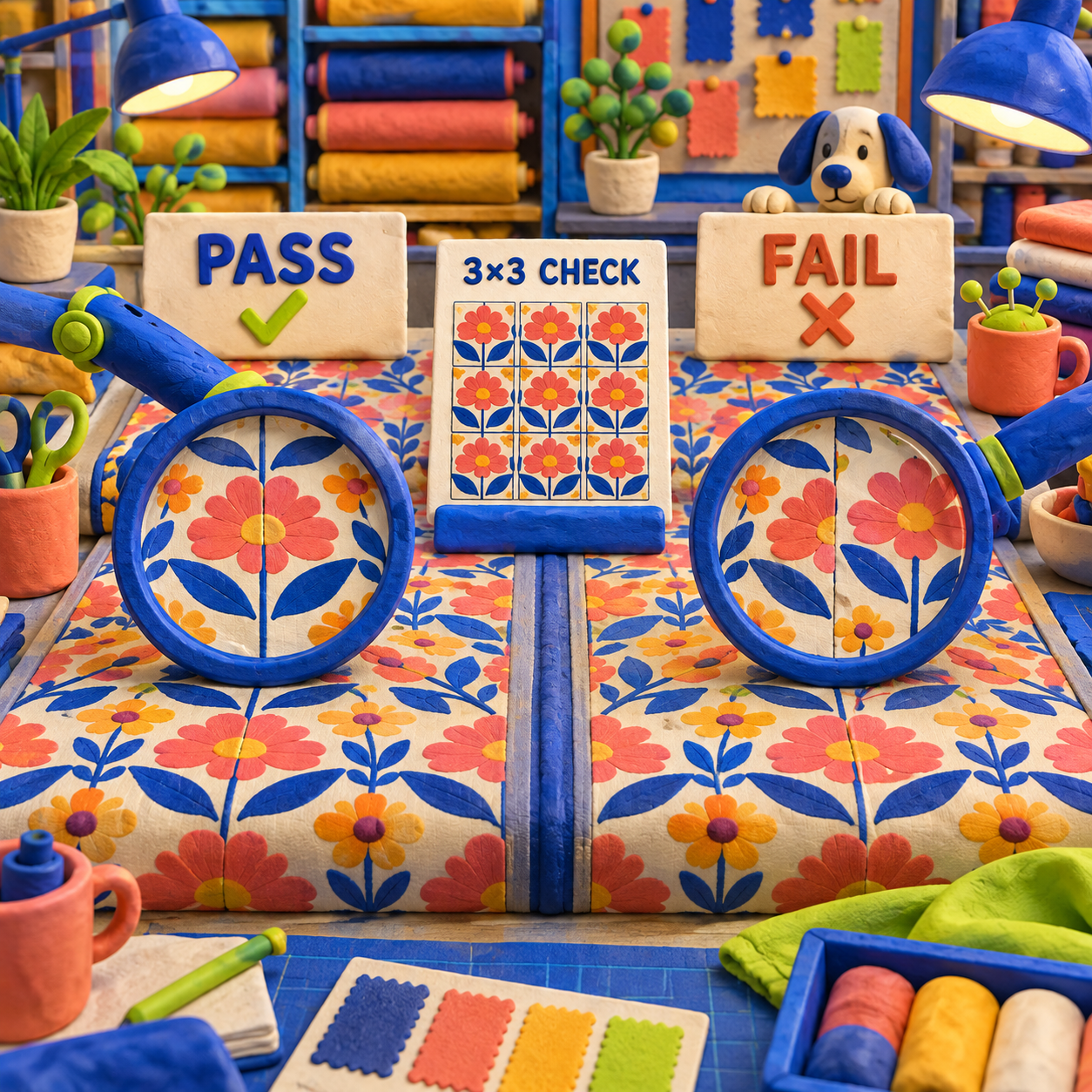
The public checker did complete the important QA step. A tile with uniform outer edges rendered cleanly in a 3 × 3 block grid. A deliberately mismatched tile exposed repeated vertical and horizontal content jumps. The checker also offered Block, Brick, and Half Drop modes plus grids from 2 × 2 through 6 × 6.
That distinction matters. A generator can produce an attractive square and still fail as yardage. The checker turns the tile into the surface the buyer will see, which is where a boundary error becomes a stripe down an entire roll.
Check the exact final tile
Upload the file you intend to ship, not a lower-resolution preview. The public checker accepts JPG, PNG, or WebP up to 10 MB.
Start with 3 × 3 Block
Inspect the two vertical and two horizontal joins through the center. Turn seam lines on to locate the boundary, then off to judge whether the eye can still find it.
Zoom out to 4 × 4
Look for unintended diagonals, bands, and obvious motif clusters. A mathematically clean edge can still make an ugly macro repeat.
Use the production layout
Switch to Brick or Half Drop only if that is the layout named in the mill specification. A block pass does not automatically approve an offset repeat.
Re-check after every export
TIFF, PNG, and JPG can differ at edges through compression, resizing, or conversion. Inspect the supplier file, not only the working file.
Colorways Preserve Layout, Not Physical Color
Texloom Studio's public Colorway Generator completed a controlled recolor without changing the 512 × 512 canvas or the square positions. The Cool preset mapped the original cream, blue, and coral tile into a dark navy, mid blue, and pale blue result. That is useful evidence that the utility can change a small flat palette while preserving geometry.
The craft limit is color truth. A hex value is a screen instruction. Pantone TCX is a textile reference system. An ICC profile describes how a device and substrate reproduce color. A browser preview cannot prove the dyed or printed cloth will match the display, even when its palette mapping is internally consistent.
For a useful before-to-after workflow, start with flat source regions, choose a preset or enter the approved hex approximations, download the colorway, and run that exact output through the repeat checker. Then attach physical swatch references or measured color values outside the image. The colorway is a design option until a strike-off, meaning a small production proof on the intended substrate, is approved.
Texloom Print Exports: The TIFF Passes Metadata, Not Scale
Texloom Studio's public Image Format Converter produced the cleanest verified handoff in the review. Selecting Print-ready converted the 512 × 512 PNG into a 512 × 512 RGBA TIFF. The decoded pixels matched exactly after both files were normalized to RGBA, and the TIFF carried 300 pixels per inch on both axes.
The file was a valid big-endian TIFF with no compression. That protects the source pixels, but it does not create any. At 300 DPI, 512 pixels print at 1.7067 inches, or 4.334 cm. The DPI tag tells layout software how densely to place pixels; it does not turn a small tile into a large production repeat.
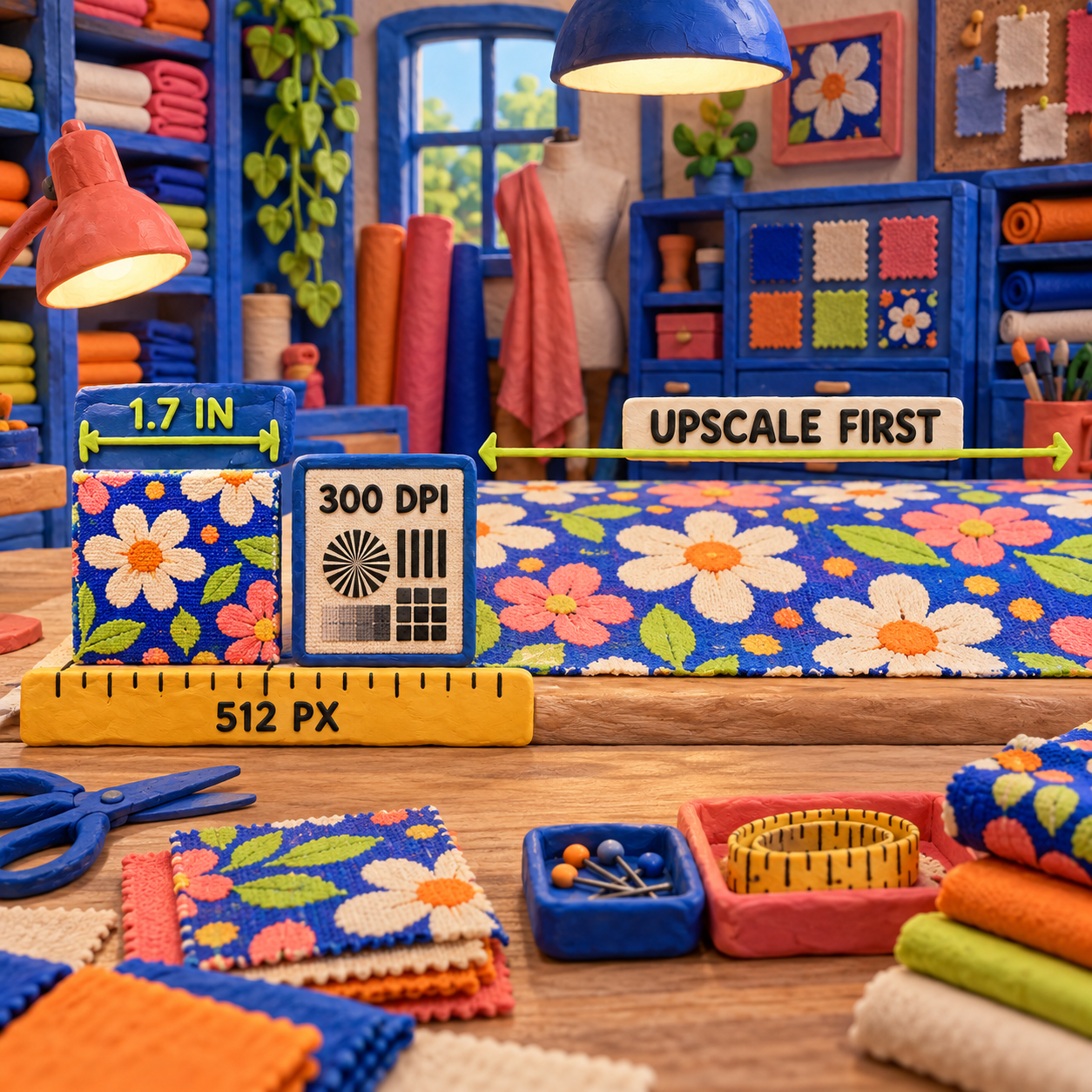
The current public converter is strongest as a final format change, not an upscaler. Its page lists PNG, JPG, WebP, and TIFF up to 10 MB, while PDF, SVG, metadata preservation, and higher resize limits sit behind account access. Use the converter after scale is correct.
The Supplier Sheet Is Useful, but Incomplete
Texloom Studio's public Spec Sheet Generator turned the same tile into a one-page PDF with the design name, preview, three color swatches, coverage percentages, hex values, print size, repeat type, fabric, format recommendation, and a custom strike-off note.
The controlled sheet correctly rounded the 512 px tile at 300 DPI to 1.7 × 1.7 inches and 4.3 × 4.3 cm. It also carried Half-drop, Cotton poplin, and Confirm strike-off against approved physical swatches. That is the right kind of context for a printer.
It did not carry Pantone TCX codes or an ICC profile. The swatches showed hex values and names such as Summer Melon, Faience, and Deep Sea Coral. The PDF was a single rasterized 1200 × 1700 pt page, about 5.9 MB, with no extractable text. A printer can read it visually, but it is not a machine-readable production specification and it cannot close the color loop by itself.
Texloom Studio Pricing, Verified September 2026
Texloom Studio's pricing page displayed clear dollar charges but contradictory allowances on 16 September 2026. Treat the prices below as a dated capture, and treat the credit quantity as unresolved until checkout or support confirms it.
The first pricing problem is the annual discount. The page advertises 17%, but Professional costs $420 across twelve monthly payments versus $290 annually, a $130 saving or 31.0%. Studio costs $996 monthly versus $690 annually, a $306 saving or 30.7%. The team plans also imply about 31% savings. The displayed annual bills are attractive; the badge is not mathematically consistent with them.
The second problem is cost per credit. On Professional monthly, $35 divided by the 900-credit header is 3.89 cents, while $35 divided by the 500-credit benefit line is 7.00 cents. On annual billing those figures become 2.69 and 4.83 cents. Studio monthly similarly spans 3.46 to 4.15 cents depending on which allowance is true. A production studio cannot forecast capacity from that spread.
The more useful outcome unit is an accepted production file. If Professional yields 10 supplier-approved files in a month, the subscription floor is $3.50 per accepted file on monthly billing or $2.42 using the $290 annual price divided across twelve months. At 20 accepted files, those floors fall to $1.75 and $1.21. Studio costs $8.30 per accepted file at 10 monthly outcomes or $5.75 on its annual equivalent. These are subscription-only floors, before operator time, extra seats, proofs, ink, fabric, or rejected exports. Because Texloom does not publish credits consumed by each operation, no honest review can convert its credit allowance into a final production cost yet.
The third problem is localization. The same page's structured data exposed INR offers named Trial at ₹0, Starter at ₹999, Professional at ₹2,499, and Studio at ₹5,999, while the rendered US view used Starter, Professional, Studio, and Enterprise with different dollar amounts. Enterprise even rendered a starts from $0/month placeholder before saying to contact sales. That is not a real free enterprise plan.
The Limitations That Decide the Purchase
Texloom Studio has useful public utilities, but the gaps sit exactly where a production buyer needs certainty.
1. The Core Paid Repeat Was Not Exercised
The public generator reached the upload and settings state, then its run check returned HTTP 403 in this review environment. The signed-in Studio also requires an account. Half-drop generation, motif-aware repair, PSD layers, paid Pantone matching, color separation, and 4K or 600-DPI output therefore remain vendor-documented capabilities, not verified results.
2. Pricing Copy Conflicts With Itself
Credit quantities disagree inside the same plan cards, annual prices disagree with the 17% badge, Studio retention differs between the card and structured FAQ, and JSON-LD prices do not align with the rendered US plans. This is not cosmetic. Credits determine cost per accepted file, and retention determines whether a team can recover a prior result.
3. DPI Can Hide an Undersized Tile
The exported TIFF passed its metadata check, yet the test tile was only 1.7 inches wide at 300 DPI. A clean tag can create false confidence if the buyer never divides pixels by DPI. Scale the artwork before conversion, then inspect the final file at the intended physical dimensions.
4. Browser Color Is Not Press Color
The Cool colorway preserved geometry and gave a coherent screen palette. The supplier sheet still lacked actual TCX codes and an ICC profile. Fabric base, ink chemistry, pretreatment, print process, and finishing can all move color. The physical strike-off remains the approval gate.
5. The PDF Is a Visual Summary, Not a Data Package
The generated spec sheet was legible and useful, but rasterized. Its text was not extractable, and its named swatches were not machine-readable standards. Keep the editable production file, color references, and approval record alongside it.
6. No Mill or RIP Accepted the File in This Run
Opening and decoding a TIFF proves file integrity, not production compatibility. Wasatch, Caldera, ErgoSoft, ColorGate, AccuRIP, FilmMaker, and individual mill workflows can impose their own channel, profile, bit-depth, and naming requirements. A supplier must approve the exact output before volume production.
Verdict: Use the Free Handoff Tools, Pilot the Studio
Texloom Studio is a qualified yes for a surface-pattern designer who wants fast browser QA and cleaner supplier communication. The free checker, colorway tool, TIFF converter, and spec-sheet generator each completed a useful part of the controlled workflow. The paid product is not yet a blind yes because the central generation and production claims were account-gated, while the public pricing contract was internally inconsistent.
Use Texloom now if your source tile already exists, your production partner accepts flat TIFF or PNG, and you need a repeat preview plus a concise proof sheet. Pilot Professional if 300-DPI output and PSD/Pantone features match the job, but confirm whether the allowance is 900 or 500 credits before paying. Consider Studio only when the 600-DPI claim and larger allowance are required, again with written confirmation of the live terms.
If editability fails, use Photoshop. If generation breadth is the missing piece, compare PatternedAI. If color calibration, automation, and mill integration decide the order, budget for NedGraphics. Texloom wins the smaller browser handoff, not the entire production stack.
FAQ
Which AI is best for textile design?
The best choice follows the deliverable. Texloom Studio fits browser-based repeat QA, colorways, and supplier handoff; PatternedAI is more generation-led; Adobe Photoshop gives manual raster control; NedGraphics fits calibrated production CAD. Test the same source and required output in every finalist.
What is the best software for textile design?
For controlled raster editing and channels, Photoshop remains the safer generalist. For browser utilities and quick handoff, Texloom is appealing. For mill-scale repeat, color, and production integration, NedGraphics is the stronger specialist. Best is the option whose exported file your next operator can approve without rebuilding.
What are the latest trends in the textile industry?
The relevant workflow trend is moving repeat previews, automated colorways, preflight, and supplier documentation into browser tools. That reduces handoff friction, but it does not remove physical strike-offs, calibrated profiles, or press approval.
Which university is best for textile?
That depends on country, budget, and whether the goal is textile design, engineering, chemistry, fashion, or manufacturing. Compare access to print labs and mills, production-focused coursework, placements, graduate work, and total cost. A software review cannot name one universal winner.
What is the highest salary for a textile engineer?
There is no stable global maximum. Compensation varies by country, sector, seniority, management scope, and specialization. Use a current national labor-statistics source plus live senior-role listings in the target market.
What degree do you need to be a textile designer?
Employers may accept degrees in textile design, surface pattern, fashion, fine art, or a related discipline, but portfolios and production literacy often carry equal weight. Learn repeat construction, color management, file preparation, material behavior, and supplier communication alongside visual craft.
What is the average salary of a textile designer?
Use current country- and city-specific labor data because a global average hides more than it explains. Separate salaried employment from freelance licensing, contract design, and technical production roles when comparing figures.
What are the best schools for textile design?
Shortlist schools by the work you want to do. Look for current print and weave facilities, access to dye and color labs, production partnerships, placement outcomes, faculty practice, portfolio quality, and the debt required to attend.
Is textile design a good career choice?
It can be for someone who combines a strong visual portfolio with repeat, color, material, and production skills. The durable advantage is not generating more motifs; it is delivering designs that survive scale, color approval, supplier handoff, and manufacturing.
- Last Updated
- Sep 16, 2026
- Category
- Design
Prefer this site in Google


Mark omidsaffari.com as preferred and Google lifts it in Top Stories, AI Overviews and AI Mode for you.
Best AI Tools for String Art Patterns
Compare string art pattern tools by nail sequences, printable templates, photo controls and usable exports. See where AI claims help and where they stop.Sep 15, 2026Design
Chart Minder vs Stitchmastery
Compare Chart Minder and Stitchmastery for knitting chart design, written instructions, exports, and the point where paid software earns its cost.Sep 15, 2026Design
ArtPatt Pricing
ArtPatt pricing explained: Free limits, Pro exports, saved patterns, AI-image allowances, and when a paid plan earns its place.Sep 15, 2026Design
Stitchly Pricing (2026): Pay Once, but Maybe Twice
Check Stitchly's one-time price, free limits, paid exports, Family Sharing, and why purchases do not transfer between iOS and Android.Sep 15, 2026Design
Beadographer vs BeadTool
Compare Beadographer and BeadTool for computer support, existing patterns, bead libraries, photo conversion, and sellable PDF exports.Sep 15, 2026Design
Loomerly Pricing
Decode Loomerly's one-time purchase, free download, listed special offer, supported Apple devices, and the paid features worth checking.Sep 15, 2026Design
Best AI Tools for Peyote Patterns
Compare tools for turning artwork into peyote bead patterns, with checks on staggered rows, bead palettes, word charts, and printable exports.Sep 15, 2026Design