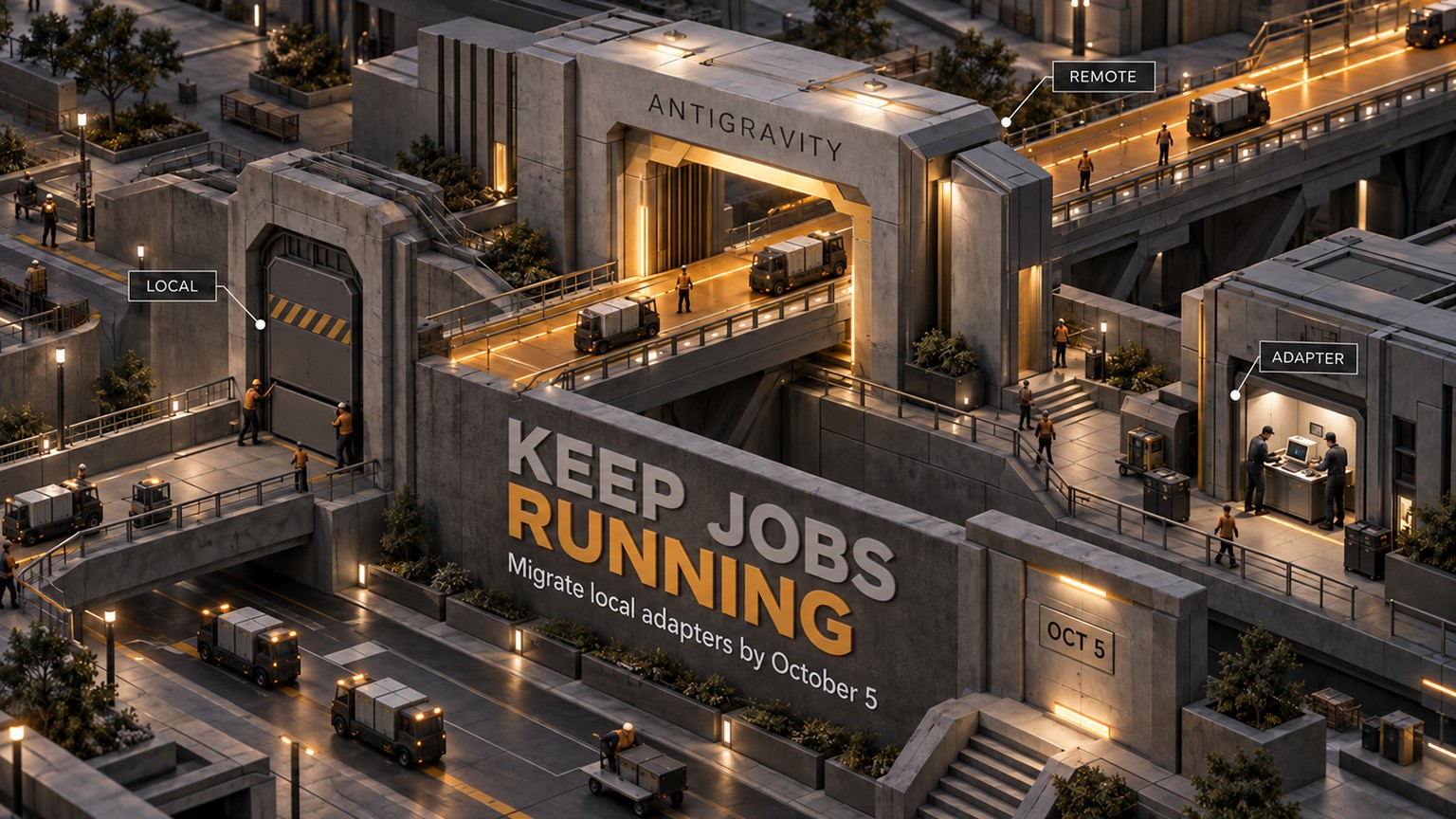
Vercel Sandbox Gives Larger Agent Jobs More Disk Room
See which repository, build, and data jobs fit Vercel Sandbox’s larger disk, plus what to measure before retrying a storage-heavy agent run.
Published
 By Omid Saffari


The useful change isn’t “64 GB” by itself. It’s that a repository job that used to hit Vercel Sandbox’s 32 GB wall may now finish inside one machine instead of being trimmed, split, or moved somewhere else.
On September 11, 2026, Vercel doubled the default working storage in every Sandbox from 32 GB to 64 GB.
One machine now has twice the working room
Vercel Sandbox is an isolated Linux microVM, a small virtual machine with its own kernel, filesystem, and network. You can give it a repository, let an agent edit code, install packages, run tests, produce a build, and then take the result out.
All of those stages use the same local disk. The checkout may still be there when the dependency tree arrives. Build caches and compiled output can coexist with temporary files. A finished artifact can be small even though the job briefly needs far more space while it is being made.
That peak is the number this release changes. Vercel now gives the sandbox 64 GB of working storage instead of 32 GB, a 32 GB increase and twice the old capacity. The change covers sandboxes created from a Vercel Managed Image, a custom image, and the deprecated runtime property.
This is capacity inside the sandbox, not a new database or object-storage allowance. Vercel describes it as ephemeral NVMe storage. If files must survive the job, the persistence decision still sits on a separate line.
The business decision is whether one job fits
The durable question isn’t “what is Vercel’s disk limit?” It’s “can this whole job run in one sandbox without special trimming or handoffs?”
Use a simple workspace budget:
Peak workspace = repository and checkout + installed dependencies + build artifacts + peak temporary data
Measure the high-water mark while the job runs. Don’t estimate it from the final zip file. Package extraction, compilation, test fixtures, browser binaries, caches, and a data spill can overlap for only a few minutes, but those few minutes decide whether the run completes.

Vercel’s current pricing and quotas put the storage layers on separate budget lines:
That distinction changes the cost math. Doubling the working disk does not double the compute rate. In Vercel’s current iad1 example, a 30-minute build-and-test run with 4 vCPUs and 8 GB of memory costs about $0.34 at full CPU use.
A larger job can still cost more if it runs longer or needs more CPU and memory. Downloads such as packages, repositories, artifacts, and datasets are free, while data sent out of the sandbox is billable.
Persistence is where extra files can create a new storage bill. If a run used and retained the entire newly available 32 GB for a full month, the rate-card math would be 32 × $0.08 = $2.56 for each snapshot-month. That is an illustration, not an automatic charge. A non-persistent run that exports its result and discards the workspace avoids that snapshot line.
Who can use the extra room
A staff engineer with a large monorepo
A staff engineer may currently prune packages, remove test fixtures, or split a build because the repository, dependency graph, and build output cannot coexist under the old ceiling.
If the measured peak now fits inside the available 64 GB filesystem, the team can put the checkout, install, test, and build back into one job. The payoff is operational: fewer handoffs, fewer partial artifacts, and one retry boundary when the build fails.
This does not automatically make Vercel the right sandbox provider. If you are still choosing the execution layer, the broader AI agent code sandbox comparison covers the isolation and billing trade-offs. This release only moves Vercel’s disk boundary.
An agent-platform engineer running repository repairs
A coding agent often accumulates storage as it works. It clones the repository, installs tools, changes files, runs the test suite, and packages the result. An agent that explores several approaches can leave caches and intermediate output behind too.
The extra 32 GB gives that whole loop more room to finish inside one sandbox. That can remove a disk-full retry or a custom cleanup tool from the agent workflow. The gain matters most when disk was the actual failure. A job blocked by memory, CPU, network policy, or session time gets no benefit from a larger filesystem.
A data engineer whose transform spills to disk
A data engineer can use the local filesystem as scratch space while a transform sorts, joins, or expands downloaded data. The larger disk may keep that temporary work local instead of forcing an early split or a remote mount.
The output still needs an exit plan. Copy the durable result out, write it to the right object store, or mount a Drive when later runs need the same directory. A 64 GB scratch disk is useful precisely because you can throw it away. Treating it as permanent storage mixes two different jobs and two different bills.
A team still using runtime
The September 11 release explicitly includes sandboxes configured with the deprecated runtime property. Existing code should receive the larger disk without an image migration.
The current platform direction is still images. Starting with version 3 of the Sandbox SDK, a sandbox with neither runtime nor image uses vercel/sandbox/universal:latest. Managed images update nightly, and a digest pin gives you an immutable environment when reproducible builds matter.
Measure one representative job before changing the workflow
The release removes a ceiling. It does not tell you how much room your own image and job actually have. Measure one real run before deleting cleanup steps or joining split builds back together.
Choose the job that proves the decision
Pick one job that recently ran out of disk or one you currently split only to stay below the old limit. Use the same repository, lockfile, build command, and input data as the production path. A toy repository cannot answer the business question.
Start a fresh image-based sandbox
The current CLI and image path make the result easier to reproduce. This sequence follows Vercel’s documented Sandbox CLI flow and opts out of persistence so the measurement does not create an automatic snapshot.
Bashnpm i -g sandbox sandbox login sandbox create --name workspace-check --image vercel/sandbox/node:24 --timeout 30m --non-persistent tar -czf app.tgz -C ./my-app . sandbox copy ./app.tgz workspace-check:/tmp/app.tgz sandbox exec workspace-check -- sh -c "mkdir -p /app && tar -xzf /tmp/app.tgz -C /app"Record each storage phase
Run the disk check after the checkout, after dependency installation, during the heaviest part of the build if you can, and after the artifact is complete. Replace
.nextanddistwith the output paths your project actually uses.Bashsandbox exec --workdir /app workspace-check -- sh -lc 'df -h /; du -sh .git node_modules .next dist /tmp 2>/dev/null || true' sandbox exec --workdir /app workspace-check -- npm install sandbox exec --workdir /app workspace-check -- sh -lc 'df -h /; du -sh .git node_modules .next dist /tmp 2>/dev/null || true' sandbox exec --workdir /app workspace-check -- npm run build sandbox exec --workdir /app workspace-check -- sh -lc 'df -h /; du -sh .git node_modules .next dist /tmp 2>/dev/null || true'df -h /answers how much room the sandbox has left. Thedulines show which part of the workspace is consuming it. Looking after only the final build can miss the peak.Retry once without the old workaround
If the measured high-water mark stays inside the reported free space, retry the same job without the dependency trim or split-build handoff. Record success, wall time, Active CPU, provisioned memory, transfer, and whether any snapshot or Drive storage was created. Then stop the sandbox.
Bashsandbox stop workspace-check
The honest boundary
More disk does not buy more memory, CPU, or time. A Sandbox session still defaults to 5 minutes. Hobby sessions can run for up to 45 minutes, while Pro and Enterprise sessions can run for up to 24 hours.
The release also does not guarantee that every workload below 64 GB will fit fine. Your starting image occupies part of the filesystem, and rolling image tags can change as Vercel publishes nightly updates. Check actual free space after boot. Pin an image digest if the same build must start from the same environment each time.
If a job needs durable shared data, use a Drive or another persistent store. If it needs more working space than the sandbox reports, keep the split, move the large scratch set to mounted storage, or run it elsewhere. The new limit changes the cutoff, not the shape of those options.
What to do on Monday
Act this week if a real repository, agent, or data job failed at the old disk boundary or carries cleanup code solely to avoid it. Wait if you have not measured the peak, because removing a working split on a guess just moves the next failure later. You are unaffected if the job already stays comfortably below the old capacity or if its real bottleneck is CPU, memory, network access, session duration, or durable storage.
On Monday, take one representative job, run the measurement above in a fresh 64 GB image-based Sandbox, and retry it once without the old storage workaround. Keep the simpler one-job path only if the measured run completes and the full compute plus persistence bill still makes sense.
For more plain-English breakdowns of changes that move the operating math, join the newsletter.
- Published
- Category
- Explained
- Language
How Much Does an AI Agent Cost? Three Monthly Bills, Explained
Compare packaged agents, no-code builders and model APIs, with current maker prices and three worked budgets for 1,000 support emails a month.Oct 7, 2026Explained
Grok Voice Transcribe 2.0 Keeps Batch Audio at $0.10/Hour
Grok Voice Transcribe 2.0 keeps batch and streaming rates unchanged. Check the default-model transition and test transcript quality before switching.Sep 20, 2026Explained
Cloudflare Lets You Debug a Failed Browser Job Before Rerunning
Cloudflare Browser Run now records more evidence for debugging. Learn what to inspect before rerunning a broken browser job.Sep 19, 2026Explained
v0 Can Now Reuse Your Private Component Library
v0 can now install private npm packages. See how to reuse your team's components and check the work still needed before shipping.Sep 19, 2026Explained
Claude Code Cuts Auto Mode Classifier Charges
Claude Code 2.1.278 removes classifier charges for eligible sessions. Check /status and gateway fallback before changing your agent budget.Sep 19, 2026Explained
Vercel Lets You Pay for Faster Builds One Deploy at a Time
Use Vercel Turbo for an urgent deployment while keeping routine build defaults. Compare the extra build cost with the time saved.Sep 18, 2026Explained
ChatGPT for Word Cuts Document Copying Between Apps
Draft and revise inside Word with ChatGPT. Check add-in access, shared usage limits and a practical document-editing workflow.Sep 18, 2026Explained