KnitBird Knitting Software Cost
KnitBird is free, but support has ended. Check activation, Adobe AIR, old paid-license wording, and compatibility before installing.

KnitBird knitting software cost is $0: the current vendor page gives away the full download and the public activation key free.knitbird. The catch is ownership, not checkout: KnitBird support has ended, the package still depends on Adobe AIR, and no successful Windows 11 or current macOS test is published.
KnitBird Knitting Software Cost: $0, With Conditions
KnitBird costs nothing to download or activate today, but it is best treated as unsupported legacy software rather than a current free plan. KnitBird's live page says the product is no longer sold, supplies the public key, and says development and support have ended.
Prices and access terms below were verified against the vendors' public pages on 18 September 2026. No paid licence was opened, and no Windows or macOS installation was claimed as completed.
The verdict is deliberately narrow. KnitBird is worth trying for a personal chart or a non-critical archive workflow on a compatible machine. It is a poor default for a new professional pipeline because the vendor will not fix the next operating-system break, and the free key still depends on infrastructure you do not control.
KnitBird Free Download: What the $0 Package Contains
The KnitBird free download is real and directly accessible. On 18 September 2026, both the vendor's ZIP file and its AIR installation package returned downloadable files over HTTPS.
The package identifies itself as KnitBird 2.0.23. The vendor's live update record names the same version, while timestamps inside the downloadable archive date its contents to 10 September 2017. That date describes the package, not when KnitBird became free. The vendor does not state a date for the price change.
The ZIP contains one item, KnitBird.air. It does not contain the Adobe AIR runtime, so “downloaded KnitBird” and “ready to install KnitBird” are different states. The current page's “More information” link for installation also returned an HTTP 404 during verification, which makes the ended-support warning concrete rather than theoretical.
What remains useful is the documented design workflow. KnitBird can draw common knitting symbols, create dotted and dashed lines, move, rotate, and flip selections, turn a selection into a repeated pattern, change colours, add instructions, and keep reusable pieces in a library. It can also import an image, convert that image into a chart, insert text, and export JPEG or PDF files.
That is enough capability for a focused chart brief. It is not proof that the software remains comfortable on a current computer, or that its output covers every handoff a pattern seller needs.
KnitBird Activation Still Depends on a Live Service
KnitBird activation is free but still online. The vendor tells you to install the program, launch it, and enter free.knitbird; its requirements also name an internet connection for activation and updates.
There is evidence that the server side remains alive. The registration endpoint embedded in KnitBird 2.0.23 returned an activation_complete status on 18 September 2026. That verifies endpoint reachability. It does not prove that the whole desktop sequence succeeds on Windows 11, a current Intel Mac, or Apple silicon, because the graphical application was not run on those systems in this verification.
This distinction matters for ownership. A perpetual public key is better than a paid licence that can no longer be purchased, but it is not the same as an activation-free binary. If that endpoint disappears later, a fresh install may become harder even when an existing installation keeps working.
The homepage also retains old purchase language about buying the full version and using a key for six installations. An older first-party Icelandic page still shows a historical $40 licence, a $20 upgrade, and three installations. Those fragments describe the previous sales model. The current notice is the actionable one: KnitBird is no longer sold, the download is free, and free.knitbird is the published key.
KnitBird Adobe AIR Compatibility Is the Buying Decision
KnitBird Adobe AIR compatibility is the reason to test before adopting. Adobe AIR is the runtime layer that opens an .air application; KnitBird is the application sitting on top of it. The downloaded package declares AIR 3.1, but the current end-user runtime comes from AIR's present maintainer, not from KnitBird.
Adobe ended its AIR support at the end of 2020. The HARMAN team, now Wipro Engineering Connected Services, took over maintenance, and its official FAQ says current desktop support includes Windows and macOS. The versioned 51.3.3.1 Windows installer and macOS installer were both reachable on Wipro's official domain when checked. Those shared-runtime downloads are free for end users, but the public /runtime landing page itself returned HTTP 404 during the final link check.
That is reassuring for AIR as a technology. It is not a compatibility certificate for this specific 2017 KnitBird package.
The most important warning comes from AIR's own release notes. The maintainer continues to provide a shared runtime for Windows and macOS, but recommends native bundles instead. On macOS, opening an .air package through the shared runtime does not create a signed application, so newer macOS releases may block it. KnitBird supplies an .air package, not a current native bundle maintained for today's platform rules.
Windows deserves the same evidence discipline. KnitBird's published list names Windows Server 2008, Windows 7, Windows 8.1 Classic, and Windows 10. It does not name Windows 11. That absence does not prove failure, but it rules out a confident compatibility promise.
Linux is clearer: AIR's maintainer says there is no shared runtime for Linux, so this .air distribution is not a normal Linux installation route.
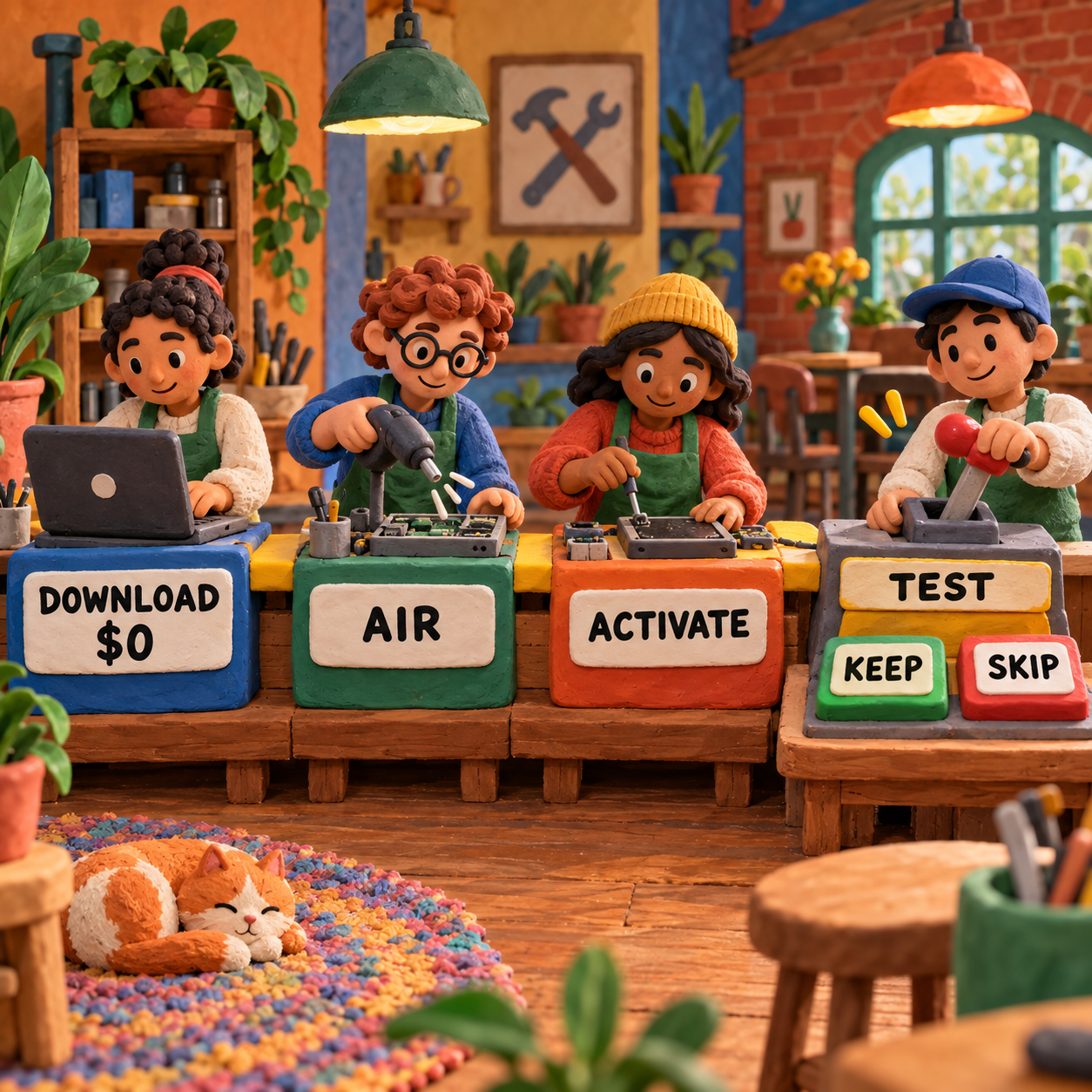
The decision rule is simple: if the current AIR runtime installs, KnitBird activates, your representative project saves and reopens, and your required exports survive, the legacy stack may be acceptable. If any one of those checks fails, stop. A free package does not become cheaper when you build a fragile workaround around it.
The Break-Even Is Support Time, Not a Subscription
KnitBird has no cash break-even against another $0 tool. Its financial advantage disappears only when installation, troubleshooting, recovery, or rework consumes time that a maintained option would have avoided.
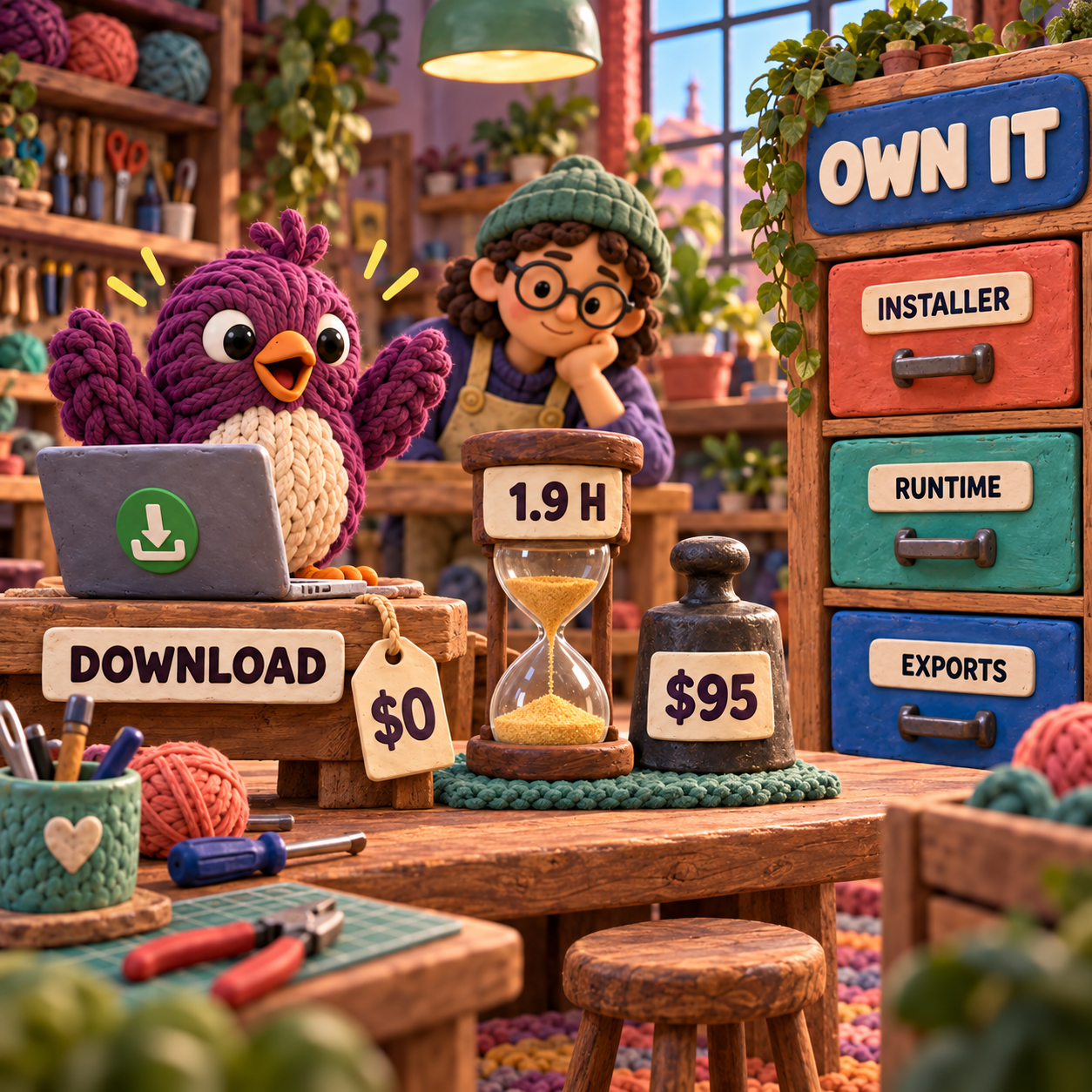
Use your own hourly value, not a universal rate. At an illustrative $50 per hour, 1.9 hours of troubleshooting equals Stitchmastery's current $95 activation. A designer who loses one long evening to AIR, signing, or recovery has already crossed that threshold. Someone whose compatible setup works immediately has not.
The paid options normalize differently:
- Three years of Stitch Fiddle at today's $33 annual price total $99, which is $4 more than Stitchmastery's current $95 base activation. That comparison excludes tax, future price changes, and possible paid Stitchmastery upgrades.
- Spread across 20 published patterns, a $95 licence allocates to $4.75 per pattern. Across 50, it falls to $1.90. Those are planning scenarios, not measured output.
- Chart Minder and KnitBird both begin at $0. Chart Minder removes the local AIR installation, while KnitBird gives you a downloadable desktop project workflow. The first requirement that matters more than price decides the tie.
If KnitBird fails the compatibility test, the focused Chart Minder vs Stitchmastery comparison maps the next decision: current browser drafting at $0 versus a paid publication workflow. Stitch Fiddle belongs in the same shortlist when its maintained browser editor and Premium subscription fit your chart type.
Who Can Keep KnitBird at $0 Forever
You may never need to pay if KnitBird already works on a computer you control, you need its documented chart-and-export workflow, and you are willing to support it yourself. The strongest fit is a personal designer who keeps local backups, exports finished copies, and can leave a stable machine unchanged rather than chasing every operating-system update.
That user still needs an ownership plan:
- Preserve the exact KnitBird installer and the AIR runtime installer that succeeded.
- Keep editable
.knitfiles plus PDF and JPEG exports. - Record the operating system and AIR version beside the archive.
- Confirm that a second copy of the archive opens before the first machine fails.
Skip KnitBird for a new revenue-critical workflow when deadlines, client files, team handoffs, accessibility, or future hardware changes make unsupported software a material risk. Also skip it if you need a current vendor to answer questions or patch an export problem. The vendor has said plainly that development and support are over.
There is no free-tier ceiling to upgrade past because this is not a freemium product anymore. The stop point is operational: compatibility, support, and the deliverable you must ship.
From Free Download to a Ship-Ready Chart
KnitBird can take a colourwork idea further than a blank grid, but the designer still owns the proof. Consider one consistent brief: turn an image motif into a repeat that can be placed in a pattern PDF.
The documented workflow starts by importing the image and converting it to a chart. You then adjust colours, clean the cells, select the finished motif, and create a repeated pattern. Add the chart instructions and symbol or colour information, then export a JPEG for quick placement and a PDF for review.
That is the before-to-after gain: an image becomes an editable chart and two portable outputs. It is a useful transformation, and it is exactly the kind of bounded job that can justify keeping a free legacy tool.
The craft bar sits beyond the export button. JPEG is pixel-based, so confirm it stays sharp at its final size. Read every symbol and row number at the scale a customer will see. Check repeat boundaries and stitch counts independently. Knit and block the risky section, because a clean chart cannot prove gauge, fabric behaviour, decrease direction, or whether the motif reads correctly in yarn.
Do not assume undocumented validation exists. KnitBird's page describes drawing, editing, instructions, image import, and PDF/JPEG export; it does not promise a maintained technical-editing system that will catch every structural mistake or keep prose synchronized with every change.
A Safe KnitBird Adoption Test
The safest adoption path is small, reversible, and run on the machine that will do the real work.
Download only from KnitBird
Use the vendor's current ZIP or direct AIR link. Keep the untouched installer in a dated archive before opening it, so a later site or file change does not become your only recovery path.
Install the official AIR runtime
Use only a versioned installer on Wipro's official
airsdk.harman.comdomain, and do not substitute a random mirror. Because the public runtime landing page returned 404 in this check, stop if you cannot establish the installer's official source and version. Record the AIR version and operating-system build you used.Activate while the service is reachable
Launch KnitBird with an internet connection and use the public key
free.knitbird. A successful key screen is necessary, but continue through the storage and export checks before trusting the setup.Build one representative chart
Choose a small brief that uses the features you care about: image import, your real symbols, a repeat, colours, and instructions. Avoid migrating a full library at this stage.
Save, close, and reopen
Save the editable
.knitproject, quit the application, restart the computer, and reopen it. Make a visible edit and save again. This catches a workflow that only appeared functional during the first session.Export every required handoff
Create both the JPEG and PDF that KnitBird documents. Open them outside KnitBird, inspect labels and symbols, print a proof if print is the destination, and confirm the next person can use the files.
Prove recovery before committing
Copy the installer, working runtime, editable source, and exports to separate storage. Repeat the open test from that copy. Adopt KnitBird only after the recovery path works as well as the happy path.
The Monday move is straightforward: spend one bounded session on this test and cap the troubleshooting time in advance. If it passes, keep KnitBird for the job it proved. If it misses the cap, move the brief to a maintained browser tool or a paid desktop option before any pattern library becomes dependent on it.
Frequently Asked Questions
Is KnitBird free?
Yes. KnitBird's current page says the software is no longer sold, offers the full download at $0, and publishes free.knitbird as the activation key. Support and development have ended.
Does KnitBird work on Windows 11?
Windows 11 is not named on KnitBird's published requirements list, which stops at Windows 10. It may run, but that must be demonstrated on your computer through installation, activation, save/reopen, and export tests before adoption.
Does KnitBird work on current macOS?
Current compatibility is unverified. KnitBird publishes an old broad Mac OS X 10.7-and-above requirement, while AIR's maintainer warns that shared .air installations do not create signed macOS applications and may be blocked on newer systems.
Does KnitBird offer a student discount?
No discount is needed for the current offer because KnitBird is no longer sold and the download is free. The site does not present a separate student plan.
What is KnitBird's refund policy?
There is no current KnitBird purchase to refund because the vendor no longer sells the software. Historical buyers should not infer a current refund promise from the leftover sales copy.
What did KnitBird use to cost?
An older first-party KnitBird 2.0 page still shows a historical $40 licence and a $20 upgrade for KnitBird 1.3 users. The current page does not say when the software moved from paid to free, so the change should not be dated to this verification.
What is the best free knitting design software?
KnitBird is a strong $0 candidate only when its legacy desktop stack passes on the machine you will preserve. Chart Minder is the lower-friction $0 starting point when a current browser workflow matters more than a local desktop application.
What is the best free knitting app?
KnitBird is desktop software, not a phone or tablet app. A mobile choice needs a separate comparison based on current platform support, row tracking, chart editing, offline access, and export needs.
What is the best knitting pattern website?
KnitBird does not answer that question because it is a chart-design application, not a pattern catalogue or community. Choose a pattern website for discovery and licensing; choose chart software for authoring.
Is Stitch Fiddle free to use?
Stitch Fiddle has a non-Premium editor path and a paid Premium plan. The useful comparison is not simply free versus paid, but whether the free editor covers the chart size, import, export, and instruction workflow you need.
How much does Stitch Fiddle cost?
The live official pricing-page data lists Stitch Fiddle Premium at $5.50 monthly or $33 yearly in United States dollars. Prices are localized, so verify the currency shown to your account before paying.
What are some free alternatives to Stitch Fiddle?
KnitBird and Chart Minder both start at $0. KnitBird is an unsupported AIR desktop download that must pass a compatibility test; Chart Minder is a current browser editor. Neither should be treated as a feature-for-feature copy of Stitch Fiddle Premium.
Is Stitch Fiddle safe to use?
A pricing review cannot guarantee the security of any online service. Use Stitch Fiddle's official HTTPS site, use a unique password, export backups, and avoid treating a cloud copy as the only copy of a paid pattern project.
What is the best app to count rows for knitting?
KnitBird is positioned as chart-design software, not as a dedicated mobile row counter. Choose a row counter on its own current-platform support, backup behaviour, and in-project tracking rather than making KnitBird cover a different job.
Is there a free version of Pattern Keeper?
Pattern Keeper is a separate cross-stitch product, not a KnitBird plan. Check its current official store listing for trial and purchase terms; those terms do not change KnitBird's $0 desktop offer.
- Last Updated
- Sep 18, 2026
- Category
- Design
Prefer this site in Google


Mark omidsaffari.com as preferred and Google lifts it in Top Stories, AI Overviews and AI Mode for you.

PDFStitcher Review
Review PDFStitcher for joining tiled sewing PDFs, preserving size layers, fixing overlaps, and preparing a correctly scaled pattern.Sep 18, 2026Design
WeavePoint 9 Review for Loom Control
Review WeavePoint 9 for manual pick tracking and electronic loom control, including driver compatibility, Windows requirements and upgrade checks.Sep 17, 2026Design
Best Software for Punch Needle Patterns
Compare punch needle pattern software for clean outlines, photo conversion, color control, mirrored transfers and full-size printing.Sep 17, 2026Design
Glass Eye 2000 Review
Review Glass Eye 2000 for stained glass drawings, piece labels and full-size patterns, with edition limits, trial access and compatibility checks.Sep 17, 2026Design
Stitch Fiddle vs Chart Minder
Compare Stitch Fiddle and Chart Minder for photo charts, gauge, editing, privacy and print exports before choosing a browser pattern editor.Sep 17, 2026Design
Lace8 Pricing (2026): Licence, VAT and Add-Ons
Understand the Lace8 licence, VAT and optional motif packs so an add-on listing does not become your software budget.Sep 17, 2026Design
Treadl vs AdaCAD
Compare Treadl and AdaCAD for shared weaving projects, parametric drafts and WIF handoffs, with a clear choice for each workflow.Sep 17, 2026Design