Treadl vs AdaCAD
Compare Treadl and AdaCAD for shared weaving projects, parametric drafts and WIF handoffs, with a clear choice for each workflow.

Treadl vs AdaCAD is a $0 software decision with two different winners: pick Treadl for a shared teaching or project home, and pick AdaCAD for parametric draft experiments. Use them together only with a checked WIF handoff, because the same 4-shaft draft survived each tool's own reimport but exposed losses and one import error when moved between them.
Treadl vs AdaCAD: Pick Treadl for Shared Projects, AdaCAD for Parametric Drafts
Pick Treadl when the work around a draft matters as much as the grid itself. A teacher, guild, or project keeper gets persistent cloud projects, public or private visibility, mixed files, open-source WIF downloads, and groups with a noticeboard.
Pick AdaCAD when the draft is an experiment in rules. Its dataflows let you chain operations, change a parameter upstream, and regenerate downstream structures. That is a different creative act from opening a conventional threading, tie-up, and treadling editor.
The category calls are clear. Treadl wins ongoing project context and teaching. AdaCAD wins structural variation. Treadl wins the gentler conventional editor. Neither wins an unchecked cross-app WIF handoff.
That last distinction is the reason to use both carefully rather than declare one a total replacement. WIF, the Weaving Information File format, is an interchange file for a draft. It is not a portable copy of every project, discussion, attachment, or parametric rule.
What the Matched 4-Shaft Workflow Tested
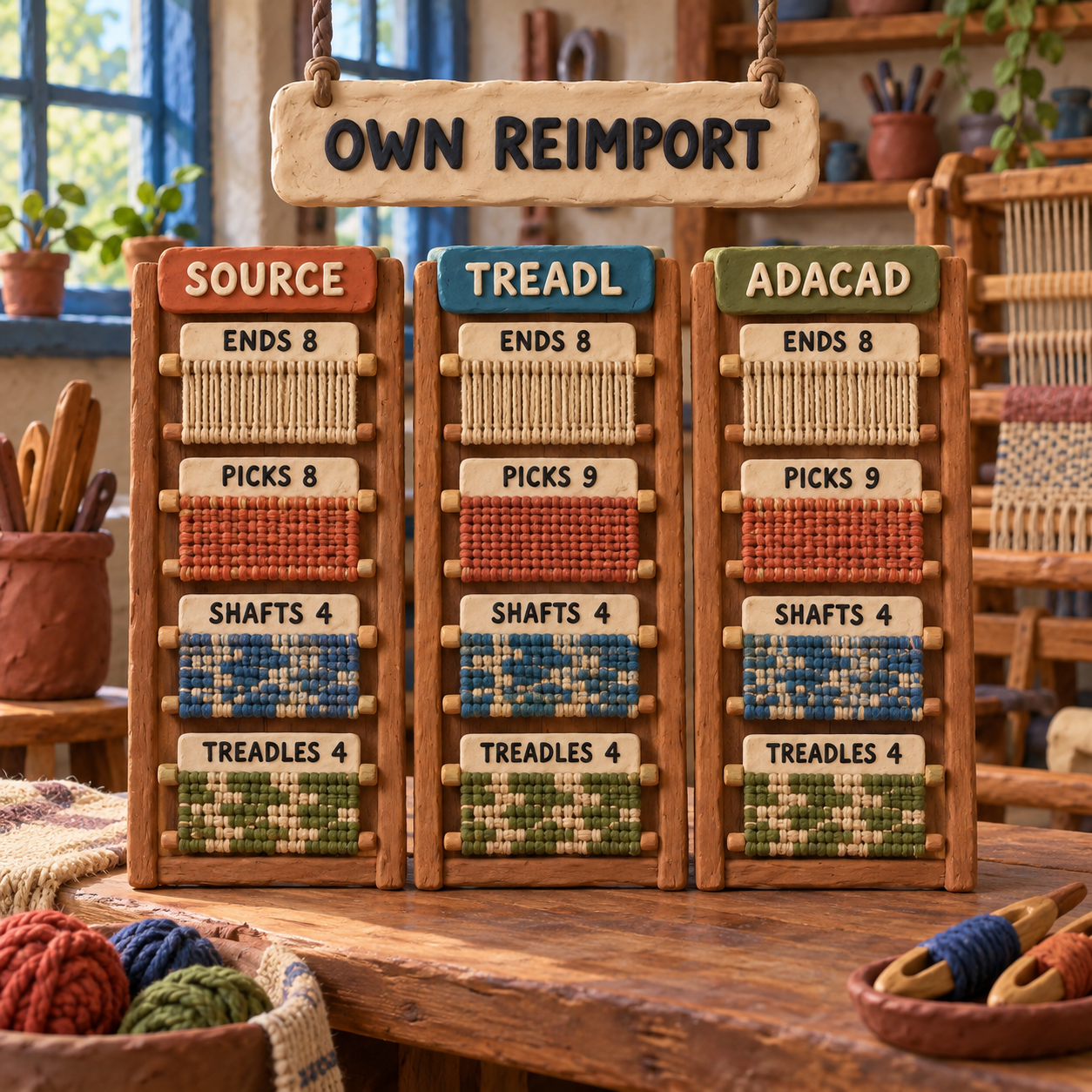
The matched source was deliberately small: a two-color twill with 4 shafts, 4 treadles, 8 warp ends, and 8 weft picks. Each browser app imported that same WIF. The same edit then increased the height to 9 picks, after which the work was named, saved, exported as WIF, and imported into a fresh session of the same app.
Treadl preserved 8 ends, 9 picks, 4 shafts, and 4 treadles on its own reimport. AdaCAD preserved 8 ends, 9 picks, 4 frames, and 4 treadles on its own reimport. The test also checked a public Treadl project as a logged-out visitor, tried AdaCAD's share control while logged out, and then moved each exported WIF into the other app.
This is a file-handoff test, not a cloth-quality contest. No loom was dressed, no yarn was sampled, and no claim is made about beat, sett, float suitability, or the hand of the finished cloth. Those decisions still belong to the weaver.
Weaving Project Sharing: Treadl Wins the Ongoing Context
Treadl is the better home for a class, guild, or long-running project because the draft lives beside its explanation. Its project model can hold patterns, images, text, and other files at a unique address, with public, private, and open-source choices.
The live workflow confirmed the useful part of that promise. A public, open-source test project opened for a logged-out visitor, and its source WIF was available without the project owner's session. The temporary account and project were deleted after verification.
Treadl's groups add the layer AdaCAD does not try to be: open or closed membership, project visibility, a member directory, and a noticeboard where people can discuss work and attach projects. That makes it credible for a weaving class or study group. A closed-group invitation still requires the recipient to have a Treadl account.
How to Use Treadl
Use Treadl as the system of record for the human side of the work. Create one project per study, import the current WIF, add reference photos and notes, choose public or private visibility, and enable open-source access only when visitors should be able to download the draft. Put related projects in a group when several people need one teaching context.
"Shared" needs a precise meaning here. Treadl provides shared access, project context, comments, and group discussion. Its public documentation does not promise live multi-cursor draft editing. If two people change separate copies, choose one owner for the canonical WIF and make the handoff explicit.
Parametric Weaving Drafts: AdaCAD Wins Structural Exploration
AdaCAD is the stronger design laboratory because a dataflow records relationships, not just cells. A dataflow is a chain in which one draft feeds an operation, the result feeds another operation, and a parameter change can propagate forward.
The official parametric-design explanation compares operations to guitar pedals: each takes an input, changes it by a rule, and passes the result onward. AdaCAD currently documents more than 50 operations for generating, transforming, arranging, and combining drafts. That opens a much wider variation space than repeatedly redrawing a conventional draft by hand.
Where the Graph Matters
The dataflow pays off when the rule is the artifact. A designer can generate a twill, tile it, combine it with another structure, change one parameter, and watch the downstream result update. The current workspace supports shaft, dobby, direct-tie, and jacquard work, while the direct editor still allows point-and-click changes.
The limitation is easy to miss. Only a seed draft, meaning a draft created directly rather than generated by an operation, is freely editable. The official seed-draft documentation says that Enable Edits copies an operation's output into a new seed draft and removes that copy from the dataflow. Future upstream changes no longer reach it.
That is the decision rule: stay in the graph while exploring rules, then detach only when a specific result is ready for manual finishing. Detaching too early turns a parametric design back into a one-off grid.
WIF Import Export: Both Pass Alone, Then the Handoff Breaks
Each app passed its own WIF round trip, but the cross-app pass found two concrete edge cases. That makes WIF useful here, not lossless.
Treadl to Treadl passed. The edited export declared 8 warp threads and 9 weft threads, and a fresh Treadl import reopened it as 8 ends, 9 picks, 4 shafts, and 4 treadles.
AdaCAD to AdaCAD passed. AdaCAD 5.1.3 exported the edited draft and a fresh AdaCAD session reopened it as 8 ends, 9 picks, 4 frames, and 4 treadles.
Treadl to AdaCAD failed on the raw export. Treadl's WIF declared 4 treadles, but its [TIEUP] block also contained empty numbered keys 5= and 6=. AdaCAD returned an import error: Cannot set properties of undefined (setting '4'). Removing only those two empty rows allowed AdaCAD to load the file with the expected 8 ends, 9 picks, 4 frames, and 4 treadles.
AdaCAD to Treadl lost the blank ninth pick. AdaCAD's WIF declared 9 weft threads, but its [TREADLING] block had entries only for picks 1 through 8 because the added pick was blank. AdaCAD honored its own declared height on reimport. Treadl reconstructed an 8-pick draft from the populated treadling entries.
There was also a units warning. The source WIF declared centimeters with spacing 0.25. AdaCAD displayed 0.25 Ends per Inch and a width of 32 in, then its export omitted the source units and spacing. Treat sett and physical dimensions as fields to verify after import, not metadata to trust silently.
Before handing a WIF to the other app, check:
- declared warp and weft thread counts against the visible draft;
- every new pick for a real treadling or lift-plan entry;
- the tie-up block for numbered rows beyond the declared treadle count;
- shaft or frame count, treadle count, rising-shed convention, and origin;
- warp and weft colors, units, density, and physical width;
- the drawdown visually, not just the filename and import-success message.
For a wider shortlist of desktop, mobile, visual, and structural options, see the handloom weaving software roundup. This comparison is narrower on purpose: it resolves the two free browser workspaces and the handoff between them.
Free Browser Weaving Software Has No Price Crossover
Both license prices were verified at $0 on September 17, 2026. Treadl says its software is free, and AdaCAD says it is freely accessible online without a download or installation.
Normalized by seat, that is $0 per seat-month for either tool. A 30-person class is still 30 x $0 = $0 in software licenses. There is no price point at which one becomes cheaper than the other, and inventing an hourly break-even would imply timing data this workflow did not collect.
The crossover is operational:
- Treadl becomes the better value as soon as a persistent project page, teaching group, attachments, or guest source access prevents repeated coordination.
- AdaCAD becomes the better value as soon as one upstream parameter needs to generate several structural variations without manual redrawing.
- Local storage and identity are part of the cost. AdaCAD can download a local
.adaworkspace without an account, while its server saving uses Google sign-in. Treadl's persistent cloud project workflow requires an account.
The absence of a license fee does not remove switching cost. It moves that cost into file checking, account policy, naming, ownership, and the risk of losing project logic.
The Best Use-Together Workflow
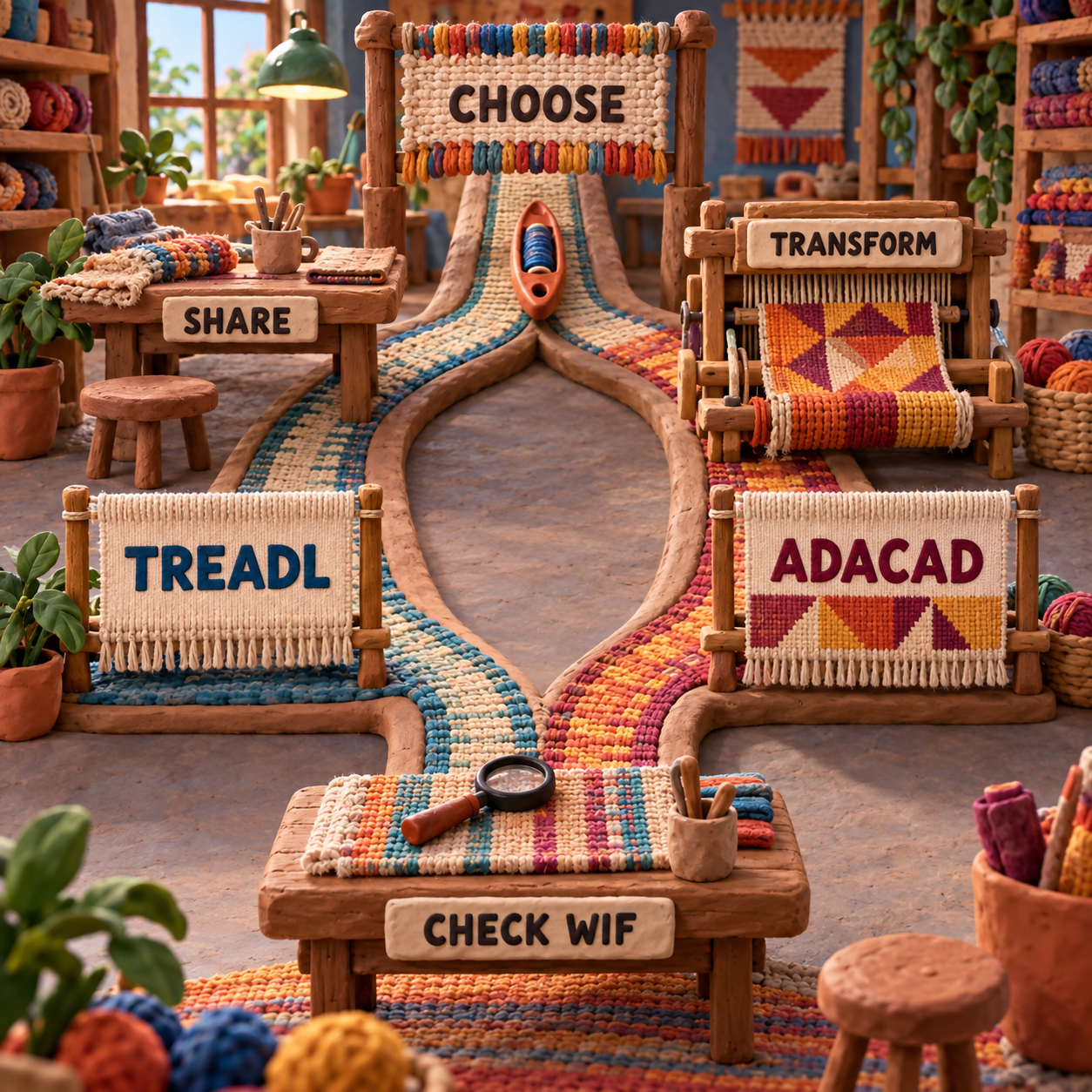
The clean pairing is AdaCAD for generating the structure, then Treadl for publishing the chosen draft with its project context. Keep the original workspace on both sides so WIF never becomes the only copy.
Build the rule in AdaCAD
Create the seed drafts and dataflow, change parameters, and compare outputs while they remain connected. Save the full workspace as an
.adafile before detaching anything.Choose and finish one output
When a result earns manual changes, use Enable Edits knowingly. Fill every added pick and verify threading, tie-up or lift plan, treadling, colors, and origin.
Export and inspect the WIF
Confirm declared dimensions against populated rows. Check density units and remove invalid empty tie-up rows beyond the declared treadle count if the receiving app rejects the file.
Import the checked draft into Treadl
Place it in a named project, add the brief, sample photos, yarn notes, and teaching material, then choose the correct public, private, group, and open-source settings.
Return to the real master for revisions
For rule changes, reopen the
.adagraph. For discussion and distribution, update the Treadl project. Export a newly checked WIF when the structural master changes.
This preserves each tool's advantage. AdaCAD does not have to become a class archive, and Treadl does not have to imitate a parametric graph.
Switching Costs: What Moves and What Does Not
Switching from Treadl to AdaCAD moves the draft, not the project. WIF can carry threading, tie-up, treadling or lift-plan data, colors, and some metadata. It does not bring Treadl's images, text files, comments, group membership, or the history that explains why the draft changed.
Switching from AdaCAD to Treadl flattens the design logic. The receiving app gets an output draft, not the operations, connections, or parameters that produced it. Rebuilding that graph later means reconstructing the logic by hand, so preserve the .ada file even when Treadl becomes the public home.
Do not switch to AdaCAD merely because "parametric" sounds more advanced. A teacher demonstrating a straight draw, a guild collecting member projects, or a weaver keeping notes beside familiar drafts may gain friction and no useful variation.
Do not switch to Treadl as a replacement for a living AdaCAD dataflow. It can host the selected result and its supporting material, but the operation graph is the editable source for that kind of work.
The least costly move is often no full switch at all: keep one tool as the master for its strongest layer, and pass checked snapshots to the other only when that layer changes.
Frequently Asked Questions
What is the best weaving software?
There is no universal winner. Treadl is the better free browser choice for shared projects and teaching context, while AdaCAD is better for parametric structural exploration. Desktop software may still win when deep loom control, analysis, or hardware integration is the deciding job.
Treadl vs AdaCAD weaving?
Choose Treadl as the project-and-sharing home and AdaCAD as the parametric drafting lab. If you use both, preserve the native master file and inspect every WIF handoff.
Treadl vs AdaCAD for beginners?
Treadl has the gentler conventional path for a beginner learning threading, tie-up, and treadling. AdaCAD suits a beginner whose real goal is learning rule-based structure generation and who is willing to learn dataflows.
Free weaving software?
Treadl and AdaCAD are both free browser options. Treadl emphasizes projects, sharing, and familiar draft editing; AdaCAD emphasizes direct editing plus parametric operations.
What is the main difference between card weaving and inkle weaving?
Card weaving creates structure by rotating threaded tablets. Inkle refers to a narrow-band loom and a common warp-faced weaving practice; an inkle loom can also provide tension for tablet weaving. Neither Treadl nor AdaCAD is primarily a tablet-turning planner.
Where can I find free weaving patterns?
Look at guild libraries, museum and public-domain collections, designer releases with clear permissions, and open-source Treadl projects. Confirm the loom type, shaft count, sett, and license before treating a pattern as ready to weave.
Can tablet weaving be done on an inkle loom?
Yes. An inkle loom can hold the warp under tension while tablets control the sheds. Check the loom's usable warp length and working space, and use a tablet-weaving plan rather than assuming a shaft-draft editor describes the turning sequence.
Which inkle loom is best?
Choose by usable band length, tension adjustment, access for passing the shuttle, portability, and local instruction. This software comparison does not establish a loom winner.
What yarn is best for tablet weaving?
Smooth, strong, low-stretch yarn is usually easier to tension and less prone to abrasion. The right fiber and size still depend on the cards, density, band use, and desired finish, so sample first.
Is tablet weaving hard?
The basic action is learnable, but twist buildup, card orientation, missed turns, and complex turning sequences raise the difficulty. Start with a short repeat and a way to mark card order.
What type of loom is best for a beginner weavers?
A rigid-heddle loom is approachable for broad cloth, while frame, inkle, and table looms fit different goals. Access to a teacher, suitable projects, and a loom you can keep set up often matter more than software.
Is weaving an expensive hobby?
It can start inexpensively with a small loom, modest yarn, and free software such as Treadl or AdaCAD. Larger floor looms, specialty yarns, tools, classes, and studio space are what expand the budget.
- Last Updated
- Sep 17, 2026
- Category
- Design
Prefer this site in Google


Mark omidsaffari.com as preferred and Google lifts it in Top Stories, AI Overviews and AI Mode for you.

VArtGlass Stained Glass Software Pricing
Decode VArtGlass trial access, monthly and annual plans, free patterns and the costs to check before preparing stained glass files.Sep 17, 2026Design
Best Software for Bobbin Lace Patterns
Compare bobbin lace design tools by repeat editing, pin spacing, printable prickings, learning effort and the cost of making usable patterns.Sep 17, 2026Design
How to Add Bridges to a Stencil in Inkscape
Keep the centers of letters and enclosed shapes attached. Add stencil bridges in Inkscape, inspect the paths and check the design before cutting.Sep 16, 2026Design
MakeBead Export Cost
MakeBead says PNG and PDF exports are free. Check the watermark, account requirements and file limits before preparing a pattern to print.Sep 16, 2026Design
Best AI Tools for Scroll Saw Portrait Patterns
Compare AI portrait drafts and pattern converters by facial detail, connected pieces, editable files and full-size print output.Sep 16, 2026Design
PreQuilt Review for Fabric Color Planning
A PreQuilt review for choosing fabric colors and scaled prints before cutting, with a clear look at the demo, paid features and yardage planning.Sep 16, 2026Design
Best AI Tools for Handloom Weaving Drafts
Compare tools for handloom weaving drafts, threading and tie-ups. See which outputs reach a loom and where AI only supplies visual inspiration.Sep 16, 2026Design