Best Software for Bobbin Lace Patterns
Compare bobbin lace design tools by repeat editing, pin spacing, printable prickings, learning effort and the cost of making usable patterns.

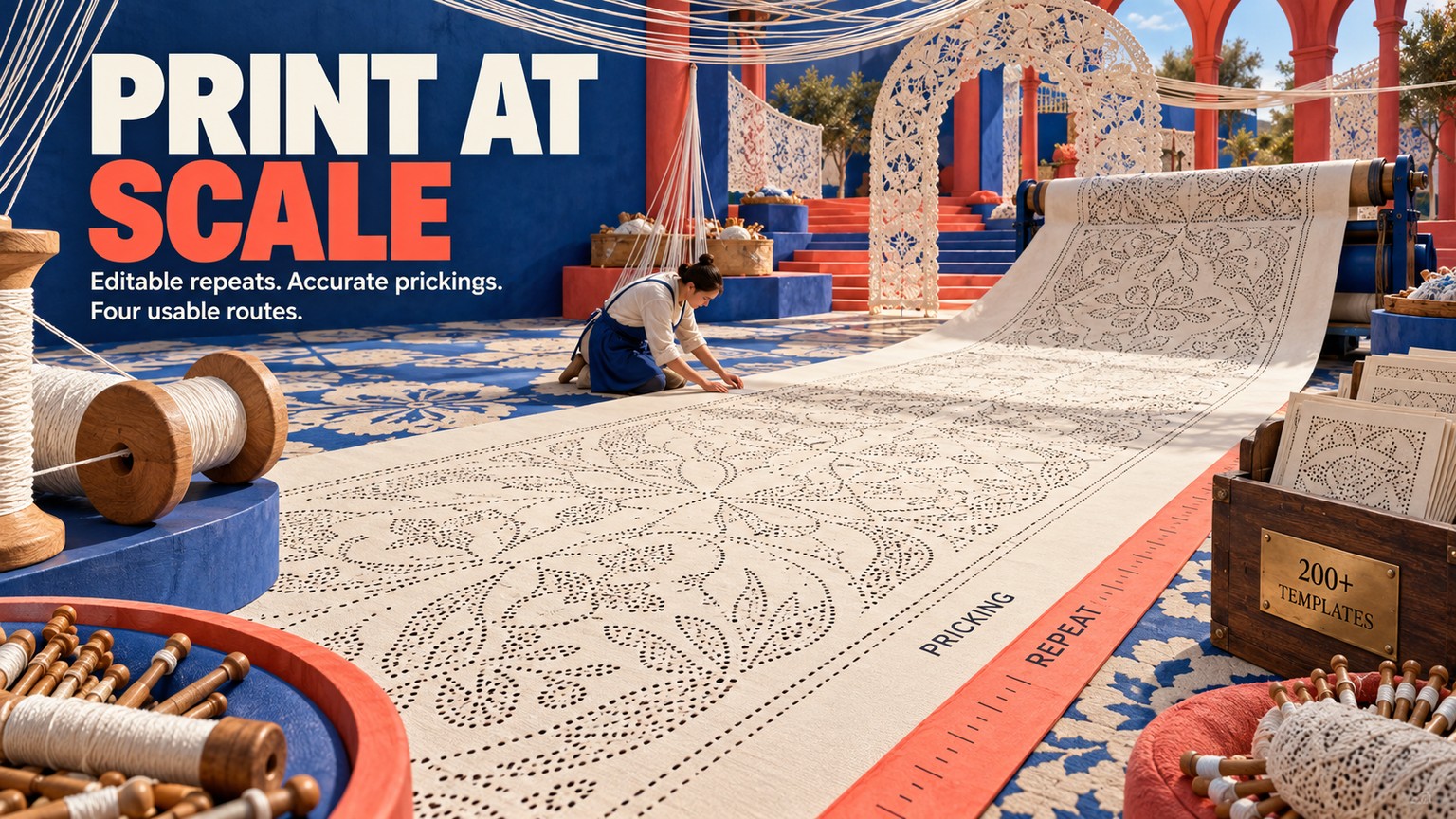
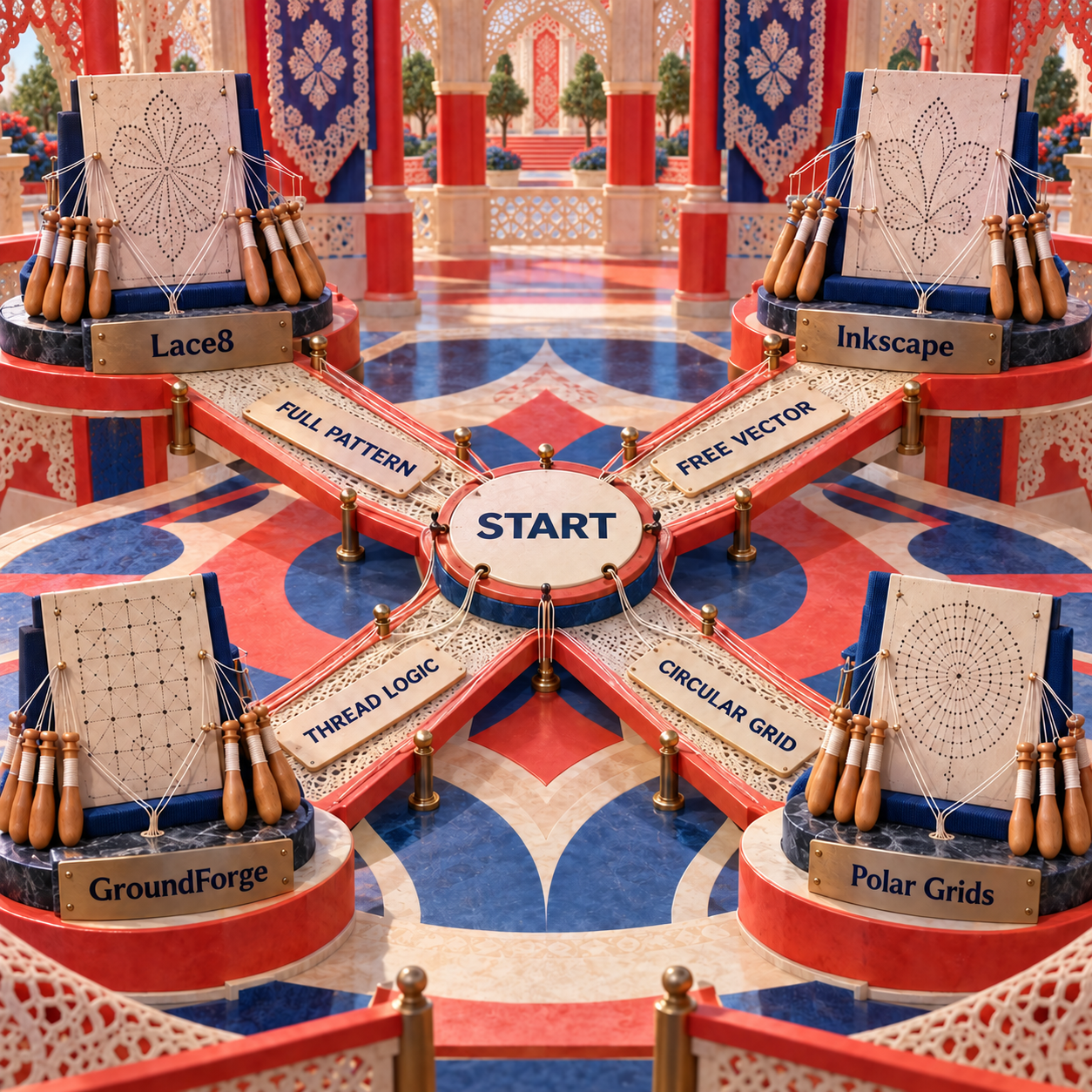
Lace8 is the best software for bobbin lace patterns because it keeps lace-aware drawing, reusable motifs, mirrored repeats, flexible grids, and scale-controlled printing in one £129.99 excluding VAT download. Inkscape with bobbin-lace extensions is the best free route; GroundForge is better for structural ground experiments, and DiBL Polar Grids is the specialist choice for circular prickings.
A pricking is the accurately sized sheet of pin positions placed on the lace pillow. That output is the dividing line in this comparison. A beautiful repeat on screen is unfinished if its dots drift, its joins break, or the printer silently shrinks it.
Prices, platform requirements, and project capabilities were verified against the live publisher pages on 17 September 2026. None of the four ranked tools advertises generative AI, and none needs it to solve the central job.
Best Software for Bobbin Lace Patterns at a Glance
The choice turns on the artifact you need next. Pick Lace8 when the whole design should live in one lace-specific application. Pick Inkscape when price, cross-platform access, and editable SVG matter more than a guided interface. Pick GroundForge when the question is how pairs, stitches, footsides, and repeats behave. Pick Polar Grids only when the missing piece is a measured circular dot field.
How These Tools Were Picked
The best tool is the one that survives the trip from an editable repeat to the pillow. Five criteria decide that trip:
- Pin spacing: Can you control the distance and angle of pin positions rather than merely draw dots that look even?
- Editable repeats: Can one correct unit be reused without redrawing every copy?
- Symmetry and motif reuse: Can mirrored, rotated, grouped, or tiled elements remain consistent while the design changes?
- Full-size output: Can the result be previewed, exported, and printed without losing its intended dimensions?
- Learning effort: Does the software speak in lace elements, vector objects, or symbolic pair definitions, and which language does the user need to learn?
This is a current document-and-output comparison, not a hands-on test. A tool qualified only when its publisher or maintained project documented a usable role in hand-worked bobbin lace. Generic image generators, unsupported downloads, and embroidery software were cut before ranking.
Consider one shared brief: a mirrored Torchon bookmark with a repeated center motif and a straight footside. A visual first pass can establish the silhouette, but it does not tell the pillow where every pin goes. The production pass sets the grid for the intended thread, constructs one repeat, joins copies without a seam, mirrors the motif, resolves the footside, and prints the pricking at its intended size. The ranked tools differ mainly in how much of that production pass they own.
Lace Pattern Software Versus Generic Drawing Apps
A specialist tool earns that name by understanding at least one part of lace structure. Lace8 knows lace elements and grids. The Inkscape extensions know regular, polar, straight-ground, and circular-ground geometry. GroundForge knows pairs, stitches, threads, footsides, and repeating base tiles. Polar Grids knows circular dot geometry.
A general raster editor knows only pixels. It can trace a motif, but a resized bitmap can blur pin positions and gives no structural help with repeats. A general vector editor is safer because paths and dots remain editable, yet it still needs a lace grid, a disciplined construction method, and a print-scale check. That is why Inkscape ranks here only as a stack with the bobbin-lace extensions, not as a bare drawing app.
How the Criteria Change the Ranking
Pin spacing favors the purpose-built generators. Lace8 offers several grid families and can print or export at the size required for the chosen thread. The Inkscape regular and ground tools expose the distance between footside pins directly. Polar Grids approaches the same problem through inside and outside diameters plus dots per ring. GroundForge is less direct here because its first concern is relational structure, not page layout.
Repeat editing favors Lace8 and Inkscape in different ways. Lace8 can group elements into reusable motifs, mirror or rotate them, and copy material between designs. Inkscape gives deeper vector control and linked copies, but the user must keep the source repeat, its clones, and any intentional exceptions organized. GroundForge works one level below both: its base tile and symmetry tools explore how copies connect before visual finishing.
Symmetry has to preserve working logic. Mirroring an outline is easy; mirroring a path can change how pairs enter, leave, or meet. GroundForge is strongest when that distinction matters because its transformed copies remain tied to a pattern definition. Lace8 is faster when the lace structure is already understood and the job is to apply mirror and rotate operations to a prepared motif.
Printing favors an integrated preview or a disciplined vector handoff. Lace8 keeps preview and output beside the design. Inkscape and GroundForge preserve scalable SVG, which is ideal for editing, but page setup becomes the user's responsibility. Polar Grids provides measured geometry, yet the rest of the pricking normally moves to another editor.
Learning effort reverses the technical order. Polar Grids is easiest because it does one narrow job. Lace8 uses a familiar ribbon-style interface and lace vocabulary. Inkscape requires general vector skills plus extension setup. GroundForge asks the designer to think in base tiles, pairs, stitches, and thread paths, which is more demanding but also reveals more about the structure.
1. Lace8: Best Overall for Complete Bobbin-Lace Patterns
Lace8 is the strongest overall choice because its objects, grids, repeat operations, and print controls were built for bobbin lace rather than adapted from general illustration. It supports designs from Torchon to Bucks, Beds, and free lace, then keeps the pricking in the same environment through print preview and PDF or bitmap export. Its hard limits are equally clear: the listed platform is Windows, the current digital-download price is £129.99 excluding VAT, and the product page does not advertise a free trial.
The lace vocabulary is the main advantage. Instead of assembling everything from generic circles and paths, a designer can place dots, gimps, tallys, leaves, roseground, spiders, fans, arrows, text, and other lace elements. Straight, corner, any-angle, and circular polar grids cover more pattern forms than a single rectangular template. An imported picture can sit behind the grid as a reference without becoming the geometry itself.
Repeat construction is also native to the application. Cut, copy, paste, mirror, fill, and rotate handle the common transformations, while grouped elements become a reusable unit for motifs and repeats. Multiple open designs can exchange grouped material, and the built-in motif library reduces the amount of reconstruction needed for familiar forms.
The print side is why Lace8 finishes first. ILSoft documents a full print preview, printing or exporting at any angle or size to suit the thread, PDF output, and bitmap export that keeps exact size. Those controls do not remove the need to measure a printed reference, but they keep scale inside the intended workflow rather than treating it as an afterthought.
Best for: Windows users creating complete original prickings across several lace styles.
Standout: Lace-aware elements, flexible grids, reusable grouped motifs, and print preview in one application.
Pricing: £129.99 excluding VAT for the digital download, verified 17 September 2026.
Free trial: Not advertised on the live product page.
- Lace-specific objects replace a large amount of manual vector construction.
- Group, mirror, rotate, and cross-document copy support repeat-heavy work.
- Any-angle, corner, straight, and circular polar grids cover varied forms.
- Print preview plus PDF and size-preserving bitmap export support the final pricking.
- A built-in motif library keeps recurring elements reusable.
- The listed operating-system requirement is Windows 8 or later.
- It costs £129.99 excluding VAT while the other ranked routes are free.
- No free trial is advertised on the product page.
- A physical sample is still needed to judge thread and pin behavior.
The Lace8 Workflow From Brief to Pillow
Choose the physical constraint first
Define the lace style, intended thread, straight or circular form, and the part that must repeat. Those decisions determine the grid and output size before decoration begins.
Build one correct repeat
Place the required dots and lace elements on the chosen grid. Treat one repeat as the source unit; correcting it once is safer than repairing many independent copies later.
Group, mirror, and join
Group the repeat, copy or mirror it, and inspect the seam where copies meet. Resolve the footside and any edge transitions before expanding the pattern.
Preview the pricking
Use print preview to inspect page boundaries, orientation, and size. Add a known-length reference beside the design so the paper output can be checked with a ruler.
Print, measure, and sample
Print with fit-to-page disabled, measure the reference, and inspect pin spacing and repeat joins on paper. Work a small physical sample before committing the entire pattern.
2. Inkscape With Bobbin-Lace Extensions: Best Free Full Design Route
Inkscape with the maintained bobbin-lace extensions is the best free alternative because the extension generates measured lace geometry and Inkscape leaves every result editable as SVG. The original TesseLace work supplies more than 200 tessellation templates, while the maintained package covers regular grids, polar grids, and straight and circular ground generation. The cost is zero; the tradeoff is manual installation and a steeper vector-editing workflow.
The regular-grid extension exposes the controls that matter to a lacemaker: grid angle, distance between footside pins, and the area to fill. The ground generator adds the chosen ground template, and the circular version adds inner radius, copies around the circle, ring count, and angle. Once generated, the dots and paths are vector objects rather than a flattened image, so individual positions can be nudged and the repeat can be edited.
That freedom is also the wall. Inkscape does not stop an editor from moving a pin to a structurally poor place, breaking a repeat seam, or scaling a group inconsistently. The extension creates a sound geometric starting point; the designer still owns lace logic, object organization, and the final print check.
Best for: Budget-conscious designers who want editable SVG on Windows, macOS, or Linux.
Standout: More than 200 ground templates plus explicit pin-distance controls in a full vector editor.
Pricing: Free and open source.
Free trial: N/A, the software and extensions are free.
- No software purchase is required.
- Explicit footside-pin distance and grid-angle controls support measured construction.
- Straight and circular ground generators cover common repeat forms.
- SVG keeps dots, paths, labels, and repeats editable and scalable.
- The maintained package combines templates with regular and polar grid tools.
- Extension files must be installed in the correct user folder before the tools appear.
- The vector editor exposes many controls that are unrelated to lace.
- Lace structure is not validated after manual object edits.
- Printing still needs a deliberate actual-size check.
Inkscape Bobbin Lace: A Practical Setup
The clean setup is to separate generated geometry from manual drawing. Install Inkscape, place the extension files in the user extensions folder shown in Inkscape's preferences, restart the app, and confirm that the bobbin-lace tools appear under Extensions. Keep the grid on its own locked layer, the repeat construction on a second layer, and annotations or working diagrams on another.
For a straight ground, generate the grid with the intended angle and footside-pin distance, then choose a template and create only enough copies to expose the complete repeat. Edit that source area before expanding it. For a circular ground, set the inner radius, number of copies, rings, and angle, then inspect the inner and outer pin spacing before drawing ornament over it.
Use clones or linked copies where the design benefits from synchronized edits. Convert to ordinary independent objects only when local exceptions are intentional. Before printing, keep a known-length reference on the page, turn off fit-to-page scaling, and verify the paper measurement.
3. GroundForge: Best for Pair and Thread Logic
GroundForge is the best choice for understanding how a lace ground works because it connects a repeating pattern definition to both pair and thread diagrams. It can highlight a thread path, assign stitch combinations where pairs meet, add left and right footsides, and assemble variations from a base tile. It is a free public web tool with GPL v3 source code, but it is more of a structural workbench than a freeform page-layout application.
The pair diagram is the compact structural description: it shows how pairs travel and meet. GroundForge turns that description into a thread diagram, where individual threads can be highlighted to expose a path through the ground. That is valuable when a repeat looks plausible but its movement is difficult to reason about from dots alone.
Pattern construction begins with a base tile, a small repeat comparable to a wallpaper unit. Copies can be joined into a larger ground, modified with stitches, and fitted with footsides. The symmetry editor goes further by building reflected, rotated, and shifted copies of a pattern snippet, making GroundForge particularly useful when the question is not merely whether a repeat tiles, but how its transformed copies behave.
The output handoff needs care. GroundForge can provide scalable SVG diagrams and text templates for the Inkscape plugin, and its browser pages can be saved as PDF. It does not promise that a diagram will work under tension. The project's own documentation states that the final test is a hand-worked sample because pins and threads interact physically in ways a diagram cannot fully predict.
Best for: Designers developing grounds, pair paths, stitch behavior, footsides, and symmetry.
Standout: Matching pair and thread diagrams generated from the same pattern definition.
Pricing: Free public web tool with GPL v3 source code.
Free trial: N/A, the tool is free.
- Connects pair logic, thread paths, and stitch definitions.
- Highlights individual threads for clearer structural inspection.
- Supports new grounds, footsides, base tiles, and symmetric variations.
- Exports scalable SVG and interoperable templates.
- Runs in a browser without a paid license.
- Symbolic pattern definitions demand more conceptual learning than direct drawing.
- It is not a general page-composition environment.
- A second editor is often useful for final annotation and print layout.
- The software cannot replace a tension test in physical thread.
Where GroundForge Fits in a Production Stack
Start in GroundForge when the uncertainty is structural: how many pairs enter, which stitch happens at a meeting, whether a thread path closes cleanly, or how a footside connects to the ground. Once the behavior is settled, export SVG for visual finishing or pass a template into the Inkscape extensions for a measured pricking.
Do not start here merely because the project contains dots. For a simple established Torchon grid with familiar working, direct construction in Lace8 or Inkscape is faster. GroundForge earns the extra learning effort when its pair and thread diagrams prevent a structural guess.
4. DiBL Polar Grids: Best for Circular Prickings
DiBL Polar Grids is the best specialist utility when the job is a measured circular dot field, not a complete lace design. Its browser controls accept angle, dot pattern, outside diameter, inside diameter, and dots per ring, then generate the grid without requiring a desktop install. It is free with GPL v3 source code, and its narrow scope is both the reason to use it and the reason it ranks fourth.
The included examples cover familiar geometry for Torchon, Flanders, honeycomb, spiders, Binche, Duchesse, and rotated hexagons. That makes it useful for a fan, medallion, curved insert, or other design whose inner and outer rings need deliberate spacing. It removes the most tedious geometric setup without pretending to choose the lace working.
The boundary is strict: the generated dots are not a thread diagram, motif library, footside, or finished pricking. The designer must still decide how the lace travels through the grid, remove or add local positions where the form demands it, annotate the working, and verify the printed diameter.
Best for: Circular and annular patterns that need a measured pin grid quickly.
Standout: Direct control over inside and outside diameters, angle, dot pattern, and dots per ring.
Pricing: Free public browser tool with GPL v3 source code.
Free trial: N/A, the tool is free.
- Opens directly in a browser.
- Makes circular pin geometry faster than drawing ring after ring manually.
- Uses measured diameters rather than visual approximation.
- Includes several traditional ground examples.
- Produces a grid, not a complete lace design.
- Does not model pairs, threads, stitches, or tension.
- Final drawing and annotation need another tool or a hand-drawn pass.
- Printed dimensions still need measurement.
Best Software for Bobbin Lace Patterns Free: The Zero-Cost Route
The strongest zero-cost workflow is Inkscape plus the bobbin-lace extensions, with GroundForge added only when pair or thread logic is uncertain. Inkscape owns the editable page and printable pricking. GroundForge contributes structural diagrams. Polar Grids contributes measured circular geometry.
That stack is capable, but its handoffs must be explicit. An SVG exported from GroundForge may need page layout and annotation in Inkscape. A polar grid still needs lace paths and edges. A TesseLace ground template still needs review at repeat seams and at the transition into a footside.
The free route wins when the designer already understands vector layers, snapping, cloning, object transforms, and print scale. Lace8 wins when learning those general vector conventions would cost more attention than learning a lace-specific interface.
What Bobbin Lace Design Software Must Do Before You Print
A useful design program should turn a motif into a repeat that can be worked, not merely admired. Return to the shared bookmark brief. The first visual pass might contain a balanced central motif, but the production pass must answer five concrete questions:
- Where are the pins? Every dot must follow a deliberate grid or a deliberate exception.
- What repeats? One source unit should tile without a doubled or missing gap at the join.
- What mirrors? Symmetry should preserve the intended handedness of paths, not just the outline.
- How do the edges work? Headsides and footsides need continuity with the ground.
- What reaches the pillow? The printed pricking must retain the intended dimensions and remain readable under pins.
The before-to-after change is therefore structural. Before, the bookmark is an attractive silhouette with a center ornament. After, it is a measured grid, one verified repeat, mirrored copies, resolved edges, clear working marks, and a print whose reference length matches the file. No image model can infer that full chain from appearance alone.
The craft bar is a sample. GroundForge states this most directly: only a hand-worked piece reveals the interaction of pins and threads under tension. Software can reduce avoidable redraws, expose broken pair paths, and preserve scale. It cannot decide whether a thread choice, density, and working method behave well on the pillow.
Lace Pricking Software: The Full-Size Printing Check
The pricking workflow succeeds only when paper matches the intended geometry. Run this check before pinning the working copy:
- Keep a known-length reference beside the pattern from the design stage onward.
- Use the application's print preview or a scale-preserving vector or PDF export.
- Disable any printer option that fits, shrinks, or enlarges the page automatically.
- Print a plain-paper proof and measure the reference in both directions.
- Inspect repeat seams, mirrored joins, footside transitions, and crowded pin positions.
- Print the working copy only after the proof matches.
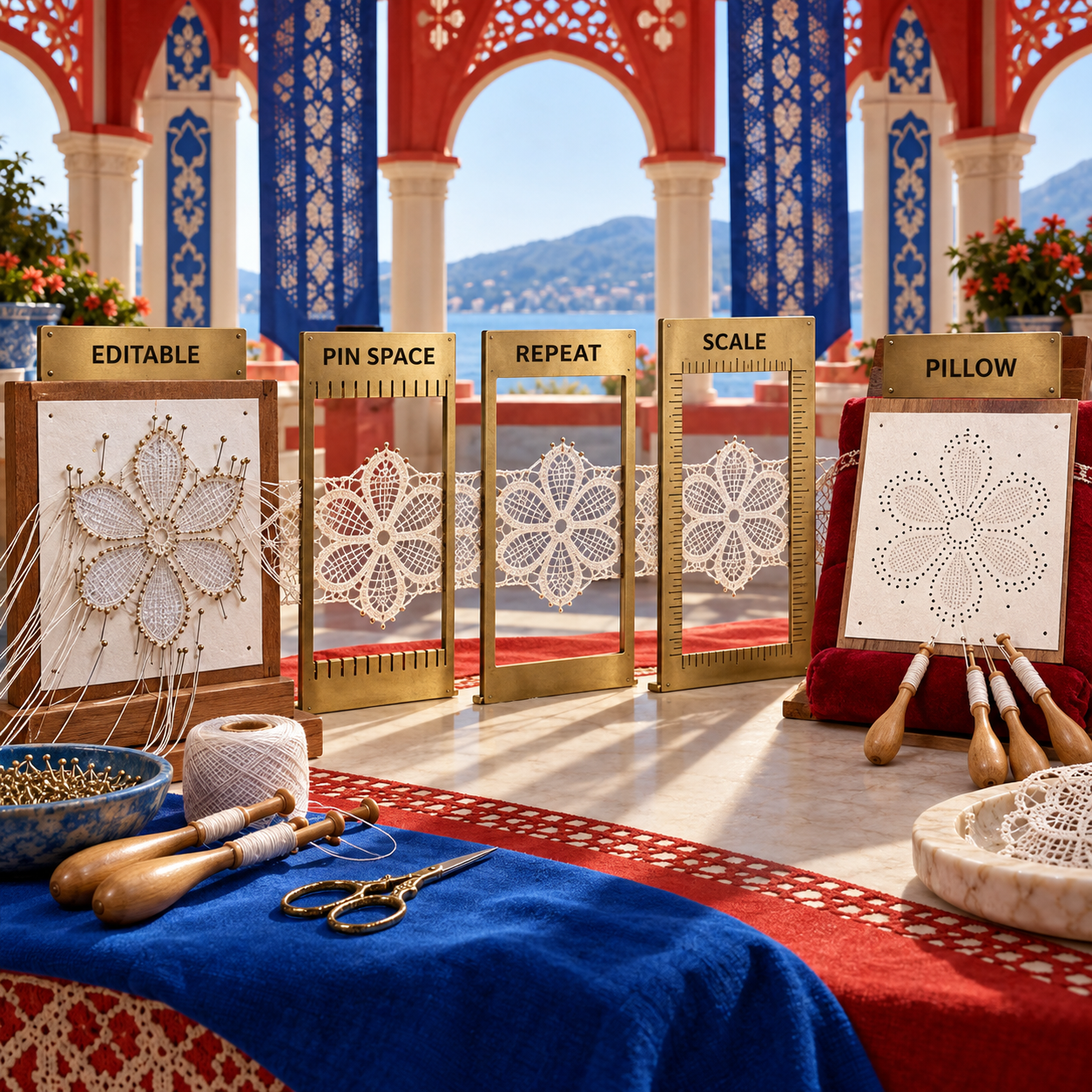
A vector file is not automatically correct. SVG and PDF preserve geometry better than a casual screenshot, but a print driver can still apply page fitting. Likewise, a bitmap can retain exact size when exported deliberately, as Lace8 documents, but resampling or inserting it into another document can change that size. The measured paper proof is the final authority.
Lace8 Alternatives: Who Should Pick What
Choose Inkscape with the bobbin-lace extensions when the Lace8 price or Windows requirement is the deciding constraint and you are comfortable managing vector objects. It is the closest full-workflow alternative because it controls pin distance, creates straight and circular grounds, and preserves editability.
Choose GroundForge when the reason for leaving Lace8 is not price but structure. It provides a different kind of clarity: pair paths, thread paths, stitches, base tiles, footsides, and symmetry. Finish the presentation and print layout in Inkscape if needed.
Choose DiBL Polar Grids when a full replacement would be excessive. It solves circular grid geometry and hands the result back to the drawing workflow already in use.
The flip rule is simple: if the deliverable is a complete original pricking, choose Lace8 or Inkscape. If the deliverable is an explanation of how the ground works, choose GroundForge. If the deliverable is only a circular dot field, choose Polar Grids.
The Ones to Avoid
DIME My Lace Maker is the clearest false match. It currently sells for $399.99 against a $599.00 list price and offers more than 1,100 motifs, more than 280 shapes, repeat tools, grids, and printed templates. Those specifications sound relevant until the output is named: free-standing machine-embroidery lace stitched on water-soluble stabilizer or fabric. It does not create the pin-placement pricking used for hand-worked bobbin lace, so it should not be bought for this job.
Knipling should not be a new purchase recommendation without a current publisher and support path. A current GroundForge help page identifies it as paid, not available on Mac, and able to export PDF, but no active vendor page or verifiable current purchase route was available on 17 September 2026. Existing users may still have a workable installation; a new buyer has no dependable basis for comparing support, compatibility, or price.
Generic raster editors are also a poor final stage. They can sketch or trace the look of lace, but they make scale, dot position, and repeat integrity easier to damage. Use them for visual source material, then rebuild the working geometry in one of the ranked routes.
Frequently Asked Questions
Is bobbin lace a dying craft?
No. It is a niche craft, but maintained open-source projects, active pattern galleries, teachers, guilds, and specialist publishers continue to support it. The software market is small, which is different from the craft being extinct.
How to design a bobbin lace pattern?
Define the finished form and lace style, choose thread and pin geometry, build one repeat, test how copies and edges join, add the working information, print at actual size, and make a physical sample. Lace8 keeps that path in one application; the free route combines Inkscape extensions with GroundForge when structural diagrams are needed.
What software is commonly used to create fabric patterns?
Vector editors, raster editors, textile CAD, and specialist craft applications are all used for fabric-related patterns. Hand-worked bobbin lace needs a narrower capability: accurate pin geometry and a full-size pricking, which is why general textile or image software is not enough by itself.
How to learn bobbin lace making?
Learn cross, twist, pin placement, pair handling, and tension from a structured class, guild, book, or teacher before designing original work. Begin with a published pricking and working diagram so the physical method is familiar before software adds design decisions.
How hard is it to learn bobbin lace?
The basic cross-and-twist motions are learnable. The difficulty rises with the number of pairs, edge changes, diagram reading, and consistent tension. Software helps organize a design, but it does not shorten the physical practice needed for clean lace.
Where can I find lace making patterns?
Look at guild libraries, specialist publishers, museum and archive collections, teachers, and maintained project galleries such as the D-BL examples. Check the pattern's license or stated use rights before redrawing, sharing, or selling it.
How to design your own lace pattern?
Translate the motif into lace regions, grounds, pair paths, and edges rather than tracing only its outline. Build and verify one repeat, create the pricking at the intended scale, then work a sample and revise the places where thread tension changes the result.
What are the 7 types of lace?
There is no universal canonical list of seven. Lace can be classified by technique, structure, region, or period, so lists vary. Bobbin lace, needle lace, knitted lace, crochet lace, tatting, netted lace, and machine lace are common broad groupings, but each contains many distinct traditions.
How can I make my own lace bobbins?
Turn or shape matching smooth bobbins with a secure neck for winding, then sand and finish every surface that may touch thread. Consistent handling and snag-free surfaces matter more than decoration; use an established bobbin pattern or instruction for the local lace style.
- Last Updated
- Sep 17, 2026
- Category
- Design
Prefer this site in Google


Mark omidsaffari.com as preferred and Google lifts it in Top Stories, AI Overviews and AI Mode for you.
How to Add Bridges to a Stencil in Inkscape
Keep the centers of letters and enclosed shapes attached. Add stencil bridges in Inkscape, inspect the paths and check the design before cutting.Sep 16, 2026Design
MakeBead Export Cost
MakeBead says PNG and PDF exports are free. Check the watermark, account requirements and file limits before preparing a pattern to print.Sep 16, 2026Design
Best AI Tools for Scroll Saw Portrait Patterns
Compare AI portrait drafts and pattern converters by facial detail, connected pieces, editable files and full-size print output.Sep 16, 2026Design
PreQuilt Review for Fabric Color Planning
A PreQuilt review for choosing fabric colors and scaled prints before cutting, with a clear look at the demo, paid features and yardage planning.Sep 16, 2026Design
Best AI Tools for Handloom Weaving Drafts
Compare tools for handloom weaving drafts, threading and tie-ups. See which outputs reach a loom and where AI only supplies visual inspiration.Sep 16, 2026Design
Texloom Studio Review for Seamless Textile Prints
A Texloom Studio review focused on seamless repeats, color control and print exports, with clear limits on what was tested and what needs checking.Sep 16, 2026Design
Best AI Tools for String Art Patterns
Compare string art pattern tools by nail sequences, printable templates, photo controls and usable exports. See where AI claims help and where they stop.Sep 15, 2026Design