Best Software for Tatting Diagrams
Compare tools for tatting diagrams by ring and chain editing, stitch labels, reusable symbols and clean printable patterns.


Inkscape is the best software for tatting diagrams: it costs $0, keeps rings, chains, picots, and stitch labels editable, and exports clean SVG and PDF files. Amaziograph is faster for symmetrical ideation, Affinity is the polished free desktop alternative, and TattingCAD is the only candidate here that understands tatting parts but is not ready to own the printable handoff.
The important distinction is not free versus paid. It is drawing a picture of lace versus building a diagram you can still correct. A finished pattern needs curves that remain editable, labels that can move independently, reusable ring and chain parts, and an output that survives printing. No current tatting-specific application verified on 20 September 2026 does all of that in one mature package.
Best Software for Tatting Diagrams at a Glance
Inkscape wins because the final artifact matters more than the first sketch. Its native SVG file keeps geometry, labels, layers, clones, and guides editable, while PDF carries the pattern to print. Amaziograph can reach a radial composition faster, but its JPEG and PNG output is raster, meaning the image is made from pixels rather than editable curves. Affinity offers a smoother professional workspace at the same $0 entry price, though it has less tatting-specific teaching around it. TattingCAD draws the most recognizable tatting structure, then stops short of a dependable publishing handoff.
How These Tatting Diagram Tools Were Picked
The comparison uses one reference brief: a teardrop-shaped ring flowing into a curved chain, with picot marks, stitch-count labels, and a second repeated unit. That small motif exposes the parts that glossy feature lists hide.
- Editable geometry: Can the ring and chain be reshaped without redrawing the whole motif?
- Reusable parts: Can a clean ring, chain, picot, or label become a master component rather than a fresh drawing every time?
- Label control: Can stitch counts stay legible when the motif is crowded or rotated?
- Printable handoff: Can the working file produce a clean PDF, SVG, or controlled raster export without destroying editability?
- Tatting awareness: Does the software know anything about rings, chains, picots, or double stitches, or is every object a generic curve?
- Platform and upkeep: Is the application available now, documented, and realistic to keep using?
Pricing, platform support, versions, and export claims were checked against current primary pages on 20 September 2026. Only TattingCAD was exercised locally in this run, using its downloaded repository in a browser. The other tools were compared through current vendor documentation and published tatting workflows, so this page does not claim a four-tool hands-on test.
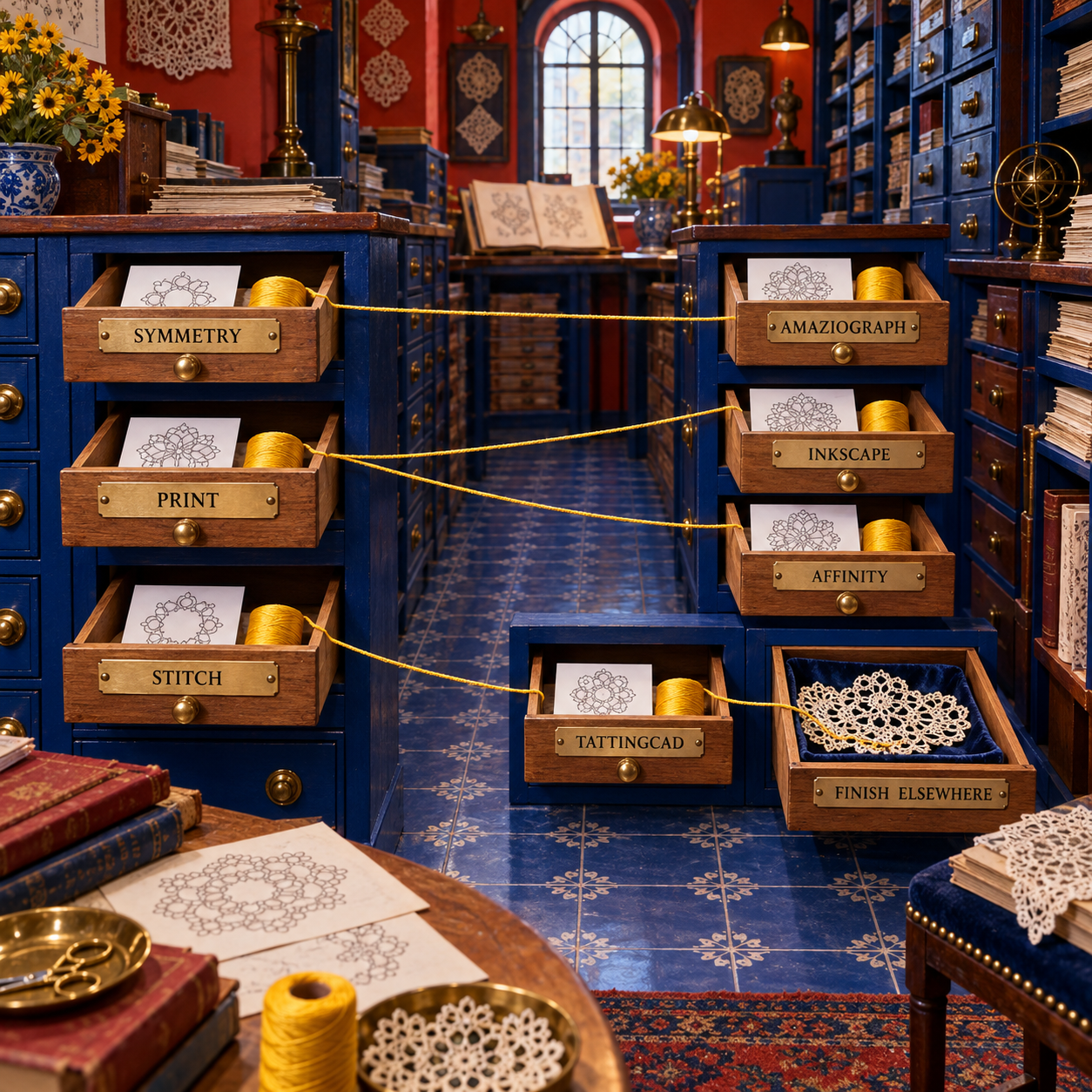
The shortlist is deliberately small. General illustration apps that merely can draw a curve add no useful choice. These four represent four distinct methods: manual vector construction, symmetry sketching, polished vector layout, and tatting-aware construction.
Tatting also needs a different artifact from bobbin-lace pattern software. Bobbin lace usually centers on a pricking and pin geometry. A tatting diagram must communicate rings, chains, picots, joins, and stitch counts clearly enough that a reader can reconstruct the knotting sequence.
1. Inkscape: Best Overall for Editable Tatting Diagrams
Inkscape is the strongest complete choice because it is a free vector editor that can take a pattern from the first ring through the printable PDF without flattening the working geometry.
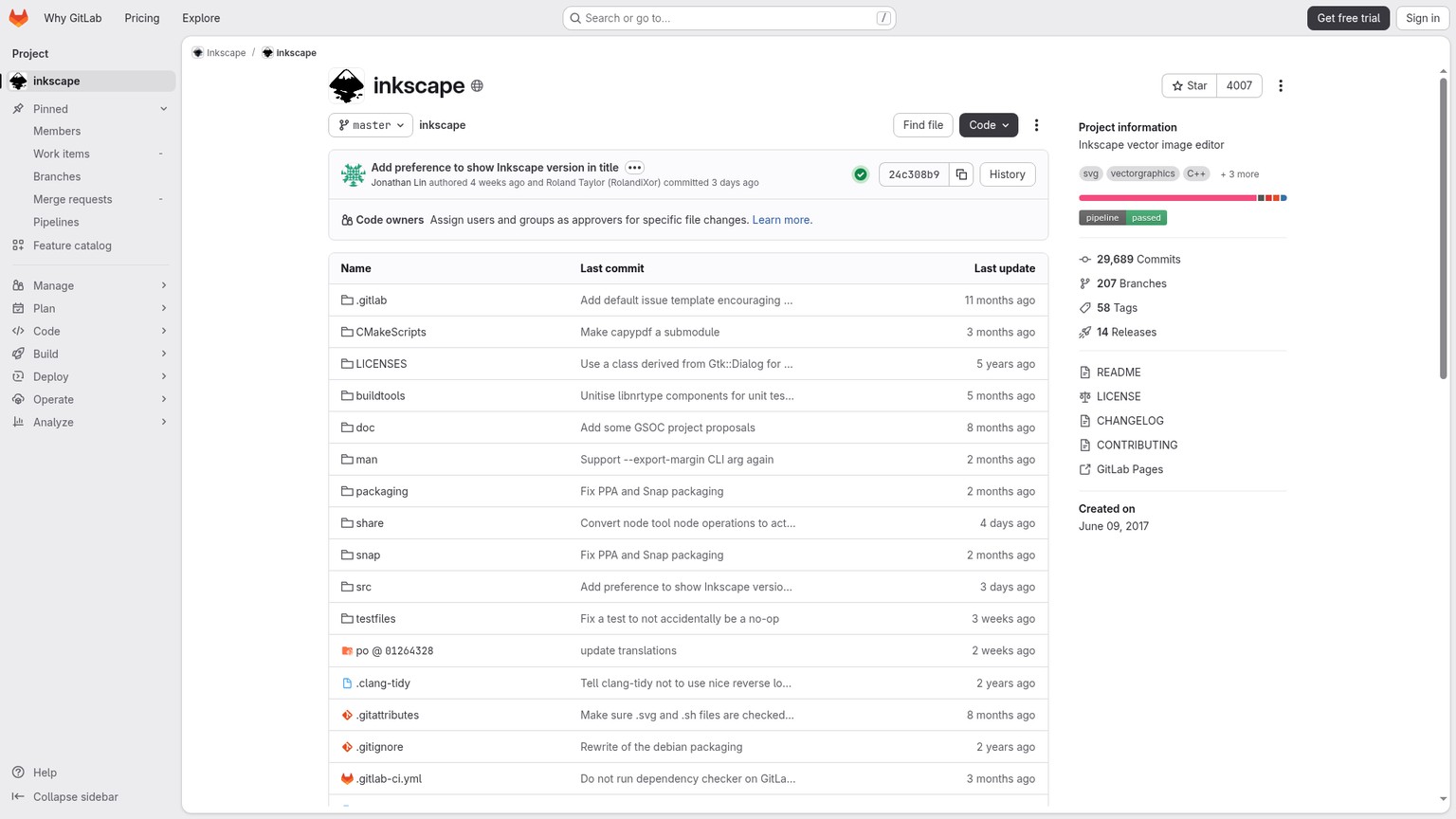
The Inkscape project lists shapes, paths, text, markers, clones, grouping, node editing, layers, and text on a path among its core capabilities. Those are not decorative extras for tatting. They map directly to the work:
- A ring is a closed ellipse or a shaped path.
- A chain is an open arc or Bézier curve.
- A picot is a small repeated line or custom symbol.
- A stitch count is an independent text object.
- A repeated motif is a clone or grouped component.
Vector means each shape is stored as geometry instead of a fixed field of pixels. Pull one node and the chain changes shape while its stroke stays clean. Enlarge the diagram for a workshop handout and the curves remain sharp. That is the decisive advantage over a drawing app once the sketch becomes a published pattern.
Robin Perfetti's tatting-specific Inkscape tutorial uses the ellipse tool for rings, an open arc for chains, and short pencil-tool lines for picots. The interface has changed since that tutorial was written, but the construction logic still holds. Inkscape's current stable branch is 1.4, and its current project documentation still centers on editable shapes, paths, text, clones, layers, and SVG.
The wall is setup time. Inkscape does not know that an oval is a ring or that a number belongs between two picots. You must establish the visual language, build clean master parts, and keep stroke widths and label positions consistent. The first motif takes longer than it would in a sketching app. The fifth motif is faster because the component library now exists.
- Best for: Pattern writers who need a clean, editable, printable diagram
- Standout: One SVG master can hold reusable rings, chains, picots, joins, labels, layers, and guides
- Pricing: $0; free and open source
- Free trial: Not applicable
- Keeps every ring, chain, picot, and label independently editable
- Supports clones, grouping, layers, node editing, and text on a path
- Retains an SVG master and outputs PDF, PNG, EPS, and other vector formats
- Has a substantial tatting-specific tutorial trail rather than only generic vector lessons
- No built-in understanding of tatting notation or valid stitch counts
- Initial component setup is slower than drawing a rough symmetrical sketch
- Crowded labels and joins still require manual typographic judgment
The Inkscape Tatting Diagram Recipe
Set the final page before drawing
Choose the intended paper size and document units first. Keep one editable Inkscape SVG as the master. A page built at its final proportions makes label size, line weight, and spacing decisions meaningful from the beginning.
Build one clean ring and one clean chain
Draw the ring as an ellipse or teardrop-shaped path with no fill and a consistent dark stroke. Draw the chain as an open arc. Use node editing to make the connection feel continuous instead of hiding a poor join under a thick line.
Create reusable picots and labels
Make one picot mark, one stitch-count text style, and any join mark the pattern uses. Duplicate or clone those masters. A clone stays linked to its source, which is useful when a later style change should propagate through the file.
Assemble and name the motif
Group the ring, chain, picots, and labels only after their individual positions are sound. Keep a separate library area or template file for the source parts. Tatsaway's component-template method is still the right discipline: save the shapes once, then compose rather than redraw.
Save an editable master and a delivery copy
Retain the original as Inkscape SVG so layers, grids, guides, and path effects remain available. Use Save a Copy for the print PDF. Export a PNG only for a preview or web image, not as the sole master.
Print, measure, and tat a sample
Print without page fitting, inspect the labels at paper size, and compare repeated units. Then tat the motif. The diagram can expose spacing and continuity problems, but thread, tension, and joins decide whether the design works physically.
2. Amaziograph: Best for Symmetrical Tatting Ideas
Amaziograph is the fastest option for seeing whether a snowflake, doily, square, or medallion has a convincing repeat before you spend time constructing every ring and chain.
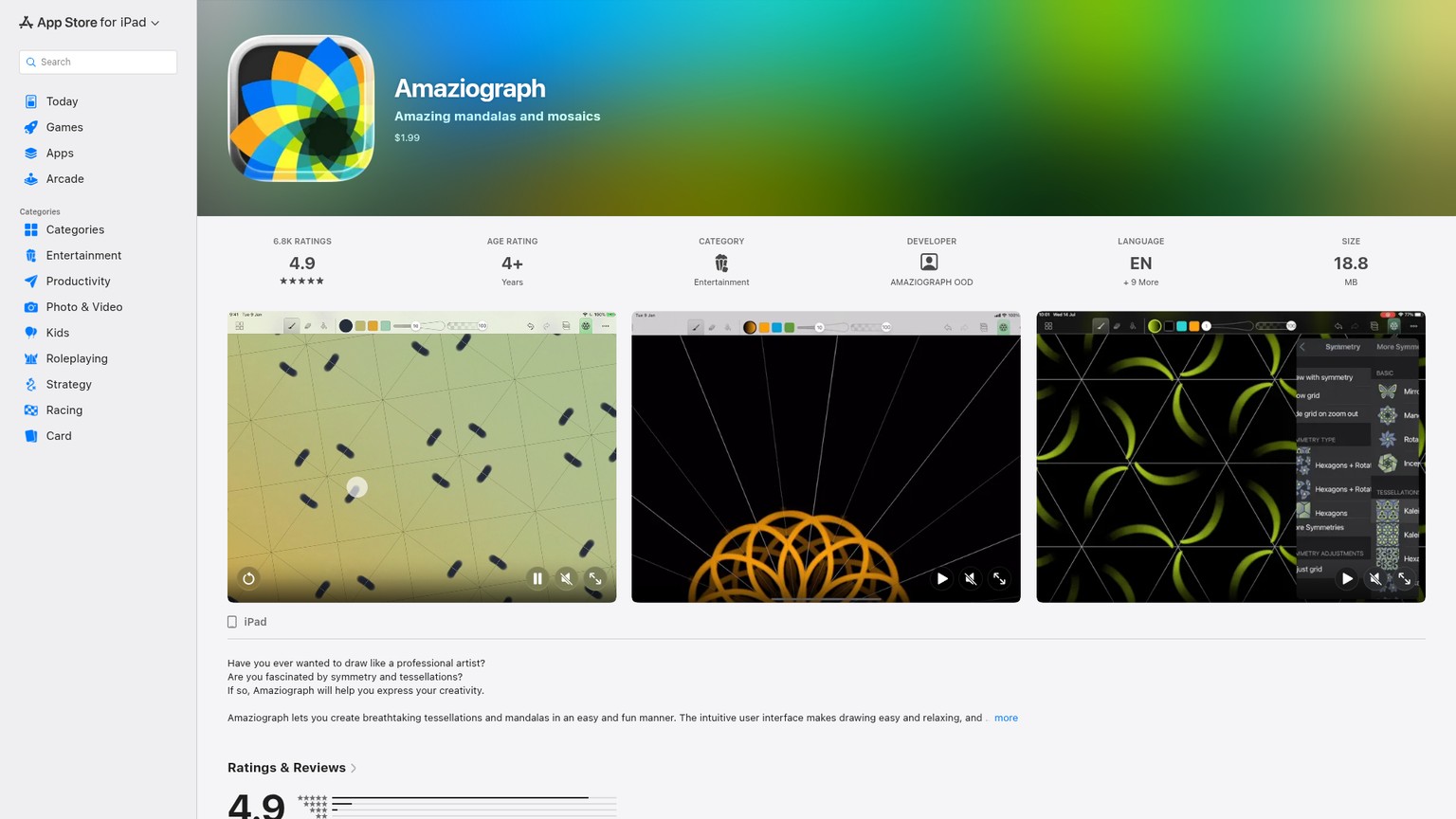
The iPad version provides 20 symmetry types. A stroke drawn in one sector appears across the active symmetry, so a single idea becomes a complete radial composition immediately. Layers, dashed and dotted lines, shape recognition, and line smoothing make that sketch more controlled than a simple kaleidoscope doodle. The current US App Store price is $1.99.
That speed is why Amaziograph belongs near the top, and its output limit is why it does not win. The vendor's current FAQ says none of its versions supports vector graphics. JPEG and PNG exports flatten the drawing into pixels. The iPad app can also export PSD and its own Amaziograph format, but neither turns a brush stroke into a semantic ring, chain, picot, or stitch label.
The practical workflow is therefore two-stage. Use Amaziograph to choose the repeat, overall balance, negative space, and relationship between rounds. Move the chosen sketch into Inkscape or Affinity as a locked reference layer. Rebuild the final rings and chains as vectors, then add stitch counts and joins separately.
The Amaziograph handbook suggests a 3508 by 2806 pixel canvas for A4 at 300 DPI, within the app's 4096 by 4096 pixel maximum. That is enough for a clean raster reference and a useful print, but resolution is not editability. A curve that looks slightly wrong still has to be erased and redrawn or traced elsewhere.
Platform details matter. The current platform FAQ says the iPad version has 20 symmetries, while Android and Windows have 11 and omit shape recognition, multiple brush types, gradient brushes, line smoothness, and PSD export. The fullest workflow is on iPad, and the current App Store listing requires iPadOS 15.6 or later.
- Best for: Rapid symmetrical ideation before a vector diagram is built
- Standout: Draw once and see the stroke repeated through the active symmetry
- Pricing: $1.99 on the US iPad App Store
- Free trial: No trial listed
- Makes radial repeats visible much faster than placing each unit manually
- Supports layers, adjustable symmetry, dotted or dashed lines, and shape correction
- Costs little enough to justify as a dedicated concept tool
- Has documented use in finished tatting design workflows, not just mandala illustration
- No vector output, so curves and labels are not production-editable after export
- Does not understand rings, chains, joins, picots, or stitch counts
- The stronger feature set is limited to iPad
- A second application is still needed for the clean pattern handoff
Robin Perfetti's published Amaziograph workflow makes the boundary clear: the app is effective for visualizing a symmetrical design, while stitch counts still come from experience, trial, and a physical sample. That is a strong concept tool. It is not an automatic pattern author.
3. Affinity: Best Polished Free Vector Alternative
Affinity is the best Inkscape alternative for a designer who wants a refined vector and page-layout environment without paying a subscription.
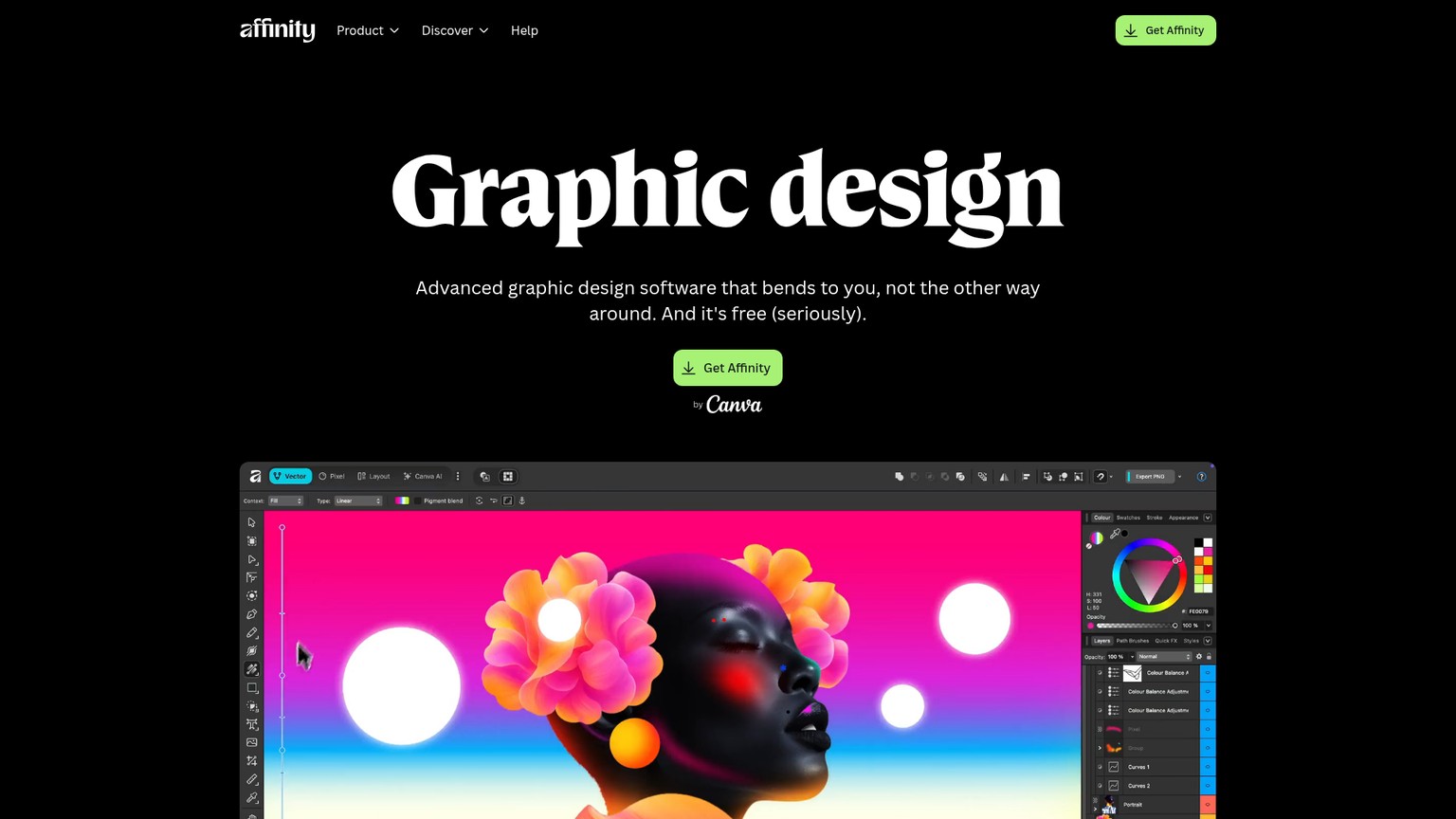
The current Affinity by Canva application is free for individuals. A free Canva account is required to download and activate it, but the Vector, Pixel, Layout, customization, and export tools do not require a paid Canva plan. This changes the comparison materially: Affinity is no longer the paid middle ground between Inkscape and Illustrator.
For tatting diagrams, its useful capabilities are precise curve and node editing, snapping, alignment, grids, guides, symbols, constraints, text on a path, and page layout. Symbols are especially relevant. A master ring or picot can feed repeated instances, keeping a motif consistent while preserving a clean component system. PDF, SVG, PNG, JPEG, TIFF, and WebP exports cover both print and preview delivery.
Affinity's advantage is not tatting intelligence. It is finish. If a pattern will become a polished booklet with diagrams, written instructions, photographs, and branded page layouts, the Vector and Layout studios can keep those stages in one application. Inkscape remains easier to recommend to a tatting community because it is open source and supported by more craft-specific instruction, but Affinity can be the better fit for an experienced designer.
The current platform limit is important. The new Affinity is available on Windows and macOS. Its iPadOS version is still marked as coming soon with no release date. Older Affinity V1 and V2 apps can open older files in the new desktop application, but they cannot open files saved in the new format. That blocks a seamless new-desktop-to-old-iPad round trip.
- Best for: Designers combining vector diagrams with polished pattern-page layout
- Standout: Symbols, precise node editing, text on a path, and print-ready export in one free desktop app
- Pricing: $0 for individuals with a free Canva account
- Free trial: Not applicable
- Professional vector editing and page layout now cost $0 for individuals
- Symbols and constraints support a reusable diagram component system
- Exports PDF and SVG alongside common raster formats
- Text and layout tools suit multi-page pattern publishing
- Requires a Canva account for download and activation
- The current new application is Windows and macOS only while iPadOS remains pending
- No built-in tatting notation or stitch validation
- Far less tatting-specific learning material than Inkscape
Choose Affinity over Inkscape when interface polish and page composition will save more time than community tutorials. Choose Inkscape when open files, an established SVG workflow, and tatting-specific instruction matter more. Both can produce a finished pattern. Neither can tell you whether the lace will close cleanly under tension.
4. TattingCAD: Best Stitch-Aware Experiment
TattingCAD is the only ranked option whose toolbar names tatting parts directly, but it is an experimental browser application rather than a finished publishing system.
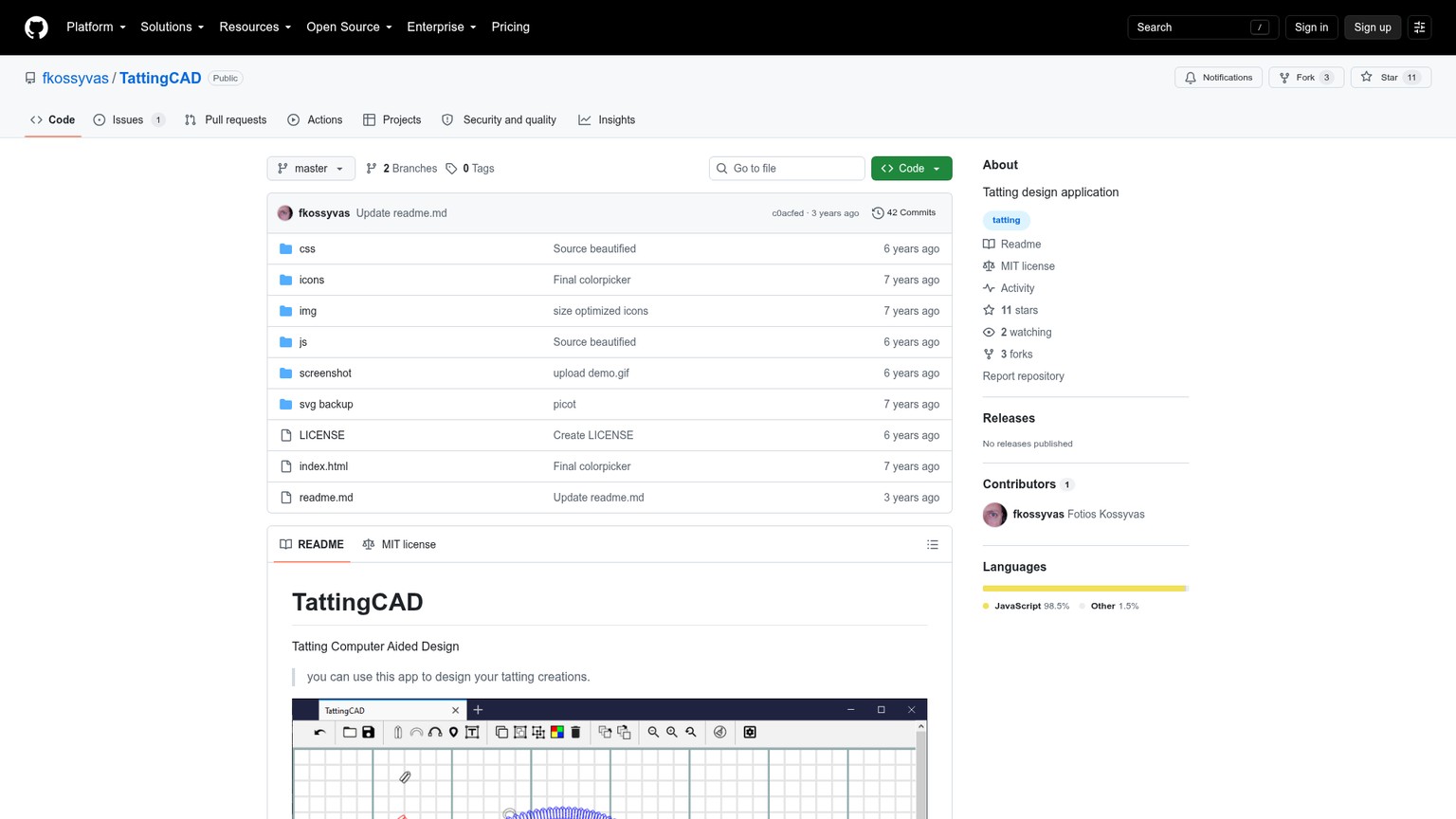
The public TattingCAD repository is MIT-licensed and instructs users to download the files, then open index.html in a browser. Its toolbar includes double stitch, picot, arc, teardrop ring, text, clone, group, ungroup, color, undo, zoom, open, and save controls. The arc and ring generators place repeated stitch-shaped SVG units along calculated curves, which produces a visual language much closer to physical tatting than a generic outline.
A limited browser exercise on 20 September 2026 confirmed that the current repository opens locally, draws ring and chain stitch objects, adds a picot and a text object, and saves a .tat project that can be reopened. That is genuine function, not a screenshot-only repository.
The same check found the boundary. The save control serializes the canvas into the custom .tat file. No dedicated SVG, PDF, PNG, or JPEG export control appears in the current interface or main application code. A print stylesheet hides the toolbar, but that is not the same as an export system designed for a pattern writer. Text defaults to the Italian word “Testo,” and tooltips include Italian labels such as “Anello” and “Arco.”
Maintenance is the larger concern. The repository history dates the latest commit to 31 October 2023, when the README was updated. GitHub shows the main JavaScript and CSS directories last changed on 1 May 2020. The project has 42 commits, and its task list still includes updating the Fabric.js dependency and adding multiple languages. This does not make the software useless. It makes it a poor sole master for work that must remain printable and maintainable for years.
TattingCAD also needs a precise label. It is tatting-aware, because it provides tatting-shaped primitives. It is not a mature stitch-count engine. The ring length determines how many repeated visual stitch units fit the curve; the tool does not turn a complete written pattern into a validated diagram or prove that the motif will close correctly.
- Best for: Exploring ring, chain, double-stitch, and picot forms in a specialized interface
- Standout: Tatting-specific drawing controls rather than generic vector paths
- Pricing: $0; public MIT-licensed source
- Free trial: Not applicable
- Uses recognizable tatting parts and stitch-shaped units
- Runs locally in a browser after the repository is downloaded
- Supports text, cloning, grouping, color, undo, zoom, and project saving
- Open source and free to inspect or extend
- No installer or hosted production app
- No dedicated SVG, PDF, PNG, or JPEG export control
- Core application directories show no code changes since 2020
- Interface text is partly Italian and documentation is thin
TattingCAD earns a place because it explores the right abstraction. It should be paired with Inkscape or Affinity for the final diagram. If the extra transfer step feels heavier than simply building a ring-and-chain component library in a vector editor, skip it.
The Before-to-After Tatting Diagram Workflow
The cleanest result comes from treating ideation, diagram construction, and physical validation as three different jobs. For the same ring-and-chain brief, the workflow looks like this:
- Sketch the rhythm. Use paper or Amaziograph to decide the overall repeat, negative space, and relationship between rounds. At this stage the design can be loose because it is answering “does this composition work?”
- Rebuild the geometry. Trace or reconstruct the selected ring and chain in Inkscape or Affinity. A vector is a shape defined by points and curves, so it remains sharp and editable. A raster is a grid of pixels, so enlarging or reshaping it is more destructive.
- Create the component library. Keep clean source versions of the ring, chain, picot, join mark, arrow, and stitch-count label. Reuse those parts through clones or symbols. Consistency should come from the file structure, not from careful redrawing.
- Add counts after the geometry settles. Keep labels separate from curves. A crowded ring often needs labels outside the shape with a clear reading order. Moving a label must never require repainting the lace line beneath it.
- Export a print copy without sacrificing the master. Keep SVG or the native Affinity file as the editable source. Create a PDF for printing and a PNG only for web preview.
- Tat the sample. The screen checks spacing and repetition. Thread checks tension, joining order, picot behavior, and whether the motif lies as intended. Revise the master after the sample, not the flattened preview.
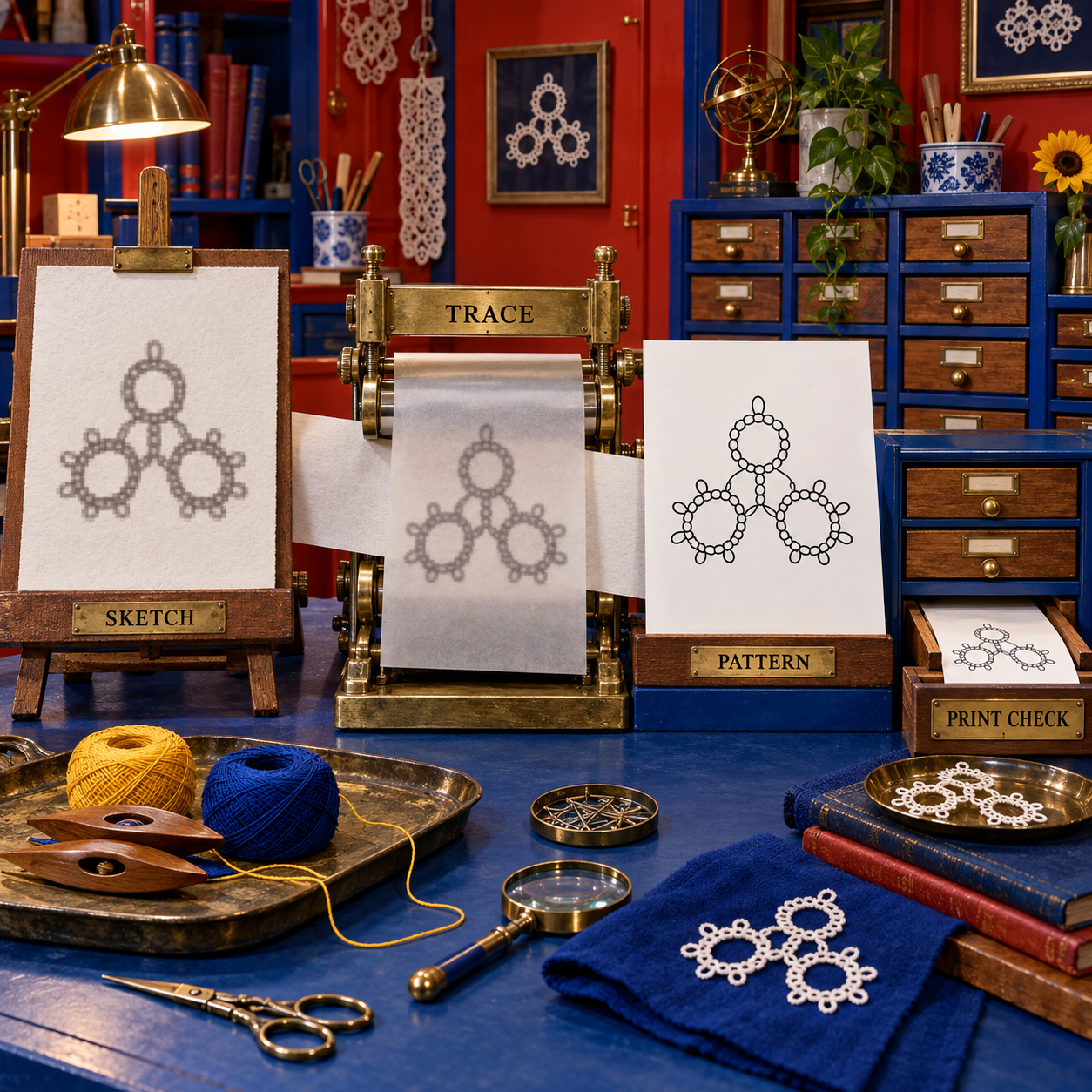
The before state is a convincing lace image with ambiguous parts: the chain may merge into the ring, labels are absent or baked into pixels, and repeated units cannot be corrected together. The after state has separate curves, reusable marks, movable counts, a clear path through the motif, and a measured paper proof.
Who Should Pick What
Pick Inkscape when the deliverable is a complete pattern diagram. It has the best balance of cost, editable geometry, reusable parts, teaching material, and clean SVG/PDF handoff. This is the default recommendation for a first serious diagram and for a long-lived pattern library.
Pick Amaziograph when the immediate problem is composition. It removes the drudgery from exploring radial repeats, especially on iPad with Apple Pencil. Stop using it as soon as the task changes from “find the motif” to “publish the instructions.”
Pick Affinity when you already think like a designer and the diagram will live inside a polished multi-page pattern. Its symbols, vector tools, and layout environment make sense for editorial production. The deciding cost difference from Inkscape is now zero, so interface preference and file portability carry more weight.
Pick TattingCAD when seeing actual stitch-shaped units on rings and chains is worth a rough setup and a second finishing tool. It is also the most interesting base for a developer who wants to extend a public tatting-specific project. It is not the safest archive format for a pattern business.
The flip rule is simple: if the next person must print, edit, translate, or republish the pattern, choose Inkscape or Affinity. If only the motif idea matters, choose Amaziograph. If the experiment is about tatting-aware primitives, choose TattingCAD and plan the handoff before drawing.
The Ones to Avoid
Adobe Illustrator as a new purchase for tatting alone is poor value. The current individual plan costs $22.99 per month on an annual contract and includes a 7-day trial. That becomes $275.88 across twelve months. Illustrator can handle the vector work, but Inkscape and Affinity both cover the core diagram job for $0. Existing Illustrator subscribers can sensibly keep their established workflow; a tatter choosing from scratch gains no tatting-specific function for the subscription.
Generic raster editors as the only master file should also be avoided. They are fine for a sketch or photo adaptation, but a flattened motif makes curve changes, repeated components, label moves, and clean enlargement harder. If the app cannot preserve editable paths or objects, use it before the vector stage, not instead of that stage.
AI lace-image generators do not answer this query. A plausible picture of tatting is not a diagram of rings, chains, joins, picots, and counts. Visual resemblance cannot substitute for a construction path, and generated text inside an image is not a dependable instruction layer.
The new Octave stitch-count prototype is worth watching, not ranking. Its author demonstrated function inputs for stitch counts, ring angle, picot lengths, and color in an r/tatting post from September 2026, then stated that many cases remain unsupported, the interface is not yet friendly, and there is no public Git repository. The idea targets the category's deepest gap, but readers cannot download a finished tool today.
Frequently Asked Questions
Best software for tatting diagrams free
Inkscape is the best free complete option because it keeps the diagram editable and exports SVG, PDF, and PNG. Affinity is also free for individuals and offers a more polished desktop interface. TattingCAD is free and open source, but its export and maintenance limits keep it from being the primary recommendation.
Best software for tatting diagrams free download
Use the official Inkscape project for the open-source vector editor or the Affinity download flow for the free individual app. TattingCAD is downloaded as a GitHub repository and opened through its index.html file, so it is not a conventional installer.
Best software for tatting diagrams Reddit
An r/tatting software discussion points toward general vector editors because no mature specialist product owns the workflow. A separate September 2026 post demonstrates an Octave-based stitch-count prototype, but its author says there is no public repository yet.
Tatting Designer App
TattingCAD is the closest public specialist application, and Amaziograph is the strongest symmetry sketcher. Neither combines mature tatting logic, polished editing, and print-ready vector output, so a general vector editor remains the dependable final stage.
How to design a tatting pattern
Start with a rough motif and decide its repeat, rebuild the rings and chains as editable vector objects, add picots and stitch-count labels as separate components, save an editable master, print a proof, and tat a sample. Revise the master from the physical result before releasing the pattern.
Tatting pattern maker
No mature public tool verified here automatically turns stitch counts into a complete, validated, printable pattern. TattingCAD draws tatting-aware forms, while the emerging Octave prototype accepts stitch-count inputs but is not publicly downloadable. Inkscape remains the best production tool because it can finish the diagram even though counts are entered manually.
- Last Updated
- Sep 20, 2026
- Category
- Design
Prefer this site in Google


Mark omidsaffari.com as preferred and Google lifts it in Top Stories, AI Overviews and AI Mode for you.

Best Software for Tablet Weaving Patterns
Compare tablet-weaving tools for threading, turning, twist control and printable drafts so your design can reach the loom.Sep 20, 2026Design
PCStitch vs WinStitch for Photo Conversion
Compare PCStitch and WinStitch on photo cleanup, thread colors and readable charts before turning a picture into a stitching project.Sep 20, 2026Design
Quilt Assistant Review
QuiltAssistant turns photos into pieced blocks and templates. Check its free tools, old Windows release and limits before choosing it.Sep 20, 2026Design
WinStitch Pricing
Decode WinStitch's Premium price, local taxes, Mac bundle and optional lifetime upgrades before paying.Sep 20, 2026Design
ngram vs Demosmith
Compare ngram and Demosmith for product videos, browser capture, revisions and usable exports, with costs matched to the same job.Sep 19, 2026Design
How to Tile Sewing Patterns in Seamly2D
Export a Seamly2D pattern as tiled pages, set the printer scale, align the sheets and check a test square before cutting fabric.Sep 19, 2026Design
WeavePoint vs Fiberworks
Compare WeavePoint and Fiberworks on computer support, draft editing, WIF exchange, print output and the licence needed for your loom.Sep 19, 2026Design