WeavePoint vs Fiberworks
Compare WeavePoint and Fiberworks on computer support, draft editing, WIF exchange, print output and the licence needed for your loom.

For WeavePoint vs Fiberworks, pick the computer and exact loom before comparing feature lists: Fiberworks runs natively on Mac and Windows and starts at $99, while WeavePoint is Windows-first and starts at $297. Choose WeavePoint when its 128-shaft ceiling, stronger documented print/export workflow, or a specifically matched driver justifies the premium; otherwise choose Fiberworks.
WeavePoint vs Fiberworks: Which One Should You Pick?
Fiberworks is the better default for most new buyers. WeavePoint is the specialist pick for a Windows weaver who needs its larger design ceiling, publication-ready output, or one of its explicitly matched loom paths.
Prices and compatibility were verified against AVL's live WeavePoint product variants and the current Fiberworks price list on 19 September 2026. The comparison starts with the edition that can do the job, not each product's cheapest card price.
The decision flips in four named situations:
- Choose Fiberworks for a native Mac workflow, a conventional draft within Bronze's 16-shaft and 32-treadle ceiling, or advanced Windows drafting that fits Silver's 64-shaft ceiling.
- Choose WeavePoint when a draft can exceed 64 shafts, when PNG and actual-scale print output are central, or when its documented controller path fits your loom better.
- Choose neither yet when you know the loom brand but not the controller generation, cable, operating system, and supported edition.
- Do not switch when your present software already opens, edits, saves, prints, and reopens the representative files you weave. A lower license price does not repay an unnecessary migration.
WeavePoint: The Windows Specialist
WeavePoint 9 is a Windows weaving-design application with deep structural analysis, a 128-shaft ceiling, manual pick tracking, and optional loom drivers. Its strongest case is integration: the same environment can develop a draft, inspect floats and fabric structure, create publication output, and hand the work to a supported loom.
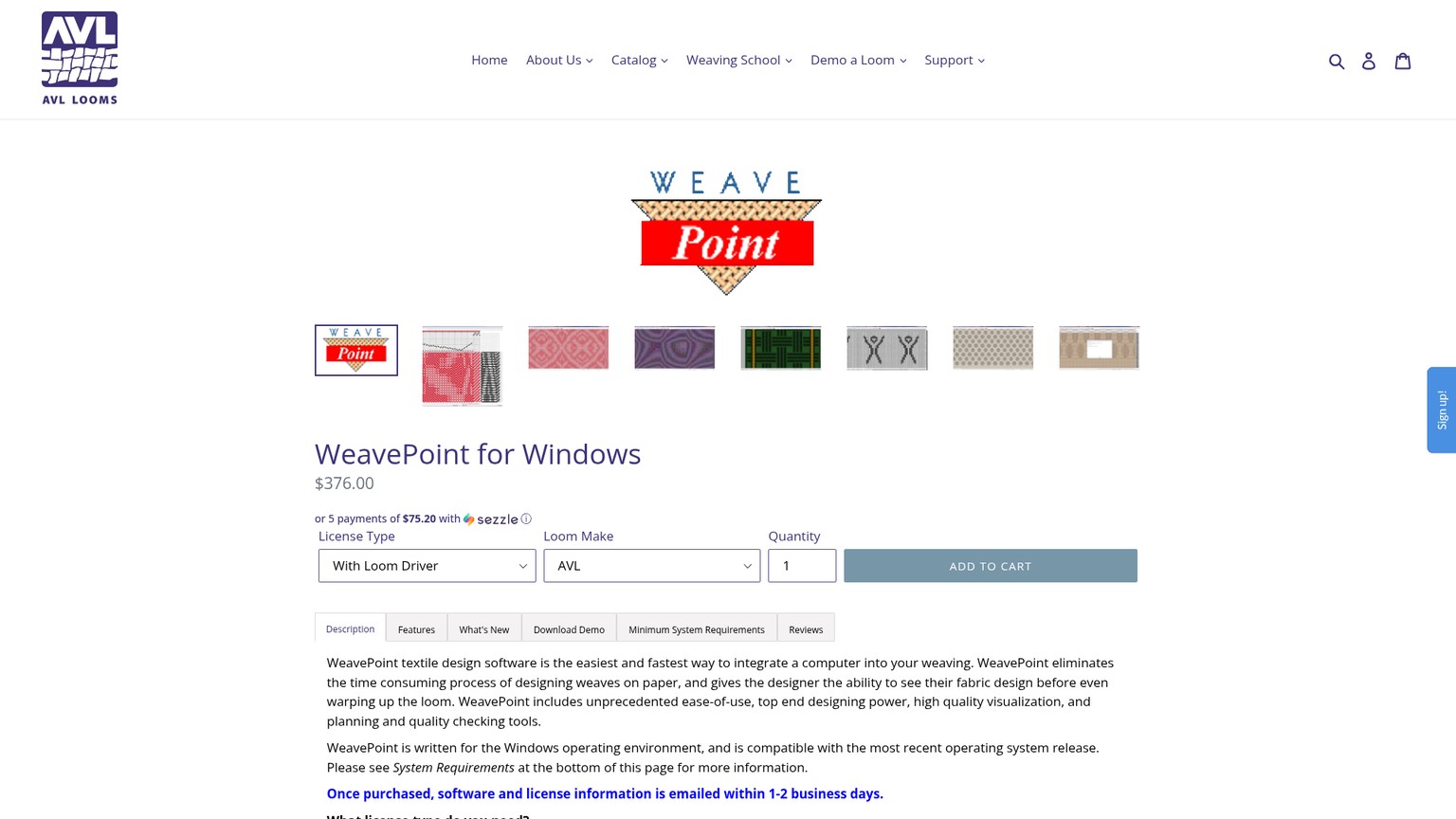
The limit is immediate: there is no native Mac edition. The standard license is $297, and electronic control raises the current US price to $376 for AVL or Louet and $525 for ARM. Buy it for a named capability or controller path, not because its feature list is longer. The detailed WeavePoint 9 loom-control review covers pick tracking, driver generations, correction, and resume behavior.
Fiberworks: The Lower-Cost Cross-Platform Default
Fiberworks PCW is a family of Mac and Windows weaving-draft applications sold as Bronze, Silver, and, on Windows, Silver Plus for loom control. Bronze covers conventional work up to 16 shafts and 32 treadles for $99. Silver expands to 64 shafts and 64 treadles for $160 on Windows or $128 on Mac.
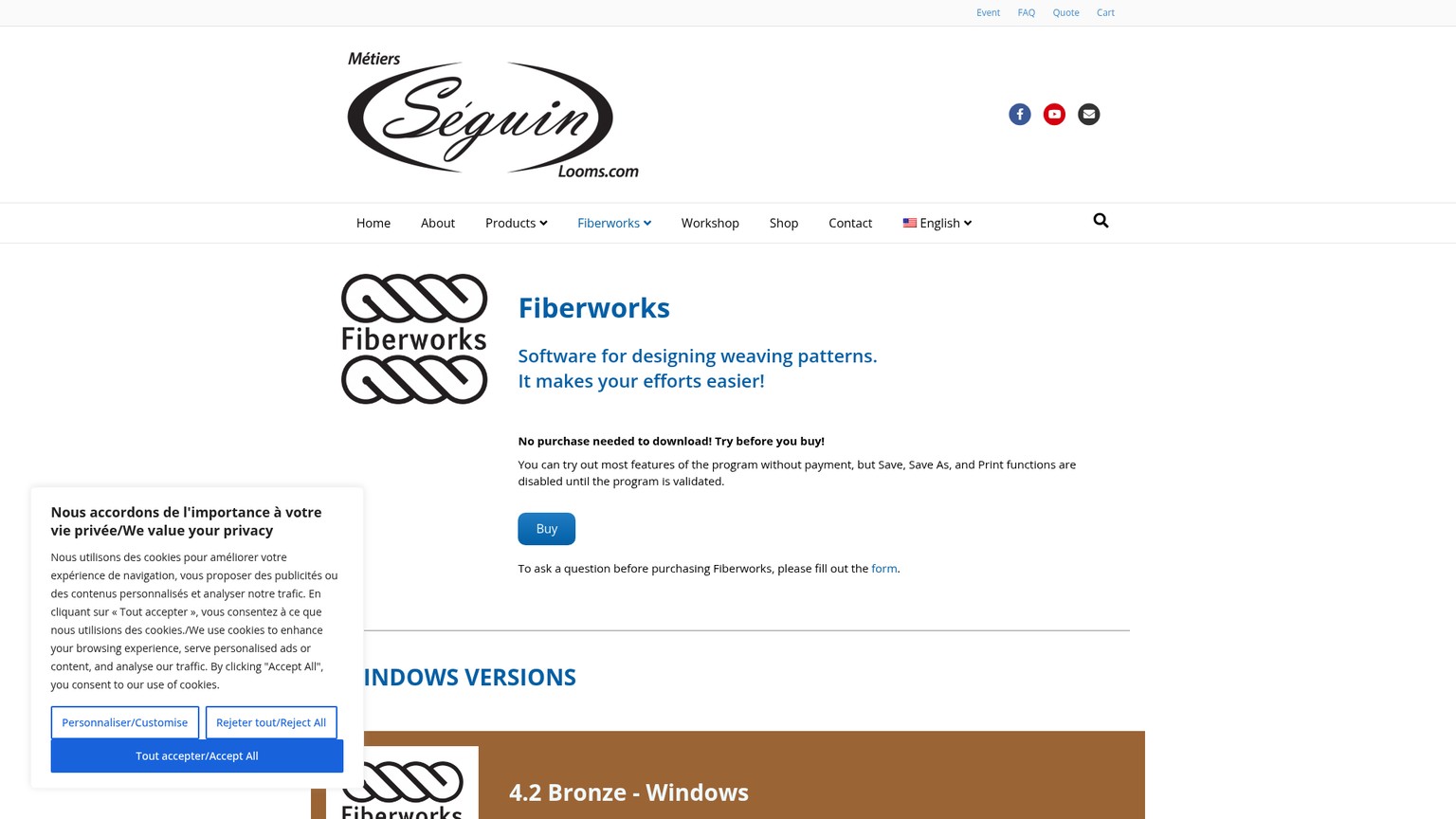
Fiberworks wins when cost, native Mac support, or a supported Silver Plus path is decisive. Its wall is edition and platform fragmentation: Windows Silver has Sketchpad and an active Plus path, while current Mac 2.0.2 has neither Sketchpad nor Silver Plus. The Fiberworks Bronze vs Silver comparison separates the edition choice from this cross-vendor decision.
Computer and Loom Compatibility Decide Before Features
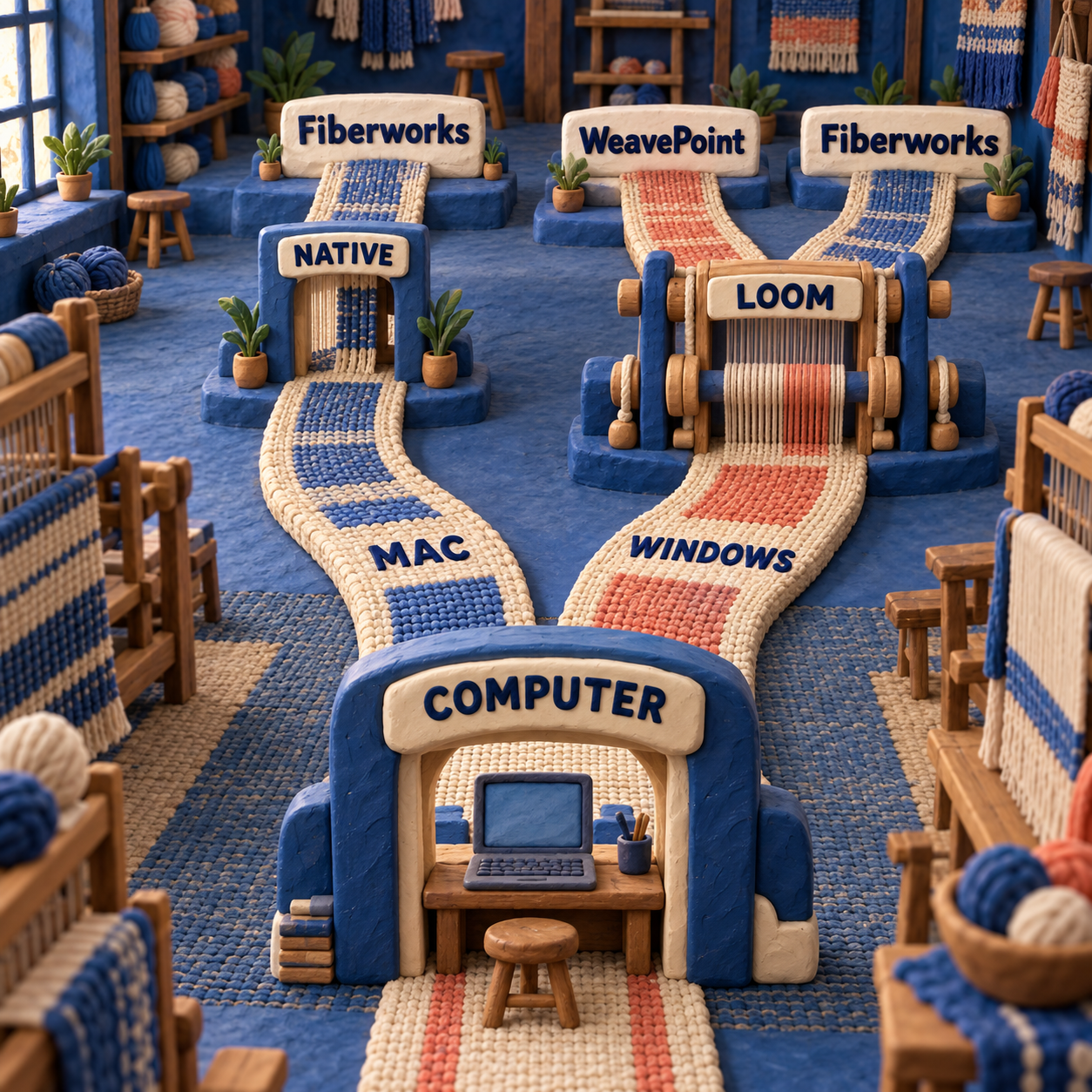
The computer eliminates more options than the feature list does. Fiberworks has native Mac and Windows products. WeavePoint remains a Windows application, even when a Mac compatibility layer makes it launch.
Weaving Software for Mac
Fiberworks wins the native Mac decision, but its current documentation still demands a demo on the exact machine. Fiberworks' own Mac page lists release 2.0.2 for macOS 11 through 26 and says it has native Intel and Apple-silicon builds. The current authorized-reseller page instead lists macOS 14 through 26.1. That conflict is not cosmetic: a buyer on an older supported-looking Mac receives two different answers from the live sales path.
The safe call is Fiberworks for native Mac drafting, followed by a demo on the actual Mac and macOS release. Current Mac 2.0.2 can be validated as Bronze or Silver, but it has no Silver Plus option. A modern Mac buyer should not infer loom control from an older Mac Silver Plus price table.
WeavePoint's Mac guidance recommends CrossOver for design work and says a Windows virtual machine under Parallels should support electronic control. It also says serial loom control does not work through CrossOver, PlayOnMac, or Wine. That makes WeavePoint a conditional Mac choice: credible for a buyer willing to maintain a Windows layer, weak as the default for a studio that wants one native application.
Winner: Fiberworks for Mac. WeavePoint only flips the result when a proven WeavePoint-only capability matters enough to justify the extra operating-system layer.
Weaving Software Loom Control: Match the Controller, Not the Brand
A loom family name is not a compatibility result. Photograph the controller plate, record the computer and operating system, identify the connection, then ask the seller to confirm the exact software edition in writing.
The current WeavePoint product page names AVL Compu-Dobby I, II, III, III+, IV, 4.5, and Little Weaver. Compu-Dobby 5 uses a different handoff: WeavePoint sends the WIF and opens the controller's browser-based AVLDrive. WeavePoint also names Louet Octado and Megado plus ARM-based computer dobby looms.
The current Fiberworks Windows page says Silver Plus names a broader family list: ARM, AVL, Leclerc, Louet, Macomber/Dobbytron, Noble, Seguin, and Toika. The posted price is $250 with AVL coverage and $200 for supported non-AVL looms. Family coverage still does not certify every controller generation or adapter.
The winners are therefore specific:
- AVL Compu-Dobby 5: WeavePoint has the explicitly documented WIF-to-AVLDrive handoff.
- Older named AVL controllers on Windows: Fiberworks on price, at $250 against WeavePoint's $376, unless WeavePoint's design or print workflow is the reason for buying.
- Louet Octado or Megado on Windows: Fiberworks on price, at $200 against $376, after the seller confirms the exact controller and connection.
- ARM on Windows: Fiberworks on price, at $200 against $525, again subject to exact hardware confirmation.
- Leclerc, Macomber/Dobbytron, Noble, or Seguin: Fiberworks is the only one of these two whose current Windows page names the family.
- Current Mac loom control: no blanket winner. Fiberworks 2.0.2 has no Plus, while WeavePoint adds Windows or compatibility-layer complexity. Preserve a working legacy setup until a vendor confirms the replacement path.
Weaving Draft Software Comparison: One Representative Brief
WeavePoint wins the broad editing comparison; Fiberworks Silver wins the lower-cost Windows route for the representative brief. The difference becomes visible when both products are judged against one structural task instead of an abstract feature count.
Cally Booker's attributed Fiberworks Sketchpad walkthrough provides a useful common brief: begin with an 8-shaft doubleweave point threading and develop a liftplan with mirrored light-and-dark zigzags. A liftplan is the grid that names which shafts rise for each pick. It is a better test than a blank simple twill because it exposes profile development, layer order, repetition, structure view, and the relationship between the design idea and the editable draft.
Before: A Known Structural Draft
The starting file should already have a trusted threading, liftplan, colors, and cloth result. In Fiberworks Silver for Windows, Sketchpad keeps the profile drawing and the draft in the same application, making it possible to build variations and move between visual idea and shaft instructions. That exact Sketchpad route is not documented for current Mac Fiberworks.
WeavePoint approaches the same problem through Design mode, profile-draft translation, block substitution, network drafting, and direct editing of the drawdown, threading, tie-up, or liftplan. Its published 3D interlacement view adds another structural inspection tool for doubleweave.
After: A Variation That Still Weaves
The useful after-state is not the prettiest cloth simulation. It is a changed liftplan that still respects the intended layer order, fits the loom, survives the file handoff, and prints clearly enough to check away from the screen.
Fiberworks has the more directly demonstrated Windows recipe for this particular 8-shaft Sketchpad brief. WeavePoint has the stronger documented ceiling and a broader set of profile, analysis, and output tools. At $160 against $297, Fiberworks Silver is the value winner for the exact Windows brief. WeavePoint becomes the better editing investment when the studio needs its 128-shaft headroom, its structural views, or its output path on many different draft types.
Open one trusted WIF copy
Use a draft whose threading, colors, tie-up or liftplan, and cloth face you can verify by eye. Keep the original untouched. WIF, or Weaving Information File, carries editable draft structure between compatible programs.
Rebuild the same variation
In Fiberworks Silver for Windows, inspect the Sketchpad-to-liftplan route used in the attributed walkthrough. In WeavePoint, inspect Design mode and profile-draft translation. Do not compare unrelated sample files.
Check structure before appearance
Confirm shaft order, rising or sinking shed, layer order, repeat, and float behavior before judging the fabric simulation. A persuasive preview can still describe the wrong physical setup.
Save the native master
Keep the application's own working file before creating an exchange copy. Fiberworks defaults to DTX on Windows; WeavePoint keeps its own working context. The native file protects settings that a generic interchange format may not describe.
Export, reopen, and print
Create a WIF copy, open that copy in the next program, compare every structural quadrant, then print the same useful view. Only the reopened structure and legible proof meet the craft bar.
WIF Exchange: Keep a Native Master and a Clean Handoff
Both products support WIF, so basic exchange is a tie; WeavePoint wins the documented handoff around it. Its vendor page explicitly combines WIF import/export with PNG output and multiple print routes. Fiberworks opens and saves WIF in both Bronze and Silver, but its file model and platform history make the native-master discipline especially important.
Fiberworks uses DTX as its default native file type on Windows. Its Mac release notes added separate New DTX and New WIF commands. That is a useful warning in plain sight: the format chosen at the beginning changes the file created at the end.
The safe pattern for either product is simple:
- Keep the native working file as the editable master.
- Create a WIF copy for exchange.
- Reopen the WIF in the receiving program.
- Compare threading, tie-up or liftplan, shaft order, shed convention, colors, and repeat.
- Keep a visible proof, either a checked print or image, beside the exchange file.
WIF proves portability of common draft structure, not identity of every application-specific setting. It should be treated like a production handoff, not a magic universal master. The broader handloom weaving software shortlist is useful when WIF portability matters more than either vendor's proprietary workflow.
Winner: WeavePoint for the surrounding handoff documentation; tie for basic WIF capability. Neither earns a reliability claim until your own representative file survives the roundtrip.
Print Output: WeavePoint Wins the Publication Workflow
WeavePoint has the stronger documented print and image-output path. It can save a draft or fabric view as PNG, print drafts at selected sizes or scale with text notes, and print fabric at actual scale. PNG is a raster format, meaning a fixed grid of pixels, which makes it convenient for documents and image editors but worth exporting at the final required size.
Fiberworks is not weak at print. Its support pages describe whole-draft and component printing, multipage output, orientation, page selection, fit-to-page, a screen-view-only option, and Copy Image for pasting the visible draft into a word processor or image editor. For a studio printing threading sheets and loom references, those controls may be all that is needed.
WeavePoint wins when the output itself is part of the deliverable: a teaching handout, publication figure, scaled draft, annotated proof, or actual-size fabric reference. Fiberworks wins only when its lower price supplies every print view the studio uses.
WeavePoint vs Fiberworks Cost: The Compatible Edition Changes the Gap
Fiberworks is cheaper in every like-for-like license comparison here, and project volume never reverses that ranking. These are one-time license prices, so the economic crossover is not a usage count. WeavePoint must recover its premium by preventing more work or by fitting a requirement Fiberworks does not.
For advanced drafting on Windows, the fair comparison is WeavePoint without a driver at $297 against Fiberworks Silver at $160. Across 100 completed draft projects, that is $2.97 per project against $1.60. Fiberworks keeps a $137 cash advantage.
On Mac, Fiberworks Silver costs $128, or $1.28 per project across the same 100-project workload. The WeavePoint license alone remains $297, or $2.97 per project, before adding any Windows or compatibility-layer cost. The license gap is $169.
For Windows loom control, the exact edition changes the amount:
- AVL: WeavePoint costs $376; Fiberworks Silver Plus with AVL costs $250. Across 100 controlled projects, that is $3.76 versus $2.50, a $126 Fiberworks advantage.
- Louet: WeavePoint costs $376; Fiberworks Silver Plus for supported non-AVL looms costs $200. That is $3.76 versus $2.00 per project, a $176 advantage.
- ARM: WeavePoint costs $525; Fiberworks Silver Plus for supported non-AVL looms costs $200. That is $5.25 versus $2.00 per project, a $325 advantage.
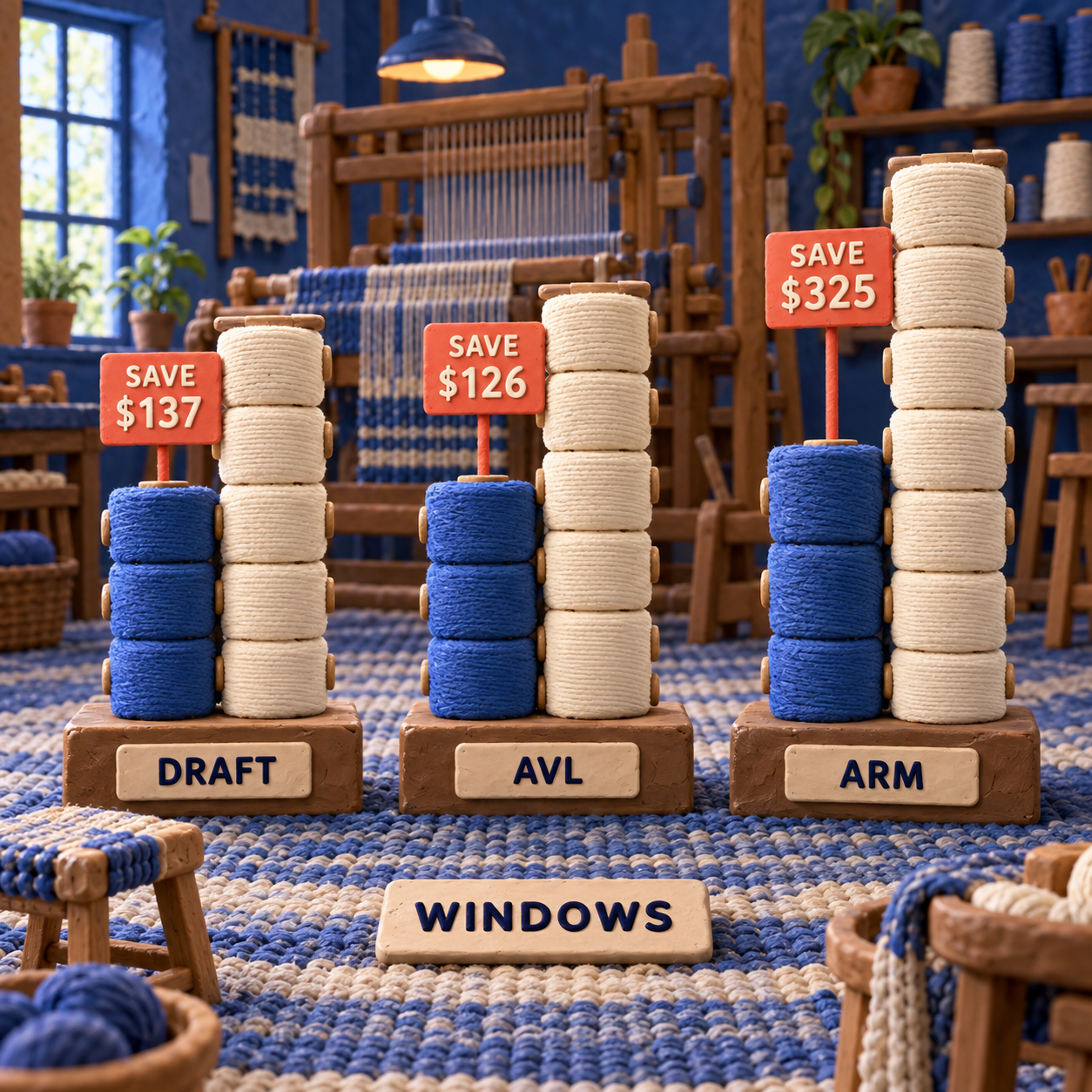
The crossover is avoided work. WeavePoint makes financial sense when its larger ceiling, profile tools, publication output, or controller path prevents more than the applicable $126, $137, $169, $176, or $325 gap. If you cannot name that avoided cost, Fiberworks remains the rational buy.
There is one more price trap in WeavePoint's store: $117 is the upgrade or additional-seat amount, not the standard new-license price. A buyer moving across two major revisions pays for two upgrades. Price the selected variant, not the collection-card floor.
Winner: Fiberworks on purchase price. WeavePoint can still win total value, but only against a named task worth more than the premium.
Fiberworks or WeavePoint: The Switching Rule
Do not switch for interface curiosity or a lower sticker price. Switch when the current tool fails a computer, capacity, output, or exact-controller requirement that the other product clears.
Migration begins with files, but WIF is only the common layer. Native files, print layouts, color libraries, notes, project calculations, tracking position, and controller settings deserve separate checks. Relearning where the float search, repeats, profile tools, print controls, and loom commands live is also a cost, even when no invoice records it.
Switch from WeavePoint to Fiberworks when
- a native Mac workflow is mandatory;
- current drafts fit the chosen Fiberworks edition;
- a supported Fiberworks Silver Plus path has been confirmed for the exact Windows controller;
- the $126 to $325 control-license difference matters more than WeavePoint-specific output or analysis.
Switch from Fiberworks to WeavePoint when
- work exceeds Fiberworks Silver's 64-shaft or 64-treadle ceiling;
- PNG, scaled, noted, or actual-size output is a recurring production requirement;
- the exact controller path is documented more clearly for WeavePoint, especially the Compu-Dobby 5 handoff;
- maintaining separate design and loom-side workflows costs more than the relevant price gap.
Who should not switch
Stay put if representative WIF files reopen correctly, print output is fit for purpose, the existing computer remains supported, and the loom-control path is stable. A working loom setup is infrastructure. Replacing it without a blocked requirement introduces risk without improving the cloth.
WeavePoint vs Fiberworks for Beginners
Fiberworks Bronze is the beginner default for conventional work; the demo should prove the interface before the license proves the output. At $99, it is the lowest-cost production entry in this pair and covers up to 16 shafts and 32 treadles. Move to Silver only for a named Silver capability, and move to Silver Plus only for a confirmed computer-assisted loom.
The Fiberworks trial has no posted time limit, but Save, Save As, and Print remain disabled until validation. Silver also disables Weave. That makes the download useful for locating tools and judging the editing model, but it cannot prove a production roundtrip or loom session for free.
WeavePoint also offers demos in AVL and Louet variants. It is the better beginner choice only when the learner is already committed to its Windows environment, needs its broader analysis and output tools, or is learning around a matched loom-control path. A first software purchase should remove uncertainty, not add a virtual machine and driver question on day one.
Use the same known draft in both demos. Find the threading, tie-up or liftplan, colors, float tools, fabric view, and print setup. Record what cannot be proven before validation. Then buy the smallest edition that completes the next real project.
Winner: Fiberworks Bronze for a conventional beginner; WeavePoint for a learner whose advanced draft or exact loom already makes the specialist workflow necessary.
Frequently Asked Questions
What is the best weaving software?
Within this pair, Fiberworks is the best default for native Mac support and lower cost. WeavePoint is better when its 128-shaft ceiling, publication output, or an explicitly matched driver is the requirement.
Is Fiberworks free?
Fiberworks is free to download and try without a posted time limit, but it is not free production software. Save, Save As, and Print require a paid validation, and the Silver trial also disables Weave.
What is the best app for tablet weaving?
Tablet weaving is a card-based weaving method, so neither desktop drawdown package is automatically the best specialist app for it. Choose software only after confirming that its draft model fits the tablet-weaving structure you use.
What are the four types of weaving?
There is no single four-part taxonomy that decides this software purchase. WeavePoint and Fiberworks should be chosen by the draft structure, computer, print need, and exact loom rather than a broad craft category.
Is weaving an expensive hobby?
The software entry price in this comparison is $99 for Fiberworks Bronze and $297 for WeavePoint without a driver. Looms, yarn, tools, and space sit outside this software comparison, so no universal total is defensible from these sources.
What is the easiest type of weaving for beginners?
Start with a simple draft you can verify by eye and a manual workflow that does not add controller setup. The best beginner software is the one that makes the structure clear and can reopen the saved draft correctly.
What is the best weaving loom for adults?
The best loom depends on space, weaving width, structures, mobility, and budget. For software compatibility, record the exact loom and controller before buying WeavePoint or Fiberworks.
Which weave pattern is best?
No pattern is universally best. For evaluating software, the best pattern is a representative draft you already understand well enough to catch a changed shaft order, shed convention, repeat, or float.
Is weaving quicker than knitting?
Project speed depends on structure, scale, equipment, and finishing. Neither vendor supplies a defensible universal timing comparison, so it should not decide between these programs.
- Last Updated
- Sep 19, 2026
- Category
- Design
Prefer this site in Google


Mark omidsaffari.com as preferred and Google lifts it in Top Stories, AI Overviews and AI Mode for you.
Stitchmastery Knitting Software Cost
Check Stitchmastery's licence price, two-computer allowance, VAT, demo limits and upgrade terms before buying or moving an installation.Sep 19, 2026Design
Best Software for Overlay Mosaic Crochet Charts
Compare overlay mosaic crochet chart software by symbols, written rows, exports and the checks needed before you crochet.Sep 19, 2026Design
Stitchworks Crochet Charts Review
Review Stitchworks Crochet Charts for crochet symbols, rows, rounds and PDF or SVG export, including its archived status and current compatibility limits.Sep 19, 2026Design
How to Add Seam Allowance in Valentina
Add seam allowance in Valentina, adjust individual edges and fold lines, then check notches and the exported cutting outline.Sep 19, 2026Design
EnvisioKnit Review
Review EnvisioKnit for knitting pattern design: chart editing, mirrored stitches, written instructions, export files and current computer support.Sep 19, 2026Design
Best Software for Leather Patterns
Compare leather pattern software for stitching holes, PDF tracing, cut files and accurate printing, including Leathercraft CAD 4.1.1.Sep 18, 2026Design
Fiberworks Bronze vs Silver
Choose Fiberworks Bronze or Silver by price, drafting features, shaft limits, and operating system. Keep Silver Plus loom control separate.Sep 18, 2026Design