Stitchmastery Knitting Software Cost
Check Stitchmastery's licence price, two-computer allowance, VAT, demo limits and upgrade terms before buying or moving an installation.
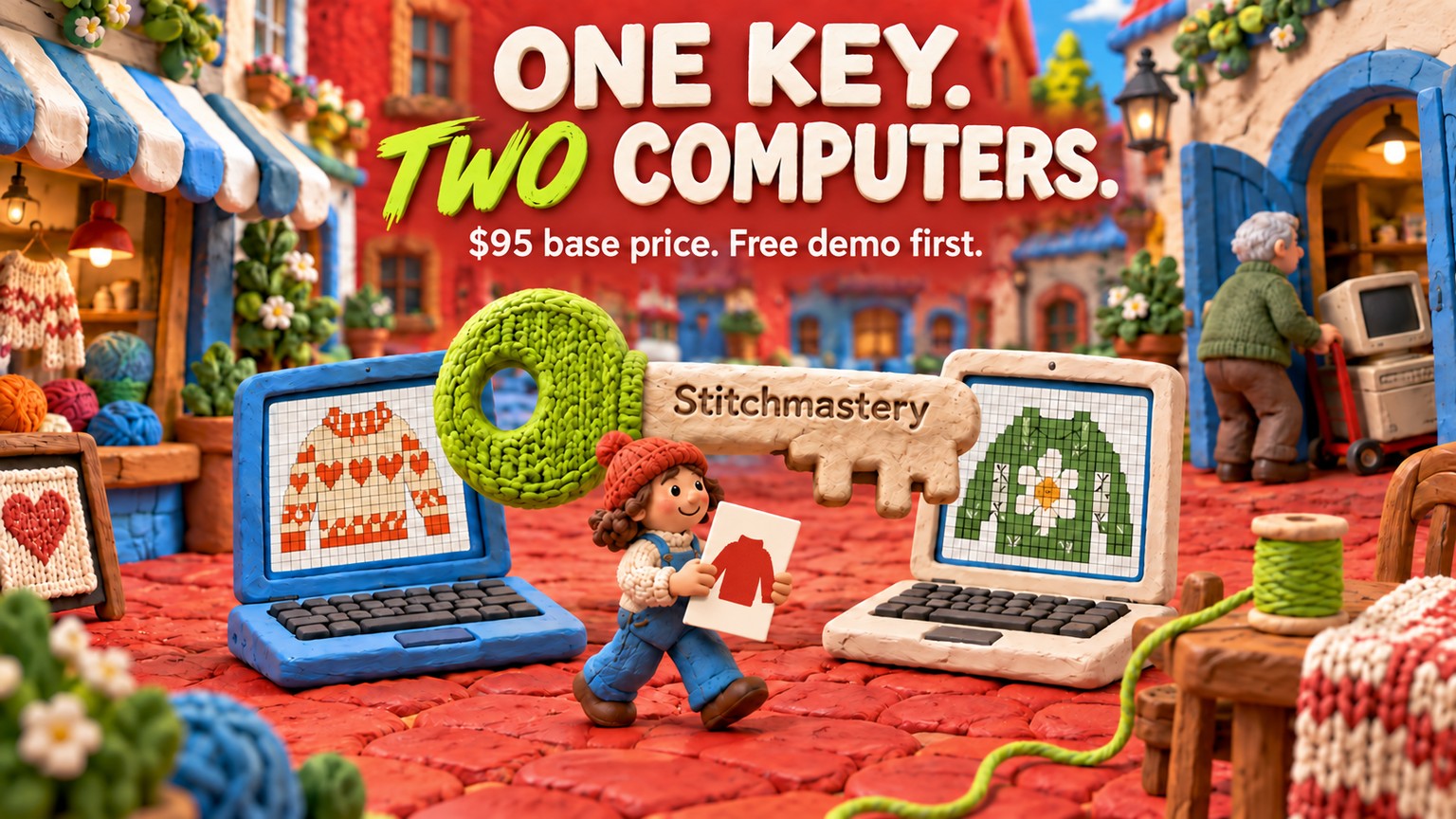
Stitchmastery knitting software cost is $95 in the US or £70 in the UK for one activation key that works on two computers. It is a one-time purchase with lifetime access under the current policy, but EU VAT can raise checkout and future upgrades are not guaranteed to stay free.
Those terms were verified against Stitchmastery's live product page, its checkout and its licence documentation on 19 September 2026. The important buying distinction is simple: the free download lets you inspect the workflow, while the paid key turns it into software you can save from and publish with.
Stitchmastery Knitting Software Cost: The Short Answer
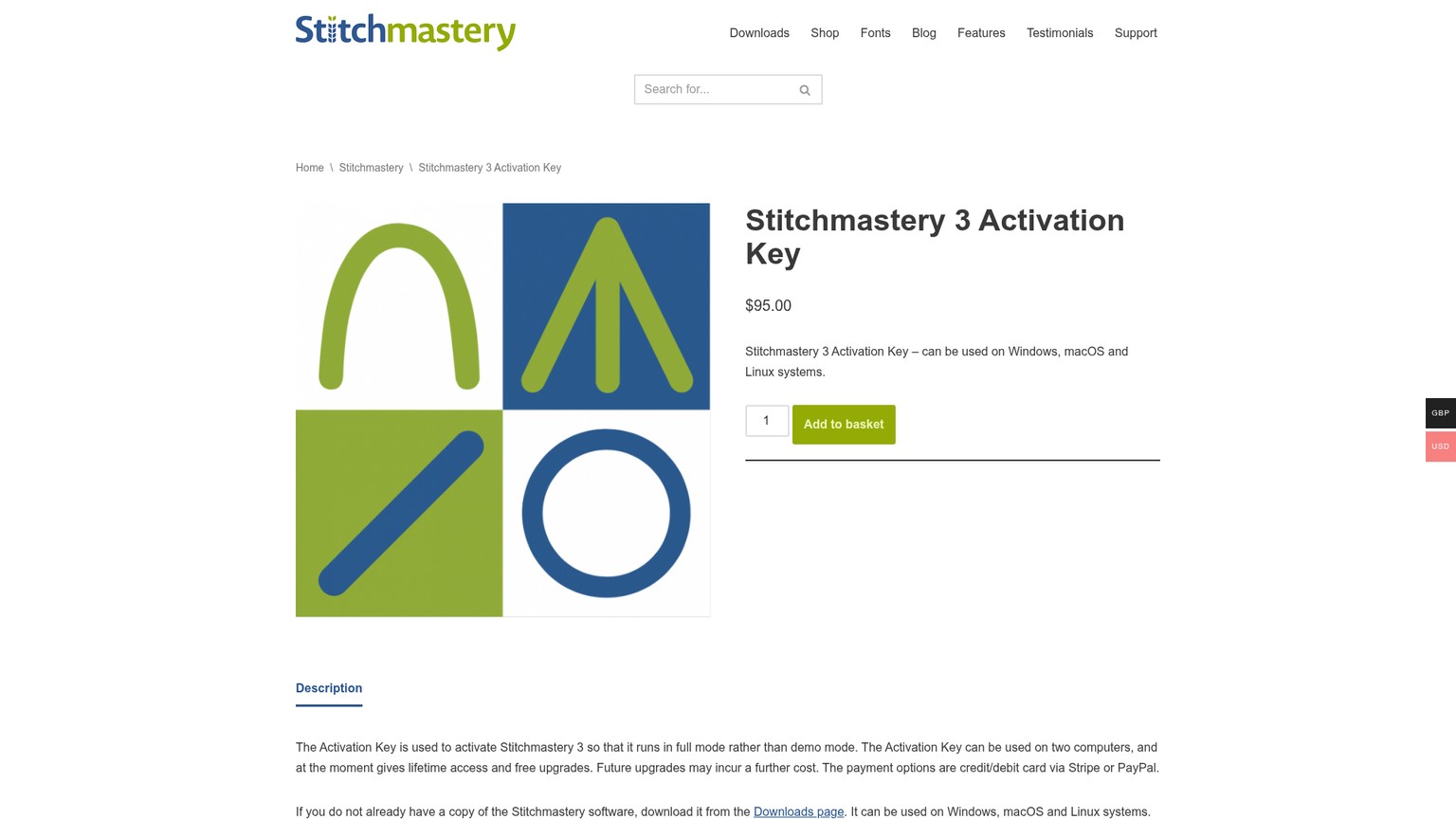
The current base price is $95 or £70, paid once, before any applicable EU VAT. There is no monthly plan, annual commitment, usage allowance or overage meter on the current product page. One key covers two active computers.
The table reflects vendor pages checked on 19 September 2026. The GBP product view shows £70, while the USD product view and checkout show $95. If an older article says £60, $74 or $90, it is not the current checkout price.
Stitchmastery Licence Price: What the One-Time Payment Buys
The licence buys the publishing boundary, not more time in the editor. The demo already lets you create and edit. Activation removes the watermark, enables saving, and enables image and text export. The current feature list also documents chart-validity warnings, generated written instructions, a stitch glossary, and SVG, PDF, EPS, JPG and PNG output.
SVG, PDF and EPS are vector formats, which store shapes that remain sharp when resized. JPG and PNG are raster formats, which store a fixed grid of pixels. A designer laying out a paid pattern usually needs the editable source, a sharp chart asset, matching written rows and a proof. That complete handoff is where the paid key earns its place.
Stitchmastery Cost Per Device, Year and Pattern
Using both allowed computers makes the licence $47.50 or £35 per active computer. Spread over three years, the US price is $31.67 a year. Over five years it is $19 a year. There is no annual renewal in that calculation, but there is also no promise that a future paid major upgrade will never appear.
Pattern volume makes the same purchase easier to judge. The $95 key costs $19 per pattern across five patterns, $9.50 across ten, $3.80 across twenty-five and $1.90 across fifty. A professional knitwear designer can compare that figure with one correction cycle, one manual rewrite of changed rows, or one vector redraw.
The time threshold is more useful than a vague claim about productivity. At a loaded value of $25 an hour, the licence has to save 3.8 hours to pay back. At $50 an hour, it has to save 1.9 hours. At $100 an hour, it has to save 0.95 hours. These are transparent workload examples, not a vendor promise that the software will save them.
Stitchmastery Free Demo: Useful for Evaluation, Not Production
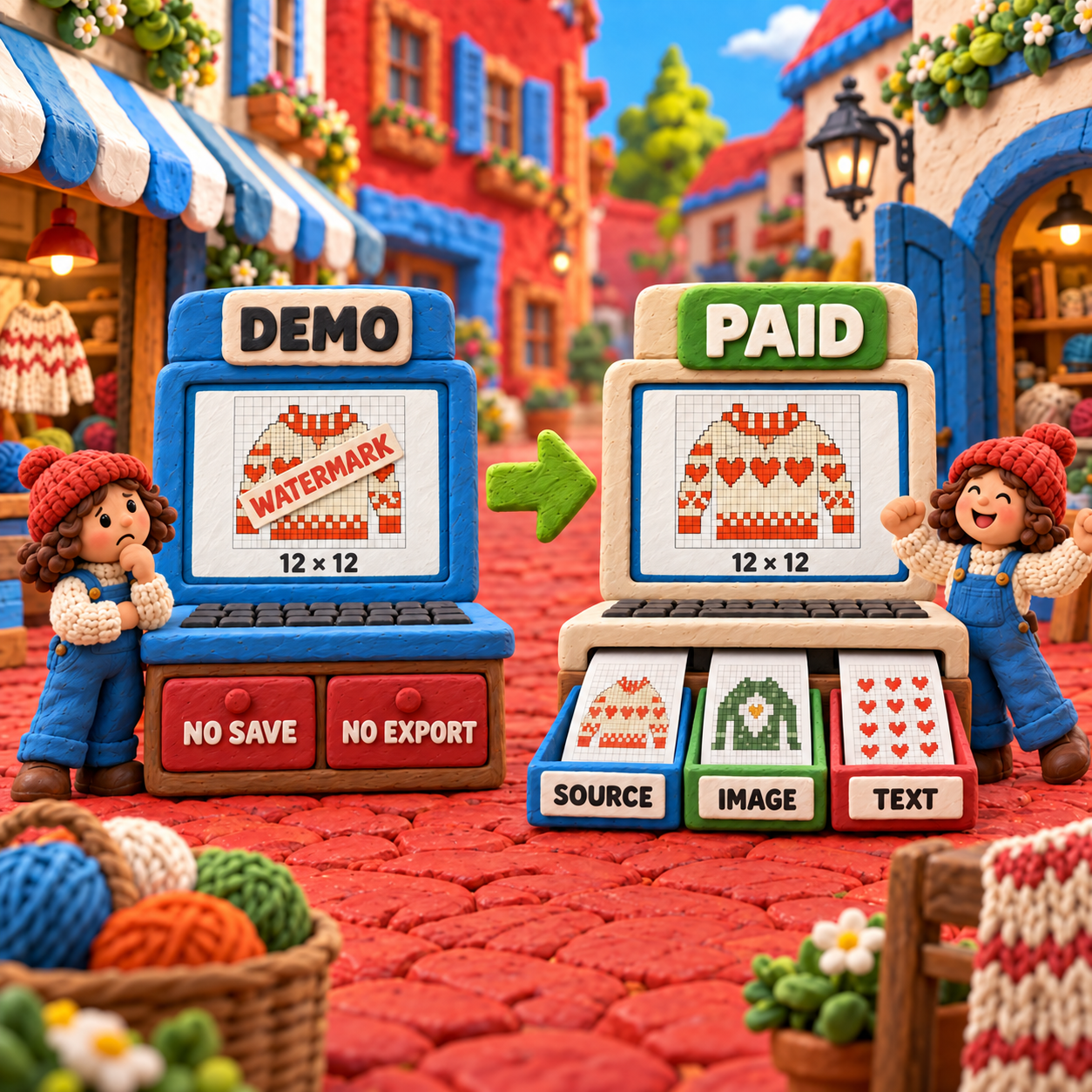
The demo is generous enough to judge the craft workflow and too restricted to finish a deliverable. The current Version 3.2.2 user manual names four practical limits:
- Written instructions converted into a chart are restricted to 12 rows and 12 columns.
- A watermark sits on the drawing area.
- Edits cannot be saved.
- Image export and text export are disabled.
The 12 by 12 restriction applies specifically to written-to-chart conversion. It should not be misread as a general size promise for every way of building a demo chart. The decisive limits are save and export: anything you make remains an evaluation exercise.
Before and After on the Same Lace Brief
Start with a small 12-row lace repeat that includes a yarn-over, a left-leaning decrease and a right-leaning decrease. In demo mode, define the symbols, inspect the row numbering, deliberately break one row count, and see whether the warning language makes sense. That is enough to judge whether Stitchmastery's semantic charting feels better than drawing cells in a general graphics tool.
After activation, rebuild or reopen the representative brief, remove the deliberate error, save the editable chart and export the files your production chain needs. Use SVG, PDF or EPS when the chart will be resized in layout. Export PNG for a fixed-size proof. Export the written instructions, then read them without looking at the chart. The activated workflow is only ship-ready when the source, art, prose and knitted sample agree.
Stitchmastery App: Desktop, Not Mobile
Stitchmastery is a desktop application, not a phone or tablet app. Its current specification supports 64-bit Windows 10 and 11, macOS Monterey through Tahoe, and Linux with official support on Ubuntu. If mobile access or browser collaboration is essential, test a browser editor instead of buying around a platform mismatch.
Stitchmastery Download: Match the Installer to Your Computer
The download page currently lists Version 3.2.3 for 64-bit Windows and Version 3.2.2 for Apple Silicon Mac, Intel Mac and Linux. The version split is intentional: 3.2.3 fixes a Windows activation error, while the vendor says macOS and Linux received no change from 3.2.2.
Stitchmastery Two Computers: Second Machine and Replacement Rules
A second active computer is included; a third simultaneous installation is not. The licence allows two devices at a time, and they can run different operating systems. A Windows desktop plus a Mac laptop therefore does not require a second purchase.
Replacing a machine is a transfer problem, not a repurchase. The current manual provides a deactivation command, and the FAQ says support can increase the activation count when a failed or retired machine has exhausted the allowance.
Back up the working files
Copy the editable
.knt2charts, any custom.smlibstitch library, exported proofs and the activation key record before changing hardware. The licence can be recovered; a local chart with no backup may not be.Deactivate the retiring computer
Choose Tools > Deactivate in Stitchmastery and confirm. Do this before uninstalling or wiping the old machine. Windows users should also consider deactivating before a major Windows upgrade because the vendor warns that an upgrade can sometimes be counted as a new device.
Install and activate the replacement
Download the installer that matches the replacement computer and enter the original Version 3 key. The two devices do not have to use the same operating system.
Ask support if the counter is stuck
If activation fails because the available activations have been used, contact Stitchmastery support with the key or purchase details. The FAQ says the activation allowance can be increased in this replacement-machine situation.
This policy is friendly to a designer with a studio desktop and travel laptop. It is not a team licence. Two people each needing two machines should not model one personal key as four seats.
Stitchmastery Upgrade Cost: Free Now Is Not Free Forever
Current Version 3 updates are free, but the vendor reserves the right to charge for a future upgrade. The Version 3.2.3 release note says already activated Version 3 users can download the update and reuse their existing key. They do not need to pay $95 again.
Owners of a fully activated Version 1 or Version 2 licence have a separate path. Add a Version 3 Activation Key to the basket, enter the old activation key as the coupon code, and the vendor says the checkout price becomes £0 or $0. Each coupon can be used once. If the old key cannot be found or the coupon fails, support needs enough purchase detail to locate it.
The hidden cost is uncertainty, not an annual renewal. The current product page couples free upgrades with the phrase “at the moment” and immediately warns that future upgrades may cost more. Budget the present purchase as $95 or £70 for the current full workflow. Do not capitalise an unknown future version into the price, and do not assume it has already been paid for.
VAT, Refunds and Student Discounts
The base price is clear; the final EU total and post-purchase remedies require more care. Stitchmastery says customers in an EU country pay VAT at that country's rate and the relevant amount is added at checkout. Buyers can pay by credit or debit card through Stripe or by PayPal.
No student discount was published on the current product, shop or FAQ pages checked on 19 September 2026. That does not prove the vendor will never offer one privately. It means a student should budget the public price and ask support before buying if eligibility matters.
No refund promise was published on those pages either. Do not treat the activation key as a risk-free trial. Use the free demo to test the interface, operating-system support and representative chart workflow, then ask the vendor about refund eligibility before payment if that term could decide the purchase.
The Free Stitchmastery Fonts Are a Separate Product
The Knitting Font Collection costs nothing and does not activate Stitchmastery. The current font page lists six TrueType fonts containing more than 500 symbols for use in applications such as Office, Illustrator, InDesign and Scribus. The paid editor already contains its own stitch symbols, so the fonts do not need to be installed for Stitchmastery to work.
The distinction matters because “free Stitchmastery fonts” can sound like a free software tier. It is not. The fonts are a separate resource for placing knitting symbols in other programs. The vendor says they are no longer updated and no new symbols will be added.
Use the fonts when you need individual glyphs inside an existing document workflow. Use the editor when the chart needs semantic stitch behaviour, row and column checking, synchronized written instructions and editable chart source. A font can draw a symbol; it cannot validate the knitting logic around it.
Cost Against Chart Minder and Knit Visualizer
Stitchmastery sits between a free browser editor and a more expensive legacy desktop purchase. Chart Minder documents its basic browser editor as free. Knit Visualizer lists its Windows download at $185. Stitchmastery is $95.
There is no software-price break-even against a $0 editor. Chart Minder remains cheaper at every pattern count. The choice flips only when Stitchmastery's documented written instructions, validation or vector export saves more than $95 of time or prevents an error worth more than $95. The detailed Chart Minder vs Stitchmastery comparison covers that workflow boundary.
Against Knit Visualizer, the price comparison is direct. Stitchmastery costs $90 less, a 48.6% reduction from $185, and still covers two computers. A buyer starting fresh has no licence-price volume at which Knit Visualizer becomes cheaper. An existing owner faces a different equation because the old purchase is sunk and migration takes time. The Knit Visualizer vs Stitchmastery comparison explains that archive decision.
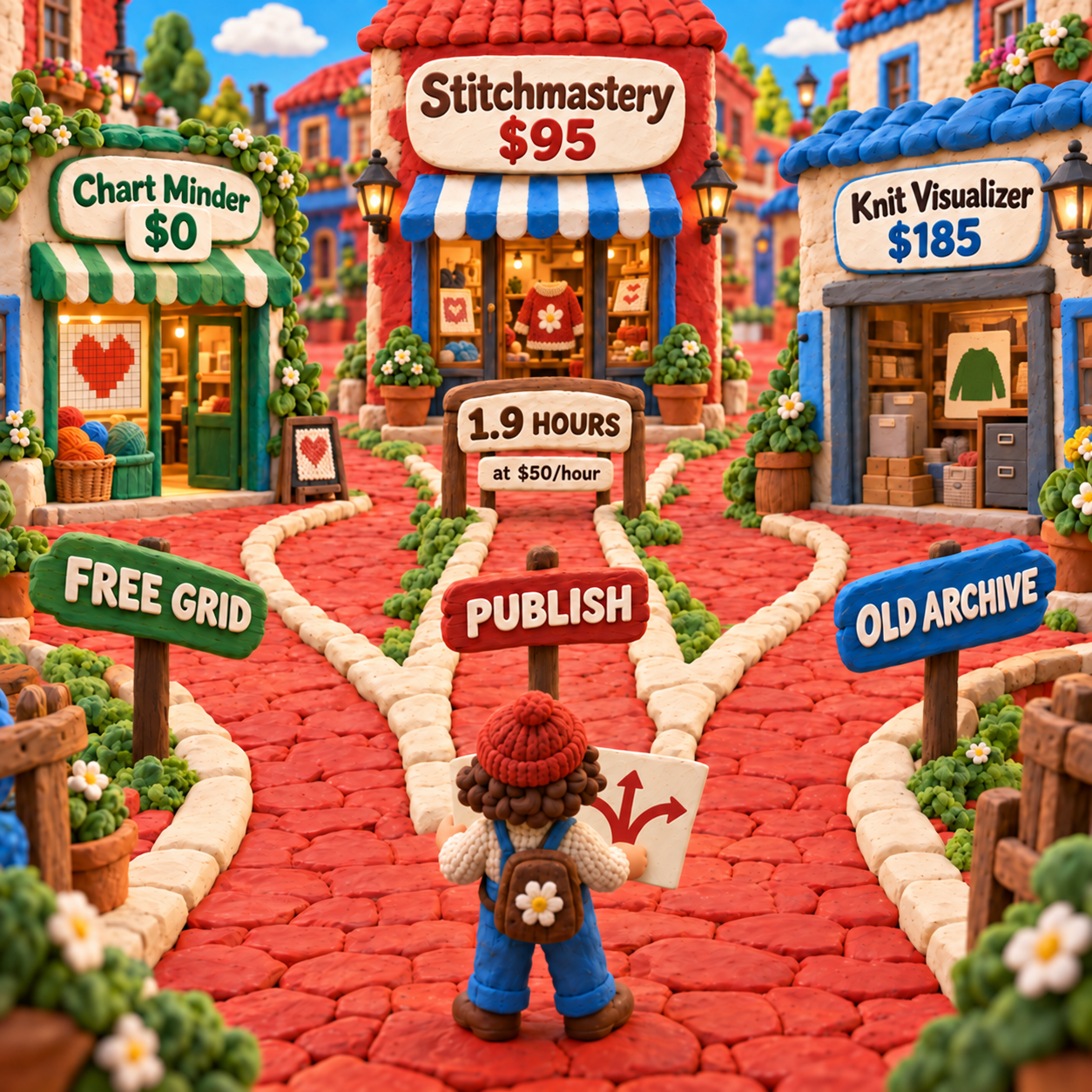
The normalized shortlist is blunt:
- Choose Chart Minder when a free browser grid and image output are enough.
- Choose Stitchmastery when chart structure, matching prose and publication files belong in one desktop workflow.
- Buy Knit Visualizer now only for a specific compatibility or archive reason that outweighs the $90 premium.
Who Should Pay and Who Should Stay Free
A publishing designer should usually pay; an occasional visual drafter often should not. The purchase is easiest to defend when the same chart must survive several revisions and leave as both artwork and written directions. It is hardest to defend when the job ends as one simple personal grid.
For a designer releasing five patterns, the licence contributes $19 to each if allocated evenly. For a studio using both allowed computers, it contributes $47.50 per active machine. At a $50 hourly value, 1.9 hours of cumulative avoided rework clears the purchase. Those are useful decision thresholds because you can replace them with your own pattern count, computer count and hourly value.
Do not buy because lifetime access sounds inexpensive. Buy when the required output includes at least one paid boundary: saved editable source, image export, written export, validation tied to stitch behaviour, or a two-computer desktop workflow. Stay free when none of those outputs matters.
Frequently Asked Questions
Is Stitchmastery free?
Stitchmastery is free to download and evaluate, but the demo cannot save edits or export images or text. Full mode currently costs $95 or £70 before applicable VAT. The separate Knitting Font Collection is genuinely free, but it does not activate the editor.
What is the best free knitting design software?
Chart Minder is a strong free browser choice for visual charts. Stitchmastery's demo is better treated as an evaluation route because a chart that cannot be saved or exported is not a production asset. The best pick depends on whether the work ends as a visual grid or a publishable chart-and-prose package.
Is Stitch Fiddle free?
Yes. Stitch Fiddle's current company page says its basic features can be used free, while a Premium version adds more features. Check its live plan boundary for the exact export, size and privacy needs of the pattern you intend to make.
What are some good apps for creating knitting charts?
Stitchmastery is a desktop option for structured publishing work, Chart Minder is a free browser option, Stitch Fiddle is a browser editor with free and Premium features, and Knit Visualizer is an older desktop alternative. Start with the output you need, then choose the platform.
How can I convert written knitting instructions into charts?
Stitchmastery can convert written instructions into a chart when the text follows its parsing rules. In demo mode that conversion is limited to 12 rows and 12 columns, so test a small representative repeat before activating.
Can you provide me with a free PDF of knitting instructions?
Only use a PDF the designer or rights holder has intentionally made free. A charting-software licence does not grant the right to copy or distribute someone else's paid pattern. Look for an author-approved download or create and proof your own instructions.
What is the most difficult knitting stitch?
There is no universal hardest stitch. Difficulty changes with the knitter, yarn, needles, chart clarity and whether the technique combines several actions, as cables, brioche or complex lace can. Chart software can clarify notation, but only a knitted sample proves the physical result.
What celebrity knits as a hobby?
Olympic diver Tom Daley is a prominent example and built Made With Love around knitting and crochet. Celebrity use is not evidence for a software purchase; the required files and workflow should decide that.
Which stitch uses the least yarn in knitting?
No single stitch is guaranteed to use the least yarn across every project. Gauge, fibre, tension, needle size and fabric density change consumption. Swatch the actual yarn and measure the blocked fabric instead of using chart software as a yarn calculator.
Is knitting a skill or talent?
Knitting is a learned skill. Practice builds tension control, symbol reading and error recovery. Software can make chart structure and written output more consistent, but it does not replace those craft decisions.
Does Stitchmastery offer a student discount?
No student discount was published on the product, shop or FAQ pages checked on 19 September 2026. Budget the public $95 or £70 base price and ask Stitchmastery support before purchase if a private education offer would change the decision.
What is Stitchmastery's refund policy?
No refund promise was published on the product, shop or FAQ pages checked on 19 September 2026. Use the free demo first and ask the vendor to confirm refund eligibility before paying if that protection matters.
Has Stitchmastery's price changed?
Yes. A vendor launch post lists a £60 normal price and £54 launch price in July 2011. A 2024 release note announced a move to £70 or $90, while the live product and checkout checked in September 2026 show £70 or $95. The current checkout wins over historical posts.
- Last Updated
- Sep 19, 2026
- Category
- Design
Prefer this site in Google


Mark omidsaffari.com as preferred and Google lifts it in Top Stories, AI Overviews and AI Mode for you.
Best Software for Overlay Mosaic Crochet Charts
Compare overlay mosaic crochet chart software by symbols, written rows, exports and the checks needed before you crochet.Sep 19, 2026Design
Stitchworks Crochet Charts Review
Review Stitchworks Crochet Charts for crochet symbols, rows, rounds and PDF or SVG export, including its archived status and current compatibility limits.Sep 19, 2026Design
How to Add Seam Allowance in Valentina
Add seam allowance in Valentina, adjust individual edges and fold lines, then check notches and the exported cutting outline.Sep 19, 2026Design
EnvisioKnit Review
Review EnvisioKnit for knitting pattern design: chart editing, mirrored stitches, written instructions, export files and current computer support.Sep 19, 2026Design
Best Software for Leather Patterns
Compare leather pattern software for stitching holes, PDF tracing, cut files and accurate printing, including Leathercraft CAD 4.1.1.Sep 18, 2026Design
Fiberworks Bronze vs Silver
Choose Fiberworks Bronze or Silver by price, drafting features, shaft limits, and operating system. Keep Silver Plus loom control separate.Sep 18, 2026Design
Best Software for Diamond Painting Patterns
Compare diamond painting pattern software for photo cleanup, color counts, symbols and printing at the right size for your drills.Sep 18, 2026Design