WeaveIt Pro vs pixeLoom
Compare WeaveIt Pro and pixeLoom for prices, current Windows and Mac builds, WIF handoffs, trial limits and Dobby package costs.


In the WeaveIt Pro vs pixeLoom decision, choose WeaveIt Pro on Windows: its posted license is $160, $20 below pixeLoom, and its Windows demo exposes all features. On Mac, pixeLoom publishes a trial while WeaveIt sells for $164.99 through the App Store with no trial advertised on the pages checked. Both support WIF, so the deciding question is whether your operating system and trial restrictions let you verify the handoff before paying.
WeaveIt Pro vs pixeLoom: Which One Should You Pick?
Pick WeaveIt Pro on Windows unless pixeLoom's trial shows you a workflow advantage worth $20. On Mac, start with the pixeLoom trial if buying unseen is unacceptable, then compare it with WeaveIt's $164.99 App Store listing. Neither product wins because of WIF alone: both document WIF support.
The software price is not the expensive part of a weaving project that goes wrong. The costly failure is a draft that loses a liftplan, changes a tie-up, drops project notes, or reaches the loom without a float check. A WIF, or Weaving Information File, carries editable draft structure between compatible programs. It is a handoff format, not a certificate that the cloth is safe to weave.
WeaveIt Pro or pixeLoom
Choose by the first constraint you cannot negotiate:
- Windows, manual loom, no existing license: choose WeaveIt Pro. It costs less and its demo exposes more of the output workflow.
- Mac, trial required before purchase: download pixeLoom first. Its trial is restricted, but it lets you inspect the draft environment before paying.
- Mac, comfortable buying from documentation: WeaveIt is $15.01 cheaper and supports an older current OS floor.
- Windows Dobby workflow: price is a tie at $255. Controller compatibility, not license cost, must make the call.
- Already productive in either tool: do not switch for a $15.01 or $20 saving. Prove a missing capability or an OS problem first.
What Each Product Does Best
The feature lists overlap heavily. The useful differences are purchase friction, platform packaging, trial restrictions, and how clearly each product documents the file handoff.
WeaveIt Pro: Lower Cost and the Better Windows Trial
WeaveIt Pro is a conventional desktop weaving-draft editor with the clearest Windows buying path of the pair.
Canyon Art's Windows product page documents threading, treadling, tie-up and drawdown editing, plus WIF support, yardage and heddle calculations, float finding, turned and blended drafts, block substitution, interleaving, double weave, fabric analysis, network drafting and loom-side treadling tracking. The posted Windows product is WeaveIt Pro 7 for Windows 10 and 11 at $160.
The stronger buying advantage is the Windows demo. Canyon Art says it exposes all WeaveIt Pro features and permits printing with sample files. That is more useful than a display-only teaser because you can inspect the tool's full design surface before paying, even though a sample-file print is not the same as proving your own final handoff.
The limitation is platform-specific packaging. The free demo is Windows only. Mac WeaveIt is sold separately through Apple's store, and no free Mac trial is advertised on the vendor and App Store pages checked.
- Lowest standard price on both Windows and Mac.
- Broad documented design, analysis and project-calculation feature set.
- Windows demo exposes all features and sample-file printing.
- WIF support is documented on both desktop platforms.
- The documented free demo is Windows only.
- Windows and Mac use different store, version and support paths.
- Public WIF documentation is less explicit about cross-program private fields than pixeLoom's bundled Help.
pixeLoom: The Cross-Platform Trial With the Clearer File Warning
pixeLoom is a Windows and Mac weaving-draft editor whose strongest buying advantage is downloadable trial access on both platforms.
The current download page lists pixeLoom 8.0.2 for Windows 10 or later and pixeLoom 5.1.0 for macOS 12.4 or later. A legacy 4.0.1 Mac build remains available for macOS 10.10 or later. The current shop lists either standard platform license at $180.
Its bundled Help documents more than the public homepage does: draft editing, project planning, virtual sampling, float search, fabric analysis, block substitution, interleaving, double-width tools and a draft browser. It also says pixeLoom reads and writes WIF, which resolves the public-site documentation gap that kept it out of the earlier handloom weaving-draft roundup.
The trial wall is firm. Save, Print and Copy to Clipboard are disabled. You can judge navigation, editing and display, but you cannot use the free trial to prove the outbound WIF roundtrip. The current Mac 5.1.0 release also excludes Dobby support, and the vendor tells existing Mac Dobby users to keep their current setup while that support is restored.
- Trial downloads for both Windows and Mac.
- Explicit bundled documentation for reading and writing WIF.
- PLM master-file option preserves pixeLoom-specific project information.
- Current Help covers both design analysis and project planning.
- Costs more than WeaveIt on both standard desktop platforms.
- Trial disables saving, printing and clipboard output.
- Current Mac release does not include Dobby support.
- Store compatibility copy is older than the current download-page requirements, so use the download page to choose a build.
WeaveIt Pro vs pixeLoom Price: The Standard License Never Flips
WeaveIt is always cheaper for the standard license because both products charge a flat one-time price. Prices were verified against the live vendor and US App Store pages on September 18, 2026.
On Windows, WeaveIt costs $160 and pixeLoom costs $180. At an illustrative workload of 100 drafts, that normalizes to $1.60 versus $1.80 per draft. At any other positive draft count, the total difference remains $20 because neither standard license is usage-priced.
On Mac, WeaveIt costs $164.99 and pixeLoom costs $180. At the same 100-draft workload, that is about $1.65 versus $1.80 per draft. The total gap stays $15.01.
The only published package crossover is the Windows Dobby path. WeaveIt Pro plus its required $95 Dobby Driver totals $255. pixeLoom for Windows plus Dobby is also $255, or a $75 upgrade from its $180 standard license. Price parity does not establish hardware parity. Confirm the exact loom controller with the vendor before treating either package as compatible.

The price verdict is blunt: cost never gives pixeLoom the lead for a standard license, and it cannot justify switching away from a license you already own. pixeLoom has to win on trial confidence, platform fit, or a workflow detail you can name.
WIF Handoff: Both Exchange Drafts, but pixeLoom Has a Private-Field Catch
Both products clear the basic WIF requirement. pixeLoom's own Help adds the more important warning: interchange data and product-specific project data are not the same thing.
For this comparison, the vendor's pixeLoom 5.1.0 Mac trial package was downloaded on September 18, 2026 and its bundled Help inspected. The file-format page says pixeLoom reads and writes WIF. The file-preferences page says a draft can be saved as WIF or PLM and explains that pixeLoom stores project-plan and other exclusive information in proprietary fields. This was documentation inspection, not a paid export, an end-to-end roundtrip, or a loom-control test.
That detail changes the safe workflow. Treat the PLM file as the pixeLoom master when its project information matters. Create a WIF copy for exchange. If another program opens and resaves that WIF, assume pixeLoom-only fields may be lost until a comparison proves otherwise. The visible threading and treadling can survive while notes or planning context does not.
WeaveIt's Windows page states that it supports WIF, while the Mac product page and App Store listing describe WIF exchange with other weaving programs. That is enough to establish the handoff capability, not enough to claim that every vendor-specific field transfers intact.
If controller support is the deciding requirement, step outside this comparison until the exact hardware is named. The WeavePoint 9 review explains why controller matching deserves its own purchase gate.
Weaving Draft Software Windows Buyers Should Trial First
Windows buyers should start with WeaveIt Pro. It is $20 cheaper, supports the current Windows 10 and 11 path named by the vendor, and offers the broader documented demo. pixeLoom remains worth downloading when its interface or project-planning model may fit better, but its output restrictions prevent a full free handoff test.
Use one representative WIF in both trials. Do not start with a blank draft that hides import behavior, unusual repeats or liftplan interpretation. Inspect the same structural areas, note where each product exposes floats and project calculations, and record any element that changes on open.
If both display the file correctly, WeaveIt still holds the default purchase position. pixeLoom needs to earn its $20 premium through a workflow benefit you can observe, not through a feature name shared by both products.
Weaving Software for Mac: WeaveIt Pro for Mac or pixeLoom?
Mac buyers face a price-versus-proof choice. WeaveIt 3.1.2 costs $164.99 in the US App Store and requires macOS 11.0 or later. Current pixeLoom 5.1.0 costs $180, requires macOS 12.4 or later, and can be downloaded as a restricted trial.
Choose WeaveIt when the lower price, macOS 11.0 floor and vendor feature documentation are enough to buy without a free trial. Choose pixeLoom when opening your own draft before purchase matters more than saving $15.01. Remember that pixeLoom's trial still cannot prove Save, Print or Copy to Clipboard, so it reduces interface risk without eliminating handoff risk.
The Mac Dobby case has no safe winner from public documentation. pixeLoom explicitly says 5.1.0 does not include Dobby support. WeaveIt's Mac listing describes manual tracking for non-computerized looms but does not document an electronic Dobby-control package. Keep an existing working controller setup, or get written compatibility confirmation before buying either product for that job.
The legacy pixeLoom 4.0.1 download may help owners of older Macs, but it is not the same buying proposition as the current 5.1.0 release. Version choice becomes another maintenance decision, not a free compatibility win.
WeaveIt Pro vs pixeLoom for Beginners
A beginner should choose the trial that exposes the risky part of the workflow, then judge the draft rather than the polish of the interface. On Windows that favors WeaveIt. On Mac, pixeLoom is the only documented trial in this pair, but the save restriction leaves one critical step unproven.
Use the same modest WIF brief in both products: a known draft with threading, tie-up, treadling or liftplan, colors and at least one repeat. The before state is an imported structure you trust. The after state is not a prettier simulation. It is a checked working copy whose structure still agrees with the source and whose exchange path is understood.
Open the same WIF
Use a copy of a draft you already understand. Confirm that the threading, tie-up, treadling or liftplan and color sequence appear where expected before editing anything.
Inspect the production checks
Locate float search, heddle or yarn calculations, fabric view and project notes. A feature only counts when you can find it and understand what changes in the draft.
Separate master from exchange
In pixeLoom, plan for a PLM master and a WIF exchange copy when private project data matters. In either product, never make the exchanged copy your only source file.
Prove the roundtrip when licensed
Save an exchange WIF, open it in the next program in your workflow, then compare every structural part before using it at the loom. The pixeLoom trial cannot perform this save step, so do not describe it as tested before purchase.
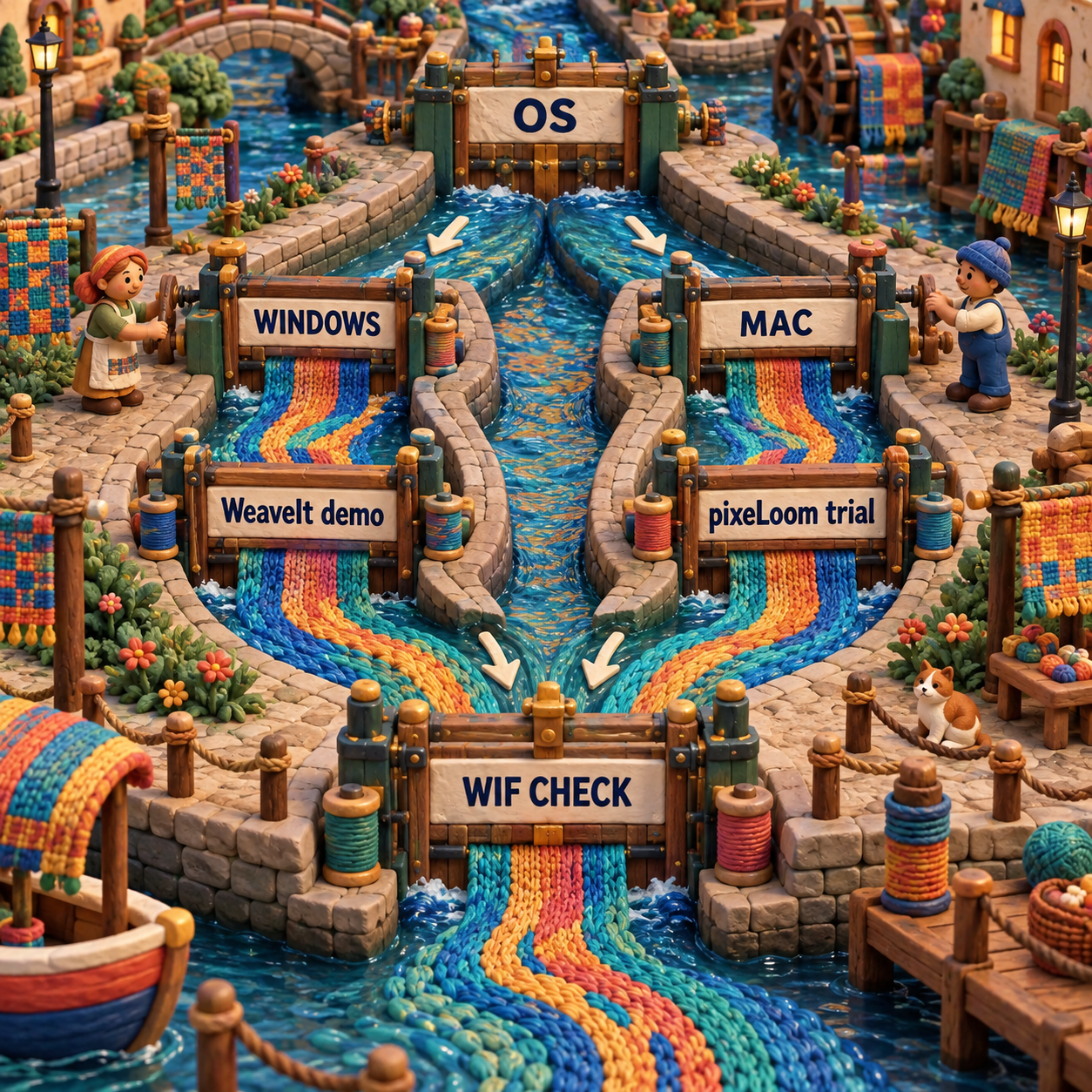
This is the craft bar: the chosen tool must preserve structure through the next handoff. A convincing fabric view is useful for color and proportion, but it remains mood-board-only until the editable draft survives reopening and the floats, loom fit and yarn decisions are checked.
Switching Costs More Than the License Delta
Do not switch between these products to save $15.01 or $20. A new license is the smallest part of migration. The larger cost is reconstructing project context and proving that existing drafts behave the same way.
Data migration begins with WIF, but WIF does not promise every application-specific field. pixeLoom's own documentation names project-plan data as private. Print layouts, tracking position, color libraries, yarn records and controller settings may also require separate review; do not assume portability where neither vendor documents it.
Workflow migration means relearning where float checks, repeats, project calculations and print controls live. It also means revalidating a trusted set of drafts. If you already own one product, can exchange WIF cleanly and have no OS or controller conflict, you should not switch.
Switch only when one of these is true: your current operating system is no longer supported, the required trial reveals a blocking workflow problem, a controller is explicitly supported by the other product, or a verified file handoff fails. The standard-license price gap is too small to pay back the disruption on its own.
Frequently Asked Questions
What is the best weaving software?
Within this pair, WeaveIt Pro is the better default for a new Windows buyer because it costs $160 and has the fuller demo. On Mac, WeaveIt is cheaper, while pixeLoom is easier to inspect before purchase because it offers a restricted trial.
What is the best CAD software for weaving?
The best weaving CAD product is the one that matches your operating system, loom and file handoff. WeaveIt wins this pair on standard price and Windows trial scope; pixeLoom wins on cross-platform trial access and clearer documentation of WIF versus PLM.
WeaveIt Pro vs pixeLoom cost?
WeaveIt costs $160 on Windows and $164.99 on Mac. pixeLoom costs $180 on either standard desktop platform, so WeaveIt is cheaper by $20 on Windows and $15.01 on Mac. The published Windows Dobby packages both total $255.
Can pixeLoom open and save WIF files?
Yes. The Help bundled in the current pixeLoom 5.1.0 Mac trial says it reads and writes WIF and can save drafts as WIF or PLM. The free trial disables Save, so this run verified the vendor documentation but did not perform a paid export or roundtrip.
Does WeaveIt Pro have a Mac version?
Yes. The current US App Store listing is WeaveIt 3.1.2 at $164.99 for macOS 11.0 or later. The checked vendor and App Store pages do not advertise a free Mac trial.
- Last Updated
- Sep 18, 2026
- Category
- Design
Prefer this site in Google


Mark omidsaffari.com as preferred and Google lifts it in Top Stories, AI Overviews and AI Mode for you.
Best Software for Paper Quilling Patterns
Compare software for paper quilling patterns by editable outlines, reusable shapes, size controls, and printable templates you can build from.Sep 18, 2026Design
Knit Visualizer vs Stitchmastery
Compare Knit Visualizer and Stitchmastery on computer compatibility, chart editing, written instructions, exports, price, and migration work.Sep 18, 2026Design
How to Project Sewing Patterns With Inkscape
Project a sewing pattern with Inkscape: import the PDF, preserve scale, set calibration, and check the projected pattern before cutting.Sep 18, 2026Design
KnitBird Knitting Software Cost
KnitBird is free, but support has ended. Check activation, Adobe AIR, old paid-license wording, and compatibility before installing.Sep 18, 2026Design
PDFStitcher Review
Review PDFStitcher for joining tiled sewing PDFs, preserving size layers, fixing overlaps, and preparing a correctly scaled pattern.Sep 18, 2026Design
WeavePoint 9 Review for Loom Control
Review WeavePoint 9 for manual pick tracking and electronic loom control, including driver compatibility, Windows requirements and upgrade checks.Sep 17, 2026Design
Best Software for Punch Needle Patterns
Compare punch needle pattern software for clean outlines, photo conversion, color control, mirrored transfers and full-size printing.Sep 17, 2026Design